



Dark Chrome themes make browsing easier on your eyes, especially at night. Instead of staring at bright white toolbars and glowing blank tabs, these themes give you deep blacks and soft greys that cut down on glare and help you stay focused.
Whether you want a pitch-black look for your OLED screen or a softer dark grey theme that is easy to read all day, we have rounded up the top options. Every pick below is completely free and active on the Chrome Web Store.
Top Dark Themes for Chrome
1. Just Black

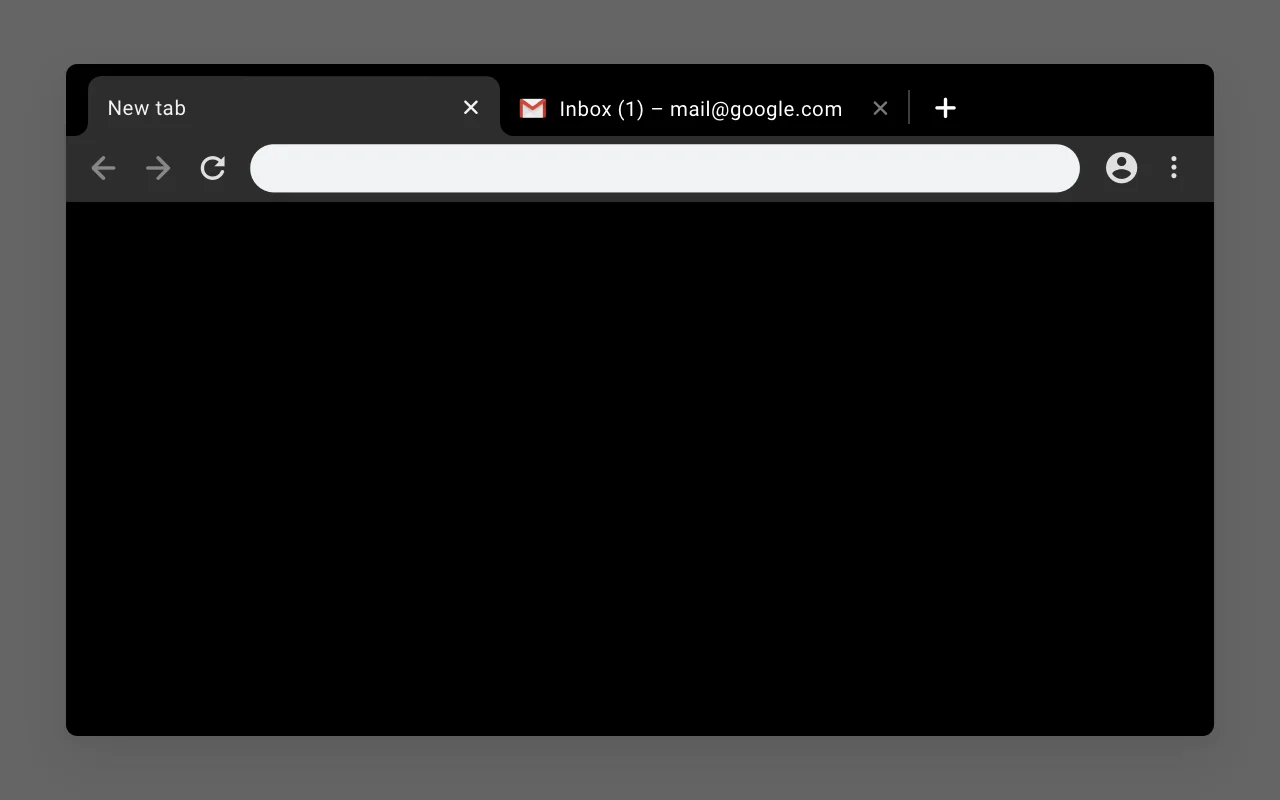
🖌️ About this theme: Just Black gives you a pure black frame, a dark active tab, and a simple black new tab page. There are no distracting patterns or extra artwork, so your browser stays completely clean. It is perfect if you want a true black background that cuts down glare during night sessions.
👍 Why we like it: This is our top pick because it keeps things simple and easy to read. Bookmarks and web addresses stand out clearly against the dark background without straining your eyes. With millions of users, it remains the gold standard for clean black themes.
Active Users: ~4,000,000 users
2. Morpheon Dark
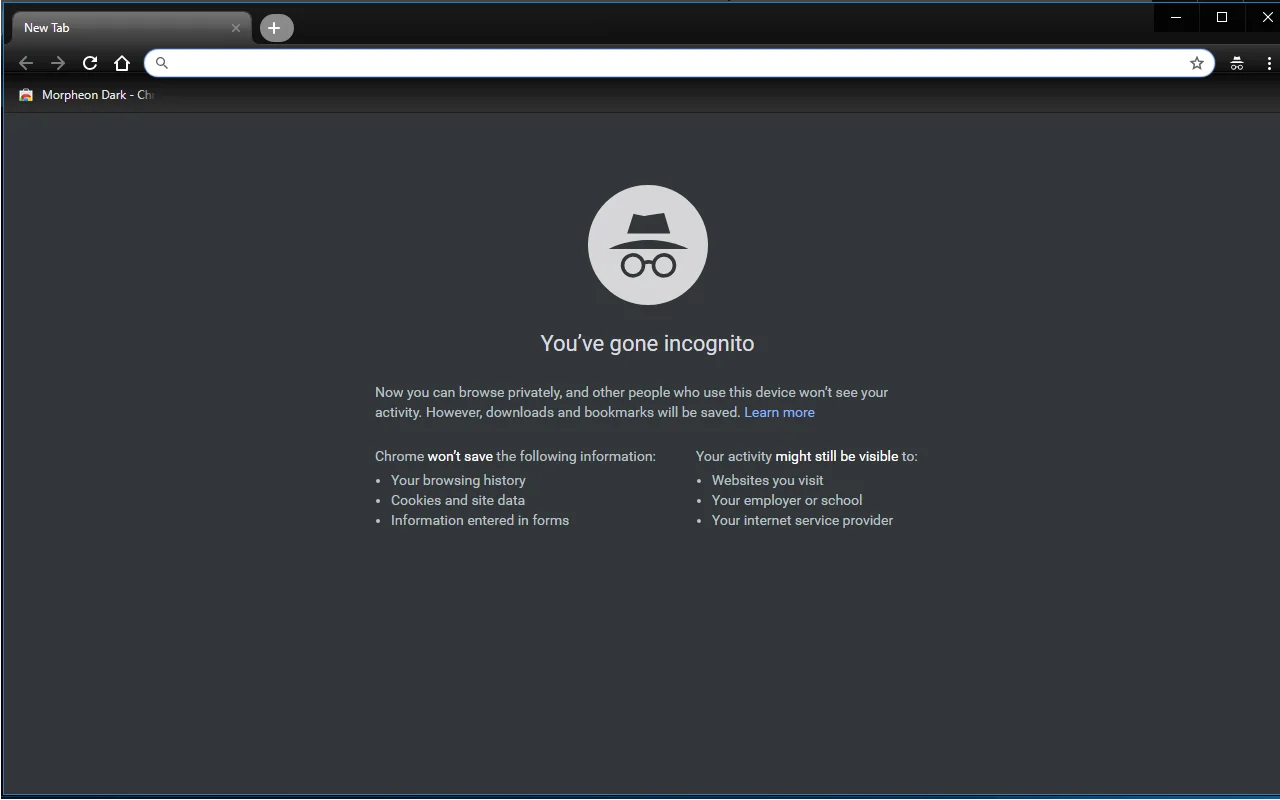
🖌️ About this theme: Morpheon Dark uses dark charcoal tones instead of pitch black, paired with gentle shading across the tabs. The active tab is easy to spot right away, so you never get lost when juggling multiple pages. It is a great fit if you want a smooth, dark workspace that feels easy on the eyes.
👍 Why we like it: This is one of the most popular dark themes on the store, and for good reason. The softer grey-black shades take the sting out of bright screens during long hours of work. It strikes a great balance between a dark feel and clear tab readability.
Active Users: ~1,000,000 users
3. Dark Theme for Google Chrome
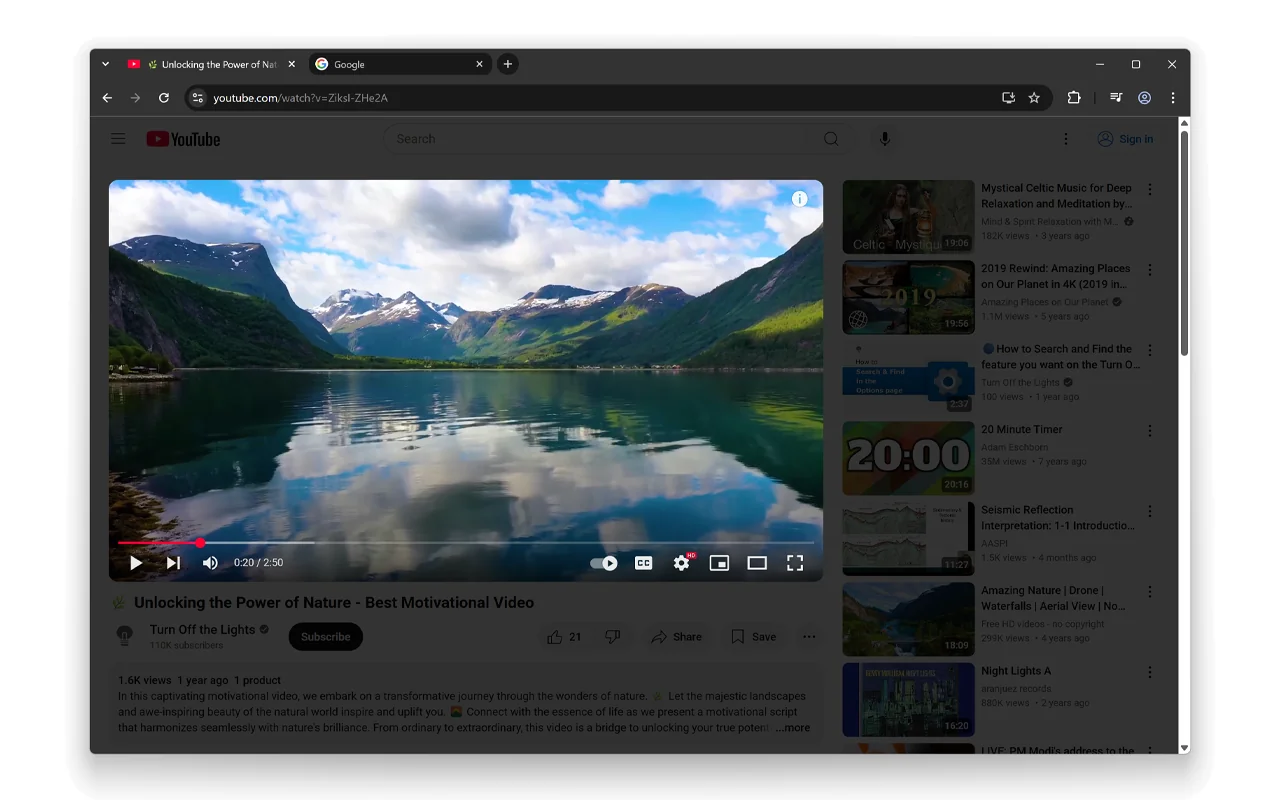
🖌️ About this theme: Dark Theme for Google Chrome gives your whole browser a uniform dark grey look. The address bar, bookmarks, and tabs all blend together smoothly so nothing bright pops out to distract you. It is made for anyone who wants a full dark mode across their browser right out of the box.
👍 Why we like it: We like this theme because it is straightforward and reliable. The flat matte finish cuts glare effectively, making it comfortable to browse in dim rooms. It just works without needing any extra setup.
Active Users: ~700,000 users
4. Into The Black Hole: True Amoled Black Theme
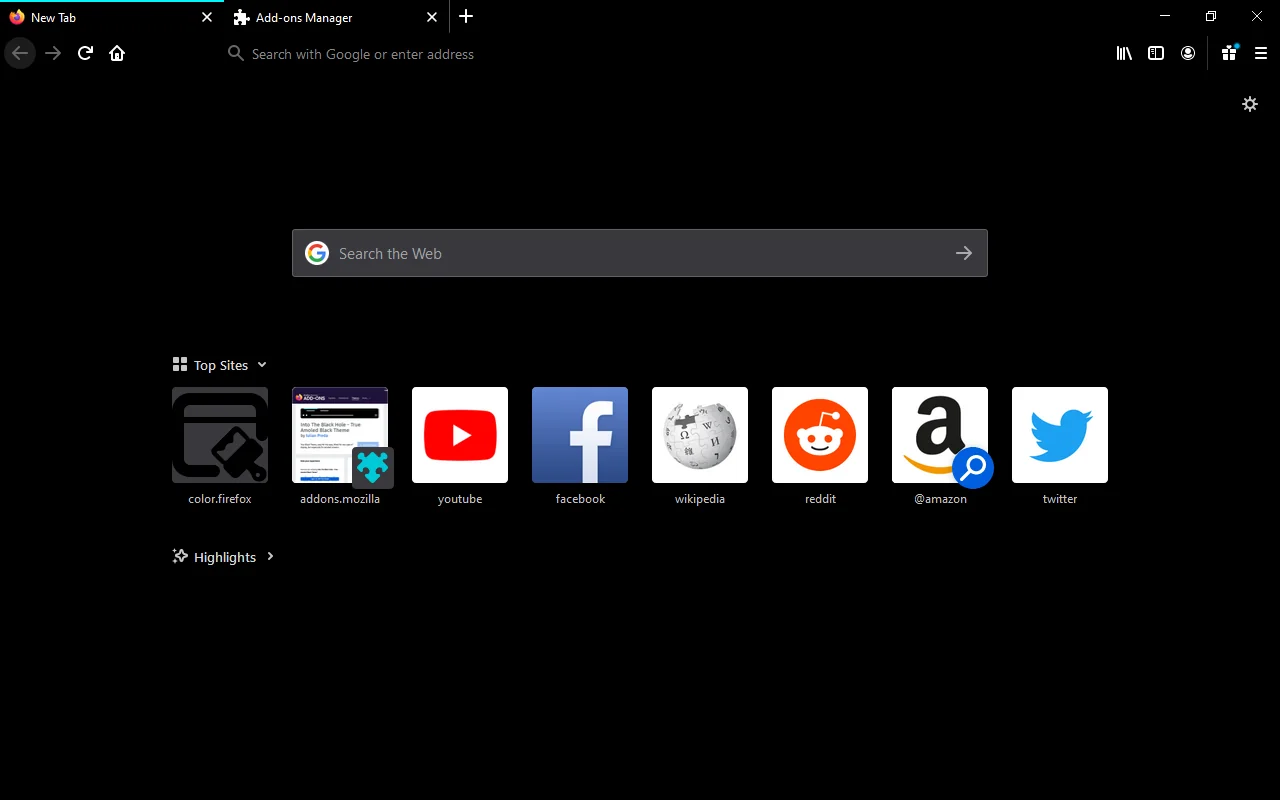
🖌️ About this theme: Into The Black Hole is built for true deep-black lovers and OLED screens. Every part of the browser frame uses pure black, so background tabs fade out and your open tab stays sharp. It looks fantastic on laptops and monitors where deep blacks really pop.
👍 Why we like it: On OLED displays, pure black means the screen pixels actually turn off, giving you top contrast and saving battery on portable devices. The look is super clean and sharp late at night. It is our favorite pick for anyone who wants an absolute black setup.
Active Users: ~600,000 users
5. All Black: Full Dark Theme
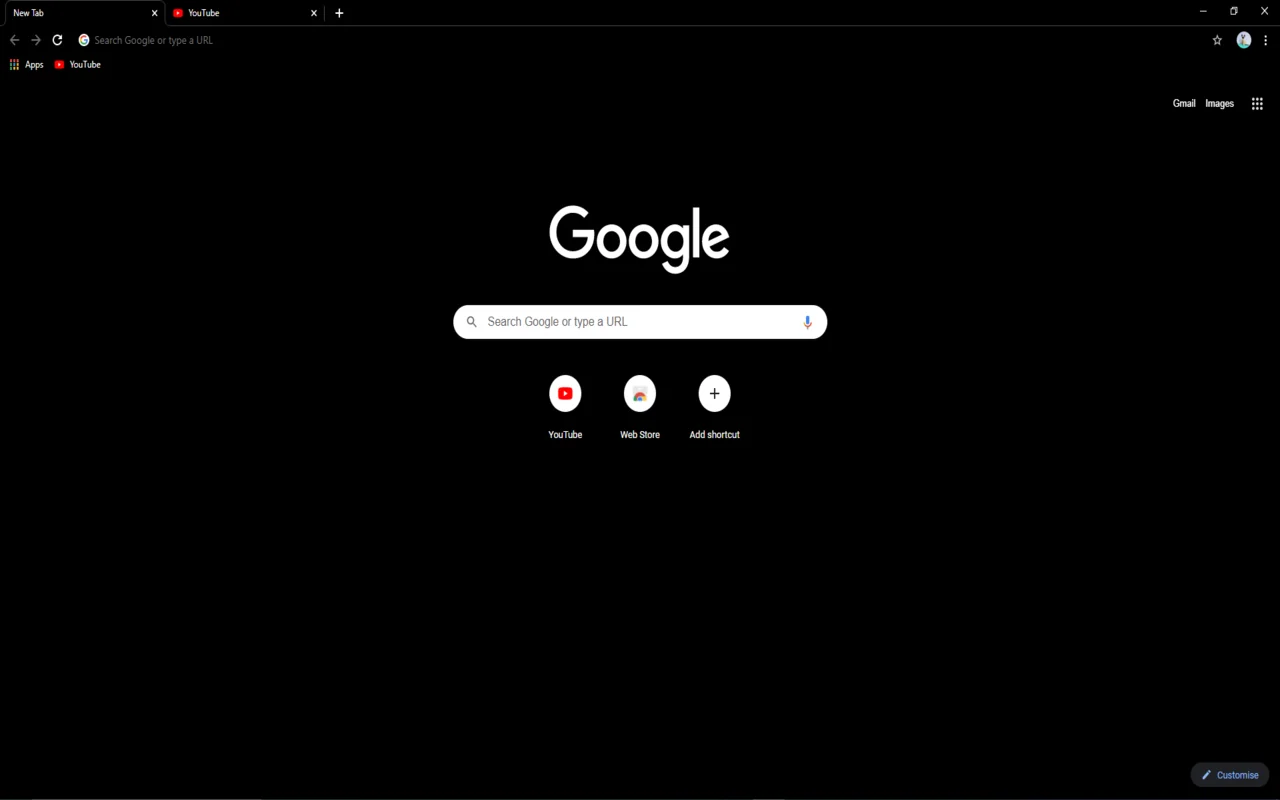
🖌️ About this theme: All Black wraps your tabs and toolbar in a single solid black tone. It drops extra borders and divider lines so the top of your window looks smooth and unified. It is a great match for minimalists who want a simple, dark layout.
👍 Why we like it: This theme gives you an even black tone without odd blue or brown tints. Your tabs remain easy to navigate, and the black background lets web pages take center stage. It is clean, dependable, and free of clutter.
Active Users: ~100,000 users
6. Void Theme: Black and Minimal
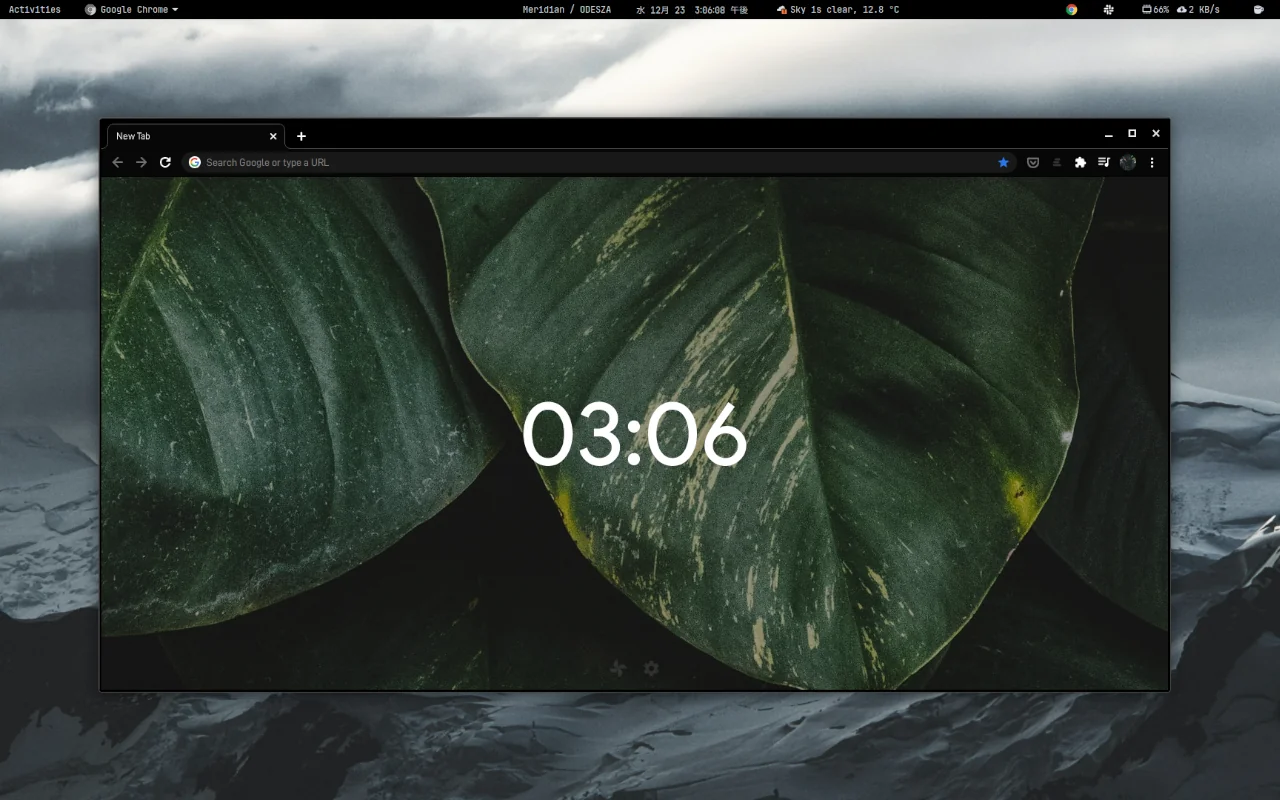
🖌️ About this theme: Void Theme combines pure black backgrounds with a minimalist layout. The toolbar stays slim and quiet, fading into the background so you hardly notice it while working. If you love clean desk setups and distraction-free screens, this theme fits right in.
👍 Why we like it: It feels light and spacious even though it uses deep black colors. By removing heavy outlines and buttons, it leaves all your attention on what you are reading or typing. It is an awesome choice for everyday writing, studying, and browsing.
Active Users: ~100,000 users
7. Complete Black Theme for Google Chrome
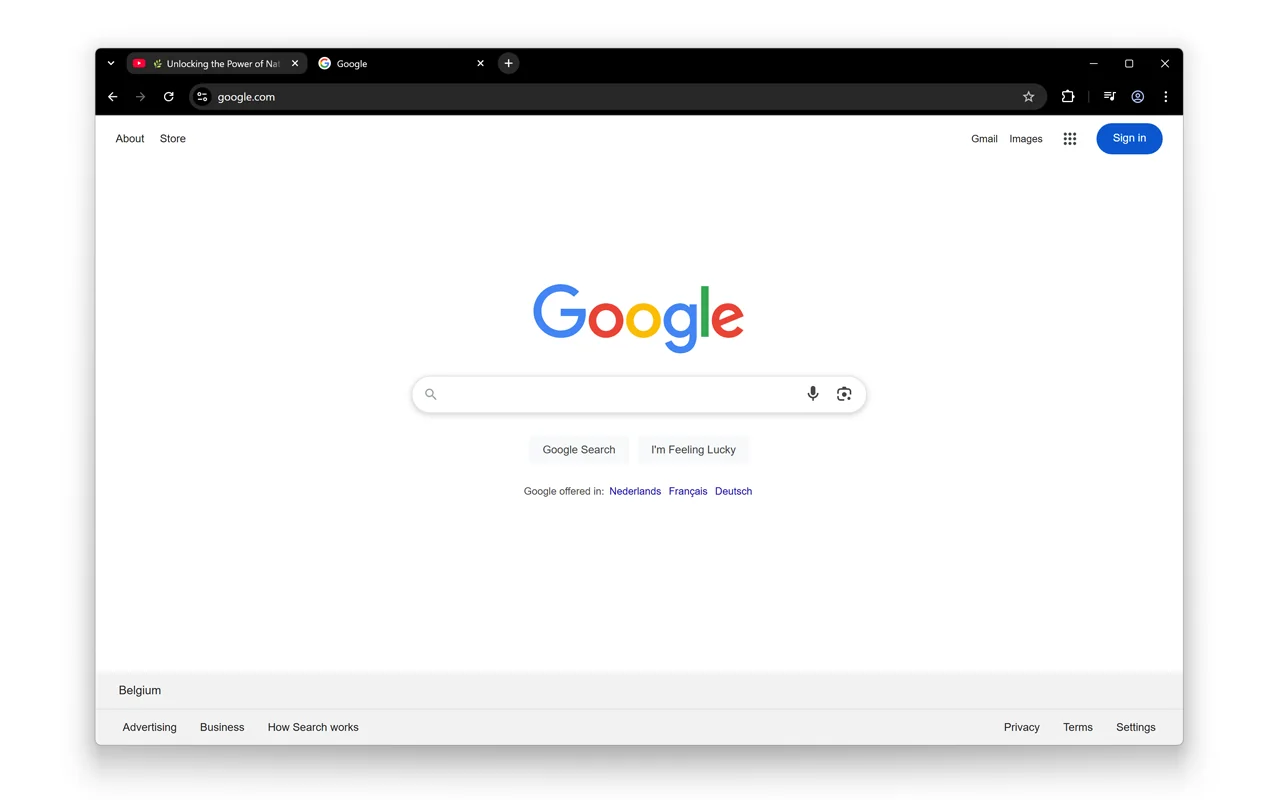
🖌️ About this theme: Complete Black Theme covers the entire top bar and background in dark, solid black. It sets a clean line between your browser window and your web pages without any annoying glare. It is built for anyone who wants a basic, reliable black theme.
👍 Why we like it: This theme does exactly what the name says. Tab titles and icons stay bright and readable, so you never have to squint to find what you want. It is a simple, no-fuss option that gets out of your way.
Active Users: ~70,000 users
8. Midnight Black: Dark Theme
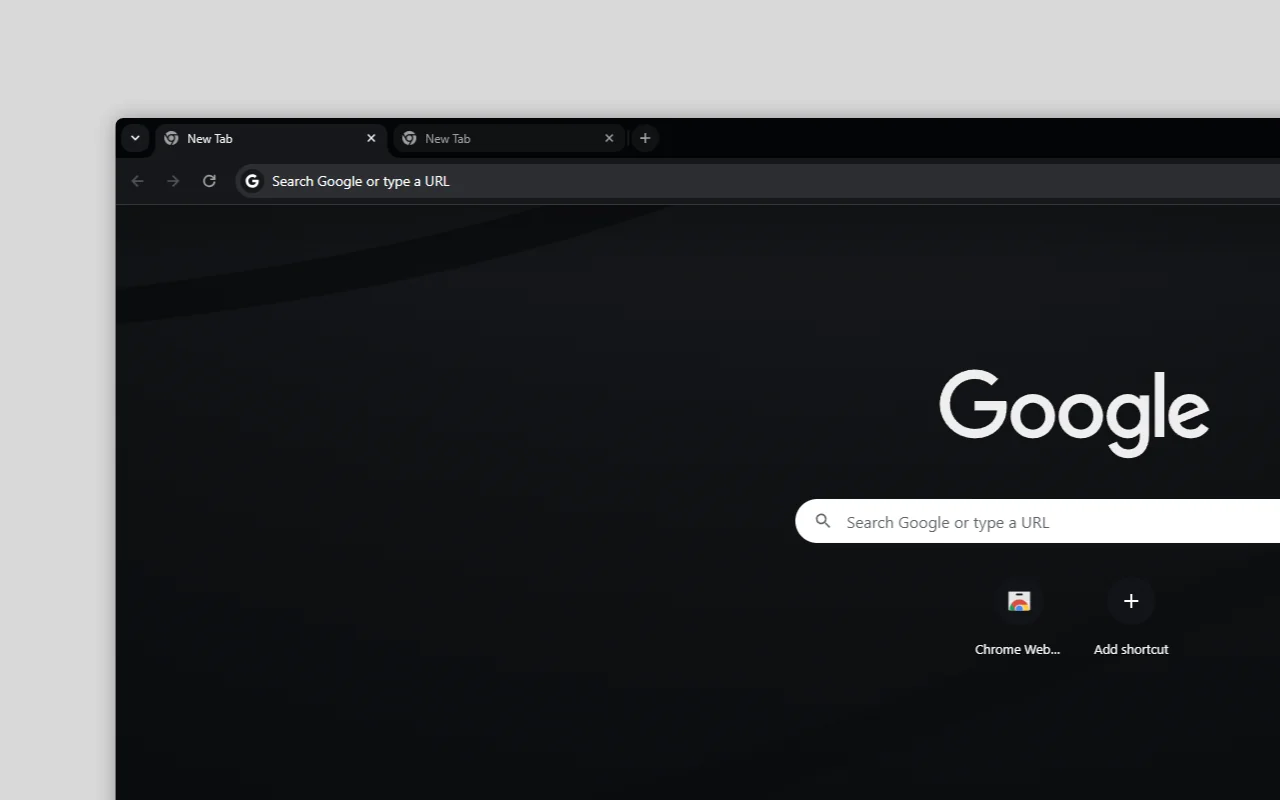
🖌️ About this theme: Midnight Black brings a dark midnight tone that feels gentler on the eyes than pitch black. Light shading on the tabs helps you see which page is open without harsh bright spots. It is a great choice if pure black feels too intense for daytime use.
👍 Why we like it: You do not need an extreme black theme to get great eye comfort. The softer dark tones help prevent tired eyes over a long workday. We love its relaxed feel and smooth look.
Active Users: ~40,000 users
9. CHROLED: Borderless, Pure Black Theme
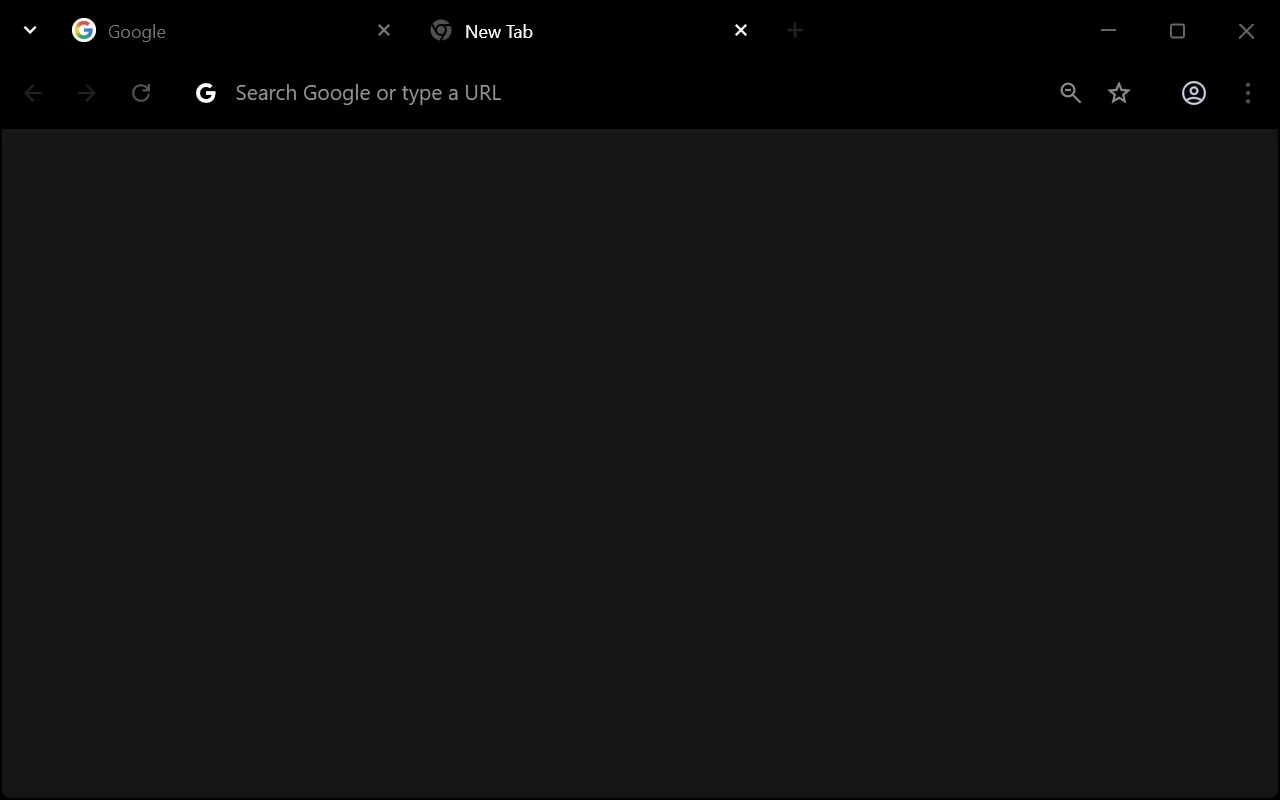
🖌️ About this theme: CHROLED removes the normal borders between tabs and gives you an edge-to-edge pure black layout. The tabs flow directly into the background frame, creating a smooth and modern look. It is designed especially for OLED screens where black areas look completely dark.
👍 Why we like it: Dropping the boxy borders gives your browser a much cleaner look than traditional themes. On an OLED screen, the dark areas blend right into the monitor edges. It is one of the sleekest black themes you can install.
Active Users: ~20,000 users
10. BlackOut: True AMOLED Dark Theme
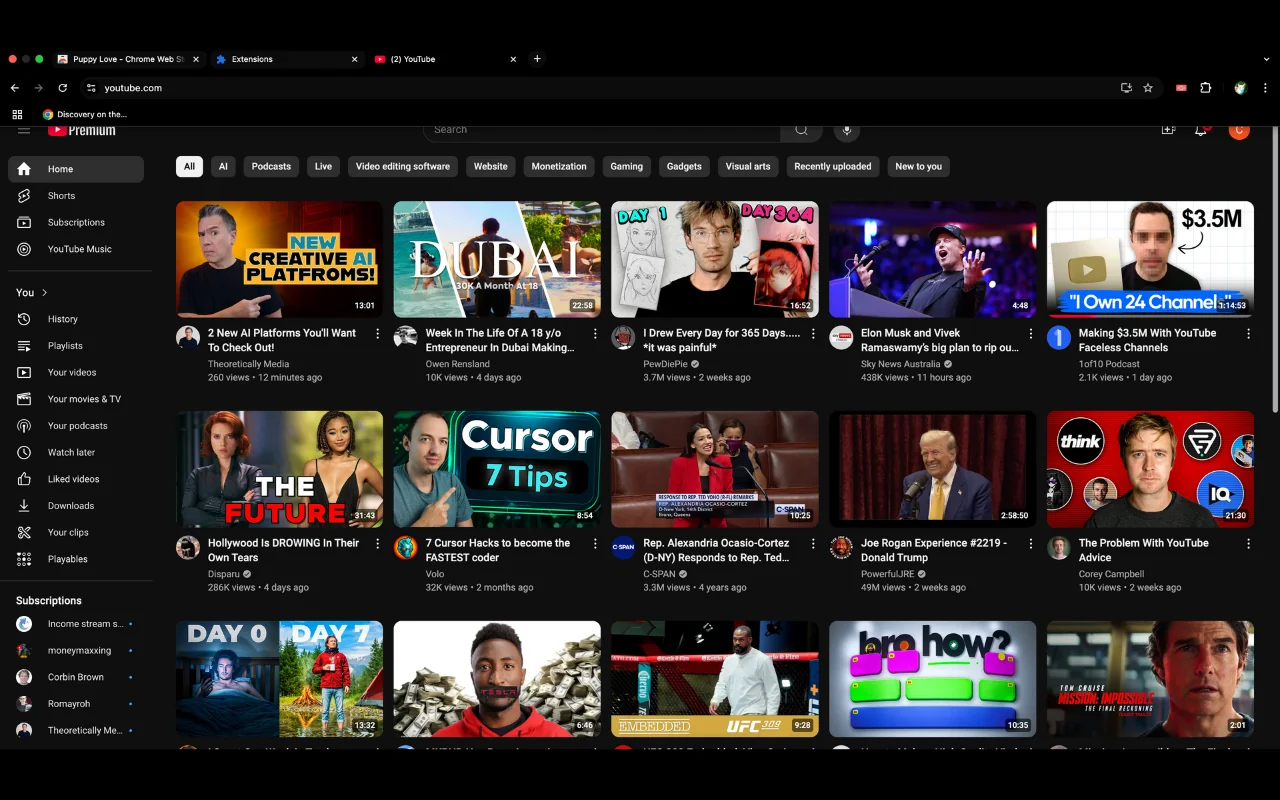
🖌️ About this theme: BlackOut is a true-black theme designed to make tabs pop against deep black backgrounds. Tab titles and icons stay bright and sharp, so clicking between pages is effortless even in a dark room. It looks especially good on sharp laptop screens and OLED monitors.
👍 Why we like it: Many dark themes make text hard to see, but BlackOut keeps your address bar and tab titles easy to read. It gives you the full benefit of pitch-black backgrounds while staying completely practical for daily work. That balance makes it an easy recommendation.
Active Users: ~10,000 users
11. Just Dark Theme
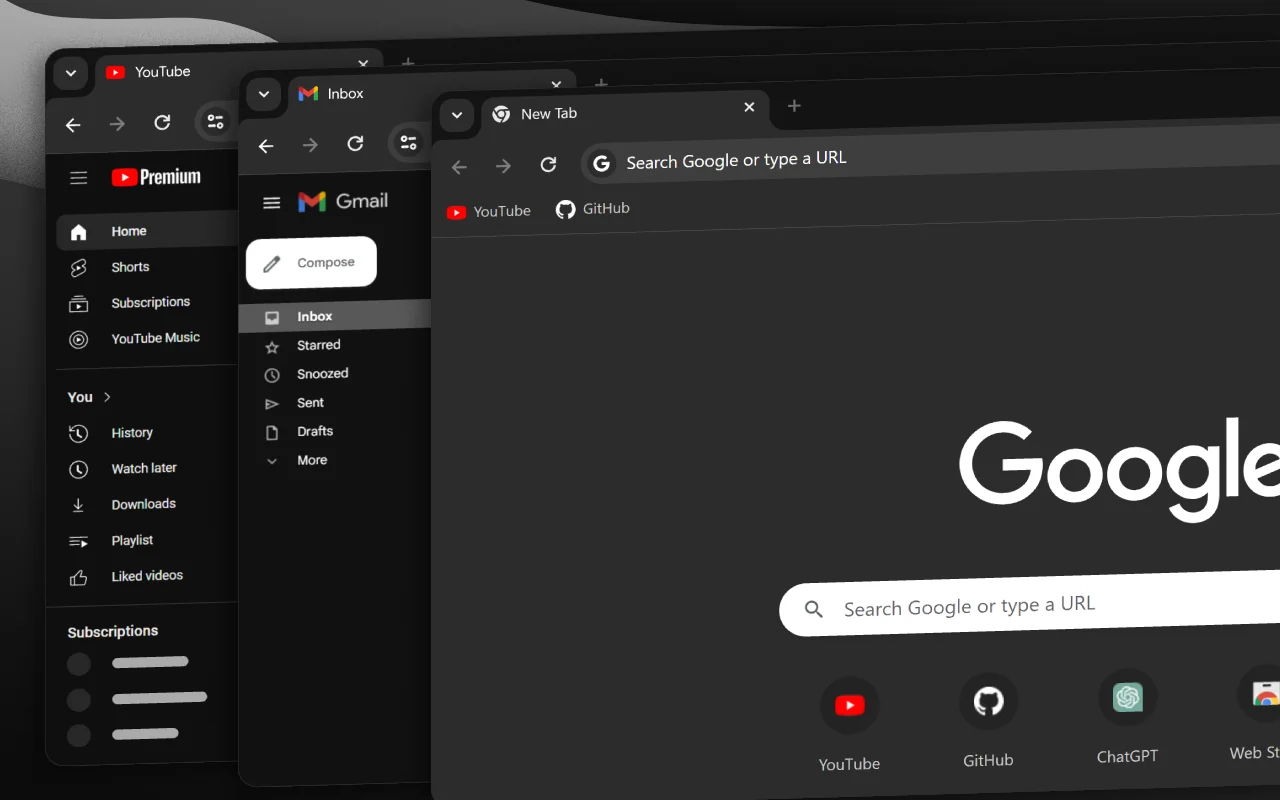
🖌️ About this theme: Just Dark Theme uses calm dark grey tones instead of deep black. The softer background is easy on the eyes and matches nicely with Windows or ChromeOS dark modes. It is a solid pick if you want to cut down brightness without going all the way to pure black.
👍 Why we like it: We picked this theme because it gives you a great alternative to solid black. The grey shades make long reading sessions very comfortable without high contrast. It keeps tabs clear and simple to browse.
Active Users: ~9,000 users
12. Material Theme Dark [blue-grey]
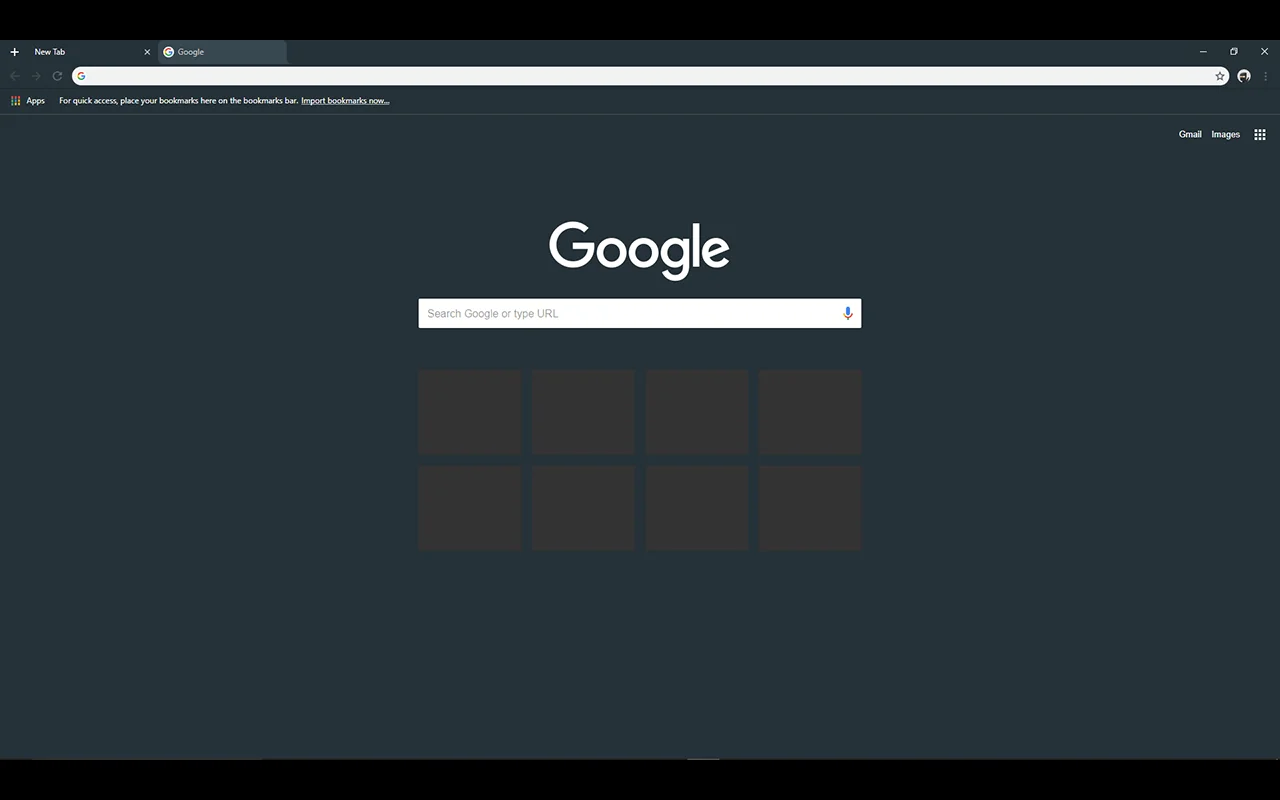
🖌️ About this theme: Material Theme Dark uses soft blue-grey shades inspired by Google design styles. The subtle blue tint gives your browser a warmer, friendlier look than basic grey or black. It is perfect if you want a dark theme that still has some personality and color.
👍 Why we like it: We included this theme because the blue-grey mix offers great variety beyond standard dark themes. If you like this look, you can also check out our guide to the original Material Dark theme. It is a stylish, relaxed option for everyday tabs.
Active Users: ~100,000 users
Looking for Light Themes?
If you prefer bright, clean setups for daytime browsing, check out our roundup of the best light Chrome themes.
You can also browse our collection of the best minimalist Chrome themes, read our spotlight on the Material Dark theme, or visit the full Chrome themes category for more styles.