

Readers like you help support this site. When you make a purchase using links on our site, we may earn an affiliate commission. All opinions remain our own.

Whether you’re managing soccer practice, school events, or weekly meal planning, Cozi helps everyone stay on the same page.
This guide shows you how to install Cozi on your Chromebook, explore its main features, and decide if it’s the right fit for your family.
Need help? You can contact us or leave a comment below for feedback as well.
What is Cozi Family Organizer?
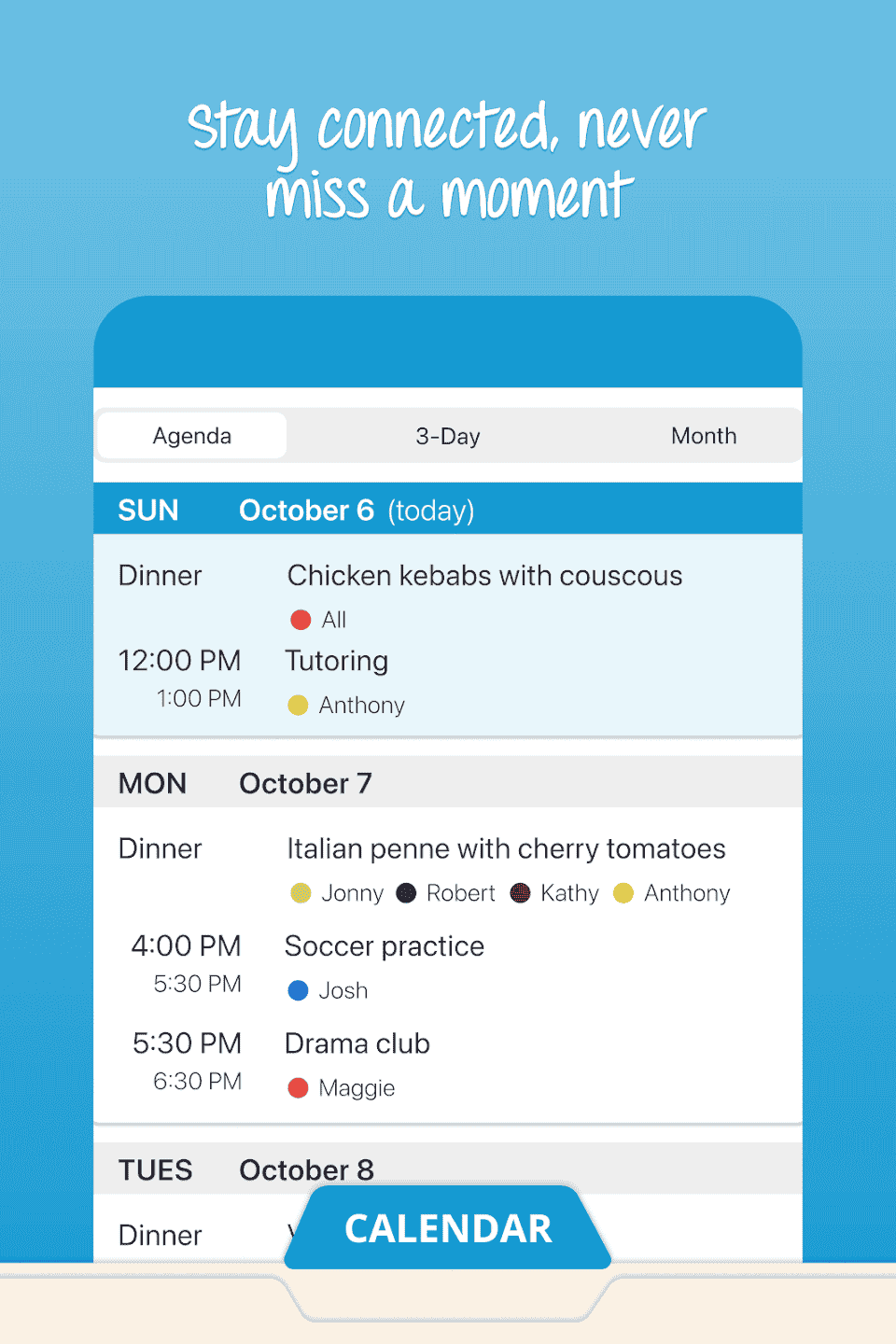
Cozi is a multi-functional family productivity app that offers a shared calendar, real-time shopping lists, daily to-dos, and meal planning tools, all accessible from your Chromebook or any smartphone.
- Color-coded calendar for each family member
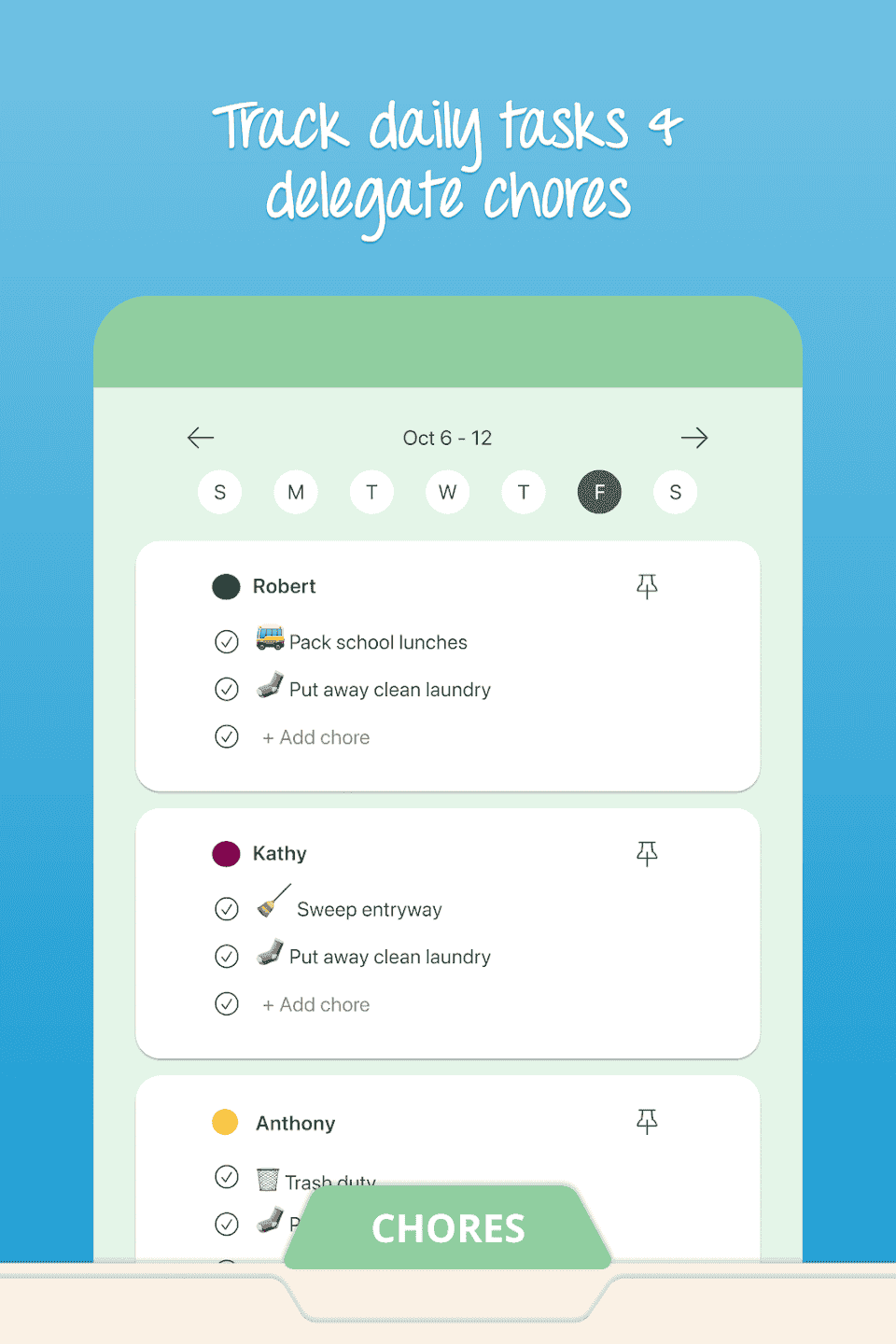
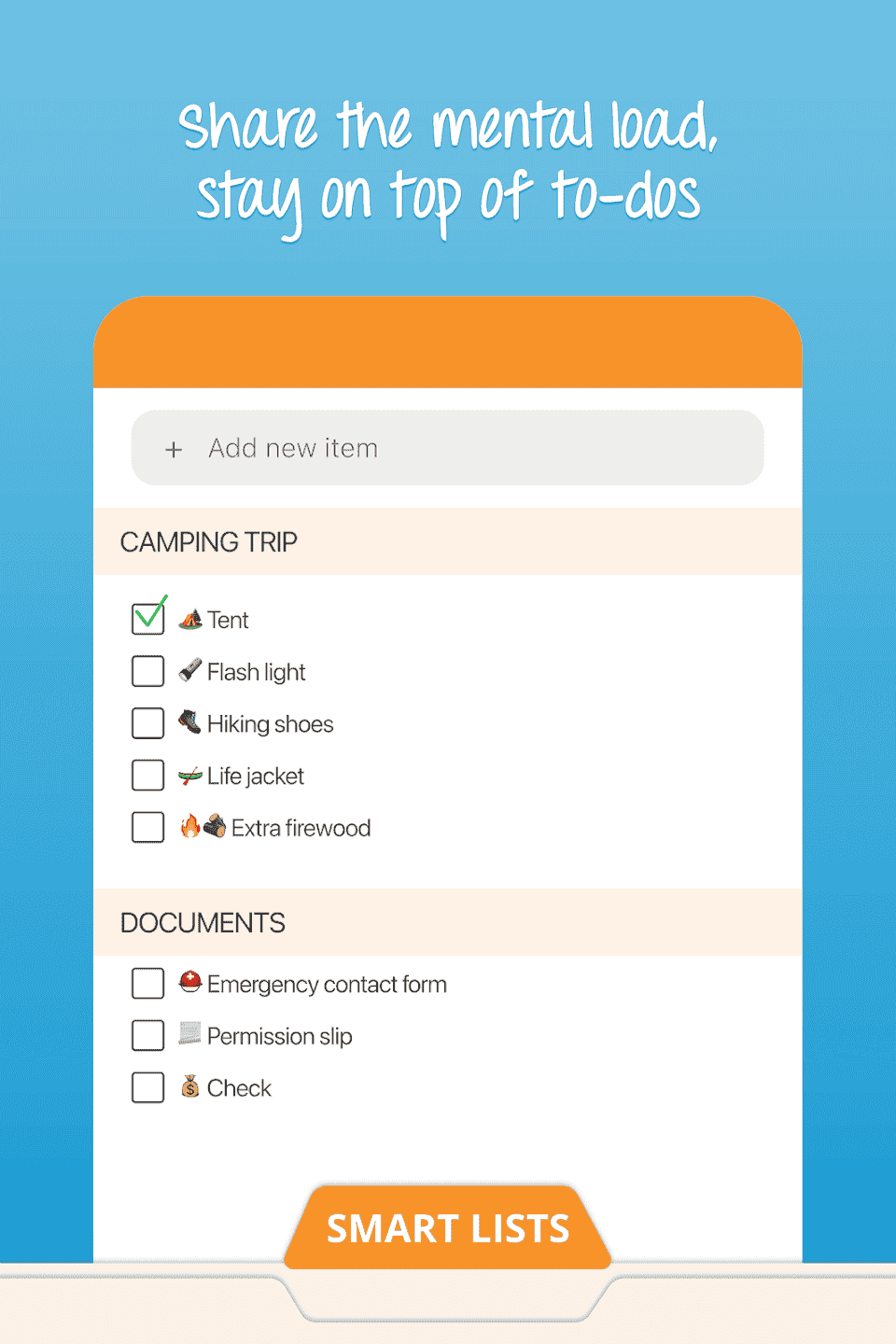
- Shared to-do lists for chores and errands
- Shopping lists with live syncing across accounts
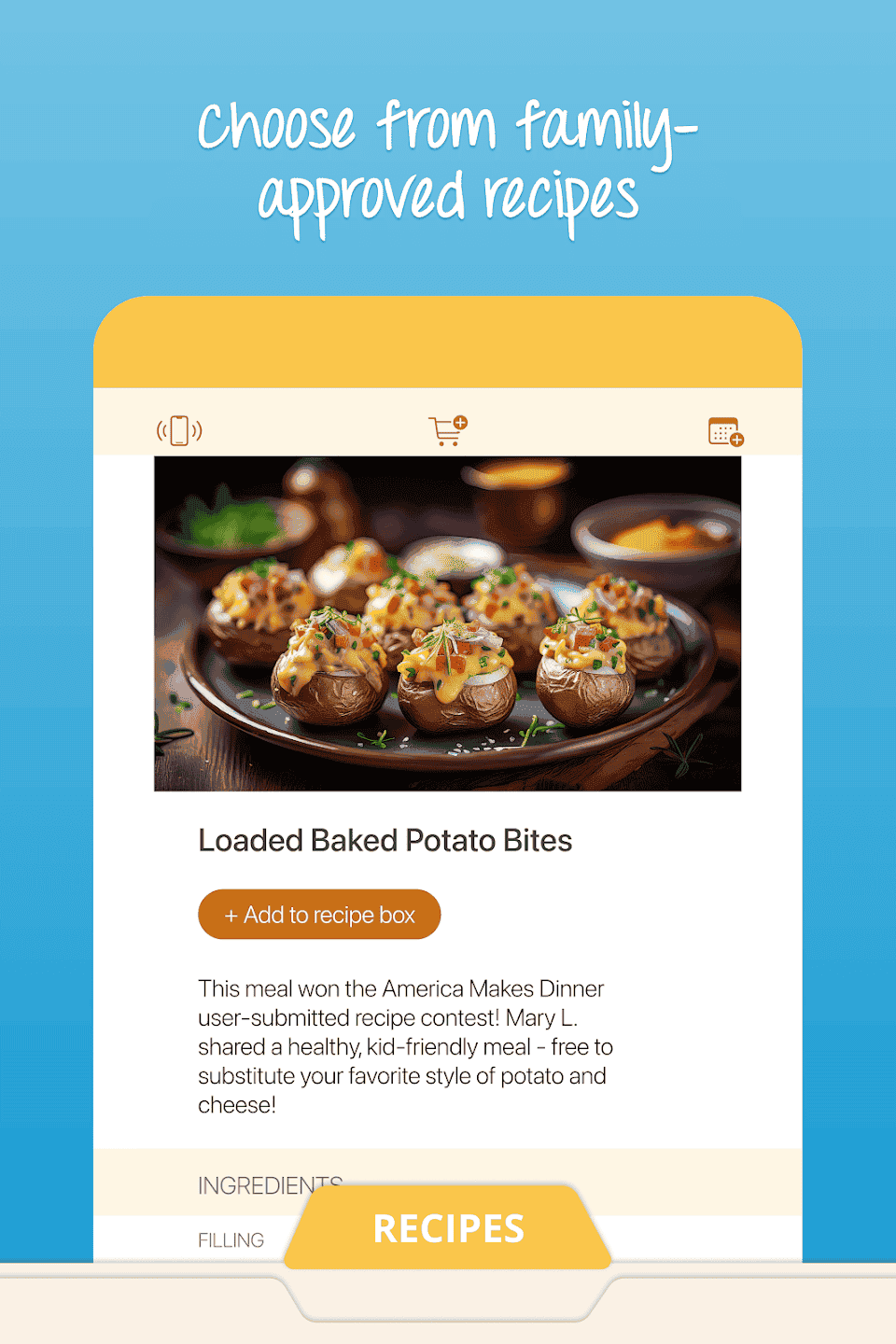
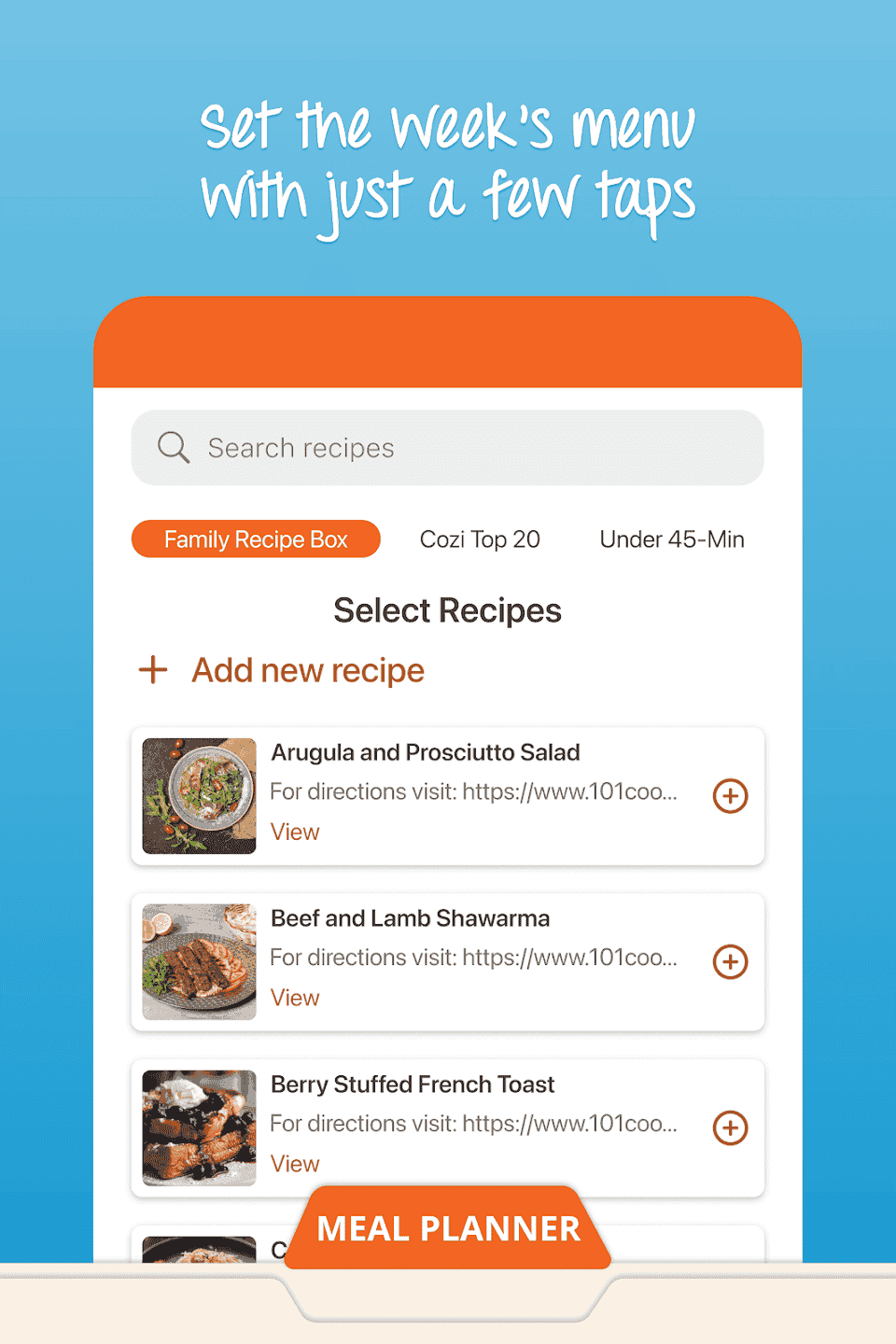
- Built-in recipe box with meal planning
- Reminders and alerts for key appointments
No need to juggle between apps or group texts. Everyone logs into the same shared account with individual profiles, so events and tasks are easy to track.
How to Install Cozi on Your Chromebook
- Ensure your Chromebook has Android app support enabled
- Open the Google Play Store
- Search for “Cozi Family Organizer”
- Click Install and launch the app from your drawer
- Log in or create a free Cozi account to get started
Quick Tip: Pin Cozi to your taskbar so it’s just one click away from your schedule and lists.

Why Cozi Works Well for Families
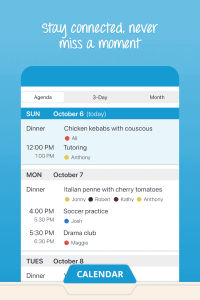
- Lets kids and parents view and manage tasks in a shared calendar
- Use one device to update grocery or chore lists in real time
- No complicated setup or syncing across platforms, it just works
Need even more features? Upgrade to Cozi Gold for extra reminders, birthday tracking, month view on mobile, and notifications when others make updates.
Chromebook Compatibility
- ChromeOS: Version 90 or newer with Android support
- RAM: 4GB recommended for smooth list and calendar syncing
- Storage: Less than 100MB needed
- Internet: Required for syncing across devices
Screenshots and Demo Video
👨👩👧👦 Want to explore more family management tools for Chromebook? Check out our full guide:
Manage Your Family Life with These Chromebook Apps
FAQ: Cozi Family Organizer on Chromebook
Can everyone in the family access the same calendar?
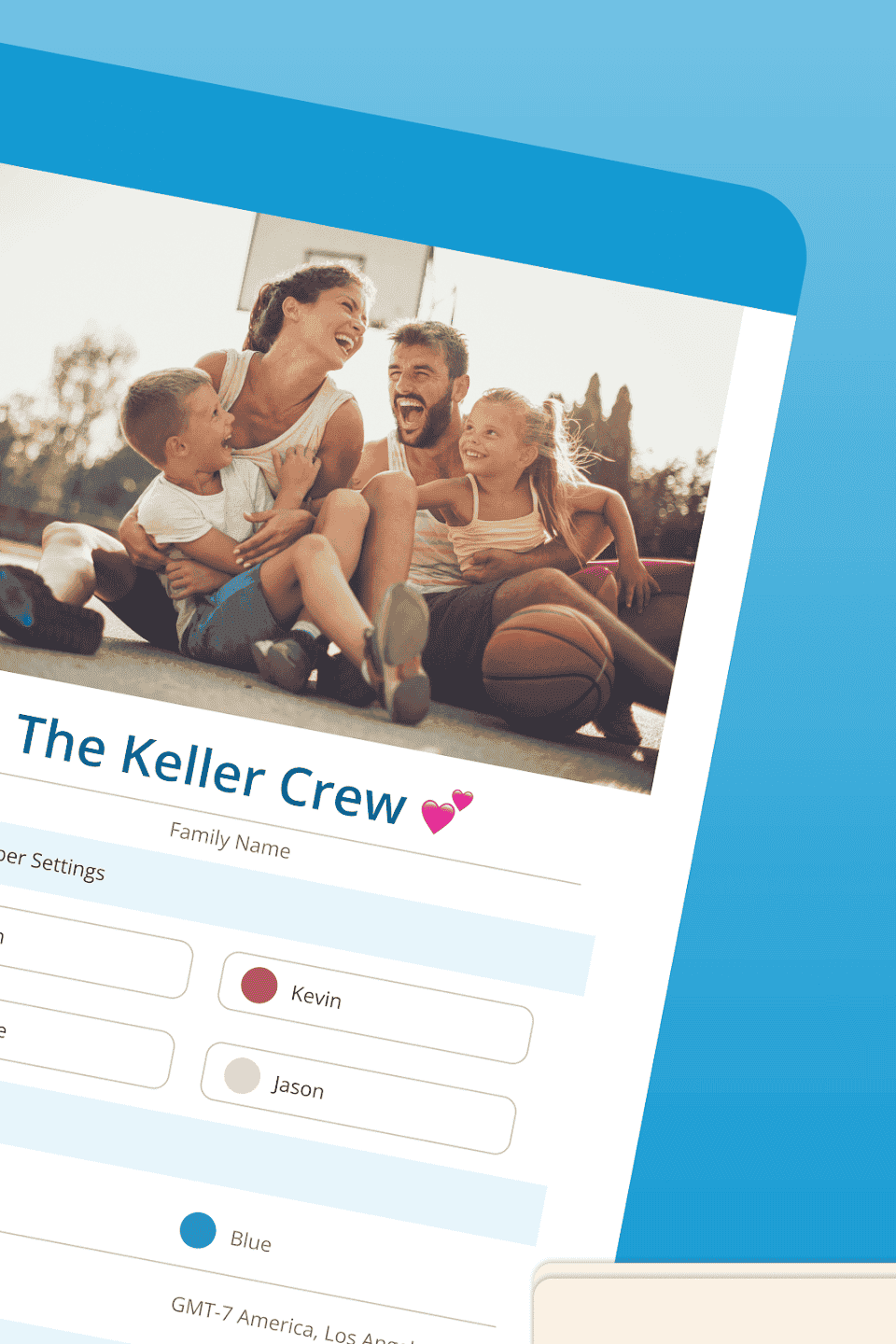
Yes. Cozi uses a single account with shared access across individual profiles. Events can be color-coded by person for clarity.
Does Cozi cost anything?
The core version is free and includes calendar, lists, and meal planner features. Cozi Gold is optional and adds more reminders and advanced calendar views.
Will it sync between my phone and Chromebook?
Yes. Changes on one device sync across all others instantly, as long as everyone is using the same Cozi account.
Can I use Cozi without a constant internet connection?
Some features like adding to-do items or viewing cached content work offline, but syncing requires an internet connection.
Is there a web version for Cozi?
Yes. You can also use Cozi via any browser at cozi.com, which pairs seamlessly with the app version.
Want more organization tips? Check out FamilyWall on Chromebook and TimeTree on Chromebook.