


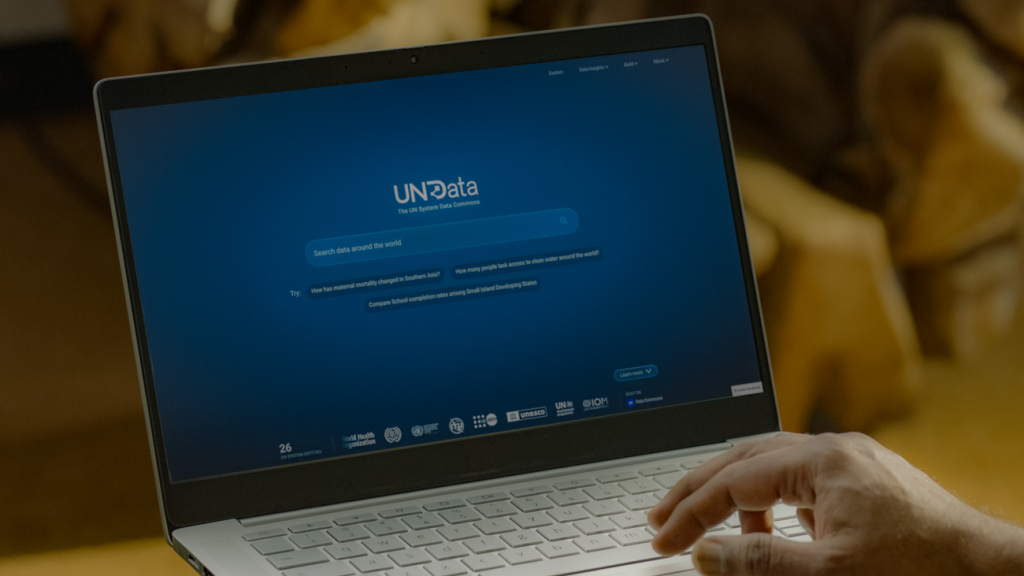
Key Points
- UN System Data Commons gathers separate public datasets into one shared space.
- Natural-language search lets users ask questions in plain English.
- AI assistants can build charts and drafts, but users should still check sources.
A new UN data platform is making it easier for researchers, journalists, policy teams, and public-interest groups to study global problems. The UN System Data Commons is designed to connect data that is often stored in separate systems. This matters because challenges like disease, poverty, education gaps, and energy access rarely fit inside one spreadsheet or one country database.
Connected data is the first major shift. The platform brings together metrics, dates, and geographic borders so different datasets can be compared more easily. Instead of spending hours cleaning files or matching maps, analysts can focus on what the numbers mean. For users of ChromeOS, the value is practical: the tool can be reached through a web browser on many low-cost school and office laptops.
The platform also adds plain-language search, a feature that makes data easier to explore. Users can type questions such as, “How many people gained access to electricity in the last decade?” or “How has life expectancy changed across different regions?” The system can return relevant data and interactive charts. This is important for nonprofit workers, reporters, students, and city officials who may not be data specialists.
The Explore tab gives people a more traditional way to browse. Users can filter by place or topic, including health and education. The Blog section turns harder research into ready-to-read stories. One example uses UNICEF data to study what has worked in reducing child poverty. A key trust point is that the data is checked by UN statisticians and technical experts, which gives users a stronger base than searching random web pages.
For Chrome browser users, the workflow is simple. Open the platform, search, compare, and export or share findings as needed. This fits the way many Chromebook users already work: cloud-first, browser-based, and focused on quick access. It does not replace expert analysis, but it lowers the barrier to using official global data.
The newest update adds AI research assistants to the workflow. Instead of manually collecting figures and building spreadsheets, users can ask the AI to gather facts, link related topics, and prepare charts, graphs, infographics, or draft reports. This could save hours of routine work for teams studying climate, health, or development.
The tools are built around open standards such as the Model Context Protocol, or MCP. That means AI agents can be designed to fetch trusted figures from the Data Commons and use them in other research tools. This is a sign of where data work is heading: not just asking people to click through dashboards, but letting software help connect facts across fields.
Still, the platform gives a clear warning: even when data is grounded in verified sources, people should review the underlying records before citing important numbers. For journalists, teachers, and policymakers, that means using AI as a research helper, not as the final authority.
The bigger story is that public data is becoming easier to use, faster to explore, and more useful for real-world decisions. For Chromebook and Chrome users, the next step is simple: try one question, check the sources, and use the findings to support better work before sharing them publicly today.
You can also check out our list of the Best Instagram Extensions, Best Pinterest Exensions & the Best AI Extensions.