


Key Points– AI helps everyone.
- I/O 2026 ran fast with AI.
- Tools boost Chromebook experience.
Google I/O 2026 showed how AI can help people in new ways. The team used the same AI they presented to plan and run the event. This meant the showcase felt smooth and fast. The Chromebook experience got a boost as the demos ran on lightweight laptops that anyone could try. Attendees could open a browser on a cheap device and see the same interactive demos that were streamed live. This proved that powerful AI does not always need a high end PC.
Organizers moved quicker than ever. They built prototypes in minutes and tested them on real hardware. The ChromeOS integration let the demos stay lightweight and responsive. By using cloud services the team could focus on ideas instead of setup. The same code ran on a server and on a small laptop without changes. This speed meant more demos could be shown and more feedback could be collected live. Everyone watching could see updates as they happened.
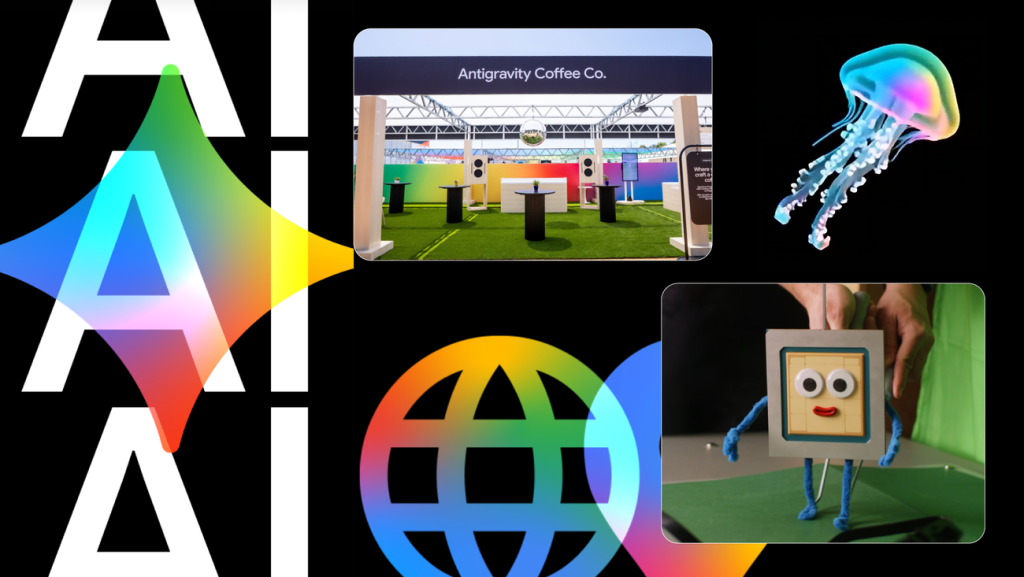
One highlight was a short film called Timmy TPU. It was created using the same AI tools that were on stage. The production relied on Google Cloud AI to generate scenes and edit footage automatically. This showed how powerful cloud models can be for creative work. Viewers could watch the whole process online and even try the same prompts themselves. It proved that art and technology can blend smoothly when the right tools are available.
The team used prompting tricks to get the best output from the models. Simple prompts guided the AI to create charts, animations and text. This created a strong Chrome browser synergy where the browser acted as both viewer and creator. Prompts gave results that matched the design vision. The output could be copied into a slide or report. This loop saved time and kept the presentation flow smooth for the audience.
When the AI took over repetitive tasks humans had more time for design and storytelling. The result was higher quality and a faster schedule. The phrase AI creativity unlock shows how tools free imagination from routine work. In the I/O session the developers said a script that once took hours now generates in seconds. Those saved minutes let the team polish the final product and feel more energized.
For viewers the magic was that they stopped thinking about the AI behind the scenes. The technology worked smoothly and the focus stayed on the story. This AI invisibility is the goal for many future products. When the AI does not draw attention the audience can enjoy the content without distraction. The presenters explained that the best demos feel like natural extensions of the platform. This feeling is what Google hopes to spread across all its services.
The lessons from I/O 2026 can guide anyone who wants to try AI on their own machine. If you own a next gen devices like a Chromebook you can experiment today with free tools from Google. Start small by using a text generator or a simple image creator. Then share your results and see how the community builds on them. The future will belong to people who blend human ideas with smart software. Take the first step now and let AI become part of your everyday workflow.
You can also check out our list of the Best Instagram Extensions, Best Pinterest Exensions & the Best AI Extensions.