

Readers like you help support this site. When you make a purchase using links on our site, we may earn an affiliate commission. All opinions remain our own.

Clash Royale on Chromebook
Clash Royale is a fast-paced, strategy-based game that has captivated millions of players worldwide. If you’re using a Chromebook and want to join in on the action, you might be wondering how to get it installed.
While Clash Royale is designed for mobile devices, it’s still possible to play it on your Chromebook with a few easy steps.
This guide will walk you through the process of downloading and installing Clash Royale on your Chromebook, so you can start battling opponents and climbing the ranks.
If you have any feedback or need help, leave a comment below or contact us. Let’s get started.
How to Download Clash Royale on Chromebook
If you prefer a click-and-download method to get Clash Royale, follow these steps:
- 📱 Open the Google Play Store on your Chromebook.
- 🔍 Search for “Clash Royale” in the search bar.
- ⬇️ Click the “Install” button to download and install the game.
- 🚀 Once installed, launch Clash Royale from your app drawer.
👉 Download Clash Royale from the Google Play Store: Clash Royale on Google Play
Note: Ensure your Chromebook supports Android apps. If not, you may need to enable the Google Play Store in your Chromebook settings.
What is Clash Royale Game About?
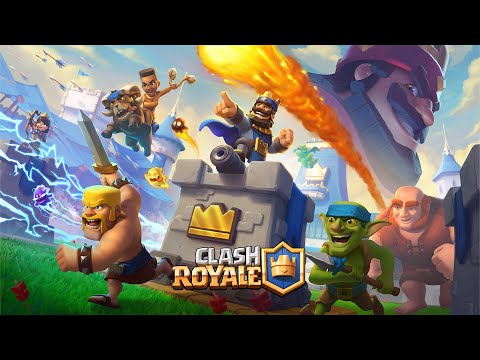
Clash Royale is a fast-paced, real-time multiplayer game where players collect and upgrade cards featuring troops, spells, and defenses.
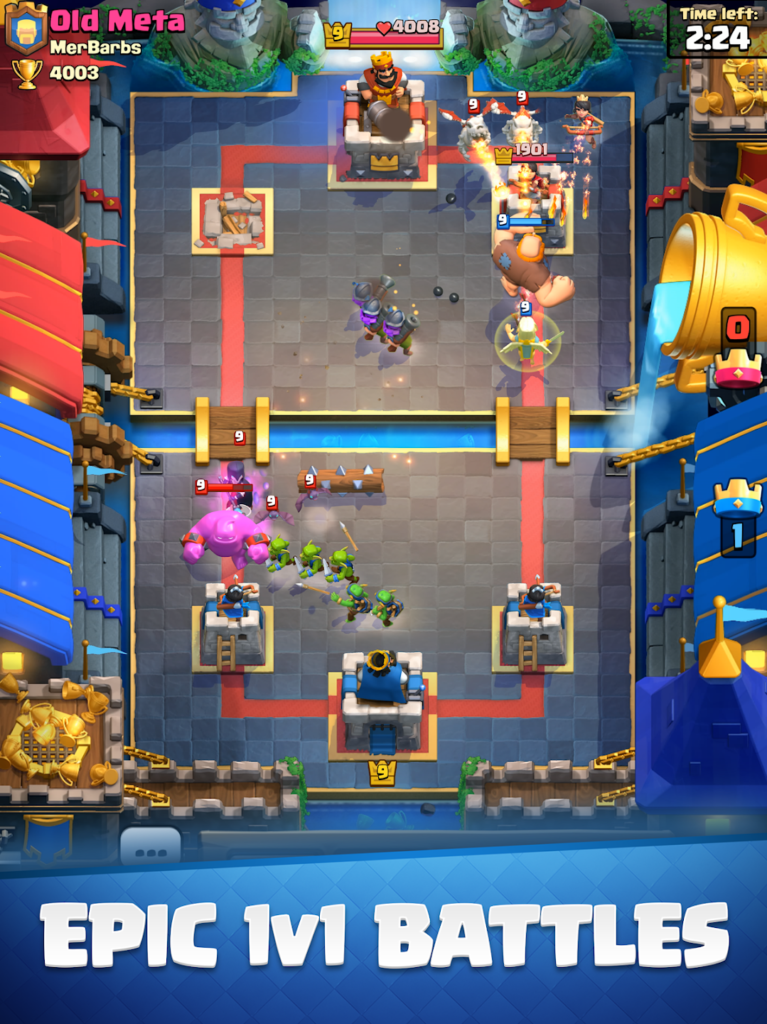
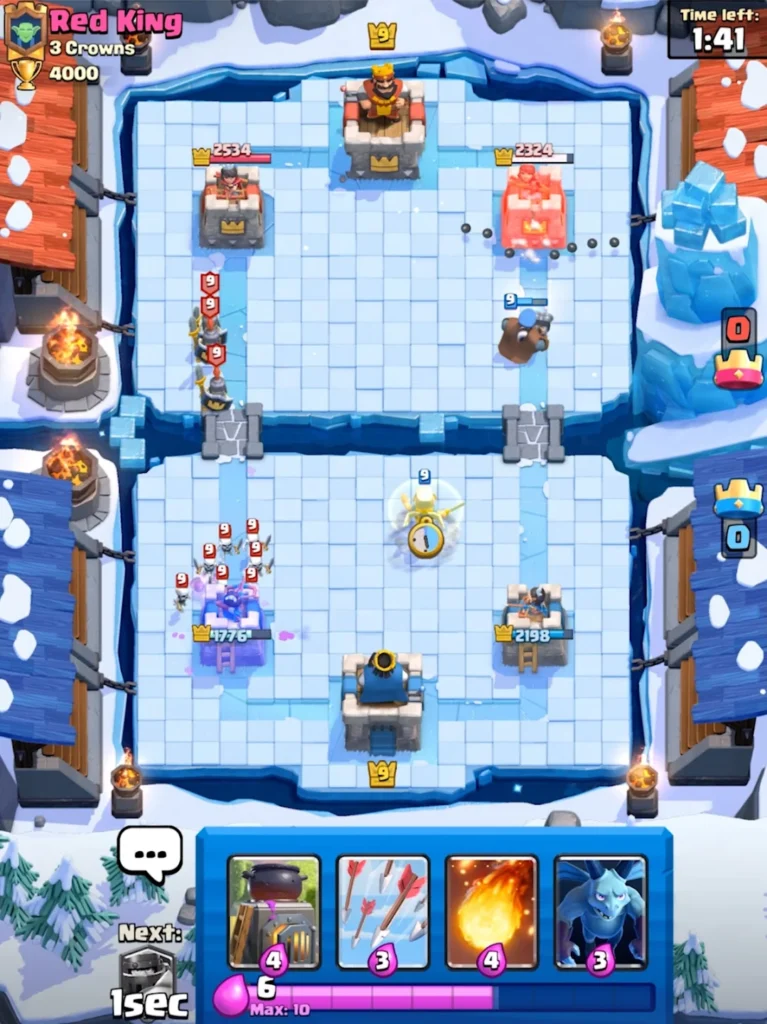
The goal is to destroy your opponent’s towers while defending your own in intense 1v1 or 2v2 battles.
Features:
- Collect and upgrade over 100 cards featuring Clash of Clans troops, spells, and defenses.
- Compete in real-time 1v1 or 2v2 battles against players worldwide.
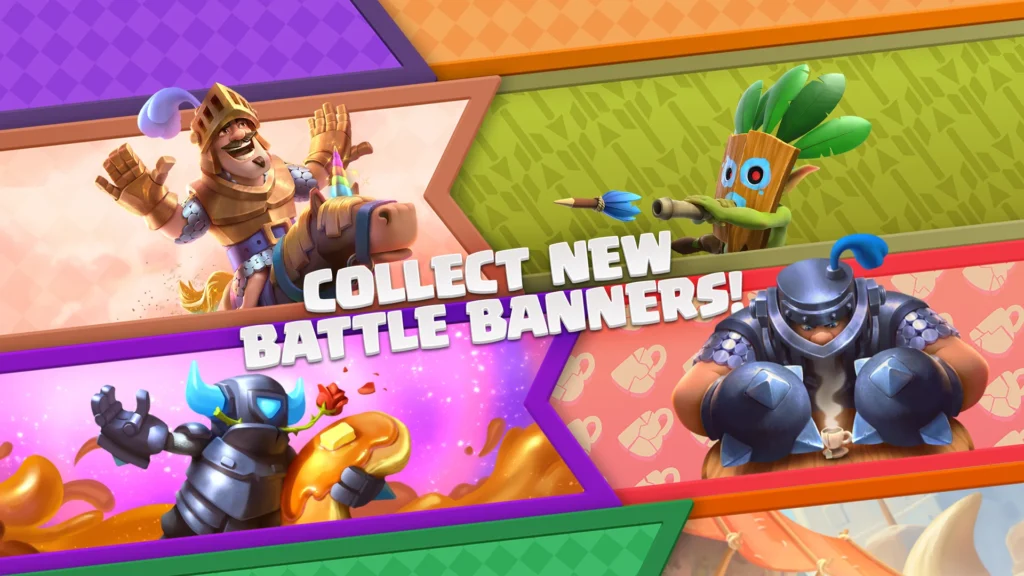
- Unlock and level up unique characters like the Knight, Princess, and Mega Knight.
- Join or create clans to share cards and battle with friends.
- Participate in special events, challenges, and tournaments for rewards.
- Build and customize your battle deck to suit your playstyle.
- Regular updates with new cards, balance changes, and game modes.
Clash Royale Gameplay Screenshots
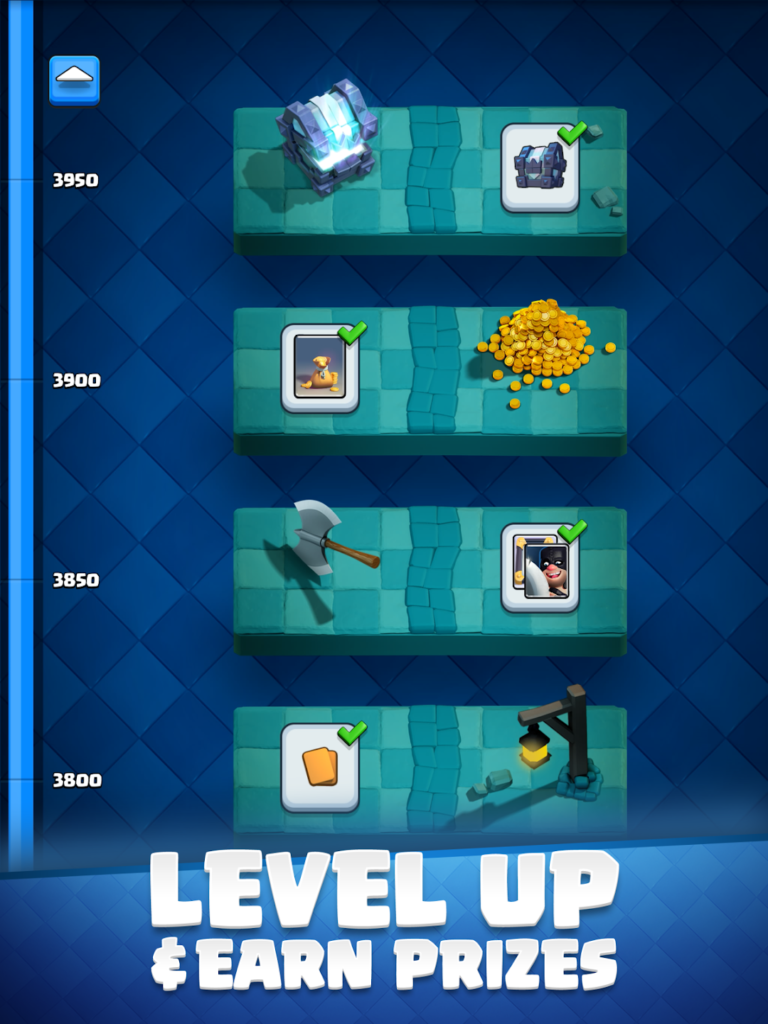
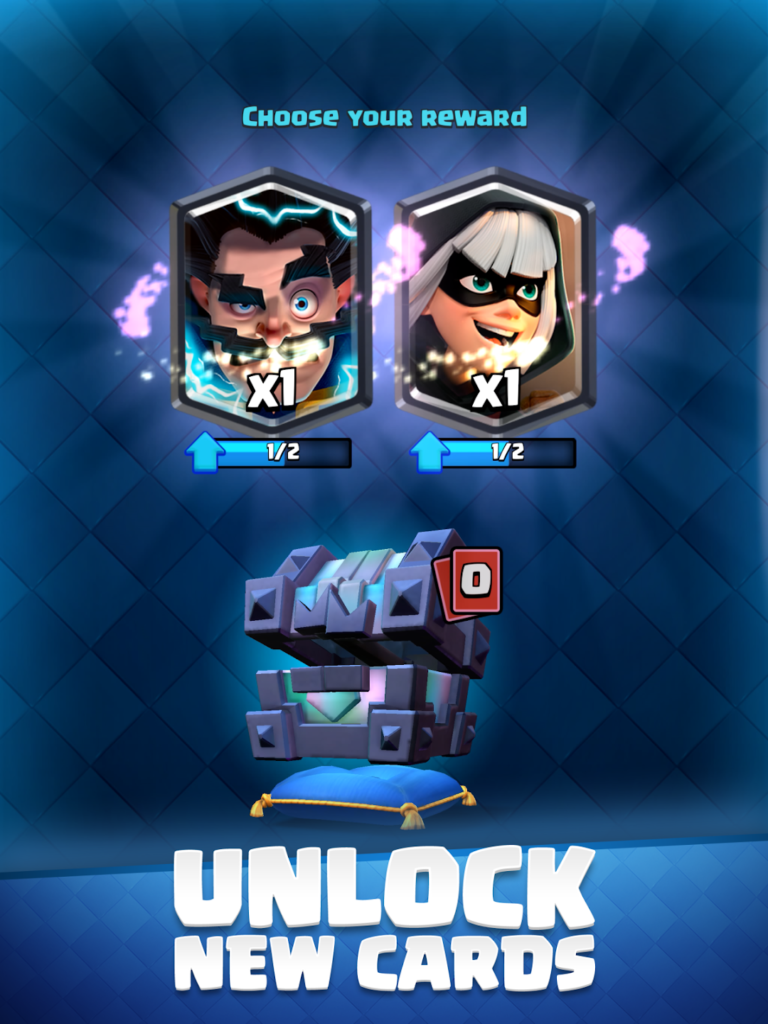
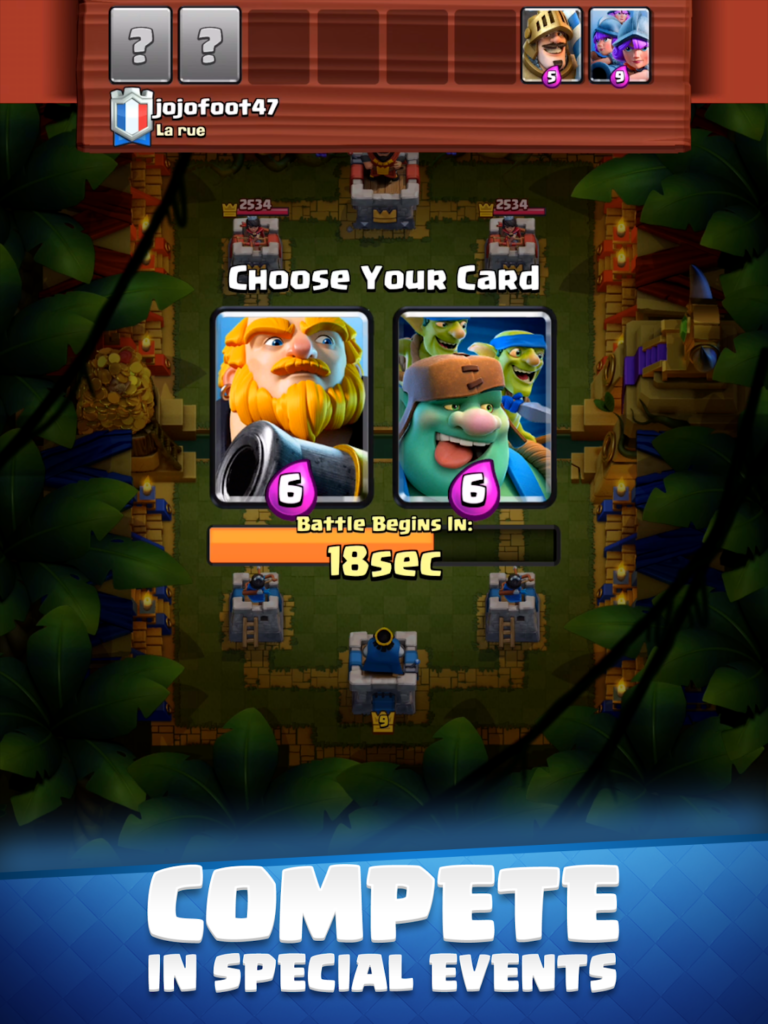
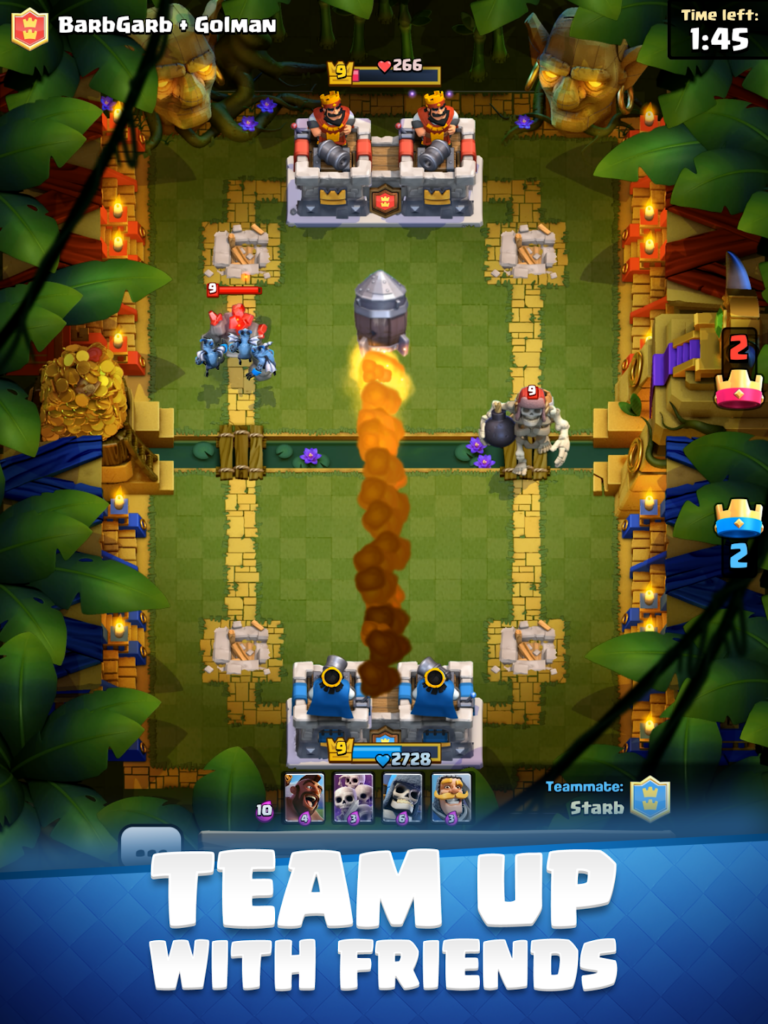
Clash Royale Gameplay Video
Clash Royale Chromebook Requirements
- Supported OS Version: Chrome OS & Android 9.0 or newer.
- Supported Device: Device with 4GB of RAM or above.
- Storage Space: 5 GB or above.
Want more games? Check our list of the best Strategy games on Chromebook and of course, try Clash of Clans.