


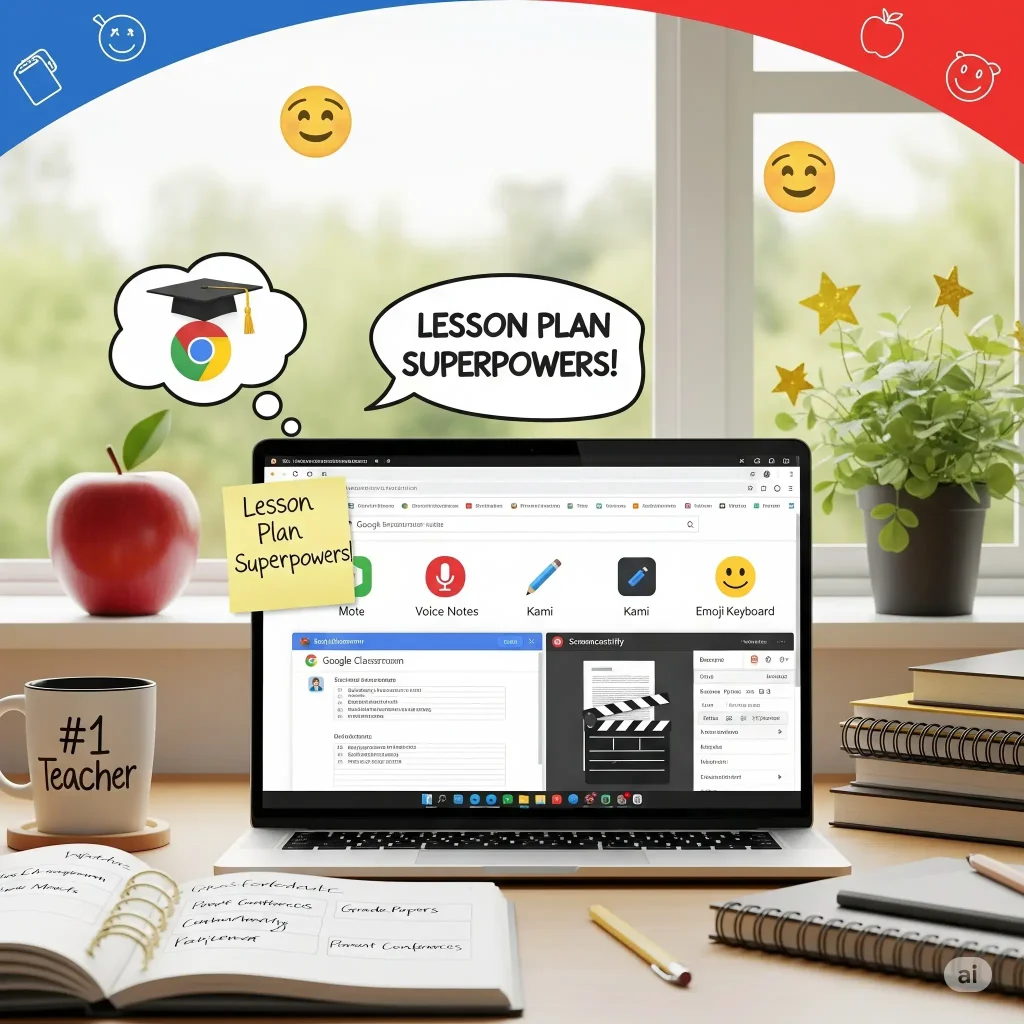
Whether you’re teaching in a classroom, online, or somewhere in between, Chrome extensions can help you save time, stay organized, and connect with students more effectively.
This guide highlights the best Chrome extensions for teachers, educators, college professors, and teaching assistants in 2025.
From grading tools to accessibility helpers, these picks are designed to support every kind of educator, including those working in special education or multilingual classrooms.]
How Chrome Extensions Make Life Easier for Teachers
Chrome extensions are like little teaching assistants that live in your browser. They’re quiet, efficient, and always ready to help.
Whether you’re grading papers, planning a lesson, giving feedback, or keeping your classroom on track, the right extensions can save you time and reduce stress.
They automate repetitive tasks, simplify communication with students, and help you personalize learning without having to jump between tabs or tools.
For busy teachers juggling ten things at once, these tools offer a way to get more done with less hassle. They might even make the job a little more fun.
Best Chrome Extensions for Teachers & Educators
1. Mote
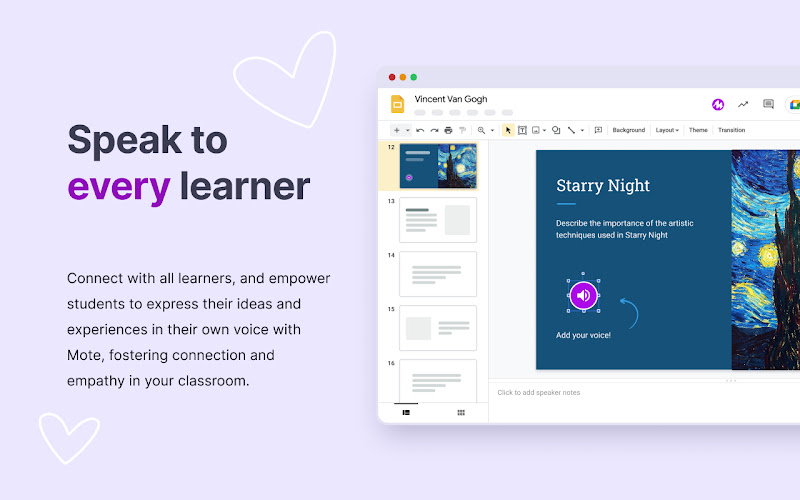

⭐️ Top Features:
- 🎙 Add voice comments in Google Docs, Slides, and Classroom
- 🧠 Supports over 15 language transcriptions
- 📣 Great for feedback, accessibility, and multilingual classrooms
Why we like it: Mote makes feedback more personal and accessible. Instead of typing long comments, you can speak naturally and let students hear your tone and intent. It’s especially helpful for students with reading challenges or for teachers working in bilingual environments. Being able to leave voice notes directly in Google Docs or Slides is a huge time-saver and adds a human touch to digital learning.

2. Equatio
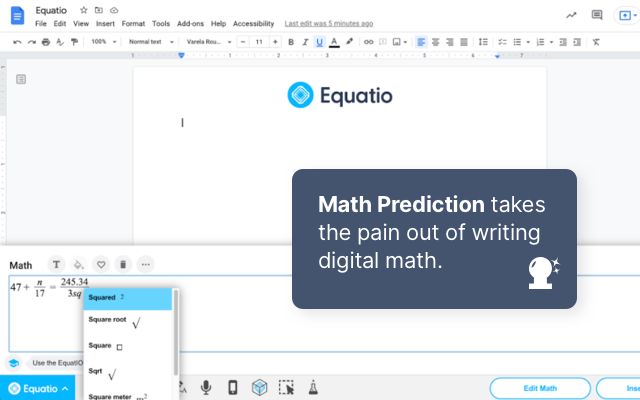

⭐️ Top Features:
- ➕ Create math equations using handwriting, voice, or typing
- 📐 Insert graphs and visual math into Docs and Slides
- ♿ Supports screen readers and accessible math content
Why we like it: Equatio takes the frustration out of typing math and science content. You can speak or write equations and it converts them into clean, formatted expressions. It’s a game-changer for STEM teachers and special education professionals who need accessible math tools. Its ability to create digital math content without complex formatting is what makes it stand out.
3. InsertLearning

⭐️ Top Features:
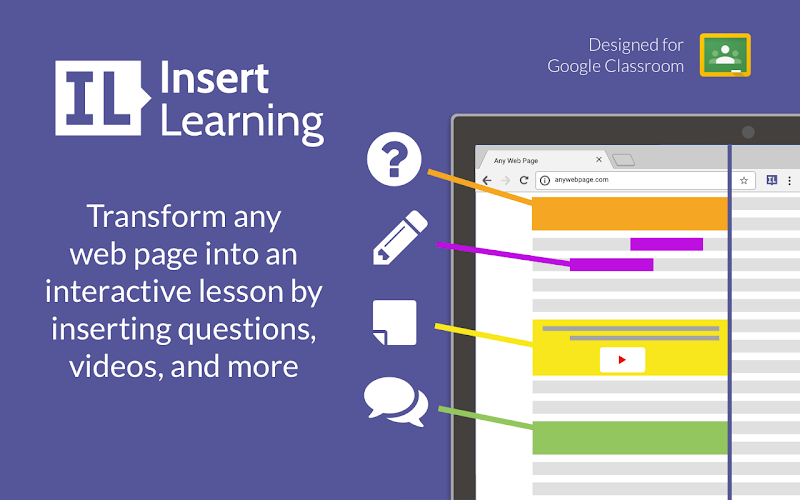
- 📚 Turn any webpage into an interactive lesson
- 📝 Add questions, highlights, and teacher notes
- 📊 Collect student responses in real time
Why we like it: InsertLearning lets you take any article or webpage and turn it into a teachable moment. You can embed questions, highlight key points, and guide students through the content. It’s perfect for current events, flipped classrooms, or differentiated instruction. Being able to transform real-world content into interactive lessons is what makes this tool so powerful.
4. Google Keep
⭐️ Top Features:
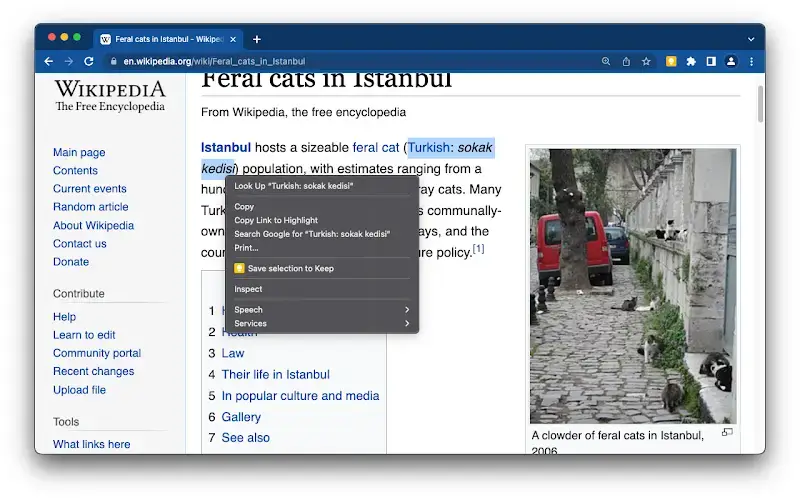
- 🗒 Save notes, links, and images while browsing
- 📌 Organize ideas with labels and color codes
- 🔗 Syncs across all devices and integrates with Google Docs
Why we like it: Google Keep is like a sticky note system that lives in your browser. You can save lesson ideas, student resources, or reminders with just one click. It’s great for planning units, collecting inspiration, or jotting down quick thoughts during prep. The seamless sync with Google Docs and Classroom makes it a natural fit for busy educators.
5. Read&Write for Google Chrome
⭐️ Top Features:
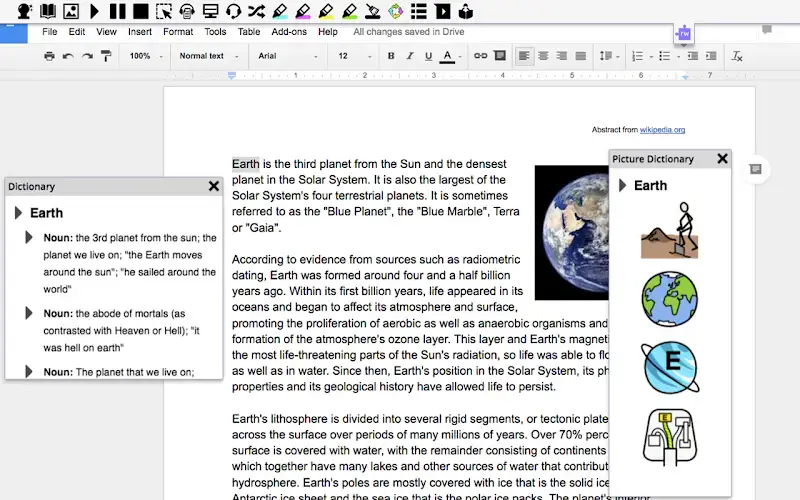
- 🔊 Text-to-speech, highlighting, and vocabulary tools
- 🧩 Supports students with dyslexia, ADHD, and ELL needs
- 📖 Works in Google Docs, Slides, and web pages
Why we like it: Read&Write is a comprehensive literacy support tool that helps all learners access content more independently. It reads text aloud, defines tricky words, and even helps students organize their thoughts. It’s especially valuable for special education teachers and inclusive classrooms. Whether you’re supporting struggling readers or multilingual learners, this extension is a classroom essential.
6. Edpuzzle
⭐️ Top Features:
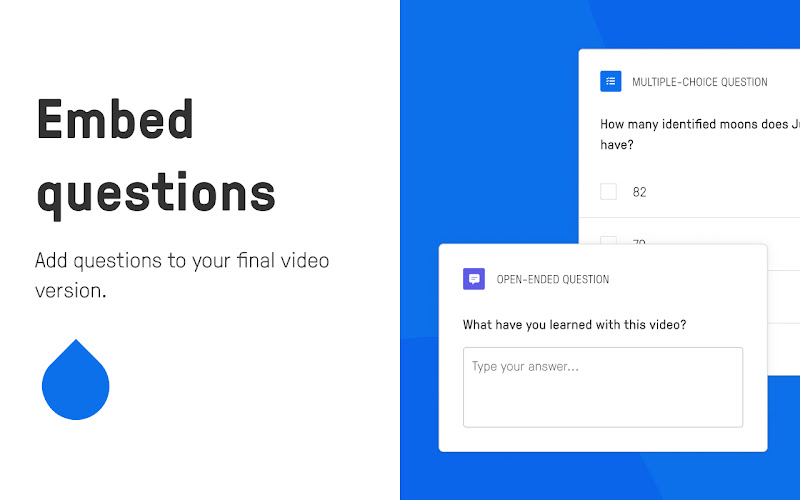
- 🎥 Add questions and notes to YouTube videos
- 📊 Track student progress and engagement
- 🧠 Turn passive watching into active learning
Why we like it: Edpuzzle transforms any video into an interactive lesson. You can embed questions, pause for reflection, and check for understanding, all without leaving the video. It’s perfect for flipped classrooms, homework assignments, or asynchronous learning. Teachers love how it turns YouTube into a teaching tool instead of a distraction.

7. Screencastify
⭐️ Top Features:
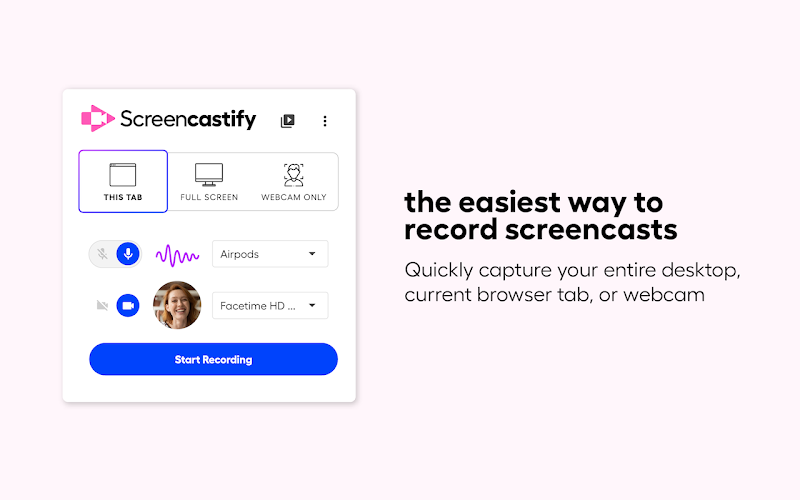
- 📹 Record your screen, webcam, or both
- ✂️ Trim and edit videos directly in the browser
- 📁 Save to Google Drive or export as MP4
Why we like it: Screencastify is a go-to tool for recording lessons, walkthroughs, or student feedback. It’s simple enough for beginners but powerful enough for daily use. You can record a quick explainer, share it with your class, and even track who watched it. It’s a lifesaver for remote learning, flipped classrooms, and teacher prep.
8. Blaawk – Productivity & Focus Toolkit
⭐️ Top Features:
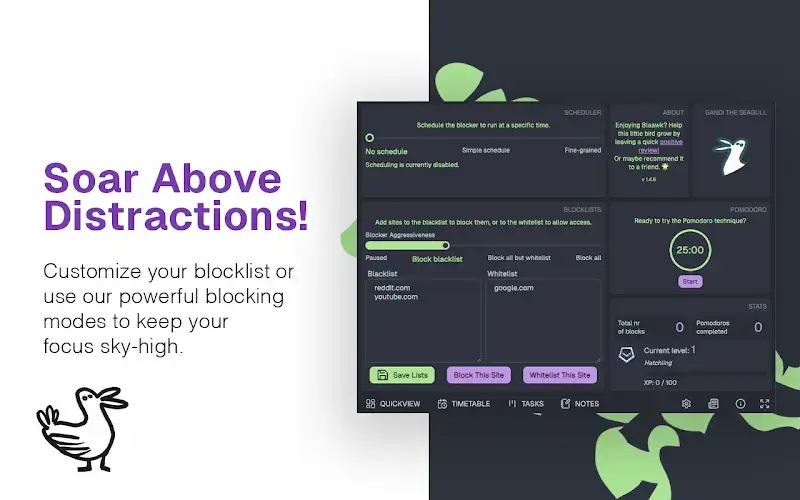
- 🚫 Block distracting websites with flexible schedules
- ⏳ Built-in Pomodoro timer and time tracking
- 🗂 Kanban board and markdown-enabled notes for lesson planning
Why we like it: Blaawk is a surprisingly powerful all-in-one productivity tool that helps teachers stay focused during prep, grading, or remote teaching. You can block time-wasting sites, track how long you spend on tasks, and even organize your day with a built-in Kanban board. It’s lightweight, privacy-first, and works entirely offline. Its combination of distraction blocking, time tracking, and task management makes it a perfect digital assistant for busy educators.
9. Wakelet
⭐️ Top Features:
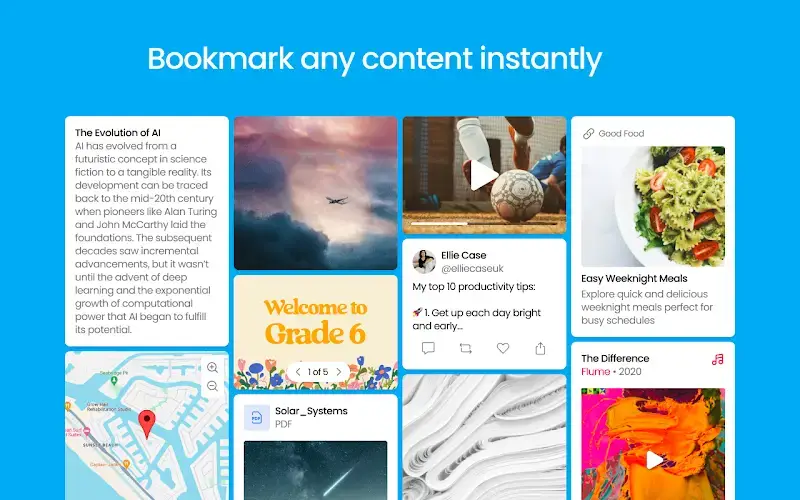
- 📚 Curate and organize web content into collections
- 📎 Share resources with students or colleagues
- 🧩 Embed videos, PDFs, tweets, and more
Why we like it: Wakelet is like a digital bulletin board for your classroom. You can collect articles, videos, and resources into one clean, shareable space. It’s great for lesson planning, student research, or even parent newsletters. Teachers love how easy it is to organize and share content without needing a separate website.
Special Education & Accessibility Tools
Supporting diverse learners is part of every educator’s job. These Chrome extensions help teachers create more inclusive classrooms, whether you’re working with students who have IEPs, learning differences, or language barriers.
Brisk Teaching – AI Assistant for Teachers
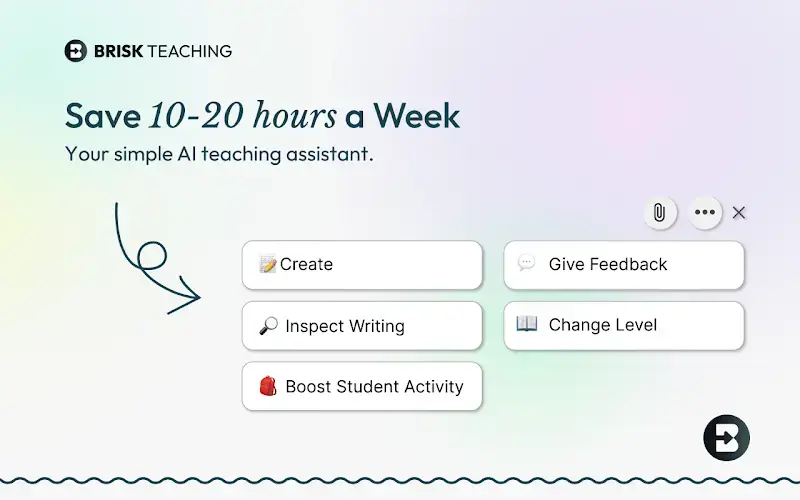

- 🧠 Adjusts reading levels of any webpage, article, or Google Doc
- 📄 Creates IEPs, progress reports, and differentiated materials in seconds
- 🎯 Offers targeted feedback and AI writing detection for student work
Why we like it: Brisk is more than just a time-saver,it’s a full teaching assistant built into your browser. It helps educators personalize content for students with special needs, including SPED and ESL learners, by simplifying text and adjusting reading levels instantly. You can also generate rubrics, lesson plans, and feedback with just a few clicks. Its ability to support inclusive teaching while saving hours of prep time makes it a must-have for modern classrooms.

Looking for more tools?
We’ve also rounded up the best Chrome extensions for students if you want to recommend tools to your class. For screen recording and feedback, check out our screen capture extension guide. And if you’re exploring AI in the classroom, don’t miss our Gemini prompts for educators.
Have a favorite extension we didn’t include? Let us know here or leave a comment, we’re always updating our lists with tools teachers actually use.