Google Keep Chrome Extension: Save to Notes in One Click
Stop emailing links to yourself. The Google Keep extension lets you save websites, text, and images to your notes with a single click. Syncs instantly to your phone.

The best ChromeOs Blog on the web.
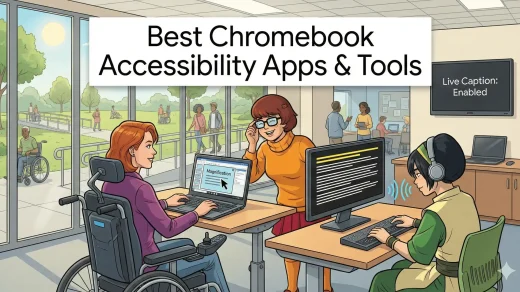
Browse a list of some of the most popular Chrome Extensions of course we also include and regularly feature fresh Chrome software that you might have not heard about just yet.
Most of these apps also work on any OS that supports the Google Chrome browser that means Linux, Mac, Windows and of course Chrome OS(Chromebook). We usually mention that when we make the post.
We update this category constantly but we are always looking for new apps do not be shy, please contact us and tell us if we think we should feature your app or another app that you think people should definitely give a chance.
» Photoshop Alternatives for Chromebook

Stop emailing links to yourself. The Google Keep extension lets you save websites, text, and images to your notes with a single click. Syncs instantly to your phone.
Tired of right-clicking “Save Image As” fifty times? This extension lets you download every photo on a webpage with a single click. Here is how to use it.

Find the best weather Chrome extensions for forecasts, rain alerts, radar, UV levels and weather dashboards. Compare 15 useful options.

The Cleaner – history & cache clean Chrome extension gives you a single toolbar button (and Alt+C shortcut) to instantly wipe browsing history, cache, cookies, downloads and other data. Choose time ranges from the last hour to all time. Perfect for quick privacy cleanup or speeding up a sluggish browser. Installs in seconds, works on Windows, macOS, Linux and ChromeOS. No account needed, completely free.
The Outdoor Photos by Hipcamp Chrome extension turns every new tab into a stunning outdoor scene from forests, deserts, and coastlines. No clutter, no shortcuts overlay, just a clean, professional nature photograph that changes every time you open a tab. Installs instantly from the Chrome Web Store and works on Windows, macOS, Linux, and ChromeOS. Perfect for campers, remote workers, or anyone who wants a daily dose of the outdoors while browsing.

Google’s official Picture-in-Picture Extension adds a reliable floating video player to Chrome. Click the toolbar button or press Alt+P (Option+P on Mac) while any video plays and it instantly pops out into a resizable, always-on-top window. Perfect for following tutorials, watching streams, or keeping an eye on meetings while you work. Free, lightweight, and works on Windows, macOS, Linux, and ChromeOS.

The official Google Arts & Culture extension turns every new Chrome tab into a mini museum visit. Each day you get a different high-resolution artwork with a subtle info link to the full story, artist bio, and virtual tours. No extra apps or clicks needed. Installs in seconds and works on any OS.
Learn how to install the official Google Dictionary extension and get instant definitions by double-clicking words. Master the Word History feature on your Chrome browser (Windows, Mac, or ChromeOS) to boost comprehension.
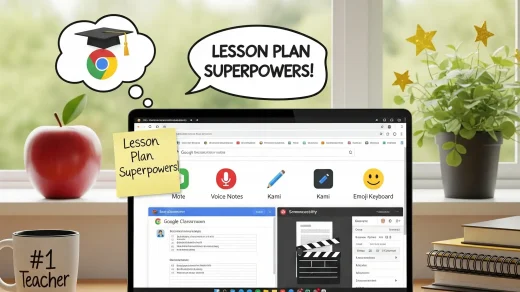
Teaching takes enough of your evenings already. This guide covers easy-to-use Chrome tools that help you create lessons faster, turn paper handouts into digital worksheets, leave quick voice comments on essays, and support every reader in your classroom.
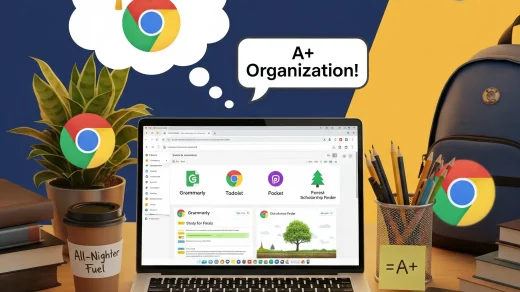
Studying on a laptop can get overwhelming fast. These 10 free and low-cost Chrome extensions help you take cleaner notes, fix your papers, and finish schoolwork faster.