Xbox Cloud Gaming on Chromebook: Setup, Plans and Limits (2026)
 by
Sophie Sullivan
Post Updated: October 19, 2026
by
Sophie Sullivan
Post Updated: October 19, 2026
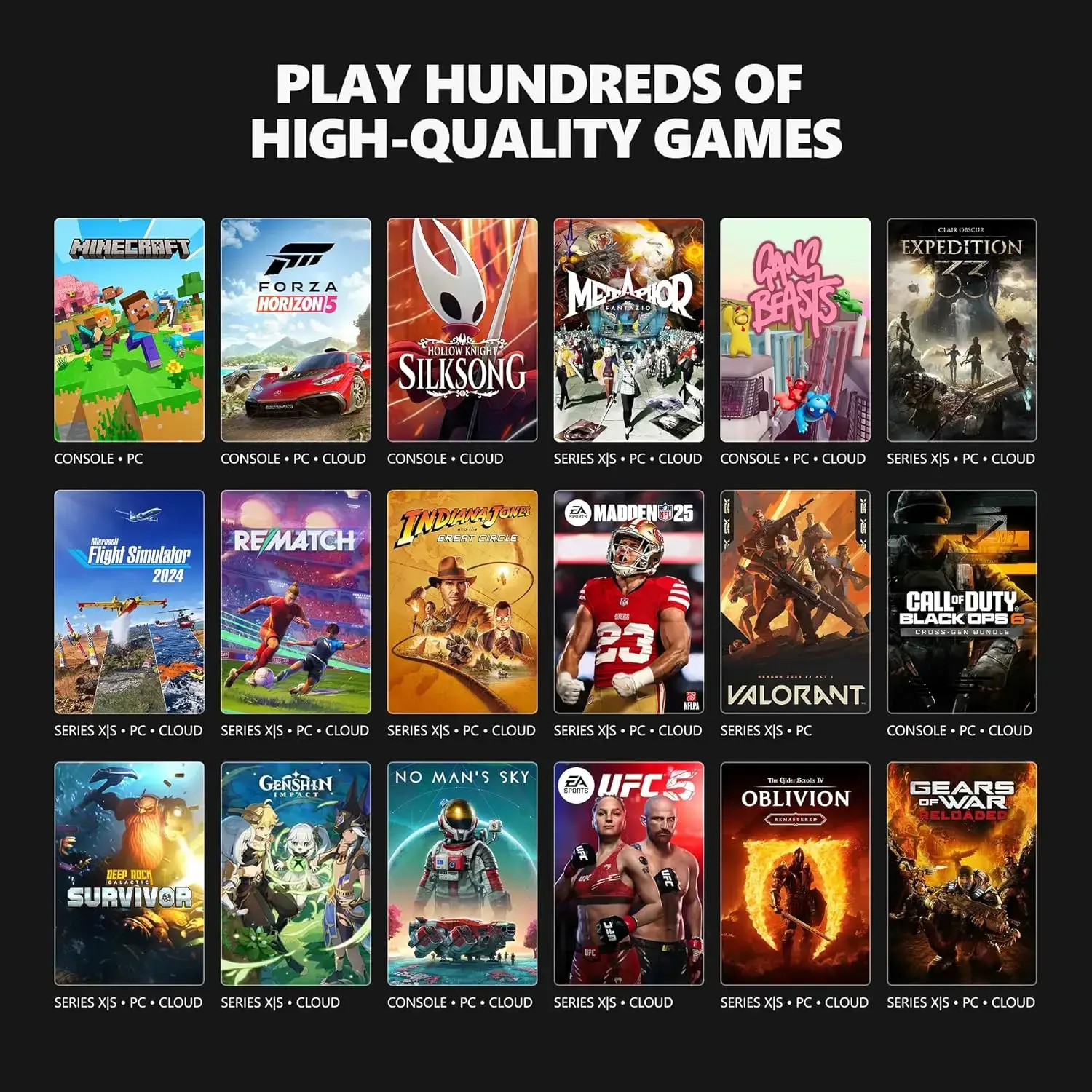
Xbox Cloud Gaming lets you stream hundreds of Xbox games to your Chromebook or Googlebook without a console. The games run on Microsoft’s servers, and your laptop shows the stream in the browser.
2026 has brought big changes: a cheaper Game Pass Ultimate, a new way to buy cloud time without Game Pass and, from November, monthly hour limits. Here is how it all works on a Chromebook.
How to play Xbox Cloud Gaming on a Chromebook
Browser only: Microsoft says ChromeOS uses the web version rather than a dedicated app. Chromebooks need ChromeOS 85 or later.
- Open Chrome (or Edge) on your Chromebook.
- Go to xbox.com/play.
- Sign in with your Microsoft account.
- Connect a controller over Bluetooth or USB.
- Pick a cloud-enabled game and press Play.
Tip: add it to your shelf
On xbox.com/play, Microsoft suggests opening the menu and choosing Add to Home Screen. In Chrome you can also install the page as an app so it opens from your launcher.
Connection tip: Microsoft asks for at least 10 Mbps, and some devices need 20 Mbps for the best quality. Use 5GHz Wi-Fi or Ethernet when you can.
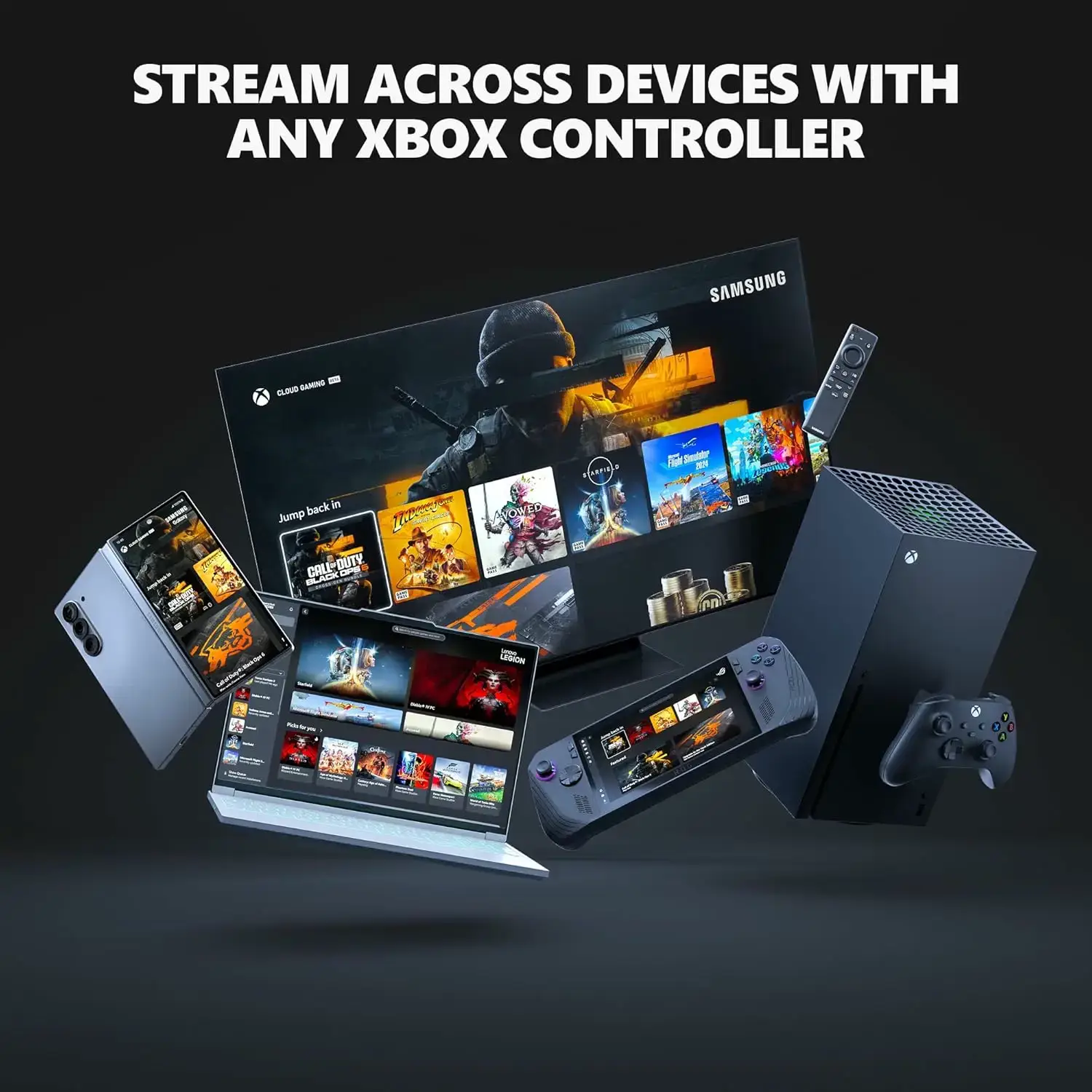
Game Pass plans and cloud gaming in 2026
Price cut: Microsoft lowered Game Pass Ultimate from $29.99 to $22.99 a month on April 21, 2026. New Call of Duty games now join Ultimate about a year after launch instead of on day one.
New hour limits: starting in November 2026, Microsoft is adding monthly cloud gaming hours to each plan. When you run out, you can buy more time in the Xbox Store. Microsoft says this affects about 4% of subscribers and will share pricing before the change.
No Game Pass needed: also from November, you can buy cloud hours and stream eligible games you own, without a subscription.
Chromebook requirements
What makes Xbox Cloud Gaming worth a look
Stream games you own: with Ultimate you can stream select games you own, not just the Game Pass library.
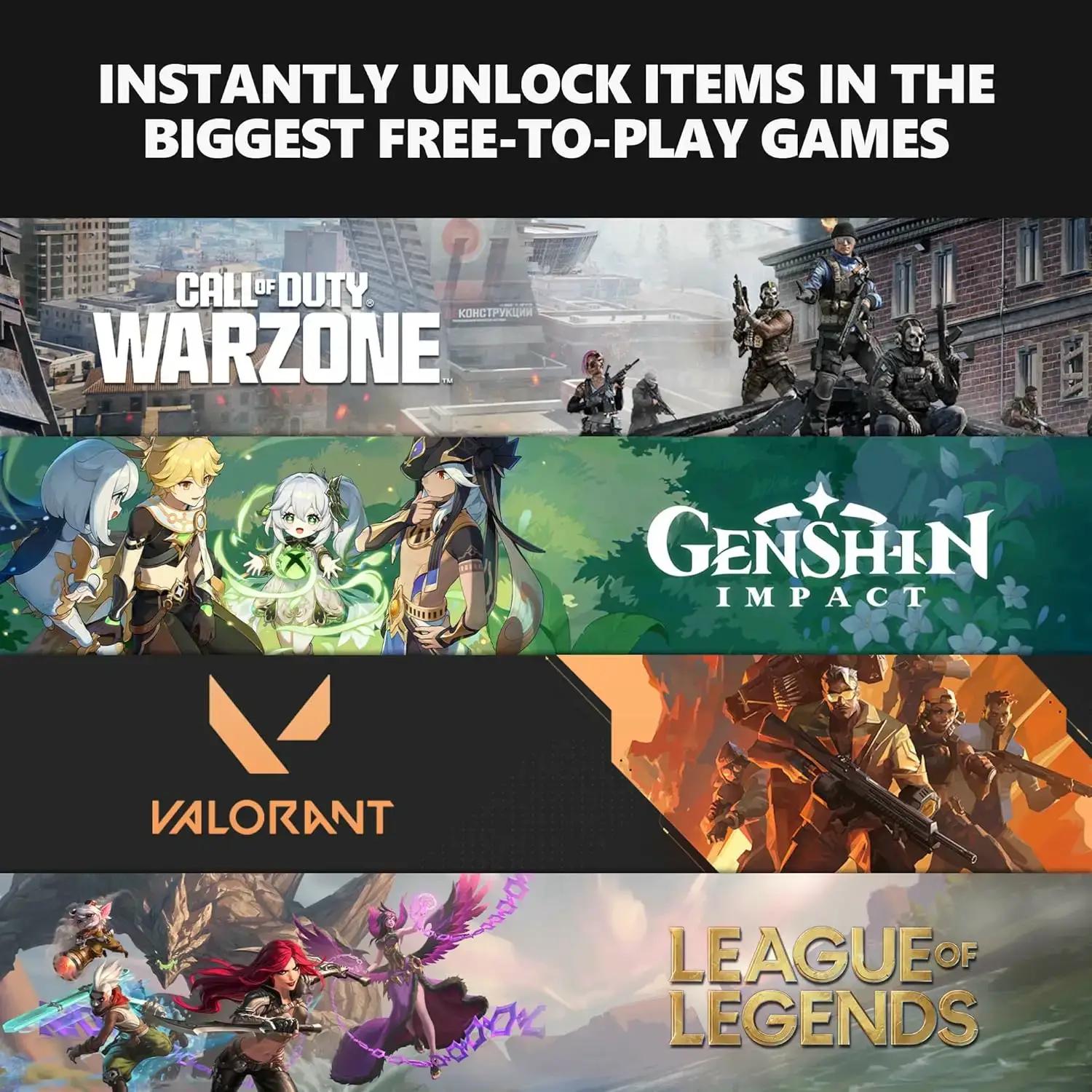
Free-to-play games: supported free-to-play games like Fortnite need only a free Microsoft account.
Best quality on Ultimate: Microsoft says Ultimate gets the best streaming quality and top priority access.
Your progress follows you: cloud saves, achievements and friends sync with your Xbox account across devices.
Xbox Cloud Gaming vs other services
Read our guides to GeForce NOW, Boosteroid and Amazon Luna on Chromebook.
Xbox Cloud Gaming overview video
Xbox Cloud Gaming on Chromebook FAQ
Do I need an Xbox console? no, the service works on its own.
Is there an Xbox app for Chromebook? no. Use xbox.com/play in Chrome or Edge.
Can I play without Game Pass? yes for supported free-to-play games, and from November 2026 you can buy cloud hours to stream games you own.
Why is it laggy? check that you have 20 Mbps or more and use 5GHz Wi-Fi or Ethernet.
Does keyboard and mouse work? most games expect a controller, though some support keyboard and mouse.
More help
Xbox Support, the Xbox Cloud Gaming community on Reddit and the official Xbox Discord are good places to ask. Questions for us? Contact us.
Shopping for a Chromebook to stream on? See our best Chromebooks for gaming.
Discover more from Chrome Geek
Subscribe to get the latest posts sent to your email.