9 Best Chess & Checkers Games for Chromebook
 by
Frank Cross
Post Updated: September 10, 2026
by
Frank Cross
Post Updated: September 10, 2026
Readers like you help support this site. When you make a purchase using links on our site, we may earn an affiliate commission. All opinions remain our own.
The best chess and checkers games for Chromebook include Chess Ultra for photorealistic 4K board simulation and Grandmaster AI, Chess – Play and Learn Online for massive global matchmaking, puzzles, and interactive lessons, Real Chess for tactile 3D perspective boards and deep difficulty tiers, Checkers for clean classic draughts boards with multiple rule variations, and Checkers – Online & Offline for competitive ranked multiplayer and quick casual games.
Have a favorite chess and checkers game we missed? Tell us about it, including which device and platform you use to play.
Top Chess & Checkers Games for Chromebook
#1
Chess Ultra
★ 3D Chess Simulation
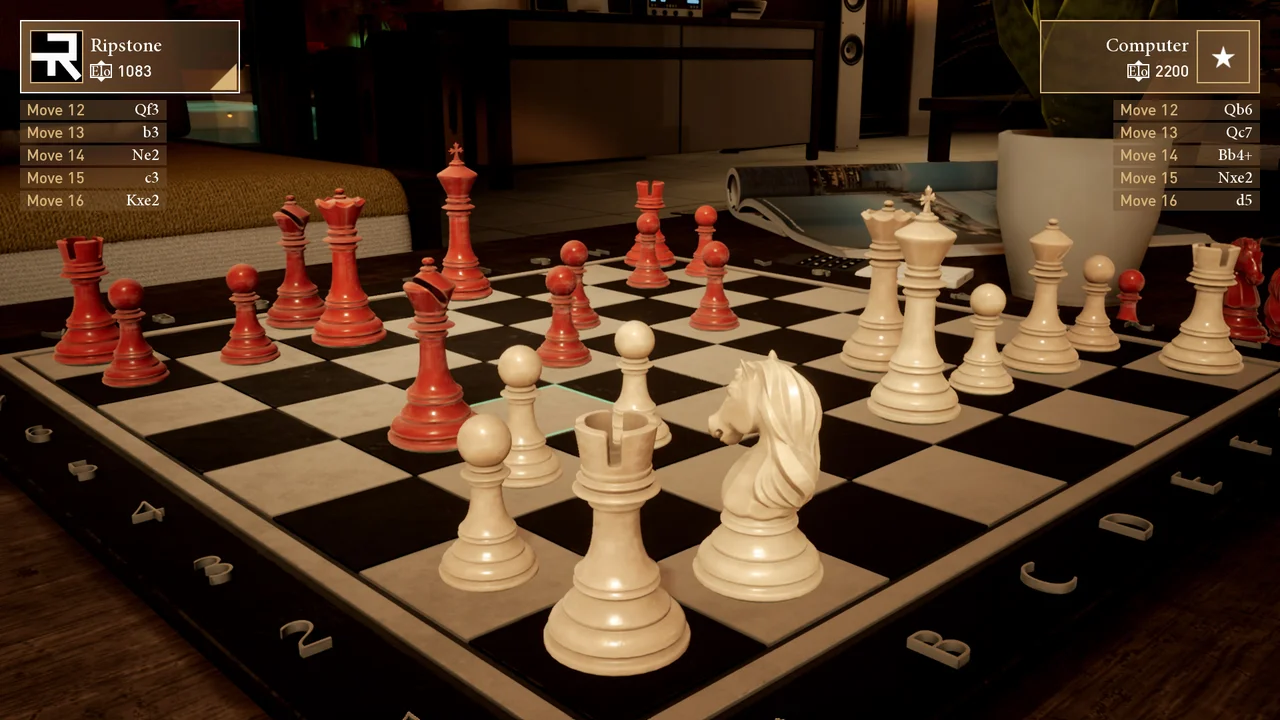
Chess Ultra delivers a visually impressive 3D chess simulation featuring detailed chess sets, Grandmaster-approved AI, and full cross-platform multiplayer. Its intuitive controls and visual elegance turn every match into a polished experience.
- Grandmaster AI: Challenge ten distinct engine difficulty levels created with Grandmaster assistance.
- Visual Fidelity: Choose between hand-crafted sets including classic Staunton, polished marble, and contemporary wood.
- Historic Puzzles: Test your positional skills against historic chess puzzles and custom tournament ladders.
#2
Chess – Play and Learn Online
★ Online Multiplayer & Lessons
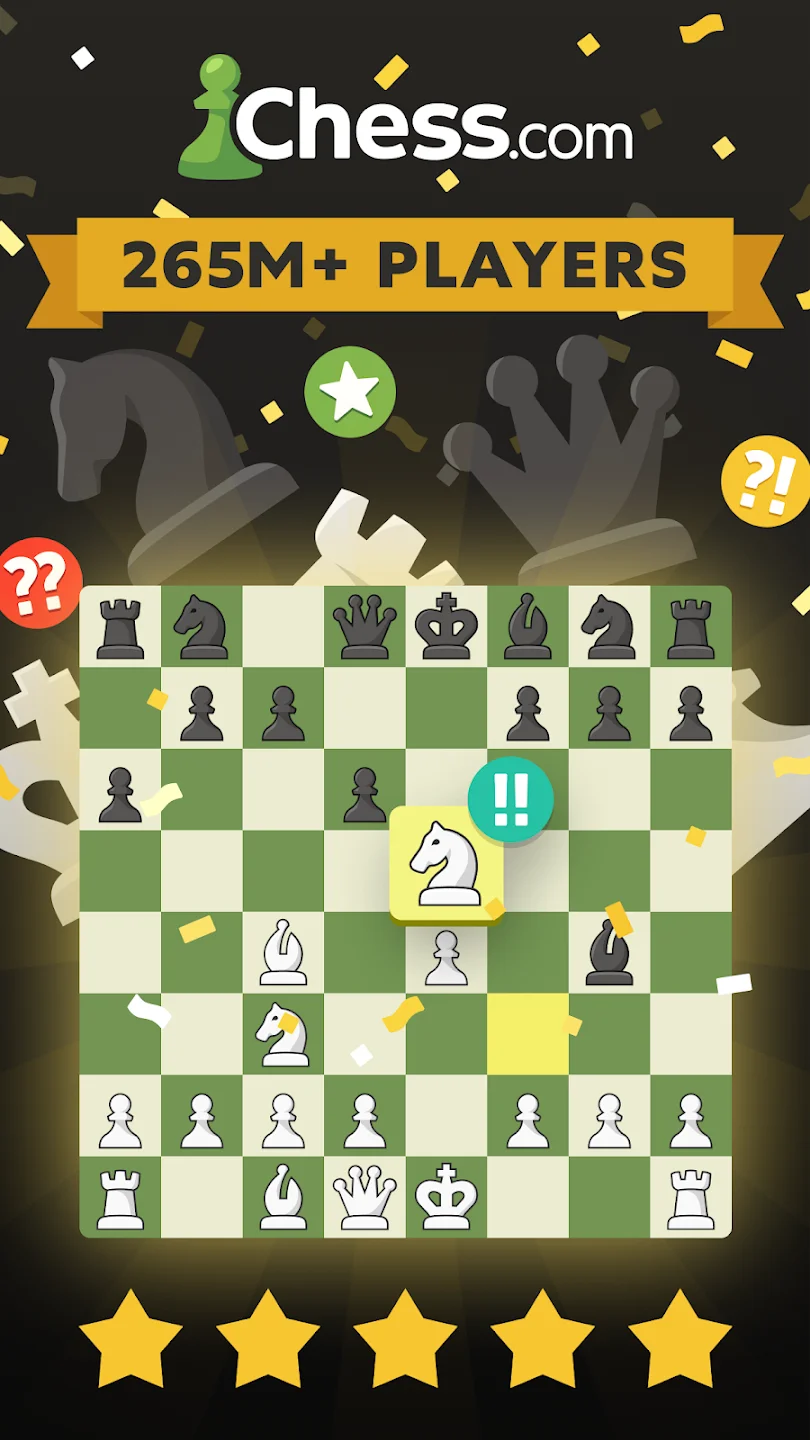
The official Chess.com app brings the largest global chess community straight to your Chromebook. You can jump into live blitz matches, solve rated puzzles, and study interactive lessons from master coaches.
- Global Matchmaking: Play rapid, blitz, and daily correspondence games against millions of active players worldwide.
- Interactive Lessons: Improve your opening repertoire and tactical vision through structured interactive video lessons.
- Rated Puzzles: Solve over three hundred thousand adaptive tactical puzzles tailored to your current rating.
#3
Real Chess
★ 3D Perspective Chess
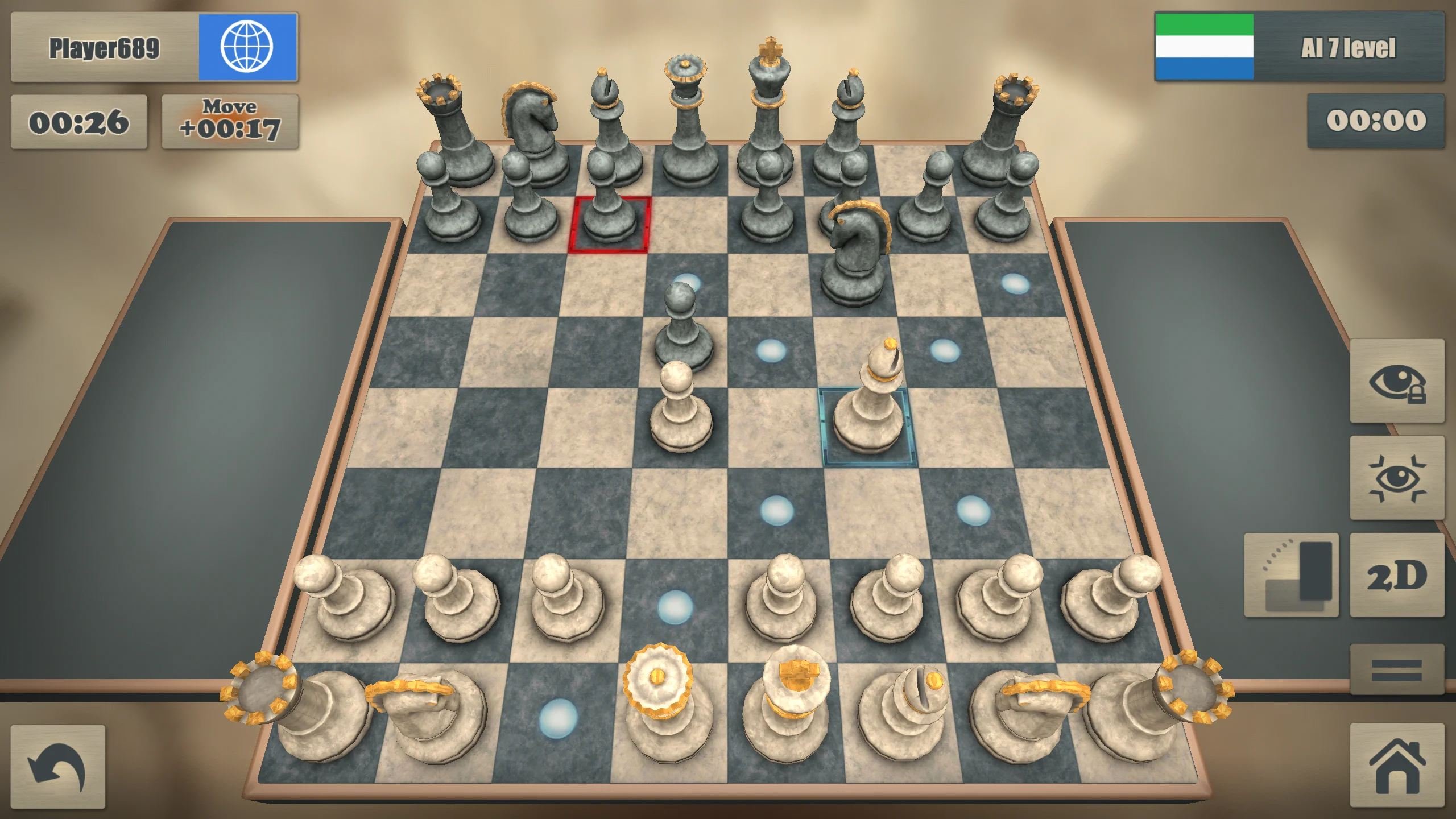
Real Chess offers full 3D interactive boards where you can rotate your vantage point to inspect piece alignments from any angle. It includes over two thousand difficulty tiers and responsive online multiplayer.
- Rotatable 3D Camera: Tilt, zoom, and spin around the board to study lines of sight and piece protection.
- Granular Difficulty: Battle computer opponents spanning twenty-four hundred AI tiers from novice to master.
- Online Opponents: Connect through casual online matchmaking with built-in text chat and match statistics.
#4
Chess (AI Factory)
★ Educational Chess Engine
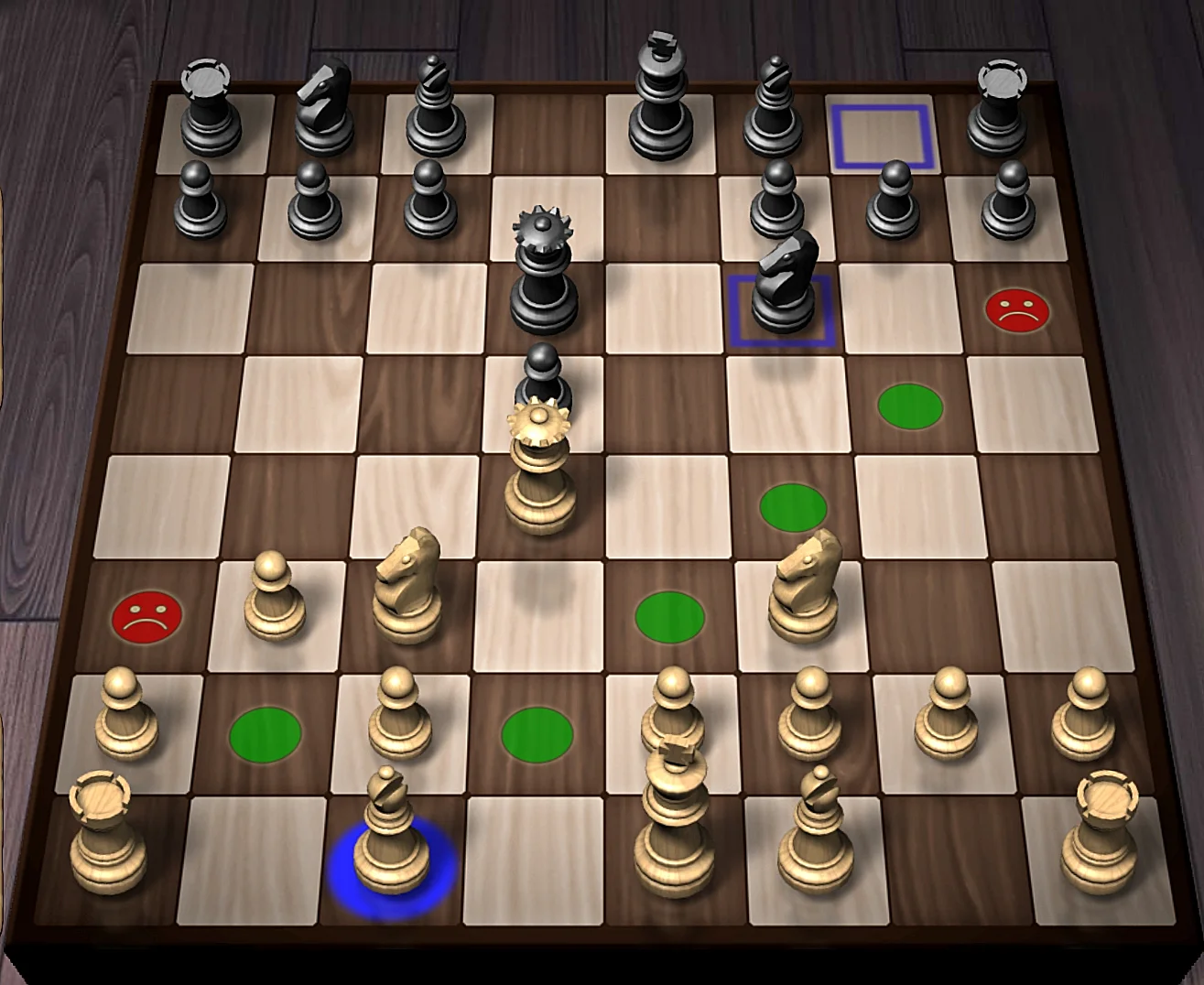
Developed by AI Factory Limited, this acclaimed chess app features the built-in Treebeard chess engine and an interactive Chess Tutor that explains why certain moves are mistakes.
- Chess Tutor: Receive helpful visual warnings when your chosen piece steps into dangerous tactical pins.
- Twelve Playing Levels: Progress smoothly from relaxed introductory play up to challenging expert ratings.
- Detailed Analytics: Review move history, evaluate piece trades, and experiment with alternative opening lines.
#5
Chess for Android
★ Open Engine & Analysis
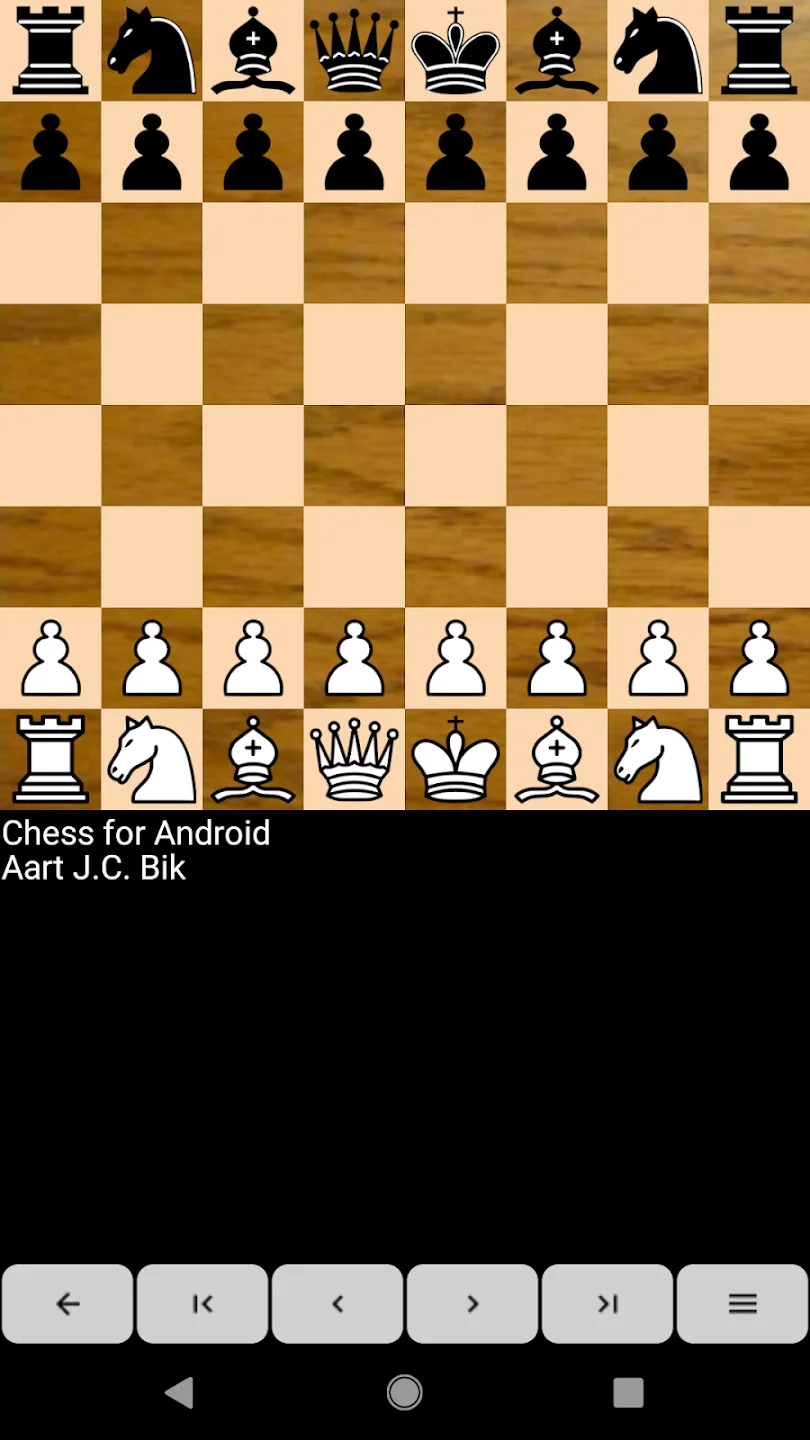
Created by Aart Bik, Chess for Android is a clean, lightweight chess application that connects to open-source UCI engines like Stockfish and Komodo while allowing custom PGN game book imports.
- Engine Support: Import custom UCI and XBoard engines to calculate complex endgame analysis.
- PGN Management: Load external game notation files to replay grandmaster tournaments and study openings.
- Minimalist Design: Enjoy rapid board rendering without pop-up animations or battery-draining visual bloat.
#6
Chess (Chess Prince)
★ Classic Offline Chess
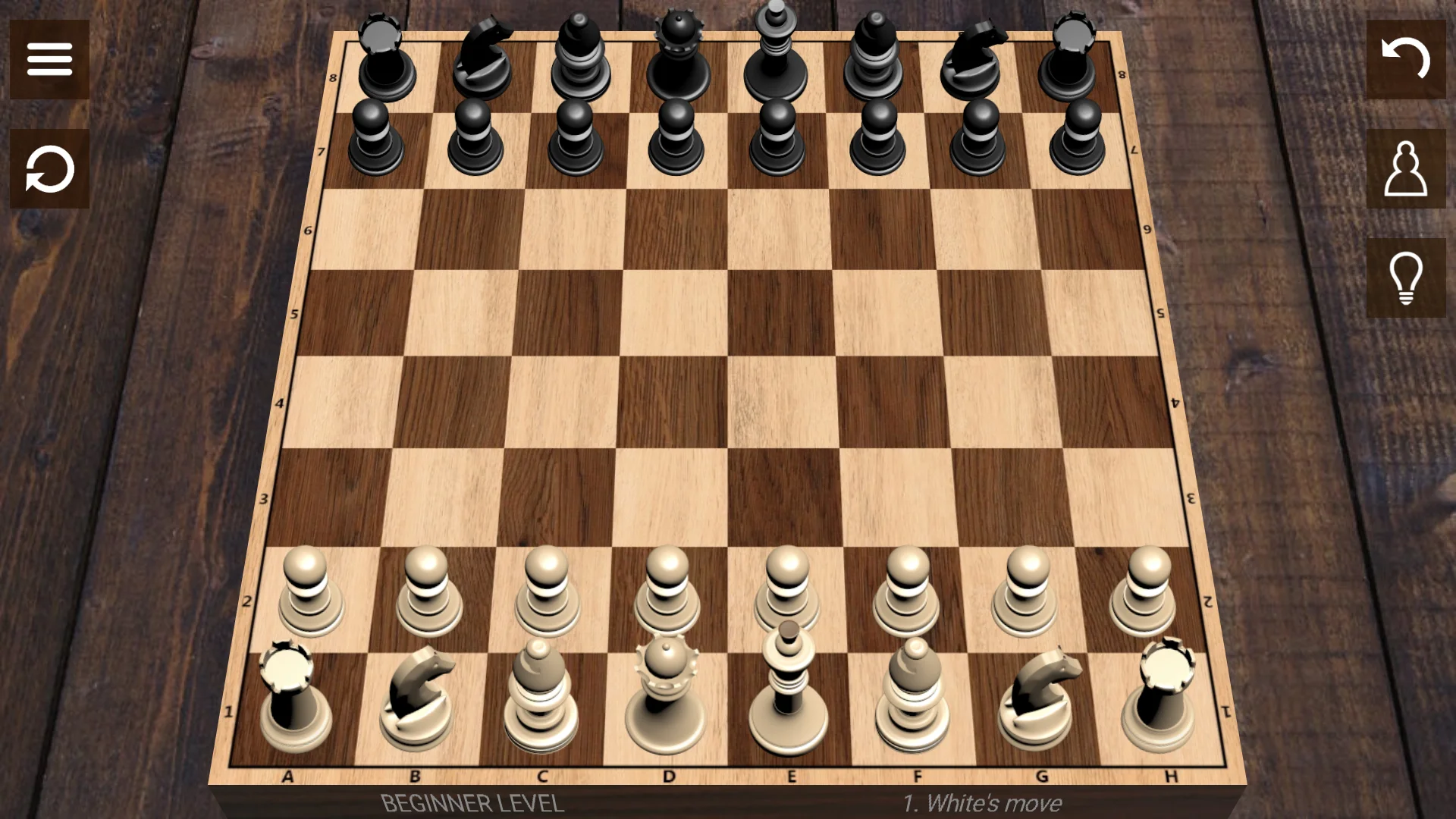
With over one hundred million downloads, this popular offline chess game offers ten difficulty tiers, sound effects, and customizable board themes that scale naturally across Chromebook screens.
- Ten Skill Tiers: Practice tactical fundamentals against adaptive computer opponents that match your tempo.
- Custom Themes: Personalize your play space with multiple board textures, wood finishes, and piece styles.
- Move Assistant: Utilize optional move highlighting and unlimited undo steps when learning new strategies.
#7
Checkers
★ Classic Draughts
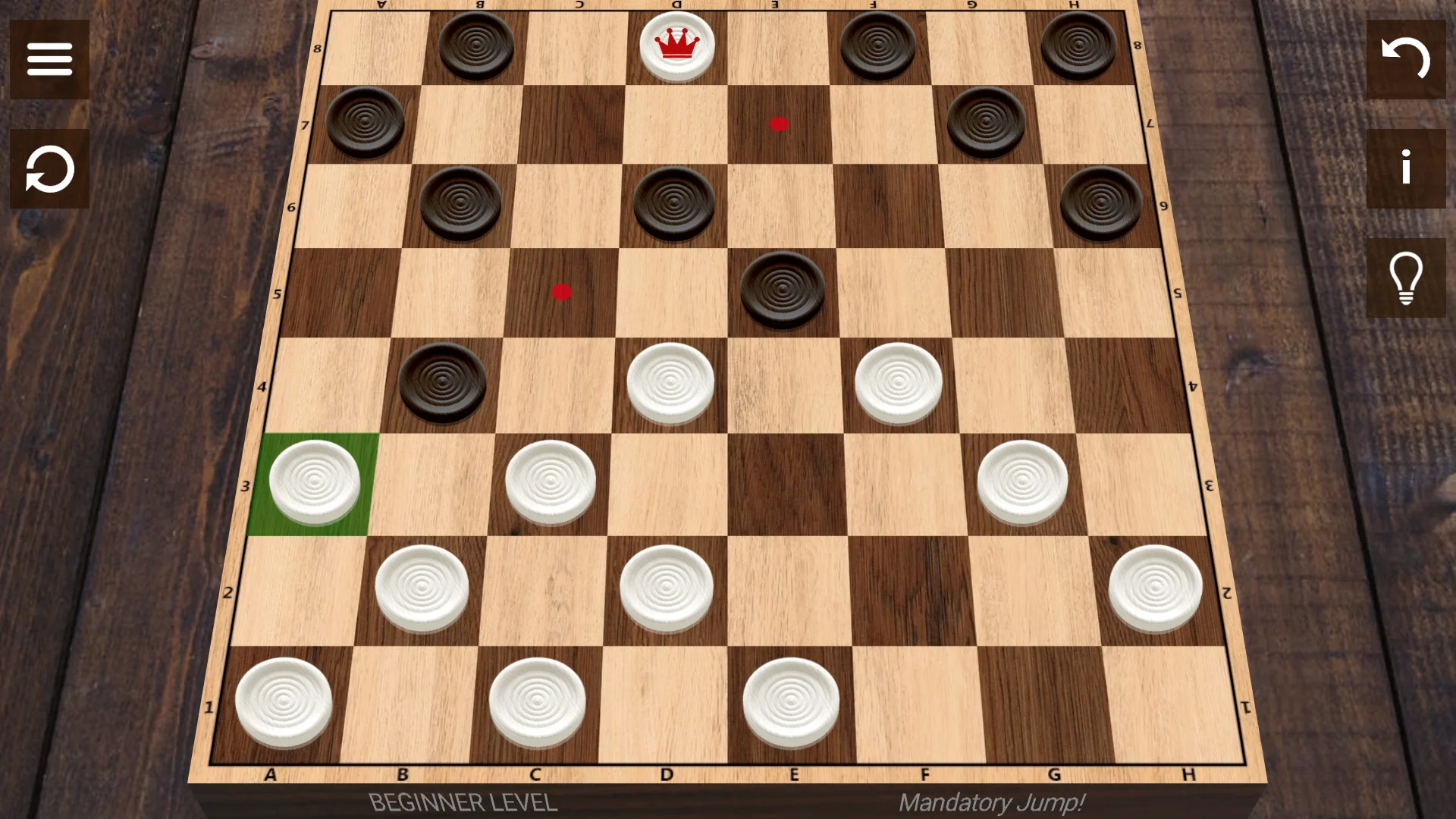
This streamlined checkers title supports international 10×10 boards alongside standard American 8×8 rules. It features computer opponents and a smooth two-player pass-and-play mode on shared screens.
- Rule Variants: Switch freely between American Checkers, International Draughts, Russian, and Spanish rules.
- Pass and Play: Share your Chromebook screen with a friend for enjoyable side-by-side local competition.
- Smart AI Engine: Sharpen your double-jump tactics across five balanced single-player difficulty settings.
#8
Checkers – Online & Offline
★ Competitive Online Draughts
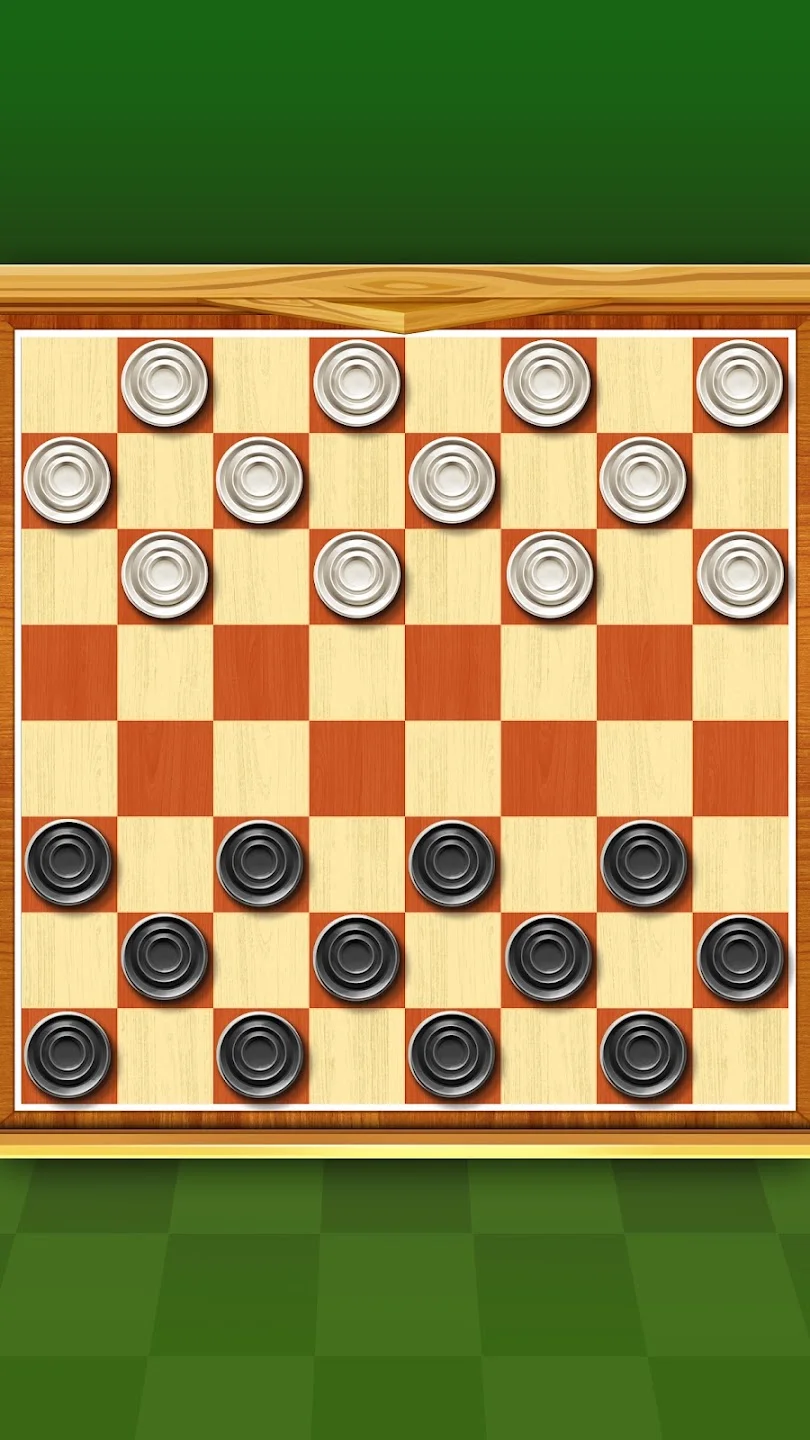
Quick Checkers delivers fast-paced multiplayer matchmaking paired with seasonal competitive ranks, collectible disc skins, and offline practice modes when you lack internet access.
- Ranked Matchmaking: Compete against players across the globe to climb seasonal leaderboards and win trophies.
- Customizable Discs: Unlock distinctive checkerboard styles and collector discs as your level increases.
- Offline Practice: Warm up your multi-jump routes against offline computer opponents whenever you travel.
#9
Checkers (AI Factory)
★ Tactical Draughts Trainer
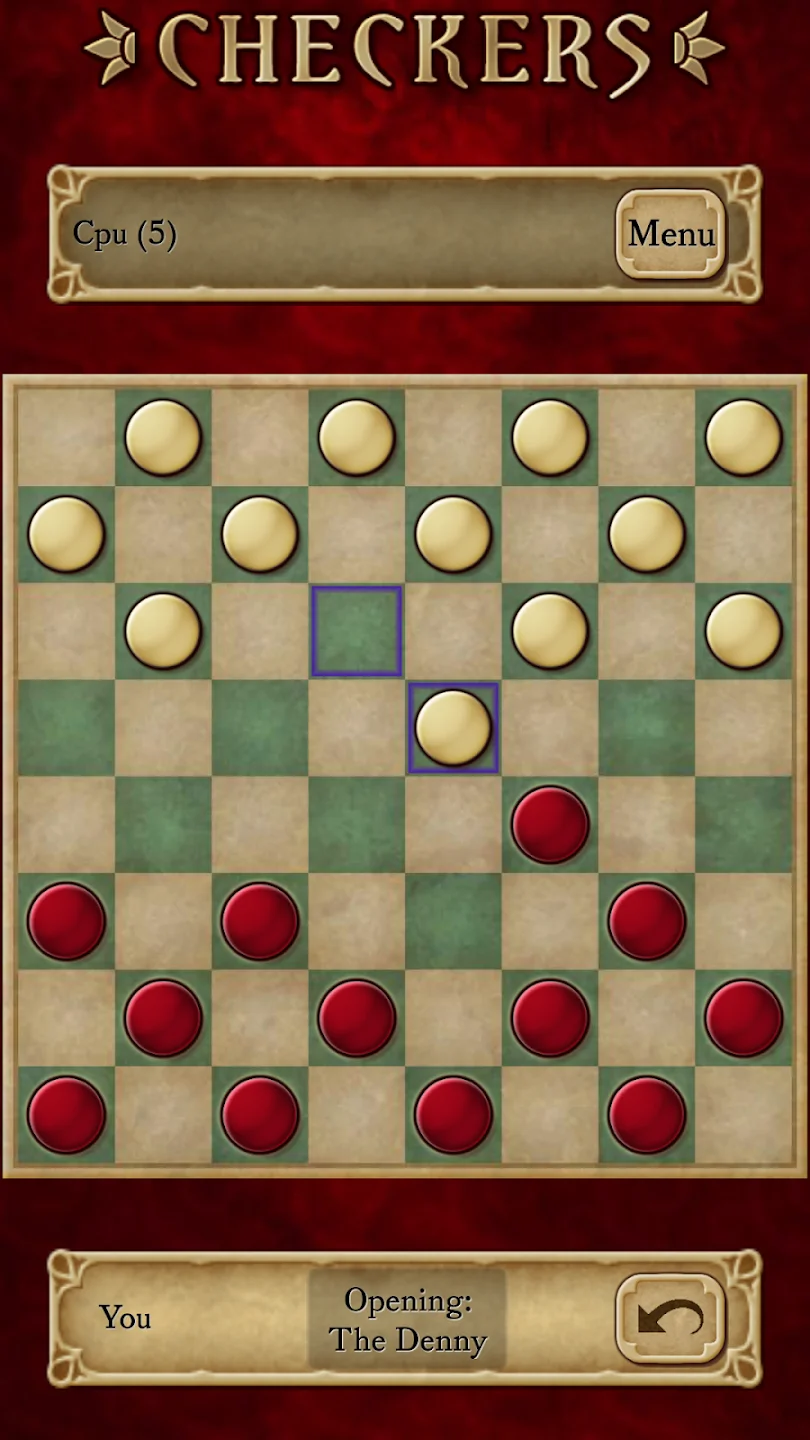
AI Factory brings its deep puzzle engine design to checkers with twelve graduated difficulty levels, optional compulsory capture rules, and comprehensive player performance statistics.
- Graduated Skill Tiers: Challenge twelve calibrated skill tiers ranging from beginner-friendly to tournament expert.
- Rule Customization: Toggle mandatory jump captures and king movement options to mirror your favorite rulebook.
- Player Statistics: Track your lifetime win rates, piece efficiency scores, and tactical jump accuracy.
Play Online Chess & Checkers Instantly (No Install Required)
If you prefer playing directly in your Chrome browser without downloading Android apps, these web platforms run smoothly on ChromeOS with instant matchmaking and puzzle trainers.
Lichess.org
The gold standard for free, open-source chess. Enjoy ad-free blitz, rapid matches, infinite puzzles, and built-in Stockfish engine analysis right in your browser tab.
Chess.com Web
The web edition of the world’s most popular chess platform offers instant browser matchups, daily puzzles, interactive master lessons, and global spectator tournaments.
SparkChess
An intuitive browser chess game featuring distinctive AI personalities, smooth piece animations, and friendly multiplayer designed to make learning chess approachable.
24/7 Checkers
Instant, zero-friction online checkers with a classic wooden board aesthetic. Play against casual computer opponents across four difficulties with no login required.
Checkers Online (PlayCheckers)
Fast-loading web-based checkers with global matchmaking and classic two-player modes. Perfect for quick casual matches on Chromebook during study breaks.
Playing Chess & Checkers on Chromebook
Modern Chromebooks provide an ideal setup for classic board games through responsive touchscreens, local Android apps, and browser play.
1. Touchscreen and Trackpad Control
Board games feel natural on ChromeOS. You can tap and drag pieces directly on 2-in-1 touchscreen displays, or use a trackpad and mouse for precise square selection in timed blitz matches.
2. Offline Play on ChromeOS
Android board games installed from Google Play run completely offline once downloaded. You can practice opening lines or solve tactical puzzles during flights without an active internet connection.
3. Browser Versus Android Apps
Web-based platforms like Lichess require zero device storage and start instantly in Chrome. Downloadable Play Store apps offer offline AI engines, custom board skins, and local game notation archives.
4. Battery Efficiency and Performance
2D chess and checkers engines consume minimal battery power and system memory. You can run hundreds of tactical analysis calculations without draining battery life on long travel days.
Frequently Asked Questions
Can I play chess and checkers on Chromebook without an internet connection?
Yes. Downloadable Android games like Chess by AI Factory, Chess by Chess Prince, and Checkers by Dimcoms run offline directly on device hardware once installed from Google Play, allowing you to practice against computer opponents anywhere.
Which chess app is best for learning and improving your rating?
Chess.com offers the most comprehensive video lessons and puzzle ladders, while Chess by AI Factory includes a dedicated Chess Tutor that warns you before you make tactical errors. Lichess.org also provides free, unlimited tactical analysis in your browser.
Do I need a powerful Chromebook to play 3D chess games?
No. Native 3D Android titles like Real Chess run comfortably on lightweight Chromebook hardware. For photorealistic PC titles like Chess Ultra, cloud gaming services such as GeForce NOW or Boosteroid handle the heavy rendering remotely.
Can two people play checkers locally on the same Chromebook?
Yes. Games such as Checkers by Dimcoms feature local pass-and-play modes where two players take turns making moves on a shared touchscreen or with a shared trackpad.
Are online chess platforms like Lichess and Chess.com free on Chromebook?
Yes. Lichess.org is entirely free and open-source with no advertisements or paywalls. Chess.com provides free unlimited rated games and daily puzzles, with optional subscriptions for advanced video lessons.
Discover more from Chrome Geek
Subscribe to get the latest posts sent to your email.