GeForce NOW on Chromebook: Install Guide, DLSS 4.5 Controls and Web Access
 by
Sophie Sullivan
Post Updated: October 19, 2026
by
Sophie Sullivan
Post Updated: October 19, 2026
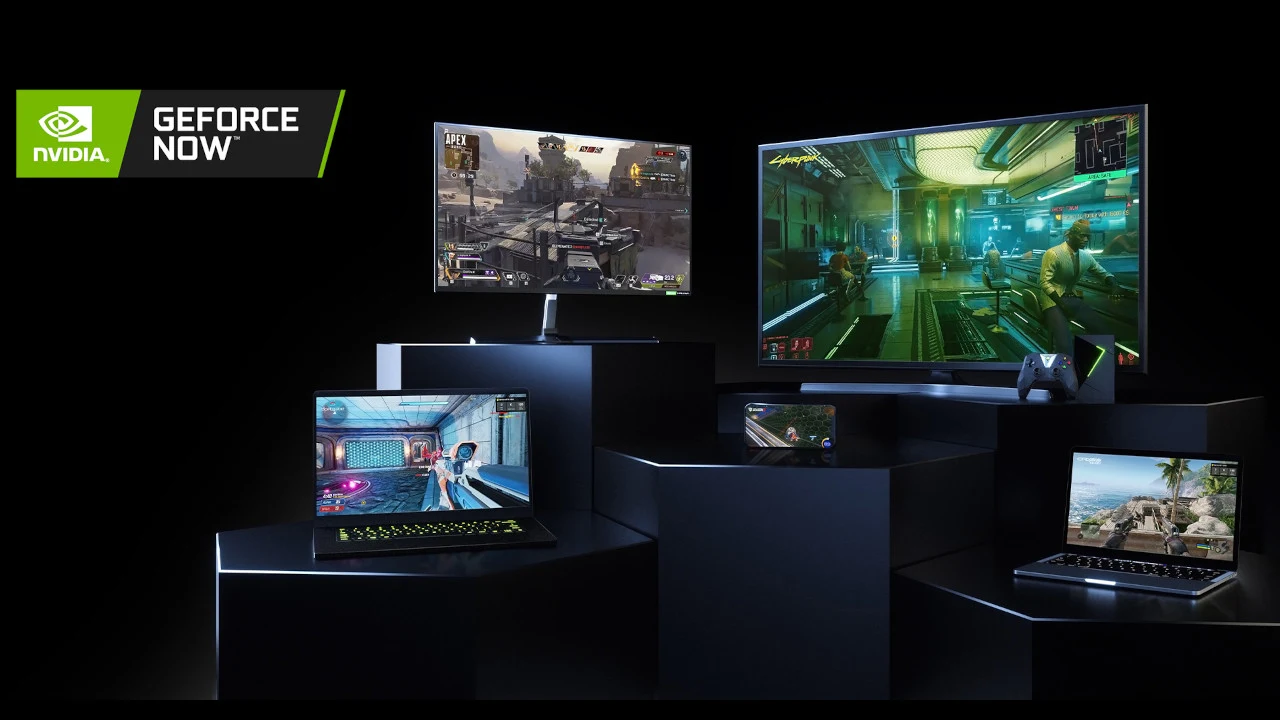
NVIDIA GeForce NOW is a cloud gaming service that streams PC games to your Chromebook or Googlebook, so you can play big titles without a gaming PC. The heavy lifting happens on NVIDIA’s servers, and your laptop just shows the stream.
Most Chromebooks made since 2017 can run Android apps, and the web version works in Chrome on any Chromebook. Googlebooks run Chrome too, so the same web version works there. This guide covers both ways to play, the new DLSS 4.5 controls, requirements and common questions.
How to get GeForce NOW on a Chromebook
You can use the Android app from the Google Play Store or the web version at play.geforcenow.com. Not sure if your Chromebook runs Android apps? Check our list of compatible Chromebooks.
Method 1: Install the GeForce NOW app
- Open the Google Play Store on your Chromebook.
- Search for “NVIDIA GeForce NOW”.
- Click Install.
- Open GeForce NOW from your app launcher. If you see “Streaming games is not supported in this browser”, NVIDIA suggests launching it from the launcher instead of the Play Store’s Open button.
- Sign in and pick a game.
Get it: GeForce NOW on Google Play.
Play Store missing? see our guide to turn on the Google Play Store.
Quick tip: connect a gamepad for a console-like experience.
Method 2: Play in the Chrome browser
- Open Chrome on your Chromebook.
- Go to play.geforcenow.com.
- Sign in with your NVIDIA account, or create one.
- Search for a game and click Play.
Why we like it: there is nothing to install, so it works on any Chromebook with Chrome. Bookmark the page or install it to your shelf for quick access.
New: DLSS 4.5 controls on Chromebooks
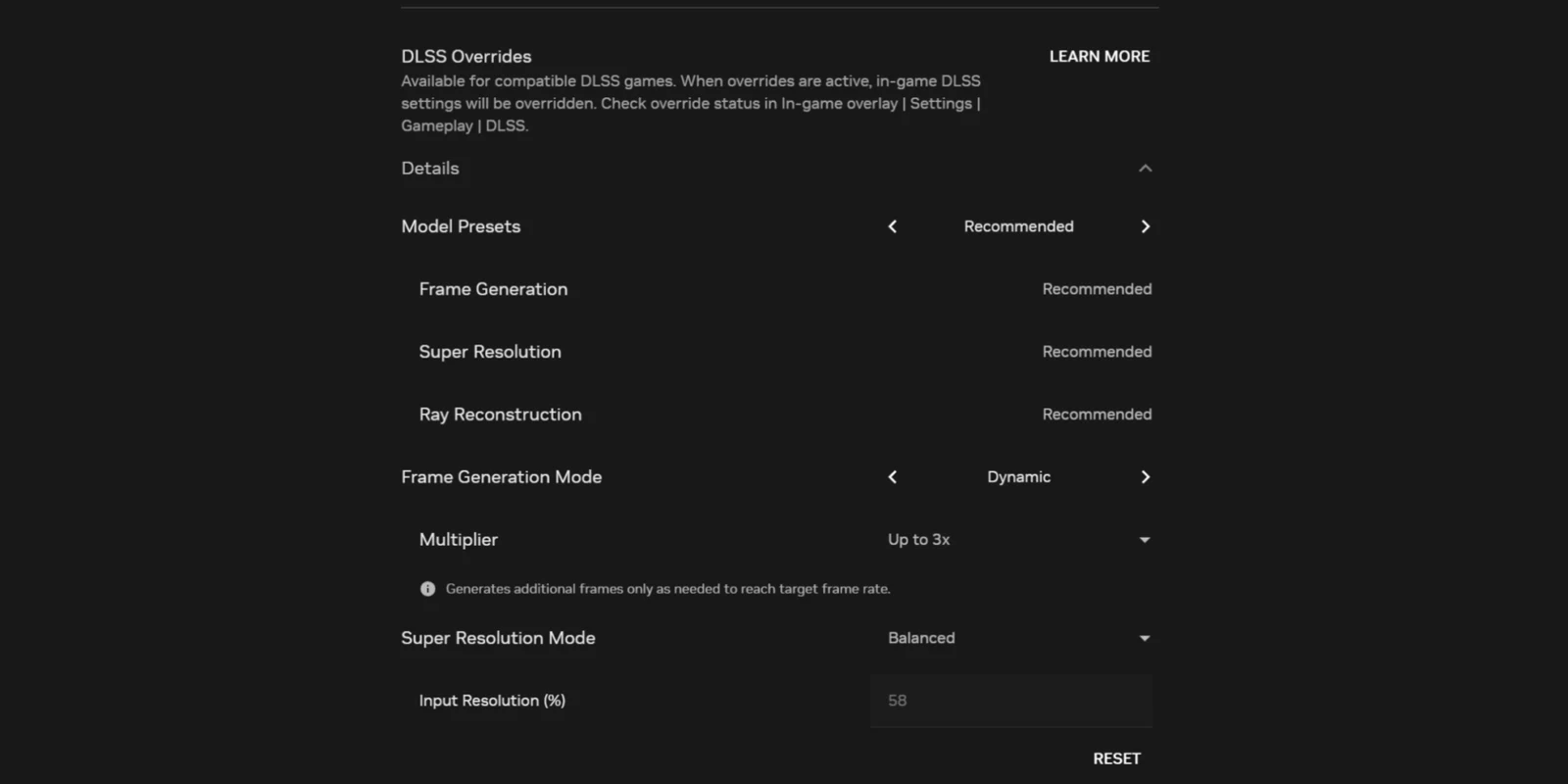
What changed: in October 2026, NVIDIA added DLSS 4.5 controls to GeForce NOW on Chrome OS, Windows, macOS and Steam OS. You can tune DLSS Super Resolution, Frame Generation and Ray Reconstruction in supported games. Read our news story on the DLSS 4.5 controls for the full details.
Where to find them: open GeForce NOW and go to Settings, Gameplay, Streaming Quality, then click Details. NVIDIA recommends the Recommended preset for most people.
Check they work: start a game that supports DLSS, turn on DLSS in the game, then press Ctrl+N to see the overlay. You can also press Ctrl+G, then Settings, Gameplay, DLSS Overrides, to see what you set.
Which plan gets what: free members get Super Resolution only. Performance and Ultimate members get all three, and Ultimate members on GeForce RTX 5080 rigs also get Dynamic Multi Frame Generation up to 4X.
Play new games on launch day
No downloads: because games run in the cloud, new releases can be ready the day they launch. For example, Enshrouded 1.0 and Warhammer 40,000: Boltgun 2 streamed on GeForce NOW at launch in October 2026, with no 60GB Enshrouded install eating your Chromebook’s storage.
Bring your library: GeForce NOW connects to games you already own on stores like Steam, Epic Games Store and Xbox, so you do not have to buy them again. Not every game is supported, so check the library first.
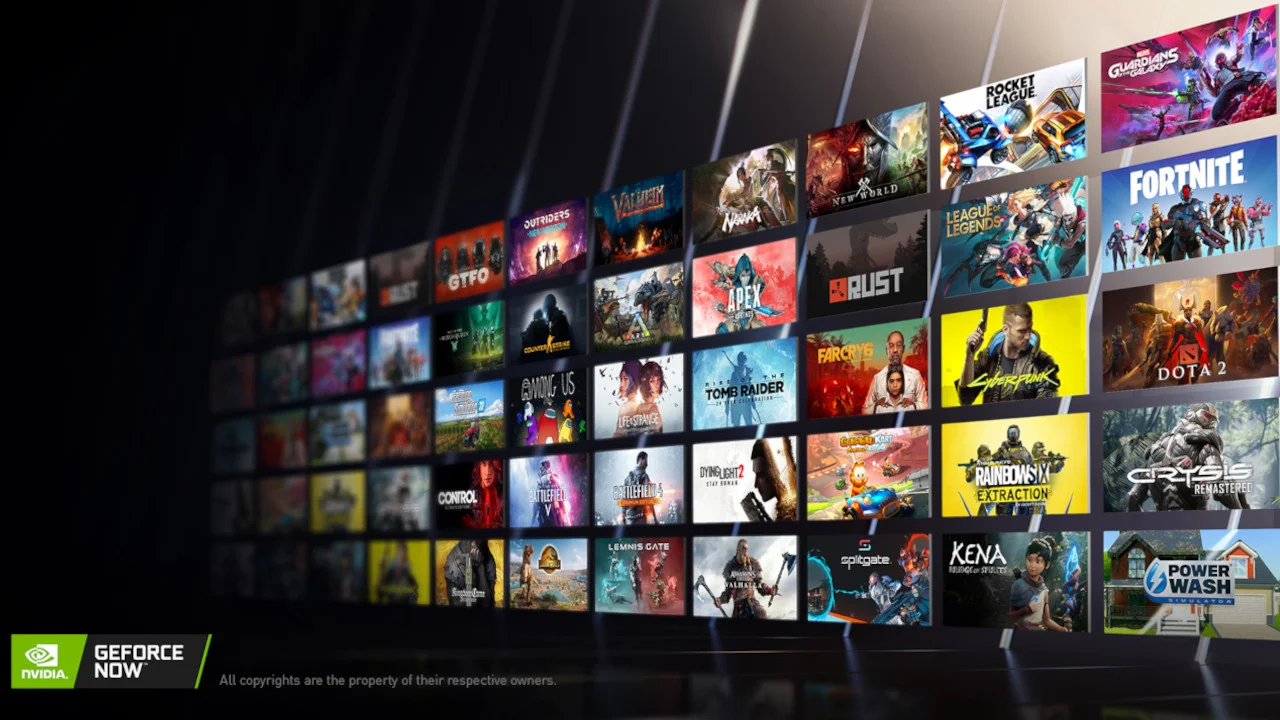
Games you can play right now
Here are four popular and recent games that NVIDIA lists as streaming on GeForce NOW in autumn 2026. You still need to own each game on a supported store, such as Steam or Xbox.
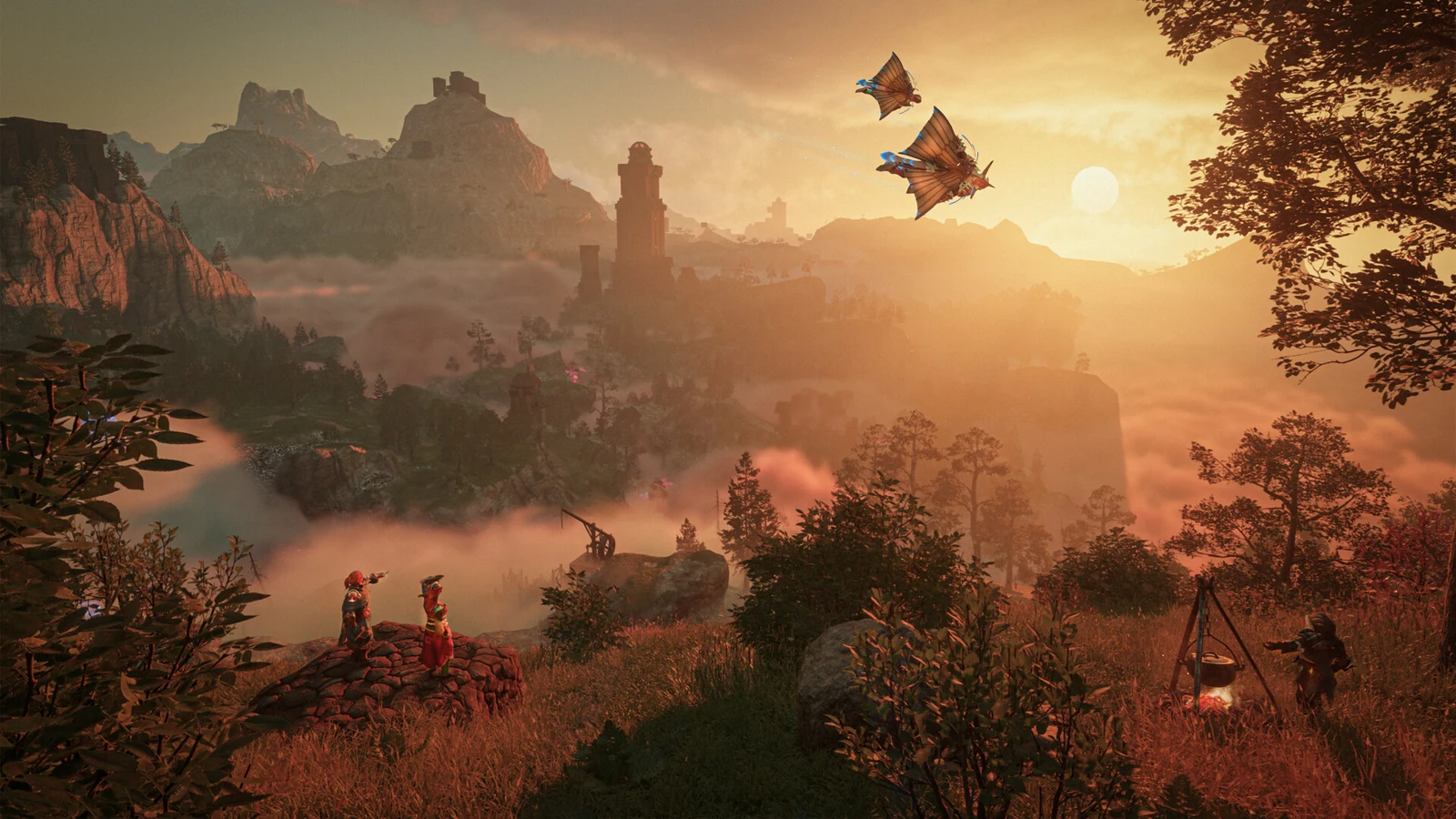
Enshrouded 1.0: Keen Games’ co-op survival action RPG left early access on Oct. 15, 2026, with new spells, skills and a new biome. It streams at launch, so you skip the 60GB install.
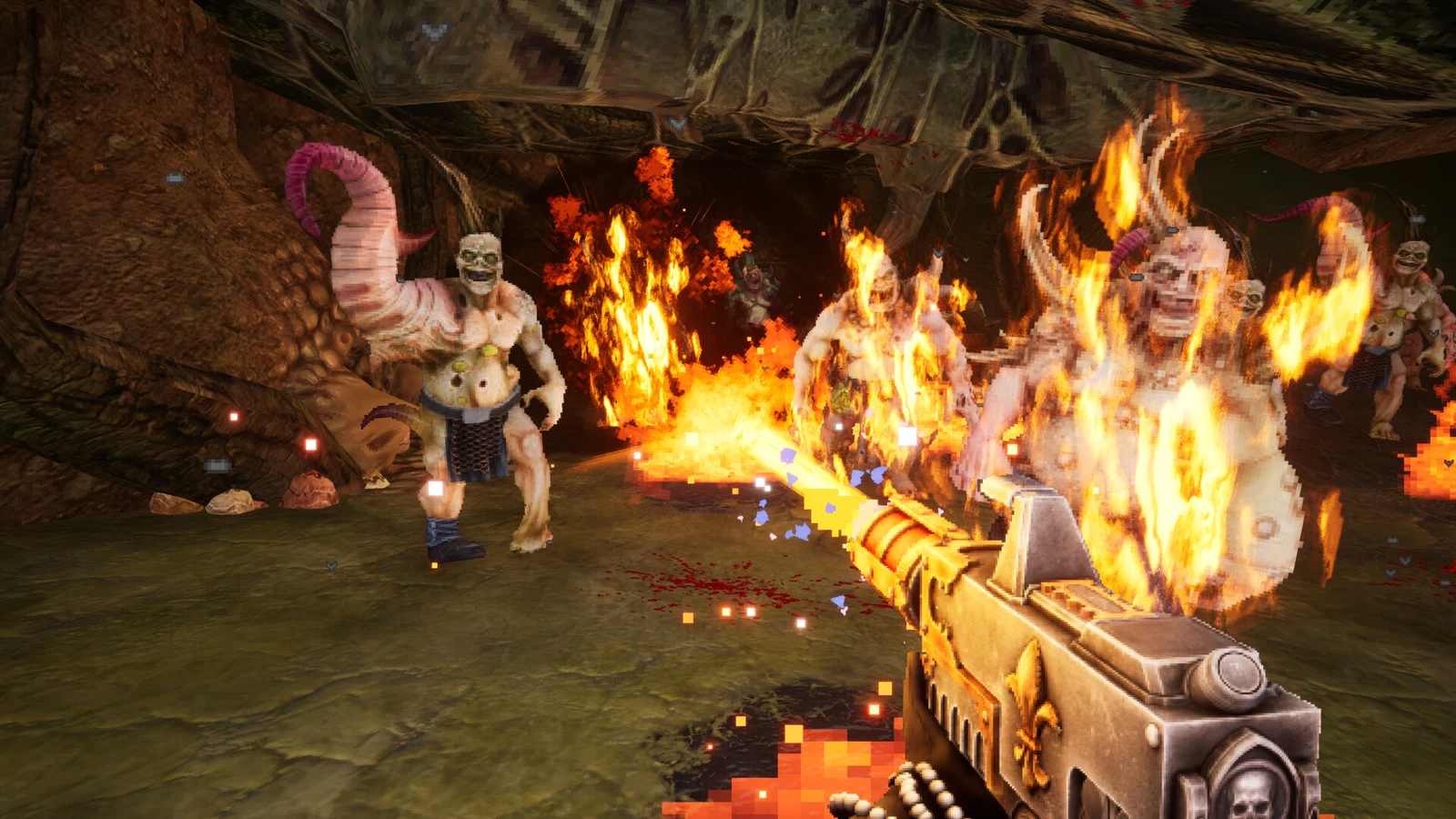
Warhammer 40,000: Boltgun 2: the fast, retro-style shooter sequel from Auroch Digital launched on Steam on Oct. 14, 2026, and is streaming on GeForce NOW.
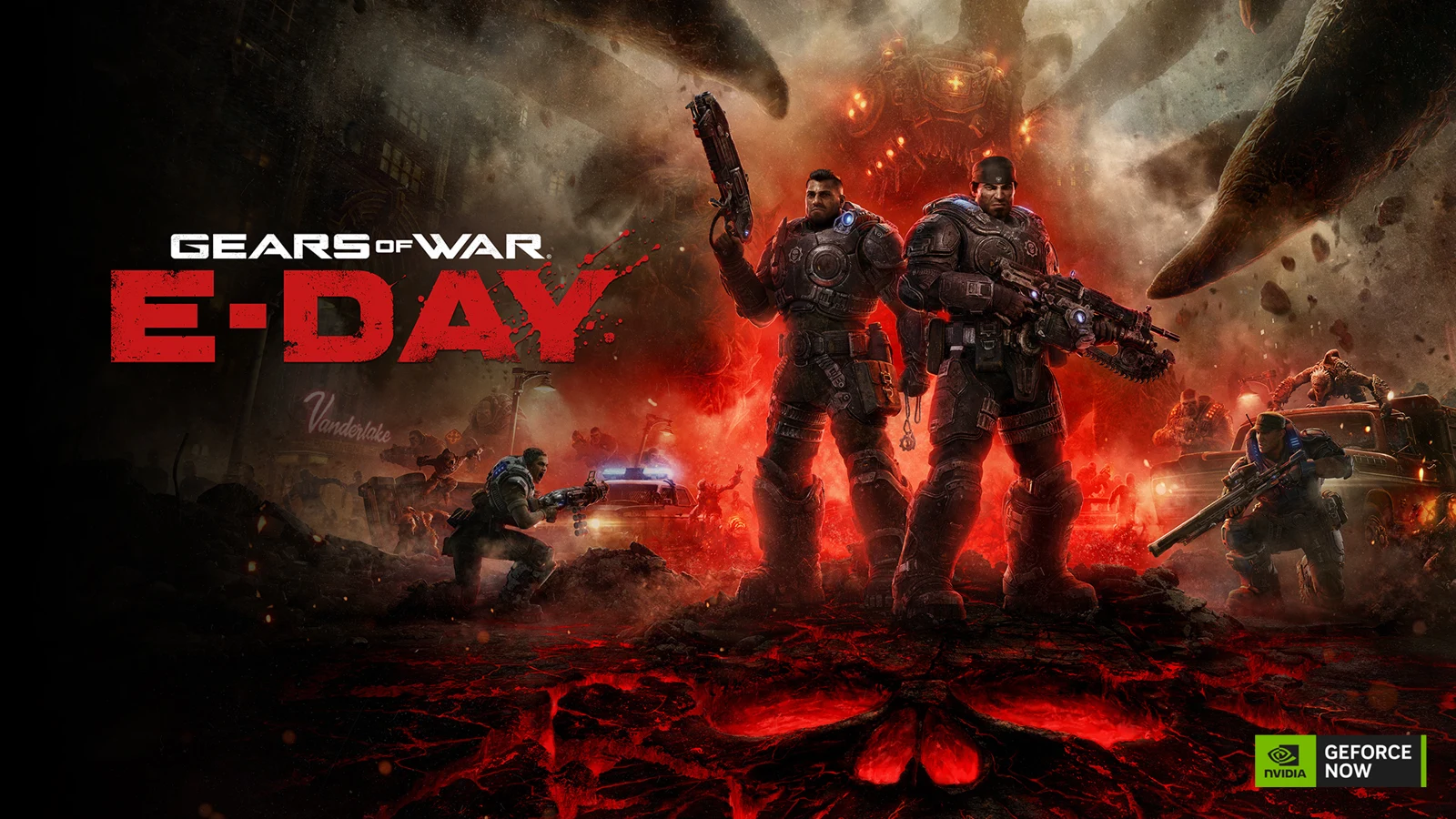
Gears of War: E-Day: the prequel to the original Gears of War joined GeForce NOW after its Oct. 6, 2026 release on Steam and Xbox. It is also on Game Pass.
007 First Light: IO Interactive’s James Bond origin story is on GeForce NOW, and NVIDIA added path tracing to the cloud version in September 2026.
What is NVIDIA GeForce NOW?
The basics: GeForce NOW is NVIDIA’s cloud gaming service. It runs PC games on GeForce RTX servers and streams them to your device, competing with services like Xbox Cloud Gaming, Amazon Luna and Boosteroid.
Plans: there is a free tier with limits, plus paid Performance and Ultimate memberships. A day pass lets you try premium cloud gaming before you commit.
Chromebook bonus: in November 2025, Google announced a GeForce NOW Fast Pass for people who buy a new Chromebook, with 10 hours of ad-free play per month for a year. Check that the offer still applies before you buy.
GeForce NOW Chromebook requirements
Source: these figures come from NVIDIA’s system requirements page.
GeForce NOW getting started video
GeForce NOW on Chromebook FAQ
Is it free? yes, there is a free tier with limits. Paid plans add longer sessions and better quality.
Why won’t the app install? make sure the Play Store is turned on and your Chromebook has at least 4GB of RAM. If it still fails, use the browser version.
Do I need an account? yes, you need an NVIDIA account to play.
Do I need to buy games again? no. GeForce NOW streams games you own on supported stores, while some free-to-play games need no purchase at all.
Can I use DLSS 4.5 on a Chromebook? yes, in supported games, through Settings, Gameplay, Streaming Quality.
More help and other cloud gaming options
Support: NVIDIA Support and the GeForce NOW community on Reddit are good places to start.
Other services: compare Xbox Cloud Gaming, Amazon Luna and Boosteroid on Chromebook.
Questions? share your thoughts or contact us.
Shopping for a new screen to stream on? See our best Chromebooks for gaming.
Discover more from Chrome Geek
Subscribe to get the latest posts sent to your email.