Googlebook Fixes Are Rolling In: OLED Blacks First, 3 More on the Way
 by
Sophie Sullivan
Post Updated: October 25, 2026
by
Sophie Sullivan
Post Updated: October 25, 2026
Google has started fixing the early problems Googlebook owners have been reporting, starting with washed-out blacks on OLED screens. A new system update is reaching Acer and Lenovo models first, and Google’s Mishaal Rahman has also confirmed on Reddit that fixes are in the works for Bluetooth audio lag, missing Writing Tools and a Cast My Apps bug, as Android Authority reports. Here is where each issue stands.
1. OLED screens: the fix is rolling out
The problem: owners of OLED Googlebooks from Acer and Lenovo noticed that dark scenes and letterbox bars looked dark gray instead of true black. The boot screen still showed proper blacks, but the gray tint appeared as soon as Googlebook OS loaded, which pointed to software rather than a faulty panel.
Google’s answer: Mishaal Rahman said on Reddit that the team had found the root cause and believes a software update will fix it, so a hardware replacement should not be needed.
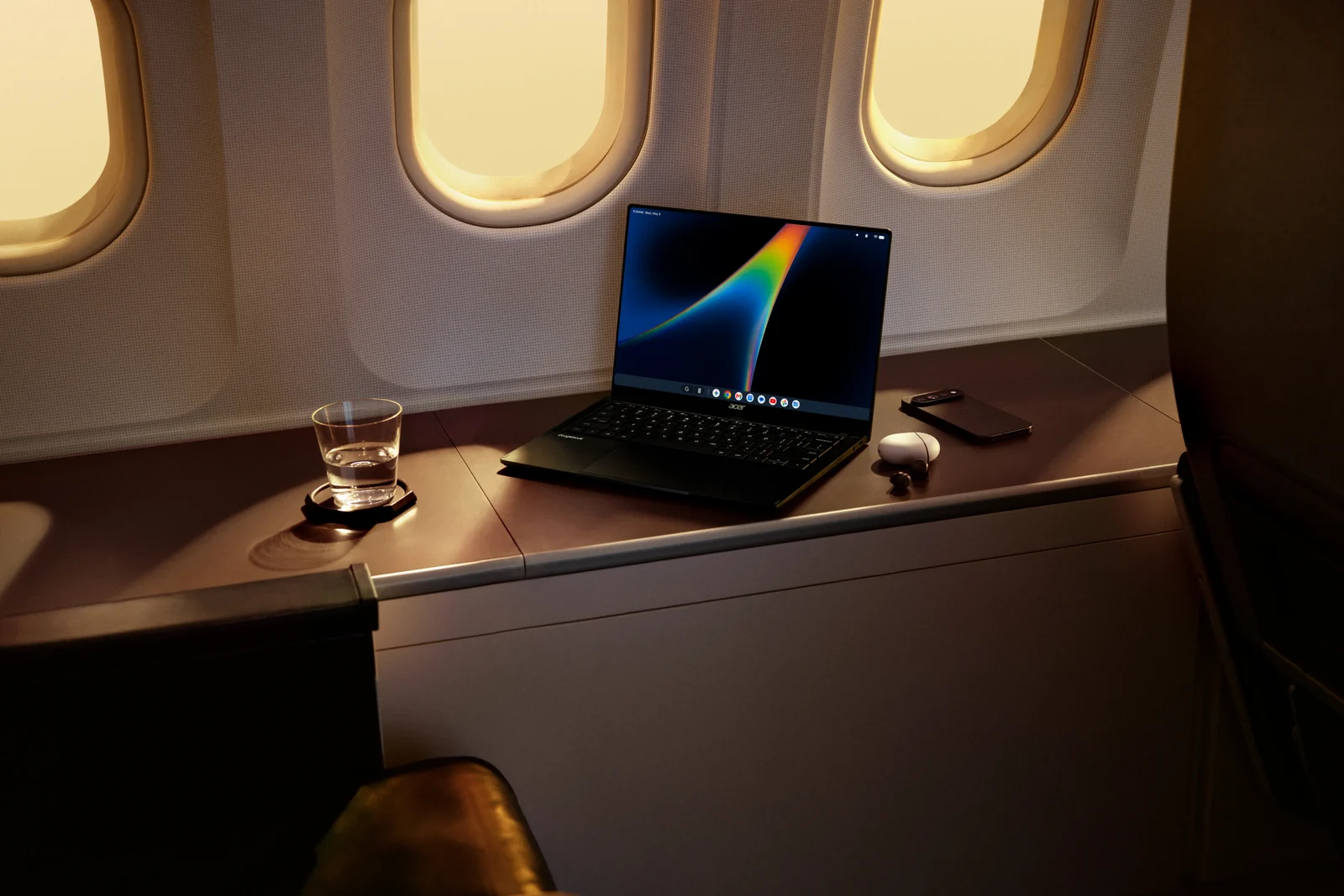
The update: according to GbookHub, build 17.CL3B.260622.276.R4 is now rolling out (it reported the update on October 23), with the October 1, 2026 security patch. Its release notes only mention general improvements, but Reddit users say black levels look right again on the Lenovo Googlebook 15 and the Acer Googlebook 14. On a Lenovo Googlebook 15 the download was about 37 MB.
Not everyone has it yet: so far the update has only been seen on Acer and Lenovo models. A Dell XPS Googlebook was still on the older build, and one ASUS owner saw no change, so it looks like a staged rollout. If you have an OLED Googlebook, check for a system update in Settings over the next few days.
2. Bluetooth audio lag: two fixes coming
The problem: some owners say audio runs behind the video when they use Bluetooth earbuds, even Google’s own Pixel Buds. Reports came from Dell XPS and HP owners, in both the YouTube app and on the YouTube website.
What Google says: Rahman says two changes are coming: a fix for latency with certain Bluetooth products and, separately, support for more audio codecs, including AAC. Owners have also noticed that some Snapdragon Googlebooks only offer the basic SBC codec, though Google has not said whether that causes the lag. Neither fix has a release date yet.
3. Writing Tools and Cast My Apps
Writing Tools: on some Googlebooks, Gboard’s AI Writing Tools stay greyed out in Gmail, Docs and other text boxes, even after a factory reset or switching to US English. Google says it is testing a change that should fix this and will release it once it is ready. Some owners say Writing Tools started working on their own after a system update or a fresh setup, but there is no confirmed workaround.
Cast My Apps: when a Googlebook is online through Instant Hotspot from your phone, Cast My Apps can get stuck on a pairing QR code instead of showing your phone’s apps. This was reported on combinations like a Lenovo Googlebook with a Pixel 11 Pro XL and a Dell XPS Googlebook with a Galaxy Z Fold 8. Google knows about it and is building a fix, again with no timeline.
And Find Hub? this one is different. Google told Android Authority it removed Find Hub from first-generation Googlebooks on purpose, because the phone app is not built for laptops, which are usually closed and asleep when they go missing. Google has not said when a laptop version will come.
4. Where each fix stands
Our take
New platforms always have rough edges, and Googlebook OS is only a few weeks old. What stands out here is the speed: the OLED bug went from Reddit thread to a rolling update in under two weeks, and Google is answering owners directly instead of staying quiet. That matches what reviewers said in our roundup of all five Googlebook reviews: great hardware, with software that is catching up quickly. If you own one, keep your system updates on, and if Writing Tools or Cast My Apps are acting up, a fix is on its way.
Want to do more with your Googlebook? You can now build your own Android apps on it with AI agents.
Discover more from Chrome Geek
Subscribe to get the latest posts sent to your email.