All 5 Googlebooks Reviewed: Great Hardware, Unfinished Software
 by
Sophie Sullivan
Post Updated: October 22, 2026
by
Sophie Sullivan
Post Updated: October 22, 2026
Every Googlebook on sale right now has great hardware, and every one of them is held back by its software. That is the verdict from The Verge, which published collective reviews of all five launch Googlebooks on October 22 from Acer, Dell, HP, Asus and Lenovo. Its reviewers do not recommend buying any of them yet, but they did pick out which machines show the most promise if Googlebook OS improves. Here is how the five compare.
The five Googlebooks side by side
How to read it: prices are the starting prices The Verge listed, and the Lenovo varies by store ($1,099 at Best Buy, $1,149 at Google). The Verge says the software is the same on every Googlebook apart from some preinstalled maker apps, so the real choice comes down to size, ports and price.
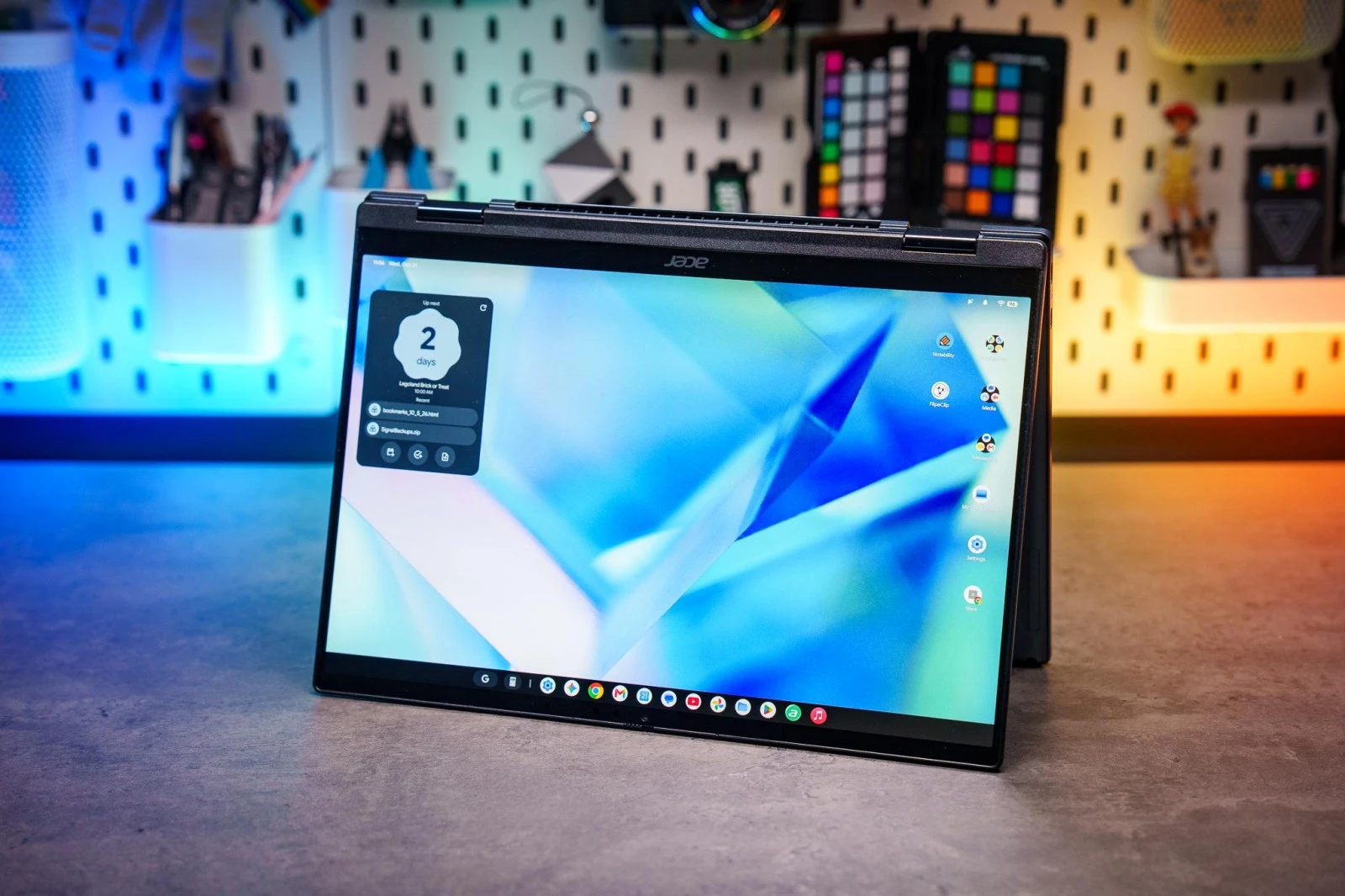
1. Acer Googlebook 14: the cheapest and the only 2-in-1
What they liked: at $899 it is the most affordable Googlebook for now, with a light, sturdy metal body and a 2880 x 1800, 120Hz OLED touchscreen that works with a stylus. The reviewer got eight to nine hours of light-to-mixed use on a charge.
What held it back: Googlebook OS does not yet support portrait orientation in tablet mode. The Auto-Rotate toggle only flips the screen 180 degrees, which limits how useful the stylus is. The speakers lack bass and the webcam colours look a little drab.
Price warning: an Acer rep told The Verge the $900 launch price is only available for a limited time. The reviewer’s advice is still not to buy now for what the laptop might do later.
2. Dell XPS Googlebook: the best pick as a second computer
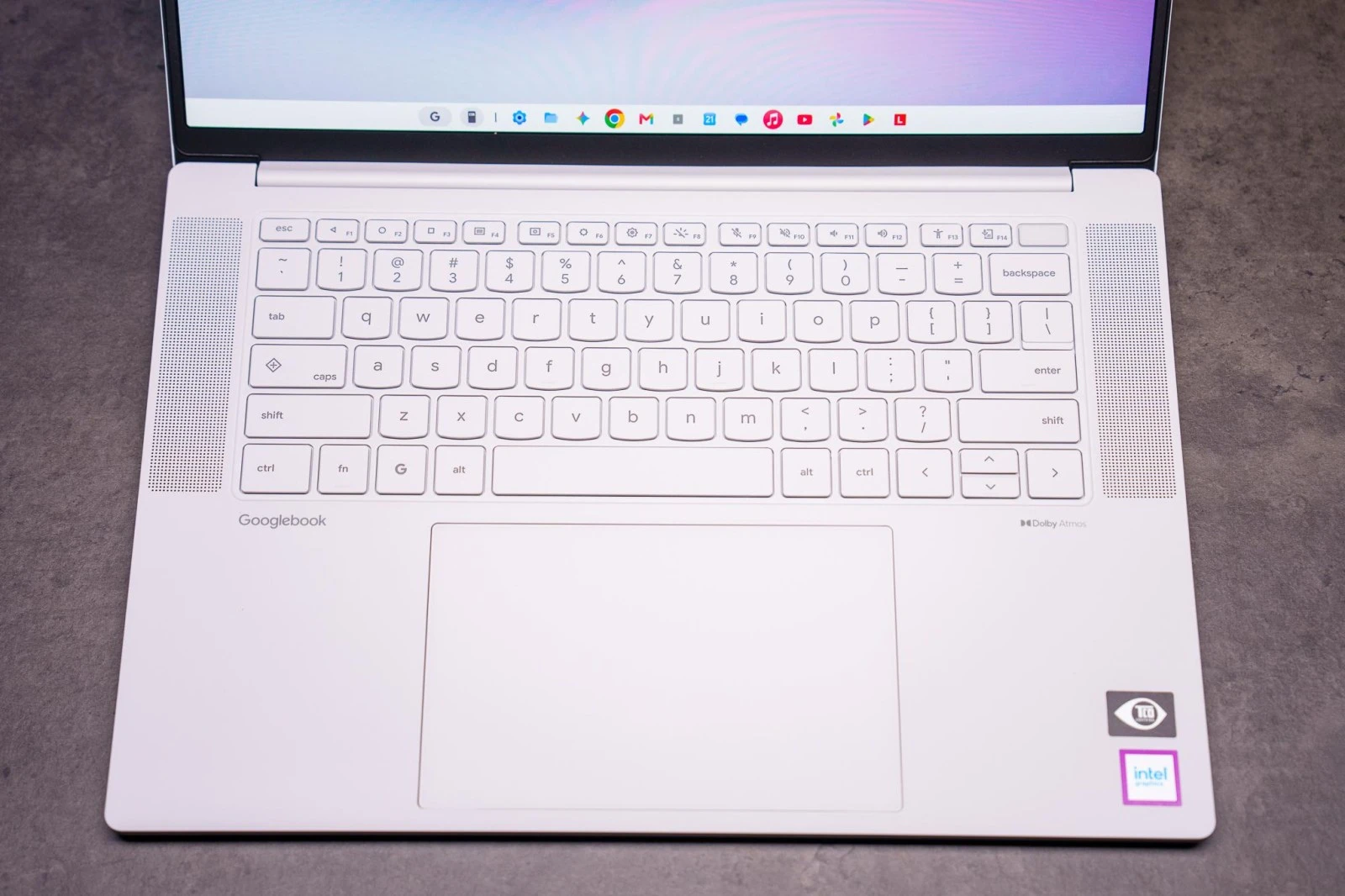
What they liked: at 2.2 pounds with a 13.4-inch screen and a $999 starting price, it is one of the smallest and lightest Googlebooks. The reviewer loved the keyboard and trackpad, and the Qualcomm chip handled everyday work with battery to spare after a full day of travel.
What held it back: the anti-glare coating cuts reflections but adds a slight rainbow shimmer and dims the screen, and there are only two USB-C ports.
The take: this reviewer sees Googlebooks working best for now as light second computers, “a Chromebook, but also it runs all my apps.” They also asked Google to bring back Linux apps.
3. Lenovo Googlebook 15: the big-screen favourite
What they liked: it is the largest of the launch lineup but weighs about 2.8 pounds (1.27kg), nearly half a pound lighter than a 15-inch MacBook Air. It adds HDMI 2.1, two USB-C and a USB-A port, a bright OLED, a large haptic trackpad and loud speakers, and it lasted an eight-hour workday.
What held it back: the keys feel slightly wobbly, and the bright white backlight can make the key labels harder to read. Buy it from Lenovo or Google and you also get an “AI Mouse,” which the reviewer says is basically a Bluetooth mouse with a light-up Gemini button.
4. HP Googlebook 14: solid, but light on ports
What they liked: a mostly metal body about the size and weight of a 13-inch MacBook Air, a 2880 x 1800, 120Hz OLED touchscreen, a Snapdragon X Elite chip, 16GB of RAM (up to 32GB) and up to 1TB of storage. The haptic trackpad and webcam privacy shutter also got praise.
What held it back: it is one of the heavier Googlebooks and only has two USB-C ports and a headphone jack. For more on this model, see our earlier HP Googlebook 14 reviews roundup.
5. Asus Googlebook 14: the most ports, the highest price
What they liked: two USB-C, two USB-A, a headphone jack and HDMI, enough to plug in a monitor, keyboard, mouse and wired controller without a hub. The clicky keyboard and matte 120Hz OLED also stood out. Asus claims up to 18 hours from the 70Wh battery, and the reviewer got through a normal day.
What held it back: at $1,299 for an Intel Core Ultra 5 325, 16GB of RAM and 256GB of storage, it is the priciest Googlebook. The reviewer notes that the same money buys a 13-inch M5 MacBook Air.
Intel worked fine: The Verge’s HP reviewer said their Intel-based Asus had been solid despite early concerns. If you are weighing chips, our Intel or Snapdragon Googlebook guide explains why app support can differ.
What every Googlebook shares
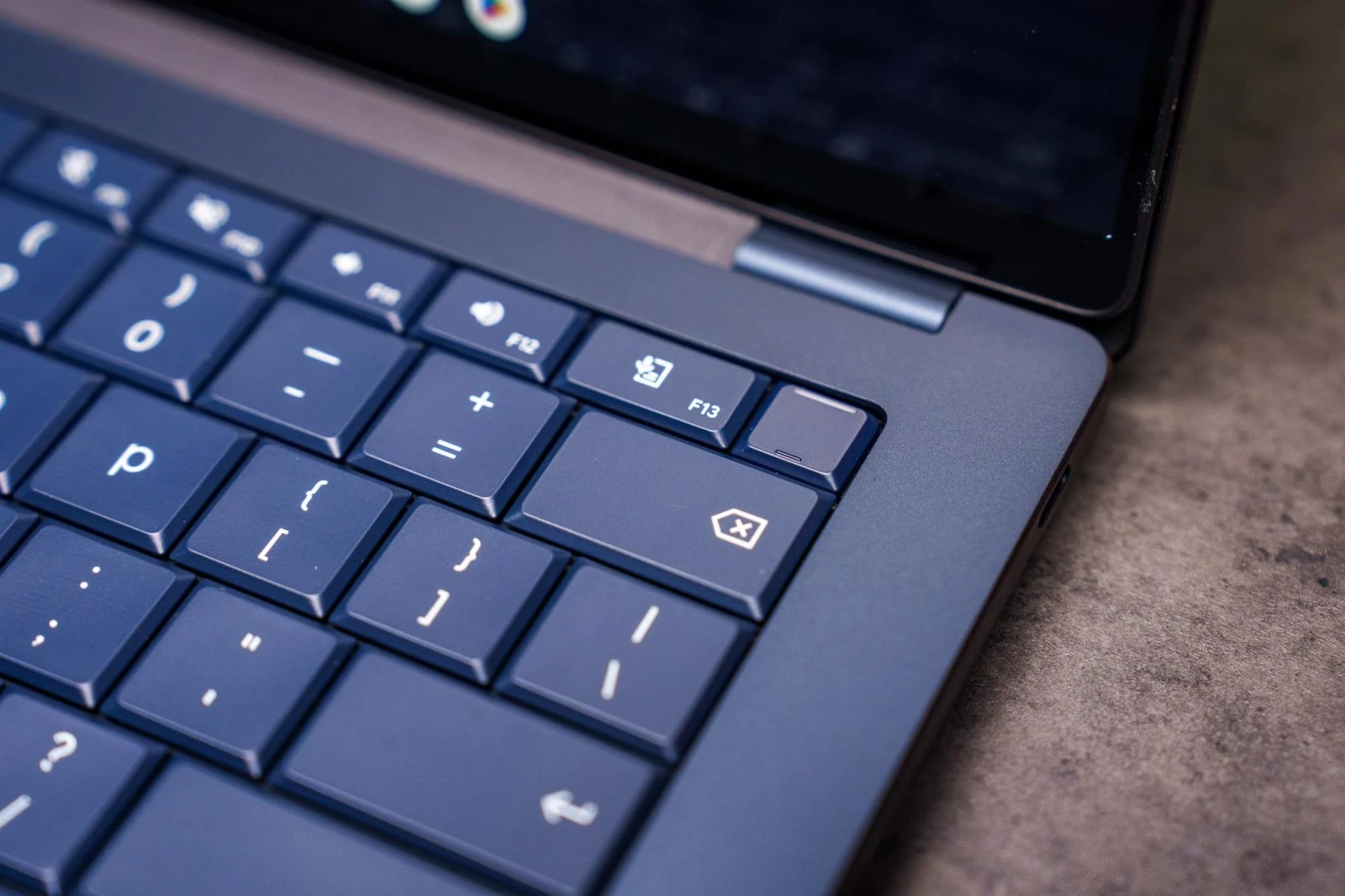
Googlebook keys: Caps Lock works as a Quick Insert key for the clipboard, emoji and Rambler dictation, which also has its own key. There are keys for the Android navigation buttons and a screenshot and screen recording shortcut.
The Glowbar: every model has a light bar on the lid. The Verge calls it cute but says it does not do much, and since it faces away from you, you rarely see it.
The software problem: the reviewers describe Googlebook OS as buggy, with apps that do not work properly with a keyboard or on a laptop-sized screen. One says it often feels like an Android tablet with a keyboard and trackpad attached. They do say Google is fixing it quickly, and called the new option to run any website as an app a big win.
Our take
A few weeks after launch, the reviews line up: the laptops are ready, Googlebook OS is not. If you need a laptop today and live in Chrome, a good Chromebook still makes more sense, and Google has said Chromebook updates continue until 2034. If you are set on a Googlebook, the Acer is the cheapest way in and the Asus has the most ports, but we would wait a few updates and check whether the apps you rely on work well first.
Sticking with a Chromebook for now? Here is how long yours will keep getting updates.
Discover more from Chrome Geek
Subscribe to get the latest posts sent to your email.