Intel or Snapdragon Googlebook? Why the Chip Matters for Android Apps
 by
Sophie Sullivan
October 18, 2026
by
Sophie Sullivan
October 18, 2026
Googlebooks have been in US stores for two weeks, and Google and Intel are already telling slightly different stories about how well Android apps run on them. As Android Police explains in a new breakdown, the answer depends on one spec many buyers will skip right past: the processor.
What Google and Intel are saying
Google’s warning: in a statement to Android Authority, Google said the vast majority of Android apps run smoothly on both Intel and Qualcomm Googlebooks out of the box. But because many Android apps were originally designed for Arm chips, it said a small handful of complex apps or games need some developer tuning to run their best on Intel.
Google’s follow-up: Google later told Android Authority that 96.6% of the top 10,000+ most-used apps are available in the Play Store and run flawlessly on Intel Googlebooks. It says most of the rest were removed from Play because they do not work on large screens on any platform, such as apps that need a gyroscope. That still leaves just over 300 popular apps that are not available.
Intel’s response: Intel pushed back in a statement to Gizmodo. It pointed to Intel Bridge Technology, a translation layer built on the same technology ChromeOS uses today, but without the extra overhead of a virtual machine. Intel says users should expect strong app compatibility and fast, responsive performance.
Why the chip matters
Different languages: Android grew up on phones with Arm chips, so many apps, especially games, include code built only for Arm. Snapdragon X Elite is an Arm chip, so that code runs the same way it does on your phone. Intel’s Panther Lake chips use x86, so the laptop has to translate Arm-only code first.
Most apps will not notice: apps written in Java or Kotlin, the standard Android languages, are handled by the Android Runtime and run fine on Intel. The trouble is native code, which developers write in C or C++ for extra speed or graphics power. Translating that on the fly can cut into frame rates in demanding games.
Better than old Intel Chromebooks: Google says Intel Googlebooks translate modern 64-bit Arm code (arm64-v8a) straight into 64-bit Intel (x86_64) instructions. On Intel Chromebooks, Android apps ran through a translation layer inside a virtual machine, and they often felt sluggish next to Arm models. Googlebook OS drops that virtual machine.
Which Googlebooks use which chip
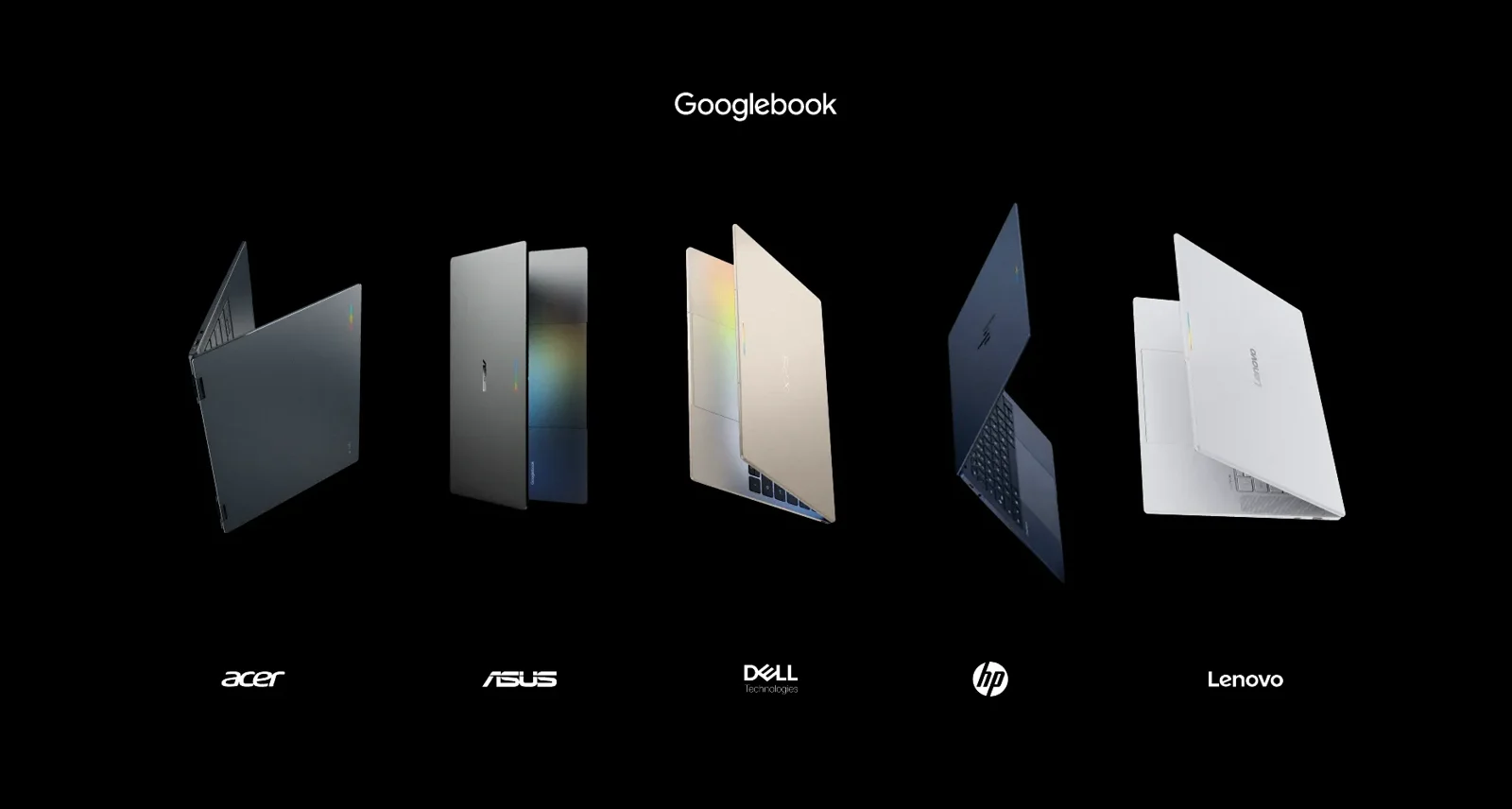
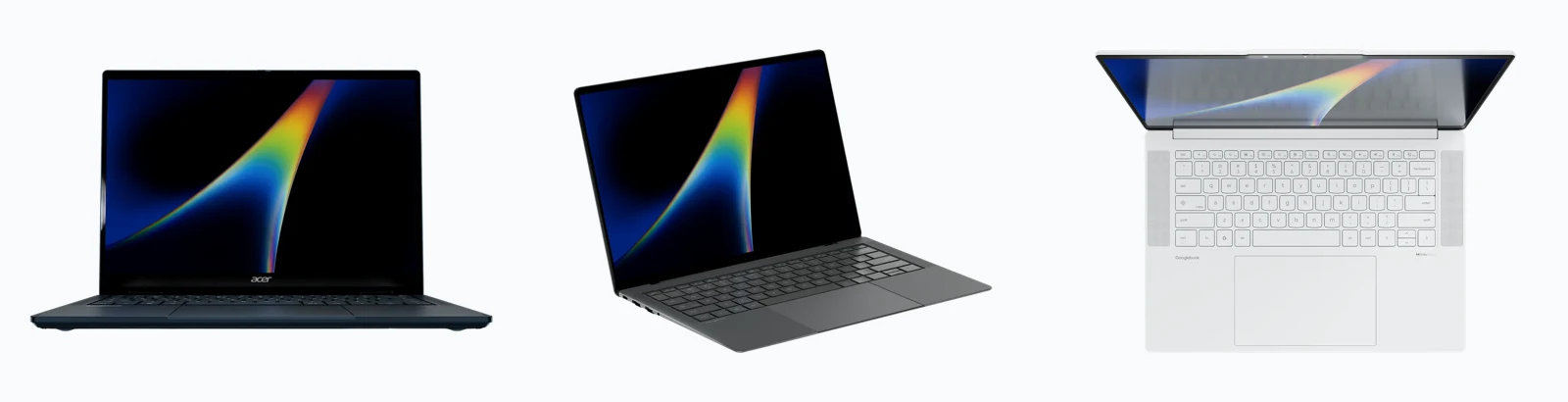
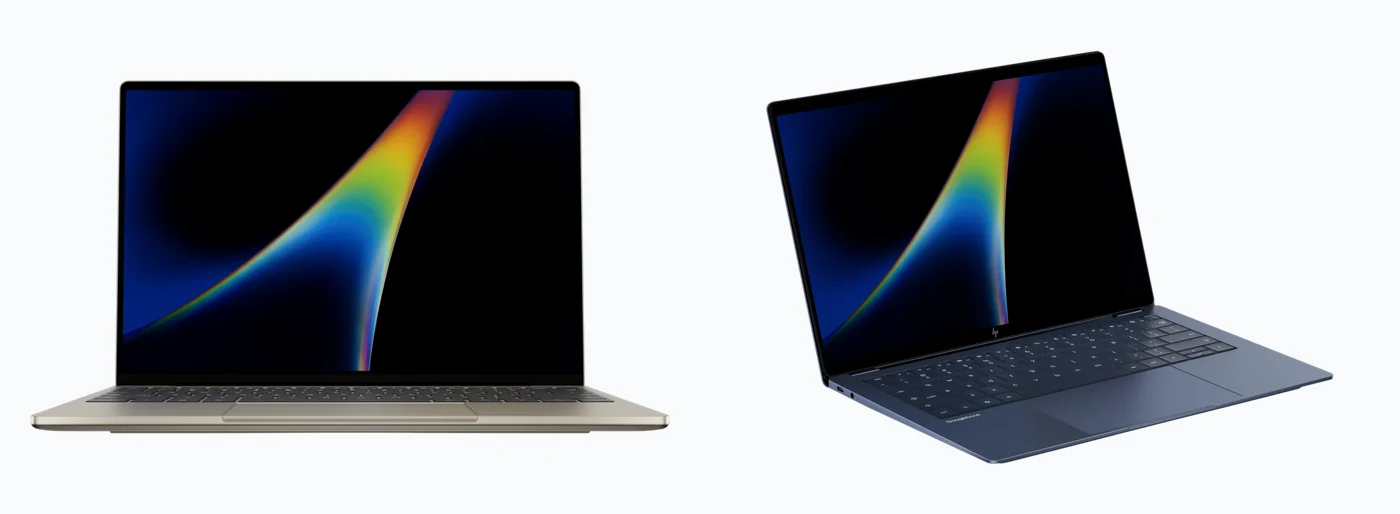
Here is how the five launch models split, based on Google’s own Googlebook comparison page.
Should you skip the Intel models?
Everyday use is fine: Android Police says everyday work and streaming will be fine on the Intel machines. Where you may run into trouble is demanding games like Genshin Impact and emulators.
Check your apps first: if you rely on a specific Android app or game, look it up before you buy an Intel Googlebook. Android Authority gives the same advice.
Want native apps? the HP Googlebook 14 and Dell XPS Googlebook run Arm apps natively. If the HP is on your list, see what reviewers said in our HP Googlebook 14 review roundup.
More fixes are coming: Google says it is working with app developers, Intel and Qualcomm to keep improving performance and compatibility across all Googlebooks.
Our take: for most people the chip will not change much, since Chrome, web apps and everyday Android apps work on every model. But if Android gaming is a big reason you want a Googlebook, a Snapdragon model is the safer pick for now.
New to Android apps on a laptop? Read our guide on how to install and use Android apps on your Chromebook.
Discover more from Chrome Geek
Subscribe to get the latest posts sent to your email.