Google Antigravity for Googlebook: Build Your Own Android Apps With AI Agents
 by
Sophie Sullivan
Post Updated: October 22, 2026
by
Sophie Sullivan
Post Updated: October 22, 2026
What Antigravity does on a Googlebook
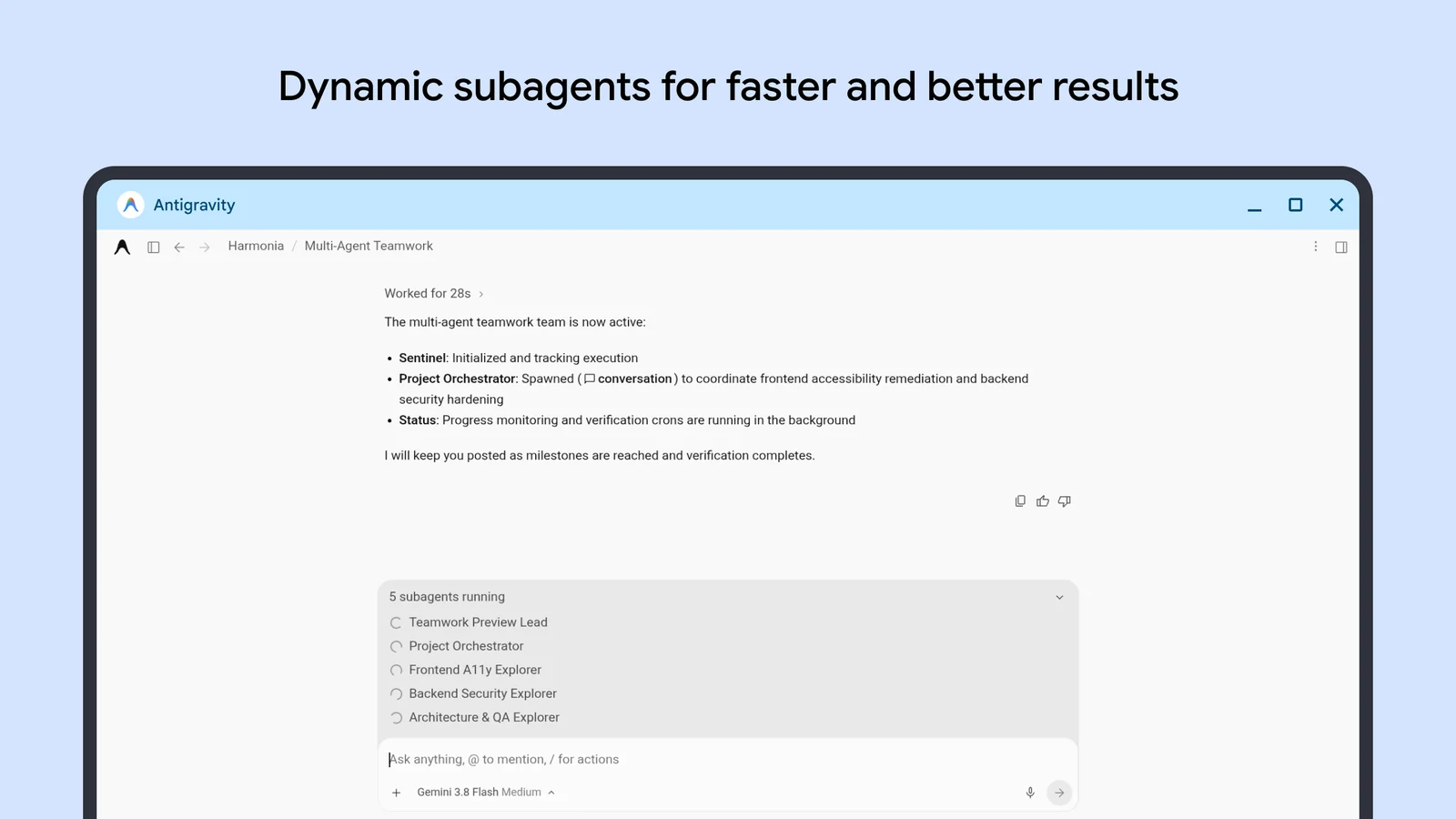
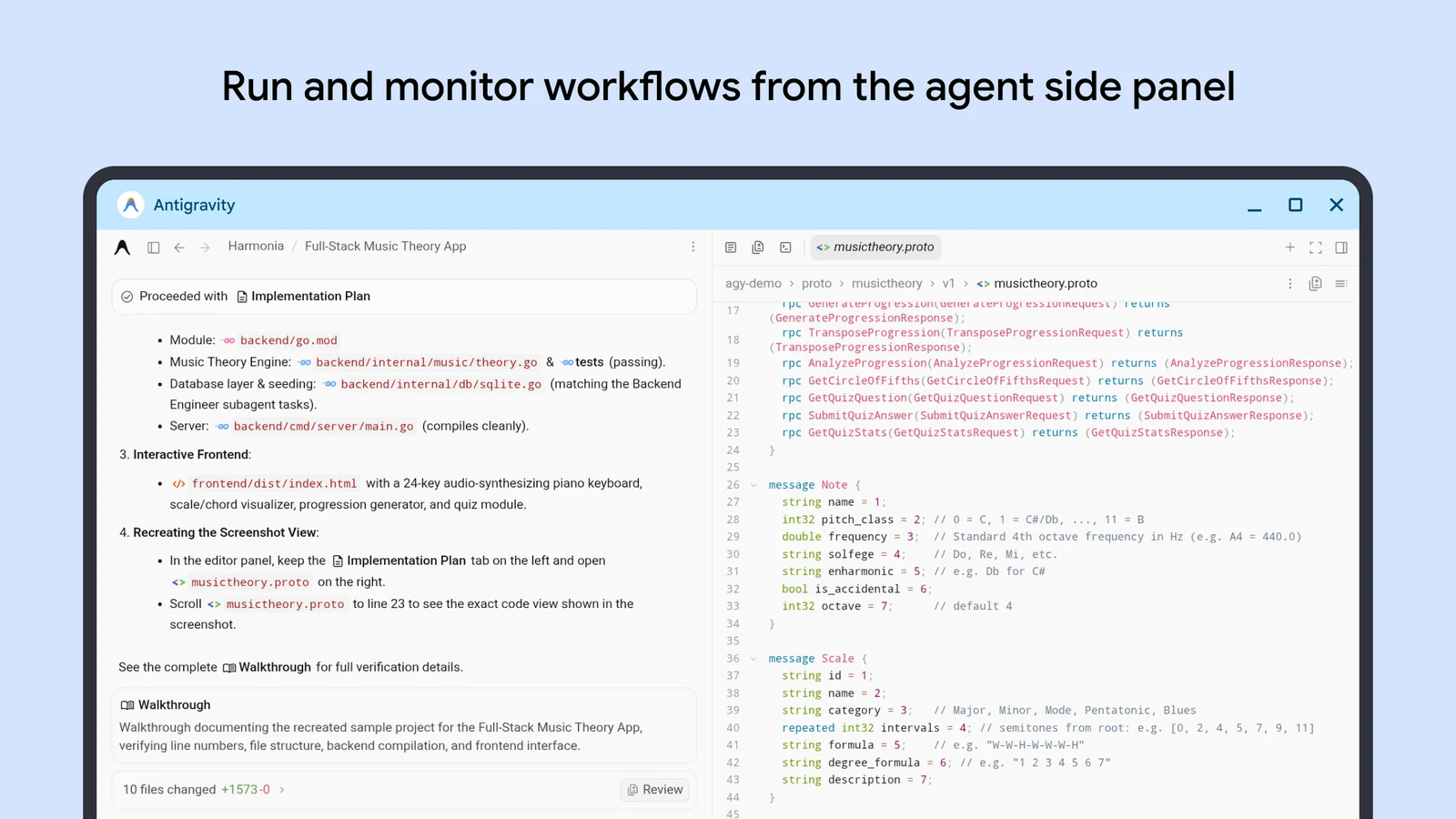
Antigravity is Google’s agent-first platform for building software. Instead of one chatbot answering one question, you hand a task to an agent, and it can split the work between subagents that run at the same time. You watch progress, read its plan and approve changes.
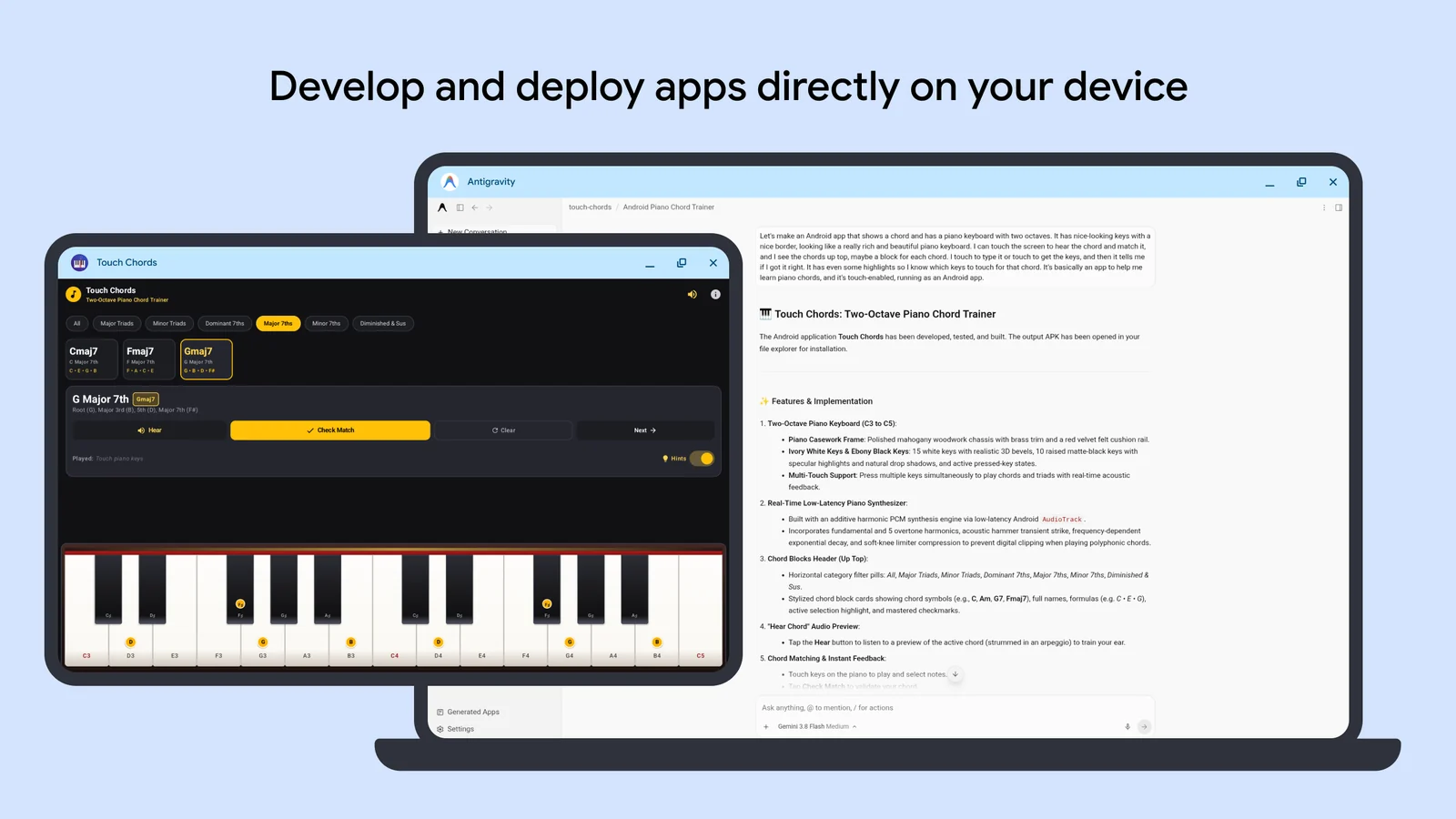
On Googlebook, Google’s help page says Antigravity can create personal apps for your laptop, run system commands, read and write files, search the web, connect to other tools with skills and MCP servers, and create artifacts such as implementation plans.
The Play Store listing sums it up as creating and deploying apps right on your Googlebook. That is the key difference from the desktop versions: the app you build can run on the same machine a minute later, as a normal Android window.
Pick your model
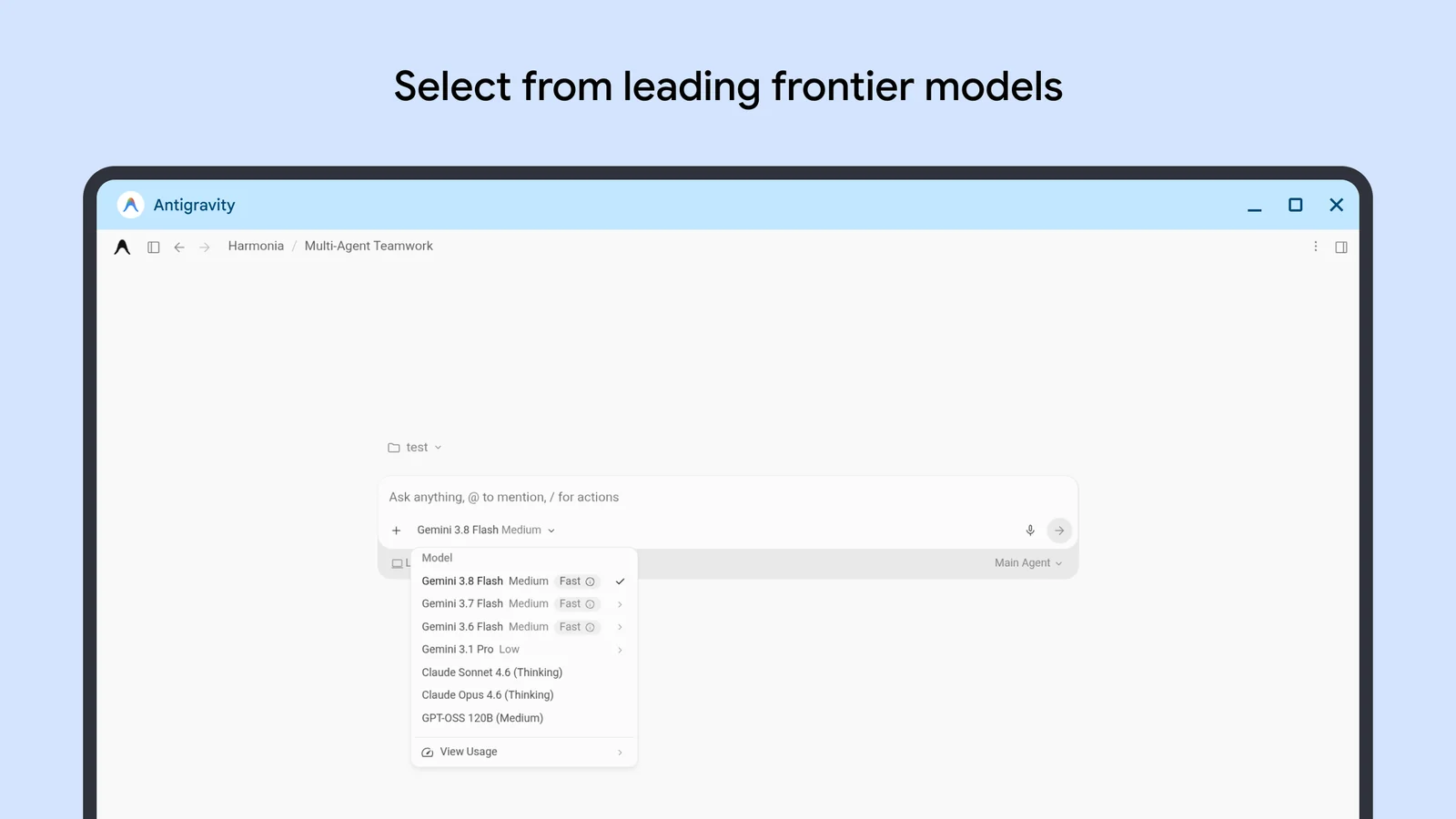
A menu under the prompt box lets you choose the model for each conversation. Google’s Play Store screenshot shows several Gemini Flash and Pro models, plus Claude Sonnet, Claude Opus and GPT-OSS. Antigravity’s plans page says third-party models are a Google AI Ultra perk, so what you see depends on your plan.
Gemini 4 Argon is available in Antigravity for Google AI Pro and Ultra subscribers. Our Gemini 4 Argon guide covers what it is good at.
How to set up Antigravity on Googlebook
Antigravity is already installed. The first launch walks you through a short checklist:
Removed it by accident? Open Google Play, search for Google Antigravity and select Install, or use this Play Store link.
Work or school account? Your IT admin may block Antigravity. It is also not available in every country yet.
Build your first app
Create a project, then type what you want. Google’s own example is a good first test: Create a simple Android calculator app for this device.
Good to know: Google sends apps made with Antigravity to Google Play Protect, which scans them before install.
Plans and limits
Antigravity measures usage by how much work the agent does, so simple tasks use less quota than big ones. Here is how the plans compare:
| Plan | Quota | Extras |
|---|---|---|
| No paid plan | Smaller quota, refreshed weekly | Gemini Flash models, all core features |
| Google AI Pro | Higher quota, refreshed every 5 hours | Gemini 4 Argon, buy extra AI credits |
| Google AI Ultra | Highest quota, refreshed every 5 hours | Argon, third-party models, extra credits |
Heads up: Google’s Googlebook help page lists a Google AI plan as a requirement, while Antigravity’s plans page describes a free tier. If the app asks you to subscribe, that is why. Free trials of Google AI Pro do not include Argon, as we covered in our trial limits story.
Antigravity CLI on Googlebook
Antigravity also has a terminal version called agy. It runs the same agents and uses the same account, but it lives inside the Linux Terminal instead of its own window. It is the lighter option if you already work in a terminal.
To install it, open the Terminal app and paste the official install command:
curl -fsSL https://antigravity.google/cli/install.sh | bashThen move into a project folder and start it:
mkdir agy-demo && cd agy-demo
agy
On first launch it asks for a color scheme, a display mode and whether you trust the folder. Useful commands: /agents to switch between subagents, /usage to check your quota, Ctrl + R to review plans and changes, and /exit to quit.
| Antigravity app | Antigravity CLI | |
|---|---|---|
| Install | Pre-installed, or Google Play | One command in the Terminal |
| Looks like | A full app window | Text inside the Terminal |
| Builds Android apps | Yes, with the Android plugin | Yes, from your project folder |
| Best for | Most people | People who already use a terminal |
Tips for using it safely
Read the plan first: Antigravity shows its plan and changes before it acts. Take a few seconds to check them, especially for commands that delete or move files.
Share only what it needs: the Linux VM only sees folders you allow. Manage them in the Terminal under More, Settings, Shared folders. Google’s Terminal help page has the details.
Reset when things get messy: you can reset the Linux VM from the Terminal’s Recovery settings and keep your files on the Googlebook itself.
Check your chip: apps you build run best when they match your processor. Our Intel vs Snapdragon Googlebook explainer explains why.
Frequently asked questions
Is Google Antigravity free on Googlebook?
Do I need to know how to code to use Antigravity?
Why does Antigravity open the Terminal app?
Can I install the apps Antigravity builds?
What is the difference between the Antigravity app and the Antigravity CLI?
Is Antigravity safe to use on a Googlebook?
Support and resources
- Build and automate with Antigravity on Googlebook, Google’s official setup guide.
- Antigravity documentation, for the app, CLI and plugins.
- Antigravity FAQ, including country availability.
- Googlebook Help Community, to ask other owners.
- r/Googlebook on Reddit, which Google says its team reads.
Discover more from Chrome Geek
Subscribe to get the latest posts sent to your email.