


Being a student today means juggling research, homework, note-taking, and staying organized across multiple tabs while fighting constant digital distractions.
The right Chrome extensions for students can finally help you study smarter, not harder.
These tools can boost your focus, cut distractions, help you read and write better, and even save you hours of study time.
We’ve tested dozens of extensions to find the ones that actually work for students in 2025.
This guide features the most helpful Chrome extensions for studying, research, and productivity.
These tools are practical, lightweight, student-approved, and most are free or their free version does exactly what you need to improve your grades.
Whether you’re in middle school, high school, or college dealing with research papers, managing multiple assignments, or just trying to stay focused during online classes, there’s something here to help you stay organized and productive.
Also check out our full guide on the Best Chromebook for Students.
Best Chrome Extensions for Students
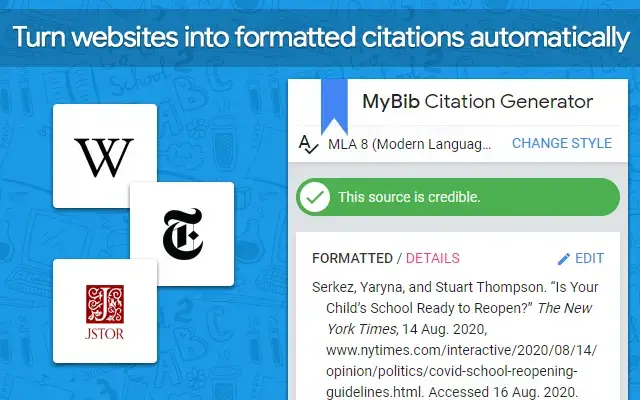
1. MyBib: Free Citation Generator

⭐️ Top Features:
- 📚 Generates citations in MLA, APA, Chicago, and more
- 📎 One-click auto-citation from any academic page
- 📄 Save and export citation lists to Google Docs
Why we like it: Citation formatting can be one of the most annoying parts of writing papers. With MyBib, you don’t have to memorize citation rules or use clunky formatting tools. Everything works in one click and you can build a full bibliography in minutes. It’s 100 percent free with no hidden paywalls, which makes it a must-have for every student doing research or academic writing.
2. Grammarly

⭐️ Top Features:
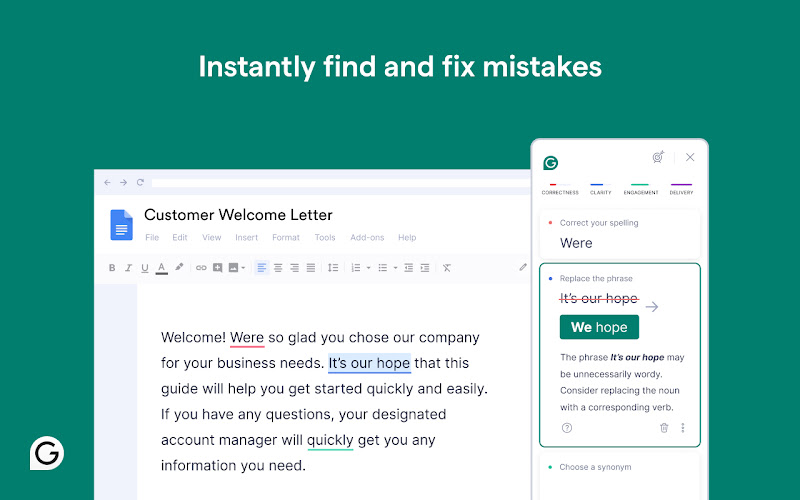
- 📖 Grammar, spelling, and punctuation corrections in real time
- ✍️ Tone and style suggestions for clearer writing
- 🔗 Works in Google Docs, Gmail, and most educational platforms
Why we like it: Grammarly is an amazing writing sidekick that helps polish everything from essays to scholarship emails. It catches sneaky mistakes, offers smart rewrites, and even adapts its tone for academic work. Its ability to improve clarity and fluency with just a few clicks is a big win for students under pressure. Even the free version gives you enough tools to sound more confident and professional in your writing.
3. Kami – PDF and Document Annotation

⭐️ Top Features:
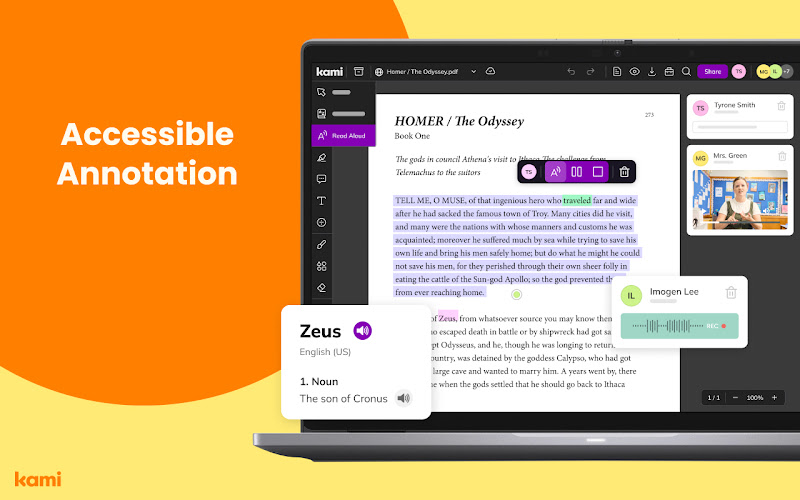
- 🖊 Highlight and annotate PDFs and online documents
- 🗣 Voice notes and drawing tools built in
- 📁 Connects with Google Drive and Classroom
Why we like it: Kami makes it possible to study directly on digital textbooks or assignments. Instead of printing pages or switching between apps, you can highlight, comment, and organize everything in one place. For group work or shared files, it’s even better, you can all mark up the same doc in real time. The voice commenting and drawing tools also make it super useful for visual or auditory learners.
4. Read Aloud: A Text to Speech Voice Reader

⭐️ Top Features:
- 🎧 Converts webpages, PDFs, and Docs into audio
- 🗣 Adjustable voices and reading speeds
- ♿ Great for reading fatigue, dyslexia, and multitasking
Why we like it: Reading long documents online can be draining. Read Aloud makes things easier by turning your assignments or research articles into audio that you can listen to instead. You can pick different voices, adjust the pace, and pause whenever you need. It’s especially useful for accessibility and students who absorb information better by hearing it.
5. Notion Web Clipper

⭐️ Top Features:
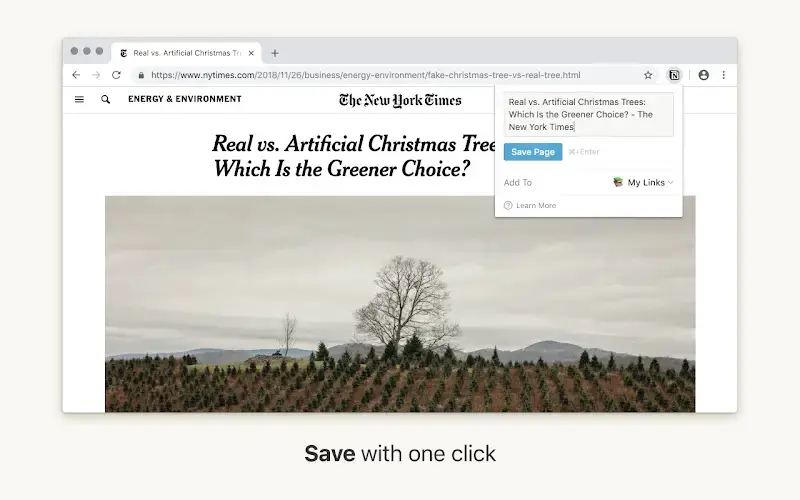
- 📎 Save web pages, highlights, and articles to Notion instantly
- 🗂 Categorize content into your class notes or research boards
- ⚡ Supports tags, databases, and templates
Why we like it: If you already organize your school life in Notion, this is a game changer. You can clip content from the web and send it to exactly where it belongs in your workspace. Everything stays organized, searchable, and connected to your bigger projects or essays. It’s like giving your Notion brain superpowers for research.
6. Evernote Web Clipper
⭐️ Top Features:
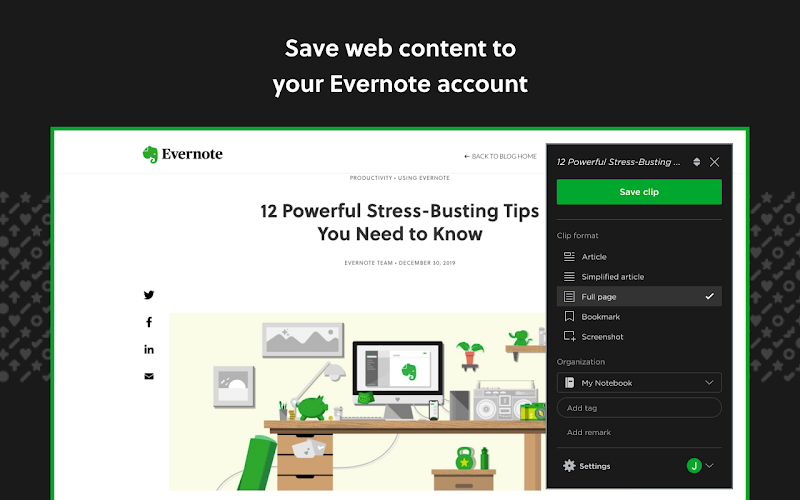
- 📄 Clip web content into your Evernote notebooks
- 📝 Add highlights and personal annotations
- 🔍 Search everything you’ve saved, instantly
Why we like it: When you’re researching or doing class readings online, it’s way too easy to lose track of useful info. Evernote Web Clipper lets you save content exactly as you see it and file it into your notebooks. It even saves the original link so you can go back to sources later. It’s perfect for keeping track of useful quotes, articles, and study materials, without digging through bookmarks.
7. Loom for Chrome
⭐️ Top Features:
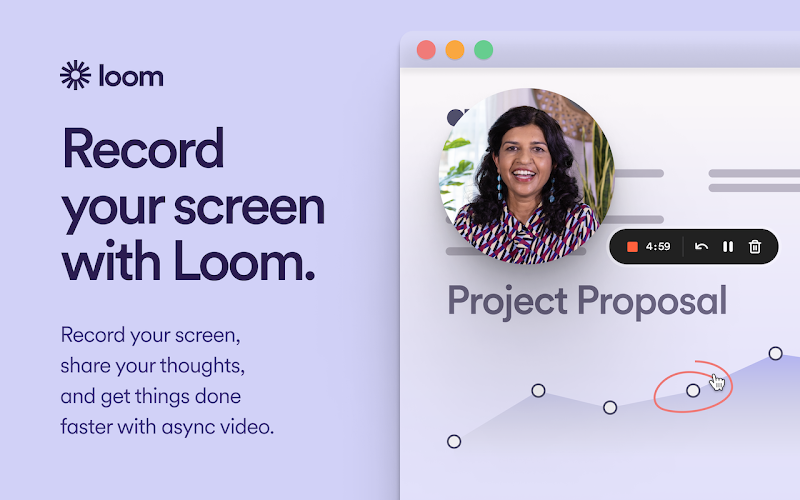
- 📹 Record your screen, webcam, or both
- 📬 Instantly share video messages or explainers with a link
- 🎓 Great for presentations, feedback, or tutoring
Why we like it: Loom is especially useful for visual learners and group assignments. Whether you’re explaining your thought process, recording a tutorial, or giving a slide presentation, it’s much easier to show than to type. You can even add voice narration or annotate while recording. It takes less time than writing a long message, and your classmates or instructors can watch it whenever it suits them.
8. Clockify Time Tracker
⭐️ Top Features:
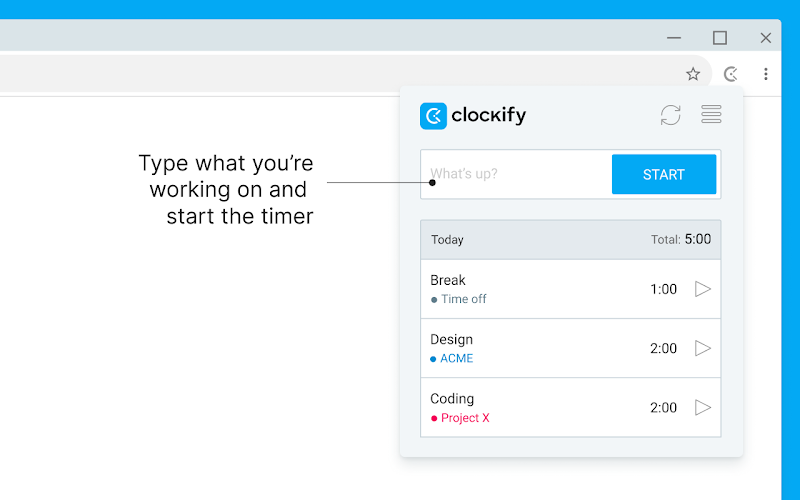
- ⏱ Start, pause, and stop timers directly in your browser
- 📋 Track study sessions and homework by subject or project
- 📈 View reports to analyze how your time is spent
Why we like it: Time can disappear fast when you’re switching between classes, assignments, and personal projects. Clockify helps you see exactly where your study hours are going so you can manage them better. It’s great for building better routines or prepping for exams in focused blocks. Students who want to feel more in control of their schedule will find this extension surprisingly motivating.
9. Forest: Stay Focused
⭐️ Top Features:
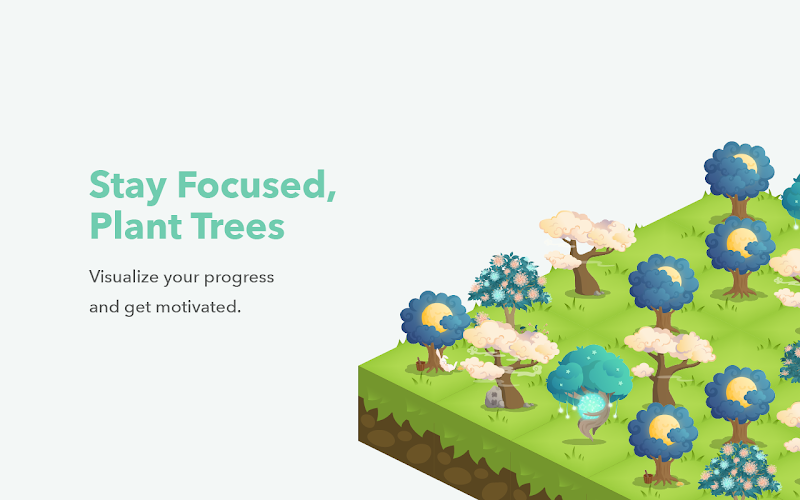
- 🌲 Gamifies focus by growing a digital tree while you stay on task
- ⛔️ Blocks distracting websites during “plant” sessions
- ⏱ Helps train better attention span and screen habits
Why we like it: If you struggle with procrastination, Forest gives you a gentle reason to stay off distracting sites. You plant a tree and if you leave the tab to check social media, it dies. It’s simple, visual, and surprisingly motivating. The “do not disturb” vibe works great for homework sessions or revision sprints.
Special Needs & Readability Tools for Students
Not every student learns the same way, and that’s totally okay. These Chrome extensions support accessibility and give students with learning differences tools to thrive.
Helperbird
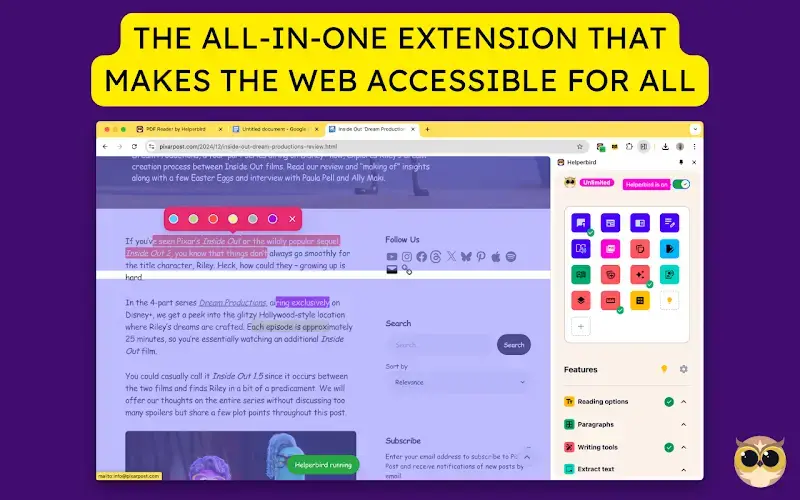
- 🔤 Change fonts to OpenDyslexic or other readable styles
- 🎨 Adjust contrast and line spacing for visual comfort
- 🔊 Read text aloud and simplify complex language
Why we like it: Helperbird makes the web way more approachable for students with dyslexia, ADHD, visual processing issues, or focus challenges. You can customize the experience in ways that help you concentrate and read with less stress. It’s not just helpful, it can be empowering. If you’ve ever wished you could make websites easier to read, this extension makes it possible.
Looking for more tools?
If you’re a student who also edits videos, check out our roundup of the best screen recorder extensions. Interested in AI writing tools? Try these AI Chrome extensions. And if you’re a digital creator or future developer, we’ve listed the best web dev Chrome extensions too.
Got a favorite extension we missed? Let us know here or leave a comment below, we may feature it in a future update.