


Having the right tools to capture screenshots or record your screen is important for productivity and boosting your workflow and ultimately your confidence at the end of the day! Whether you’re a professional, educator, or just someone looking to create tutorials or save important information.
Chrome extensions offer a range of options that make capturing and recording your screen simple and efficient.
In this post, we’ll explore the best screen capture and recording extensions for Chrome, highlighting features like video editing, screenshot annotations, and seamless sharing. Whether you need to quickly grab a screenshot or record a full-screen video, these tools will get the job done.
Top Screen Recorder & Screenshot Extensions
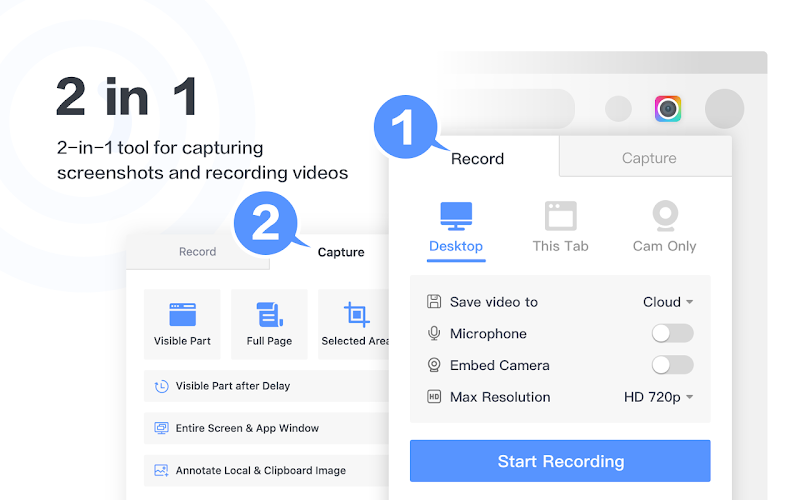
1. Awesome Screenshot & Screen Recorder

⭐️ Top Features:
- 📸 Capture screenshots or record your screen in HD
- 🔄 Supports full-page, window, or tab recording
- ✍️ Add annotations, blur sensitive information, and trim videos
Why we like it: This tool provides both high-quality screen recordings and detailed screenshots with useful editing options, perfect for professionals and educators.
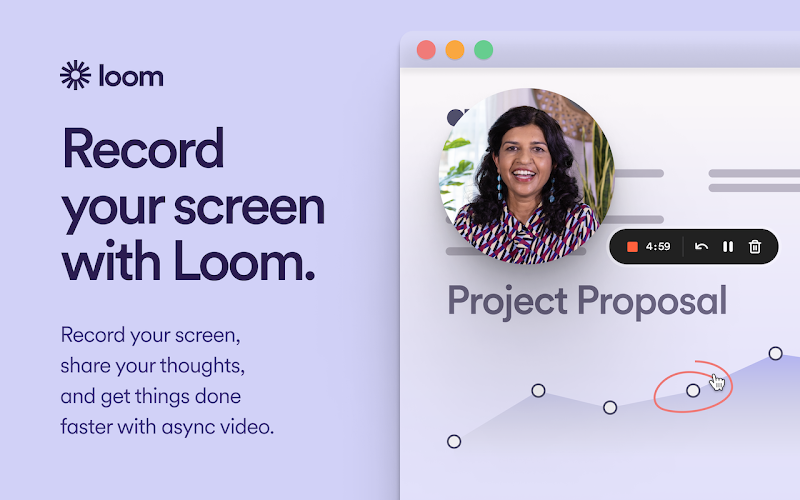
2. Loom
⭐️ Top Features:
- 🎥 Record screen, webcam, or both simultaneously
- 🔄 Cloud-based video storage with instant sharing
- ✍️ Built-in trimming and annotation features
Why we like it: Loom is great for creating quick tutorials, team updates, and screen demos, making it an excellent choice for remote teams and educators.
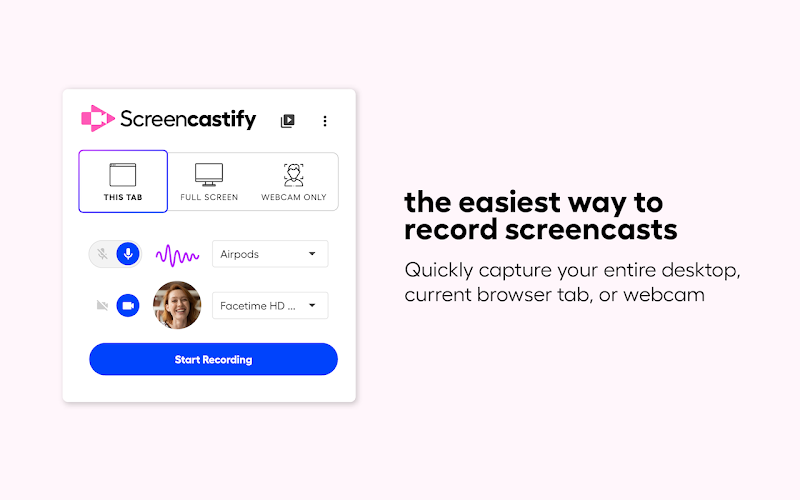
3. Screencastify
⭐️ Top Features:
- 🎥 Record screen, webcam, or both in HD
- 🔄 Free version offers 5-minute recordings
- ✍️ Edit, trim, and export recordings with ease
Why we like it: Screencastify is a lightweight, easy-to-use tool with great features for screen recording, especially useful for educators and professionals.
4. Vidyard
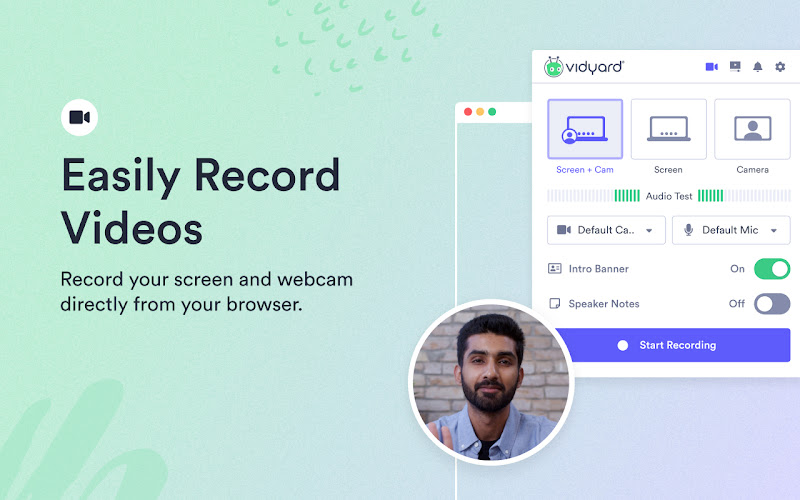
⭐️ Top Features:
- 🎥 Record screen, webcam, or both in HD
- 🔗 Easily share videos via email or social media
- 📊 Track who views your videos with analytics
Why we like it: Vidyard is perfect for business users who need both screen recording and sharing features, along with tracking viewer engagement.
5. Nimble Capture
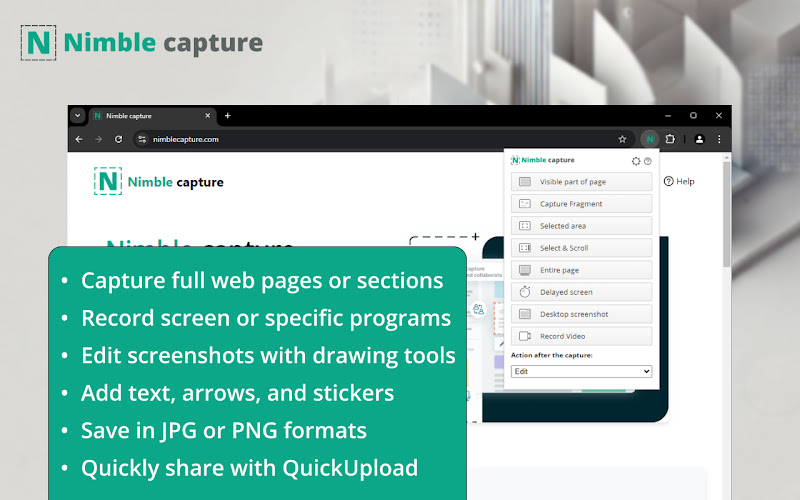
⭐️ Top Features:
- 📸 Capture full-page screenshots or selected areas
- 🎥 Record screen and tab videos with editing tools
- 🔗 Cloud storage and easy sharing options
Why we like it: Nimble Capture provides both screenshots and screen recordings with built-in editing tools, making it versatile, though some users have raised concerns about its stability.
6. Droplr
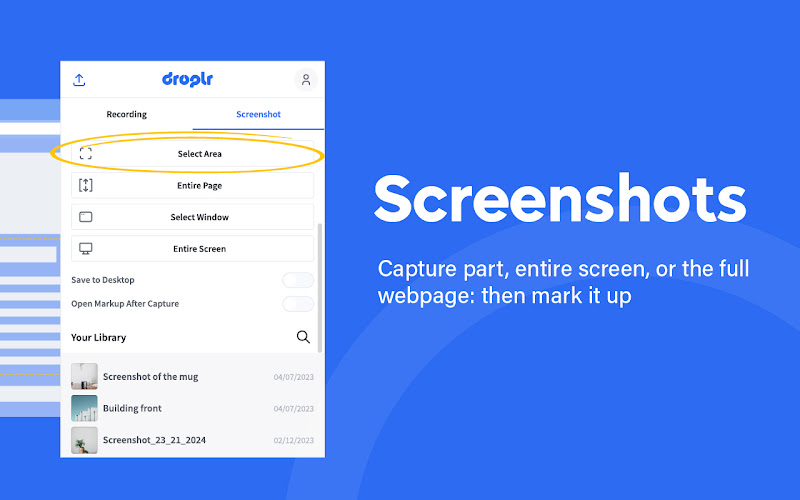
⭐️ Top Features:
- 📸 Capture screenshots or record your screen in HD
- 🔄 Auto-upload to the cloud for easy sharing
- ✍️ Annotation tools and customizable options
Why we like it: Droplr is perfect for users who want a streamlined screen recording tool with instant sharing and cloud storage.
7. Vmaker
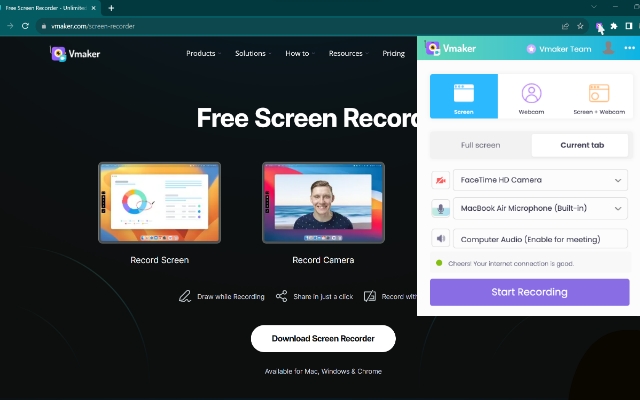

⭐️ Top Features:
- 🎥 Record in 4K for ultra-clear videos
- ⏳ Unlimited recording time, even in the free plan
- ✍️ Real-time annotations and mouse emphasis during recording
- 📹 Record screen, webcam, or both simultaneously
- ☁️ Automatic cloud storage with easy sharing options
- 🔗 Collaboration tools for team feedback
Why we like it: Vmaker is perfect for high-quality recordings with no time limits. It’s great for educators, professionals, and teams who need to create tutorials, demos, or presentations and collaborate efficiently.
8. Klip Screen Recorder
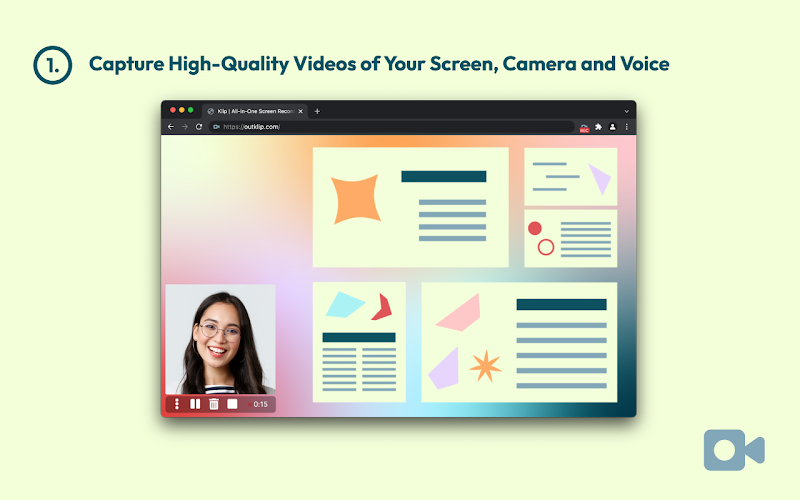
⭐️ Top Features:
- 📸 Record screen, webcam, or both with ease
- ✂️ Trim and edit videos within the extension
- 🔄 Direct upload to YouTube or download locally
Why we like it: Klip is ideal for quick video tutorials and demos, offering direct uploads to YouTube and easy editing tools.
9. Hippo Video
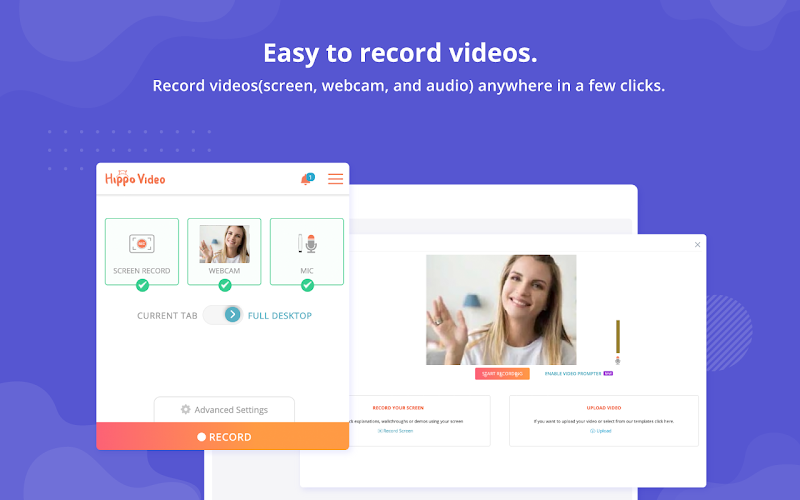
⭐️ Top Features:
- 📸 Record screen, tab, or webcam in HD
- ✍️ Add call-to-actions and annotations
- 🔄 Integrates with business tools like Slack and Google Drive
Why we like it: Hippo Video is designed for businesses, with strong integration features and editing tools that make it easy to collaborate and share.
10. Vimeo Record
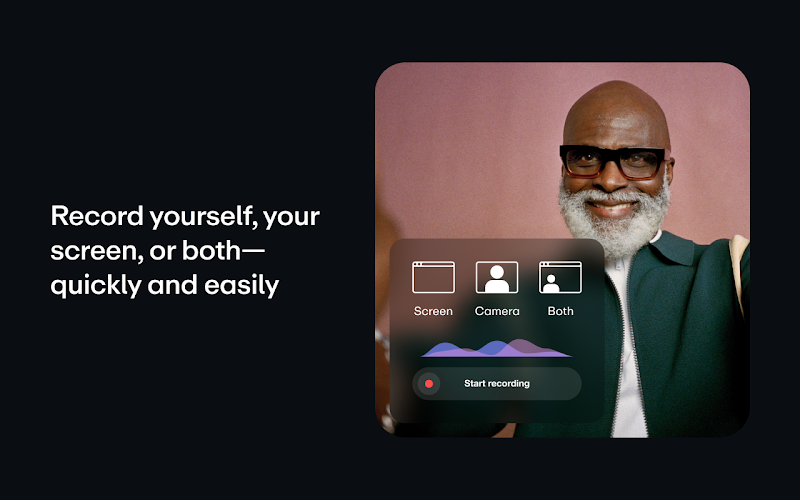
⭐️ Top Features:
- 🎥 Record screen or webcam with unlimited video length
- 🔄 Easily share and embed videos online
- 📊 Track viewer analytics with the premium version
Why we like it: Vimeo Record is a great option for users who want unlimited video recording with powerful sharing and embedding tools.