


Microsoft To-Do on Chromebook
Microsoft To-Do is a simple yet powerful productivity app that runs seamlessly on Chromebooks as an Android app, helping you organize your day with ease.
Whether you’re managing work tasks, planning groceries, or setting personal reminders, this free app syncs across devices and boasts a 4.4-star rating on Google Play.
Since most Chromebooks from 2017 onward support Android apps, it’s a perfect fit for your ChromeOS setup.
This guide will walk you through installing Microsoft To-Do on your Chromebook and explore its standout features.
Ready to boost your productivity? Let’s dive in, share your thoughts or contact us below.
How to Access Microsoft To-Do on Chromebook
To use Microsoft To-Do on your Chromebook, install it via the Google Play Store as an Android app. (Not sure if your device supports Android apps? Check our list of compatible Chromebooks.)
Method 1: Install Microsoft To-Do via Google Play Store
- Open the Google Play Store on your Chromebook.
- Search for “Microsoft To-Do” in the search bar.
- Click the “Install” button to download the app.
- Launch Microsoft To-Do from your app drawer.
- Sign in or start adding tasks, no account required to begin!
Download Microsoft To-Do on Google Play
💡 Quick Tip: Sync it with your phone for instant access to tasks on the go.
Why we prefer this method: The Android app is lightweight, intuitive, and integrates perfectly with ChromeOS, no extra software needed.
What is Microsoft To-Do About?
Microsoft To-Do is a free, cross-platform app designed to simplify your daily planning. With a sleek design and smart features, it’s earned a 4.4-star rating from millions of users on Google Play.
Perfect for work, school, or home, it syncs effortlessly across your devices, phone, Chromebook, or desktop, helping you stay organized and reduce stress with minimal effort.
Key Features:
- Smart Suggestions: Get personalized task recommendations to prioritize your day.
- List Sharing: Collaborate on tasks with family, friends, or colleagues.
- Subtasks: Break big tasks into smaller, manageable steps.
- Reminders & Due Dates: Set one-time or recurring alerts so you never forget.
- Notes & Color-Coding: Add details and organize lists by category or priority.
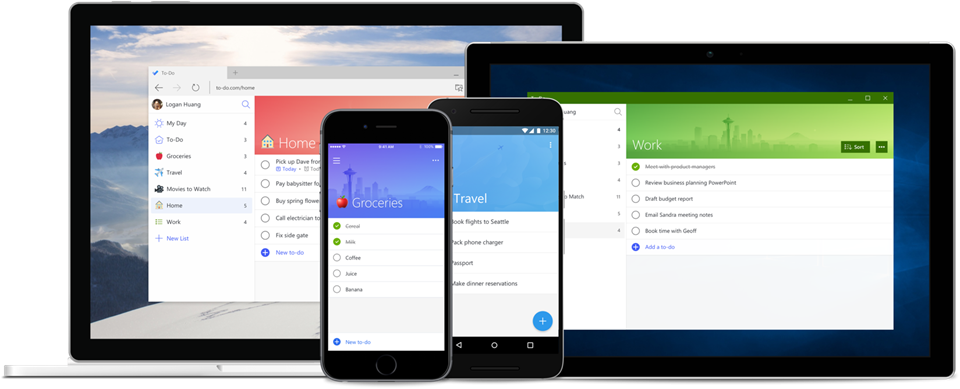
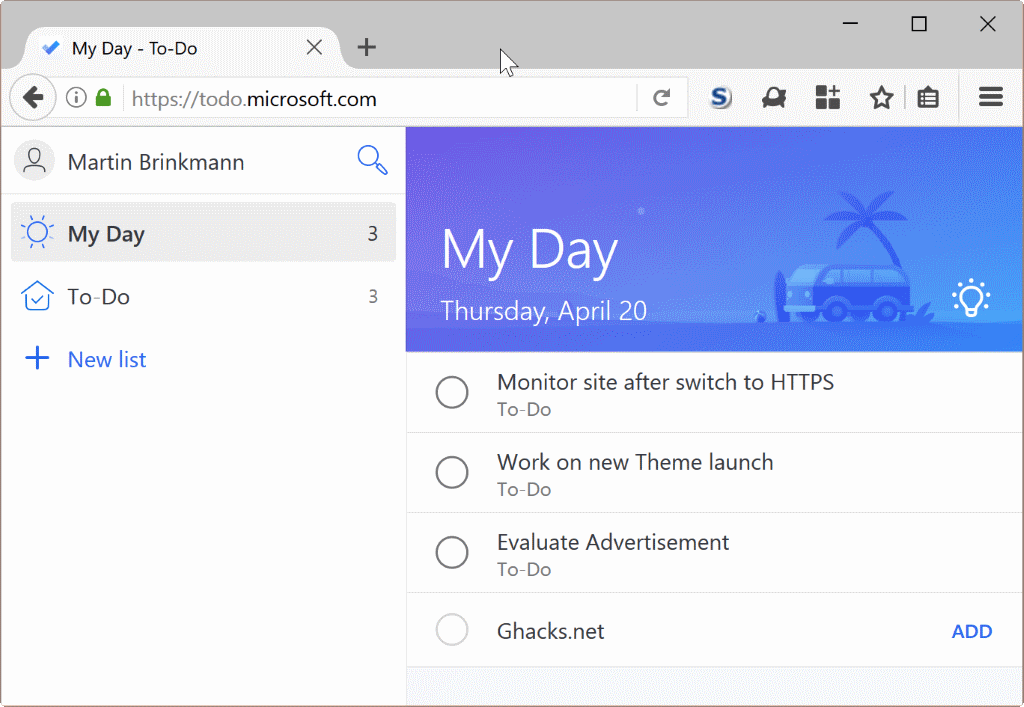
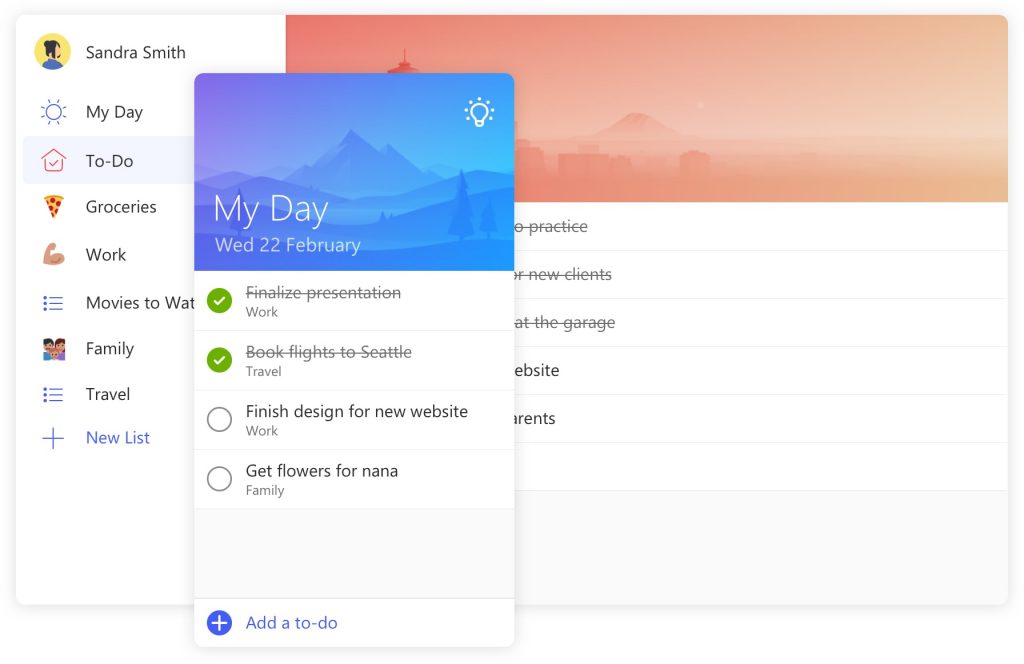
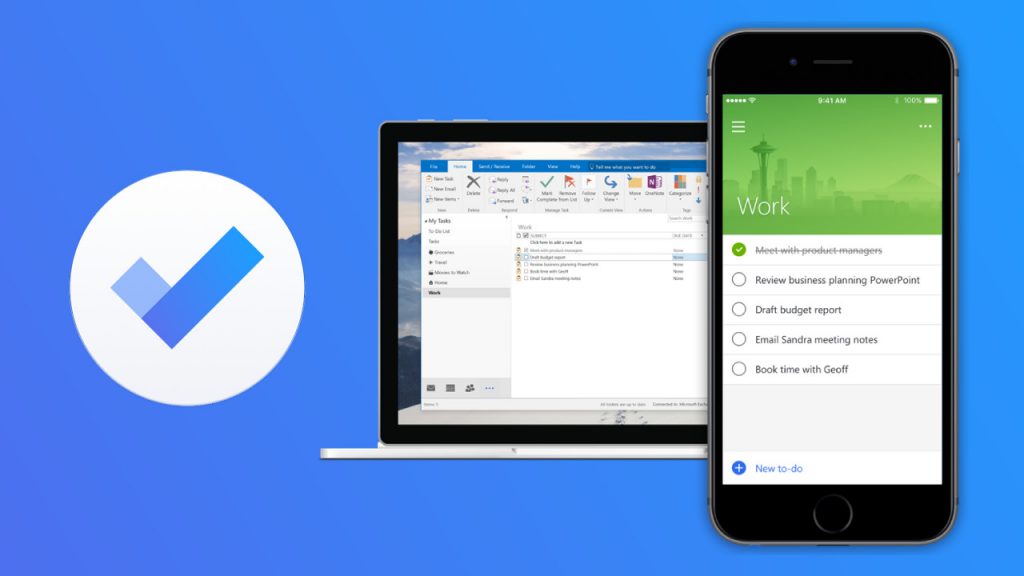
Microsoft To-Do Screenshots
Microsoft To-Do Getting Started Video
Microsoft To-Do on Chromebook FAQ:
- Does Microsoft To-Do work offline? Yes, you can view and edit tasks offline, syncs when you’re back online.
- Why won’t it install on my Chromebook? Check if your device supports Android apps (post-2017) and has 4GB+ RAM.
- Can I use it without a Microsoft account? Yes, but signing in unlocks syncing and extra features.
- Why don’t my tasks sync? Ensure you’re signed in and have a stable internet connection.
Microsoft To-Do Chromebook Requirements:
- OS Version: ChromeOS with Android 9.0 or newer.
- Device Specs: 4GB of RAM or higher.
- Storage Space: 1GB or more.
For more help:
Want more productivity tools? Try Microsoft Edge or Evernote on Chromebook.