

Readers like you help support this site. When you make a purchase using links on our site, we may earn an affiliate commission. All opinions remain our own.


FlipaClip on Chromebook
FlipaClip is a top-rated animation app you can install on Chromebooks as an Android app, offering free, powerful tools to create 2D animations effortlessly.
Whether you’re sketching cartoons, animating memes, or sharing on TikTok, FlipaClip’s intuitive design shines.
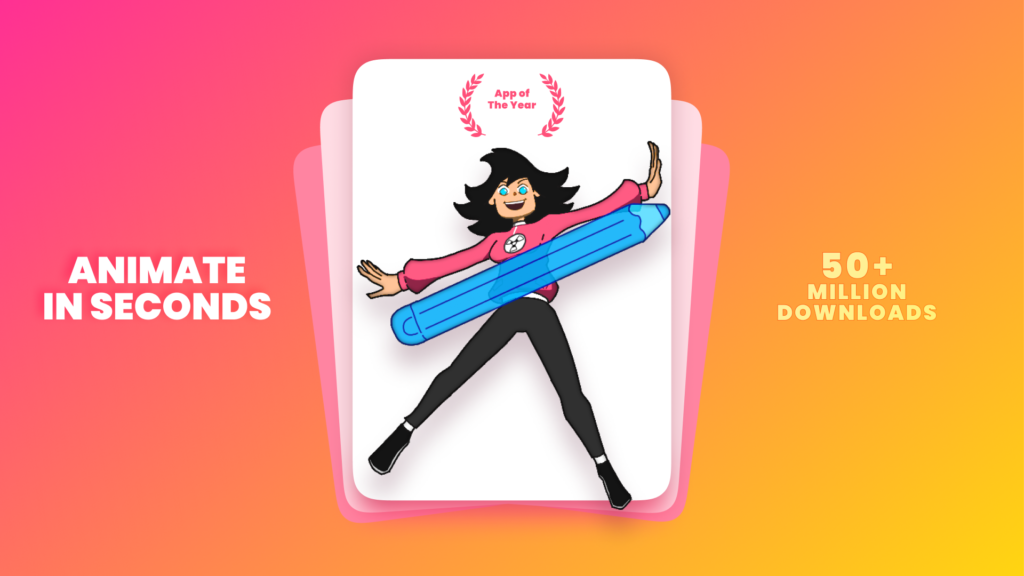
Named Google Play’s 2023 App of the Year for Chromebooks, it works perfectly on devices supporting Android apps since 2017.
This guide walks you through installing FlipaClip on your Chromebook and highlights its standout features. Ready to animate? Share your creations or contact us below.
How to Access FlipaClip on Chromebook
To use FlipaClip on your Chromebook, install it as an Android app from the Google Play Store. Not sure if your device supports Android apps? Check our list of compatible Chromebooks.
Method 1: Install FlipaClip via Google Play Store
- Open the Google Play Store on your Chromebook.
- Search for “FlipaClip” in the search bar.
- Click “Install” to download the app.
- Launch FlipaClip from your app drawer or shelf.
- Start animating with a new project.
Download FlipaClip on Google Play
Quick Tip: Use onion skinning to make smooth frame transitions.
Why we prefer this method: The Android app is lightweight (under 80MB), fast, and optimized for ChromeOS animation.
What is FlipaClip About?
FlipaClip is a free, award-winning app for creating 2D animations on your Chromebook. It’s perfect for beginners and pros alike.
With a simple interface and robust tools, it lets you draw, animate, and share creations like GIFs or videos. Its 2023 Google Play accolade proves its quality for Chromebook users.
Key Features:
- Intuitive Drawing: Use brushes and layers for detailed sketches.
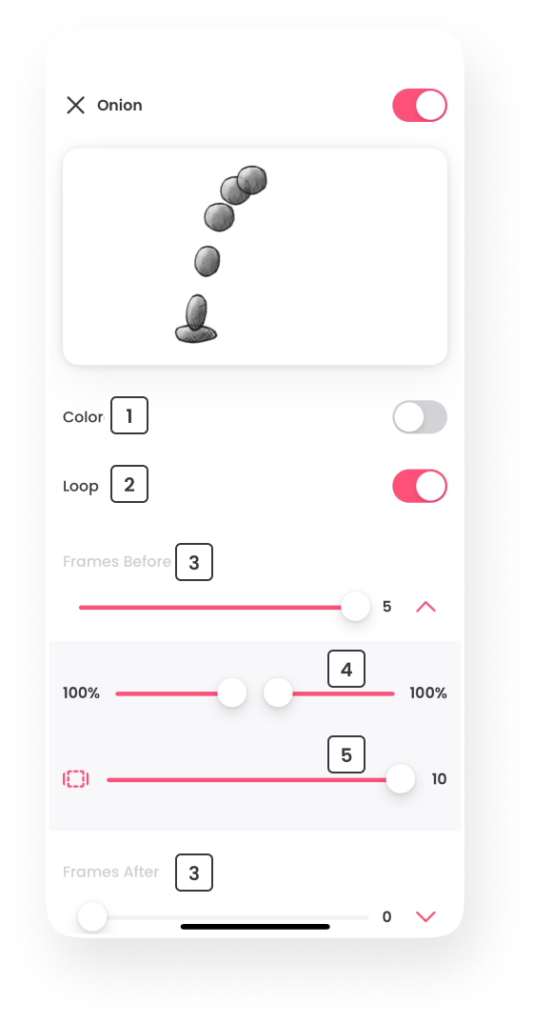
- Onion Skinning: View past frames for fluid animations.
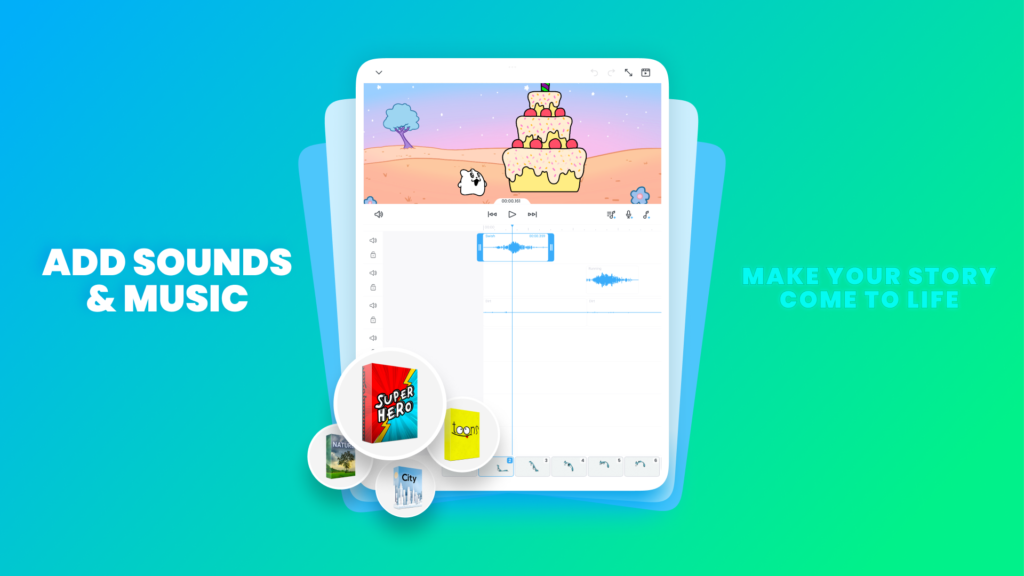
- Audio Support: Add voiceovers or music to your projects.
- Export Options: Save as MP4, GIF, or share to social media.
- Community: Join challenges and connect with animators.
FlipaClip Screenshots

FlipaClip Getting Started Video
Featured Tool: Onion Skinning
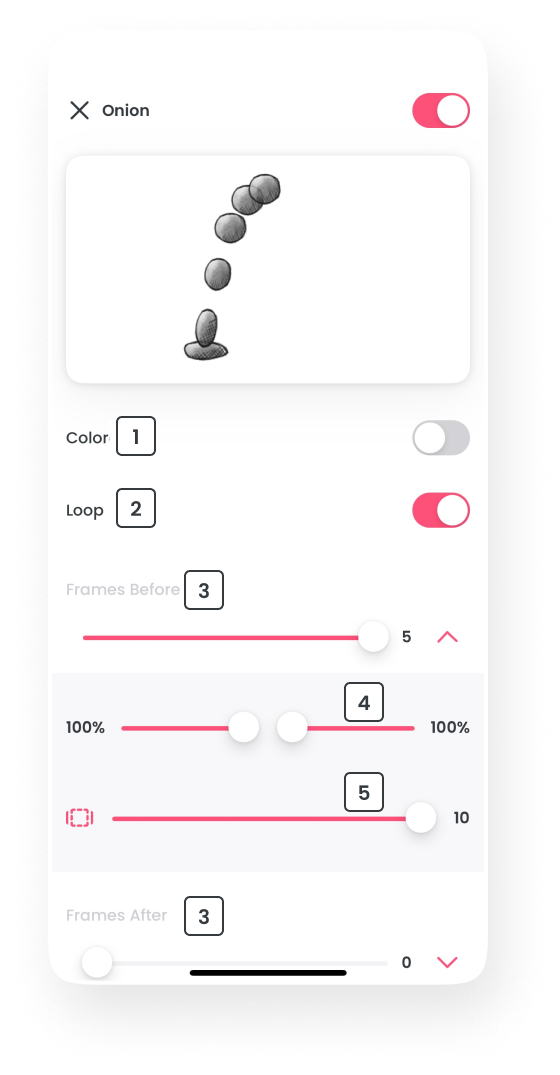
Onion Skin Settings – click for full view
Onion Skinning lets you see multiple frames at once, showing translucent past and future drawings to ensure smooth transitions.
FlipaClip on Chromebook FAQ:
- Is FlipaClip really free? Yes, core features are free; premium adds brushes and layers.
- Why won’t it install? Check for Android 11+ and 4GB+ RAM on your Chromebook.
- Can I export animations? Yes, save as MP4, GIF, or share directly to platforms.
- How’s it different from Wideo? FlipaClip focuses on frame-by-frame animation, not templates.
FlipaClip Chromebook Requirements:
- OS Version: ChromeOS with Android 11 or newer.
- Device Specs: 4GB of RAM or higher.
- Storage Space: 1GB or more.
For more help:
Try more creative apps like Wideo or Snapchat or check our list of the top video editors on Chromebook.