


Readers like you help support this site. When you make a purchase using links on our site, we may earn an affiliate commission. All opinions remain our own.
Video editing on Chromebooks has never been easier, thanks to a growing number of powerful and user-friendly tools available in 2025.
Whether you’re a content creator, student, or just someone looking to polish your videos, there’s a video editor out there for you.
This guide covers the best options, including downloadable apps for advanced editing and browser-based tools for quick, lightweight projects.
From full-featured software to online editors compatible with Chrome, we’ll help you find the perfect tool for your needs.
Let’s explore the top picks and make video editing on your Chromebook a breeze. You can contact us or leave a comment below if you need any help.
Top Video Editors on Chromebooks in 2025
Whether you’re a content creator, student, or casual editor, these video editing apps and services work great on Chromebooks. Most offer both an Android app and an online version (with a couple of exceptions) so you can edit your videos with ease.
FlexClip
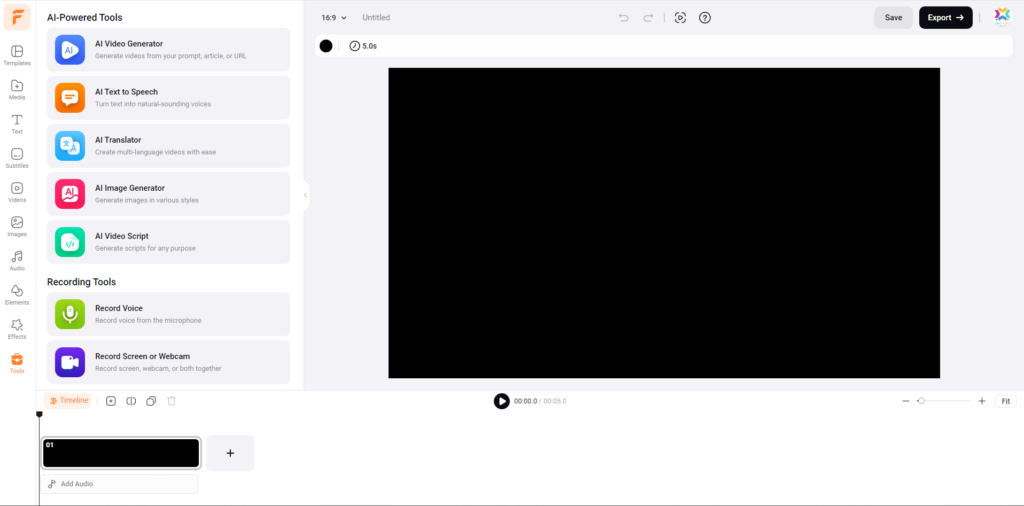

- Intuitive drag-and-drop interface
- Cloud-based editing with a vast template library
- Access to royalty-free music and effects
- AI-powered tools for text-to-speech, image generation, and more
Why We Chose This App: FlexClip is easy to use and offers a wide range of templates that make video editing quick and simple. Its AI tools are a major plus.
💡 Quick Tip: Explore the AI image generator for creating custom visuals for your videos directly within FlexClip by reading our full review.
InVideo
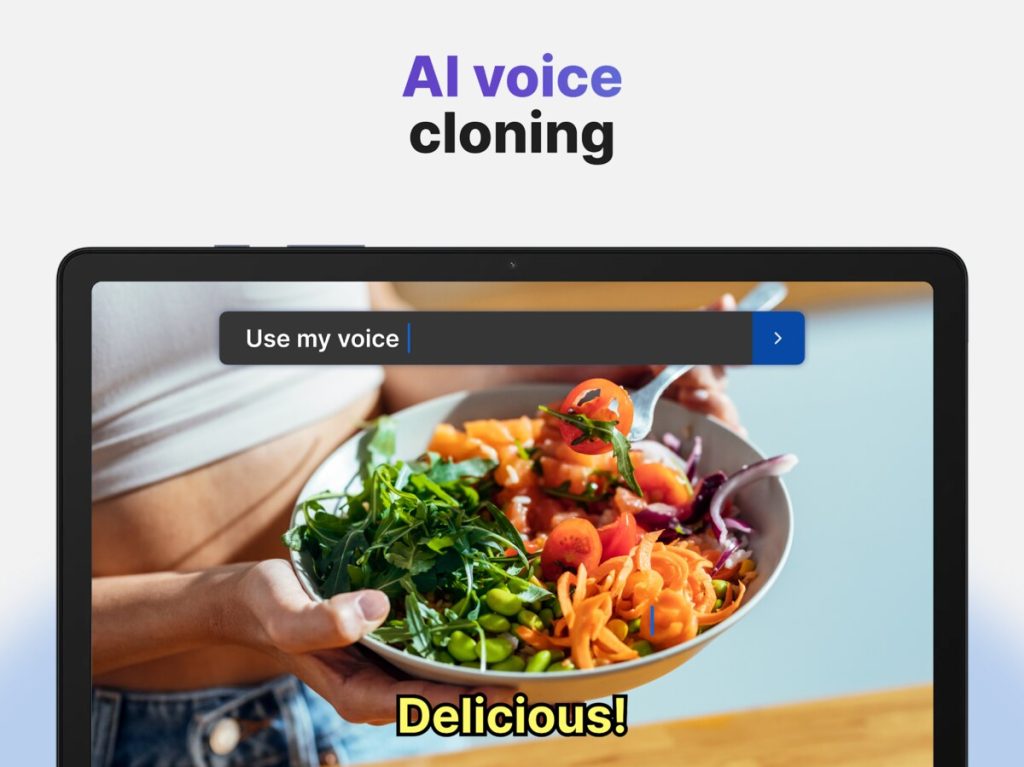

- Robust template library for marketing and social media videos
- Advanced editing features with multi-track support
- Voiceover integration and dynamic text animations
- Easy collaboration features
Android Version | Online Version
Why We Chose This App: InVideo offers powerful editing tools and a great collection of templates that help create professional videos with minimal effort. Great for marketing content.
💡 Quick Tip: Use the pre-designed templates to quickly create marketing videos or social media content.
WeVideo
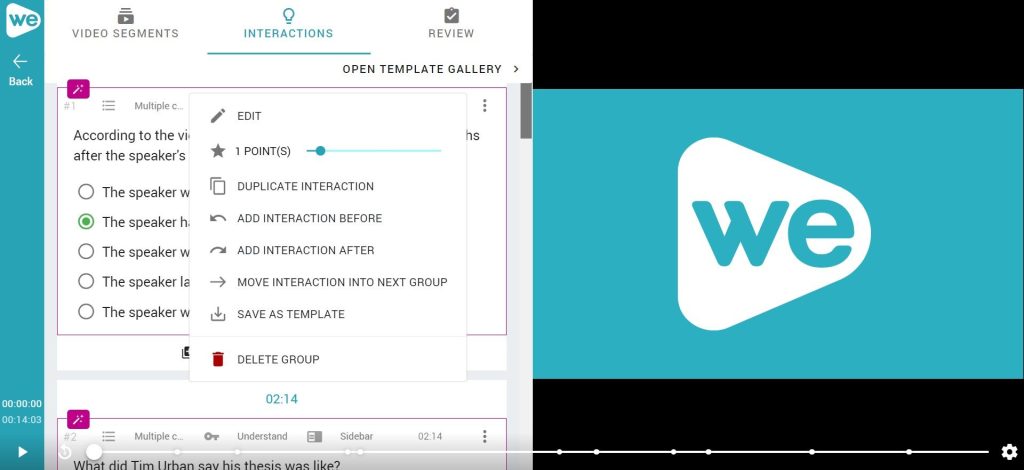

- Cloud-based collaborative video editing
- Multi-track timeline with a built-in stock media library
- Optimized for Chromebook usage
- Excellent for educational use
Android Version | Online Version
Why We Chose This App: WeVideo is great for collaboration and offers a reliable editing experience with a good media library. Cloud storage is a plus.
💡 Quick Tip: Take advantage of the cloud storage to access your projects from any device by reading our Chromebook guide on WeVideo.
CapCut
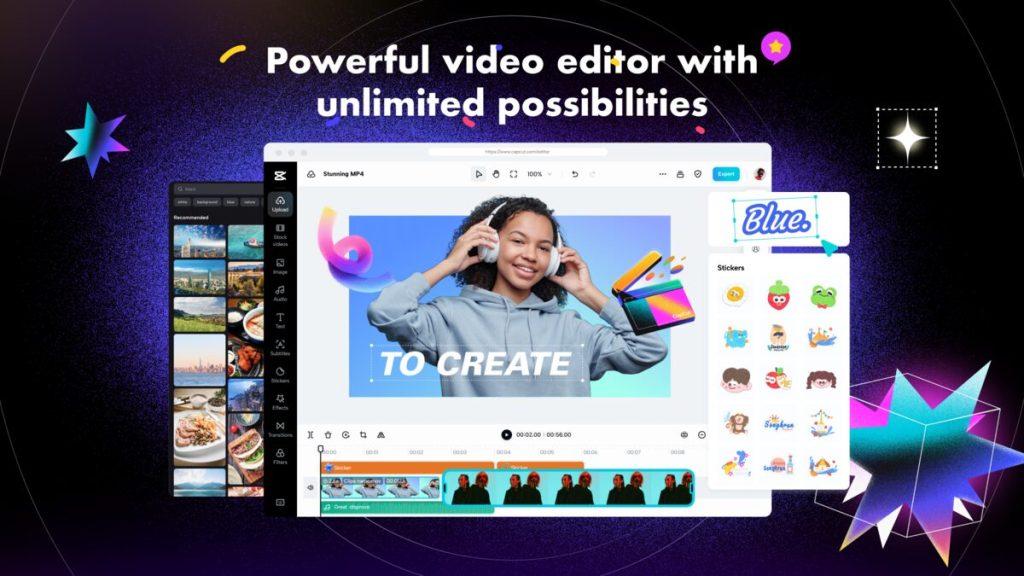

- Popular mobile editor with advanced transitions and effects
- Easy-to-use timeline and precise editing tools
- Ideal for quick edits and social media content
- Large library of trendy effects and sounds
Android Version | Online Version
Why We Chose This App: CapCut is user-friendly and offers a range of effects that are perfect for creating engaging social media videos. Mobile-first focus.
💡 Quick Tip: Experiment with the trendy transitions and effects to make your social media videos stand out by reading our Chromebook guide on CapCut.
Filmora
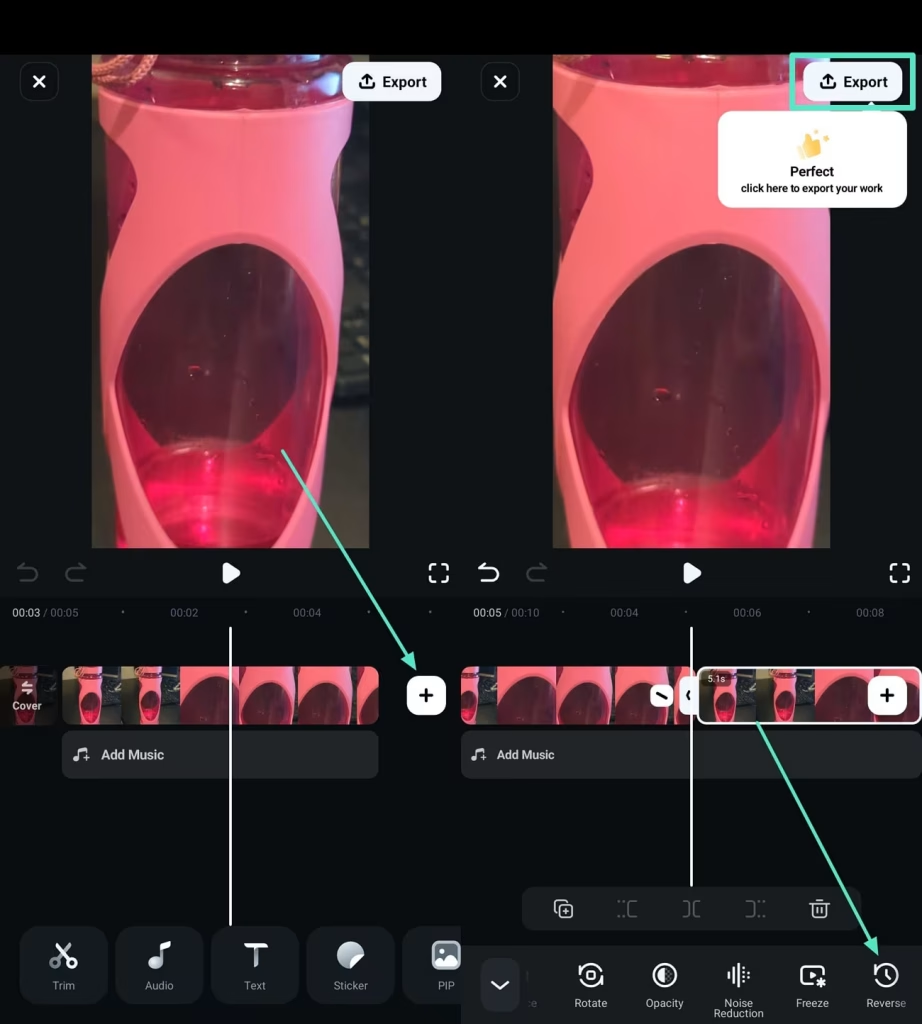

- User-friendly interface with professional-grade features
- Rich library of effects, transitions, and filters
- Perfect for both beginners and experienced editors
- Motion tracking and keyframing features
Why We Chose This App: Filmora offers a balanced mix of simplicity and powerful editing features, making it suitable for various skill levels. Good for more complex projects.
💡 Quick Tip: Explore the advanced editing features like motion tracking and keyframing for more professional results.
Canva
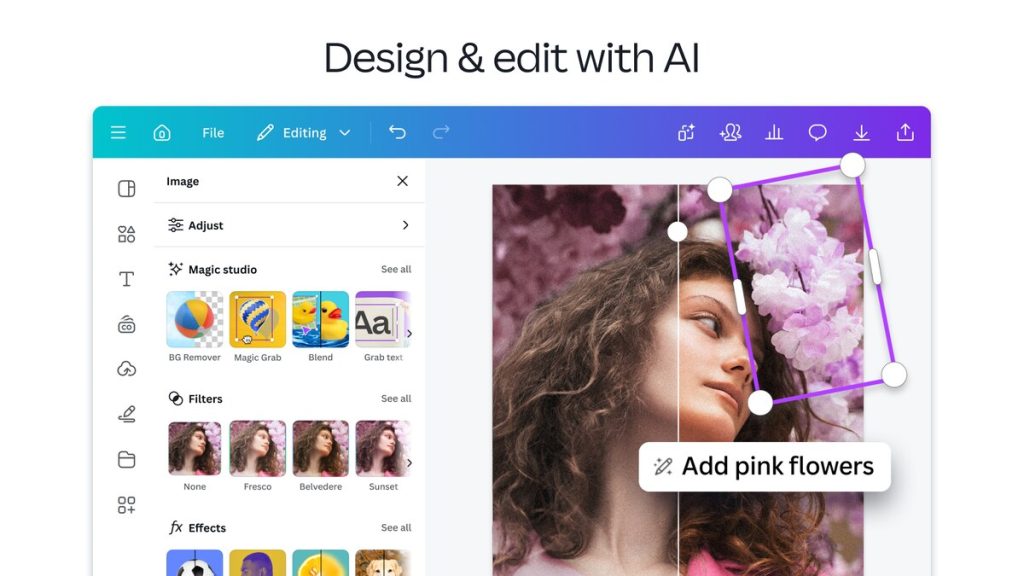
- Versatile design platform with robust video editing tools
- Drag-and-drop interface with customizable templates
- Ideal for quick social media videos and presentations
- Easy to use, even for non-designers
Android Version | Online Version
Why We Chose This App: Canva is straightforward and offers creative templates that simplify video editing for non-designers. Excellent for social media content.
💡 Quick Tip: Leverage Canva’s huge library of templates to quickly create visually appealing videos by reading our Chromebook guide on Canva.
PowerDirector
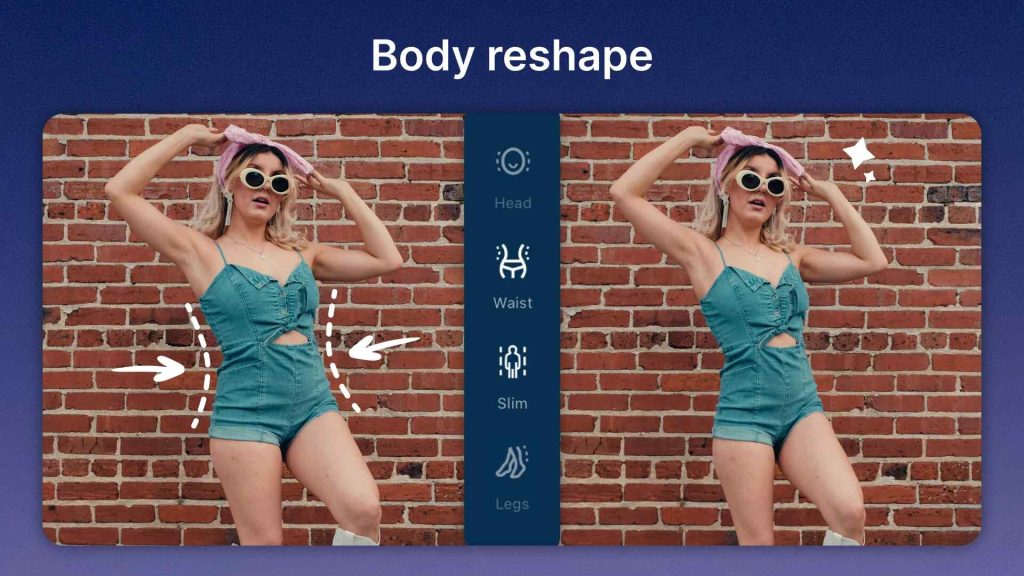
- Powerful editing suite with 4K video support
- Offers slow motion, transitions, and various effects
- Optimized for mobile devices with a streamlined interface
- Multi-track editing and advanced effects
Why We Chose This App: PowerDirector provides robust editing features in a mobile-friendly package, making it a solid choice for serious editing on Chromebooks. Feature-rich.
💡 Quick Tip: Experiment with the advanced effects and transitions to add polish to your videos by reading our Chromebook guide on PowerDirector.
Clipchamp
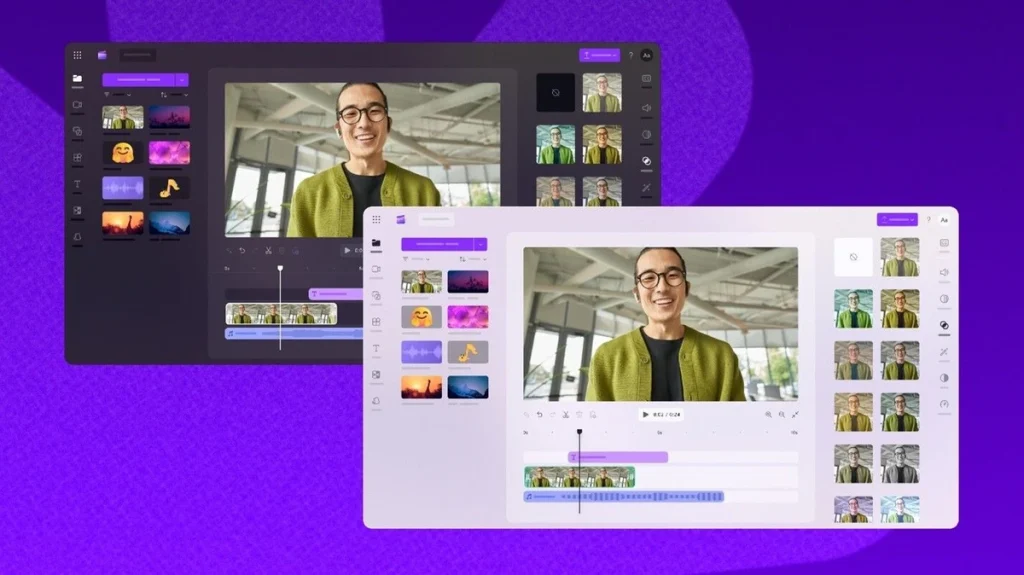

- Browser-based editor with a clean, intuitive design
- Extensive template library and simple drag-and-drop editing
- Integrated with Microsoft services for seamless use on Chromebooks
- Easy to use for quick edits and social media content
Why We Chose This App: Clipchamp is easy to access directly from your browser, making it a convenient option for Chromebook users who prefer not to install additional software. Good browser integration.
💡 Quick Tip: Explore the template library for quick and easy video creation by reading our Chromebook guide on Clipchamp.
Adobe Express
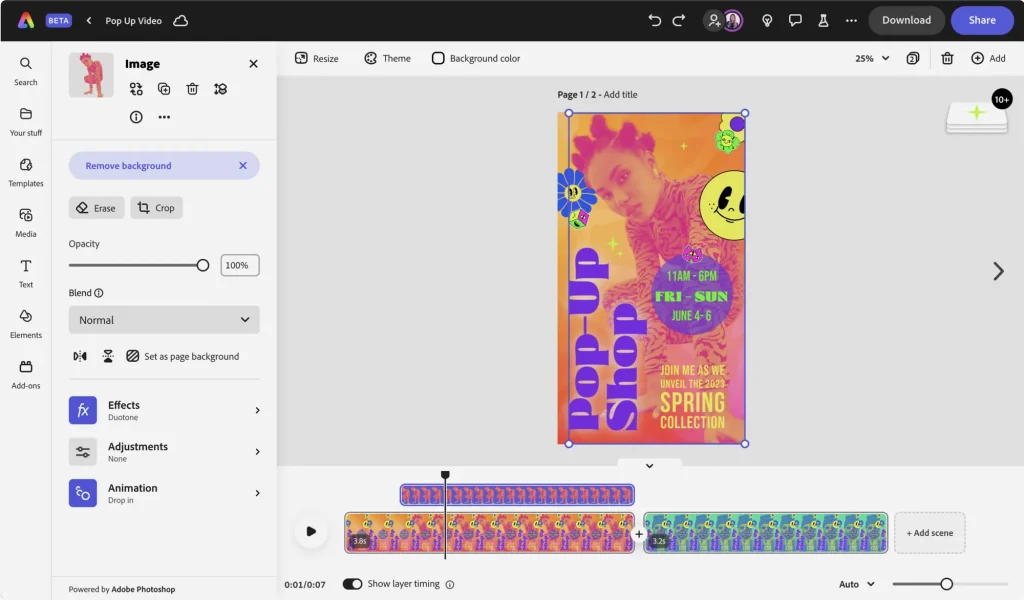

- Free online video editor from Adobe
- Easy to use with drag-and-drop interface
- Good for quick edits and social media content
- Integrates with other Adobe products
Android Version | Online Version
Why we chose this: If you’re already in the Adobe ecosystem, Adobe Express is a great free option for quick edits and social media content.
💡 Quick Tip: Leverage Adobe Express’s integration with other Adobe products for a streamlined workflow by reading our Chromebook guide on Adobe Express.
Best Online Video Editors for Chrome (and Any Browser)
Sometimes you need to edit videos quickly without installing any software. These online video editors work directly in your Chrome browser (or any modern browser) on your Chromebook, Windows PC, Mac, or Linux machine.
Kapwing
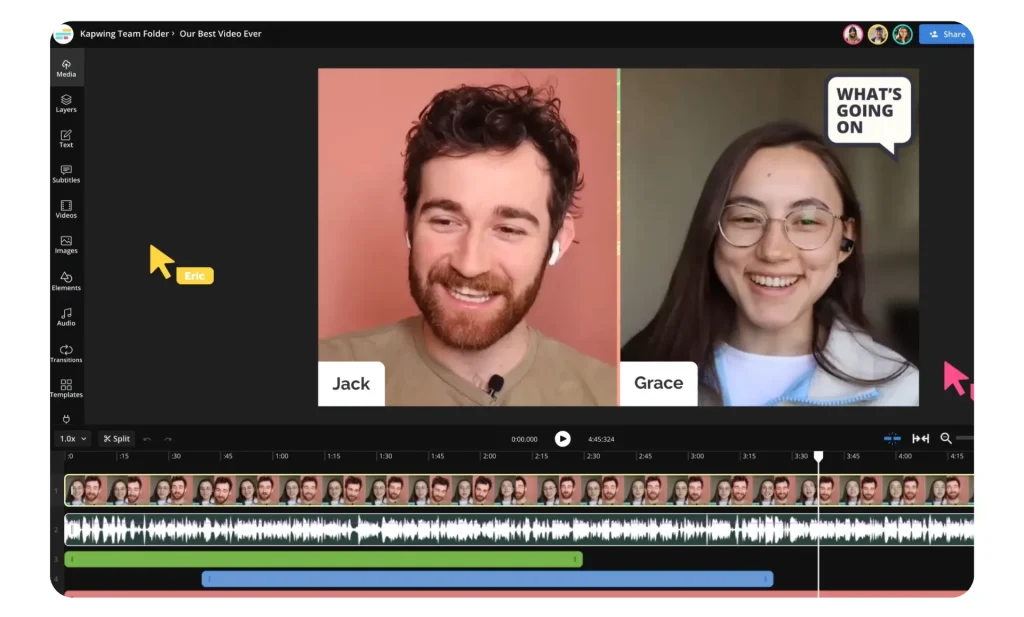

- Collaborative online video editor
- Wide range of tools, including trimming, resizing, adding text, and effects
- User-friendly interface
- Free version available
Why we chose this: Kapwing is excellent for collaborative projects and offers a good balance of features and ease of use.
💡 Quick Tip: Use Kapwing’s collaboration features to work on video projects with others in real-time.
Veed.io
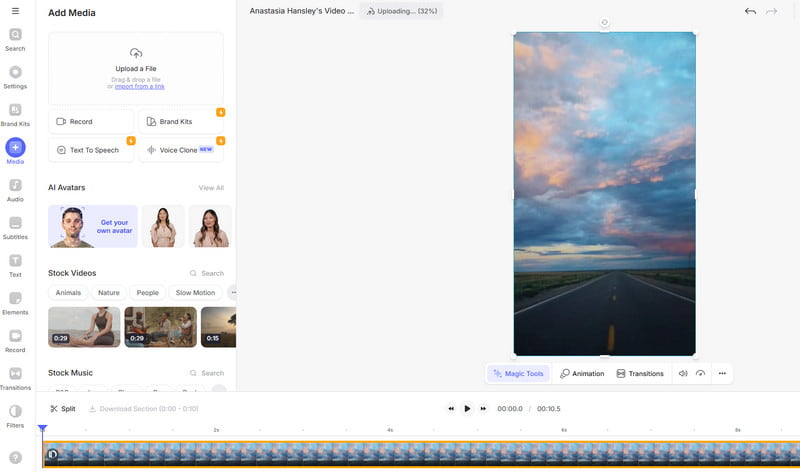

- Intuitive online video editor
- Powerful editing tools with a simple interface
- Great for creating social media content
- Offers a variety of templates and stock footage
Why we chose this: Veed.io is known for its ease of use and has a good free tier, making it accessible for quick edits and social media content.
💡 Quick Tip: Take advantage of Veed.io’s templates and stock footage to speed up your video creation process.