21 Best Multiplayer Games for Chromebook and Googlebook
 by
Joseph Vance
Post Updated: September 5, 2026
by
Joseph Vance
Post Updated: September 5, 2026
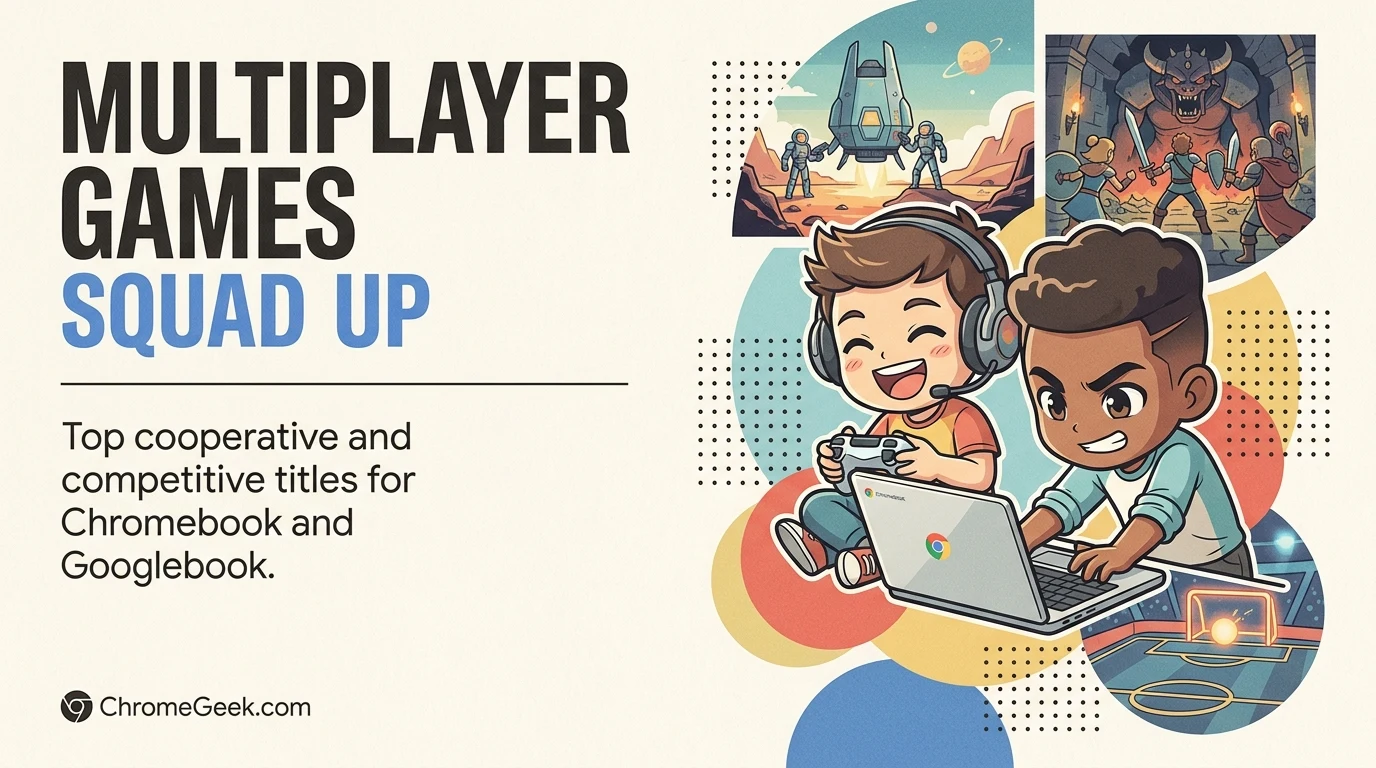
The best multiplayer games for Chromebook and Googlebook include Counter-Strike 2, Helldivers 2, Fortnite, and Grand Theft Auto Online. You can defend bomb sites in tactical 5v5 matches, coordinate planetary air strikes with friends, or team up for daring open-world heists.
Have a favorite multiplayer game we missed? Tell us about it, including which device and platform you use to play.
Top Multiplayer Games for Chromebook & Googlebook
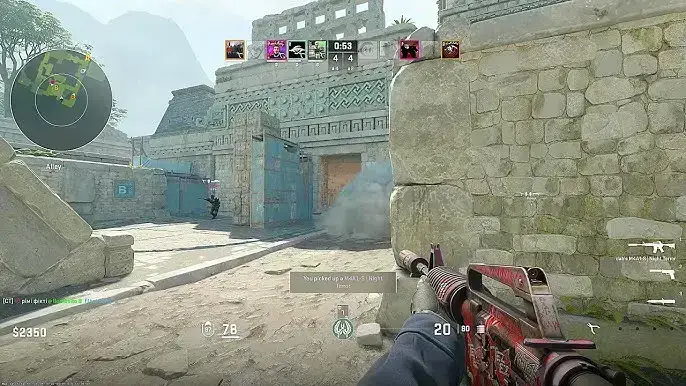
5v5 Tactical Shooter
1. Counter-Strike 2
You team up in five-player squads as Terrorists or Counter-Terrorists in fast-paced round-based matches, coordinating with teammates to plant explosives, defuse bombs, or rescue hostages on iconic maps.
- Classic 5v5 bomb defusal and hostage rescue matches where teamwork and communication win rounds
- Legendary maps like Dust II, Inferno, and Mirage with an iconic arsenal including the AK-47, M4A1-S, and AWP
- Competitive ranked Premier matchmaking alongside casual deathmatch and arms race modes
Co-Op PvE Extraction Shooter
2. Helldivers 2
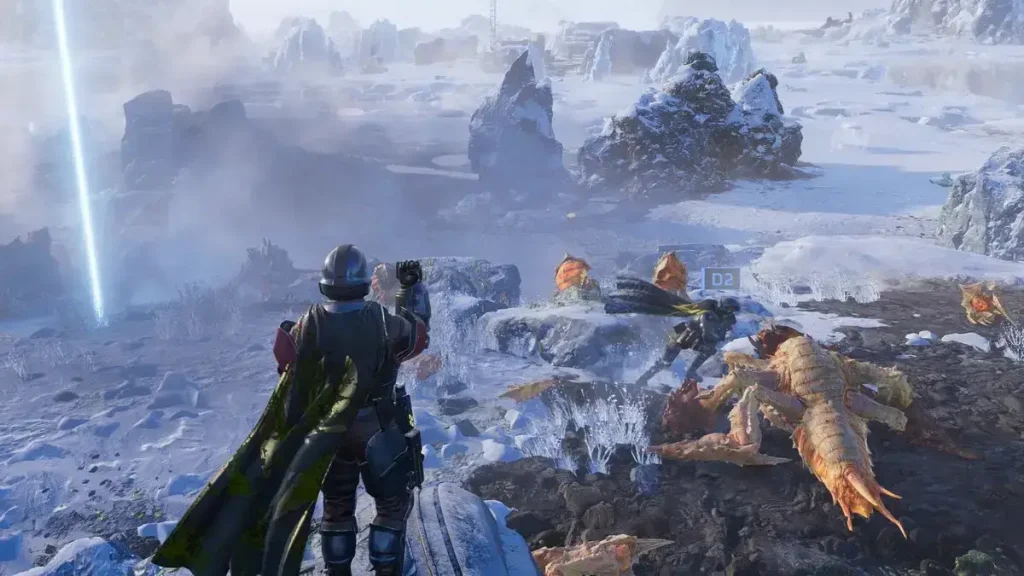
You drop in four-player squads onto hostile alien planets to complete tactical objectives like destroying bug nests or disabling automaton factories, inputting directional keypad codes to call in artillery strikes and resupply pods.
- Unrestricted friendly fire where stray orbital barrages, turret crossfire, and dropped grenades can kill squadmates
- Calling in airstrikes, turrets, and heavy weapon drops by entering quick d-pad or arrow-key codes under fire
- Community-wide Galactic War where weekly liberation percentages rise and fall based on collective player mission results
Battle Royale & Creative
3. Fortnite
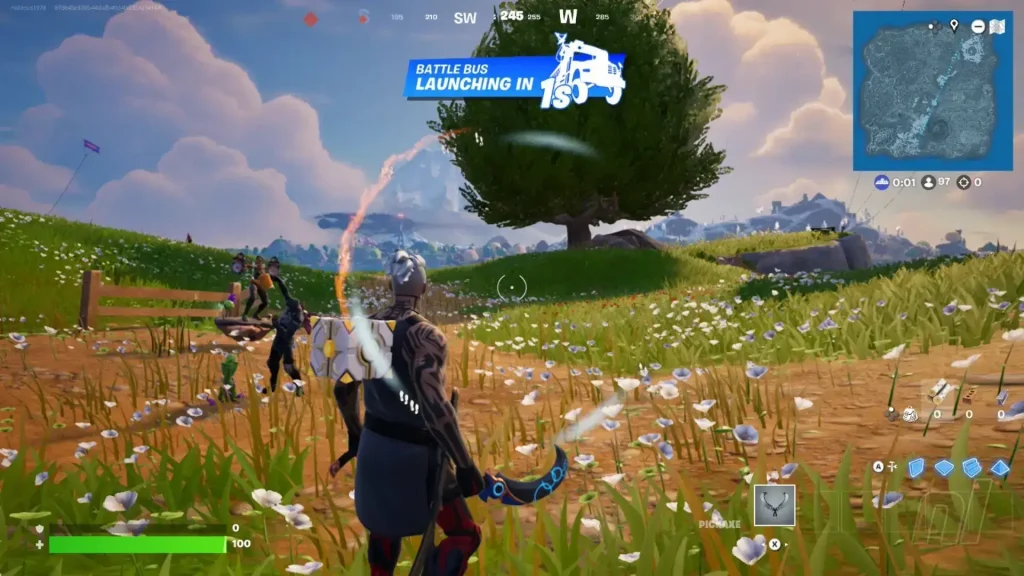
You skydive from a flying battle bus onto a constantly shrinking island, scavenging weapons, shields, and movement gadgets to outlast 99 other players either solo or in squads.
- Dedicated Zero Build mode that removes building mechanics to focus entirely on terrain cover, tactical movement, and aim
- Massive library of creator islands spanning deathruns, prop hunt, and custom party game modes alongside LEGO Fortnite survival
- Full cross-progression and cross-play connecting players on PC, consoles, and mobile devices
Destructive Arena Shooter
4. The Finals
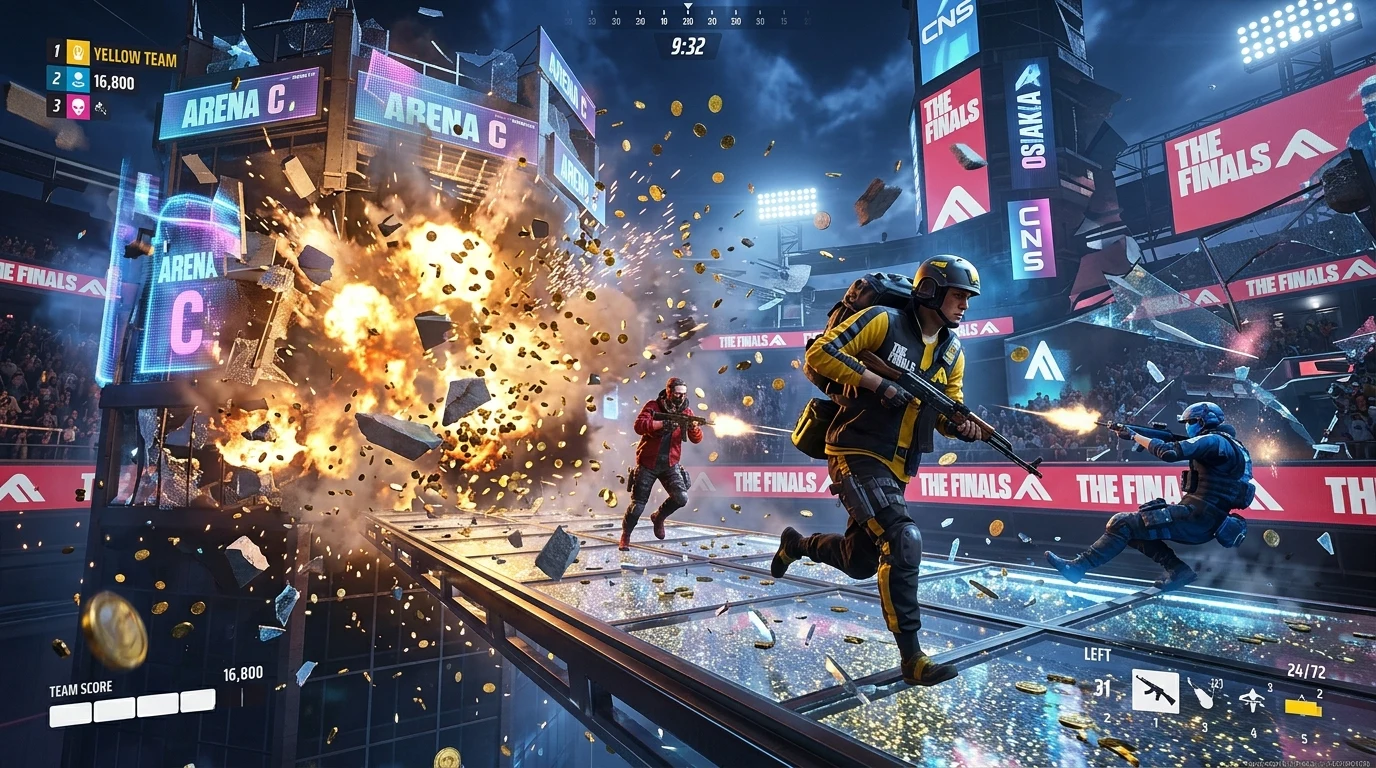
You compete in three- or four-team arena game shows, using light, medium, or heavy contestant builds to locate cash vaults, carry boxes across rooftops, and defend cashout stations until the timer expires.
- Total building destruction where you can blow holes through walls, floors, and roofs with sledgehammers, C4, and rocket launchers
- Three distinct body classes with unique health pools, speeds, and gadgets like grappling hooks, healing beams, and barricades
- High-stakes steal mechanic that lets trailing teams snatch the entire cash payout in the final seconds of a round
Turn-Based Co-Op RPG
5. Baldur’s Gate 3
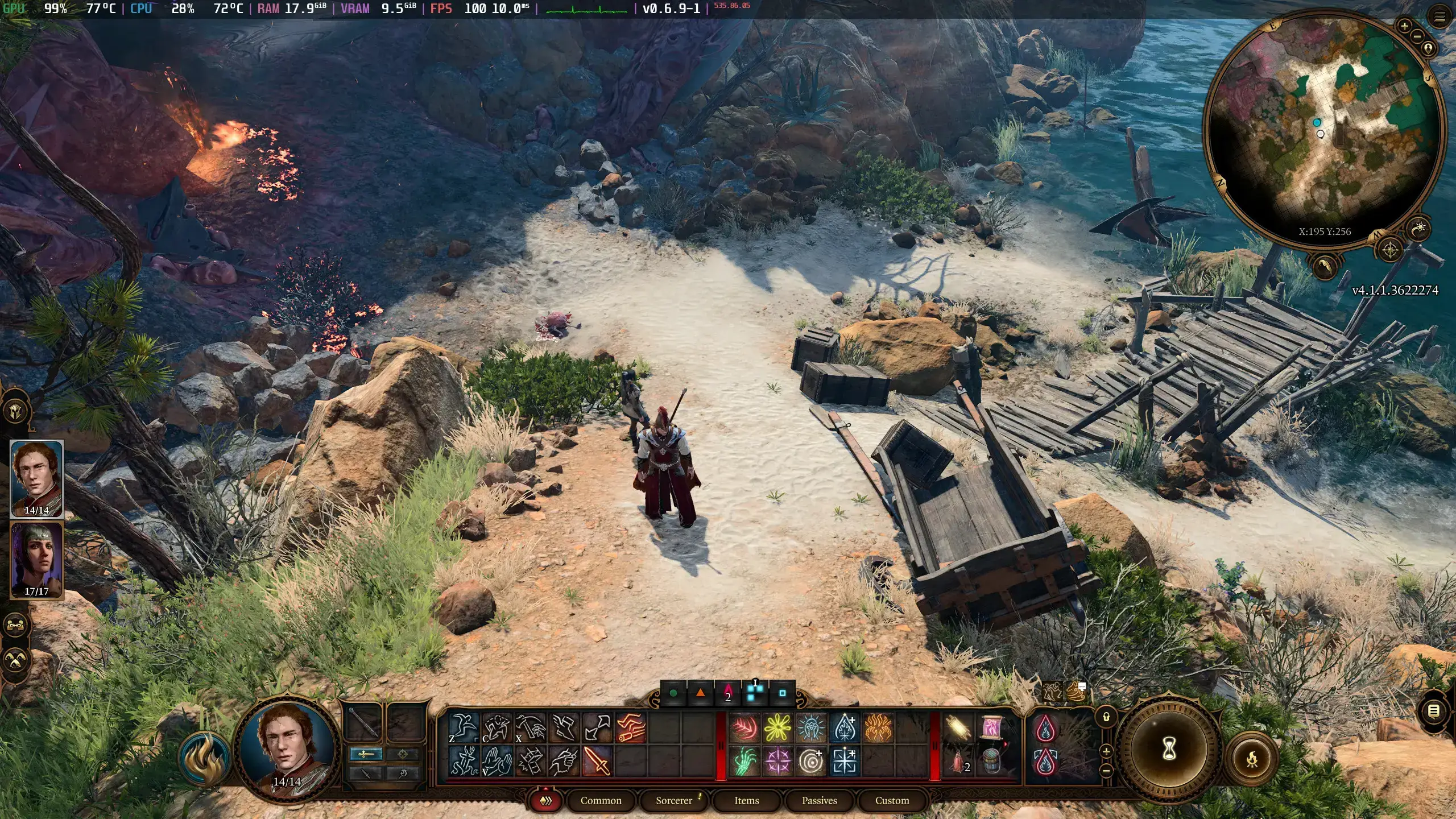
You explore the Sword Coast with up to three friends in an expansive turn-based role-playing campaign, combining character abilities, positioning, and environmental hazards like grease and water to resolve tactical combat and story decisions.
- Cooperative dialogue voting where party members can suggest conversational choices or trigger separate events in different parts of a town
- Turn-based tactical combat based on D&D 5th Edition rules, rewarding environmental combos like electrifying puddles or shoving enemies off cliffs
- Flexible class multiclassing and spell synergies across dozens of hours of campaign content
Open-World Crime Sandbox
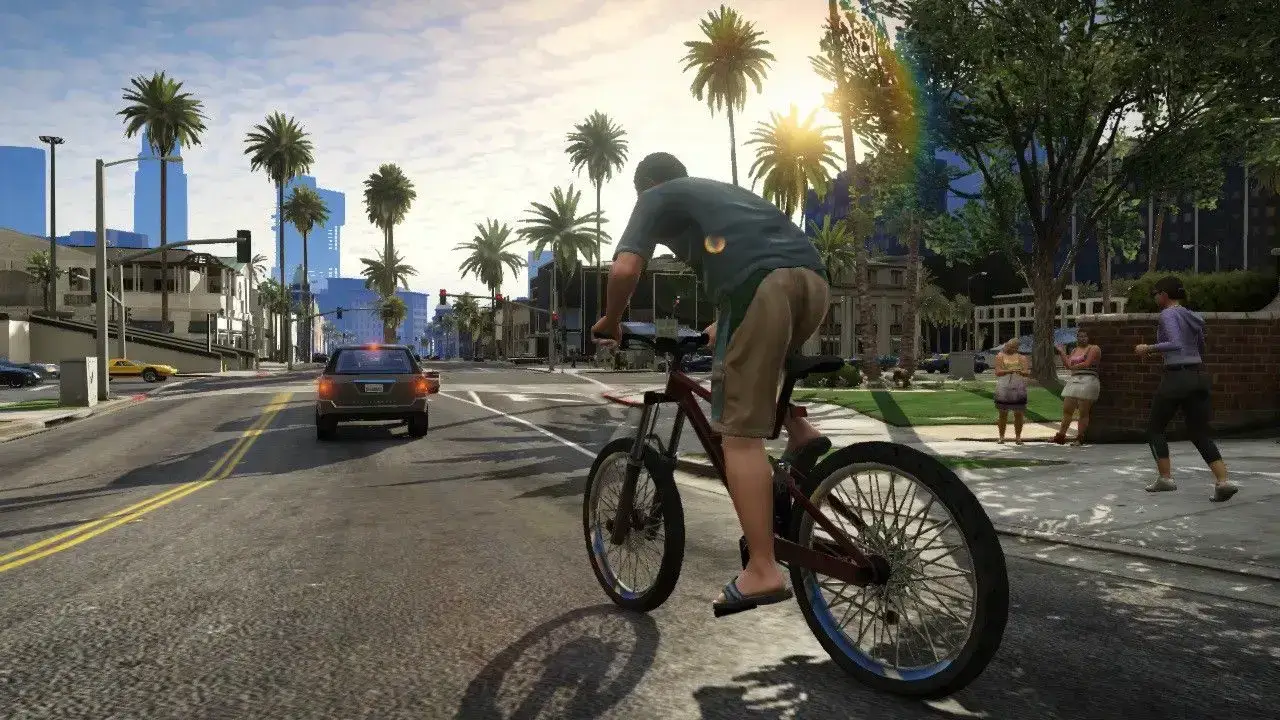
6. Grand Theft Auto Online
You build a criminal enterprise across Los Santos, teaming up with friends to plan multi-stage bank heists, run delivery businesses, race supercars, or participate in freemode territory battles.
- Multi-part cooperative Heists requiring specific team roles such as pilot, hacker, demolitions, and ground assault
- Extensive property and business management ranging from nightclub operations to underground vehicle warehouses
- Hundreds of customizable land vehicles, weaponized helicopters, and planes
Squad Battle Royale
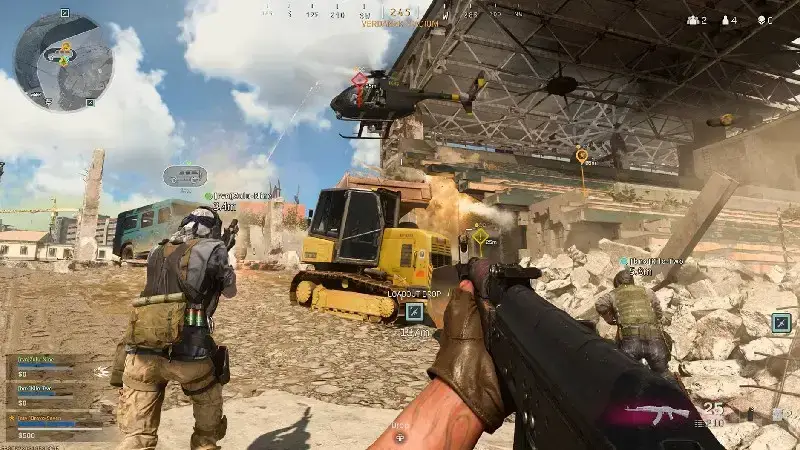
7. Call of Duty: Warzone
You drop into large-scale military maps with up to three squadmates, completing in-match contracts for cash, purchasing custom loadout drops at buy stations, and fighting through the Gulag 1v1 arena to earn a respawn.
- Custom loadout drop system that lets you retrieve your personal tuned assault rifles and perk packages mid-match
- The Gulag respawn arena where eliminated players duel with randomized weapons for a free ticket back into the game
- Fast-paced movement mechanics including tactical sprint, sliding, and ledge hanging
Hero Battle Royale
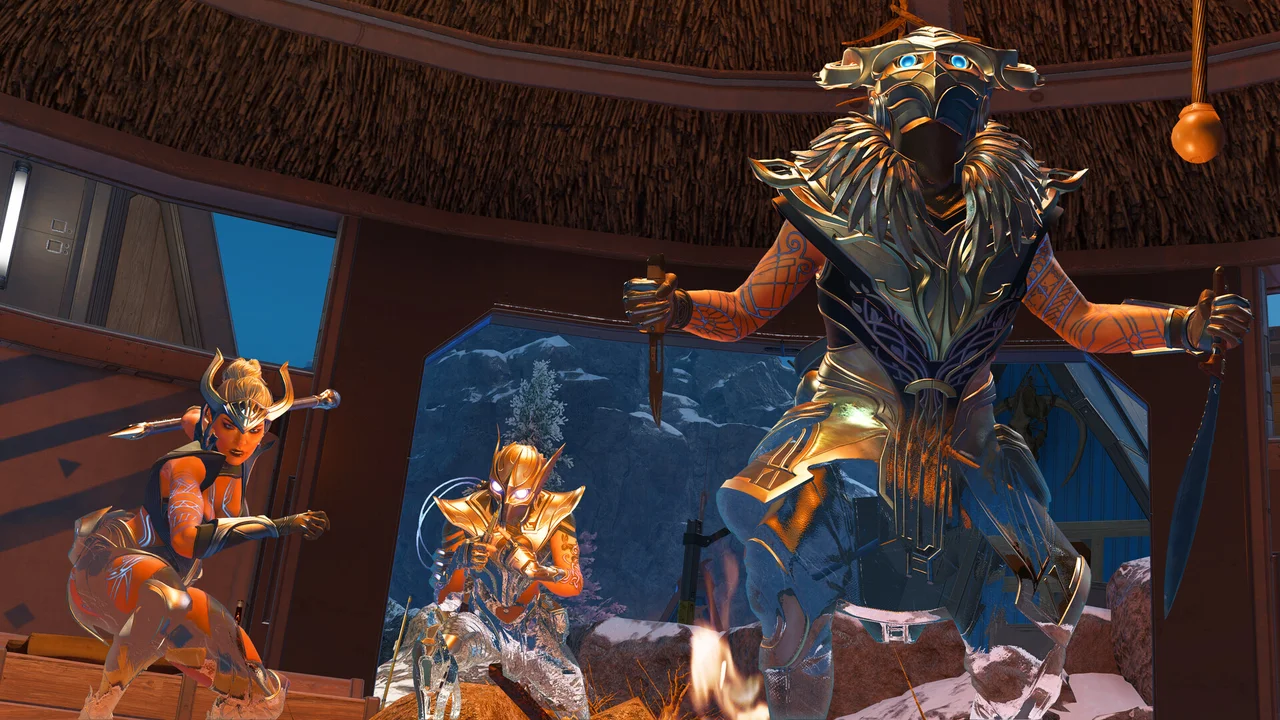
8. Apex Legends
You play in three-person squads as unique Legends with specialized tactical, passive, and ultimate abilities, sliding down hills and using zip-lines to reposition quickly during multi-squad firefights.
- Fast movement mechanics including slide-jumping, wall bouncing, and zipline momentum preservation
- Distinct Legend character abilities like portal creation, aerial bombardment strikes, and defensive dome shields
- Non-verbal smart ping communication system that lets you call out enemy positions, weapons, and ammo needs without voice chat

Rocket-Powered Car Soccer
9. Rocket League
You pilot rocket-powered cars in 2v2 or 3v3 arena soccer matches, boosting off walls, flipping into mid-air headers, and defending your goal in fast-paced five-minute rounds.
- Strict momentum and ball-bounce physics with zero RNG, power-ups, or artificial assist mechanics
- Aerial boost flight allowing skilled drivers to launch into the air to intercept airborne shots
- Dedicated competitive ranked tiers and casual extra modes like Hoops and Snow Day
Co-Op Pirate Sandbox
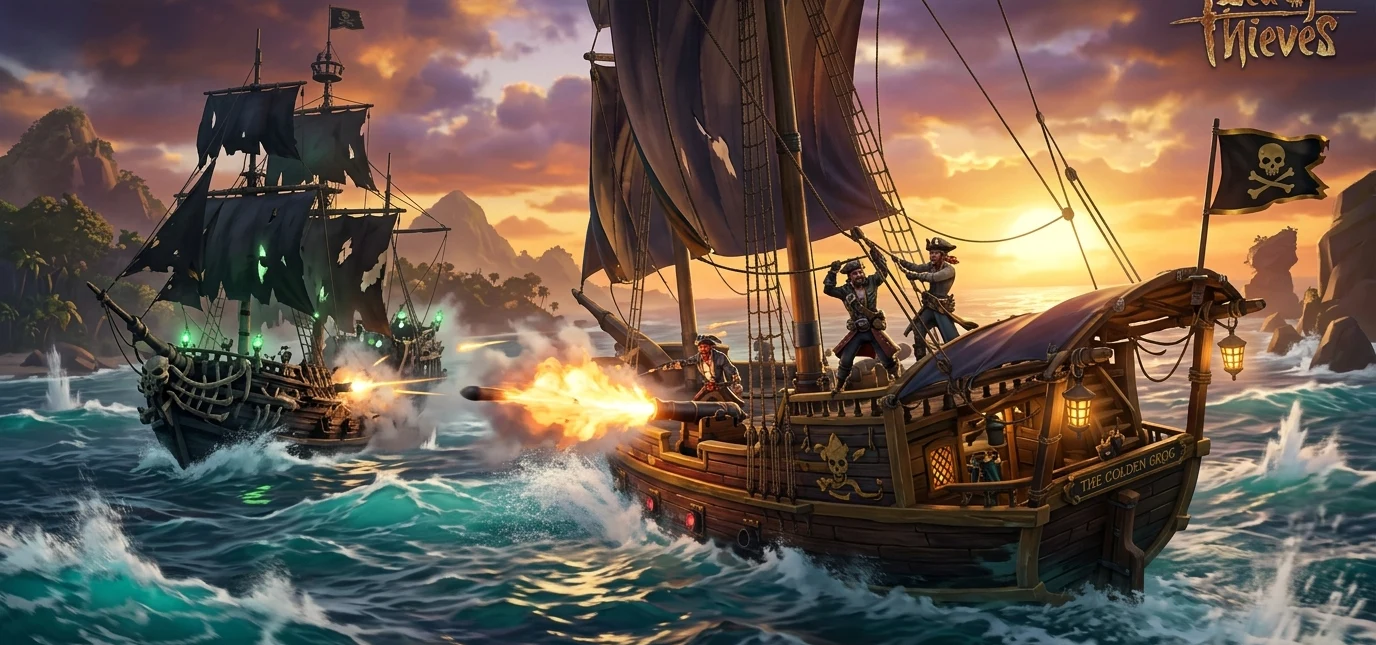
10. Sea of Thieves
You man a sailing ship with up to three crewmates, angling sails to catch the wind, repairing cannonball holes below deck with wooden planks, and unearthing treasure chests on remote islands while scanning for rival player ships.
- Collaborative ship management where players must physically steer the ship’s wheel, drop the anchor, and bail water with buckets
- Shared open world where any approaching ship could be friendly musicians or hostile pirates attempting to steal your loot
- Horizontal character progression where gold purchases only cosmetic sails, outfits, and weapons, keeping combat balanced
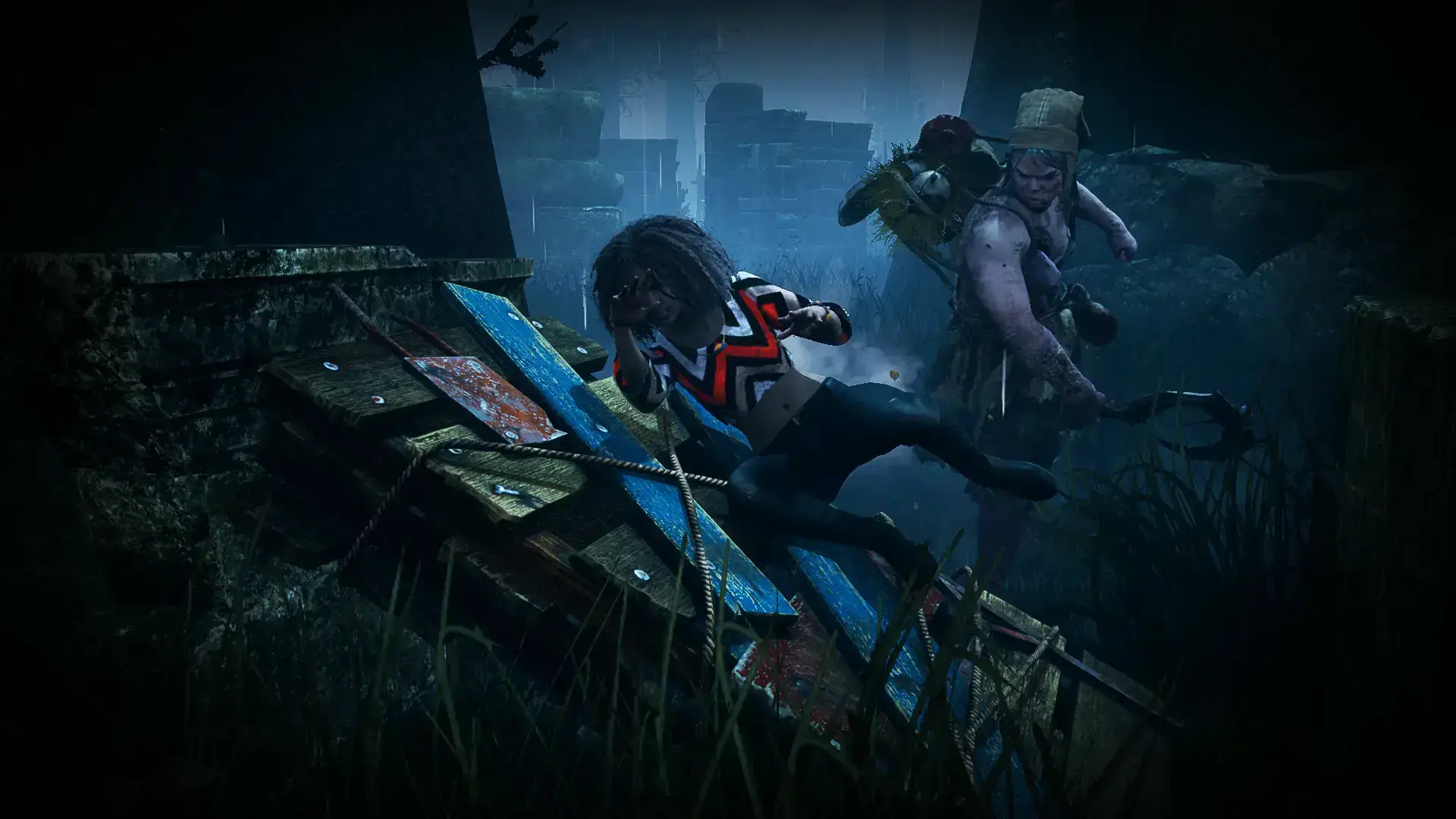
4v1 Horror Survival
11. Dead by Daylight
Four Survivors work together from a third-person perspective to repair five broken generators and open exit gates, while one player controls a first-person Killer attempting to track, down, and sacrifice them on meat hooks.
- Third-person vs first-person view: Survivors use a wide third-person camera to spot threats, while the Killer hunts in first-person
- Vast roster of original Killers and licensed horror villains like Michael Myers, Ghostface, and the Xenomorph with unique powers
- Perk loadout combinations that let Survivors specialize in stealth, healing, or looping killers around obstacles
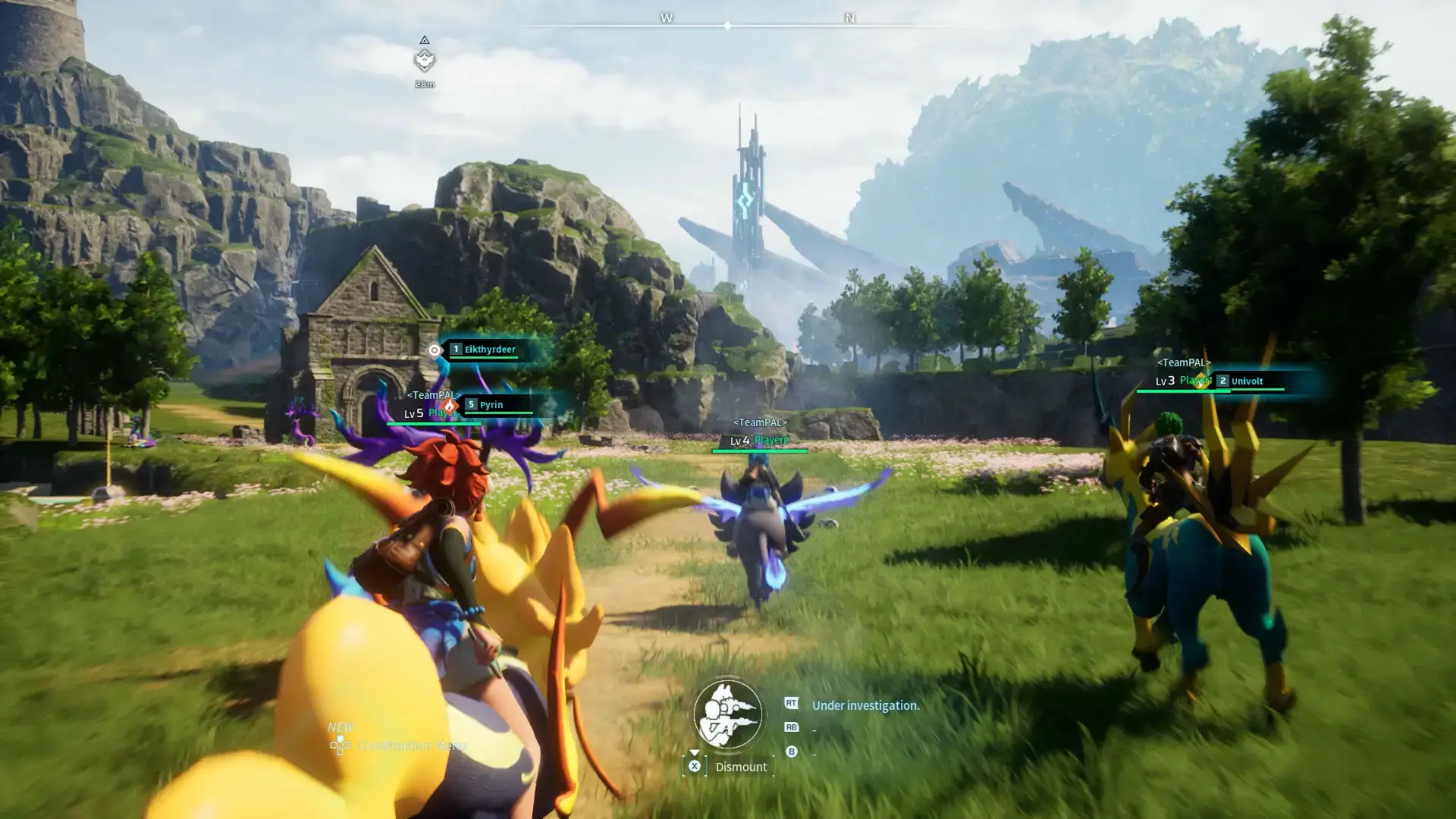
Creature Collector & Survival
12. Palworld
You explore a vast open wilderness with up to 32 players, capturing magical creatures called Pals with sphere launchers, putting them to work at manufacturing bases, and fighting boss towers.
- Base automation where assigned Pals chop wood, smelt ore, generate electricity, and craft ammunition
- Mounted combat letting you ride flying, swimming, and running Pals while wielding firearms and crossbows
- Cooperative boss dungeons that require coordinated elemental damage counters to defeat
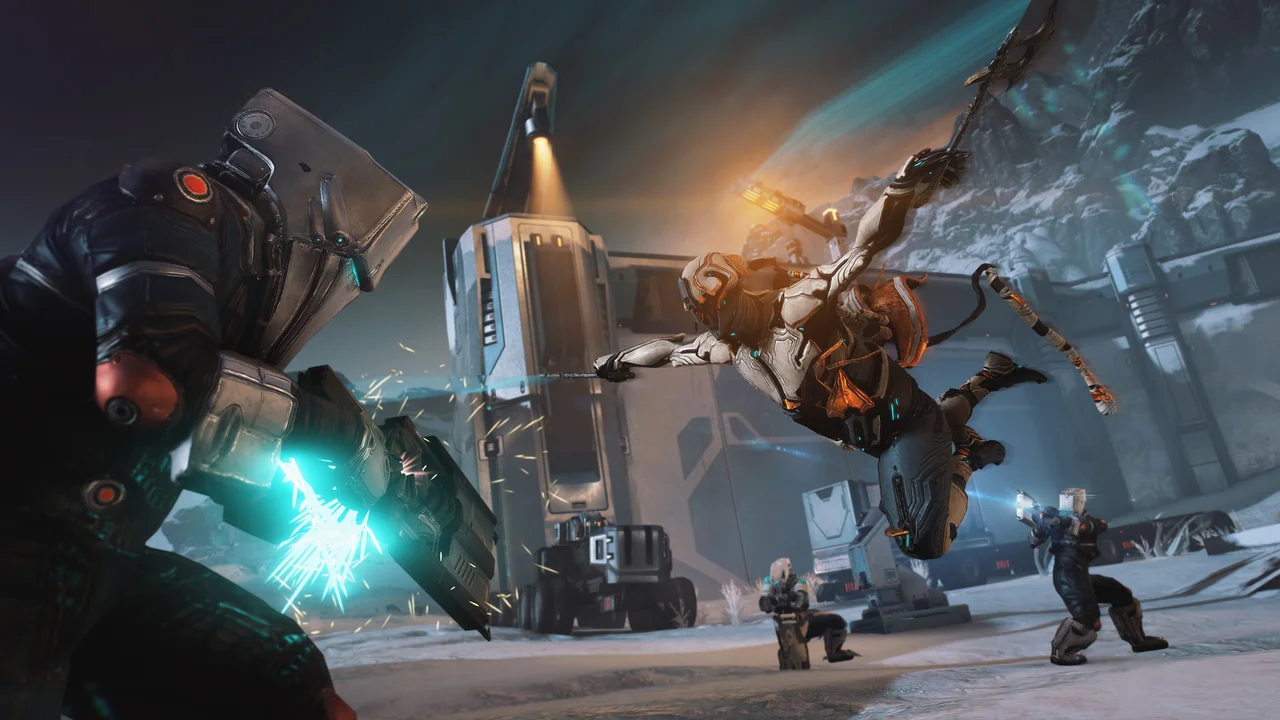
Fast-Paced Looter Shooter
13. Warframe
You control acrobatic biomechanical suits called Warframes in four-player cooperative missions, using bullet jumps, wall dashes, firearms, and melee swords to fight through hordes of cloned soldiers and robotic armies.
- Distinctive acrobatics where bullet jumps, double jumps, and aim-glide maneuvers let you cross massive rooms in seconds
- More than 50 unique Warframes each featuring four signature abilities such as dimension walking, sonic blasts, or electric storms
- Deep mod system to customize your weapons, damage types, and warframe powers
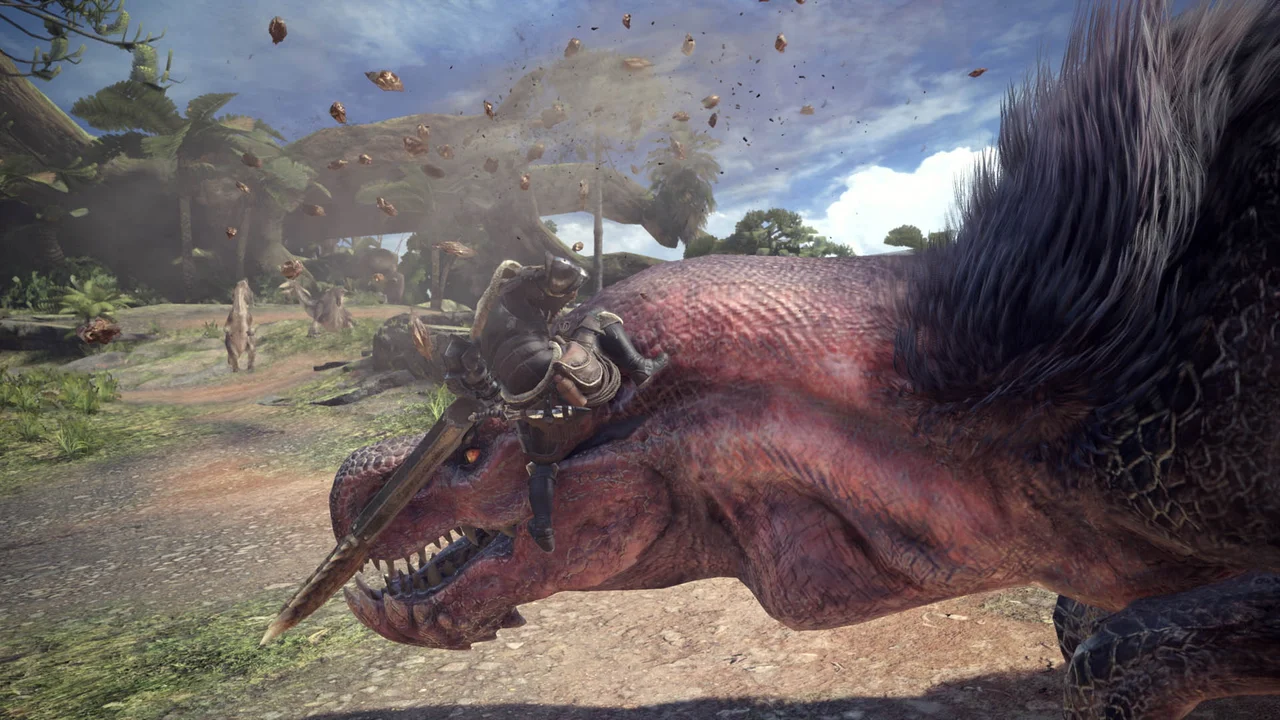
Co-Op Monster Hunts
14. Monster Hunter: World
You track massive wyverns and elder dragons across dynamic ecosystems in squads of up to four hunters, studying beast behaviors, dodging tail swipes, and carving materials from fallen targets to forge stronger armor.
- 14 distinct weapon categories ranging from fast dual blades and mobile bowguns to massive greatswords and hunting horns
- Dynamic environmental interactions where you can lure monsters into flashfly swarms, rock traps, and rival beast turf wars
- SOS Flare beacon system that allows you to summon open player matchmaking into ongoing hunts mid-quest
Arena Shooter
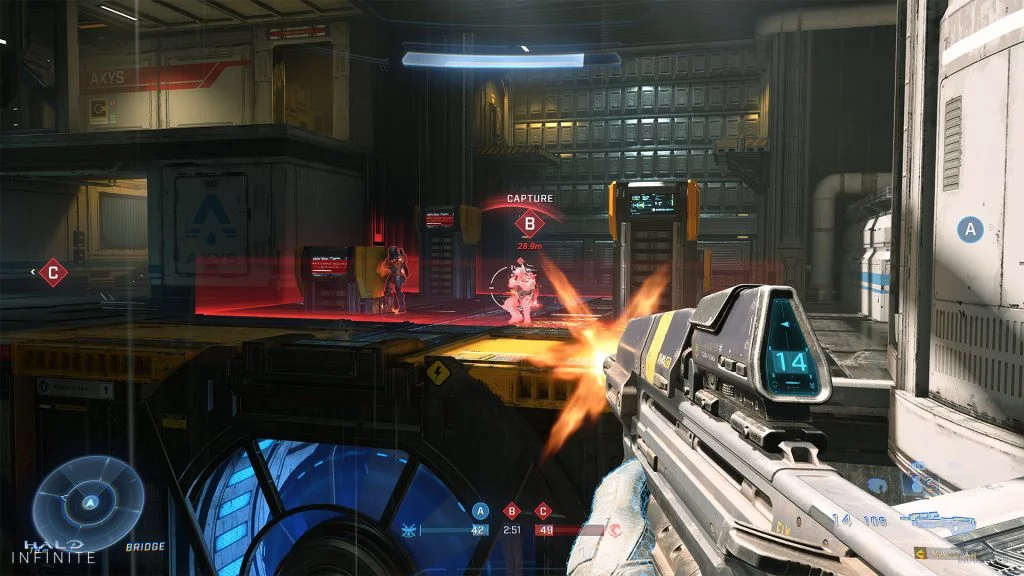
15. Halo Infinite
You play classic arena multiplayer and 24-player Big Team Battles, controlling Spartans who compete over weapon pads, powerups like the Grappleshot, and vehicular control points.
- Pickup equipment sandbox including the Grappleshot for boarding vehicles, Drop Wall deployable cover, and Repulsor blast
- Classic arena balance where all players spawn with identical starting weapons and shields
- Big Team Battle maps featuring Warthogs, Scorpions, and Wasps in coordinated vehicle combat
Action RPG / Hack & Slash
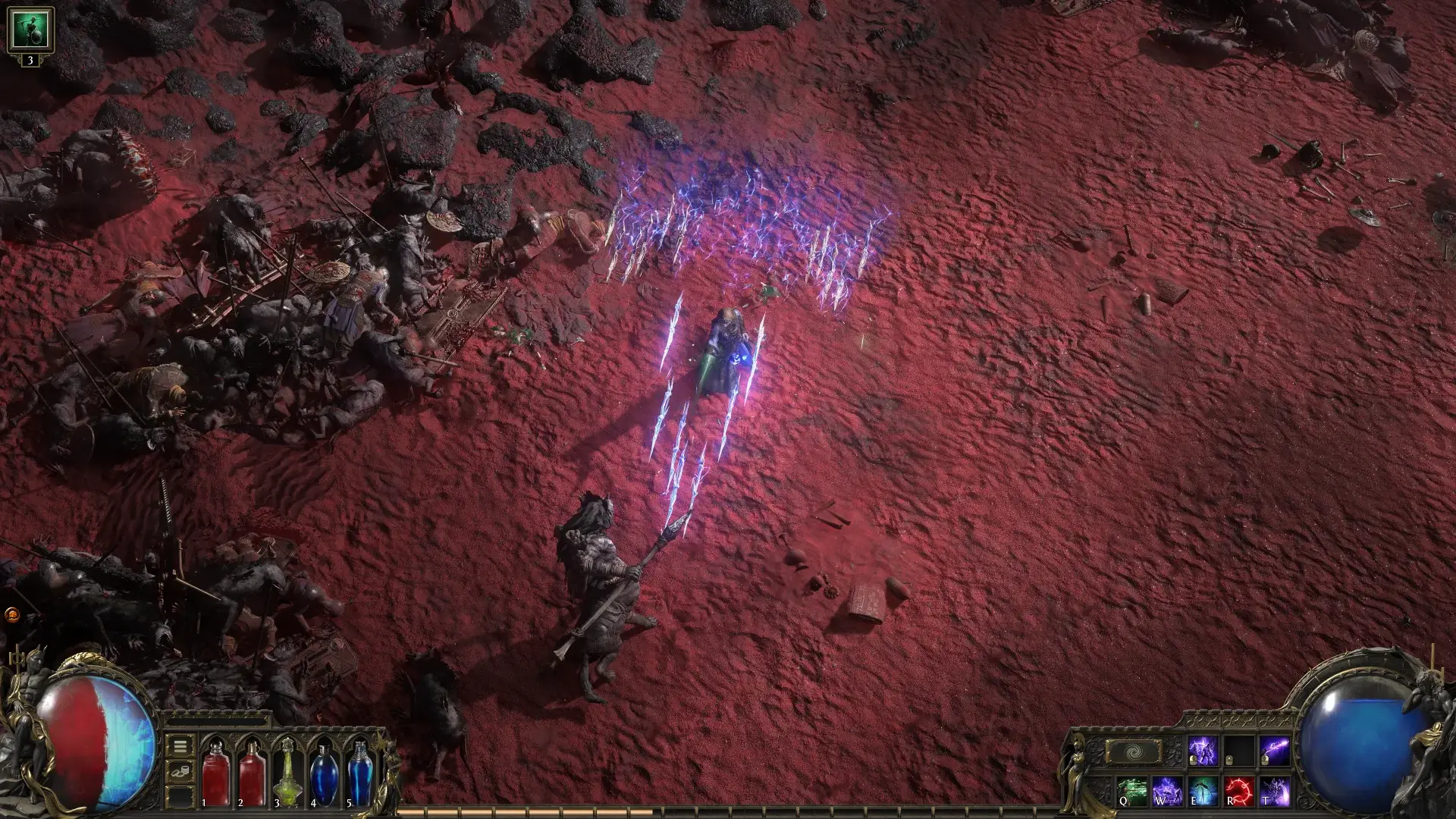
16. Path of Exile 2
You explore a grim dark-fantasy continent in cooperative parties, fighting through dungeons and mapping boss encounters with customizable active skill gems, weapon swaps, and dodge rolls.
- Revamped skill gem system where support gems socket directly into active skill gems, eliminating armor linking frustration
- Dedicated dodge-roll mechanic with directional collision that lets players physically evade boss telegraphs
- A massive skill tree with hundreds of nodes to build your character exactly how you want
Survival & Creative Sandbox
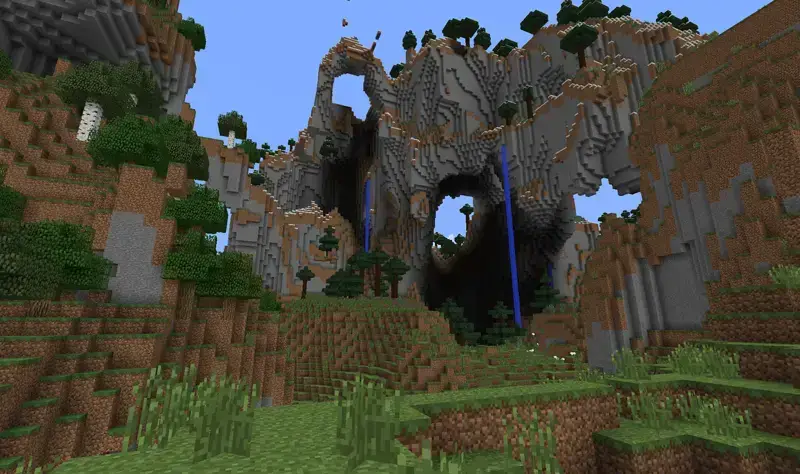
17. Minecraft
You harvest blocks, craft tools, build shelters, and explore deep underground caverns with friends in Survival mode, or construct complex structures with unlimited materials in Creative mode.
- Redstone logic circuitry allowing players to engineer automated piston doors, item sorters, and harvesting farms
- Full cross-play across ChromeOS, Windows, consoles, iOS, and Android on Bedrock edition
- Endless generated worlds filled with forests, mountains, deep caves, and Nether fortresses
Social Deduction
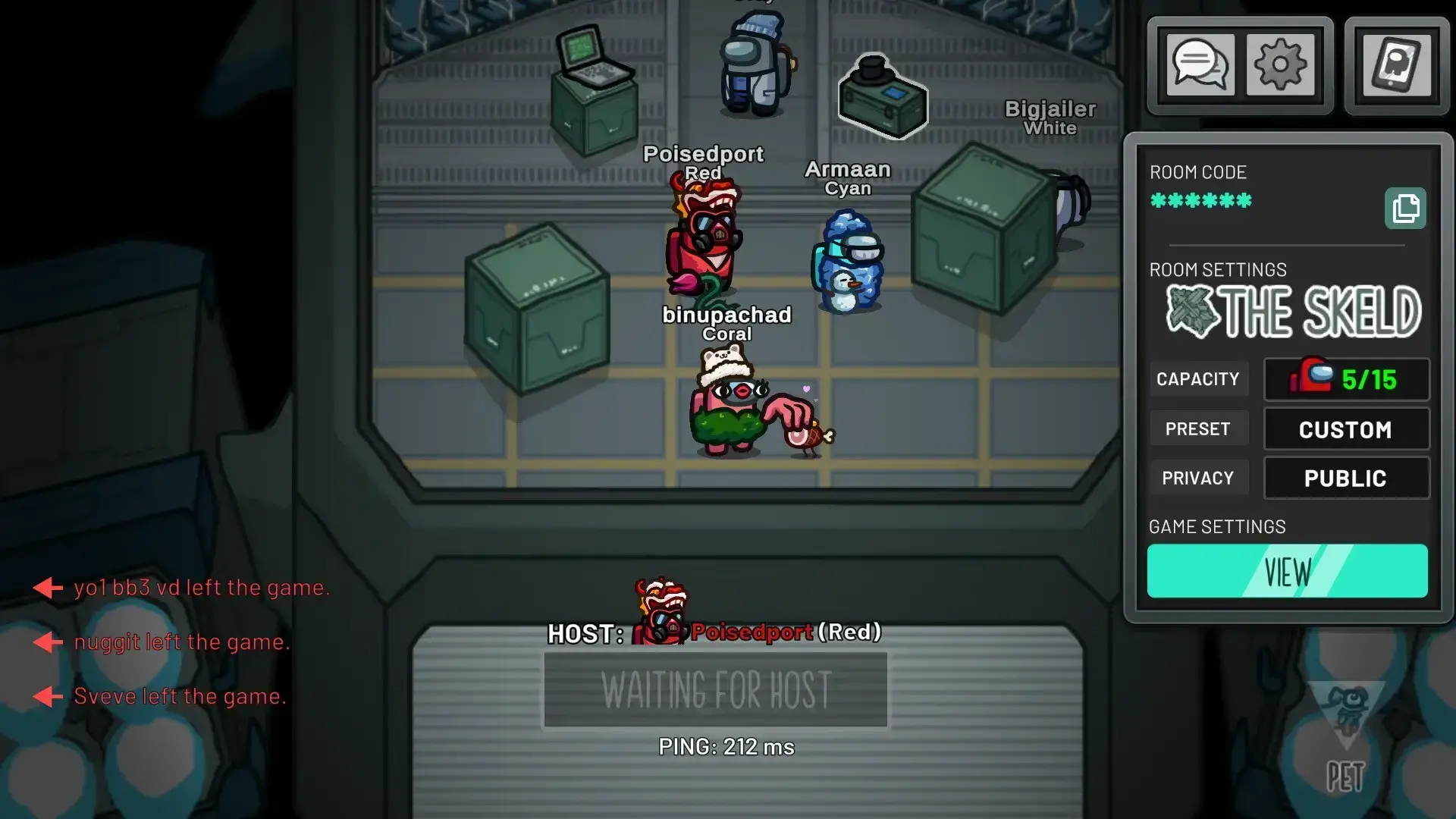
18. Among Us
4 to 15 players complete maintenance tasks around a spaceship or planet base, while 1 to 3 secret Impostors sabotage systems and eliminate crewmates, triggering emergency debate meetings to vote out suspects.
- Anonymous voting and emergency meetings where players debate alibis, room locations, and task progress
- Flexible lobby customizer allowing adjustments to kill cooldowns, voting timers, player speeds, and visual tasks
- Specialized crew roles including the Scientist, Engineer, Guardian Angel, and Shapeshifter
Free-to-Play Platform Fighter
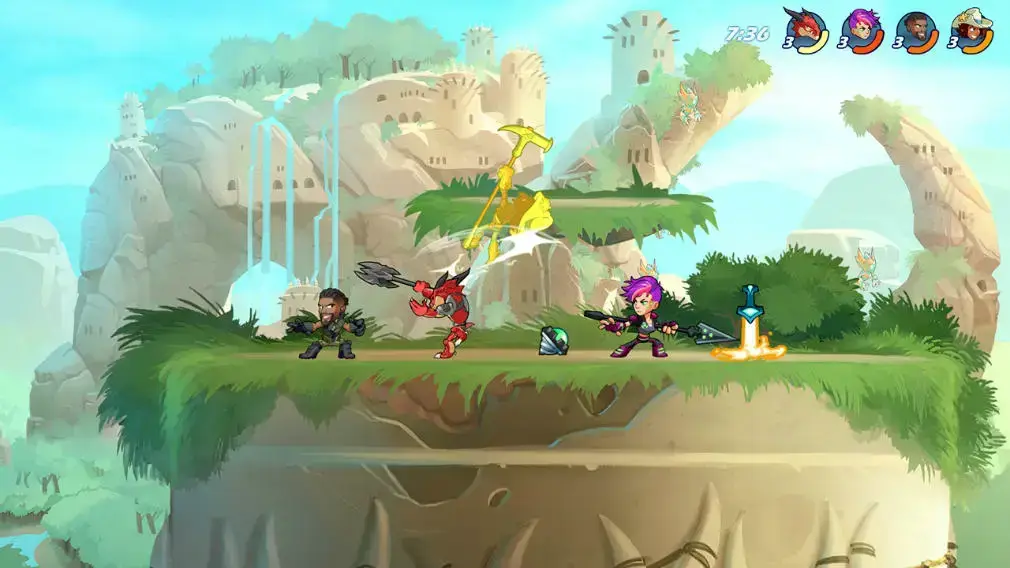
19. Brawlhalla
Up to 8 players brawl on floating arena platforms, using light attacks, heavy signatures, and weapon drops like gauntlets, blasters, and scythes to knock opponents off the screen boundaries.
- Distinctive weapon-drop system where each Legend wields two specific weapon types with unique signatures
- Universal cross-play matchmaking linking Chromebook players with consoles, mobile, and PC
- Diverse game modes including 1v1 Ranked, 2v2 Ranked, 4-player Free-for-All, and casual party brawls
Open-World Action RPG
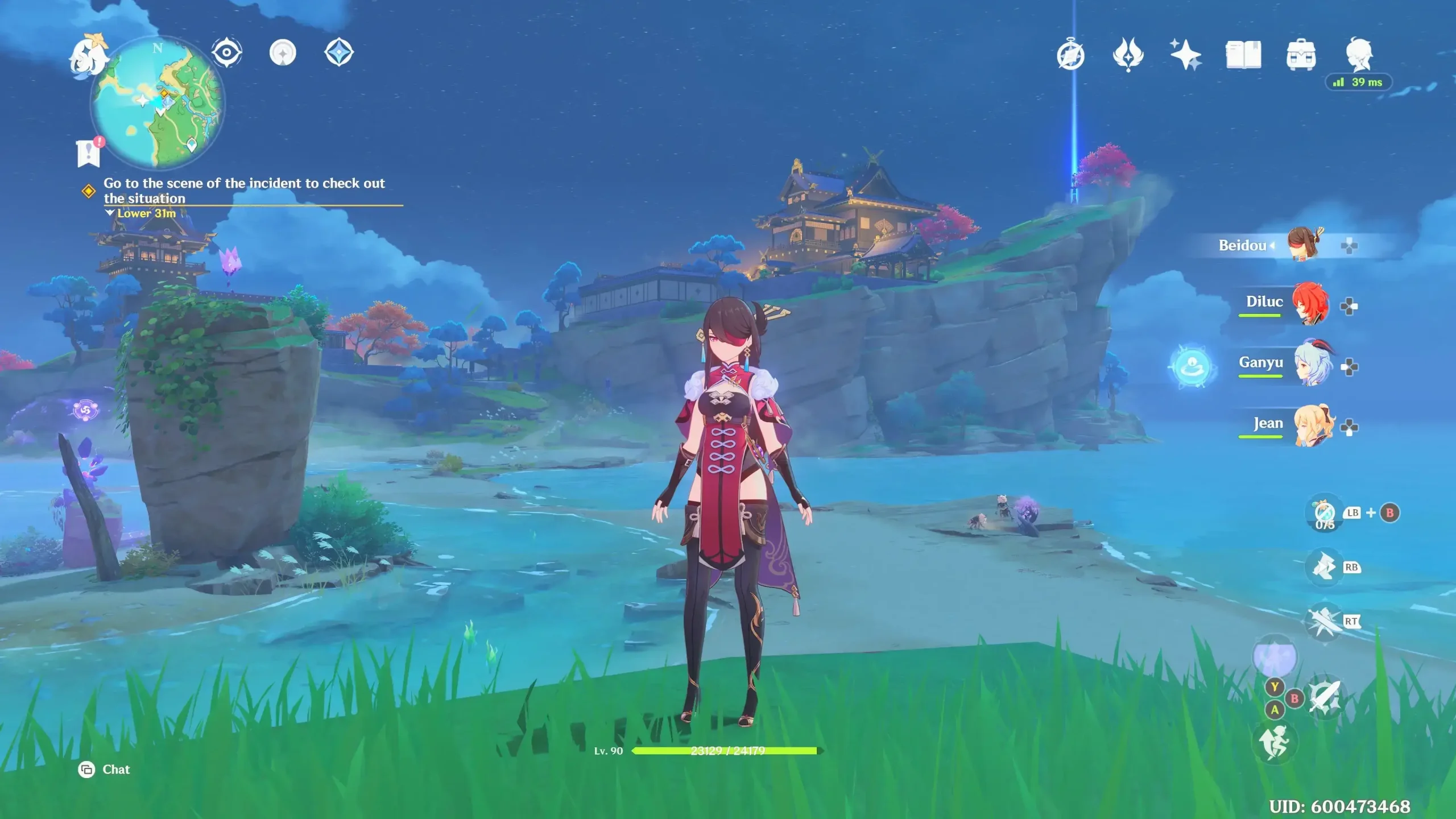
20. Genshin Impact
You explore the massive fantasy world of Teyvat, unlocking elemental characters and teaming up with up to three friends in cooperative sessions to clear artifact domains, boss arenas, and open-world puzzles.
- Elemental reaction combat system where combining Pyro, Hydro, Cryo, Electro, and Dendro triggers bonus damage effects
- Four-player cooperative domain challenges that allow teams to combine elemental bursts against elite enemies
- Universal cross-save that preserves character rosters and story progression across mobile, PC, and cloud
Community Creation Hub
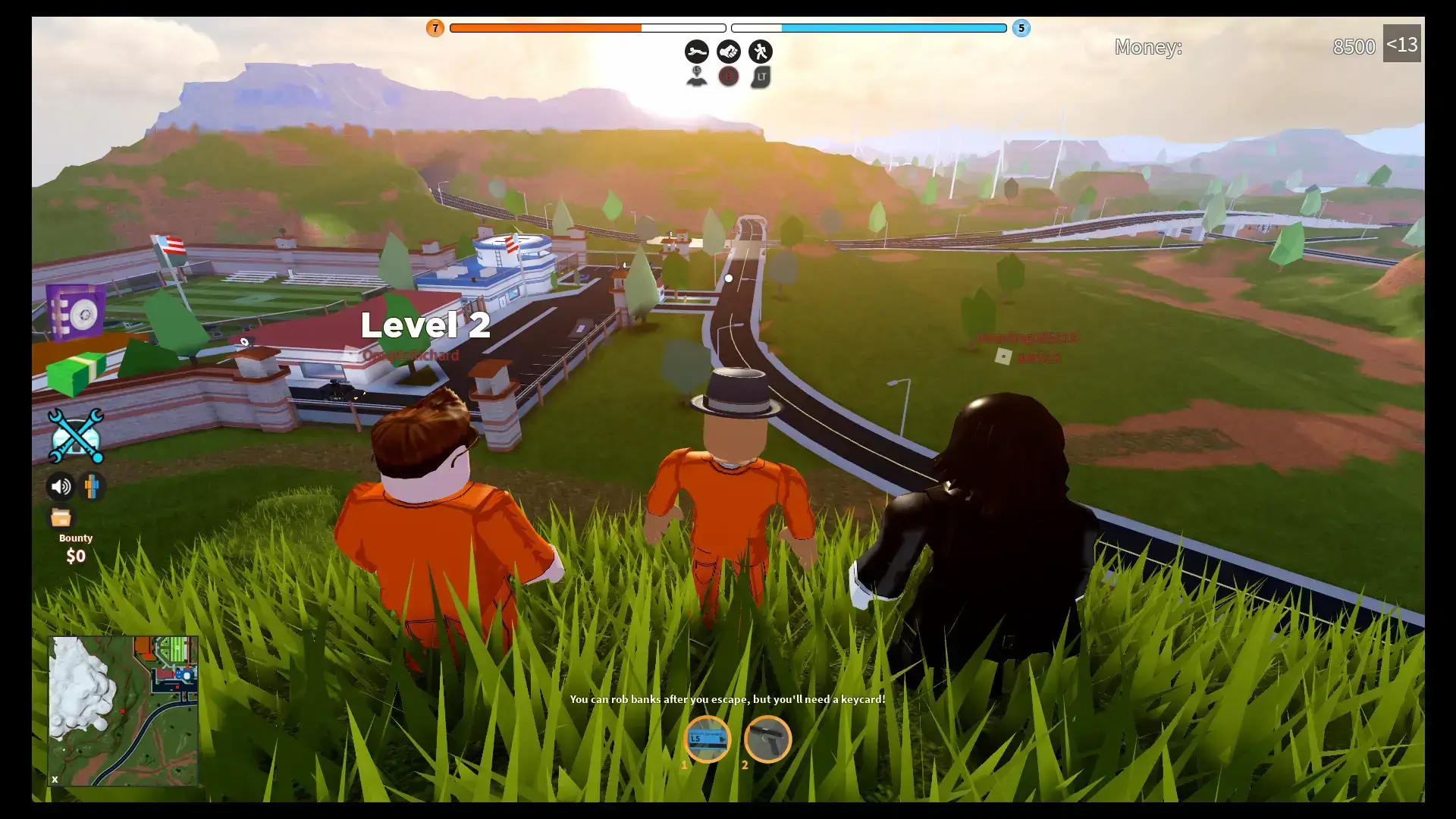
21. Roblox
You access millions of user-developed multiplayer experiences with friends, jumping from obstacle courses (obbys) and roleplaying simulators to anime fighting arenas and team shooters.
- Limitless user-generated games spanning genres from horror mysteries to driving roleplay
- Unified friends and party system that lets your group hop between completely different games in seconds
- Extensive avatar shop allowing you to customize your character appearance with user-created clothing and accessories
How to Optimize Your Chromebook for Multiplayer Gaming
Multiplayer gaming requires stable network communication and responsive input devices. Follow these setup steps before queueing for matches:
Frequently Asked Questions
Can I play multiplayer games on a budget Chromebook?
Yes. Cloud gaming services run the game software on remote servers and stream the video feed to your screen. As long as your Chromebook has a dependable internet connection, you can play PC multiplayer titles like Counter-Strike 2, Helldivers 2, and GTA Online without needing powerful internal graphics hardware.
Does multiplayer cloud gaming suffer from noticeable input lag?
Cloud gaming introduces slight input latency compared to a local gaming PC, because control inputs travel across the network before video frames return. In cooperative adventures, role-playing games, and party titles, this latency is generally easy to adapt to. In competitive tactical shooters like Counter-Strike 2, players may notice the slight delay when attempting rapid flick shots.
Do I need to buy my games again to play them on Chromebook?
No. Cloud services like Boosteroid and GeForce NOW link directly to your existing digital PC libraries on Steam, Epic Games Store, and Ubisoft Connect. You stream titles you already own without paying for separate Chromebook editions.
Can I play multiplayer games cross-platform with friends on PC and consoles?
Yes. Major multiplayer titles including Fortnite, Rocket League, Helldivers 2, Minecraft, Sea of Thieves, and Dead by Daylight feature universal cross-play. You can squad up with friends playing on Windows PC, PlayStation, Xbox, or Nintendo Switch seamlessly.
Can I play any of these multiplayer games offline on Chromebook?
Native Android games like Minecraft offer offline single-player modes when you are away from internet access. However, cloud streaming titles and online multiplayer matchmaking always require an active internet connection.
Discover more from Chrome Geek
Subscribe to get the latest posts sent to your email.