Best Free Trivia Games to Play in Chrome
 by
Joseph Vance
Post Updated: September 23, 2026
by
Joseph Vance
Post Updated: September 23, 2026
The best free trivia games to play in Chrome include WorldGuessr Free GeoGuessr for Street View geography challenges, SongPop GO for fast-paced music competitions, and Framed for daily movie frame guessing. These games launch directly inside your browser window without downloads, covering subjects like general knowledge, geography, music, sports, movies, gaming, logos, internet culture, and history.
Our guide gives you the rest of the top trivia games we think you need to play, including rare ones that a lot of you probably have never heard of.
Have a favorite free browser game we missed? Tell us about it, including which device and platform you use to play.
Good to know: Game availability and third-party hosting can change. Save your progress when the game supports it, and open external play pages only when you are ready to leave ChromeGeek.
WorldGuessr Free GeoGuessr
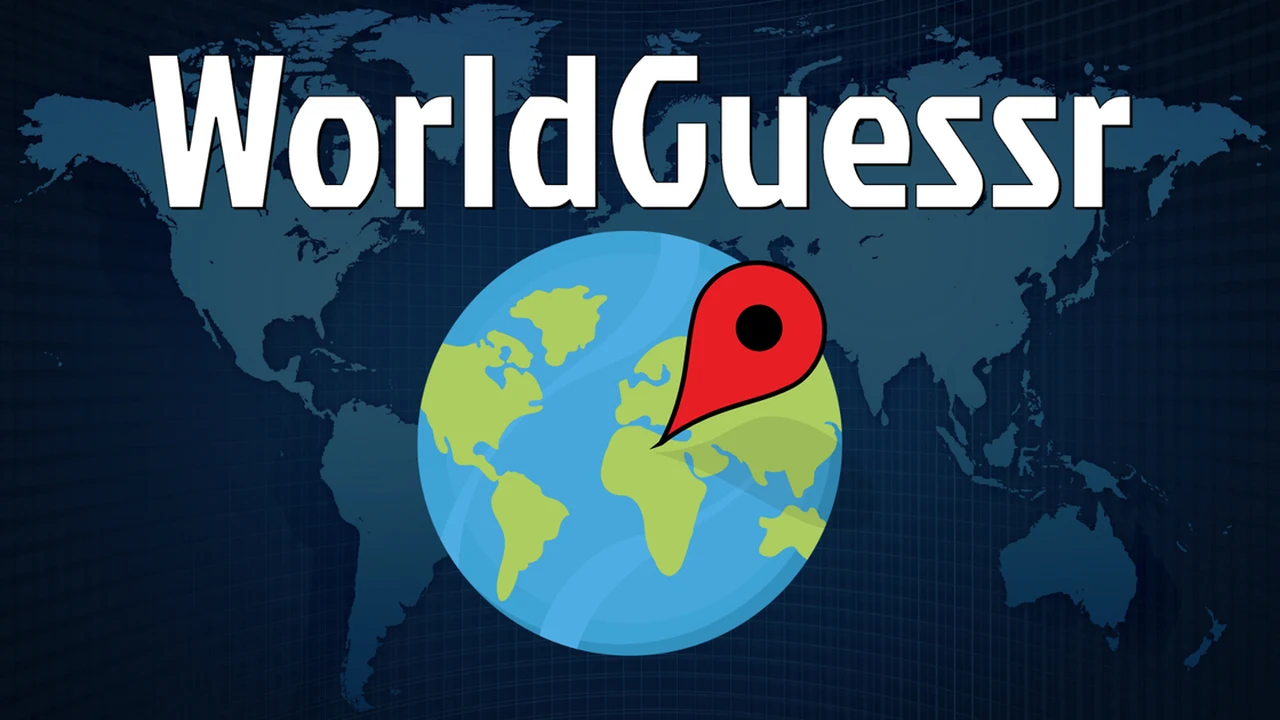
WorldGuessr drops players into random Street View panoramas and asks them to pinpoint their location on an interactive world map. Developed by codergautam, this independent browser game features community-created maps, helpful hints, and unlimited rounds without strict paywalls. Players can practice solo or join online multiplayer rooms to compete against friends in real time.
Guess Their Answer
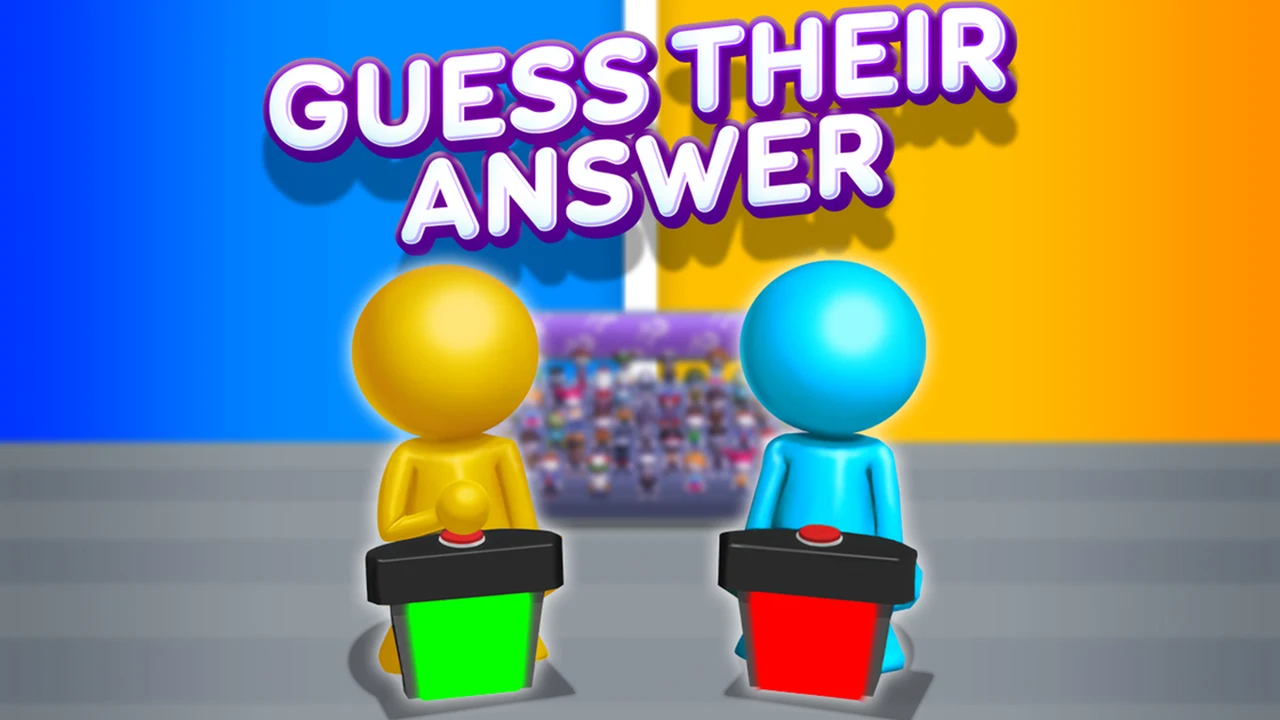
Developed by Famobi, Guess Their Answer tasks players with anticipating the most common public responses to broad survey questions. Instead of selecting from multiple-choice lists, you type in short answers that you believe match popular opinion to score points and outscore opponents. The browser version includes daily quizzes that provide fresh prompt batches each morning.
OpenGuessr
OpenGuessr is a competitive geography trivia game created by PaulPlay that tests how accurately players can read street signs, vegetation, and architecture. The platform features more than 5,000 community maps alongside head-to-head 1v1 duels, private group games, and global leaderboards. It provides structured competitive modes for players who want serious location-scouting showdowns.
European Football Quiz
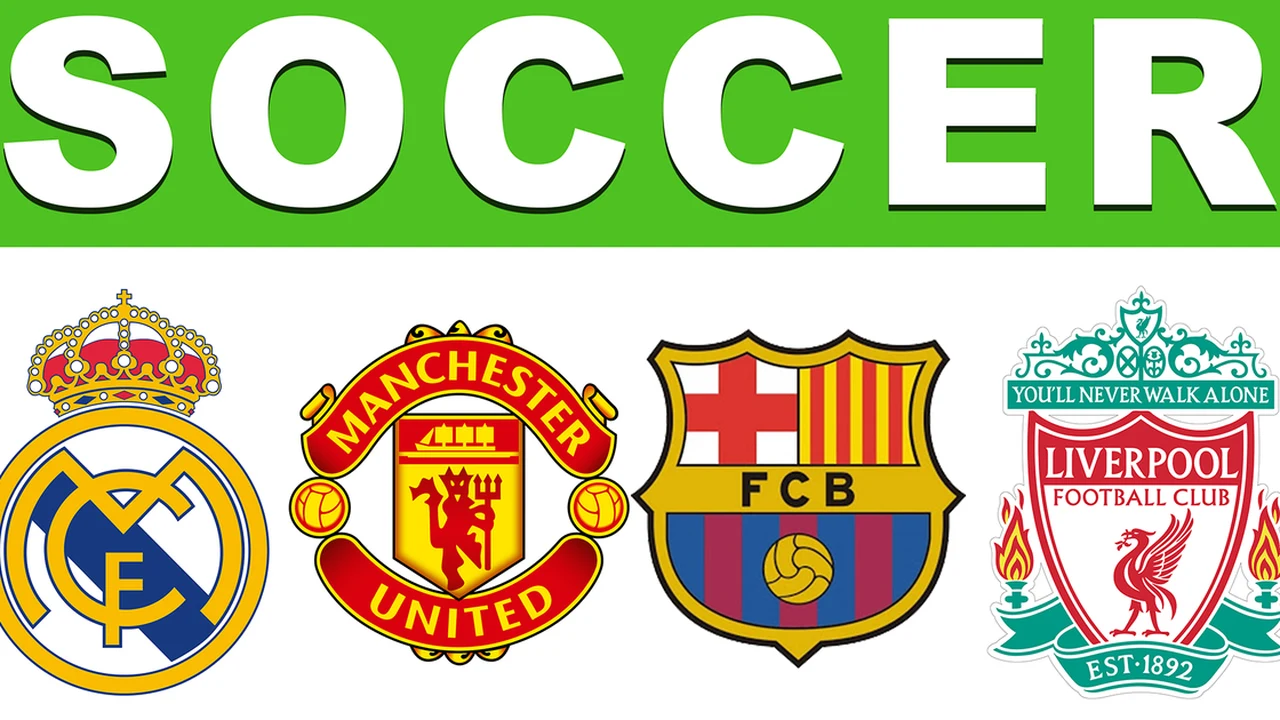
European Football Quiz tests your knowledge across more than 30 European football leagues and tournaments. Created by Fire Flour, questions challenge players to identify club badges, remember founding years, name famous stadiums, and recall historic tournament moments. Multiple-choice rounds reward sharp memory of continental football traditions and club rivalries.
Logo Quiz: Game World Trivia
Logo Quiz: Game World Trivia focuses on corporate symbols, gaming insignias, and global consumer brands. Developed by Fire Flour, the game displays stylized or partial company emblems that players must identify from letter tiles or choices. Completing stages reveals more than 200 interesting brand facts that explain company origins and design histories.

Geography Quiz: Flags and Capitals
Geography Quiz: Flags and Capitals focuses on traditional geographic knowledge rather than Street View navigation. Players answer questions about national flags, border countries, world capitals, independence milestones, and international tournaments. The game also tests demographic awareness through population questions, though regional census figures naturally shift over time.
Yes or No Challenge
Developed by RHM Interactive, Yes or No Challenge is a rapid-fire quiz game built for solo players and head-to-head pairs on one machine. Two participants share the keyboard, racing to buzz in with true-or-false responses across general knowledge, science, animals, and history. Speed is critical, as faster correct answers win rounds and tip the match balance.
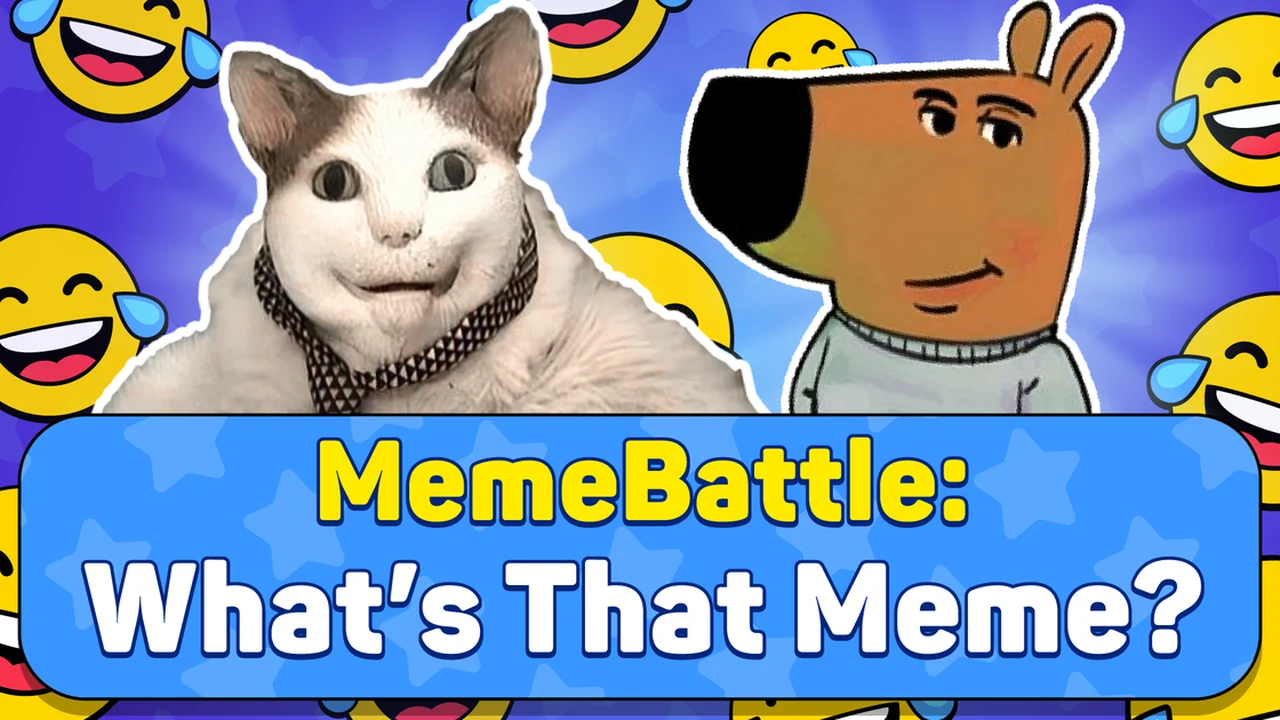
MemeBattle: What's That Meme?
MemeBattle: What's That Meme? steps away from standard academic quizzes to test your familiarity with internet culture and viral humor. Developed by MIDcore, the game presents funny situational prompts and asks participants to select fitting meme reaction cards from their hand. Players then vote on which meme best captures the situation, rewarding cultural timing over textbook facts.
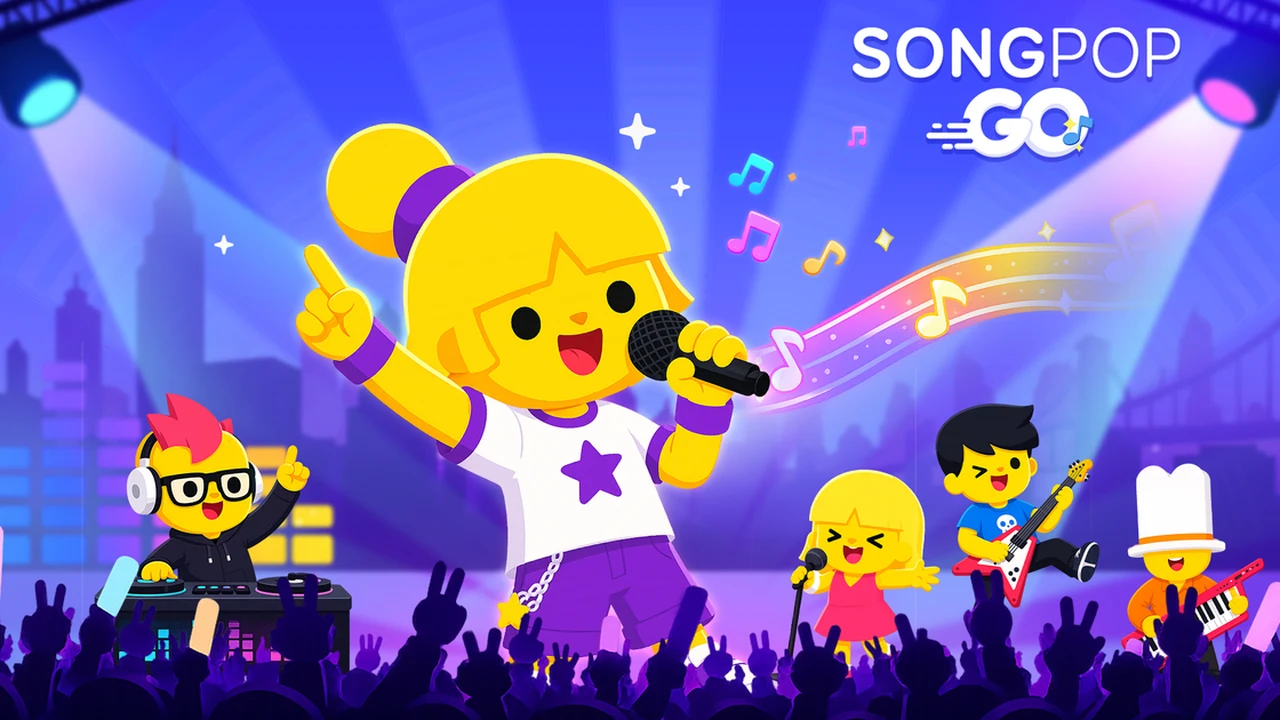
SongPop GO
Created by Gameloft SE, SongPop GO is a dedicated music trivia game that tests how fast you can identify tracks and artists from short audio snippets. The song library spans classic hits from the 1960s through modern chart-toppers, with playlists refreshed regularly. Players can challenge rivals in online multiplayer matchups or test audio recall directly against friends.
Trivia Crack
Brought to the web by PlayWorks Digital, Trivia Crack adapts the iconic question-wheel format into a browser tab. Players spin the wheel across science, history, pop culture, geography, art, and entertainment categories to collect character crowns. Alongside solo Classic and Challenge modes, Party mode lets up to seven players take turns on one computer.
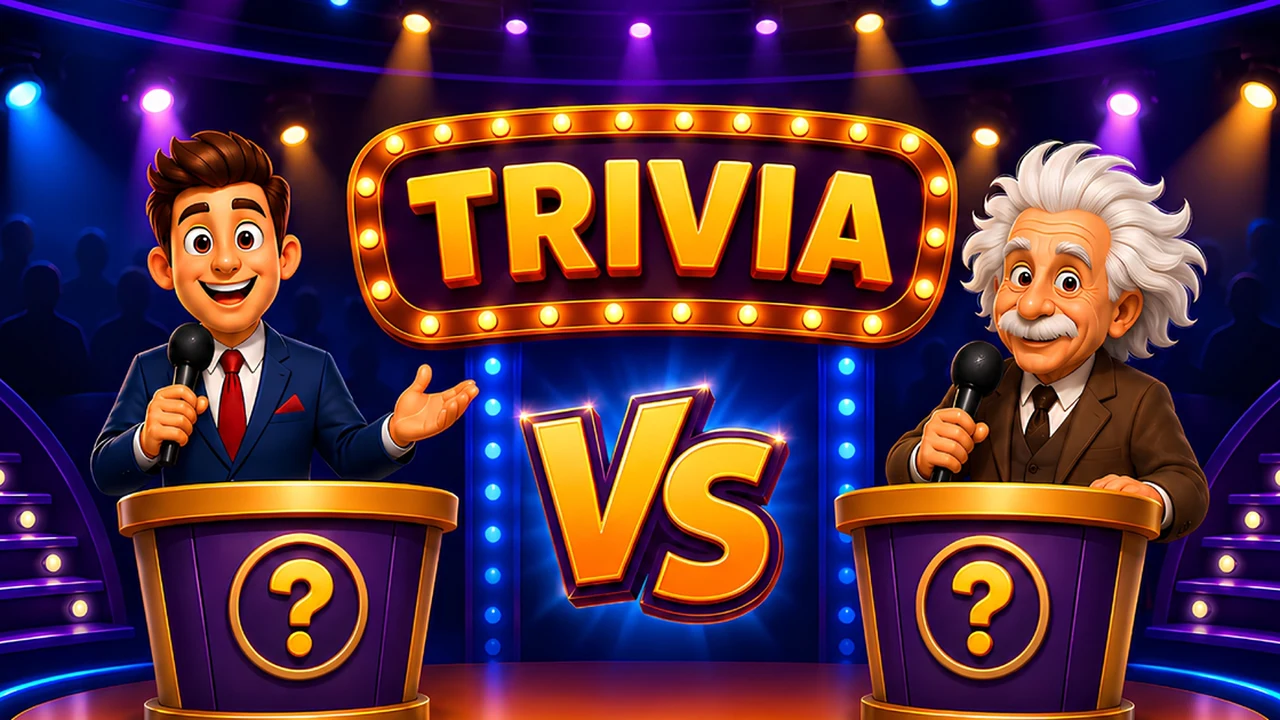
Quizmasters
Quizmasters channels the atmosphere of a television studio into rapid head-to-head trivia battles. Players answer increasingly challenging multiple-choice questions to climb a prize-ladder format while facing off against opposing quiz takers. Correct answers propel you toward higher rungs on the ladder, but incorrect answers can wipe out your accumulated progress.

Daily Timeline
Developed by The Article 19 Group, Daily Timeline challenges players to place twenty cultural and historical items into correct chronological order each day. Rather than picking from multiple-choice lists, you drag events onto a running timeline covering historical milestones, inventions, movies, albums, books, and famous birthdays. Estimating which creation arrived first tests your broad chronological sense.
Sporcle
Sporcle is one of the internet's premier user-generated trivia platforms, giving Chrome users instant access to millions of free browser quizzes without requiring an account. Categories span geography, sports, entertainment, science, literature, and history across multiple play formats like timed grids and clickable maps. Daily featured quizzes give returning players fresh challenges every session.

JetPunk
JetPunk is a fast-loading browser trivia destination famous for rapid-typing quizzes and daily knowledge tests. While its Daily Trivia feature offers ten timed multiple-choice questions, many of the site's most popular quizzes ask players to type answers as fast as possible to fill out maps and lists. It is an ideal stop for players who prefer rapid keyboard input over slow menus.
Framed
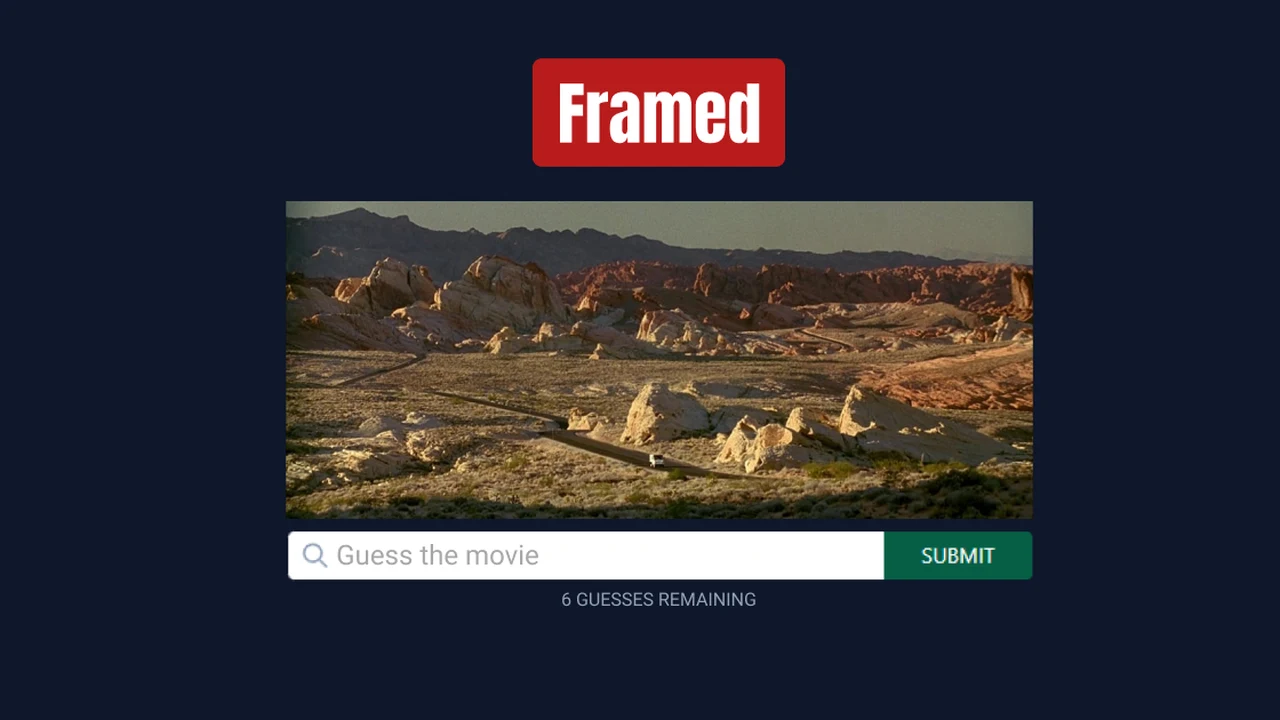
Framed is a daily visual trivia game dedicated to cinema lovers. Each day, the game reveals an obscure still from a movie, granting up to six successive frames of increasing obviousness as you submit incorrect titles. Dedicated cinephiles can also play extra game variations like One Frame, Titleshot, and Poster modes, with past puzzles accessible through an archive.
GuessThe.Game
Created by Sam Stiles, GuessThe.Game applies progressive visual guessing to video game history. Players are presented with six carefully curated gameplay screenshots, starting with subtle environment details before moving toward recognizable user interfaces and characters. An accessible archive lets you play past daily challenges to test your gaming knowledge across different console eras.
Bandle
Bandle is a daily music recognition game where players identify songs as individual instruments join the mix one by one. Starting with a lonely drum beat or bassline, each incorrect guess layers in guitars, keyboards, and additional instruments until the full track comes together. Beyond its daily puzzle, Bandle offers a Quick Game mode, multiplayer rooms, and a library exceeding 2,000 songs.

QuizzLand Trivia
Developed by MNO GO APPS LTD, QuizzLand Lite brings educational trivia to Chrome through an approachable tile-based quiz board. Players navigate through multiple-choice questions across science, history, art, and nature. What distinguishes this Lite browser edition is that every answered question includes a concise factual explanation, allowing you to learn new information as you play.

Wikitrivia
Created by Tom J. Watson, Wikitrivia is an open-source browser game powered directly by structured data from Wikidata and Wikipedia. Players receive historical event cards and must place them into an expanding chronological card line without making mistakes. The game features both a Daily challenge and an open-ended Free Play mode focused purely on historical milestones.
Frequently Asked Questions
Can I play trivia games directly in Chrome without installing software?
Yes. All 19 trivia games in this guide run directly inside Google Chrome and Chromium browsers. You simply open the game URL in a tab and start playing immediately without downloading installers or creating mandatory platform accounts.
Are these browser trivia games free to play?
Yes. Every title on this roster is free to access. Some platforms display standard web advertisements or offer optional member accounts for score tracking, but the core quiz gameplay and daily challenges remain completely free.
Which Chrome trivia games support multiplayer?
Several games on this list feature multiplayer modes. For online competition against friends or web opponents, WorldGuessr Free GeoGuessr, OpenGuessr, SongPop GO, Quizmasters, and Bandle provide online lobbies and duels. For local head-to-head play on one shared computer, Yes or No Challenge and Trivia Crack Party mode support multiple players on the same device.
What is the difference between daily trivia games and trivia platforms?
Daily trivia games like Framed, GuessThe.Game, Daily Timeline, and Wikitrivia publish one structured puzzle or set per day for quick daily sessions. In contrast, trivia platforms like Sporcle and JetPunk host vast searchable libraries with thousands of user-created and staff quizzes you can play anytime.
Do these trivia games require fast typing, or are they multiple choice?
The roster includes a balance of both styles. Titles like European Football Quiz, Quizmasters, and QuizzLand Lite use classic multiple-choice selections. In contrast, Guess Their Answer and JetPunk rely on quick keyboard typing, while Daily Timeline and Wikitrivia use intuitive drag-and-drop chronological sorting.
Discover more from Chrome Geek
Subscribe to get the latest posts sent to your email.