Google TV Streamer Voice Remote: Buttons, Specs & Guide
 by
Frank Cross
Post Updated: January 7, 2026
by
Frank Cross
Post Updated: January 7, 2026
Summary:
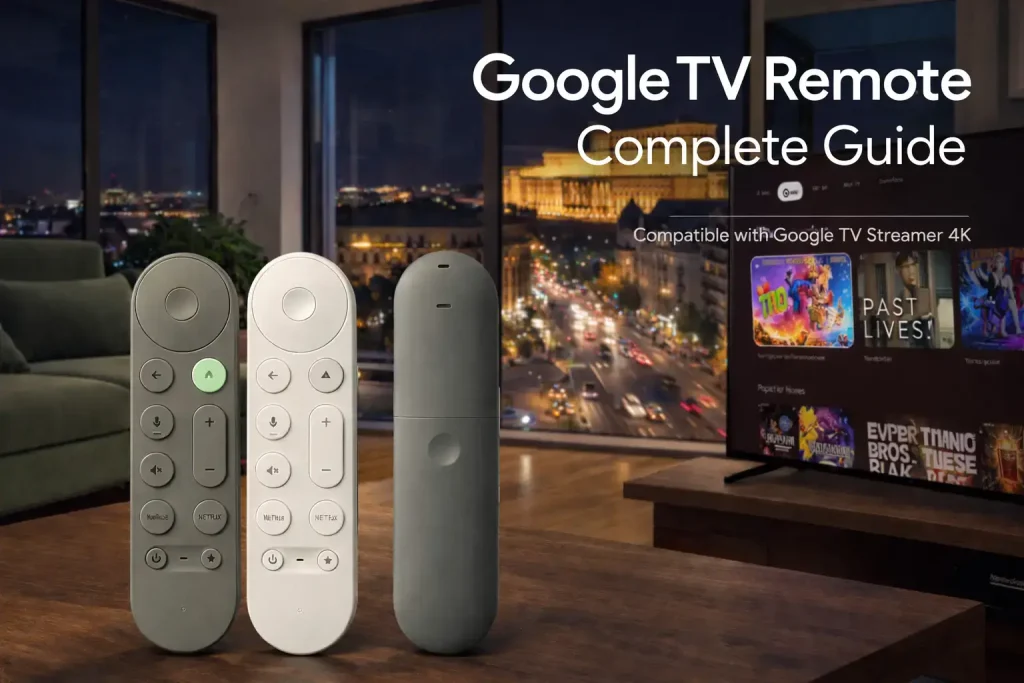
The Google TV Streamer Voice Remote allows you to control your Google TV Streamer (4K), TV, soundbar, or receiver. It features a new customizable button for shortcuts, a “Find My Remote” speaker, and a textured grip.
For years, the biggest complaint about streaming devices was the remote. It was either too small, too slippery, or missing the buttons you actually needed.
Google has redesigned the controller from scratch. Your Google TV Streamer Voice Remote is now longer, easier to hold, and smarter. It connects via Bluetooth to control your interface but also uses IR (Infrared) to turn on your TV and adjust the volume on your soundbar. Best of all? It has a speaker inside so you can find it when it gets lost in the couch cushions.
Also, it of course comes with the latest Gemini for Google TV AI features including the ability to use Nano Banana and Veo to create your own clips and photos right on your TV.
📺 See It In Action
What’s New?
A Closer Look: Button Guide
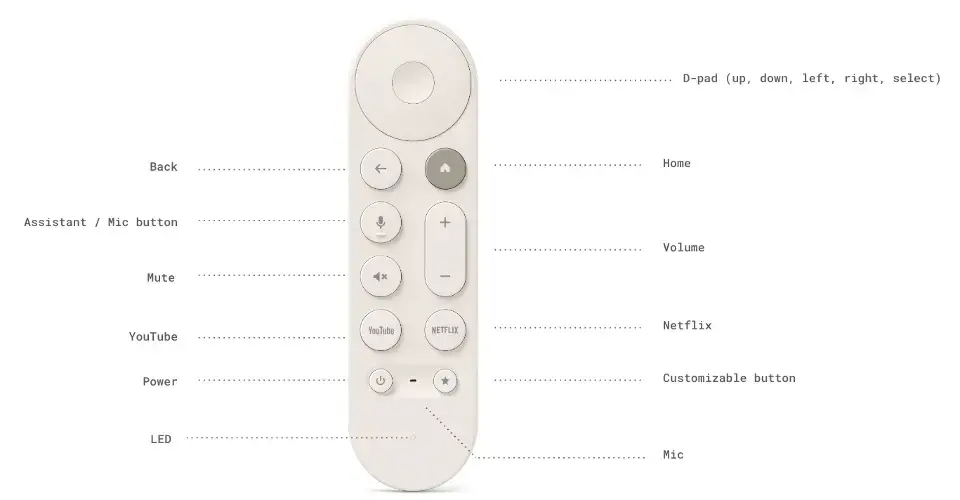
Here is exactly what every button on your new remote does. Click the images to zoom in.
Front View (Click to Zoom)
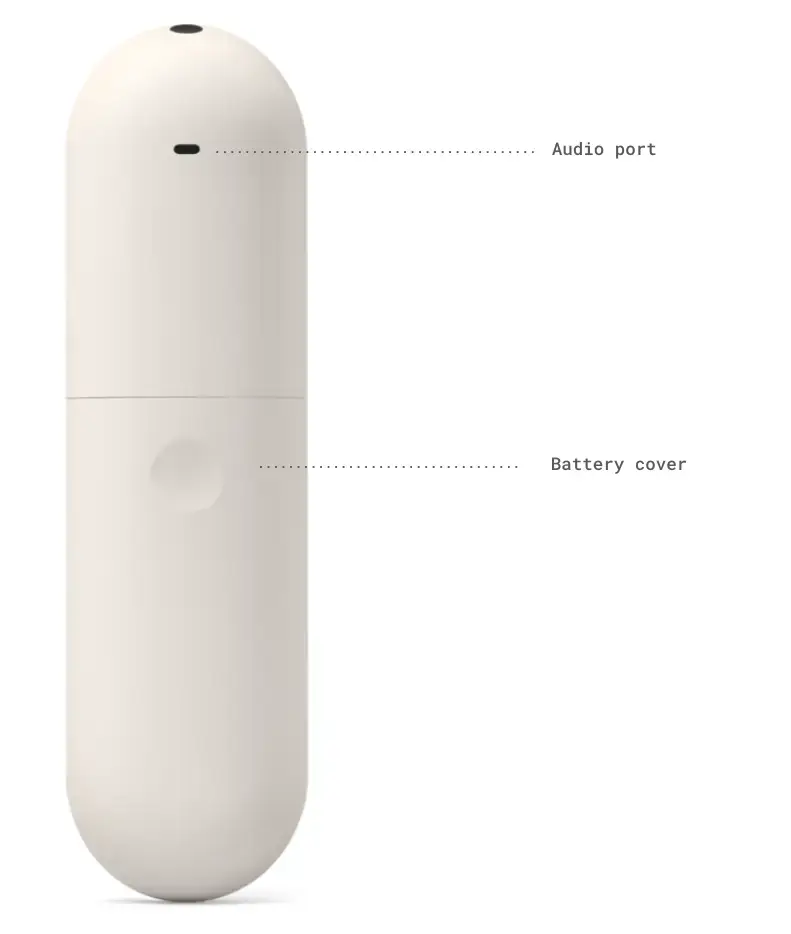
Back View (Audio Port)
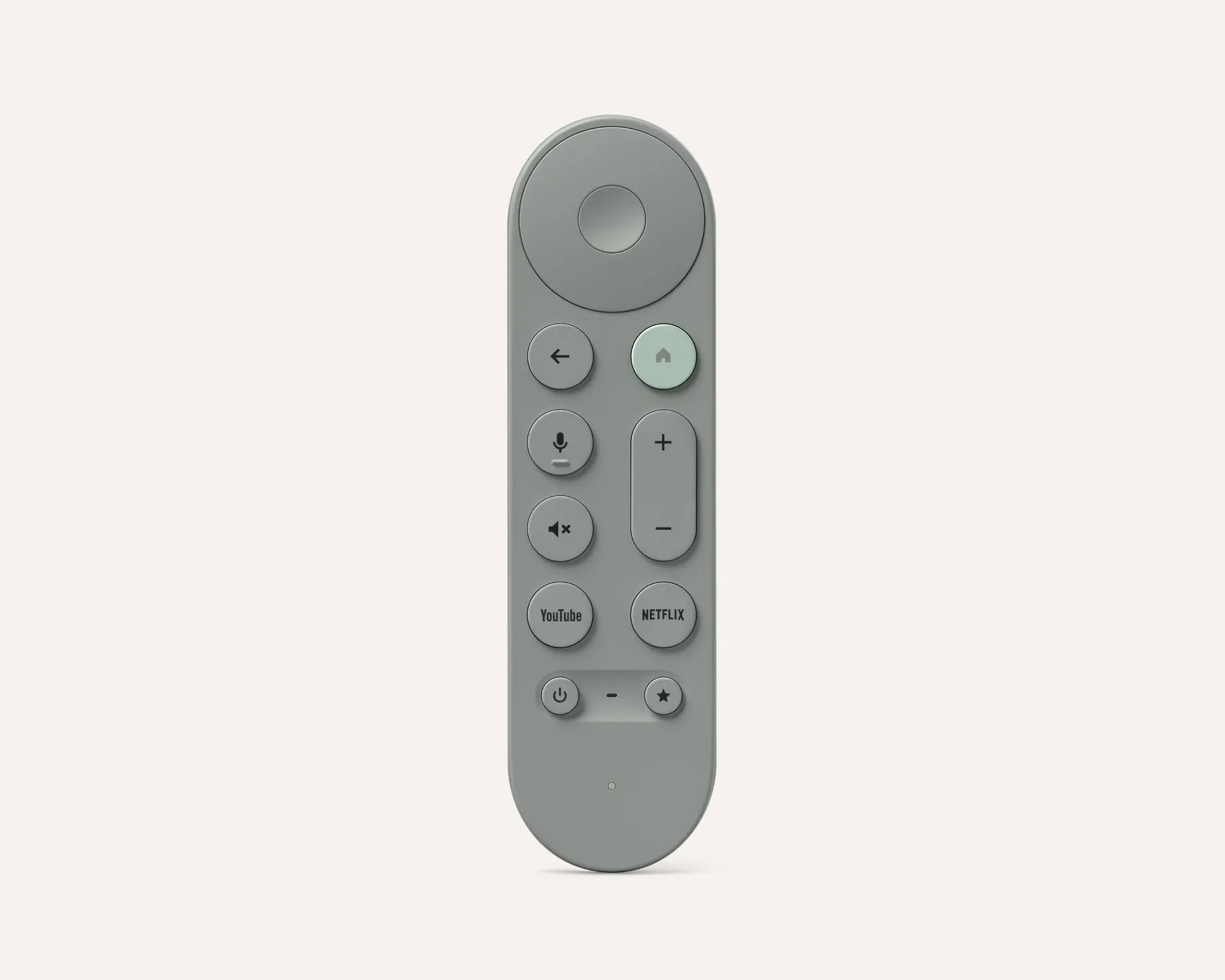
- ⦿ D-Pad Center: Selects items. Long press to view details.
- ⬅️ Back: Go back one screen.
- 🎤 Assistant/Mic: Talk to Google (Hold down to speak).
- 🏠 Home: Returns immediately to the main Google TV screen.
- 🔇 Mute & 🔊 Volume: Controls your TV or Soundbar audio.
- ▶️ YouTube & Netflix: Dedicated launch buttons. (Note: You can remap the YouTube button to YouTube TV or Music by holding it down).
- ⭐ Custom Button: Your shortcut key (Input switch, App launch, or Home Panel).
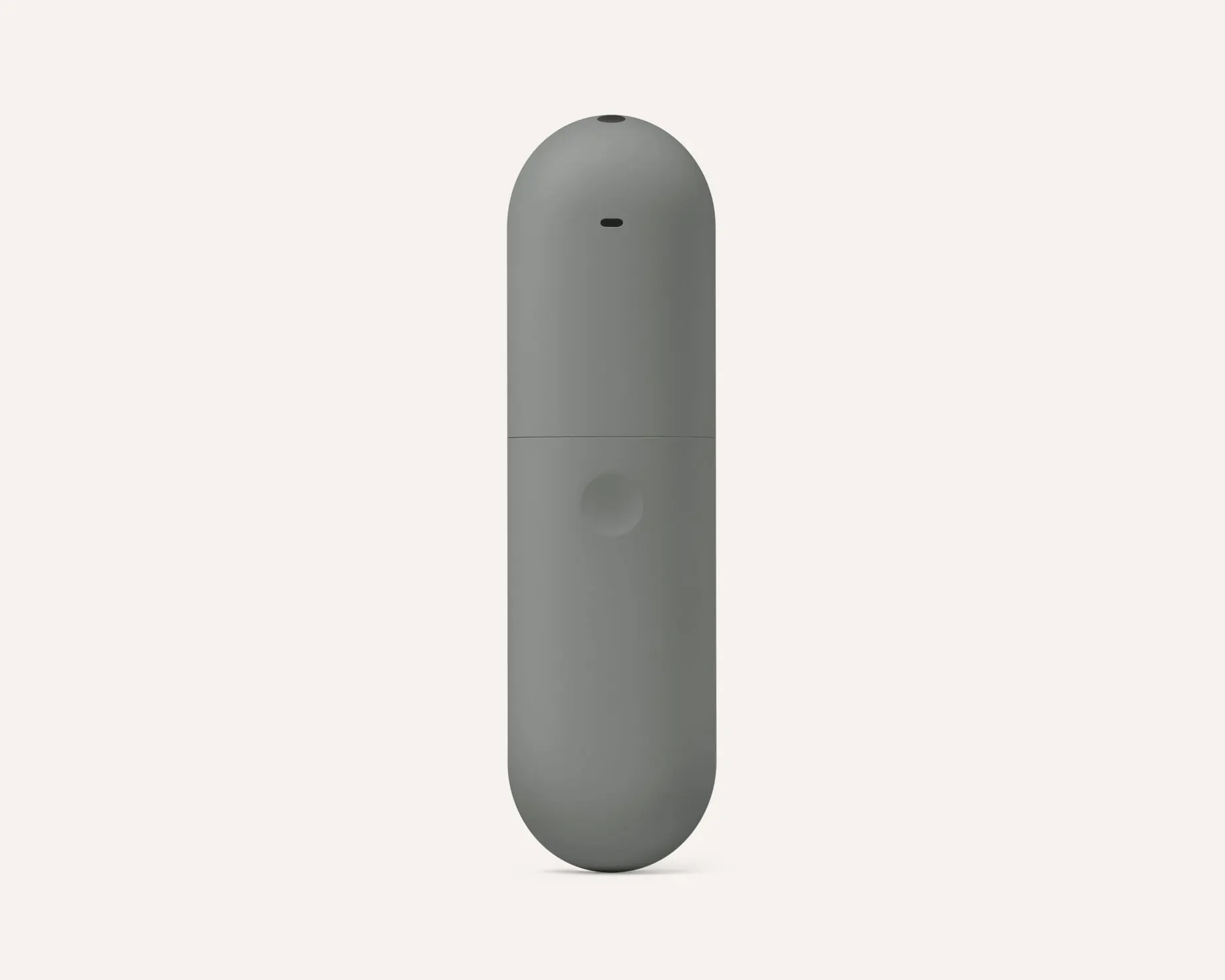
- 🔊 Audio Port (Back): This is NOT for headphones. This is the speaker grill for the “Find My Remote” chime.
3. The Integrated Microphone
The remote has a built-in microphone that replaces the need to shout across the room. You do not need to say “Hey Google” when holding the remote. Just press and hold the Assistant button (the colored dots icon) and speak naturally.
Try asking:
- “Show me sci-fi movies.”
- “Mute the TV.”
- “Show me the front door camera.”
4. How It Updates
You don’t need to do anything manually. Your Voice Remote automatically applies software updates silently in the background while it is paired with your Google TV Streamer. If a new feature drops, your remote will grab it while you sleep.
5. Technical Specs & Compatibility
Colors
Porcelain, Hazel
Power
2 AAA Batteries
(Included)
Connectivity
Bluetooth & IR
(for TV control)
Sustainability
64% Recycled Plastic
✅ Officially Compatible With:
- Google TV Streamer (4K)
- Chromecast with Google TV (4K)
- Chromecast with Google TV (HD)
🛒 Get the Remote
If you broke yours or just want an extra one, you can buy the remote separately.
📚 Keep Reading
Discover more from Chrome Geek
Subscribe to get the latest posts sent to your email.