What Is Gemini on Google TV? Features, Voice Controls & Tips
 by
Frank Cross
January 7, 2026
by
Frank Cross
January 7, 2026
Summary:
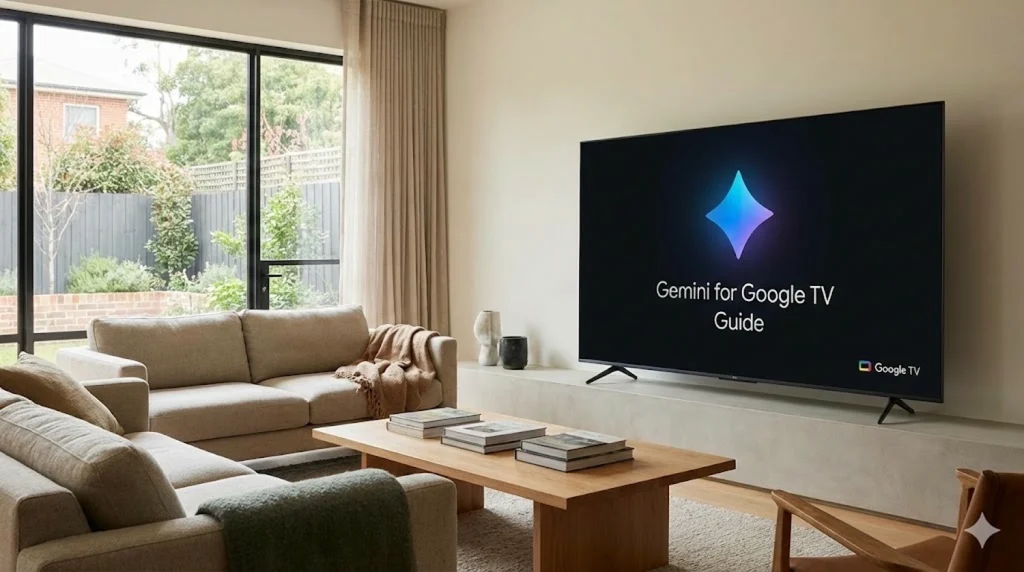
Gemini for Google TV is a new update built into your TV. It replaces the old voice search. You can now talk to your TV to fix the brightness, create art for your screensaver, or get summaries of the movies you watch.
Voice search on TVs used to be frustrating. You had to say the exact name of a movie, or it wouldn’t find anything. If you didn’t know the title, you were stuck.
Gemini for Google TV changes that. It isn’t a separate app you have to download. It is already built into your TV. Instead of giving stiff commands, you can now talk to your TV just like you would talk to a friend. It understands what you mean, even if you don’t use the perfect words.
You can ask for “that movie with the guy from the hospital show” or just say “fix the brightness” without looking for the settings menu. Gemini figures it out for you.
Have questions about the update? Drop a comment below or reach out to us directly at our contact page.
1. What is Different?
The old Google Assistant was good for simple jobs. It could set a timer or turn off lights perfectly. But it could not hold a conversation.
Gemini for Google TV is different. It is smart enough to chat with you. It doesn’t just listen for keywords. It listens for meaning.
Is it an app? No. It is part of the system software. It takes over the search bar. When you ask it something, it shows you pictures, videos, and helpful info instead of just a list of text links.
2. Finding Things is Easier
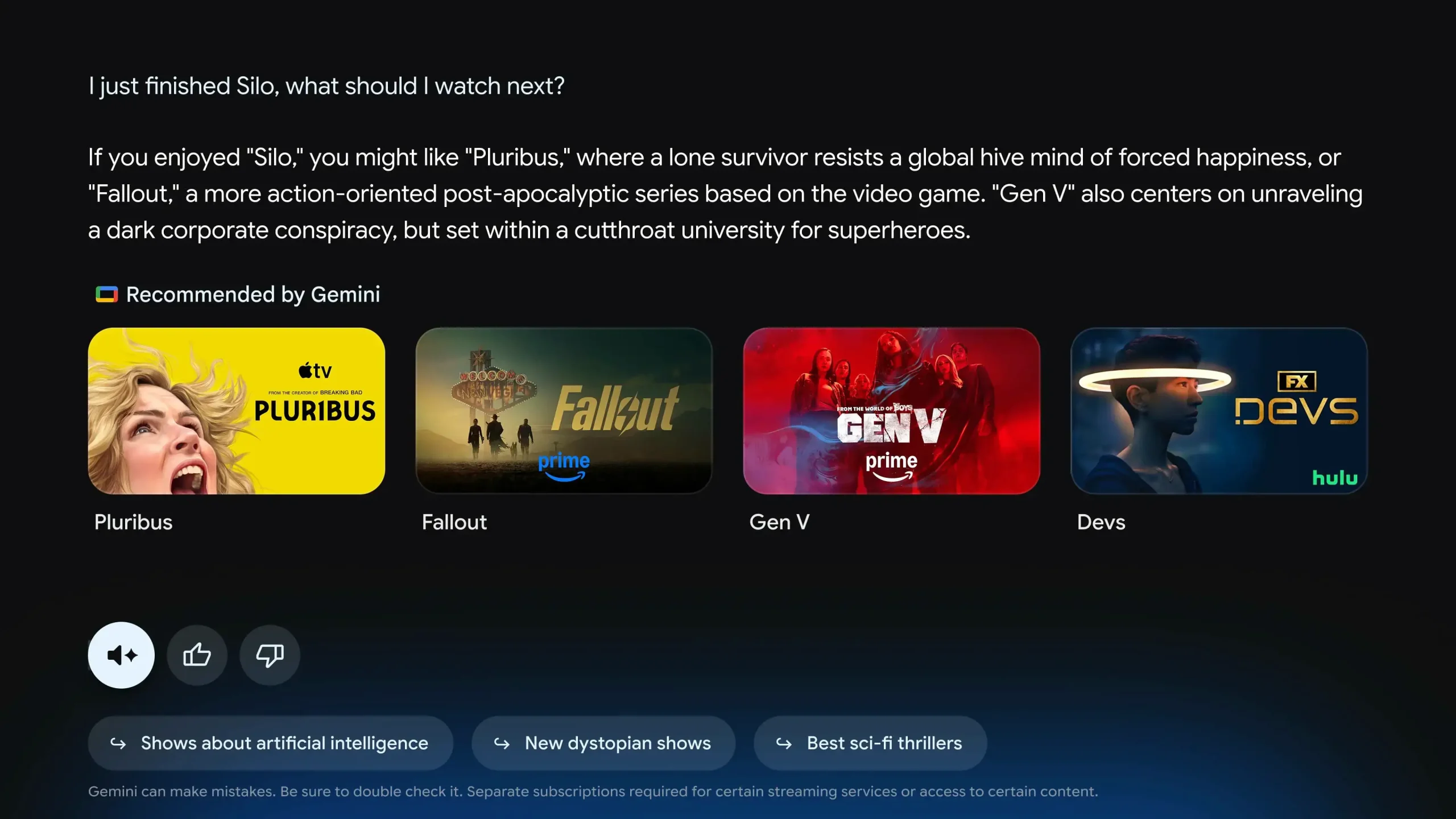
We all forget movie titles. Gemini helps solve this problem. It uses a new system that lets you describe what you want to watch.
3. Learning While You Watch
Google wants your TV to be more than just a screen for movies. They want it to help you learn things.
Deep Dives
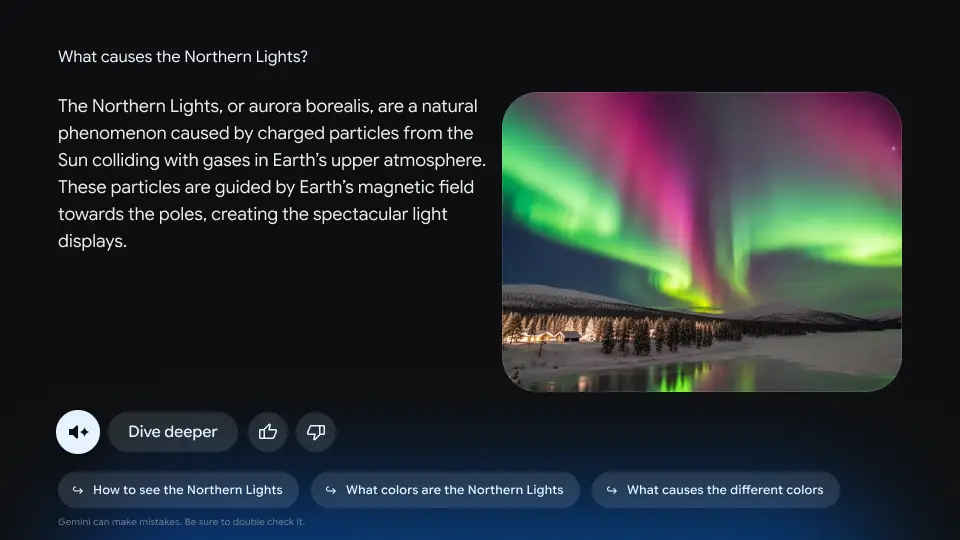
Imagine you are watching a show about space. You might get curious about a planet. You can click the “Dive Deeper” button. This starts a short, narrated lesson about that planet. It is simple enough for kids to understand.
4. Making Art and Photos
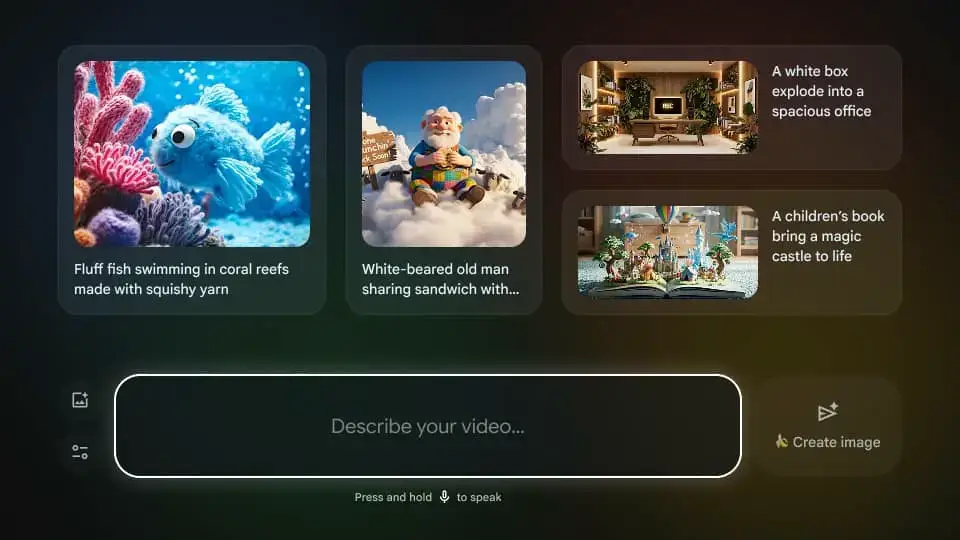
Gemini uses new AI tools called “Nano Banana“ and “Veo”. These tools let you change how your personal photos look on the big screen.

5. Fixing the Picture with Voice
This is one of the best changes. In the past, if the screen was too dark, you had to dig through many menus to fix it. That was annoying when you just wanted to watch a movie.
Now, you can just tell Gemini what is wrong. It will change the settings for you.
Quick Poll
Discover more from Chrome Geek
Subscribe to get the latest posts sent to your email.