Best Flower Chrome Themes for a Fresh Floral Look
Brighten your browser with our favorite free flower Chrome themes, from soft pink cherry blossoms to vibrant sunflowers. Pick your favorite floral look today.

The best ChromeOs Blog on the web.
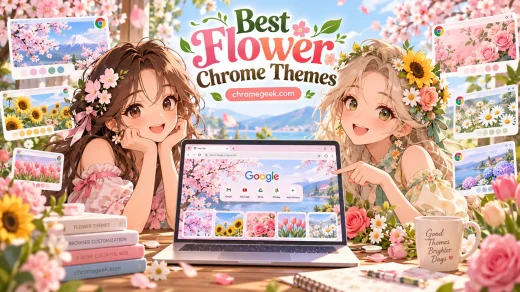
Brighten your browser with our favorite free flower Chrome themes, from soft pink cherry blossoms to vibrant sunflowers. Pick your favorite floral look today.
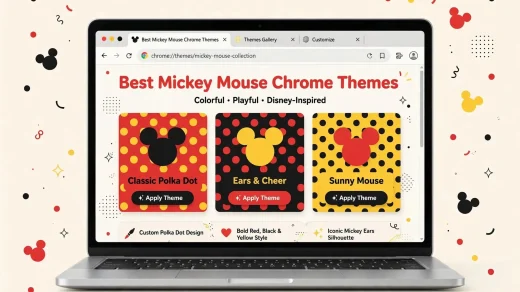
Discover the top Mickey Mouse Chrome themes for Disney fans – featuring sketch-style Mickey, classic Mickey, dark designs, Minnie, Pluto, and Mickey’s friends.
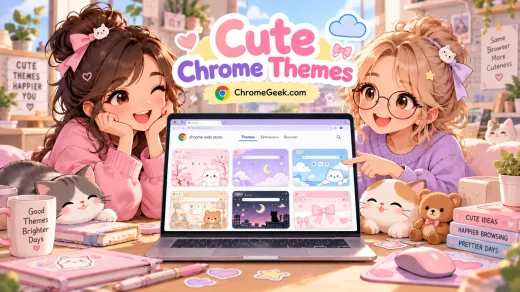
Free cute Chrome themes for soft everyday browsing like pink colors, pixel hearts, cute animal paws, pandas, rainbow gradients, and soothing lavender looks.

Learn how to enhance your content creation process with these specific Gemini prompts. We break down how bloggers and creators can use AI to research topics, optimize articles for SEO, outline newsletters, and gracefully repurpose long-form posts across different platforms.
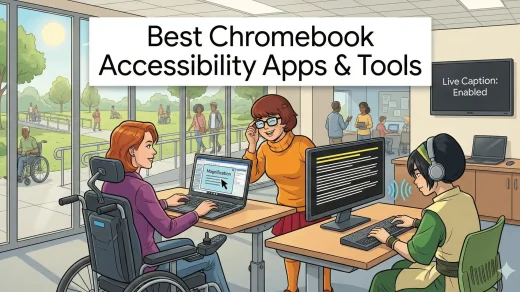
You might not need to pay for software anymore. The 2026 update to ChromeOS has built-in AI tools that change everything. Here are the 15 best accessibility features and apps for every need, ranked and reviewed.

Many people hear the name and think it is a physical TV set. It isn’t. Google TV is the brain inside your streaming device that uses AI to combine Netflix, Disney+, and Hulu into a single, easy-to-use menu.

Find the best weather Chrome extensions for forecasts, rain alerts, radar, UV levels and weather dashboards. Compare 15 useful options.
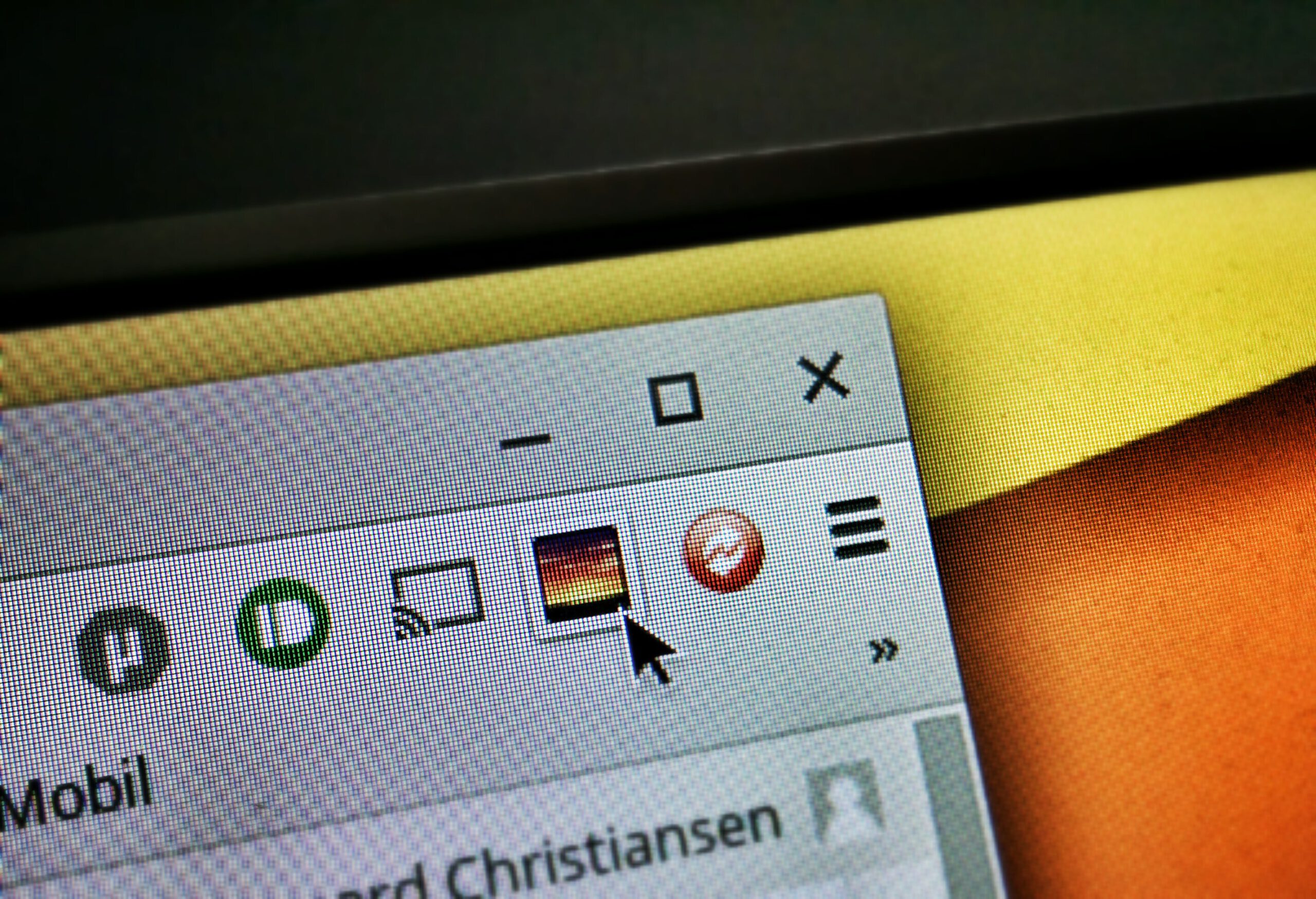
Google’s official Picture-in-Picture Extension adds a reliable floating video player to Chrome. Click the toolbar button or press Alt+P (Option+P on Mac) while any video plays and it instantly pops out into a resizable, always-on-top window. Perfect for following tutorials, watching streams, or keeping an eye on meetings while you work. Free, lightweight, and works on Windows, macOS, Linux, and ChromeOS.

The official Google Arts & Culture extension turns every new Chrome tab into a mini museum visit. Each day you get a different high-resolution artwork with a subtle info link to the full story, artist bio, and virtual tours. No extra apps or clicks needed. Installs in seconds and works on any OS.
Learn how to install the official Google Dictionary extension and get instant definitions by double-clicking words. Master the Word History feature on your Chrome browser (Windows, Mac, or ChromeOS) to boost comprehension.