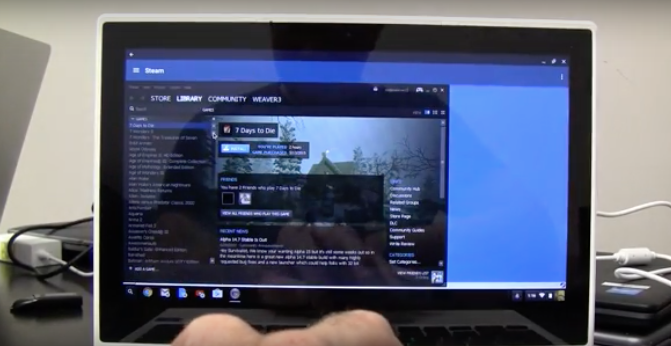
TimeTree on Chromebook: Shared Calendar & Group Sync
Coordinate schedules, events, and tasks with TimeTree for Chromebook. Perfect for families, roommates, or small teams who need a shared calendar that just works.

The best ChromeOs Blog on the web.

Coordinate schedules, events, and tasks with TimeTree for Chromebook. Perfect for families, roommates, or small teams who need a shared calendar that just works.

Use FamilyWall on your Chromebook to manage calendars, shopping lists, meal plans, and even secure family messaging, all synced in one easy-to-use app.

Install Cozi Family Organizer on Chromebook and Googlebook. Learn how to manage color-coded family calendars, sync grocery lists in real time, and organize meals.

Install Duolingo ABC on Chromebook or Googlebook via Google Play. Explore 700+ phonics lessons, letter tracing, interactive stories, and offline reading practice.
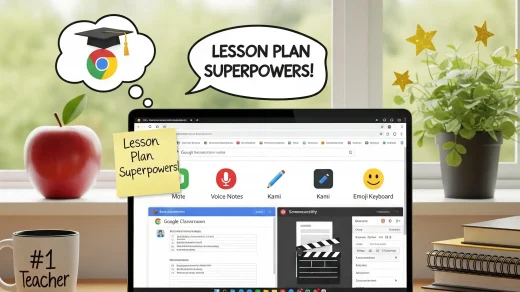
Teaching takes enough of your evenings already. This guide covers easy-to-use Chrome tools that help you create lessons faster, turn paper handouts into digital worksheets, leave quick voice comments on essays, and support every reader in your classroom.
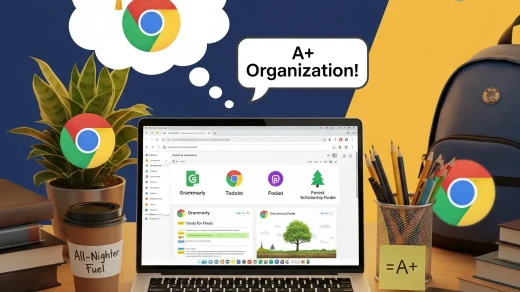
Studying on a laptop can get overwhelming fast. These 10 free and low-cost Chrome extensions help you take cleaner notes, fix your papers, and finish schoolwork faster.

Stop clicking the “plus” button. Download our free Google Forms Shortcuts Cheat Sheet to build surveys, quizzes, and RSVPs faster than ever.
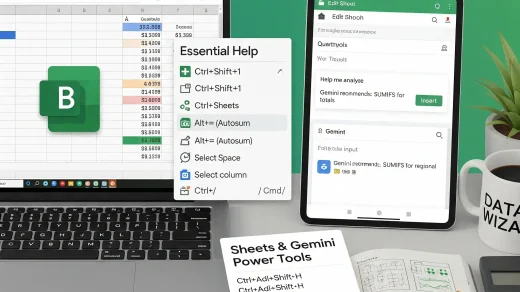
Power up your spreadsheet workflow with Google Sheets shortcuts and Gemini AI. From data navigation to smart formulas, this guide includes a free downloadable cheat sheet.
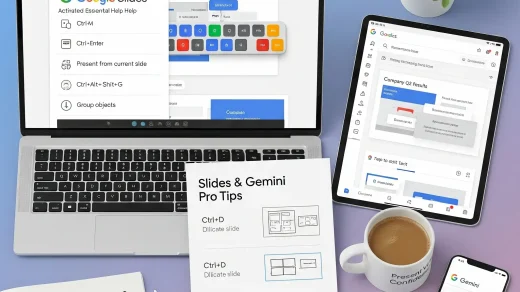
Level up Google Slides with keyboard shortcuts and Gemini AI prompts. From quick slide creation to smart suggestions, this guide helps you present like a pro.
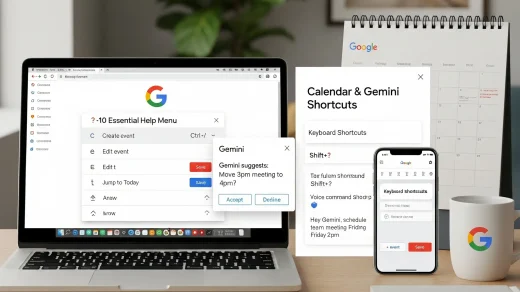
This updated Calendar shortcuts guide blends desktop tips with Gemini AI features. Learn to navigate smarter, plan faster, and boost productivity across all devices.