How to Install and Use Duolingo ABC on Chromebook and Googlebook
 by
Gloria Brown
Post Updated: October 26, 2026
You can install and use Duolingo ABC on Chromebook and Googlebook directly through the official app on Google Play. Built by the early education specialists behind Duolingo, this child-focused literacy app transforms your laptop or 2-in-1 touchscreen convertible into a fun, gamified reading classroom packed with over 700 bite-sized phonics lessons, handwriting games, and charming storybooks for children ages 3 to 8.
Googlebook runs Android applications natively through Google Play and features seamless phone app casting, making it simple to mirror your child’s mobile learning sessions onto a larger display. This comprehensive guide covers the unified Play Store setup, phone-to-laptop casting, core literacy milestones, multi-sensory tracing activities, multi-child profile management, and audio optimization.
Need help setting up reading lessons for your child? Contact us with your laptop model and any audio or touch configuration questions.
How to install Duolingo ABC on Chromebook and Googlebook
Setting up Duolingo ABC takes less than two minutes through Google Play:
The official Google Play listing identifies Duolingo as the verified developer under the package name com.duolingo.literacy. Installing the official Play Store release ensures regular educational updates, full touchscreen touchpoint accuracy, and automatic offline lesson caching.
If the Play Store is not visible on your laptop, review Google’s Android app setup guide for Chromebook or the official guide on installing apps on Googlebook. School-managed or enterprise Chromebooks may enforce administrator policies that restrict Play Store installations; in those cases, your school IT administrator must approve Duolingo ABC for managed student accounts.
Cast Duolingo ABC from your phone on Googlebook
If your child regularly practices reading on an Android smartphone during morning car rides, you can instantly continue their learning session on your laptop screen without starting over. Click the Phone Hub utility icon on the bottom shelf of your Googlebook, select Cast My Apps, and tap Duolingo ABC. Your mobile app session mirrors immediately to your laptop display in an interactive window. Your child can tap, trace, and read along with zero file transfers, separate profile logins, or redundant app installations.
Comprehensive early literacy curriculum: phonics, sight words, and tracing
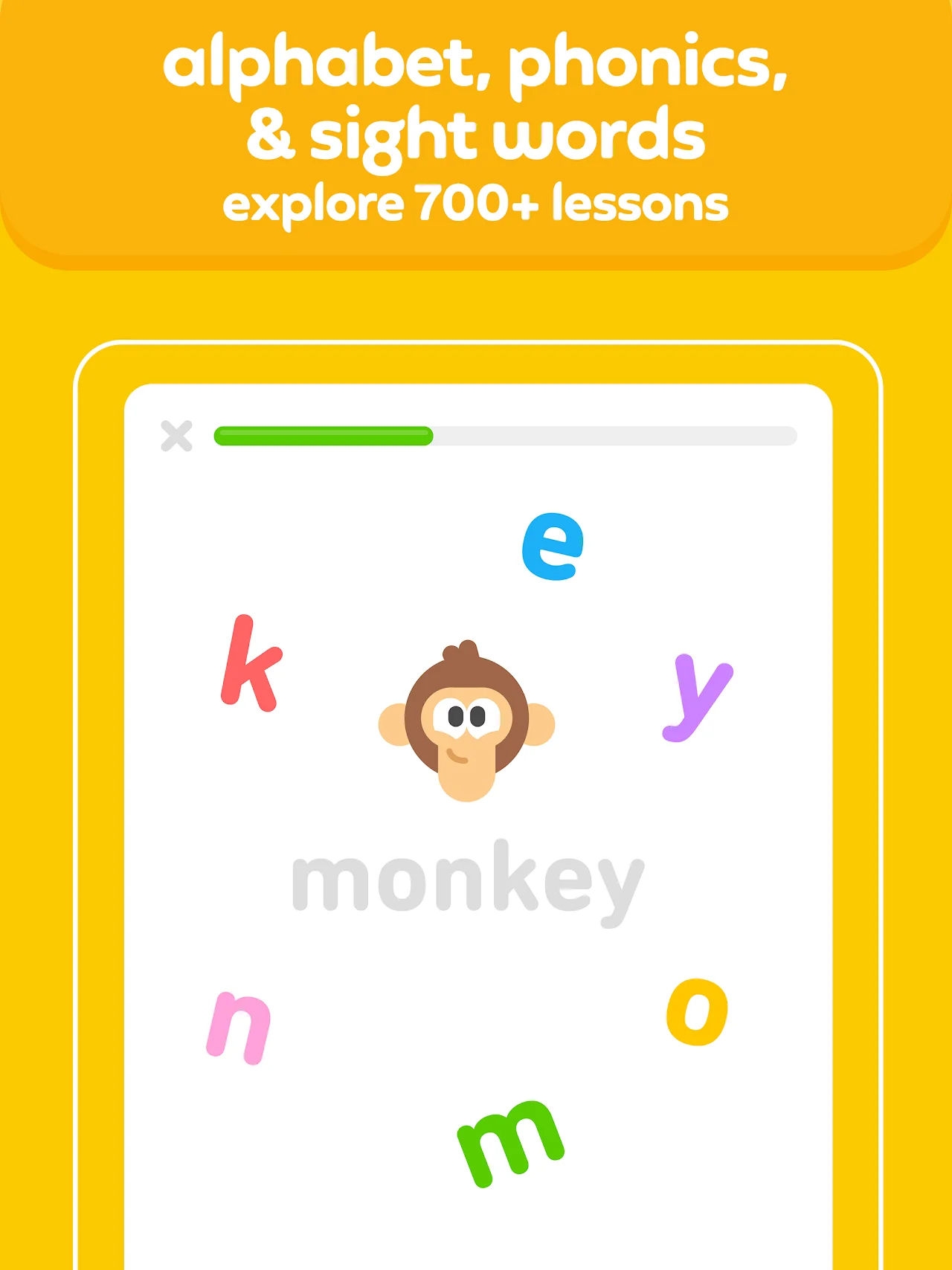
Duolingo ABC provides a structured, evidence-based reading curriculum designed alongside literacy and child development experts. Rather than memorizing words in isolation, young learners progress through a connected sequence of foundational reading skills:
Interactive read-along stories and reading comprehension
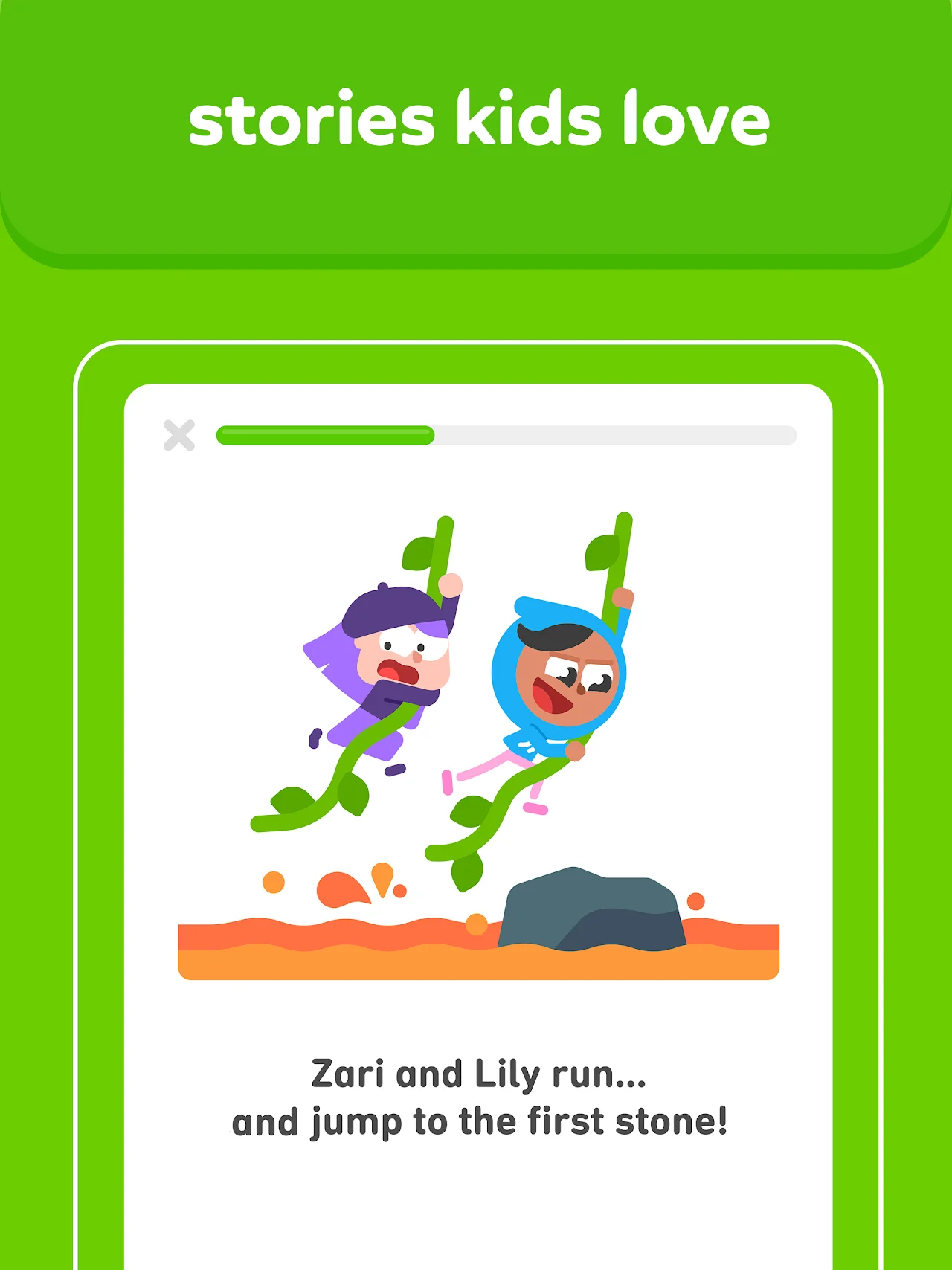
One of the standout highlights of Duolingo ABC on the larger screen of a Chromebook is the library of beautifully illustrated, narrated interactive stories. Featuring familiar Duolingo cast members like Duo, Zari, Lily, Oscar, and Vikram, these short stories help children transition from decoding single letters to reading fluent sentences:
- Synchronized word highlighting: as the cheerful narrator reads aloud, each individual word illuminates in bright colors on screen. This visual-auditory connection helps children connect the spoken sound directly to the printed text.
- Interactive story touchpoints: children are invited to tap characters, drag missing objects into the scene, or repeat dialogue, turning passive story listening into an active comprehension exercise.
- Independent reading mode: as learners build confidence, parents can mute narration so kids can practice reading sentences aloud at their own speed.
- Decodable story progression: each tale uses vocabulary and phonics patterns introduced in recent lessons, ensuring kids feel capable and proud as they finish whole books on their own.
Kid-safe design, multiple learner profiles, and offline practice
Duolingo ABC is built specifically for early childhood environments, giving parents and teachers complete peace of mind:
- 100% ad-free with zero in-app purchases: unlike many reading apps that lock advanced levels behind paywalls or expose toddlers to commercial banners, Duolingo ABC is completely free with no subscriptions or upsells.
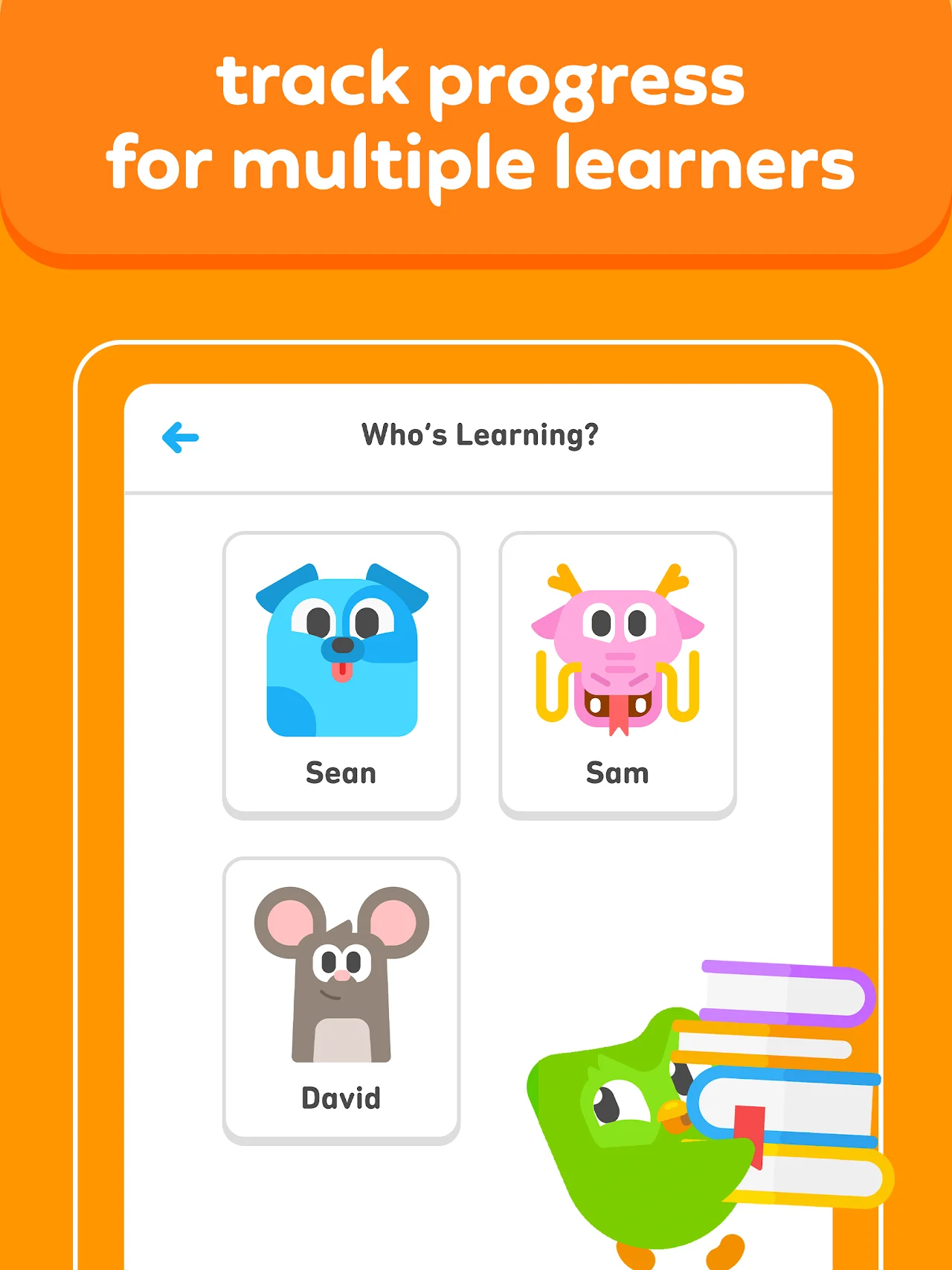
- Multiple learner profiles: have more than one young child at home or running a small learning center? Duolingo ABC supports distinct child profiles on a single device. Each learner selects their personalized cartoon avatar and tracks their own stars, crowns, and lesson achievements independently.
- Complete offline learning: all core lessons, voice tracks, and mini-games can be played without Wi-Fi or cellular connectivity. Whether you are traveling on an airplane, dining at a restaurant, or managing screen time on a road trip, learning never pauses.
- No account or complex sign-ins: children do not need social media links, email addresses, or complicated password credentials to begin reading immediately.

Keep family schedules, homeschool printables, and study routines organized across Chromebook and Googlebook. Take advantage of custom domain email, shared Google Drive folders for children worksheets, and Gemini AI assistance in Docs and Sheets.
Optimizing touchscreen, audio, and stylus settings on Chromebook
To provide the best possible tactile and auditory experience for young learners on ChromeOS, configure these device settings:
- Use 2-in-1 tablet or tent mode: if you own a convertible Chromebook, fold the keyboard back into tablet mode or set it up in tent mode. This places the display flat or angled on a low table, making it easy for toddlers and young children to trace letters comfortably.
- Enable USI stylus support: for children practicing pencil grip and fine motor skills, an active USI stylus or capacitive touch pen works smoothly with Duolingo ABC handwriting and tracing exercises.
- Adjust speaker audio volume: phonics learning relies heavily on crystal-clear audio pronunciation of consonant stops and vowel blends. Ensure your laptop volume is set to a comfortable level, or pair comfortable child-safe volume-limiting headphones.
- Manage app storage and cache: if lesson animations hesitate or sound cutoffs occur, open ChromeOS Settings > Apps > Manage your apps > Duolingo ABC > Storage, and click Clear cache to refresh cached visual assets without losing student star progress.
Frequently asked questions about Duolingo ABC on Chromebook and Googlebook
Is Duolingo ABC completely free to use on Chromebook and Googlebook?
Yes. Duolingo ABC is 100% free with no advertisements, no in-app purchases, and no subscription fees. All 700+ phonics lessons, interactive stories, and tracing games are completely unlocked for every learner from day one.
Can my child use Duolingo ABC offline without an active internet connection?
Yes. Duolingo ABC is built with full offline learning capabilities. Once installed from Google Play on your Chromebook or Googlebook, children can complete letter tracing, phonics exercises, and read-along stories anywhere without an active Wi-Fi connection.
How is Duolingo ABC different from the main Duolingo language app?
While the main Duolingo app focuses on teaching foreign languages, math, and music to older students and adults, Duolingo ABC is engineered specifically for early childhood English literacy (ages 3 to 8). It emphasizes letter sounds, handwriting tracing, phonics blending, and sight words through play-based mini-games.
Can I set up multiple children profiles on a single Chromebook?
Yes. Duolingo ABC allows parents and teachers to create multiple individual learner profiles within the app. Each child gets their own personalized reading pathway, custom avatar, and progress milestones, making it easy for siblings or classmates to share the same laptop.
How do I cast Duolingo ABC from an Android phone to a Googlebook?
Connect your phone to your Googlebook via the Phone Hub shelf utility. Open the Phone Hub panel, click Cast My Apps, and select Duolingo ABC. Your phone’s current app session and lesson progress will stream directly to your laptop display without needing a separate app download or credentials sign-in.
Explore more learning apps and guides on ChromeGeek
- Duolingo on Chromebook: Learn 40+ world languages, practice math, and study music with the core Duolingo platform on ChromeOS.
- Khan Academy on Chromebook: Access free world-class math, science, computing, and test preparation courses on ChromeOS.
- 10 Best Education Apps for Chromebook: Discover top classroom tools, interactive study platforms, and educational suites for students.
- Manage Your Family Life with These Chromebook Apps: Explore the best parenting, calendar, and chore-tracking apps for ChromeOS families.
- Googlebook News and Guides Hub: Learn about Googlebook hardware, Gemini AI features, and phone-laptop casting capabilities.
Discover more from Chrome Geek
Subscribe to get the latest posts sent to your email.