Google Is Shutting Down Jules as Antigravity Gets a Plugin Marketplace
 by
Sophie Sullivan
Post Updated: October 30, 2026
by
Sophie Sullivan
Post Updated: October 30, 2026
Google is shutting down Jules, its AI coding agent. In a Jules Turndown notice posted on October 29, Google says Jules will wind down on December 31, 2026, and that what it learned from Jules is shaping Google Antigravity, its agent-first coding platform. On the same day, Antigravity launched a Plugin Marketplace.
1. Why Google is ending Jules
Part of a merge: Google says the move is “part of our work to unify our agentic coding efforts.” It calls Jules an experiment to learn how asynchronous coding agents could help you clear your backlog and ship faster.
Heading to Antigravity: as The Verge reports, Google says it is bringing its learnings from Jules into Antigravity, so you get “autonomous remote background task execution and an agent-first development environment.” The Verge notes that Google first launched Jules in December 2024.
2. Jules shutdown timeline
Plan ahead: Google does not give a time of day for either cutoff, so do not leave your export until the last evening.
3. How to export your Jules data
What you can save: account settings, environment variables, scheduled tasks, connected repositories, memories, setup scripts, and every session, including its prompt, plan, full activity log and code patches.
Step 1, install Jules Tools: run npm install -g @google/jules and then sign in with jules login.
Step 2, run the export: open a CLI coding agent, such as Claude Code, from your home directory and paste the export prompt from Google’s notice. Google says the agent checks your setup, runs the export and tells you what it saved.
Step 3, check the folder: your data lands in ~/jules-export, with a folder per repository and a folder per session that includes a readable summary, the full activity log and its diffs.
Keep it private: the export includes your environment variable values in env-variables.json, so keep the folder out of your repositories. If you use Jules with GitHub, connect your GitHub account first, or the export will not include repository data.
On a Chromebook: these are terminal commands that need npm, so you would run them in the Linux development environment with Node.js and npm set up.
4. What is new: the Antigravity Plugin Marketplace
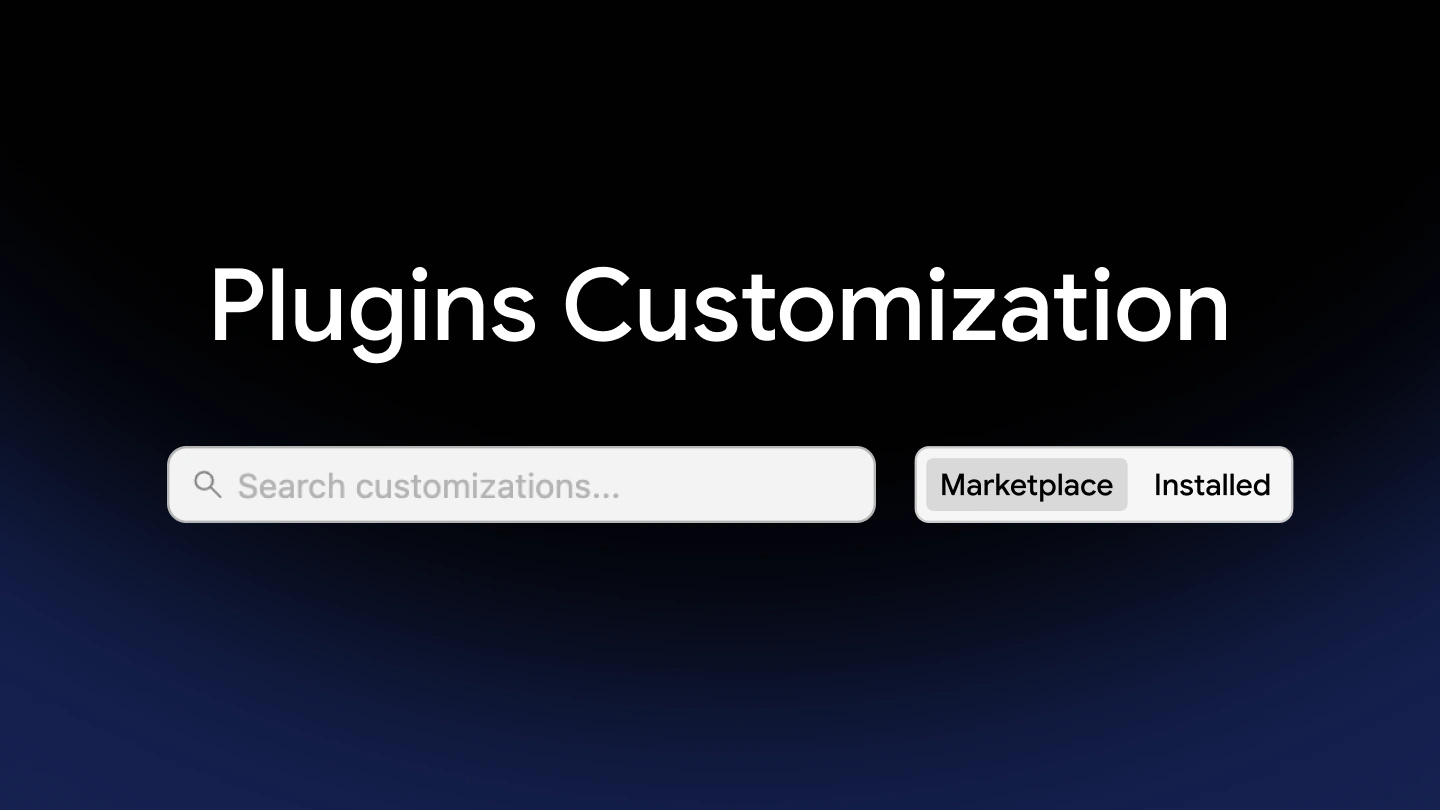
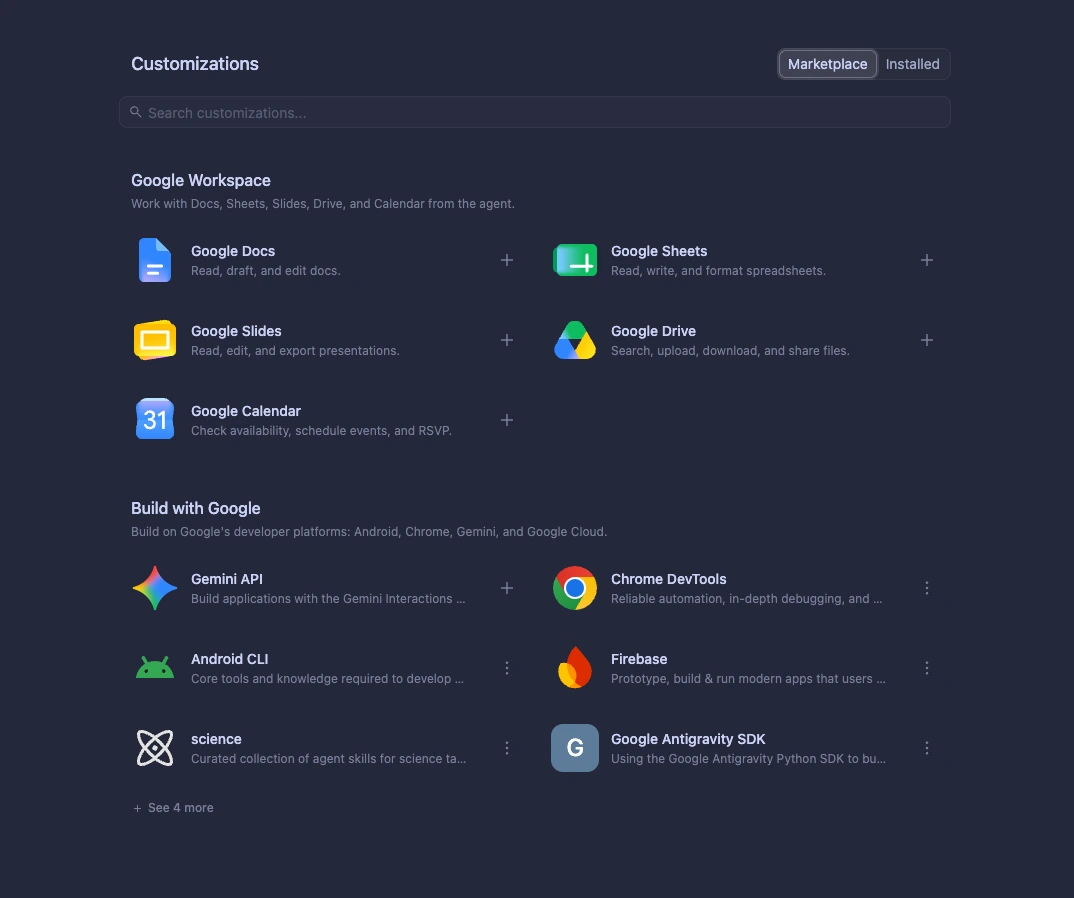
One place for add-ons: Google’s Antigravity blog calls the Plugin Marketplace a central directory for finding and installing third-party and Google-built plugins in the Antigravity App and the Antigravity CLI. Before this, connecting an agent to outside tools meant setting up MCP servers, environment variables, skills and subagents by hand.
What a plugin holds: each plugin is a bundle of up to five parts: skills, MCP servers, rules, hooks and custom agents. They install, update and switch on or off together.
How to get one: open the Customizations panel in the Antigravity App and browse the plugin catalog, or run agy plugin install <plugin-name> in your terminal.
Plenty more in the catalog: the logo grid in Google’s post also lists plugins such as Vercel, Netlify, Notion, Linear, Trello, Postman, Sentry, Supabase and Zapier, plus Google’s own plugins for Docs, Sheets, Slides, Drive, Calendar, Firebase, Chrome DevTools and the Gemini API.
Our take
Folding Jules into Antigravity fits Google’s stated goal of unifying its coding agent work. The short notice is the real story here. You get less than two weeks to finish work before Jules goes read-only, so export now. It is also striking that Google’s own export guide names Claude Code, Anthropic’s tool, as its example agent. The Plugin Marketplace is the better news, since it turns manual MCP setup into a one-click install. We would like a firm date for when Jules-style background tasks arrive in Antigravity.
More from the source: Google’s Antigravity Marketplace docs
Keep reading: Google Antigravity for Googlebook, OpenAI’s GPT models in Antigravity and how to use Gemini 4 Argon.
Discover more from Chrome Geek
Subscribe to get the latest posts sent to your email.