Gemini Notebook Adds Hundreds of Free Textbooks for Students
 by
Sophie Sullivan
Post Updated: October 29, 2026
by
Sophie Sullivan
Post Updated: October 29, 2026
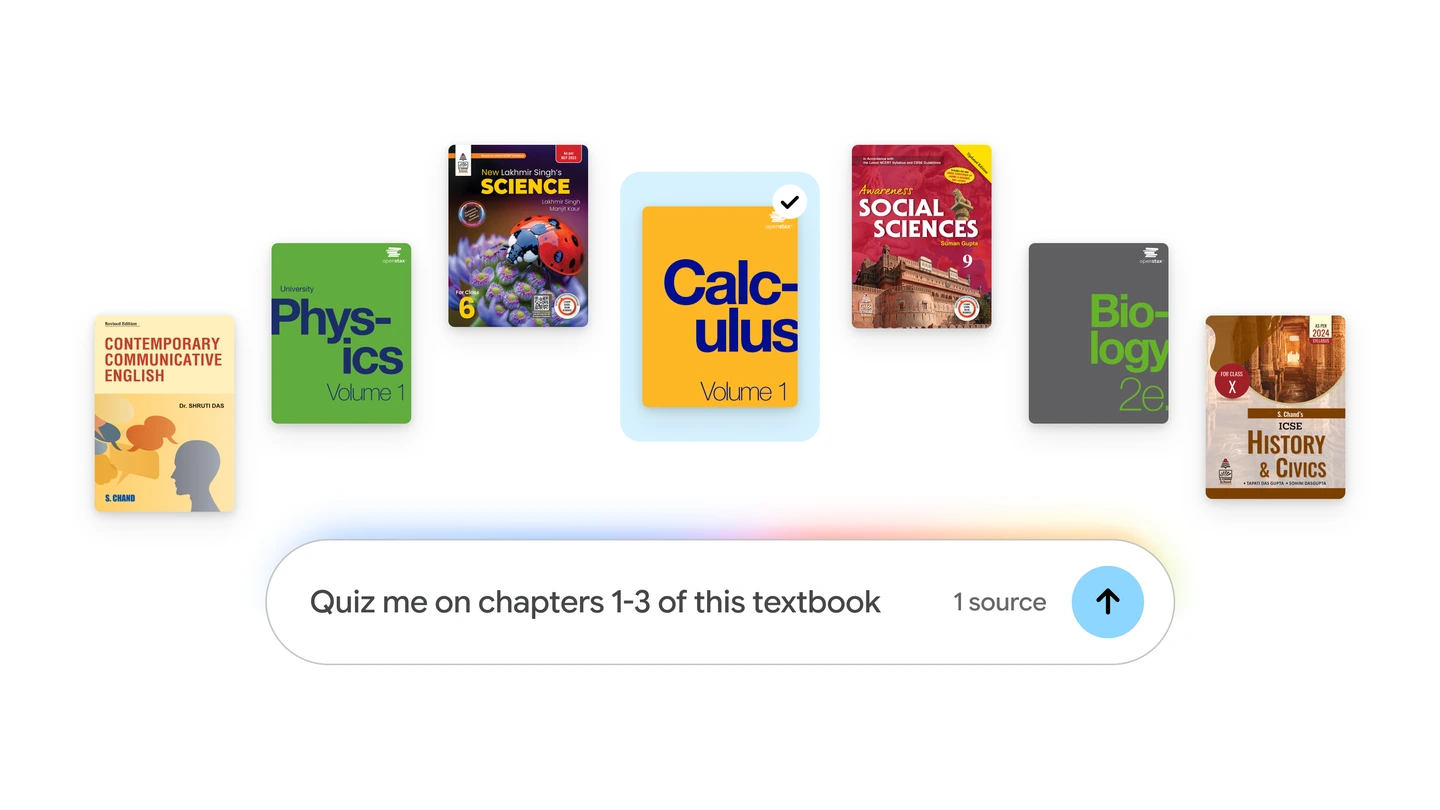
Gemini Notebook now has its own free textbook shelf. Google announced on October 29 that students can add hundreds of textbooks to a notebook at no charge, then ask questions, get cited answers and turn chapters into study guides, quizzes and flashcards.
1. What Google added
Part of Expert Intelligence: last month Google introduced Expert Intelligence, a cross-Google effort to let you work with trusted sources inside its AI products. You could already add eligible ebooks you bought on Google Play Books. Now Google is adding course textbooks too.
Who the books come from: Google names OpenStax, Open Textbook Library and S Chand Publishing as providers, with books from the U.S. and India.
2. How to add a textbook
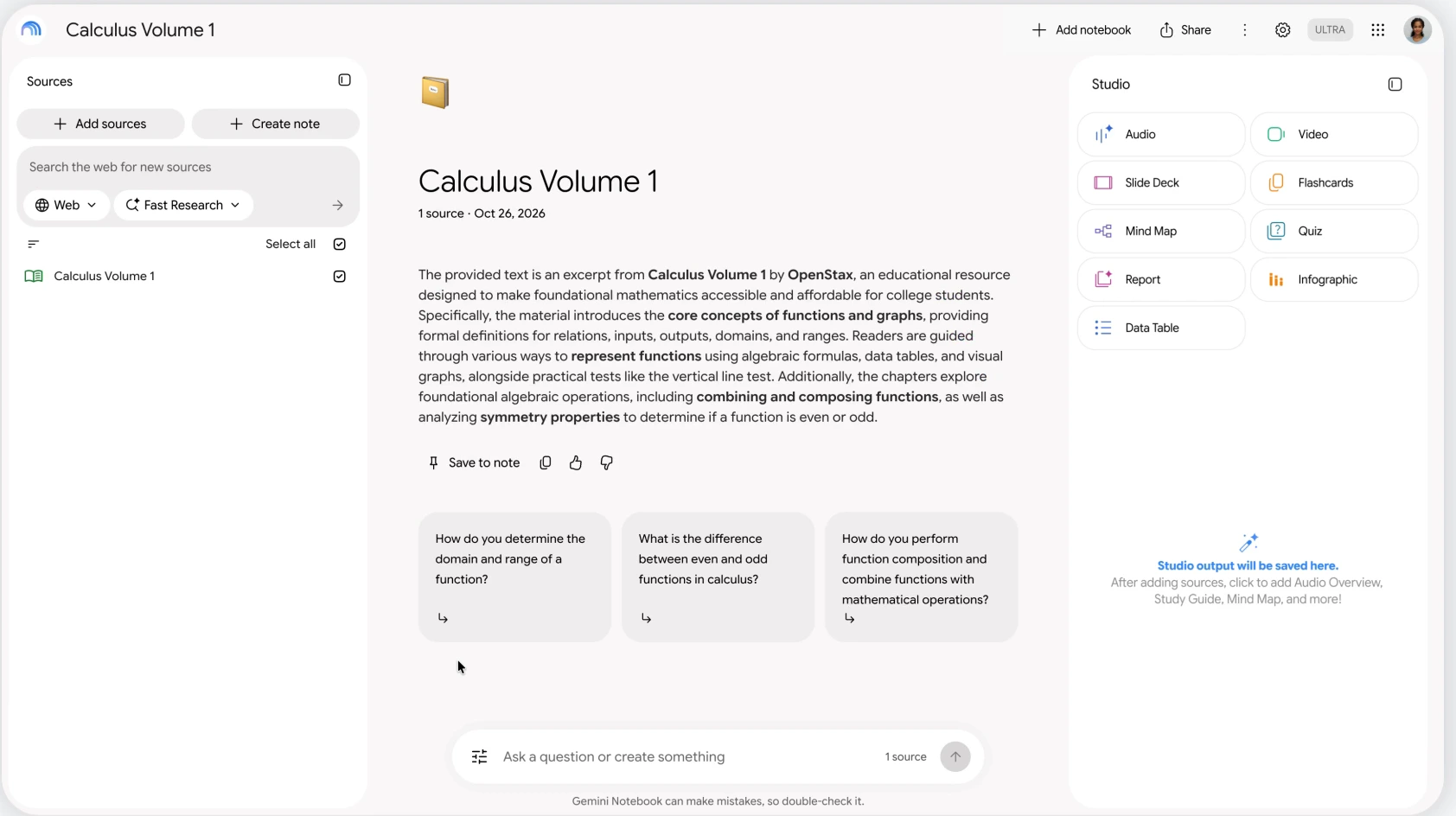
Step 1: open a notebook in Gemini Notebook and select Add sources.
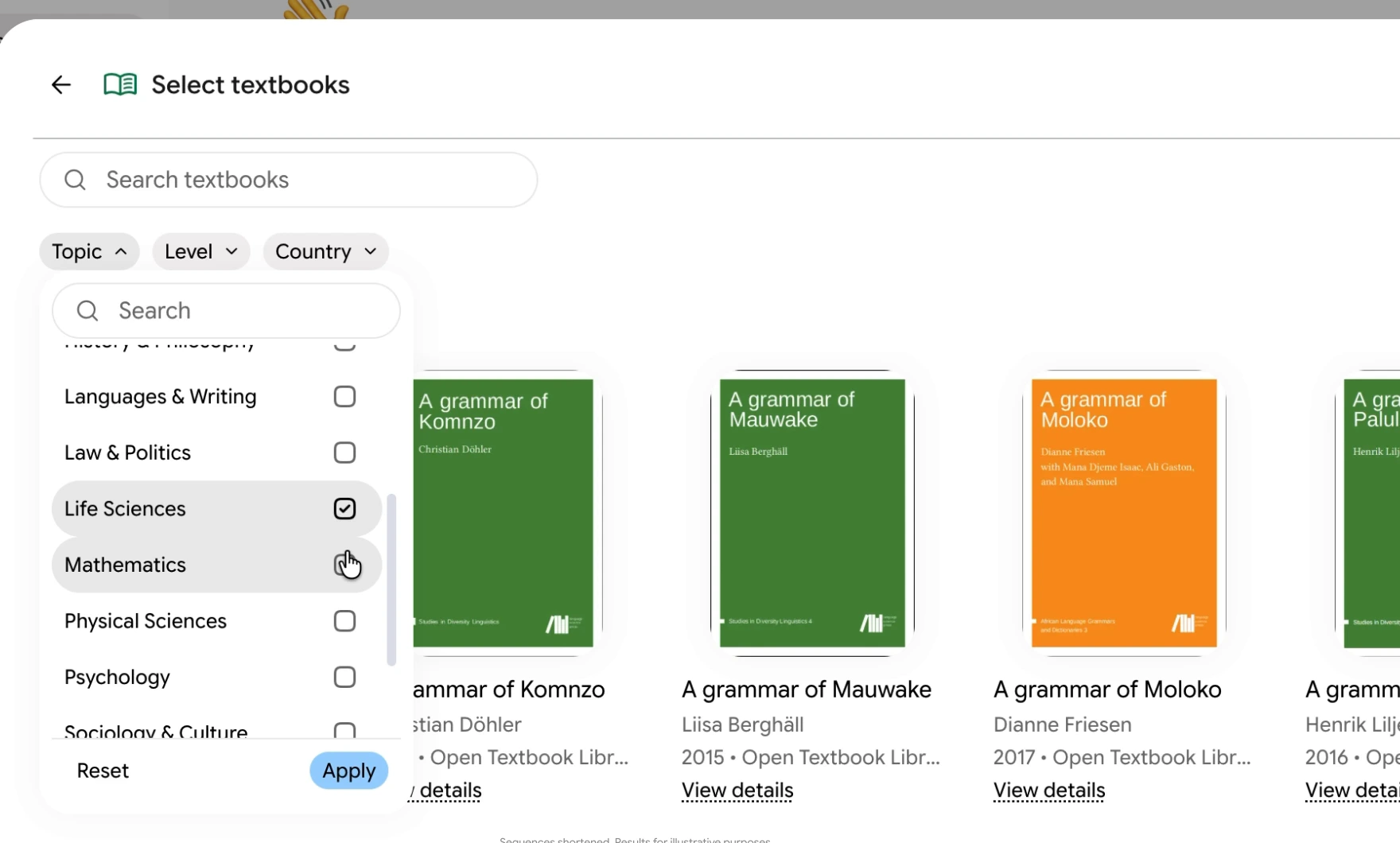
Step 2: choose Textbooks to open the catalog. In Google’s demo, you can search by title and filter by topic, level and country.
Step 3: pick your book and add it as a source. From then on, your answers come from that textbook.
3. What you can do with it
Ask and check: every answer is grounded in the textbook, with inline citations and direct links back to the original source, so you can see exactly where an answer came from.
Turn chapters into study material: Google says you can create tailored study guides, practice quizzes, flashcards and more from the textbook content. That fits with the recent study features in Gemini Notebook and its new lecture recorder on Android and iOS.
At a glance
Worth knowing: Google lists these three providers as examples, so the full catalog may include others. Its post does not say which countries can use the textbook library, and as always, Google notes Gemini Notebook can make mistakes, so double-check anything important.
Our take
This is a smart and genuinely useful move for students. OpenStax books are already free and widely used, but having them one click away inside a notebook, with answers that cite the page, takes the guesswork out of AI study help. If you study on a Chromebook, this works in the browser alongside Gemini’s new ability to preview and edit files right in the chat. We would love to see more publishers and more countries join the catalog.
Turning your notes into slides or a video? Gemini Notebook lets you shape them first.
Discover more from Chrome Geek
Subscribe to get the latest posts sent to your email.