Gemini Now Lets You Preview and Edit Your Files Right in the Chat
 by
Sophie Sullivan
Post Updated: October 29, 2026
by
Sophie Sullivan
Post Updated: October 29, 2026
Gemini no longer just hands you a file and leaves the rest to you. Google announced on October 29 that you can now generate, preview and edit documents, PDFs, presentations, spreadsheets, code and more right inside your Gemini chat.
1. What is new
Before: back in April, Google let Gemini create files such as PDFs, Word and Excel files, and Google Docs, Sheets and Slides. You could download them or send them to Drive, but to fix a typo or a chart you had to open them somewhere else, or ask Gemini to make the whole file again.
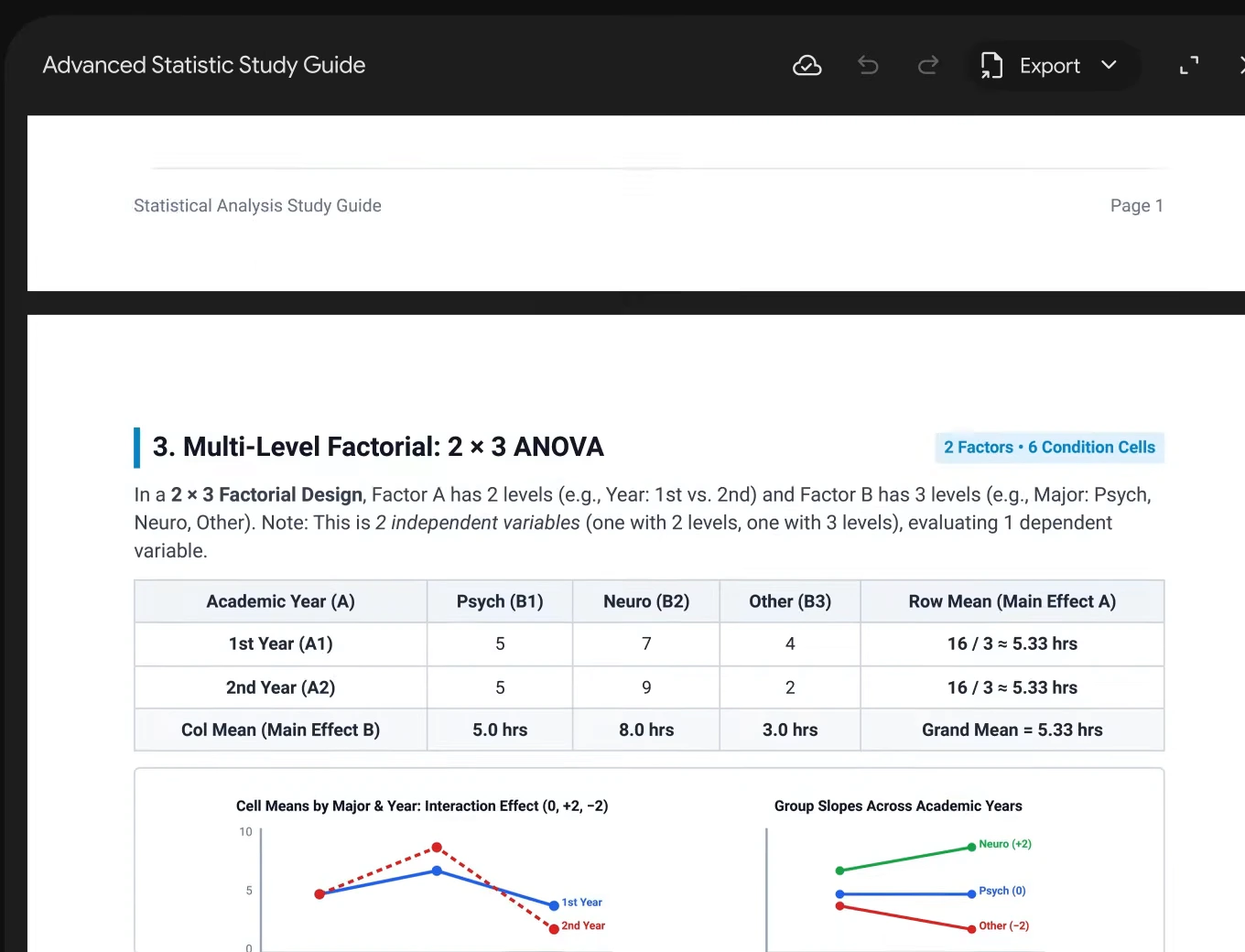
Now: the file opens inside your chat. You can expand it to full screen and type your edits directly, highlight a part to ask Gemini about it, or tell Gemini what to change and let it rework the file for you.
2. How it works in Google’s demo
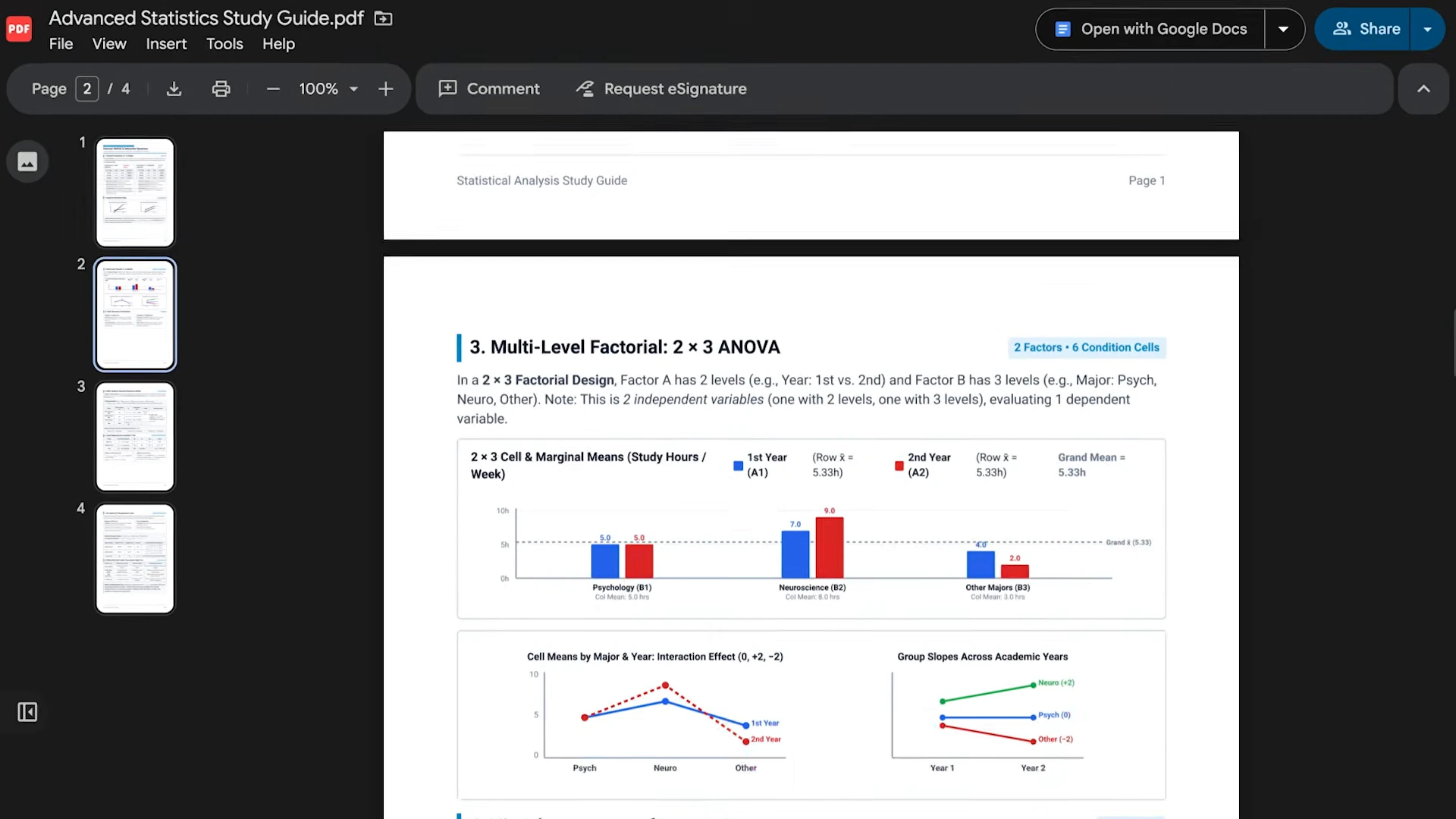
From notes to a study guide: Google’s example starts with uploaded handwritten lecture notes. Gemini turns them into a PDF study guide, and you can then edit it by hand, highlight sections so Gemini changes the text or the visuals, and ask follow-up questions about the content.
Check it before you share it: the preview window has its own Export button, so once the file looks right you can save it out. Jump to 0:18 in Google’s short video to see the PDF preview.
3. What works where
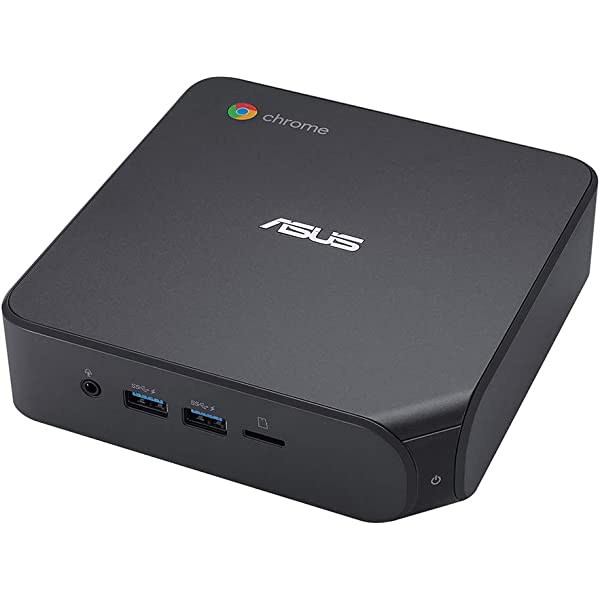
On a Chromebook or Googlebook: if you use Gemini in Chrome at gemini.google.com, you are on the web version, so you get every file type in the table above.
Who can use it: Google says these tools are available to all users in all languages where the Gemini app is offered. It did not mention a paid plan being needed.
Our take
This fixes the most annoying part of asking an AI for a file: the moment you spot one wrong number and have to start over. Being able to click into the file, fix it yourself or point at one section and ask for a change makes Gemini feel more like a real editor and less like a file vending machine. It is a natural step on from Gemini Canvas, and it pairs well with being able to create and search Gemini Notebooks from chat. Students will likely get the most out of it, alongside the best Chrome extensions for students. We would like to see the full set of formats come to the mobile app soon, since PDFs are the only type there today.
Want better files from the first try? Start with a stronger prompt.
Discover more from Chrome Geek
Subscribe to get the latest posts sent to your email.