Best Developer Chrome Themes for Coders and Programmers
 by
Joseph Vance
Post Updated: November 2, 2026
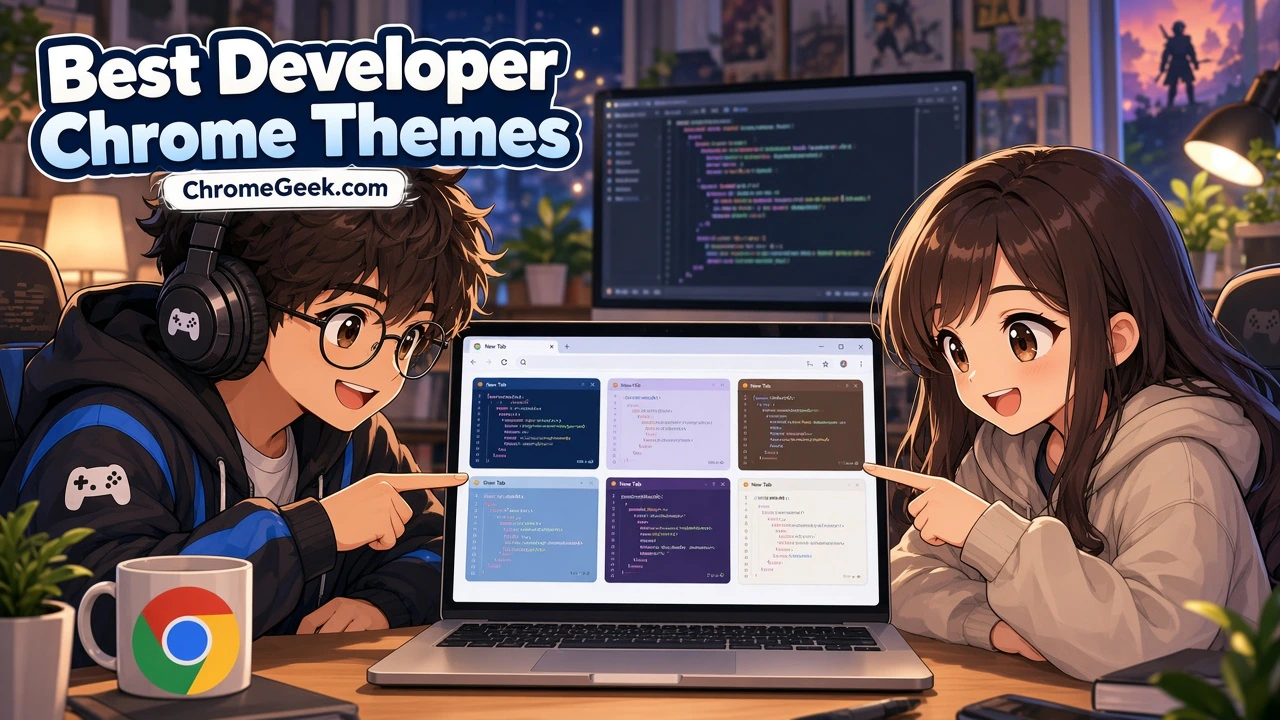
The best developer Chrome themes bring the color schemes you already use in your code editor and terminal to your browser. Palettes like Catppuccin, Dracula, Nord, Gruvbox and Tokyo Night now have Chrome versions, so your whole setup can finally match.
Below are 20 free themes from the Chrome Web Store, starting with the most recently updated. Most are dark themes for late night coding, with a couple of light options for daytime work. Each one keeps Chrome calm and readable, so switching between your browser, VS Code, Neovim or Zed feels smooth.
Top Developer Themes for Chrome
1. ayu Vivid Space
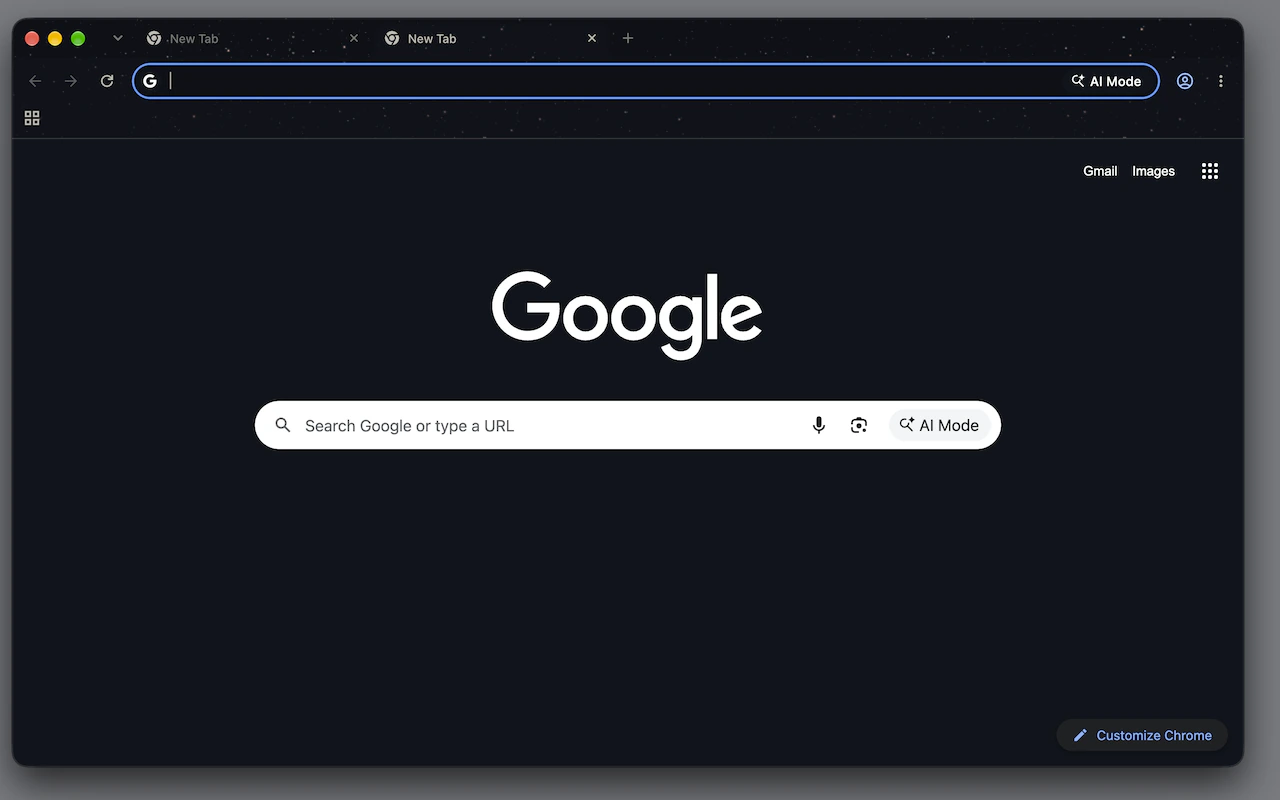
🖌️ About this theme: This theme takes the ayu Dark palette and sets it over a starry sky that shows behind the tab strip and more faintly behind the toolbar. The frame stays a calm dark blue, and links on the new tab page pick up the familiar ayu yellow. The stars are a still image, so nothing moves while you work.
👍 Why we like it: If ayu is already your editor theme, this is the closest match we found in the Chrome Web Store. The star detail adds some character without making tabs or the address bar harder to read. Linux users get a note from the developer to pick GTK or Classic under Appearance in Chrome settings so the colors show correctly.
2. Code
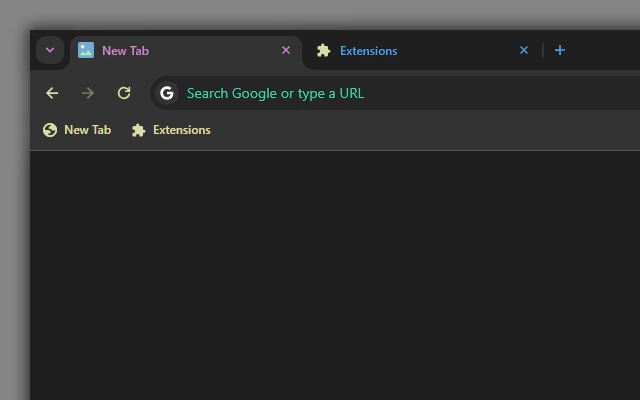
🖌️ About this theme: Code is a dark theme inspired by the look of VS Code, with a charcoal frame and toolbar. In the store preview, tab titles take on different syntax style colors, address bar text shows in teal, and bookmark folders get yellow icons. It feels like a code editor sidebar sitting at the top of your browser.
👍 Why we like it: VS Code users will recognize the color logic right away. The bright tab titles make it easy to spot which tab you are on, even with a long row of them open. It is also one of the most recently updated themes on this list.
3. Gruvbox Dark (Zed)
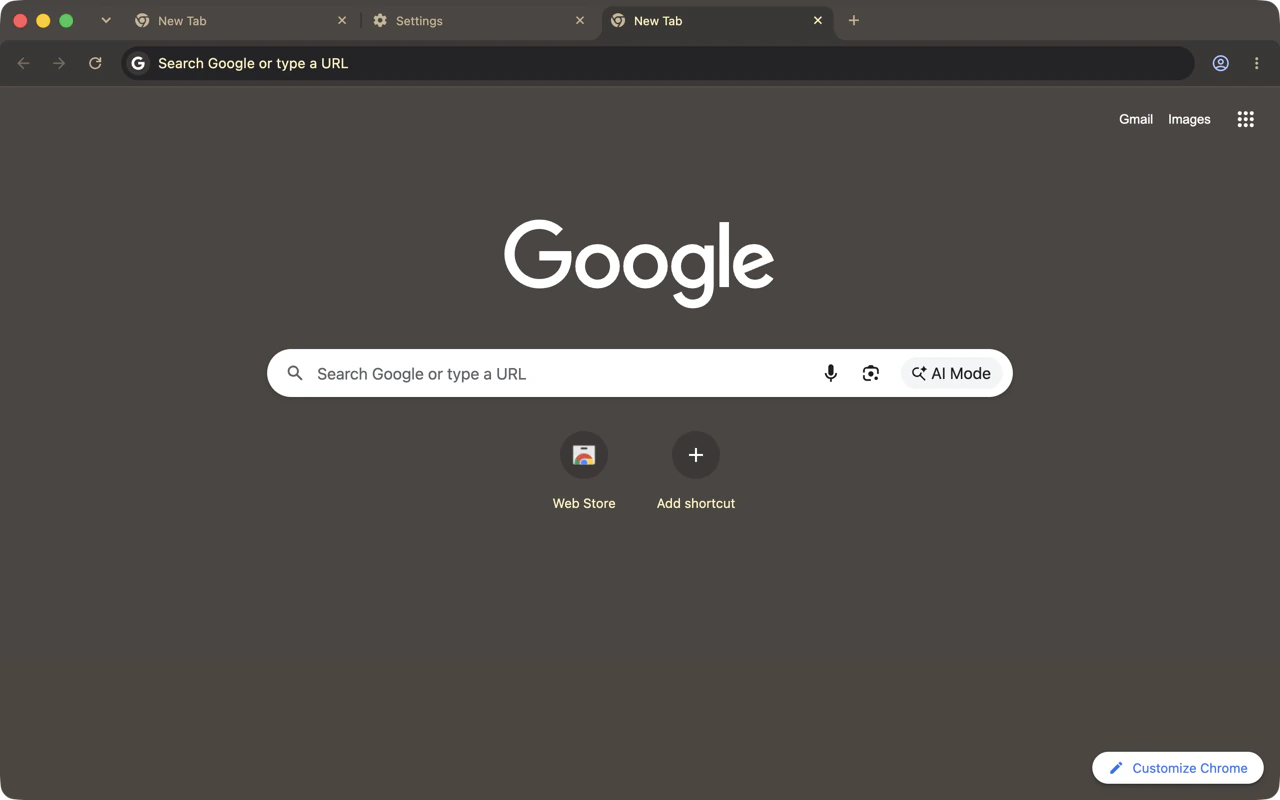
🖌️ About this theme: This Gruvbox Dark theme pulls its colors straight from the Zed editor’s Gruvbox theme file. The title bar and tab strip use Zed’s title bar color, while the toolbar and active tab use the sidebar color. The result is a warm brown and gray frame with a matching dark new tab page.
👍 Why we like it: The retro warmth of Gruvbox is easier on the eyes than cold blues during long sessions. Because the colors come from an actual editor theme, Chrome lines up neatly with Zed or any other Gruvbox setup. Inactive tabs have no fill, which keeps the tab strip clean and simple.
4. One Dark (Zed)
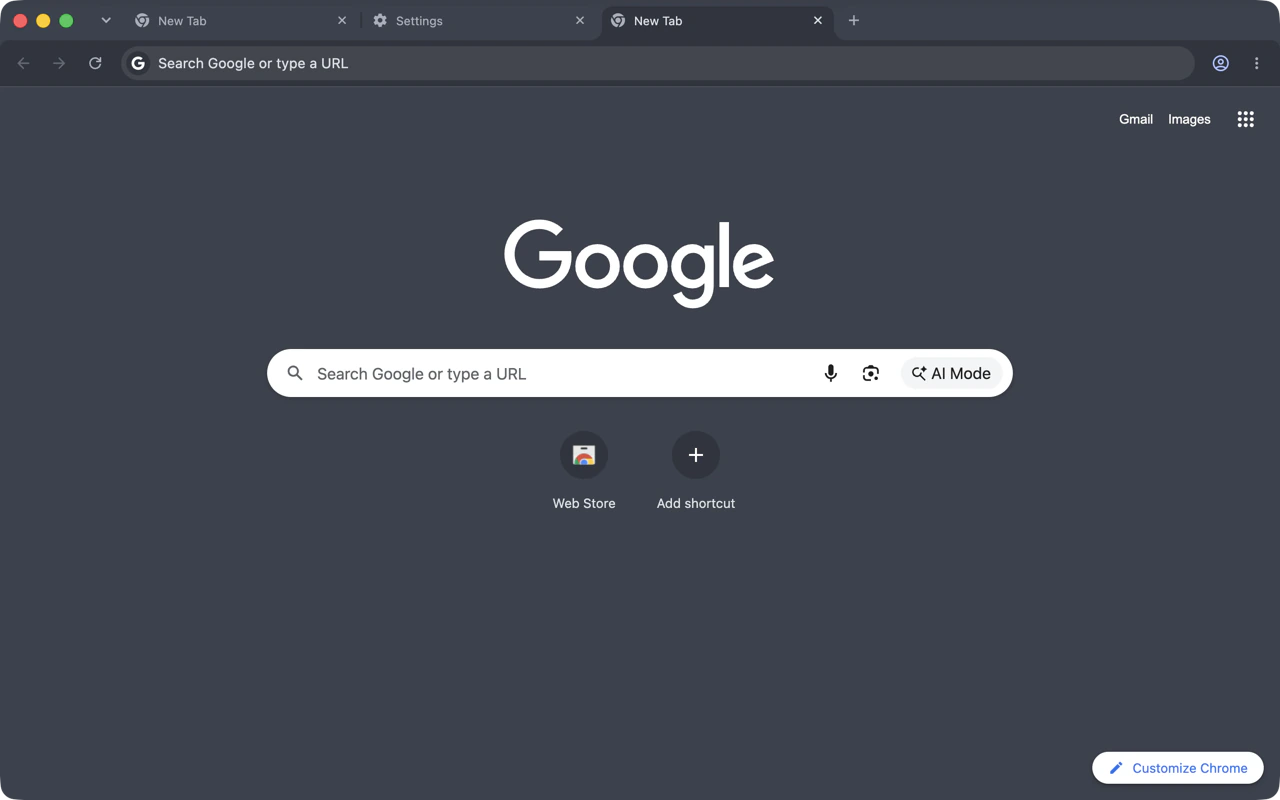
🖌️ About this theme: One Dark (Zed) comes from the same developer as the Gruvbox theme above and follows the same approach. The frame, toolbar and new tab page use colors taken from Zed’s One Dark theme, giving Chrome a cool slate gray with a blue tint. It is the classic Atom look that many developers still use every day.
👍 Why we like it: One Dark is one of the most familiar editor themes around, so this one blends in with almost any dev setup. The muted gray blue tones are gentle at night and never feel too dark. If you like the Gruvbox version but want cooler colors, this is the pair to grab.
5. Developer Minimal
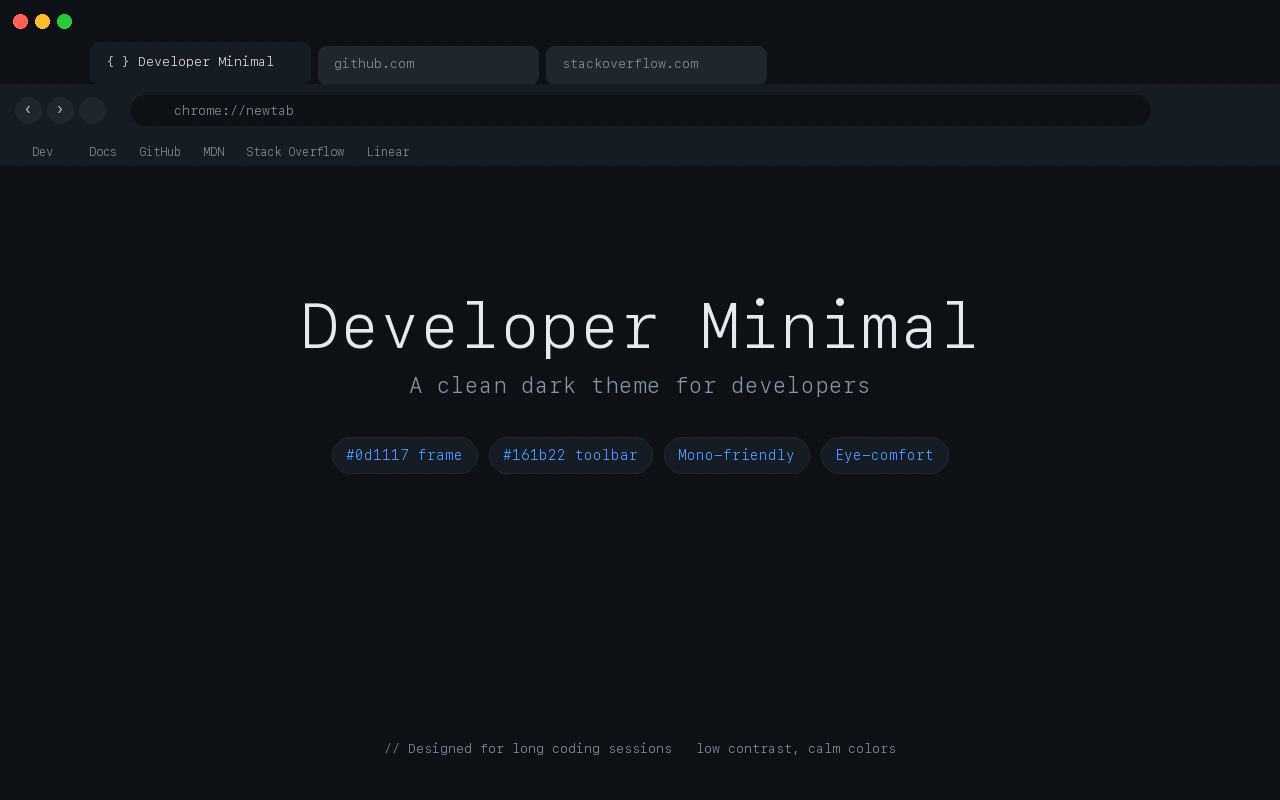
🖌️ About this theme: Developer Minimal is a dark theme made for developers and anyone who prefers a focused browser. It uses a deep midnight frame with a slightly lighter dark gray toolbar and subtle blue accents. Those shades are very close to the colors GitHub uses in its dark mode.
👍 Why we like it: The theme stays out of the way, with no wallpaper or busy art on the new tab page. Its colors pair well with dark IDEs and terminals, so switching between windows feels smooth. It is a solid pick if you want something plain that still looks intentional.
6. Tokyo Night Storm Theme
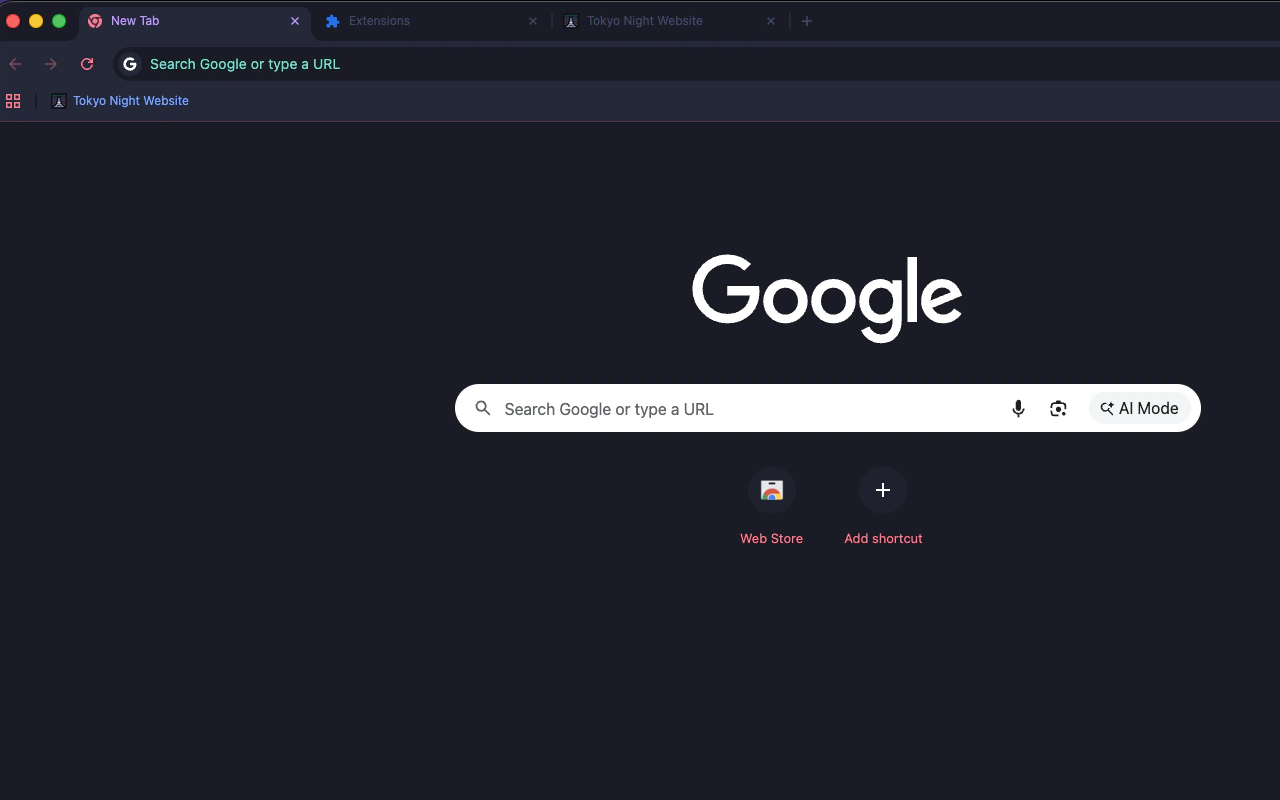
🖌️ About this theme: This theme brings the Tokyo Night Storm color scheme to Chrome with deep storm blues and slate grays. In the store screenshot, the active tab title shows in soft pink, address bar text appears in cyan, and the new tab page stays a plain dark navy. It is inspired by the lights of downtown Tokyo during a storm.
👍 Why we like it: Tokyo Night is a favorite in VS Code and Neovim, and this theme matches the Storm variant well. The pink and cyan accents are bright enough to help you find your place without turning the browser into a light show. The developer also links the GitHub repo where you can report issues or suggest changes.
7. Vesper Dark
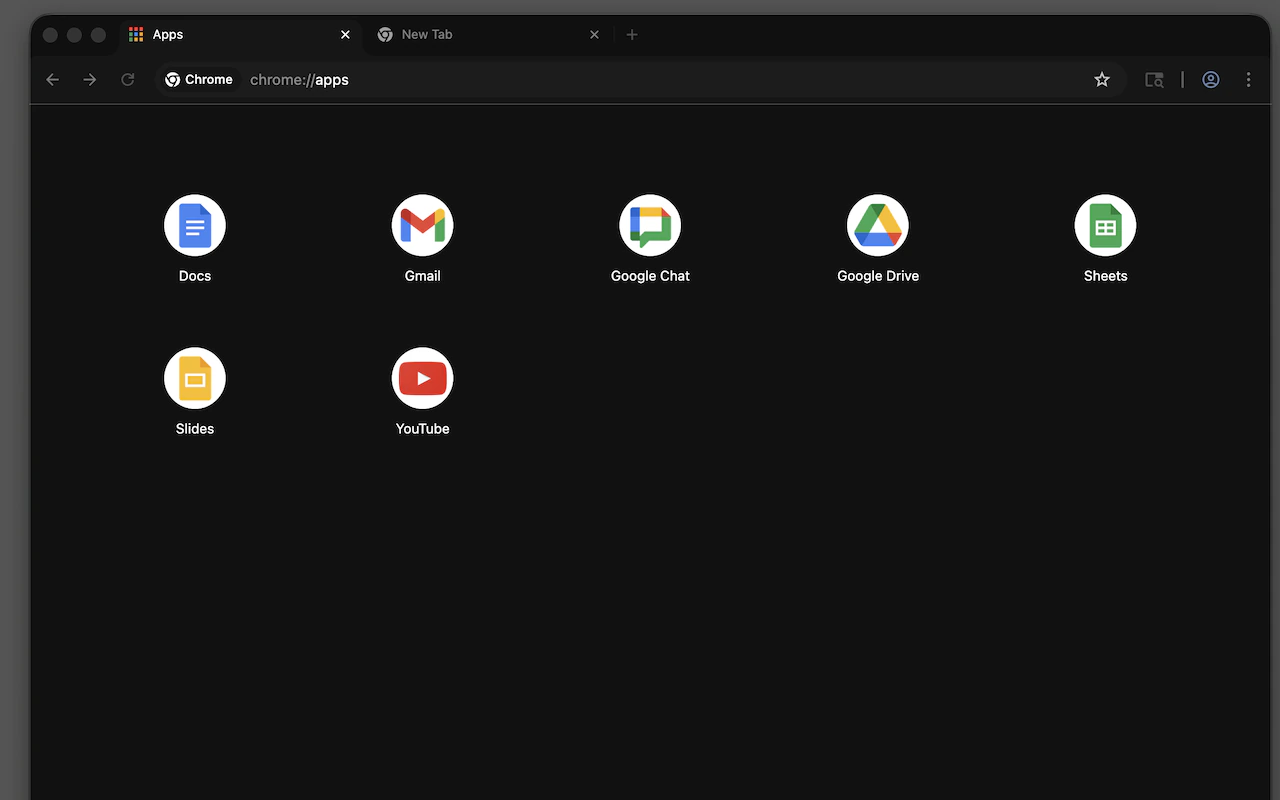
🖌️ About this theme: Vesper Dark is a minimal theme with a deep, near black base and a warm peach accent. It is inspired by the Vesper theme for VS Code by Rauno Freiberg. The toolbar has only slight contrast against the frame, and Incognito windows get their own clean styling.
👍 Why we like it: Vesper is popular with developers who want a dark theme without the usual blues and purples. The peach accent adds warmth while the black frame keeps your attention on the page. It works well for anyone who finds pure gray themes a little flat.
8. Solarized Dark
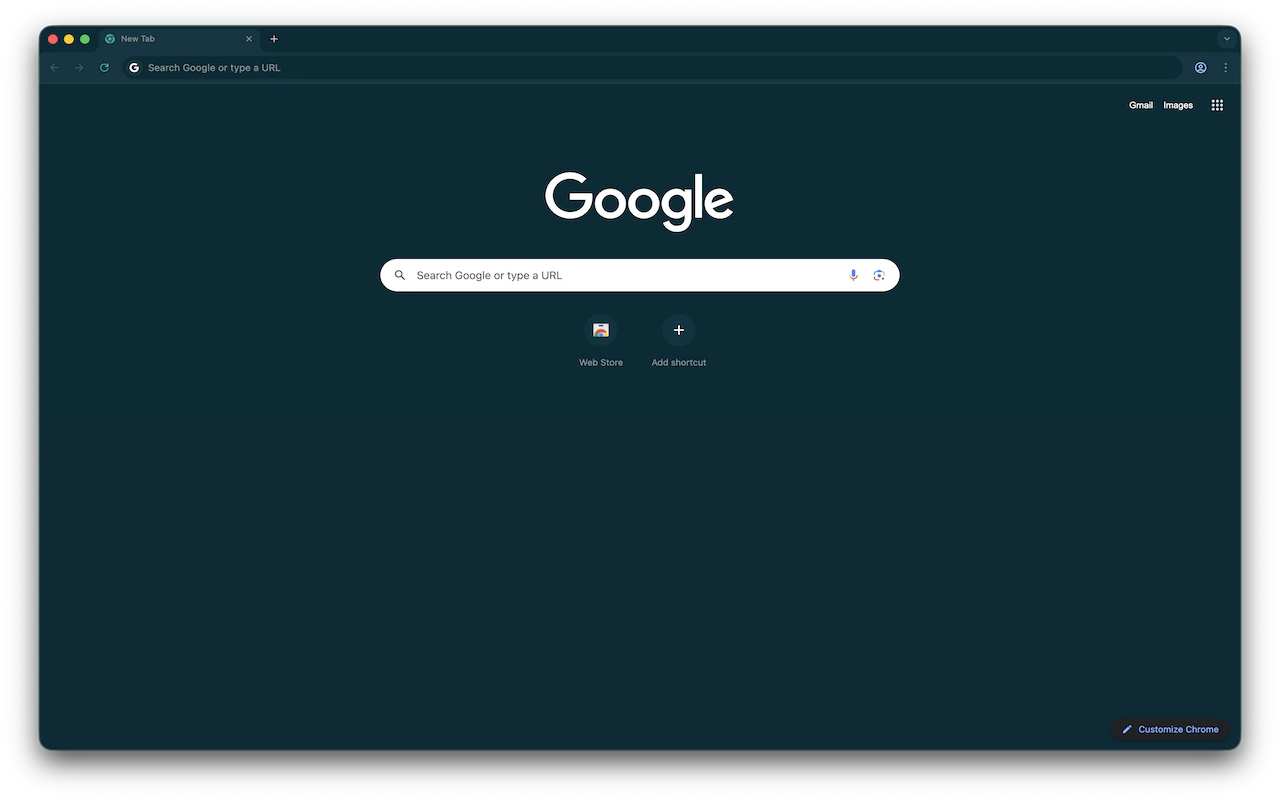
🖌️ About this theme: Solarized Dark applies the well known Solarized palette to Chrome with its deep teal blue base. The frame, toolbar and new tab page all use these low contrast tones. It looks just like Solarized in a terminal or code editor.
👍 Why we like it: Solarized was designed to keep contrast comfortable, which makes it a good choice for long reading sessions. The teal shades feel different from the usual gray dark themes without being loud. If you want the light version, we cover Solarized Light in our light themes list.
9. Nord
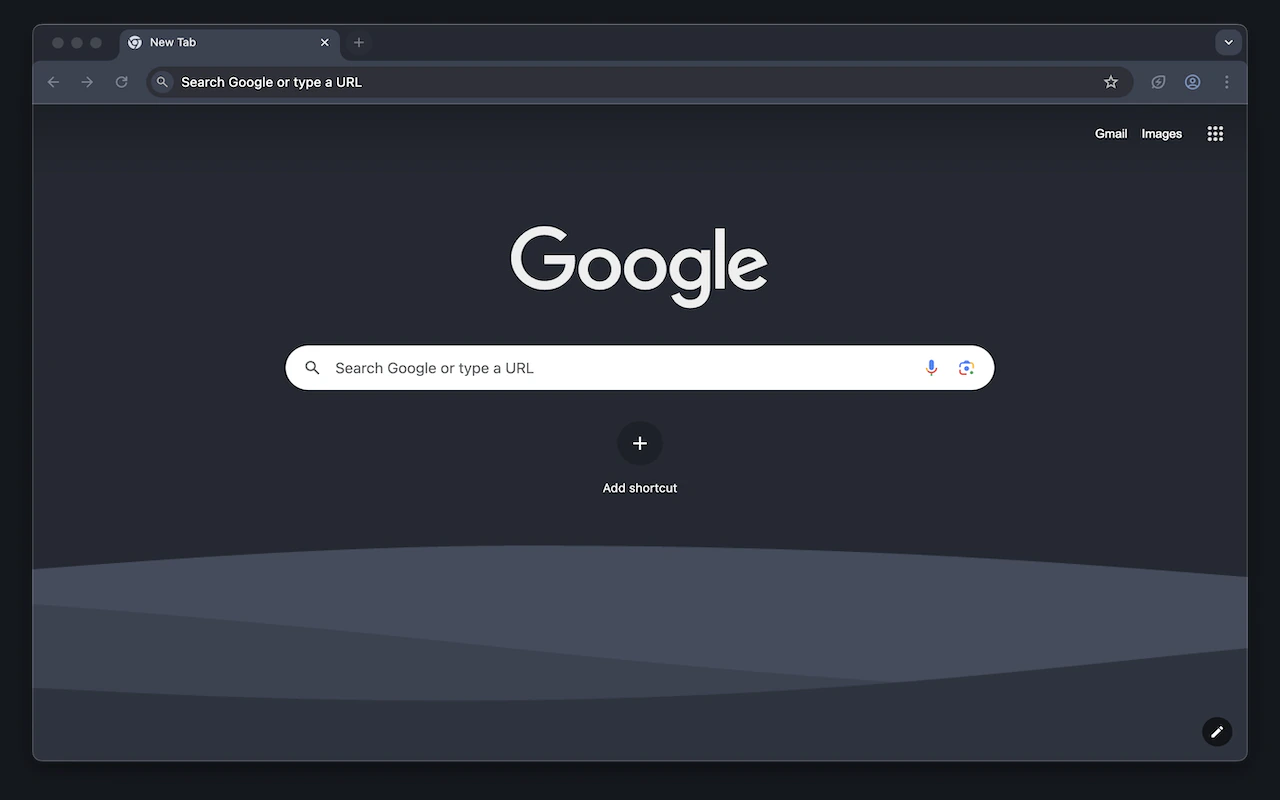
🖌️ About this theme: This Nord theme is based on the Nord color palette from Arctic Ice Studios. Chrome gets the dark polar night grays of Nord across the frame and toolbar. The store screenshot also shows soft gray wave shapes along the bottom of the new tab page.
👍 Why we like it: Nord is one of the calmest dark palettes, and it feels just as relaxed in a browser as in an editor. The cool gray tones keep the frame quiet so your pages stand out. It is a great match if your terminal, editor or desktop already uses Nord.
10. Catppuccin Mocha
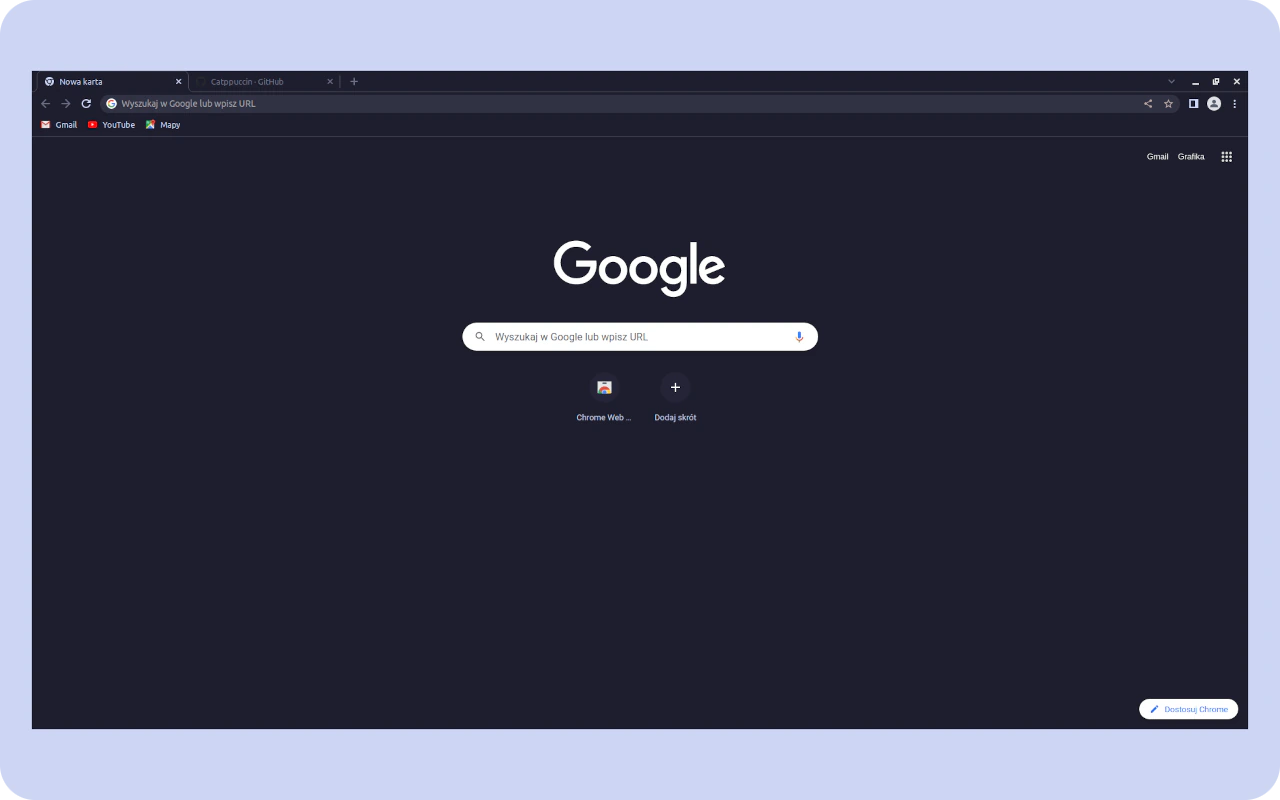
🖌️ About this theme: This is the official Catppuccin theme for Chrome in Mocha, the darkest of the four Catppuccin flavors. The frame uses the deep Mocha base color, while the toolbar is a shade lighter to separate it from the tabs. The new tab page stays dark and simple.
👍 Why we like it: Catppuccin has ports for almost every editor, terminal and app, so this theme makes it easy to keep everything in one palette. Mocha gives the most contrast of the dark flavors while still feeling soft. Coming from the Catppuccin project itself, it follows the official colors closely.
11. Catppuccin Macchiato
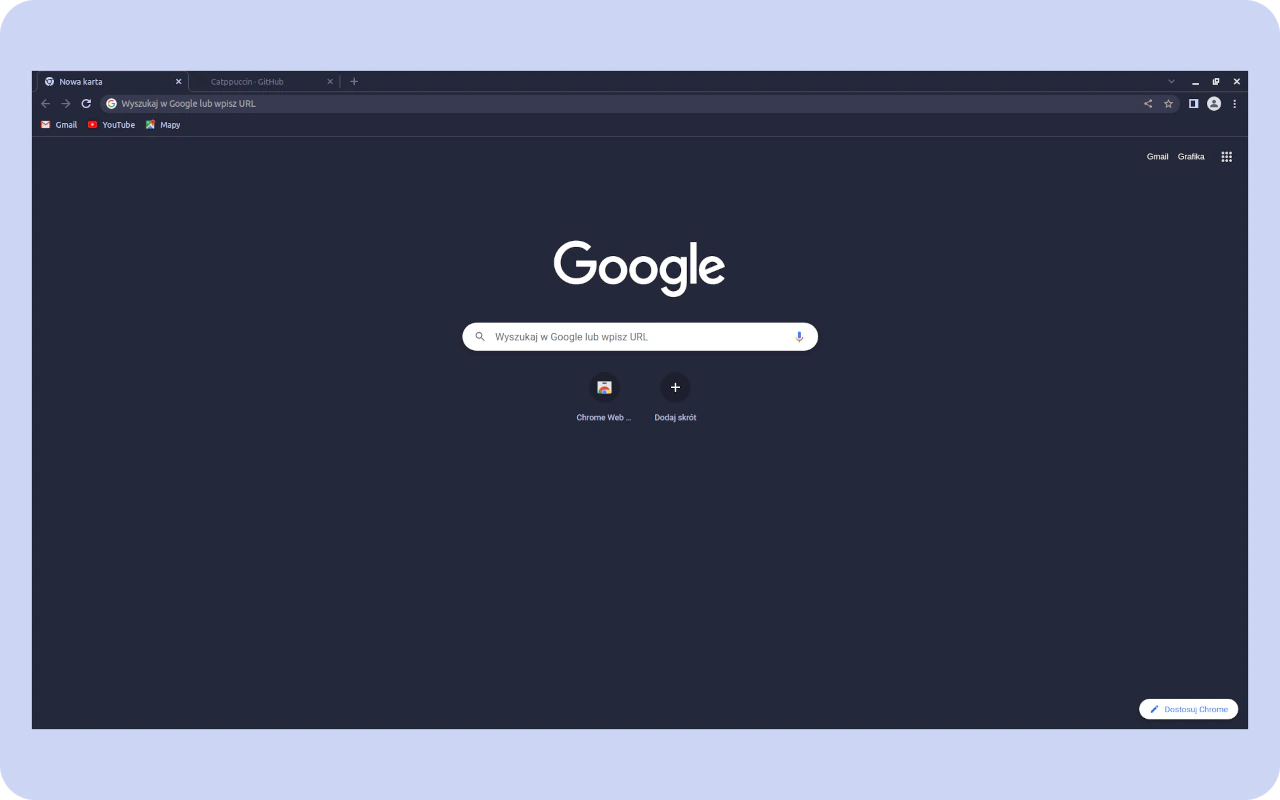
🖌️ About this theme: Macchiato is the second darkest Catppuccin flavor, and this official theme brings it to Chrome. The frame and toolbar are a little lighter and bluer than Mocha. It keeps the same clean layout with a dark new tab page.
👍 Why we like it: Macchiato sits in a comfortable middle ground for people who find Mocha too dark. It pairs with the Macchiato flavor in your editor or terminal so your whole setup matches. The colors look soft on both laptop and desktop screens.
12. Catppuccin Frappe
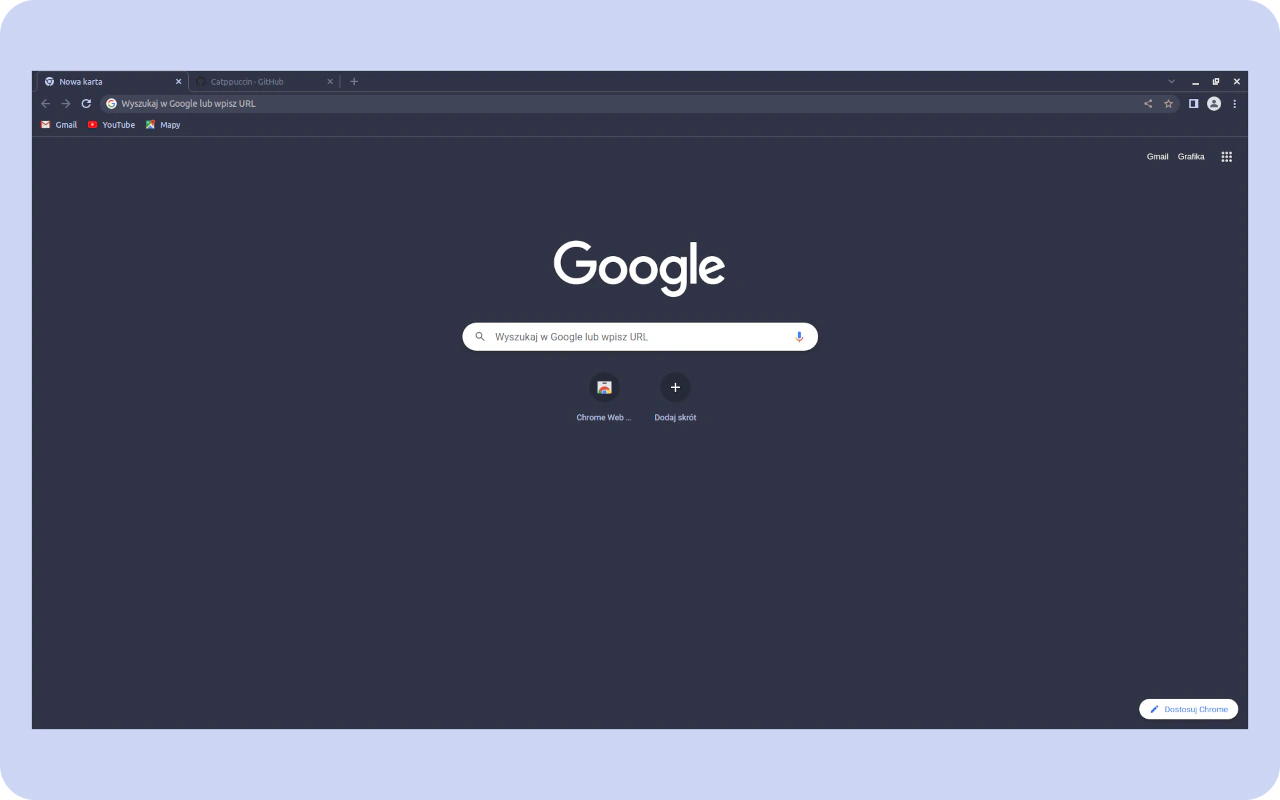
🖌️ About this theme: Frappe is the lightest of the three dark Catppuccin flavors, and this official theme applies it to the whole browser. The frame has a muted blue gray tone with a slightly lighter toolbar. It still reads as a dark theme, just with less depth than Mocha or Macchiato.
👍 Why we like it: Frappe works well in bright rooms where a very dark frame can feel heavy. The muted colors still keep the focus on your tabs and pages. Like the other flavors, it matches its Catppuccin ports for editors and terminals.
13. Catppuccin Latte
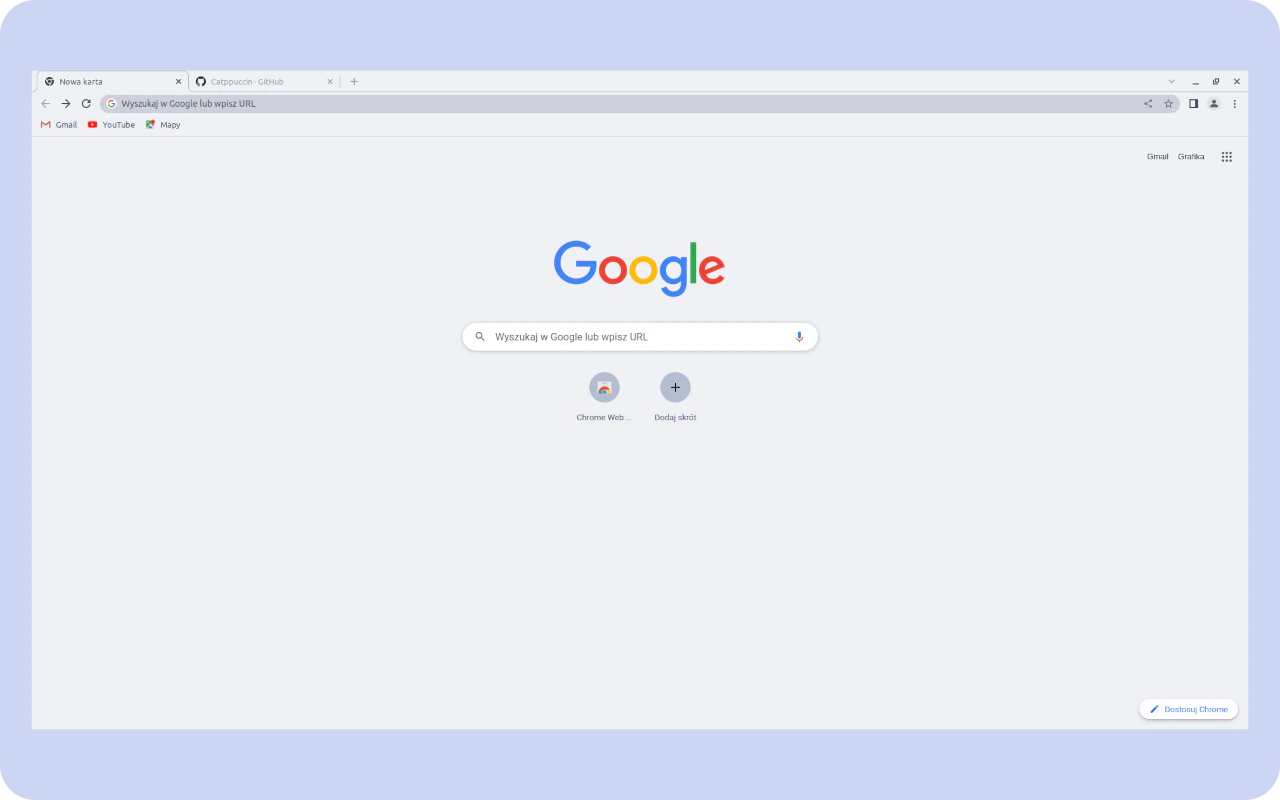
🖌️ About this theme: Latte is the light flavor of Catppuccin, and this official theme turns Chrome soft and bright. The frame and tabs use pale gray tones, and the new tab page is light with the Google logo in full color. It is the only Catppuccin flavor built for daytime.
👍 Why we like it: Not every developer codes in dark mode, and Latte is a great pick for those who prefer light editors. It is gentle on the eyes compared to plain white and keeps the Catppuccin look. You can switch between Latte and a dark flavor as your day goes on.
14. Everforest Chrome Theme
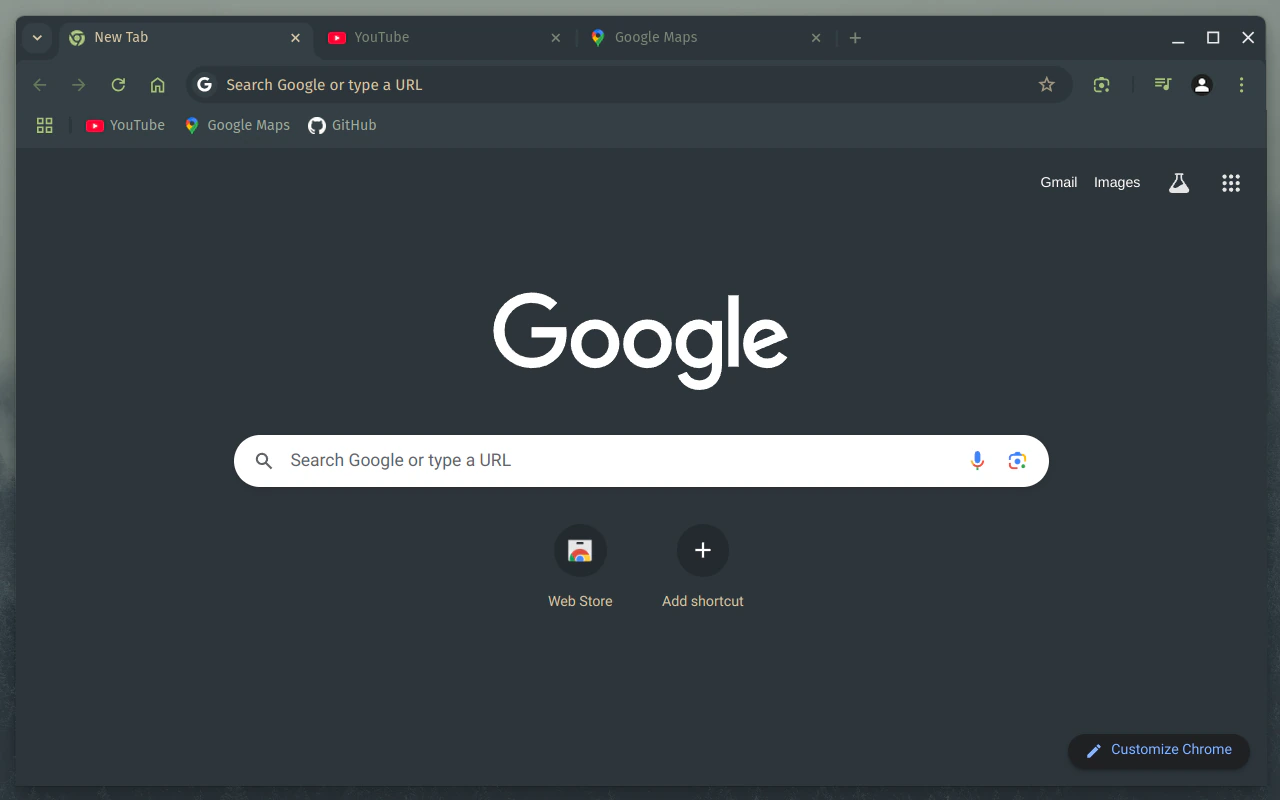
🖌️ About this theme: This theme is based on the Everforest color scheme by sainnhe, known for its warm green tones. Chrome gets a muted green gray frame and toolbar with a matching new tab page. It feels calm and natural rather than cold.
👍 Why we like it: Everforest is a favorite for developers who want low contrast colors that do not strain the eyes. The green tint sets it apart from the many gray and blue dark themes. The theme’s source is on GitHub, so you can see how it was put together.
15. Dracula Chrome Theme
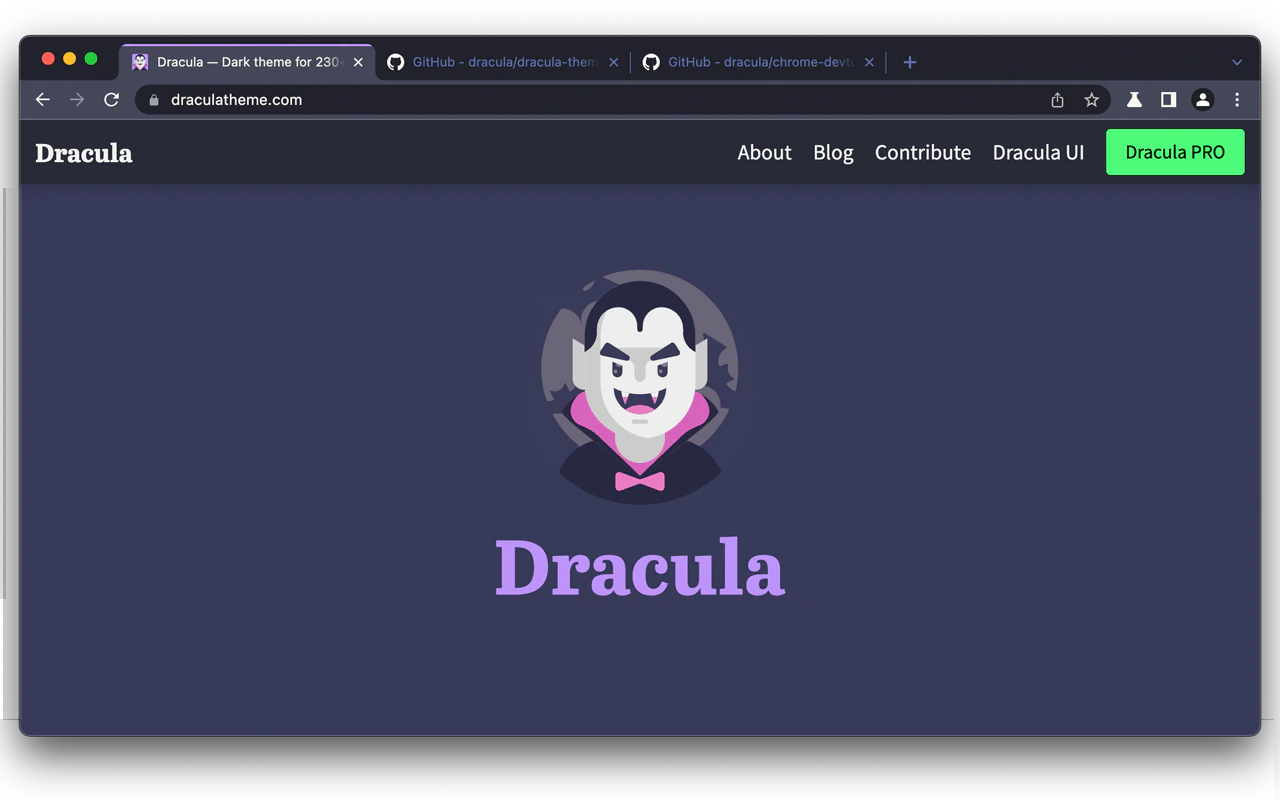
🖌️ About this theme: This is the official Dracula theme for Chrome, based on the Dracula color scheme. It gives the browser a dark and minimal frame in Dracula’s gray and purple tones. The listing also points to an optional new tab page that matches the theme.
👍 Why we like it: Dracula is one of the most widely used dark themes for code editors, terminals and apps. Using the official version means the colors match exactly what you see in your editor. The dark gray frame is simple enough that it never pulls attention away from your work.
16. Material Palenight
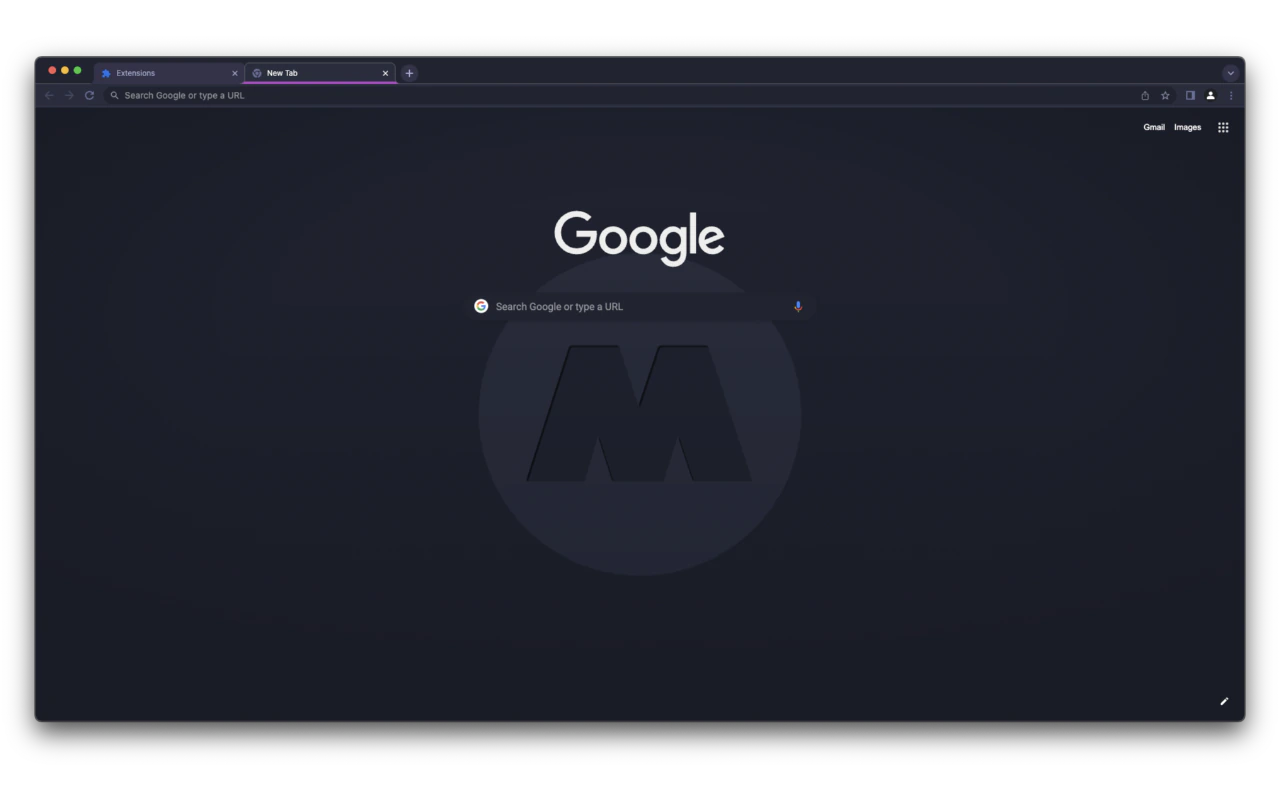
🖌️ About this theme: Material Palenight is the Chrome version of the Palenight theme from the Material Theme Collection. It wraps Chrome in a soft purple gray, with a purple line under the active tab. The new tab page shows a faint large M logo in the center.
👍 Why we like it: Palenight is gentler than most dark themes thanks to its muted purple tones. The line under the active tab makes it easy to track where you are. It looks right at home next to the Palenight theme in VS Code or JetBrains IDEs.
17. Monokai Pro
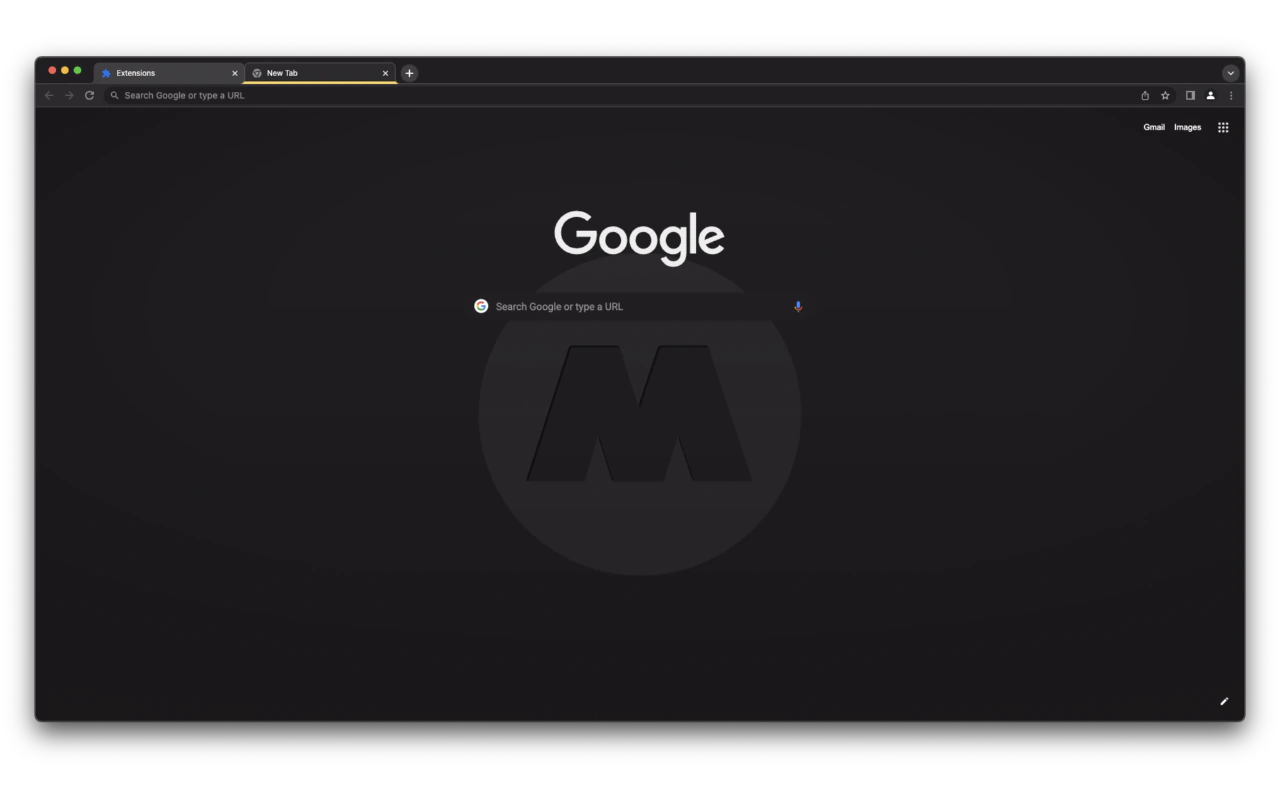
🖌️ About this theme: This is the Chrome version of the Monokai Pro theme from the Material Theme Collection. It uses a dark charcoal frame and toolbar with a bright yellow line under the active tab. The new tab page has the same faint M logo found in the other themes from this collection.
👍 Why we like it: Monokai is a classic that many developers have used for years, from Sublime Text to VS Code. The yellow tab line is a small touch that makes the theme feel like your editor. The charcoal tones are neutral, so pages of any color look fine against it.
18. GitHub Dark
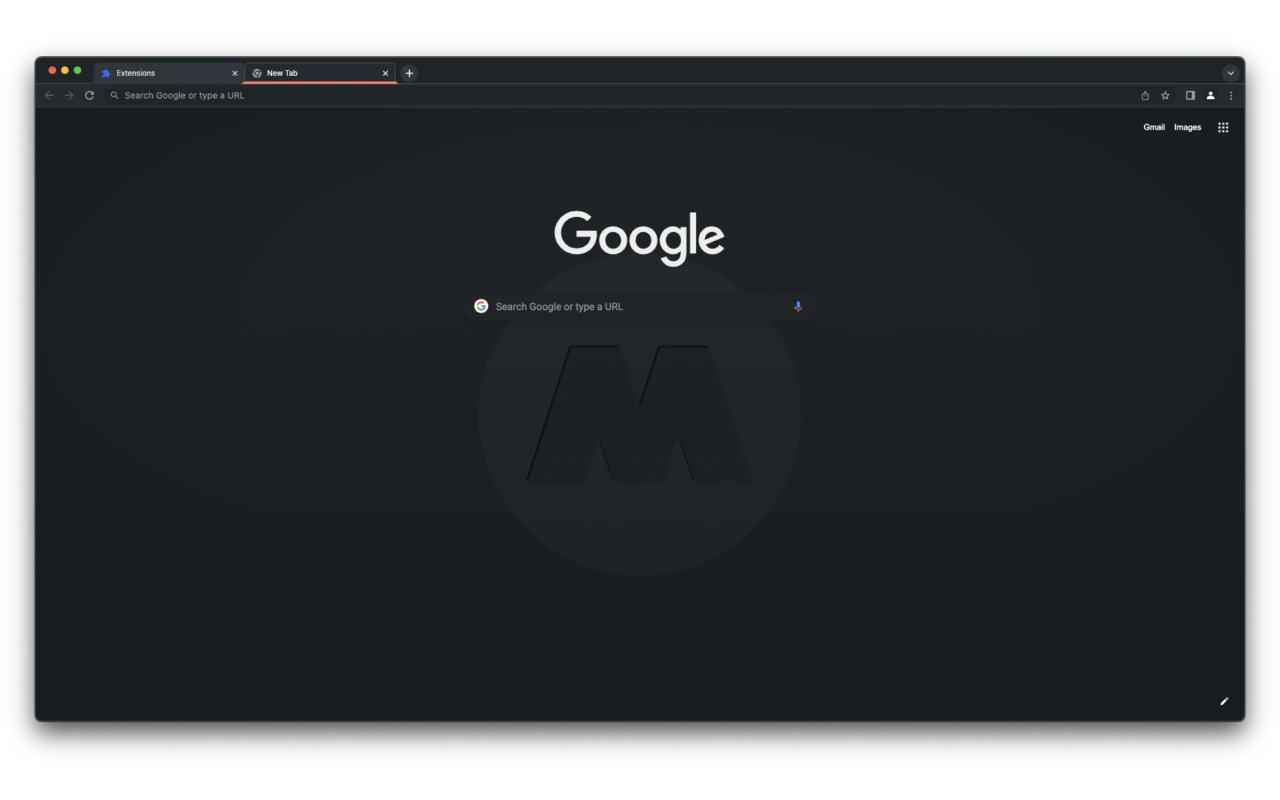
🖌️ About this theme: GitHub Dark is the Chrome version of the GitHub Dark theme from the Material Theme Collection, modeled on GitHub’s own dark mode. The frame and toolbar use dark gray blue tones, and a warm orange line marks the active tab. The new tab page keeps the faint M logo of the collection.
👍 Why we like it: If you spend much of your day reviewing pull requests, this theme makes the rest of Chrome feel like GitHub. The orange line adds a warm accent against the cool frame. It is a quiet, professional look that suits work browsers well.
19. Night Owl
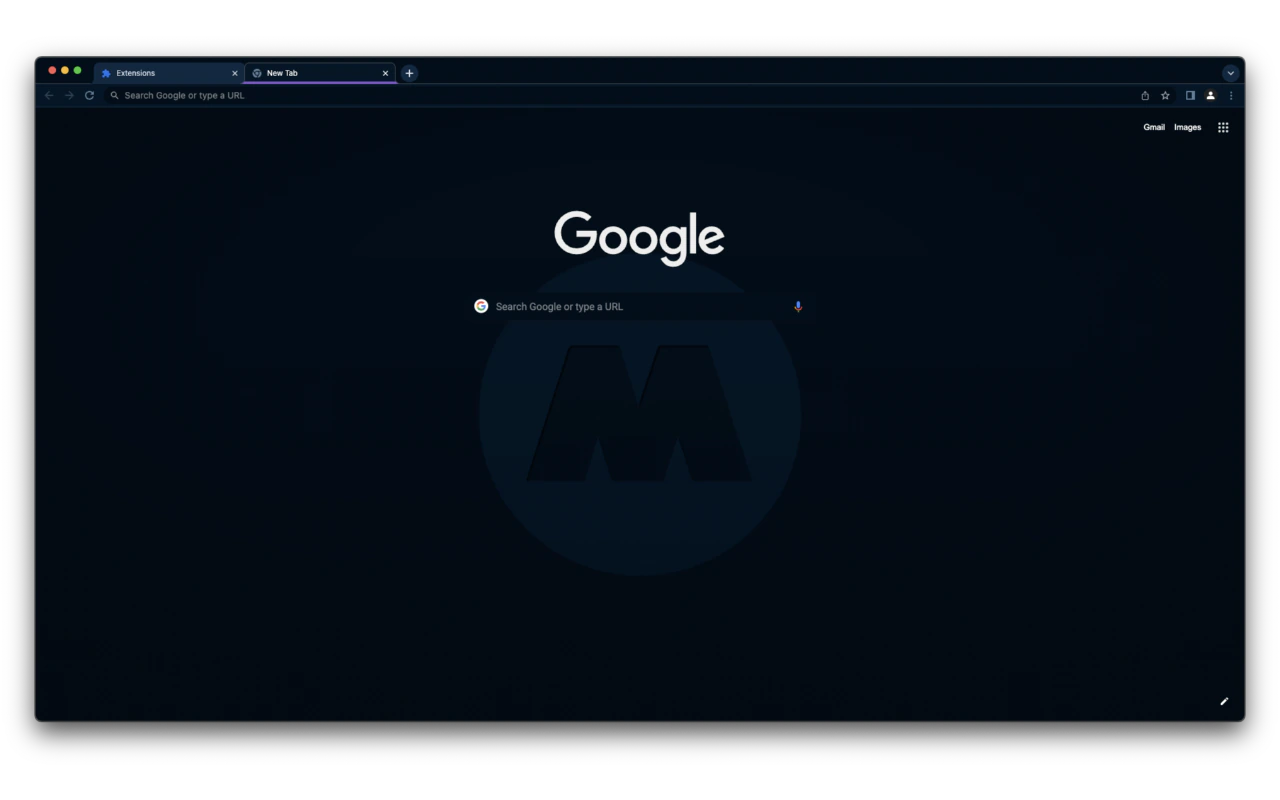
🖌️ About this theme: Night Owl, also from the Material Theme Collection, gives Chrome a deep midnight blue frame and new tab page. A purple and blue line highlights the active tab, and the M logo sits faintly on the new tab page. It is made for people who code late at night.
👍 Why we like it: The Night Owl palette is a popular choice in VS Code for its rich blue base. This theme brings that same color to your browser, so late sessions feel consistent. The deep blue is darker than most themes here, which helps in dim rooms.
20. Kanagawa
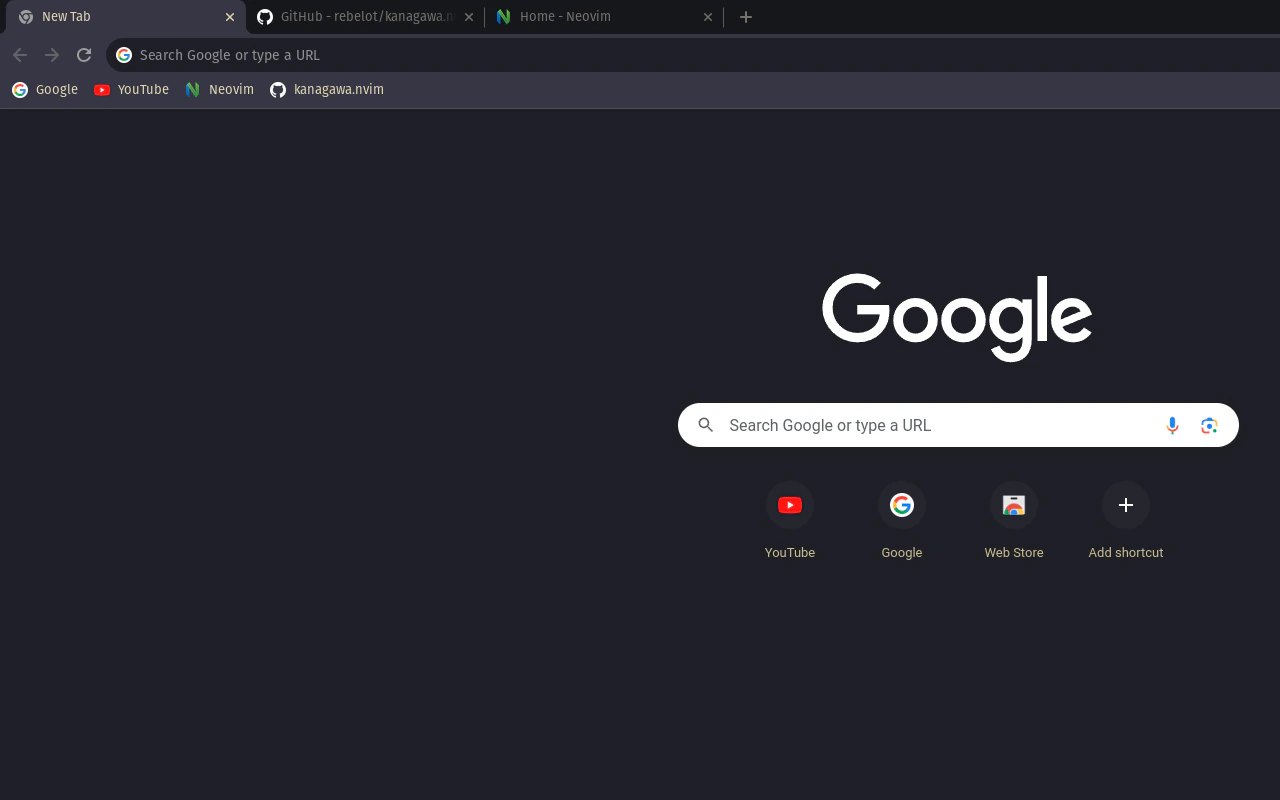
🖌️ About this theme: Kanagawa is inspired by the Kanagawa theme for Neovim by rebelot, which takes its colors from the famous painting by Katsushika Hokusai. Chrome gets a dark ink gray frame, a muted toolbar and a matching new tab page. The tones are soft and slightly warm.
👍 Why we like it: Kanagawa has become a favorite in the Neovim community, and this theme lets your browser match your terminal. The muted colors feel calmer than high contrast dark themes. It is a good choice if you want something a little different from the usual Dracula or Nord.
A good developer theme should feel like an extension of your editor. If you want an official palette, start with Catppuccin or Dracula. If you use Zed, the Gruvbox Dark and One Dark themes copy its colors directly, and fans of quieter looks will like Vesper Dark, Everforest or Kanagawa.
Looking for More Chrome Themes and Developer Tools?
If you want more choices, browse our picks for the best dark Chrome themes and the best minimalist Chrome themes. To round out your setup, see our list of the best Chrome extensions for web developers and learn the Chrome DevTools keyboard shortcuts.
Discover more from Chrome Geek
Subscribe to get the latest posts sent to your email.