16 Best Chrome Extensions for Developers in 2025
 by
Frank Cross
Post Updated: November 26, 2025
by
Frank Cross
Post Updated: November 26, 2025
 Web development means constant debugging, testing, and optimization, and even small delays add up when you do it every day. Chrome extensions can remove a lot of that friction by putting powerful tools right inside your browser.
If you are wondering which are the best Chrome extensions for web developers, tools like Web Developer, Lighthouse, and ColorZilla are the ones most professionals keep installed because they are reliable, fast, and solve real problems.
That said, the 16 extensions below are all excellent choices with different strengths, so you can pick the exact set that matches your workflow.
All of them are free, lightweight, and actively maintained. In this updated guide, we cover each one with the features that matter most to developers.
Don’t hesitate to leave a comment or contact us if you need help choosing.
Best Chrome Extensions for Web Developers
1. Web Developer
⭐️ Top Features:
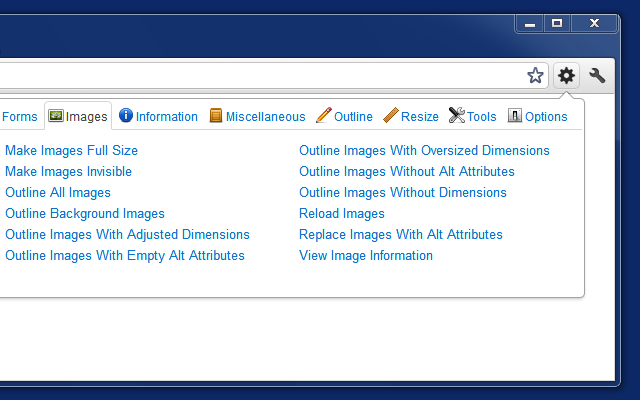
- Complete toolbar for CSS, forms, images, cookies, and more
- One-click disable JavaScript/CSS/cache
- Responsive design checker and element outlines
Why we like it: The Web Developer toolbar has been the industry standard for over 15 years because it puts dozens of essential tools in one place. Instead of digging through Chrome DevTools menus or remembering keyboard shortcuts, everything you need is a single click away. It is the first extension most senior devs install on a fresh browser and it still saves hours every week.
Download Web Developer Now
2. Lighthouse
⭐️ Top Features:
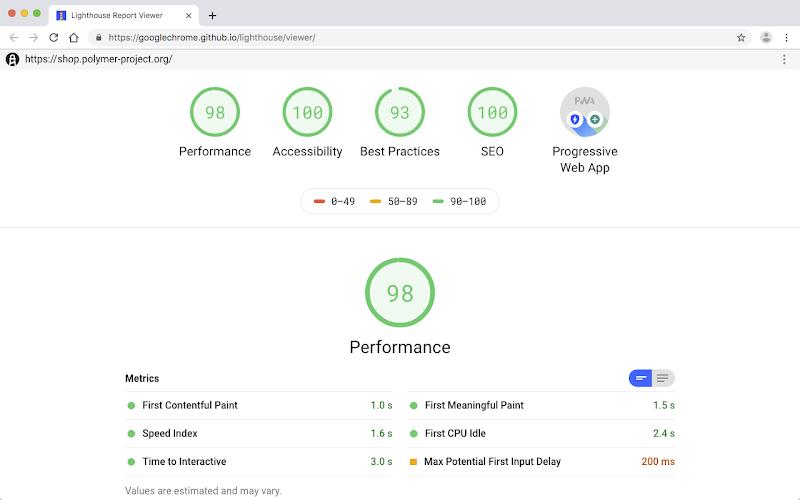
- Full audits for performance, accessibility, SEO, and best practices
- Actionable fixes straight from Google
- Runs on local or live pages
Why we like it: Lighthouse is built by Google and uses the exact metrics Googlebot cares about. Running it before every launch catches speed, accessibility, and SEO issues that would otherwise cost rankings or require expensive rework later. One audit can easily save hours of manual testing and prevent nasty surprises in Search Console.
Download Lighthouse Now
3. WhatFont
⭐️ Top Features:
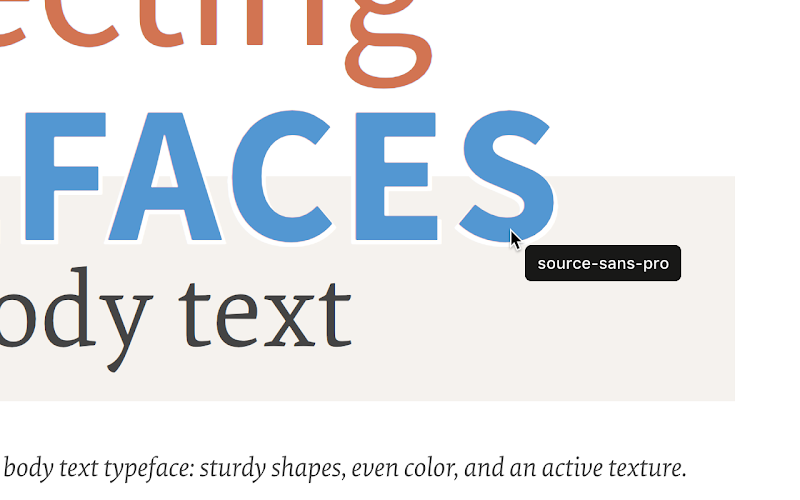
- Hover to identify font family, size, weight, color
- Detects Google Fonts and Typekit instantly
Why we like it: When a client says “make it look like this site,” WhatFont answers the typography question in two seconds flat. No more opening DevTools, hunting through computed styles, or guessing font stacks. It is especially handy for redesign projects, matching mockups pixel-for-pixel, or simply taking inspiration from sites you admire.
Download WhatFont Now
4. Wappalyzer
⭐️ Top Features:
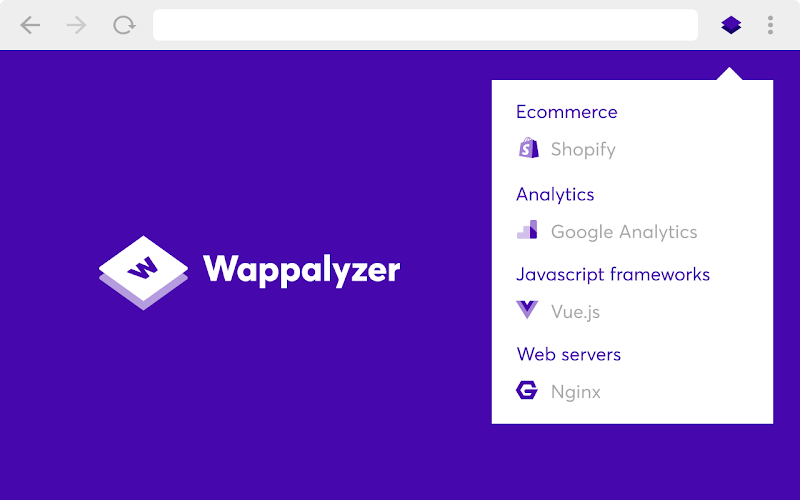
- Detects CMS, frameworks, servers, analytics, e-commerce platforms
- Shows libraries and payment gateways
Why we like it: One click reveals exactly what any website is built with. This is perfect for competitive analysis, estimating project budgets, or choosing your own stack. Freelancers use it daily to see if a prospect is running WordPress + WooCommerce or a custom Shopify build before even talking to the client.
Download Wappalyzer Now
5. JSON Viewer Pro
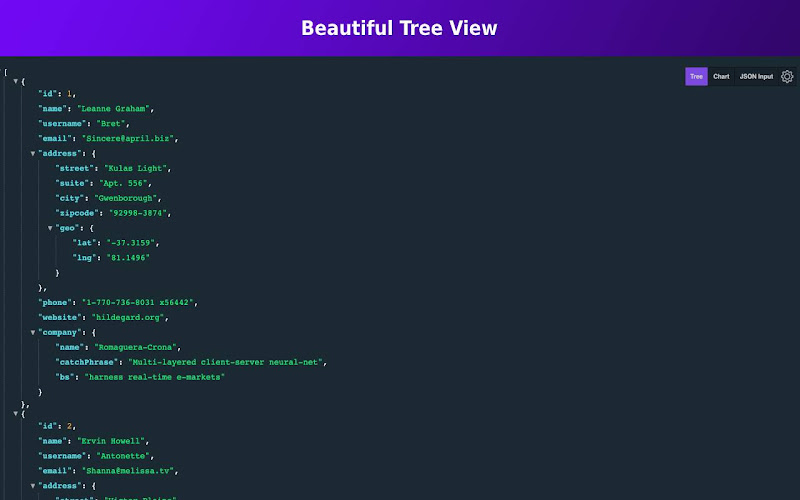
⭐️ Top Features:
- Auto-formats and syntax-highlights JSON
- Collapsible tree, search, copy paths
Why we like it: Raw API responses are unreadable walls of text. JSON Viewer Pro instantly turns them into a clean, searchable tree so you can find the data you need in seconds instead of pasting into external tools. Anyone working with REST or GraphQL APIs installs this on day one.
Download JSON Viewer Pro Now
6. ColorZilla
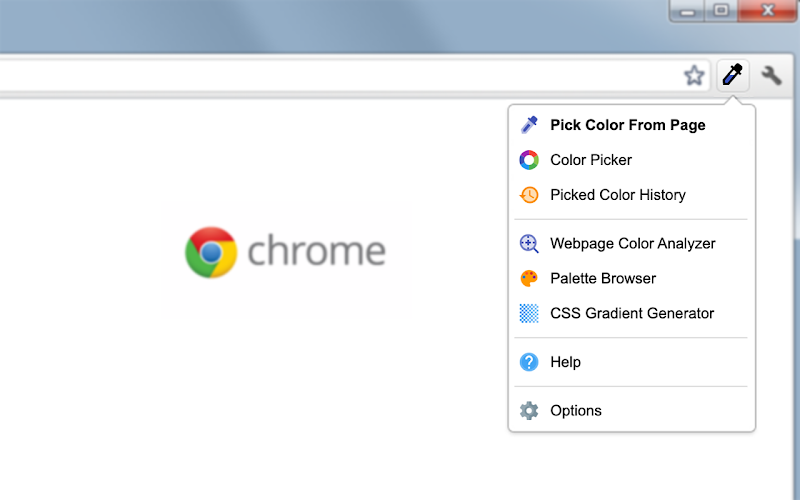
⭐️ Top Features:
- Eyedropper, gradient generator, page analyzer
- Copies HEX/RGB/HSL instantly
Why we like it: Pixel-perfect color picking with history and palettes makes matching brand colors across projects effortless. The built-in gradient generator is a huge time-saver when you need to recreate complex CSS gradients from a design file or competitor site. Designers and devs alike keep this open all day.
Download ColorZilla Now
7. ModHeader
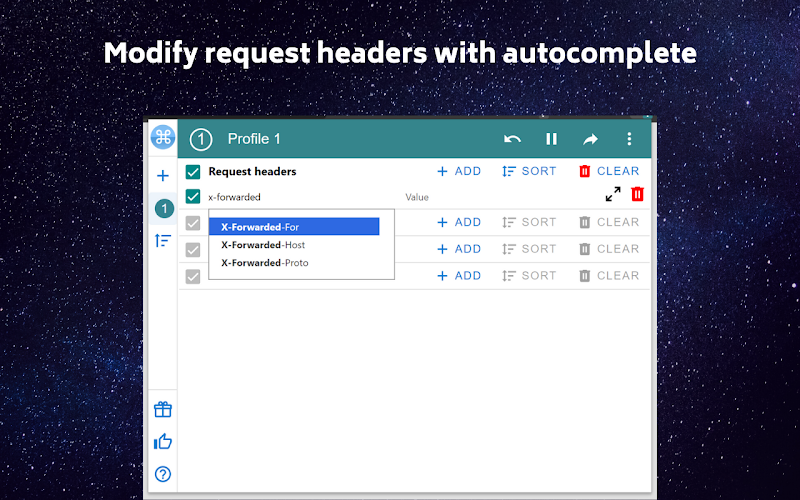
⭐️ Top Features:
- Modify request/response headers
- Profiles for different environments
Why we like it: Quickly test auth tokens, CORS headers, or user agents without leaving the browser. Save multiple profiles (dev, staging, production) and switch with one click. No need to fire up Postman for simple checks.
Download ModHeader Now
8. Check My Links
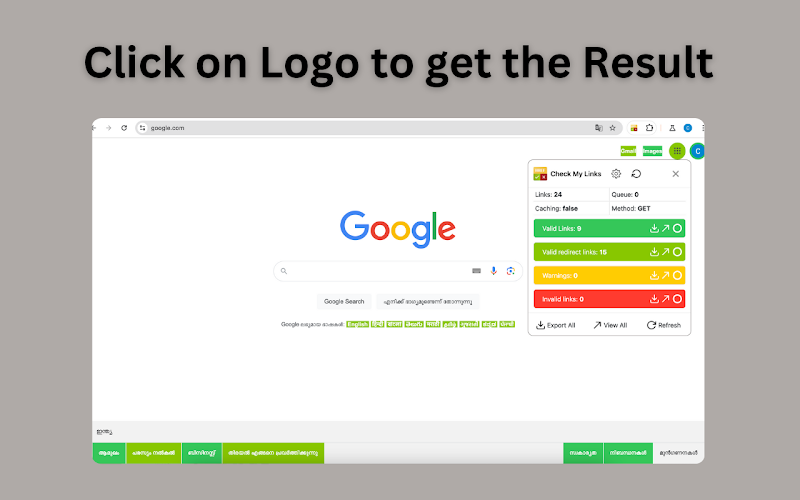
⭐️ Top Features:
- Scans page for broken links
- Color-codes results
Why we like it: Finds 404s and redirects in seconds. Run before every launch or client handover to catch broken links early and prevent SEO penalties. It is also perfect for auditing large sites during migrations.
Download Check My Links Now
9. Session Buddy
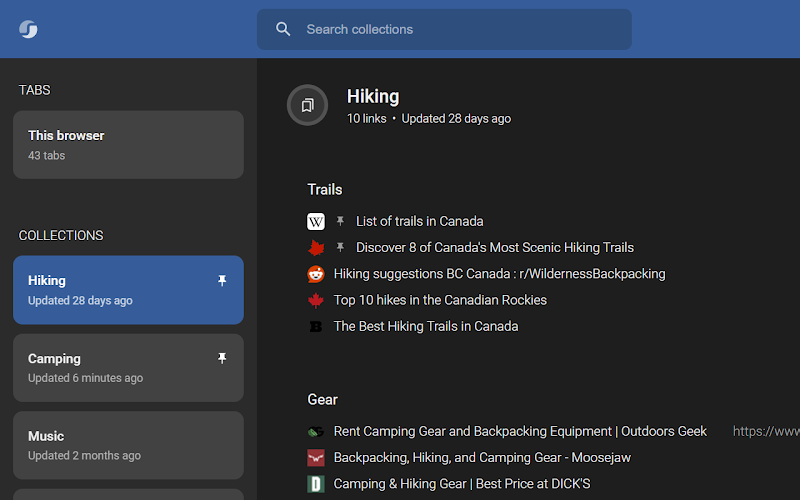
⭐️ Top Features:
- Save/restore entire tab sessions
- Search and organize sessions
Why we like it: Never lose dozens of research tabs again. Whether Chrome crashes or you need to switch computers, Session Buddy brings everything back exactly as you left it. It is a lifesaver for long-running projects.
Download Session Buddy Now
10. Page Ruler
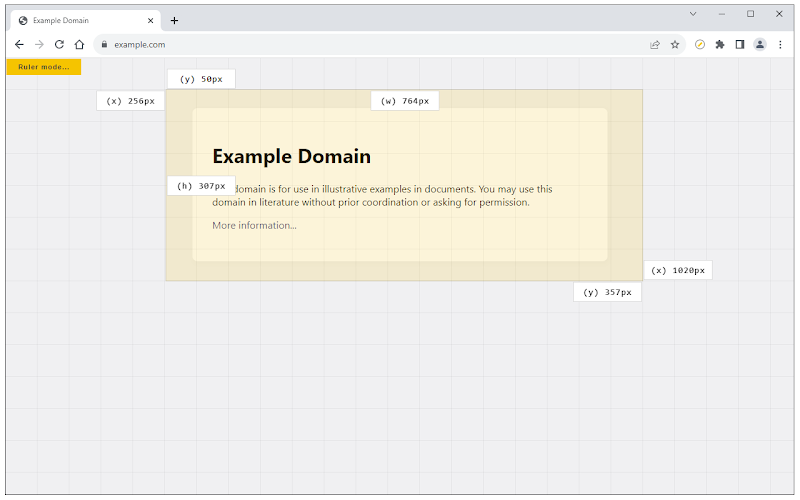
⭐️ Top Features:
- Measure element dimensions and spacing
- Pixel-perfect alignment checks
Why we like it: Drag to measure margins, padding, or images without guessing in DevTools. It is essential for pixel-perfect designs or matching a client’s mockup exactly. It is faster than the built-in inspector and perfect for responsive tweaks.
Download Page Ruler Now
11. WordPress Admin Switcher
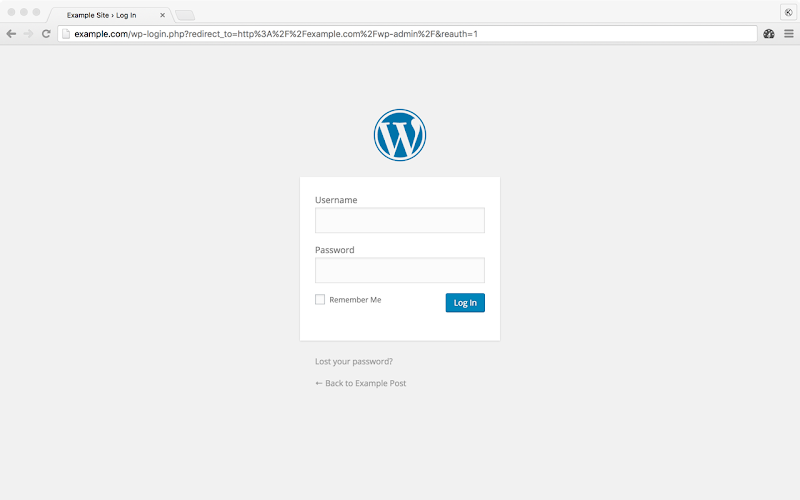
⭐️ Top Features:
- Jump between frontend and admin with one click or shortcut
- Works on any WordPress site
Why we like it: Saves the constant URL typing or bookmark juggling when building or debugging WordPress sites. One click (or custom shortcut) and you are in the dashboard. Every WordPress developer has this installed.
Download WordPress Admin Switcher Now
12. Manganum
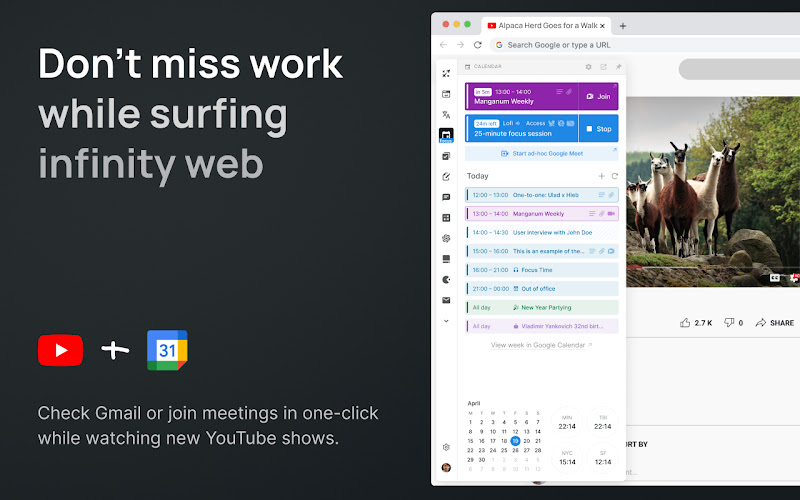
⭐️ Top Features:
- Sidebar access to Gmail, Drive, Calendar, Tasks
- Customizable layout
Why we like it: Keeps email, docs, and calendar one click away while you code. This is great for freelancers juggling client communication. No need to open new tabs for Gmail or Drive; everything lives in a clean sidebar.
Download Manganum Now
13. Tweak and Modify HTTP Requests
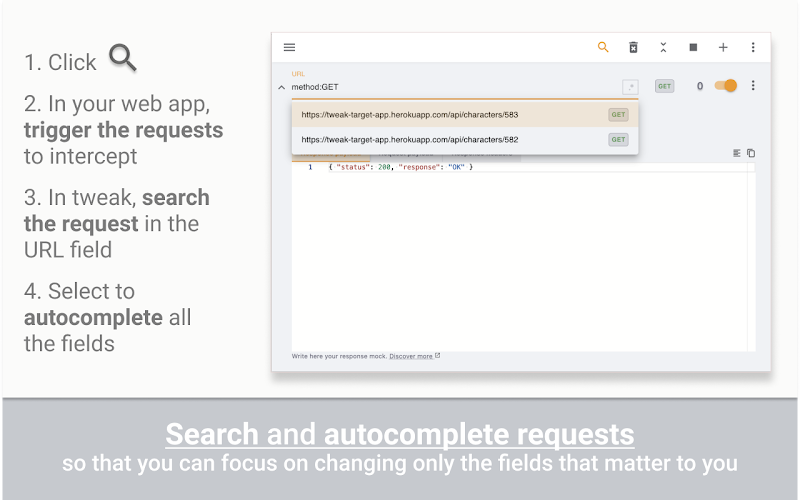
⭐️ Top Features:
- Modify, block, or redirect requests
- Create rules for headers, URLs, etc.
Why we like it: Powerful for testing edge cases or mocking APIs locally without a full proxy. Change responses, block third-party scripts, or simulate slow networks, all from the browser. Advanced devs use it daily for rapid prototyping and debugging.
Download Tweak Now
14. Clear Cache
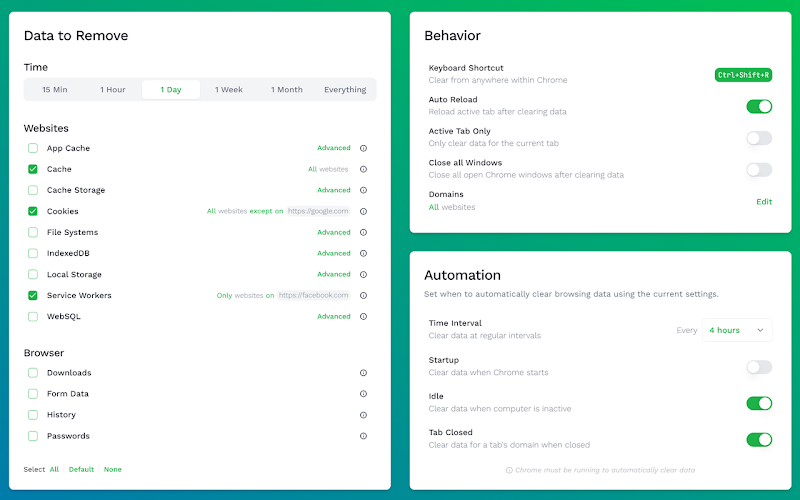
⭐️ Top Features:
- One-click full cache clear
- Custom keyboard shortcuts
Why we like it: Faster than Chrome’s own menu and clears service workers properly. Every dev’s daily essential. Set a shortcut and forget about hard refreshes forever.
Download Clear Cache Now
15. Fake Filler
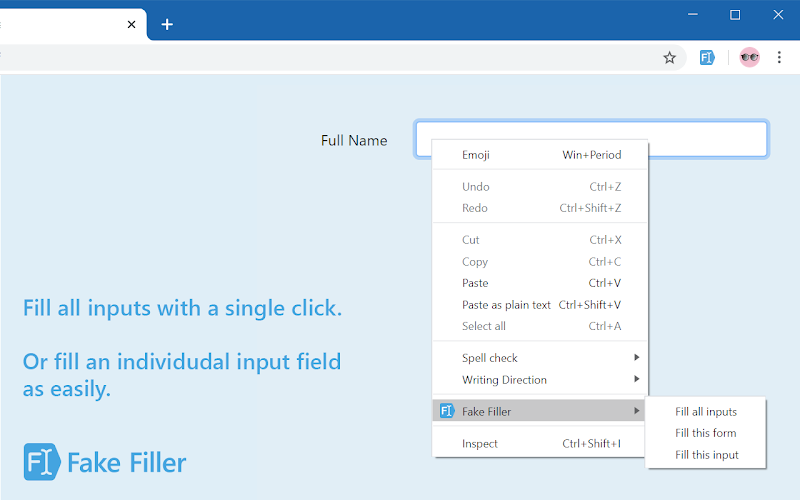
⭐️ Top Features:
- Fills forms with realistic dummy data
- Custom profiles
Why we like it: Test checkout flows, registration forms, or contact pages in seconds instead of typing fake data manually. Create profiles for different countries or scenarios and fill everything with one click. A massive time-saver for QA and demo sites.
Download Fake Filler Now
16. Save Image As Type
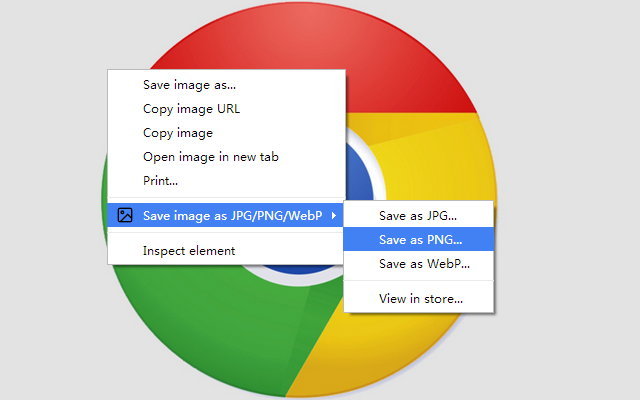
⭐️ Top Features:
- Right-click save as JPG, PNG, or WebP
- Quick format switching
Why we like it: Instantly get images in the exact format you need for web optimization. No extra conversion step. Right-click any image and choose WebP for modern sites or PNG for transparency.
Download Save Image As Type Now
Want more useful extensions? Check out our latest guide: The Best Weather Extensions for Chrome
Don’t forget to check out our other helpful Chrome extension guides:
- Best Download Manager Extensions
- Best Screen Recorder & Screenshot Extensions
- Best Productivity Extensions
Discover more from Chrome Geek
Subscribe to get the latest posts sent to your email.