Best Gaming Chrome Themes for PC and Console Gamers
 by
Joseph Vance
October 8, 2026
by
Joseph Vance
October 8, 2026
The best gaming Chrome themes bring popular video games, PC gaming setups, and console favorites right to your desktop. Whether you want Minecraft, Zelda, Pokemon, God of War, Skyrim, Steam, or PlayStation artwork, these designs let you customize your browser for free.
All 12 fan-made themes are available on the Chrome Web Store and are not official products from the game studios, console makers, or hardware brands.
1. Minecraft Dungeons
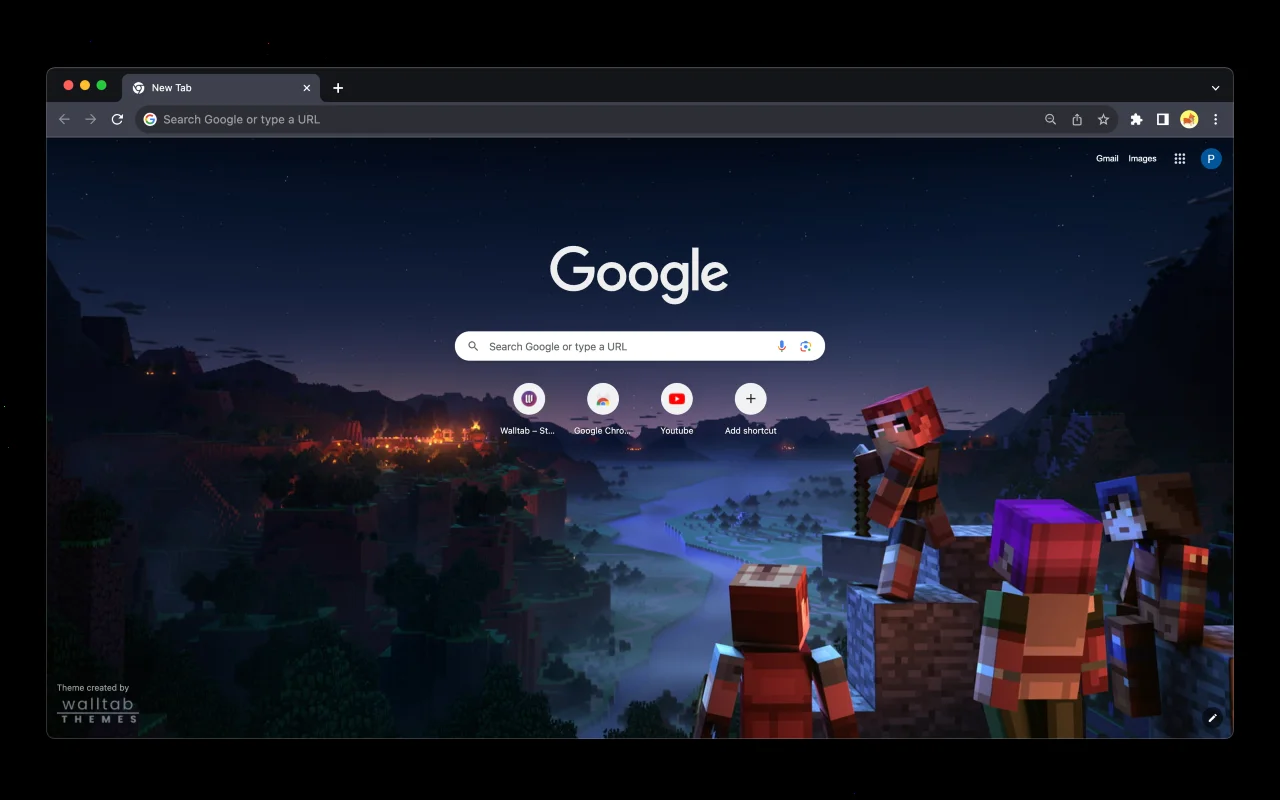
🎨 About: Minecraft Dungeons gives your browser a night-time scene featuring four blocky heroes standing on a stone cliff overlooking a glowing village and river valley. The top browser frame uses a solid charcoal dark grey tone, keeping the tab strip dark while leaving your open tab clearly marked against the darker background.
👍 Why We Chose It: It is our top pick because the blocky character art and night sky give your new tab page an unmistakable Minecraft look without crowding the Google search box. The dark grey frame also keeps address bar text sharp and easy to read during daily browsing.
Active Users: ~40,000
2. The Legend of Zelda: Breath of the Wild
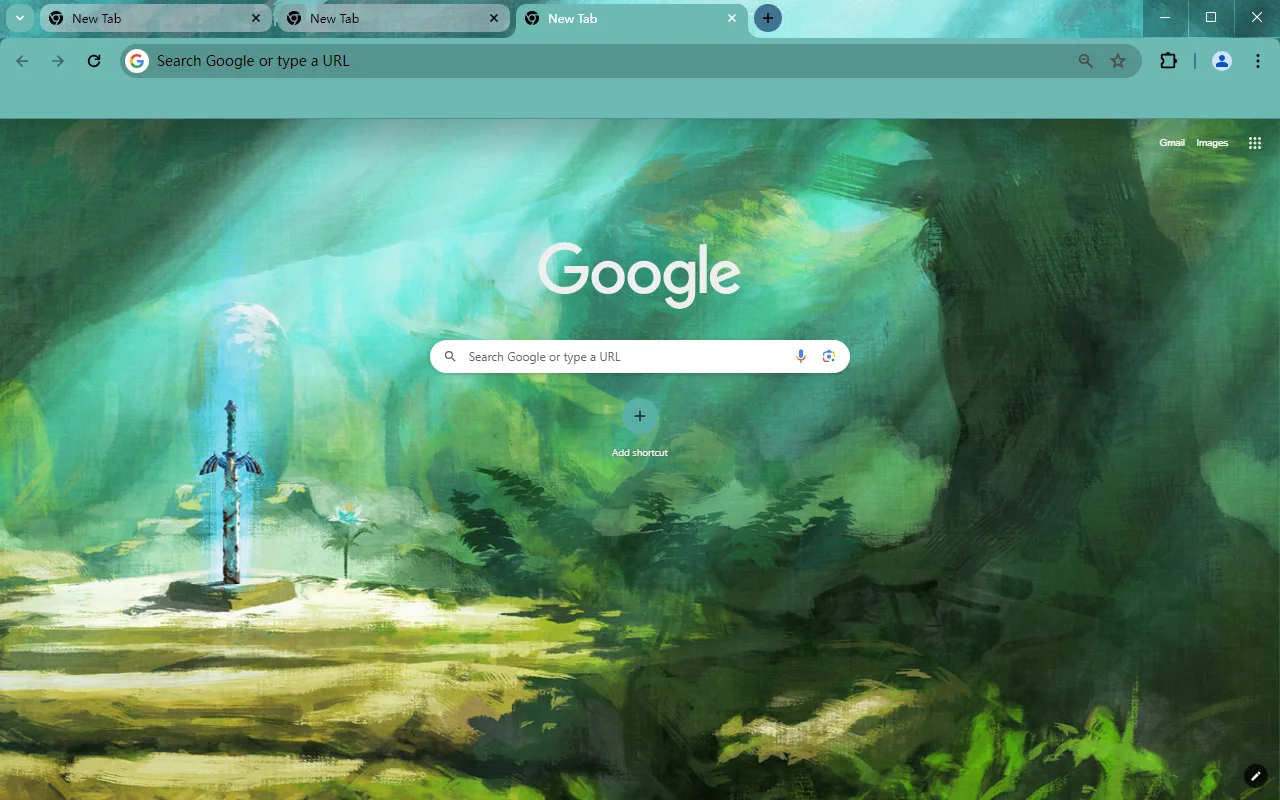
🎨 About: The Legend of Zelda: Breath of the Wild displays the Master Sword resting inside its stone pedestal in the Korok Forest, surrounded by painted green trees, sunbeams, and a Silent Princess flower. The browser window frame and tab area wear a soft teal-green shade with a clean white address bar.
👍 Why We Chose It: This Zelda Chrome theme brings peaceful woodland artwork to your screen instead of busy battle scenes. The soft green frame blends naturally with the forest background, giving tabs a calm look that stays easy on your eyes.
Active Users: ~30,000
3. Ghost Pokemon
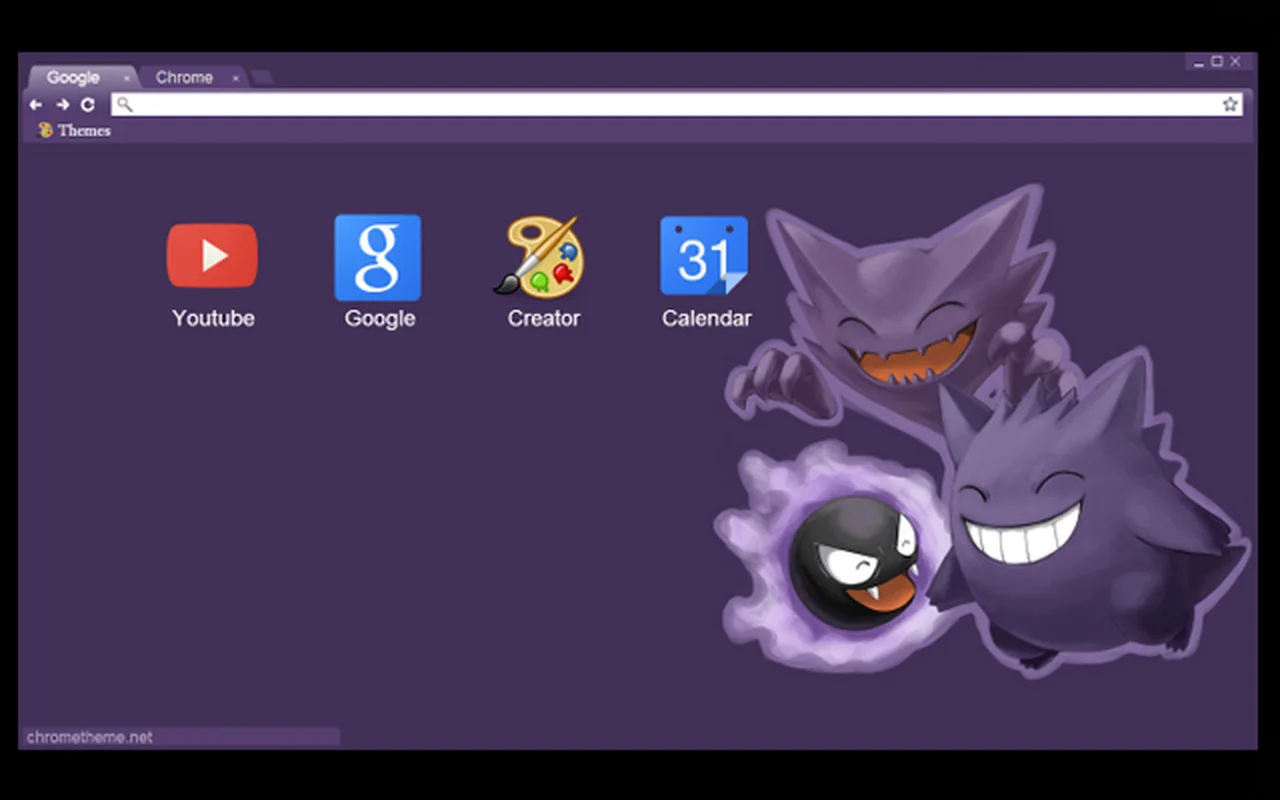
🎨 About: Ghost Pokemon places Haunter, Gengar, and Gastly together on the right side of your screen against a solid deep purple background. The browser frame and tabs match the purple color of the Pokemon, while the address bar stays white and bookmarks remain easy to see.
👍 Why We Chose It: Grouping the three ghost characters on the right keeps the center of your screen open for search tools and browser shortcuts. It gives Pokemon fans a colorful look without getting in the way of daily web tasks.
Active Users: ~10,000
4. God of War
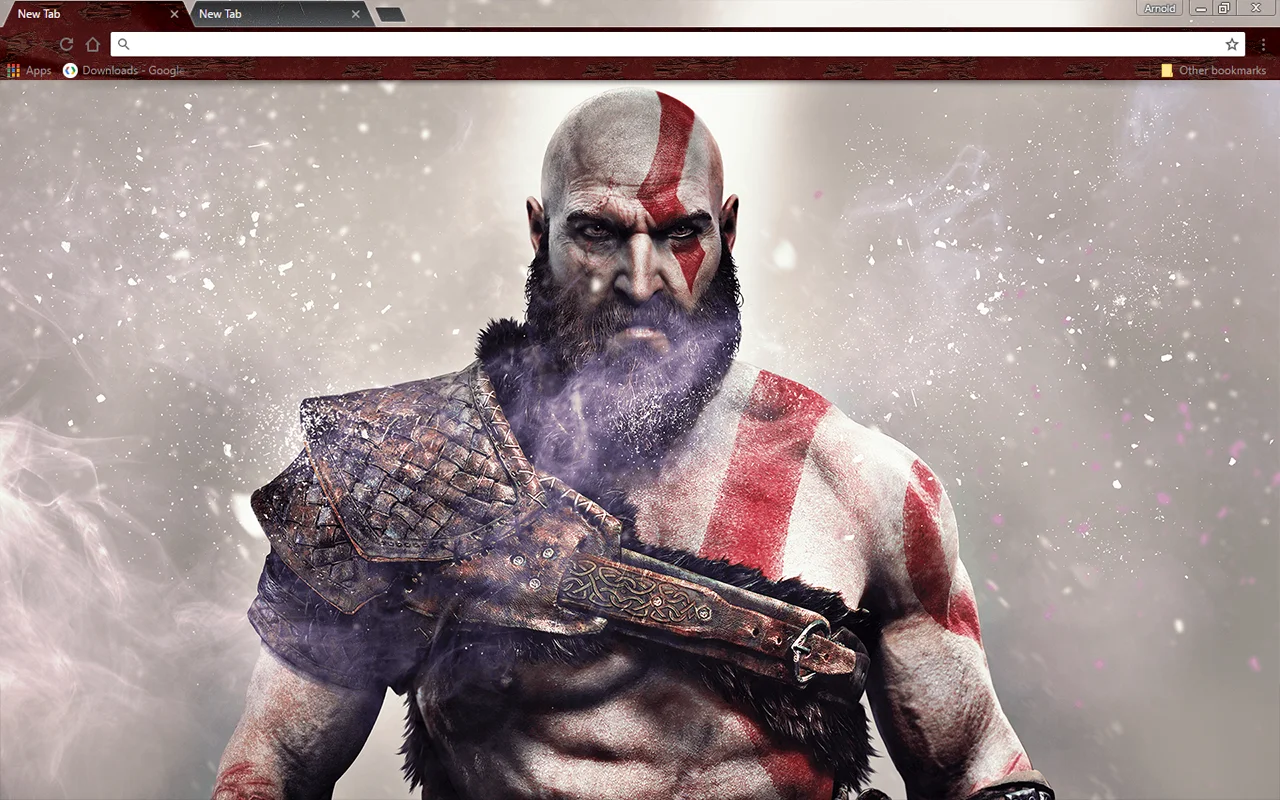
🎨 About: God of War features a close-up portrait of Kratos looking forward against a misty grey background with falling snow. The top frame uses a textured dark red and brown leather pattern along the tabs and toolbar, paired with a white address bar.
👍 Why We Chose It: Kratos’s detailed character portrait and red war paint stand out immediately whenever you open a new tab. The darker textured top frame also provides solid contrast that makes tabs easy to click without high screen glare.
Active Users: ~10,000
5. Steam Theme
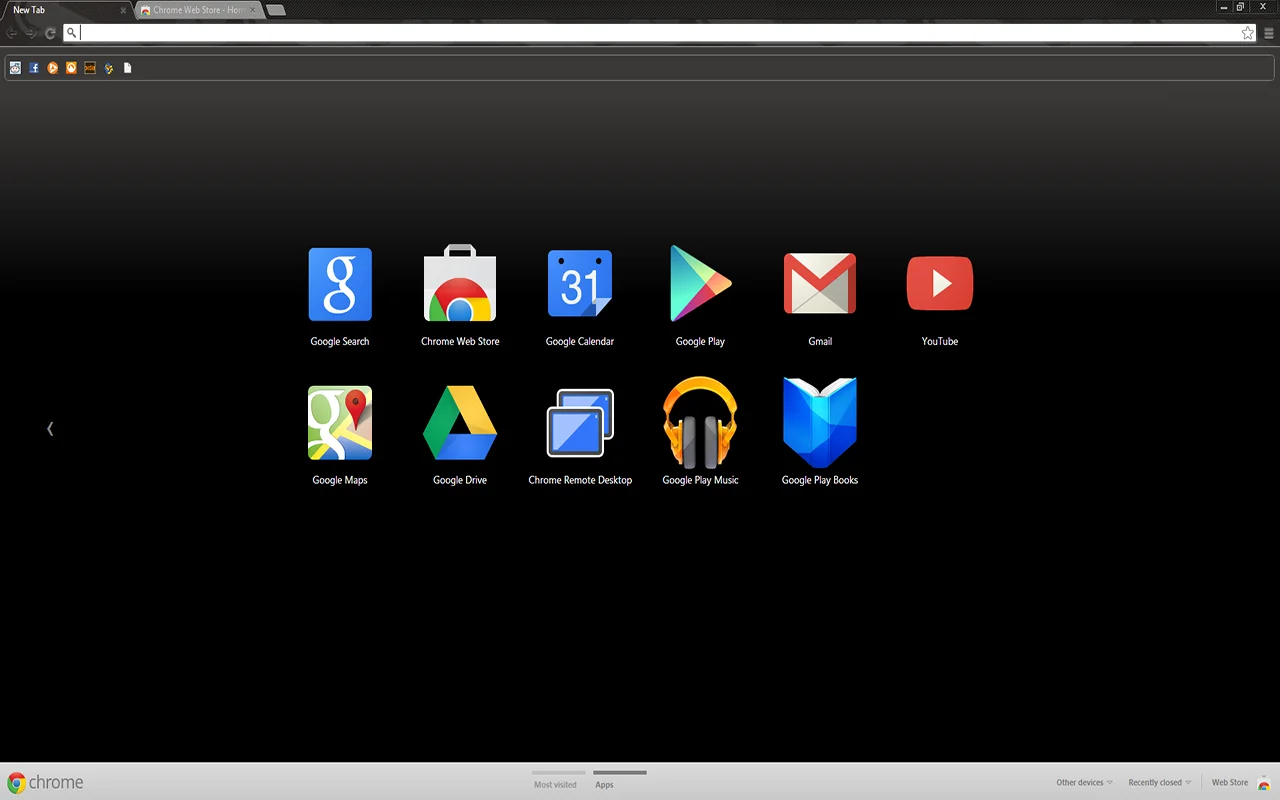
🎨 About: Steam Theme styles Google Chrome with the dark charcoal and black appearance of the Steam desktop game client. It features a smooth black gradient across the new tab page and a dark grey toolbar with subtle tab dividers, keeping the entire window free of background artwork.
👍 Why We Chose It: If you want a PC gaming look that stays clean and minimal, this theme delivers a familiar Steam-style interface. It cuts down brightness across your window and lets you focus on your open websites rather than heavy character art.
Active Users: ~9,000
6. Skyrim Alduin
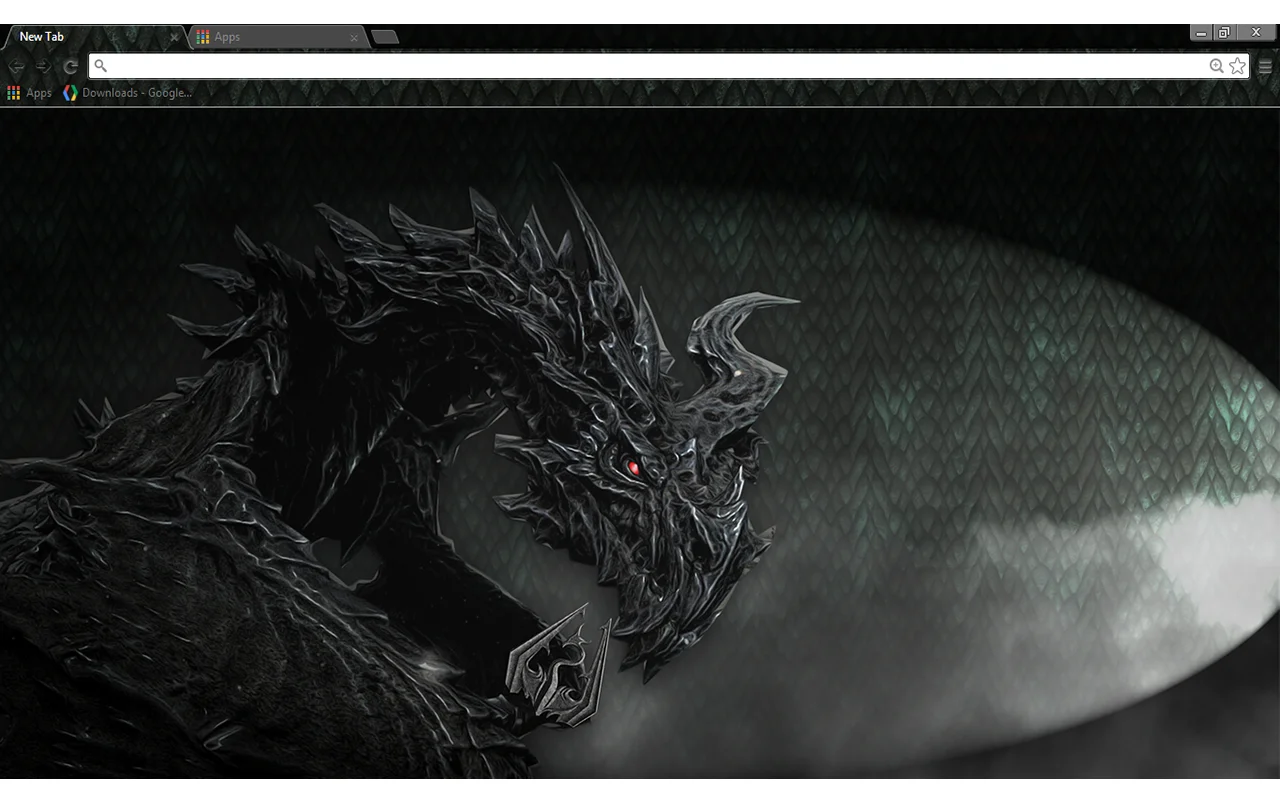
🎨 About: Skyrim Alduin showcases the black dragon Alduin with sharp horns and a glowing red eye next to the silver Skyrim dragon crest on a dark scale-textured background. The browser tabs and top frame feature a matching dark dragon-scale pattern with dark grey tabs.
👍 Why We Chose It: The silver crest and dark dragon illustration give this Skyrim Chrome theme a striking dark fantasy presence. The scale-textured frame adds personality to the toolbar while maintaining clear contrast for open tabs.
Active Users: ~8,000
7. Assassin’s Creed III
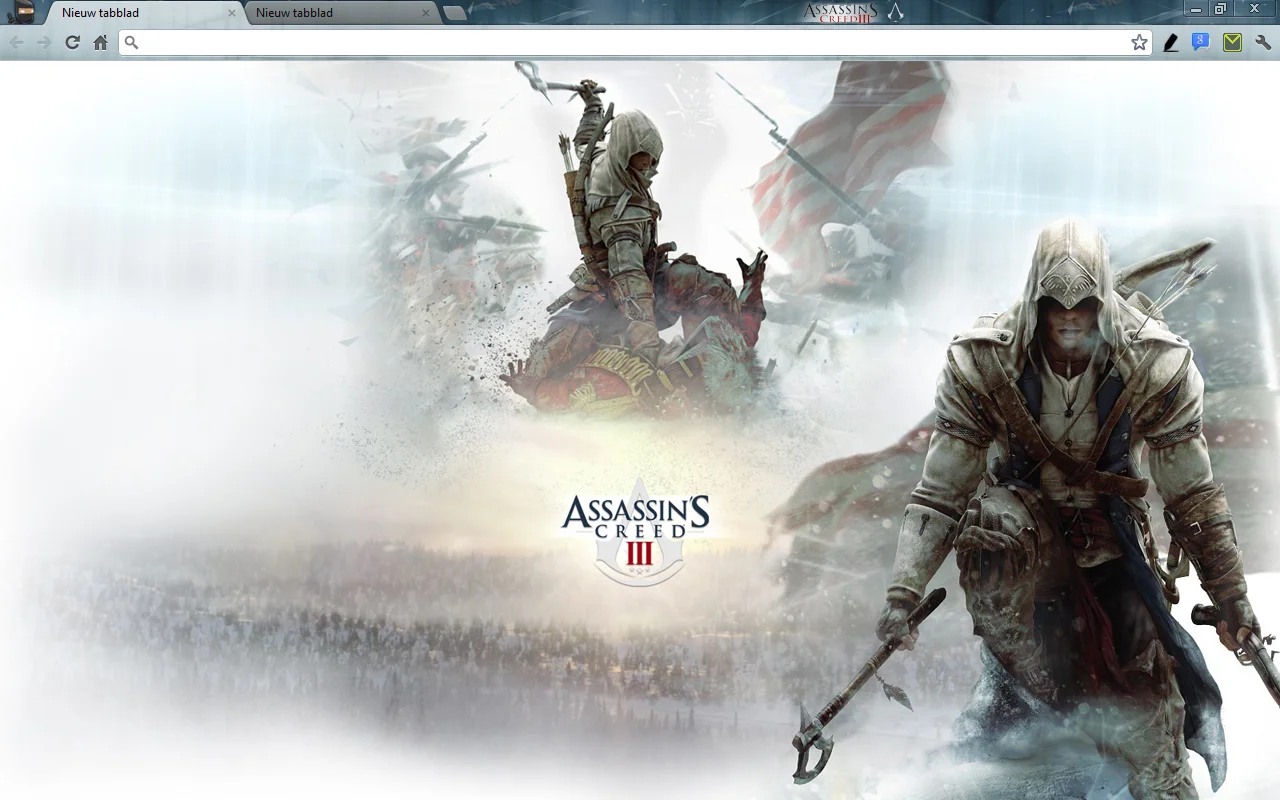
🎨 About: Assassin’s Creed III centers on Connor in his white assassin hood, bow, and tomahawk over a snowy frontier landscape with the game emblem below. The browser frame and tabs feature a soft grey and light slate-blue finish that matches the winter scenery.
👍 Why We Chose It: This theme is a great choice for fans of action games who prefer a lighter browser background over heavy black tones. The winter setting and muted slate toolbar keep the screen bright and clean for daytime reading.
Active Users: ~7,000
8. MSI Gaming Series Dragon
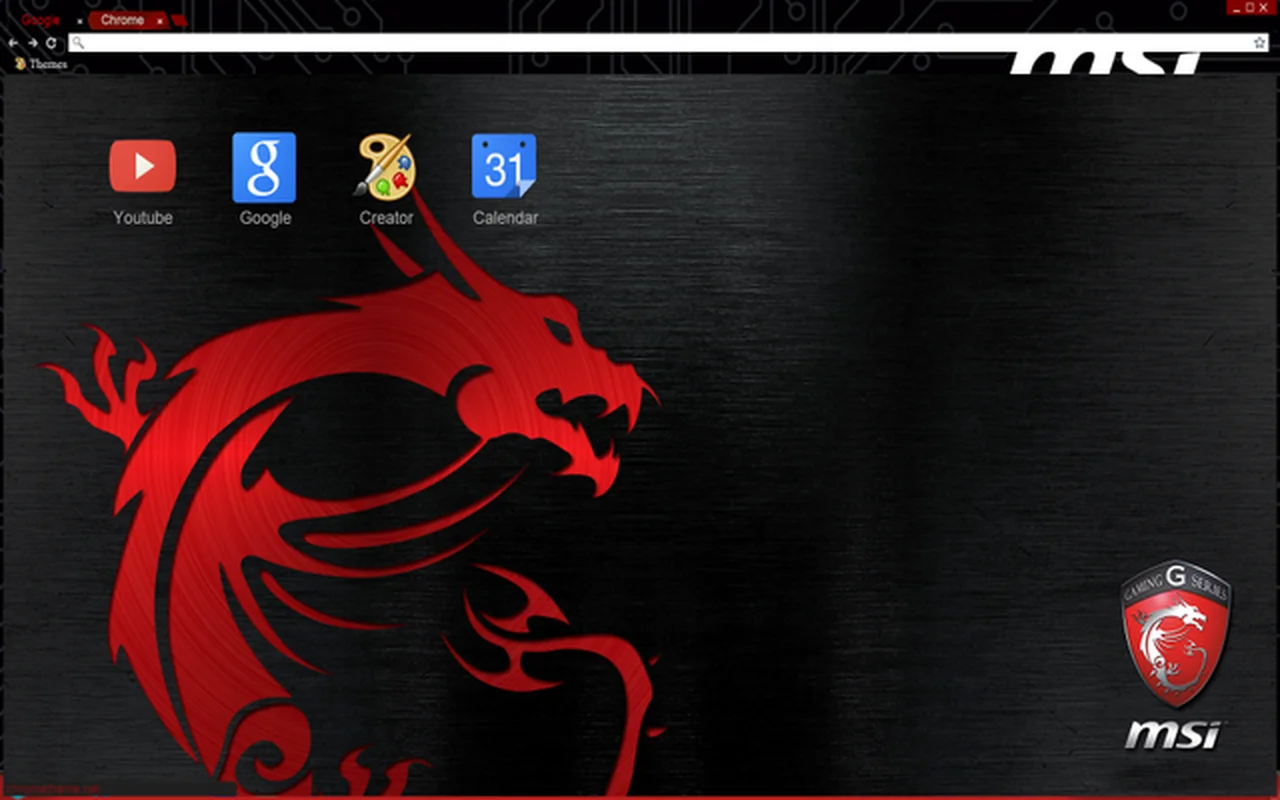
🎨 About: MSI Gaming Series Dragon displays a large red dragon emblem over a brushed black metal background, accented by the Gaming Series shield in the lower corner. The toolbar and tabs feature a dark circuit board pattern with red tab highlights.
👍 Why We Chose It: This pick brings the bold look of high-performance gaming PC hardware right into your browser. The brushed metal texture and red circuit accents give your tabs an energetic style that matches a custom desktop setup.
Active Users: ~6,000
9. Retro Video Game Pixel Art
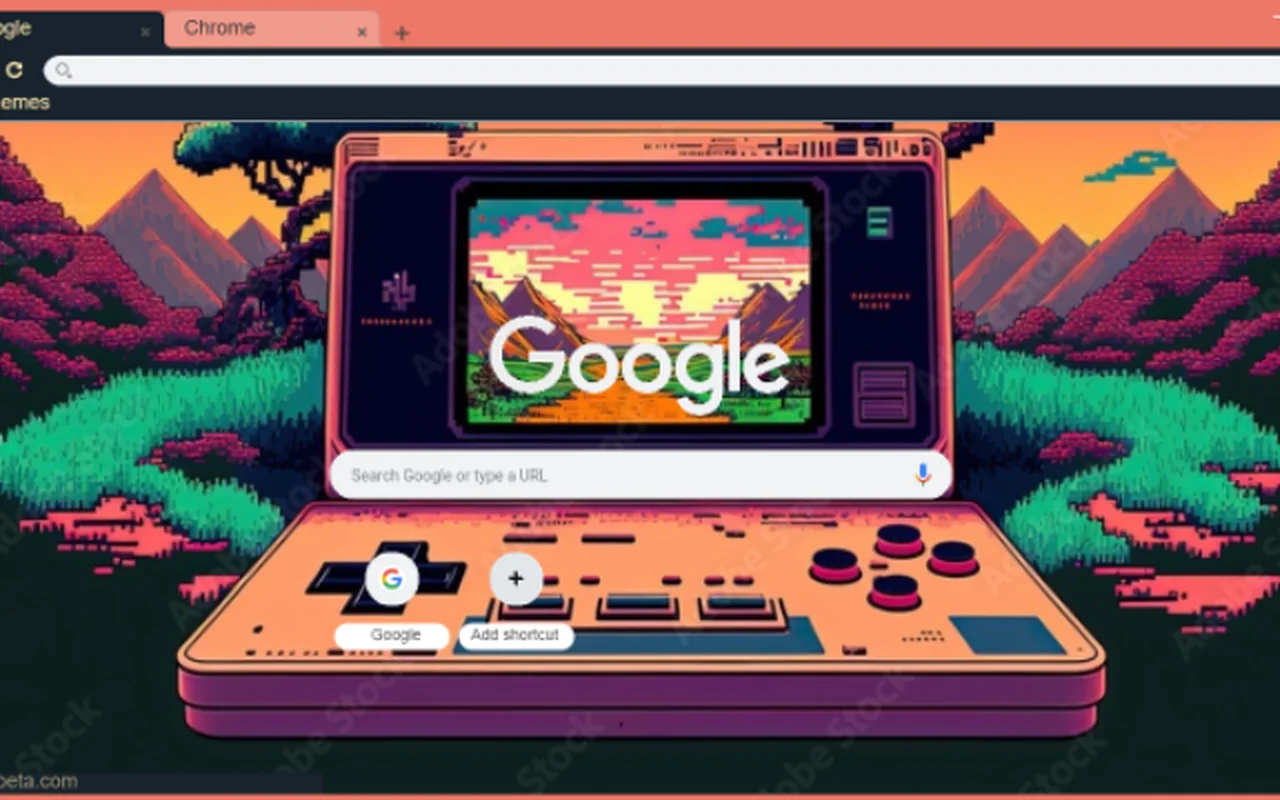
🎨 About: Retro Video Game Pixel Art features a retro handheld console sitting among 16-bit pixel trees and hills, with a pixelated sunset mountain scene displayed on the console screen behind the Google search bar. The toolbar uses a warm salmon-pink and dark charcoal finish.
👍 Why We Chose It: It offers a refreshing break from big game franchises by focusing on classic retro gaming nostalgia. The detailed pixel art creates a creative, charming look across your screen that stands apart from modern 3D graphics.
Active Users: ~4,000
10. WF Gamer ASUS Theme
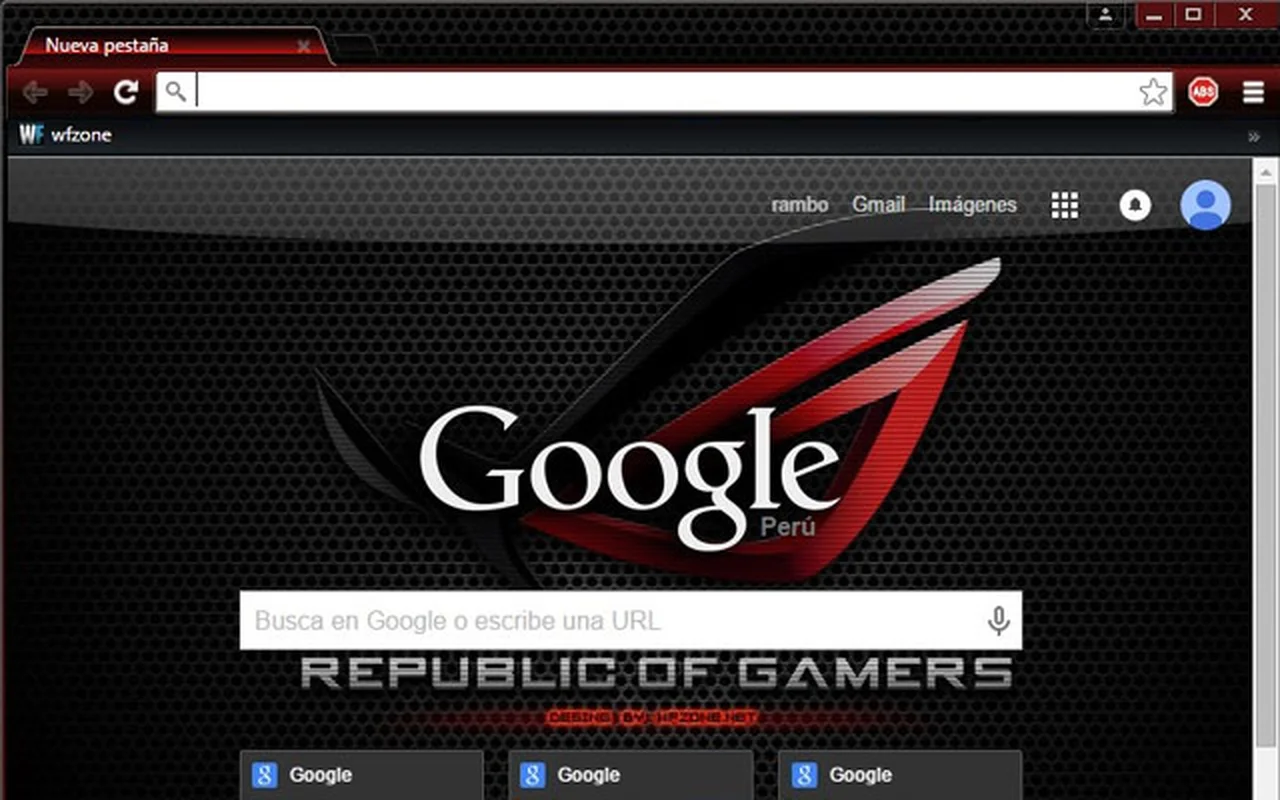
🎨 About: WF Gamer ASUS Theme displays a red-and-black geometric gamer emblem against a dark honeycomb speaker grille and carbon fiber texture. The top browser frame uses dark carbon metal with red line accents along the active tabs.
👍 Why We Chose It: It provides a sharp PC gaming aesthetic inspired by Republic of Gamers hardware. The textured dark background and red accents frame web pages cleanly without washing out tabs or search text.
Active Users: ~4,000
11. PlayStation 5 Theme
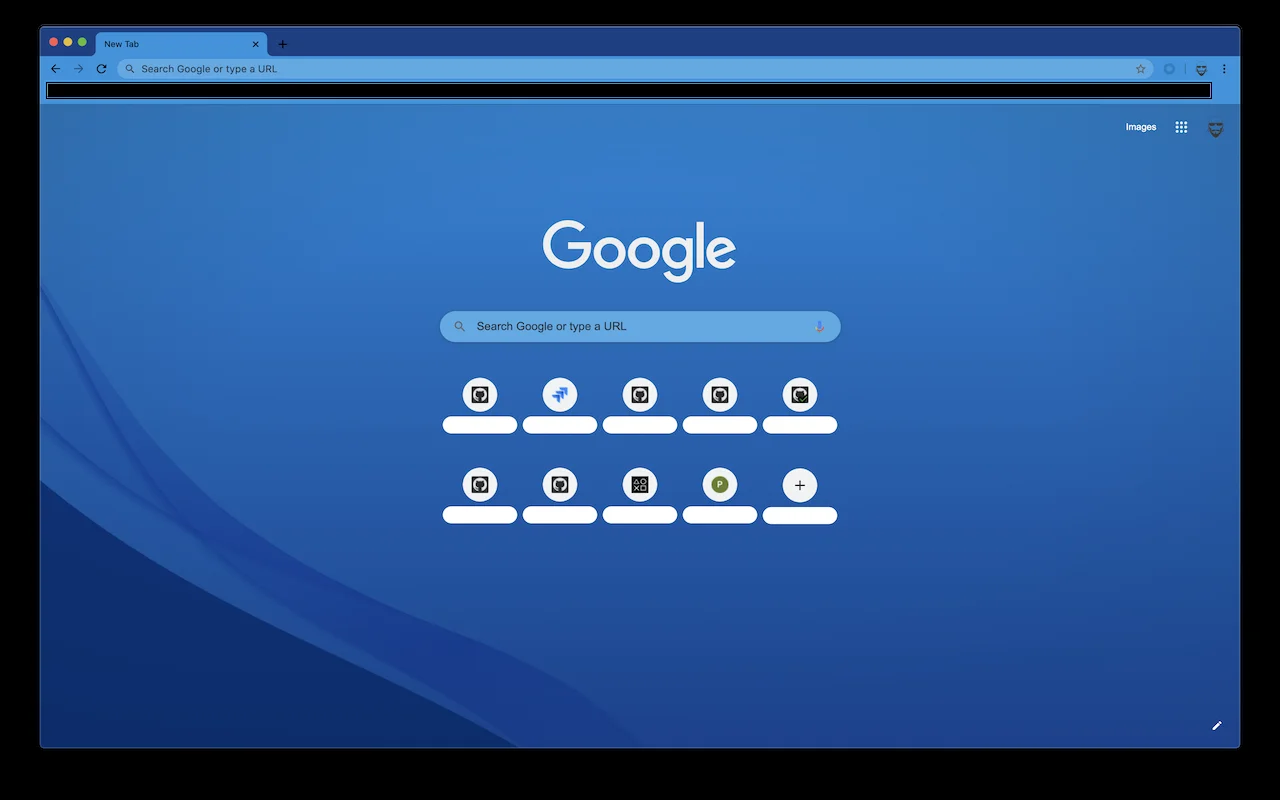
🎨 About: PlayStation 5 Theme covers your new tab page in a smooth royal blue wave pattern inspired by the PS5 console dashboard. The top toolbar and tabs use a light sky-blue finish with a slim dark line separating the tab row.
👍 Why We Chose It: It gives console gamers a clean, modern look without heavy character art or dark shadows. The fluid blue waves make your browser feel open and calm, while the bright tab bar keeps navigation simple.
Active Users: ~2,000
12. Call of Duty: Modern Warfare II Browser Theme
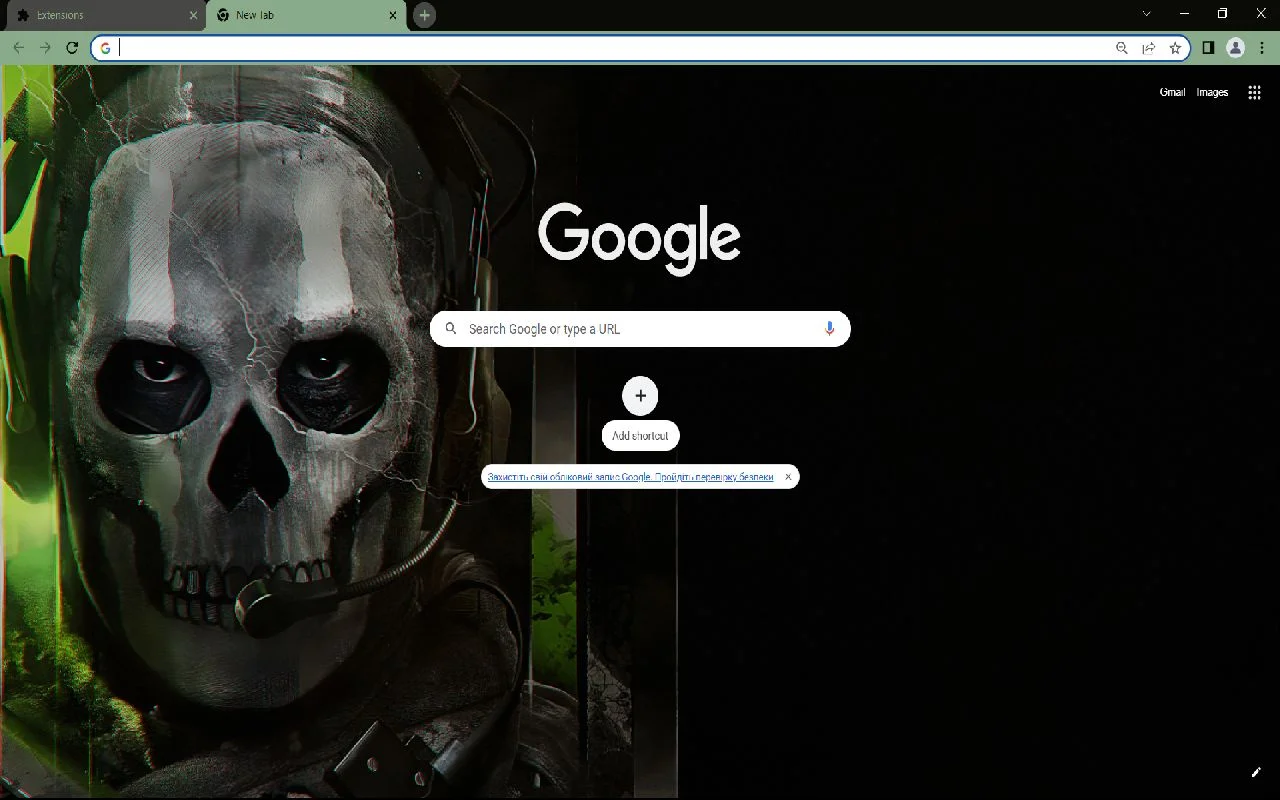
🎨 About: Call of Duty: Modern Warfare II Browser Theme showcases Ghost in his skull mask and tactical headset on the left, set against dark military green shadows and a deep black right half. The top frame uses an olive-green and charcoal finish with a white address bar.
👍 Why We Chose It: Placing Ghost on the left half of the screen leaves the right side open and uncluttered for search boxes and bookmarks. The dark military color scheme gives FPS fans a gritty look that remains practical for long web sessions.
Active Users: ~2,000
Start with Minecraft, Zelda, Pokemon, God of War, or Skyrim for classic game art, or choose Steam, MSI, and PlayStation for hardware and platform styles.
If you want other fan-favorite designs for your browser, check out our top anime Chrome themes, our favorite Spider-Man Chrome themes, or our roundup of Batman and Superman Chrome themes.
Discover more from Chrome Geek
Subscribe to get the latest posts sent to your email.