The default Google TV experience is great for streaming, but it lacks basic tools. The best apps for Google TV in 2026 are utilities like Projectivy for a custom ad-free interface, Send Files to TV for wireless file transfer, and Button Mapper to customize your remote.
Below is the list of 19 Must-Have apps that fix common annoyances, unlock new features, and help you get the most out of your TV.
🛠️ System Tools & Utilities
These apps fix the annoying limitations of the default system.
🚀
1. Projectivy Launcher
Freemium
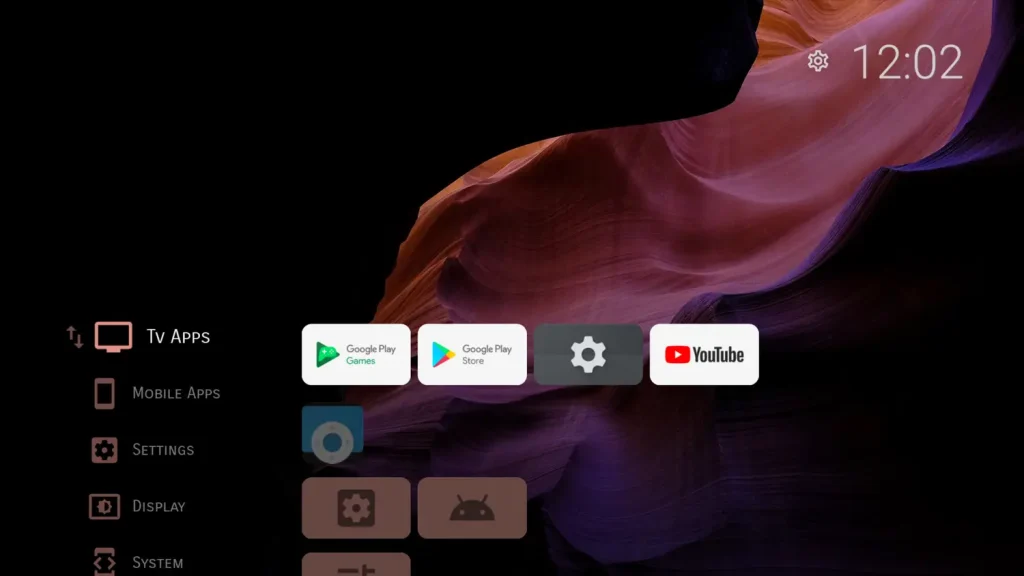
The Problem: The main screen is messy and full of ads for shows you don’t care about.
The Solution: Projectivy completely replaces that mess. It changes your home button so it opens a clean, simple menu with just your apps. No videos playing in the background, no ads.
Why we chose it: It makes a cheap TV feel like a high-end device. It is the best way to clean up your screen.
Get it on Google Play →
🎞️
2. Dispatch Launcher
Free Trial / Paid
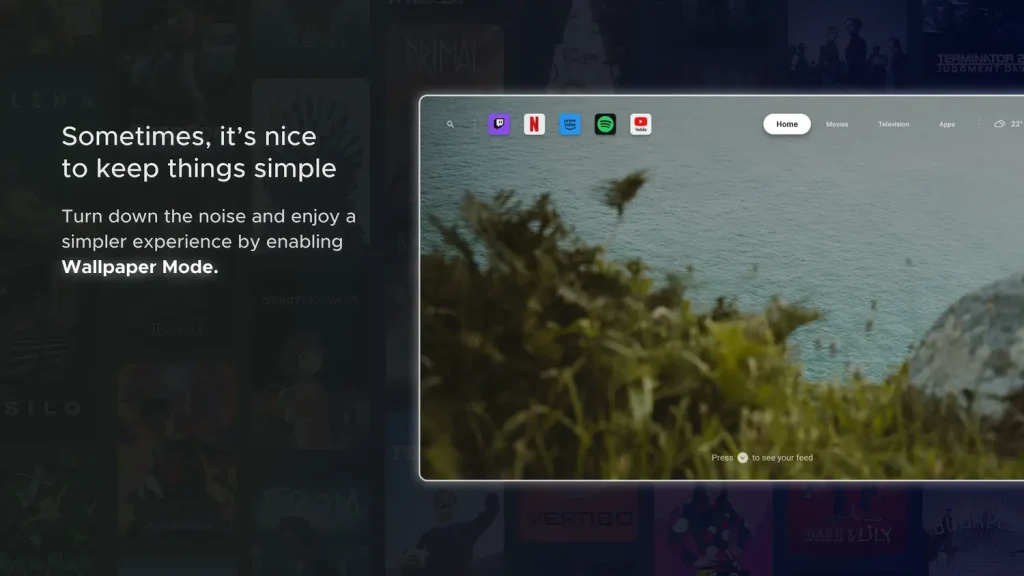
The Problem: You have a huge movie collection on Plex, but your TV ignores it and keeps recommending Disney+ shows.
The Solution: Dispatch connects to your Plex server and puts your movies and shows front and center. It makes your personal collection look as good as Netflix.
Why we chose it: The perfect upgrade for people who have their own movie library.
Get it on Google Play →
🎮
3. Button Mapper
Freemium
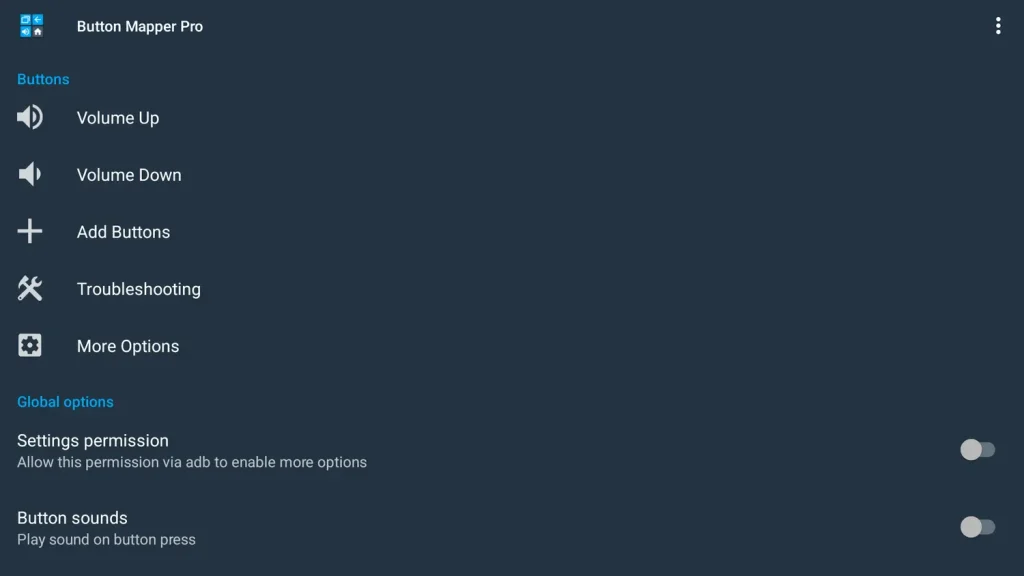
The Problem: Your remote has a specific button (like Netflix) that you never use.
The Solution: This app lets you change what those buttons do. You can set it so pressing the Netflix button once opens Plex, or double tapping it takes a screenshot.
Why we chose it: It puts you in control of your remote, not the manufacturer.
Get it on Google Play →
📡
4. AirScreen (AirPlay & Cast)
Freemium
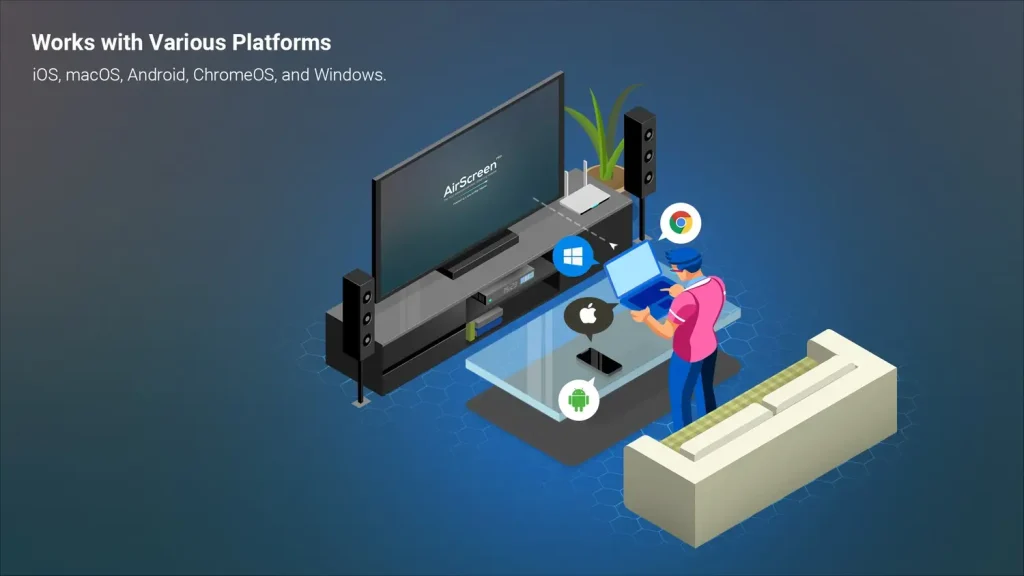
The Problem: You have an iPhone or iPad, but you can’t “Cast” to your TV because it’s not an Apple TV.
The Solution: AirScreen tricks your iPhone into thinking your Google TV is an Apple device. It lets you mirror your screen, show photos, or play videos wirelessly from your iOS device without buying any extra hardware.
Why we chose it: The essential bridge for households that use both Apple and Android gadgets.
Get it on Google Play →
🛡️
5. ADB TV: App Manager
Free
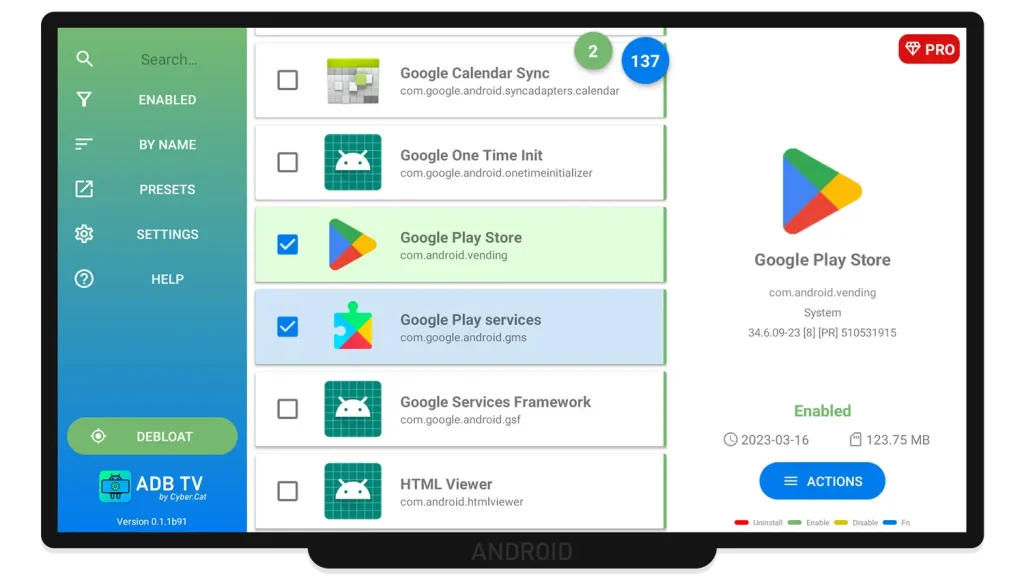
The Problem: Your TV is full of pre-installed apps (“Bloatware”) that you can’t delete.
The Solution: This tool is a magic wand for your system. It lets you disable or uninstall stubborn system apps that manufacturers lock onto your device. It stops them from running in the background and cluttering your app drawer.
Why we chose it: The only real way to remove junk software without hacking your TV.
Get it on Google Play →
📶
6. Analiti Speed Test
Freemium
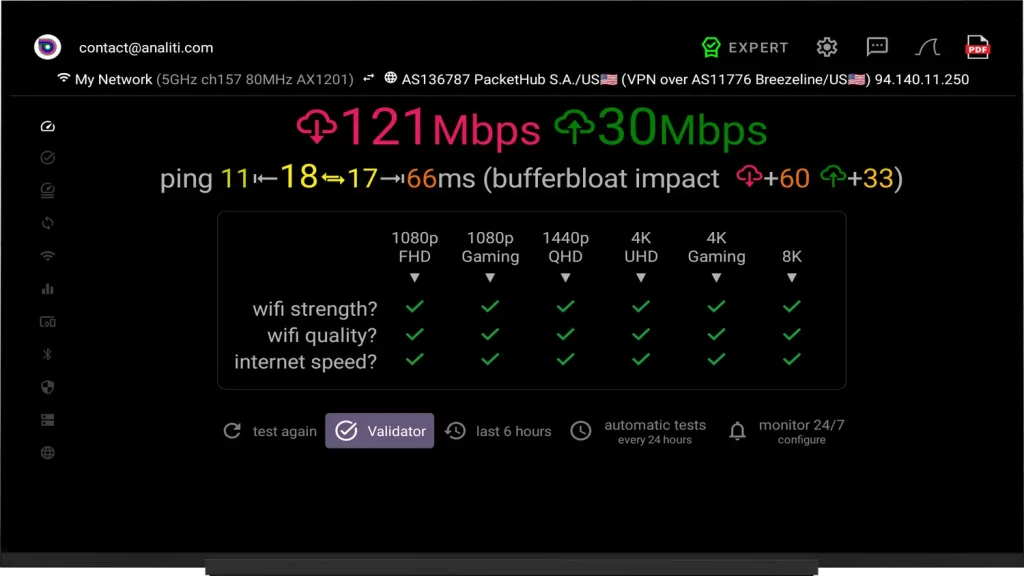
The Problem: Your movie keeps buffering, but you don’t know if it’s the internet or just bad WiFi.
The Solution: Analiti gives you a detailed look at your WiFi signal. It can tell you if moving your router just a few inches will speed things up.
Why we chose it: The best tool to figure out why your internet is acting up.
Get it on Google Play →
📥
7. Downloader by AFTVnews
Free
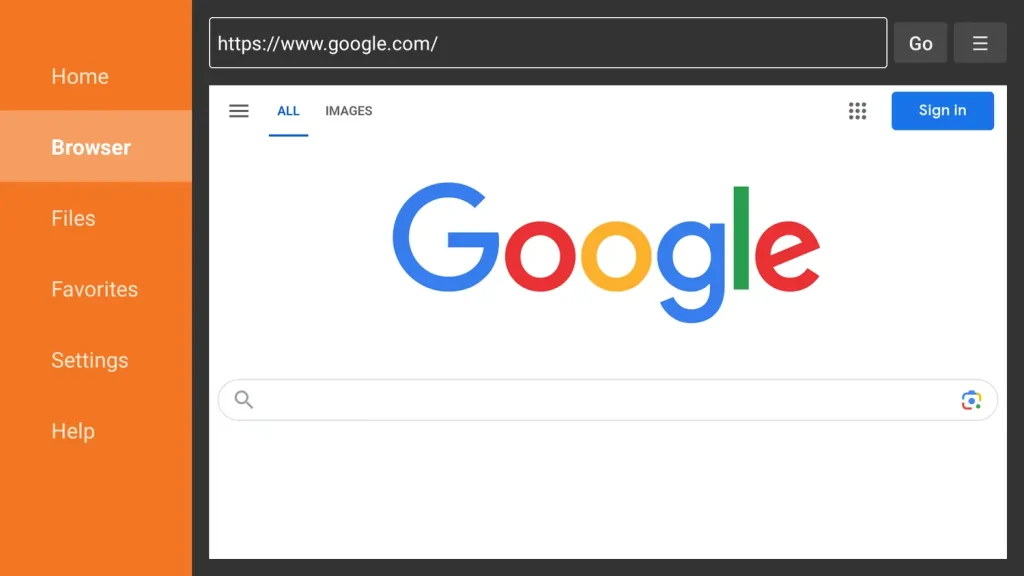
The Problem: You want an app that isn’t on the Play Store, but you can’t figure out how to get it.
The Solution: This app makes it easy. You just type in a short code (like “12345”) and it downloads and installs the app for you directly from the internet.
Why we chose it: The easiest way to install apps that aren’t on the Play Store.
Get it on Google Play →
📂 Moving Files & Managing Storage
Move files without wires and organize your stuff.
📡
8. LocalSend
Free (Open Source)

The Problem: You need to send a video from your iPad or PC to your TV, but they don’t connect.
The Solution: LocalSend works like AirDrop for everything. It connects your phone, computer, and TV over your home WiFi so you can send files instantly.
Why we chose it: It requires no internet, no accounts, and works with every device you own.
Get it on Google Play →
📤
9. Send Files to TV (SFTTV)
Freemium
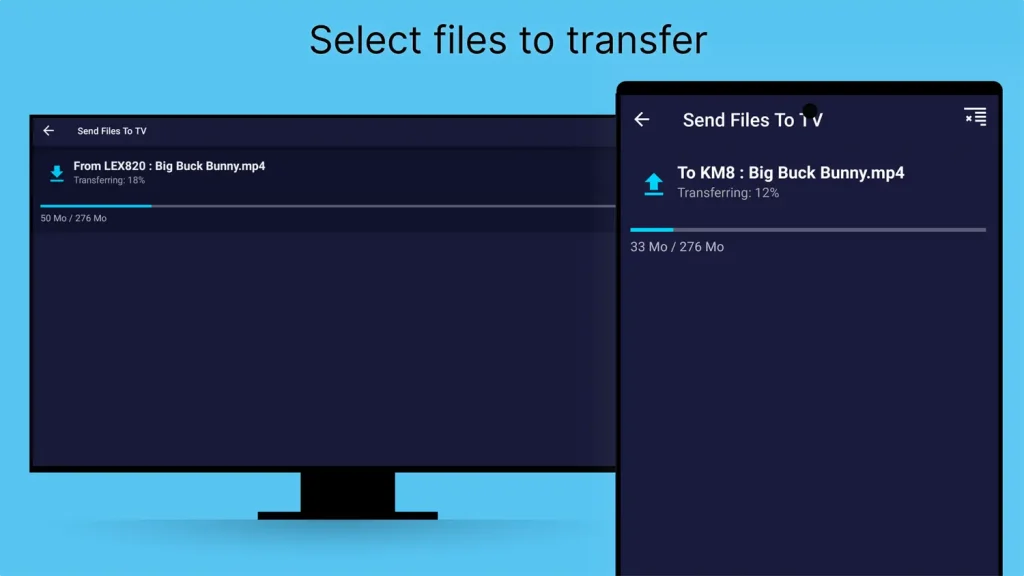
The Problem: You just want to send a file to your TV without dealing with confusing menus.
The Solution: This app is super simple. Open it on your phone, open it on your TV, and hit “Send.” It moves files really fast over your WiFi.
Why we chose it: It does one thing and does it perfectly.
Get it on Google Play →
🗂️
10. X-plore File Manager
Free
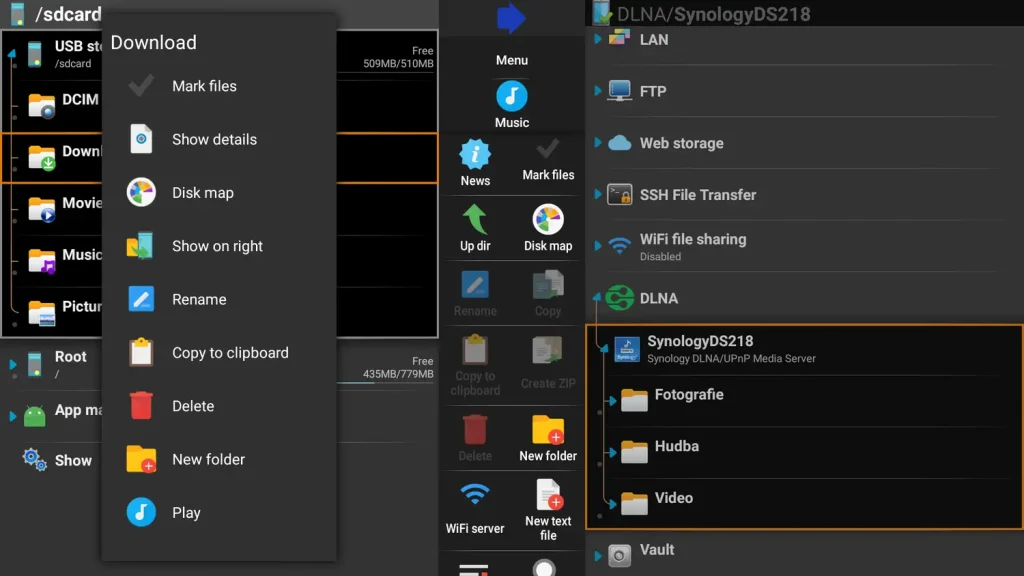
The Problem: Managing files on a TV with a remote is annoying.
The Solution: X-plore puts two windows side-by-side. You can see your USB stick on the left and your TV folders on the right, making it easy to copy and paste files. It also connects to Google Drive.
Why we chose it: The best choice if you have a lot of files to organize.
Get it on Google Play →
📁
11. File Commander
Freemium

The Problem: You just want to see your downloads without any complicated options.
The Solution: File Commander is a simple way to look at your files, find your downloads, and sign into your cloud accounts right from the TV.
Why we chose it: A solid, easy-to-use file manager.
Get it on Google Play →
🎬 Video Players
Play any video file and organize your collection.
🍿
12. Nova Video Player
Free (Open Source)
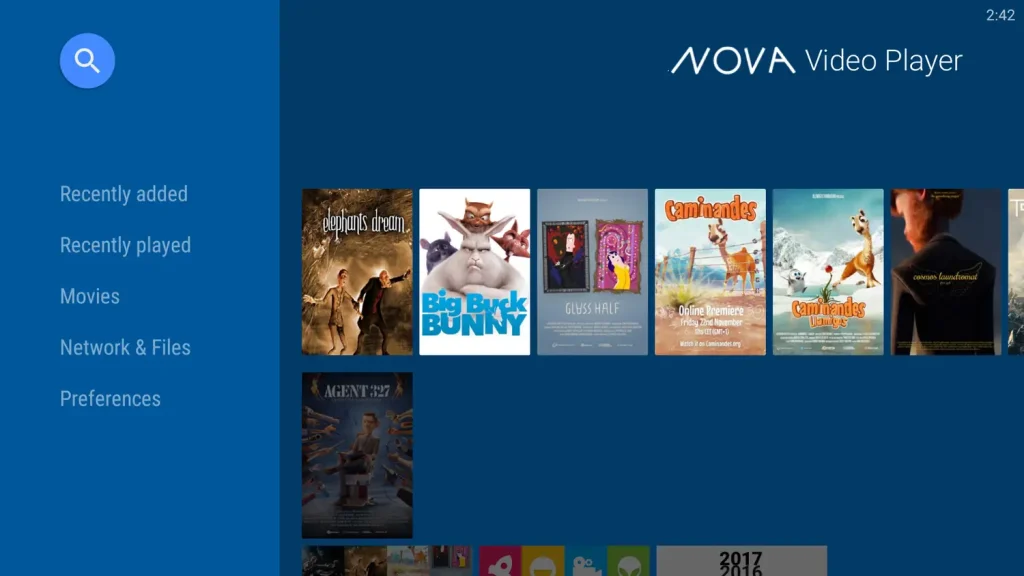
The Problem: You have movie files on a hard drive, but viewing them just looks like a boring list of filenames.
The Solution: Nova automatically finds posters, plot summaries, and actor info for your files. It turns your boring folder into a beautiful wall of movies that looks like Netflix.
Why we chose it: It makes your own video files look amazing.
Get it on Google Play →
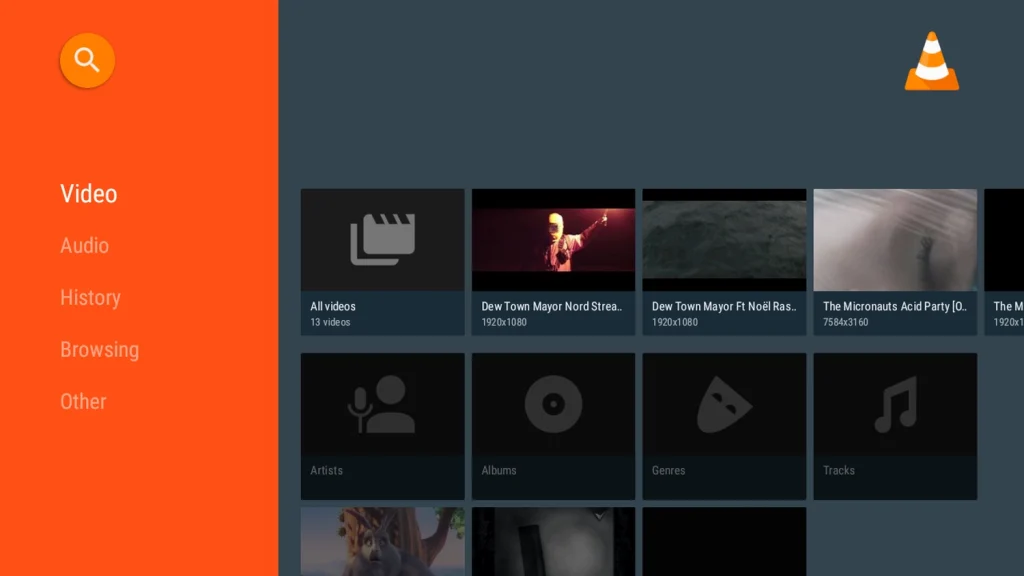
The Problem: You downloaded a video, but your TV says “Format Not Supported.”
The Solution: VLC plays everything. It handles almost every type of video file and works perfectly with subtitles. If a video won’t play, try VLC.
Why we chose it: The reliable player that works when others fail.
Get it on Google Play →
💠
14. Kodi
Free (Open Source)
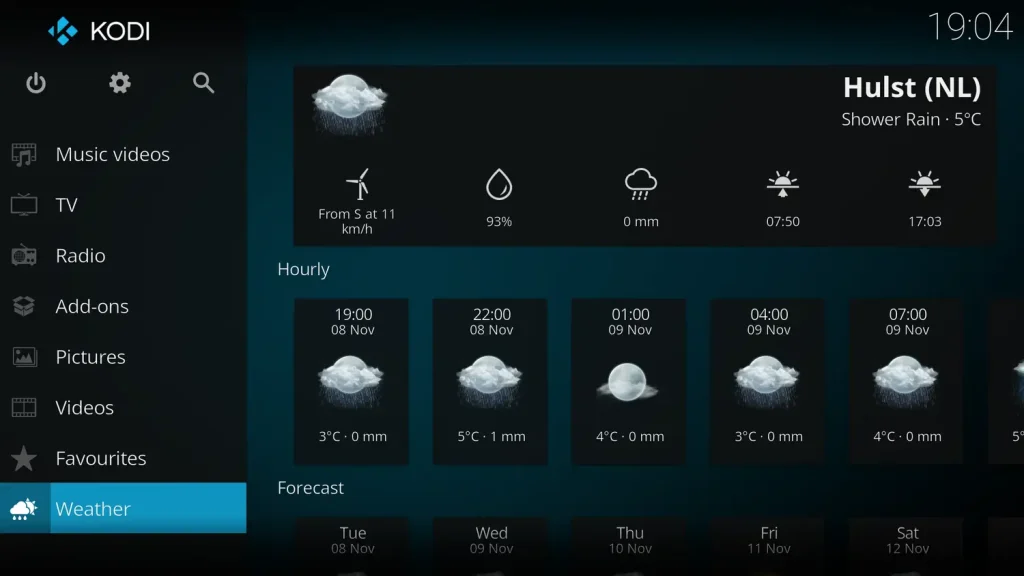
The Problem: You want one app that does absolutely everything.
The Solution: Kodi is like a whole system inside your app. You can add “Add-ons” to stream content, manage huge libraries, and change exactly how the menu looks.
Why we chose it: The best choice for people who want total control.
Get it on Google Play →
🌐 Browsers & Free Streaming
Surf the web and watch movies for free.
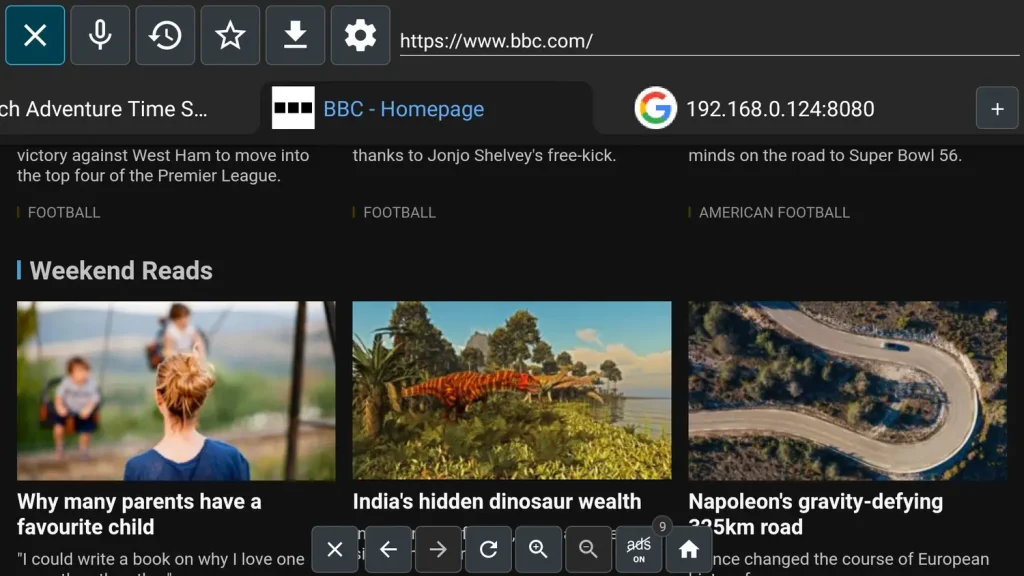
The Problem: Using a web browser on a TV remote is painful.
The Solution: TV Bro is built for remotes. It has a cursor you can move easily, it blocks ads automatically, and it lets you download files without a headache.
Why we chose it: The easiest way to browse the web from your couch.
Get it on Google Play →
🔒
16. JioSphere (JioPages)
Free
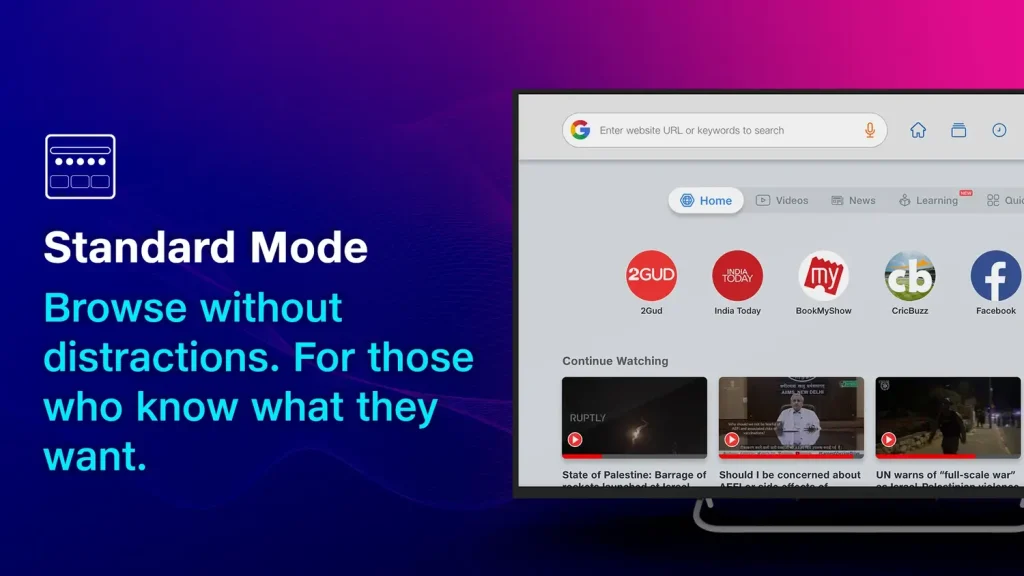
The Problem: You need to browse privately or access blocked sites.
The Solution: This browser comes with a built-in VPN and a PIN-protected “Incognito” mode, so your browsing history stays private.
Why we chose it: The best choice for privacy and safety.
Get it on Google Play →
🎬
17. Tubi
Free (Ad-Supported)
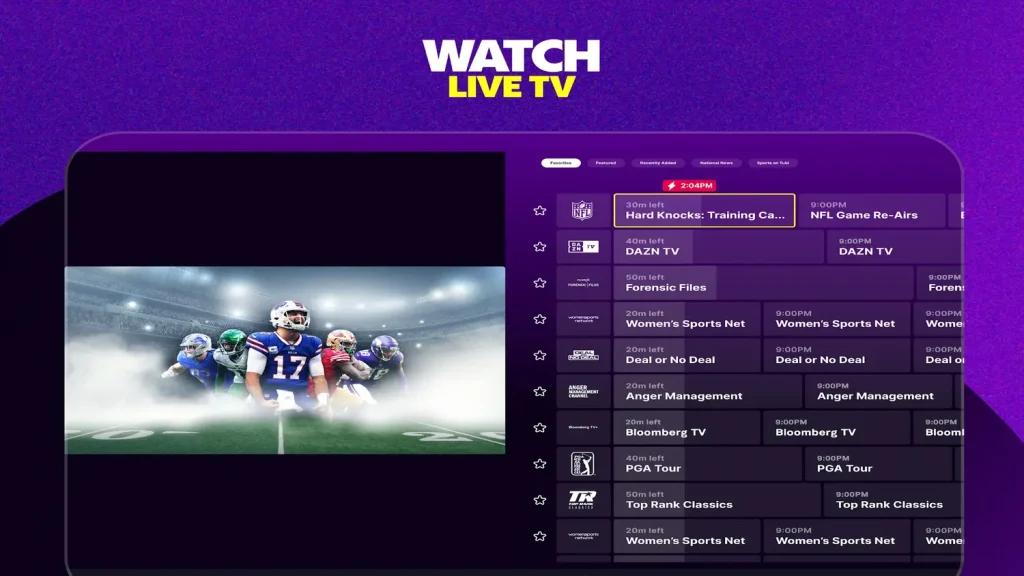
The Problem: You cancelled Netflix but still want to watch movies.
The Solution: Tubi has thousands of movies and TV shows completely free. It works just like Netflix, but you don’t have to pay a monthly fee.
Why we chose it: The best way to watch movies for free.
Get it on Google Play →
📺
18. Pluto TV
Free (Ad-Supported)
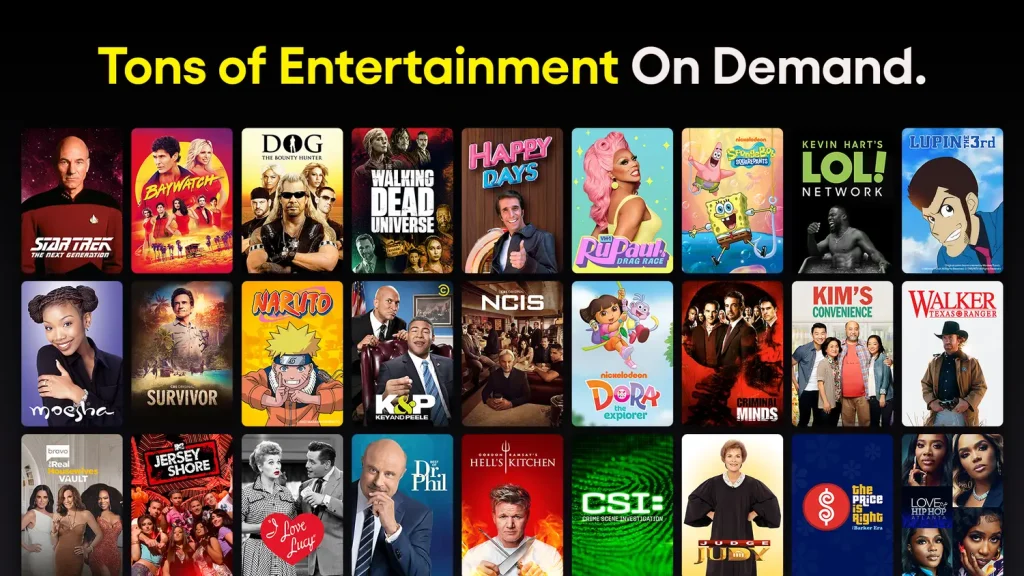
The Problem: You miss flipping through channels on cable TV.
The Solution: Pluto TV gives you hundreds of live channels in a grid guide, just like cable. You can tune in and watch news, movies, or classic TV shows instantly.
Why we chose it: The best free replacement for a cable box.
Get it on Google Play →
📰
19. Haystack News
Free (Ad-Supported)
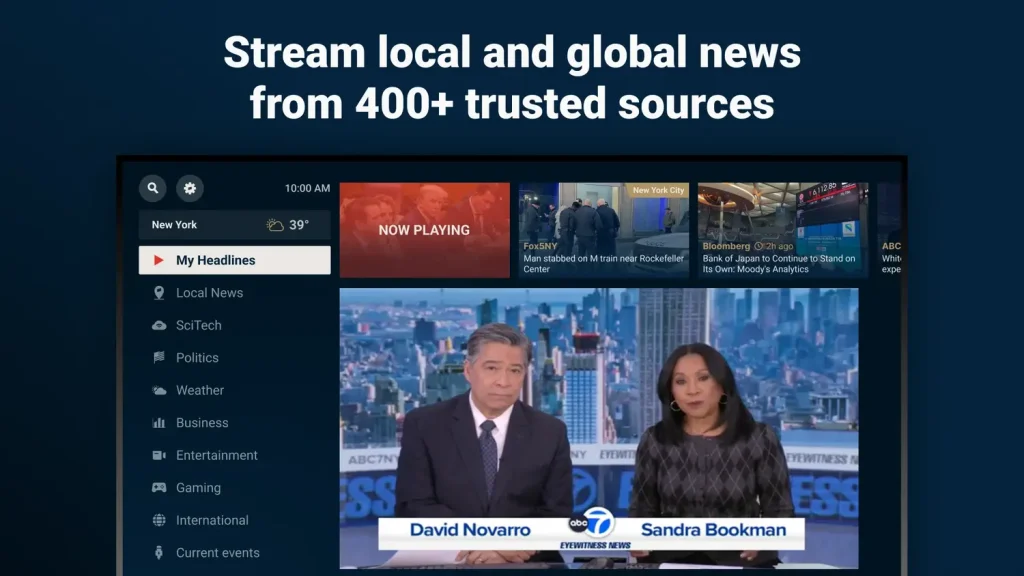
The Problem: You want local news but don’t want to pay for cable.
The Solution: Haystack gathers news clips from local and world stations to make a personal news channel just for you. It covers everything from your local weather to big world events.
Why we chose it: It turns short clips into a 24/7 news channel tailored to you.
Get it on Google Play →
More Google TV Resources
Complete your setup with our essential guides.
🤔 The Platform
What is Google TV?
Learn how the software works and why it’s different from Android TV.
📺 The Screens
Best TVs Built-in
A neutral look at the top 7 models from Sony, TCL, and Hisense.
⚡ The Device
Google TV Streamer 4K
An overview of Google’s flagship device. Specs, features, and details.
Post Views: 1,861
Related Posts
Discover more from Chrome Geek
Subscribe to get the latest posts sent to your email.

 by
Frank Cross
Post Updated: January 5, 2026
by
Frank Cross
Post Updated: January 5, 2026