How to Watch NFL on Google TV & Chromebook (2026 App Guide)
 by
Frank Cross
Post Updated: January 20, 2026
by
Frank Cross
Post Updated: January 20, 2026
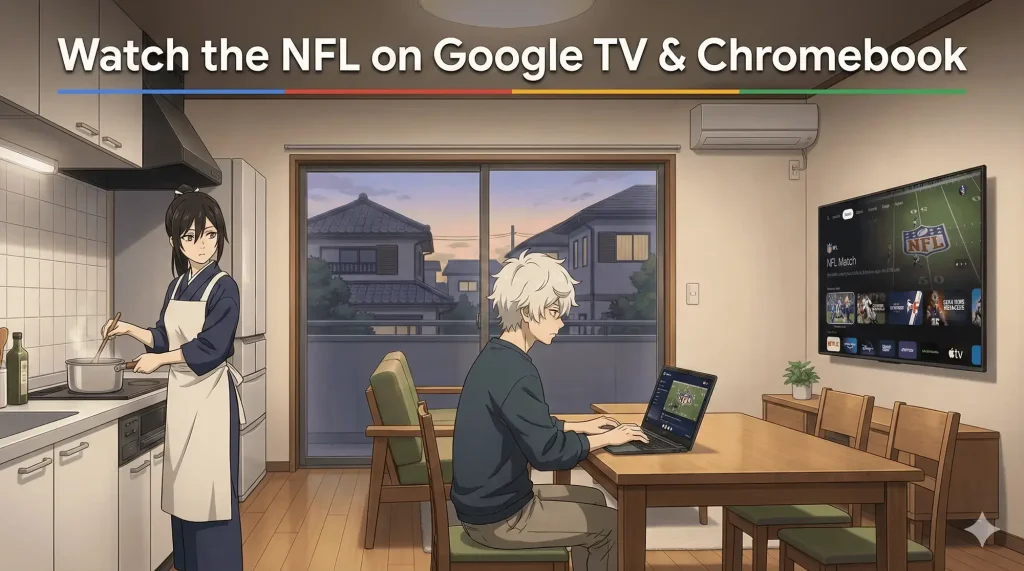
To watch the NFL on Google TV or Chromebook, simply open the Google Play Store, search for the official NFL App, and click Install.
In 2026, you no longer need to “cast” from your phone, the app runs natively on your TV and laptop for the best picture quality.
Whether you have the new Google TV Streamer 4K or a trusted Chromebook, this guide will show you how to set up the NFL app, access NFL+, and catch every touchdown.
Method 1: Install on Google TV (Best Experience)
If you are using a Chromecast with Google TV or the new Google Streamer, the native app gives you 4K stats and smoother playback than casting.
- Go to the Dashboard: Press the “Home” button on your remote.
- Open Apps: Scroll to the “Apps” tab or select the Play Store icon.
- Search: Type “NFL” in the search bar.
- Install: Select the official NFL App and click Install.
- Log In: Open the app. You will see a code on your TV screen. Go to nfl.com/activate on your phone to link your account.
Not sure what device you have? Read our guide on What is Google TV? to understand the interface.
Method 2: Install on Chromebook
Since modern Chromebooks run Android apps seamlessly, you can watch games right on your desktop or fold it into “tablet mode.”
- Open the Launcher (Circle icon) and click Play Store.
- Search for “NFL”.
- Click Install.
- Once installed, open the app.
Method 3: Casting (The Old Way)
If you have an older Chromecast dongle or just want to beam content from your phone to a friend’s TV:
- Open the NFL App on your phone (iPhone or Android).
- Start playing a video.
- Tap the Cast Icon 📺 in the top corner.
- Select your Google TV or Chromecast device.
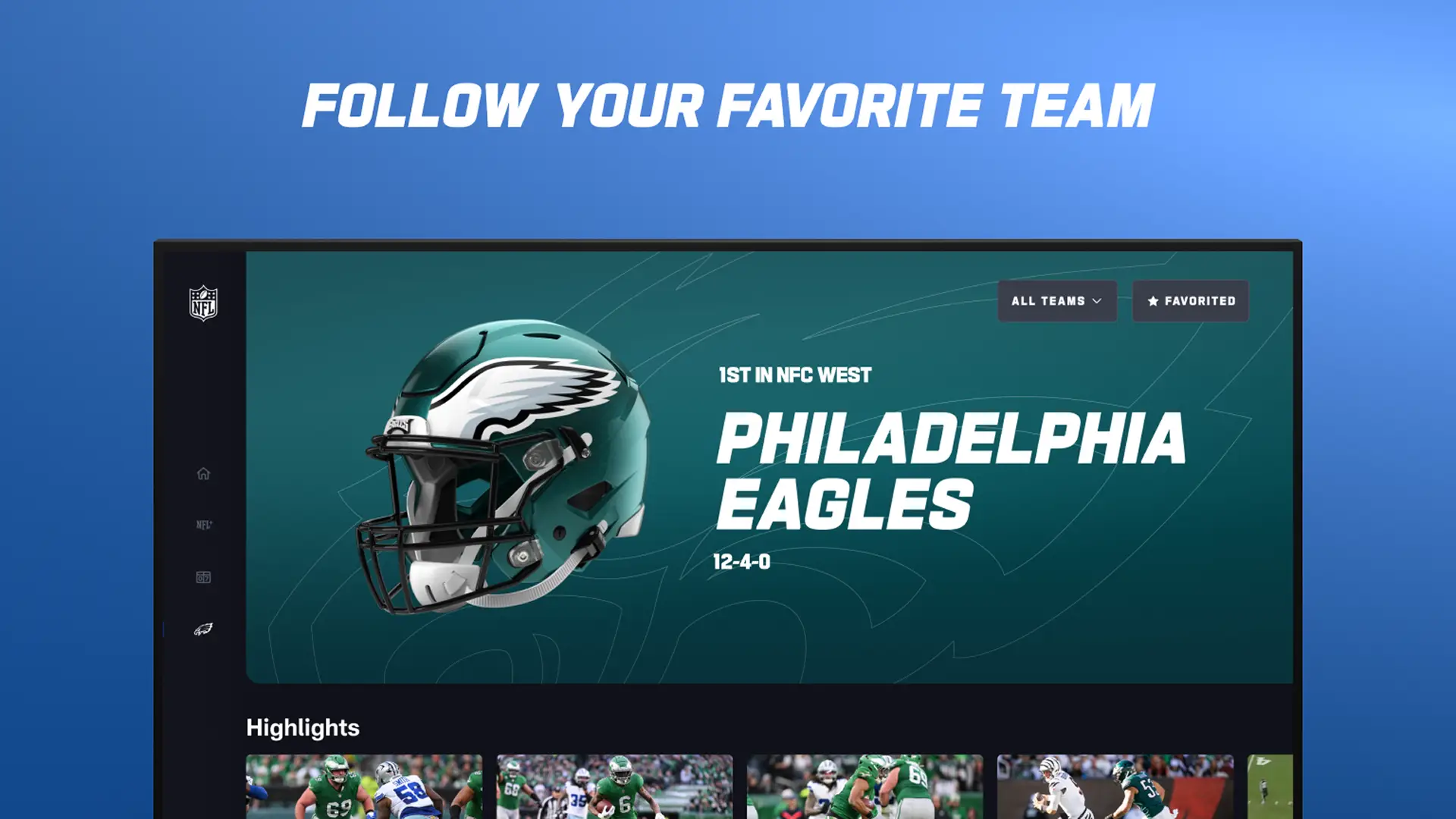
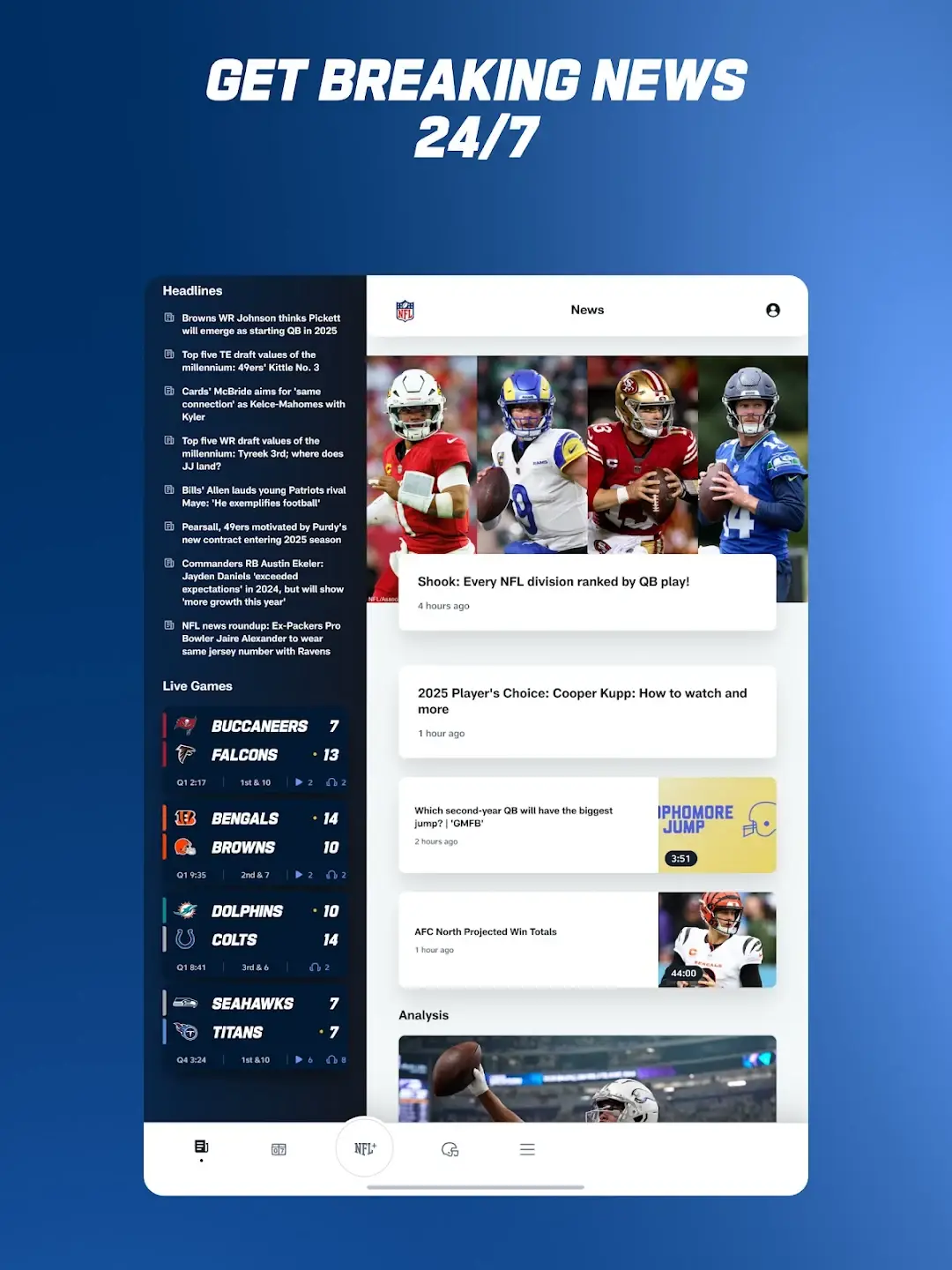
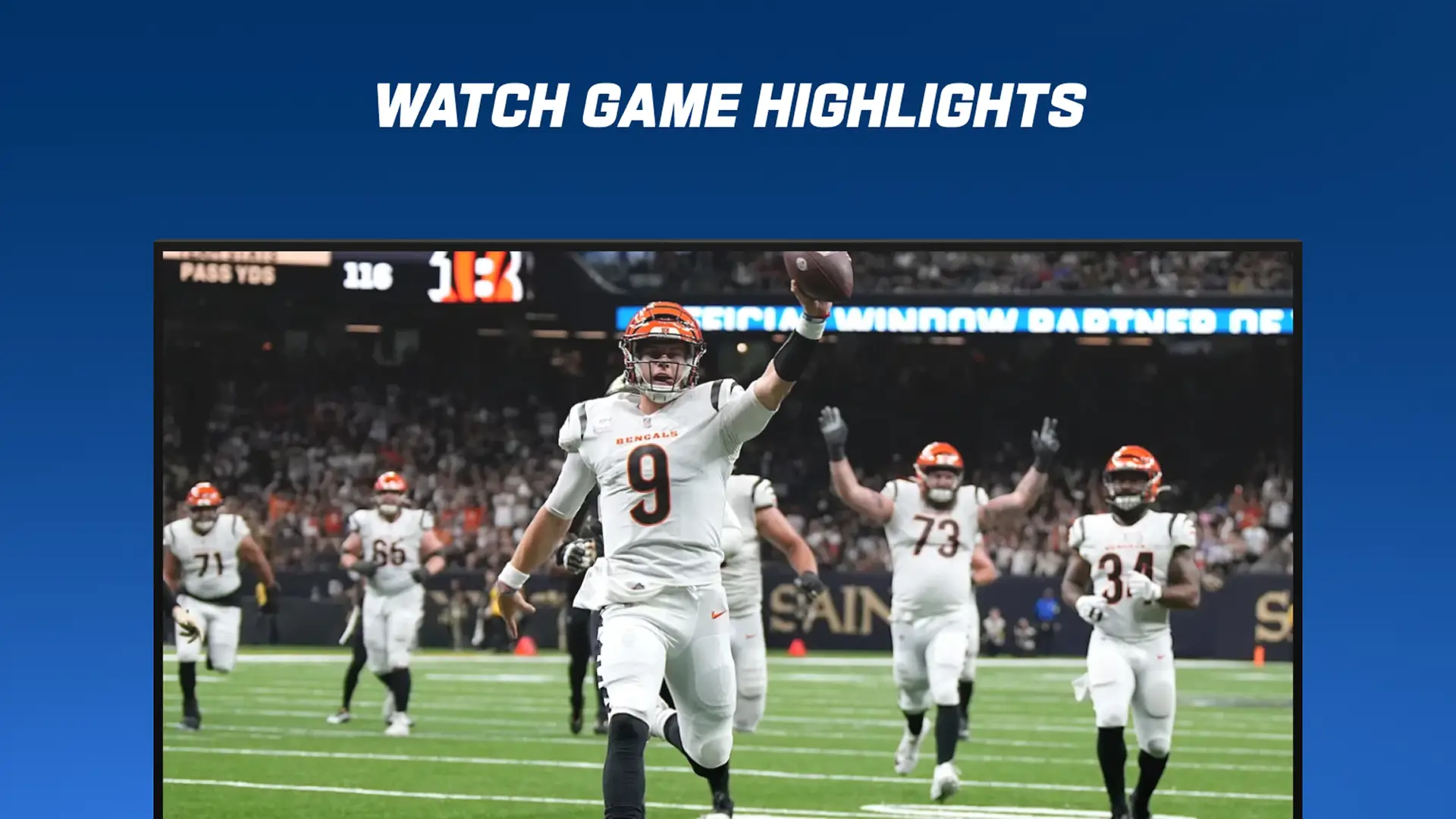
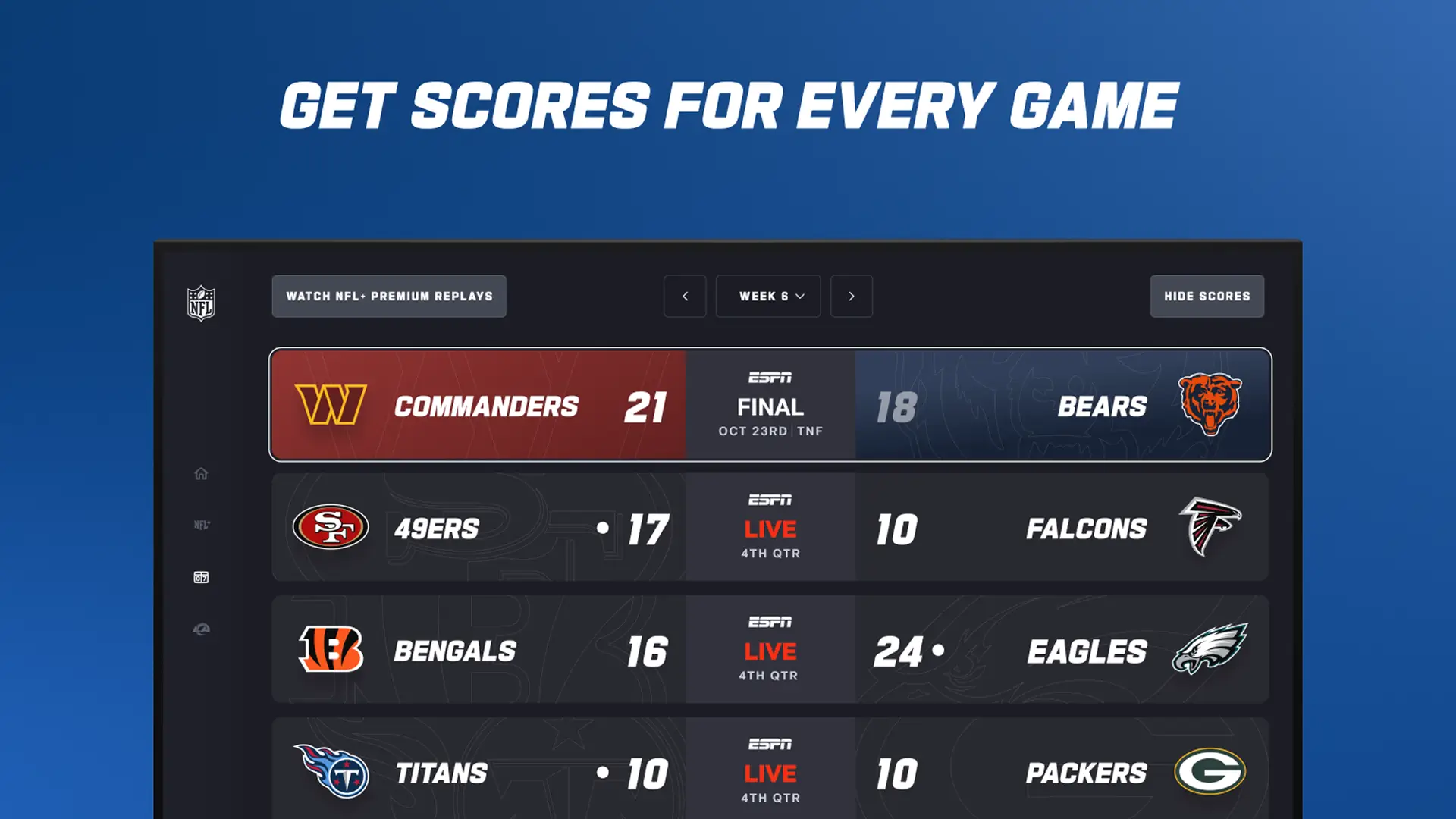
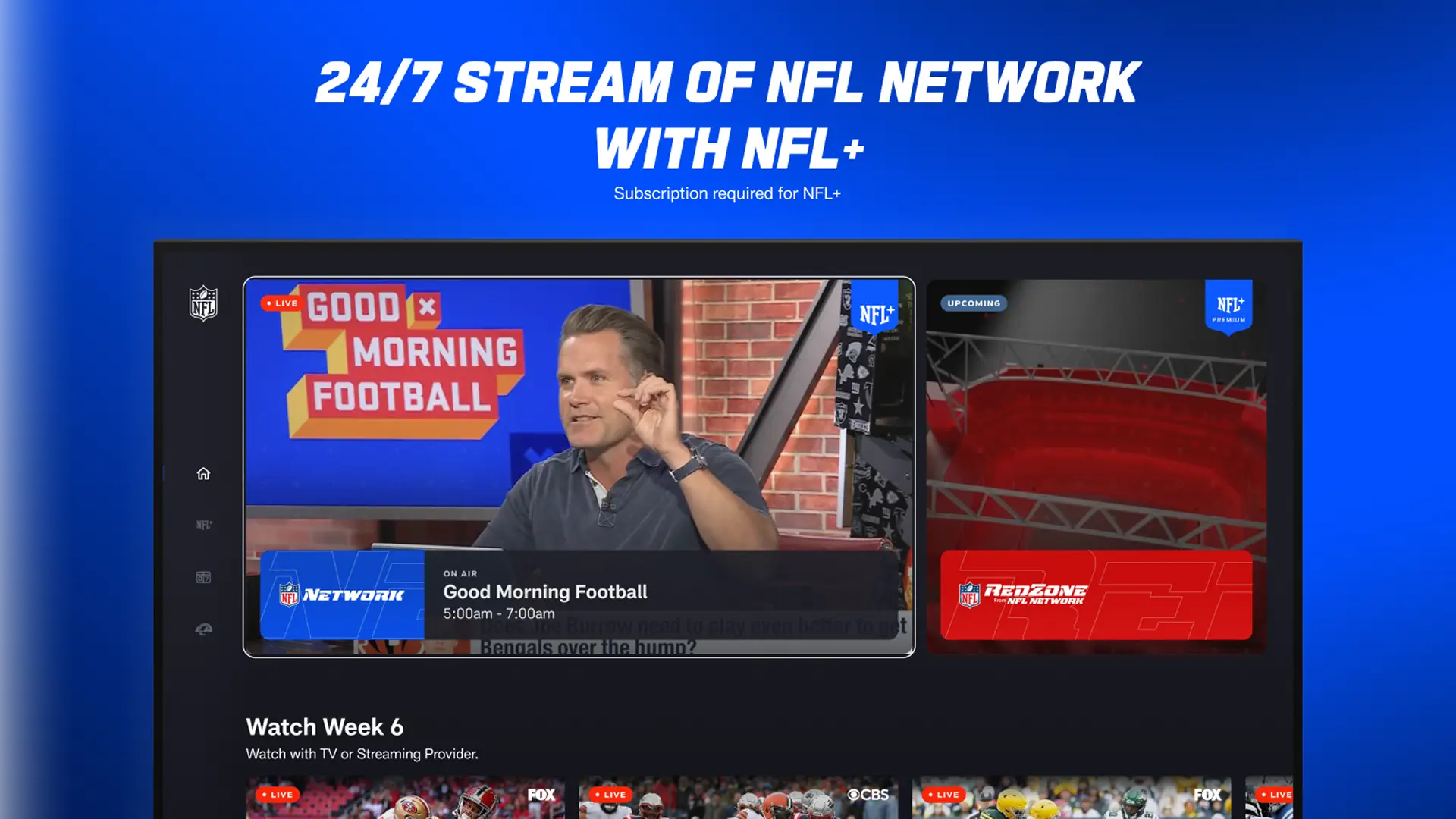
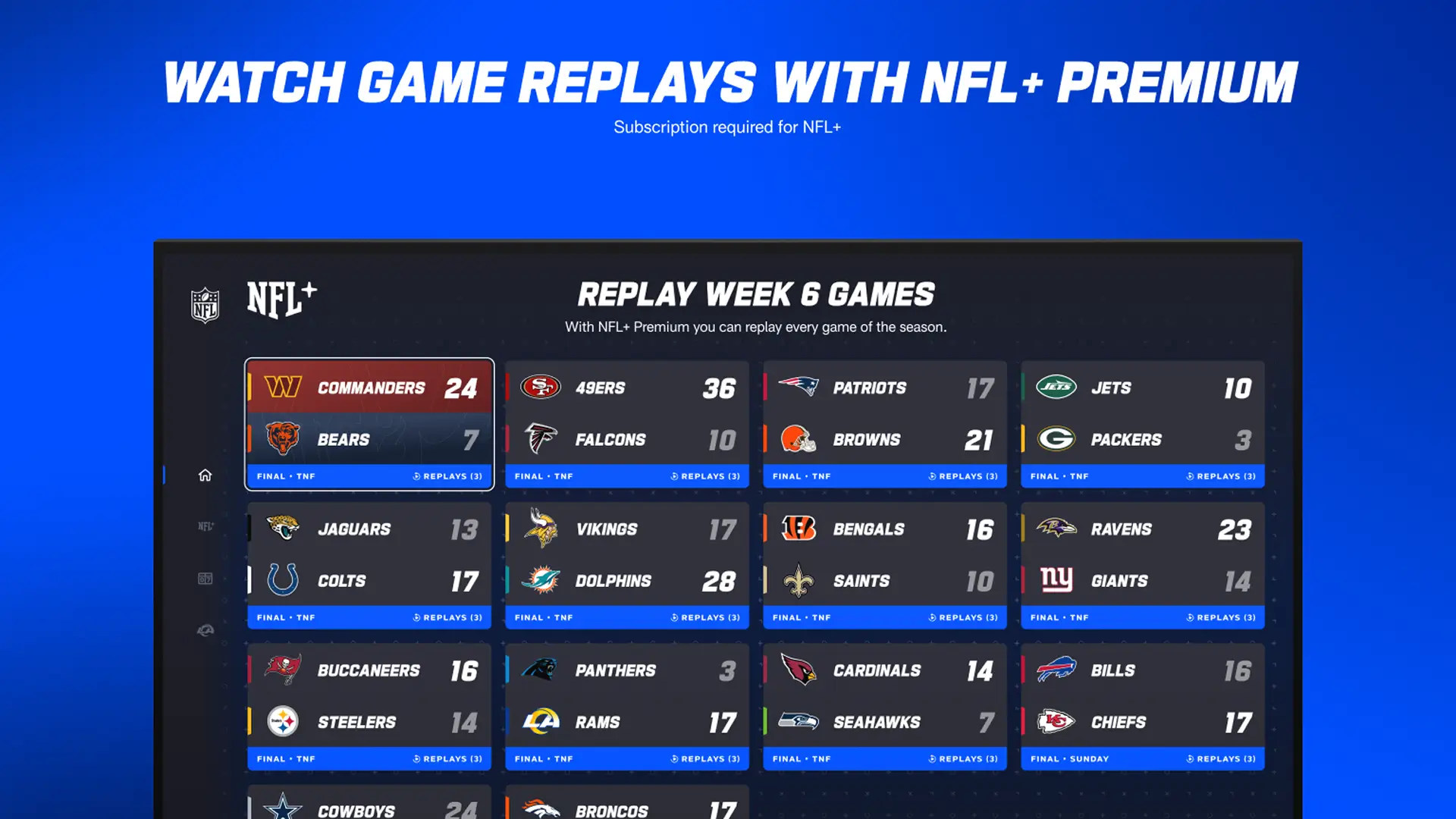
Screenshots of the NFL App
🔗 Essential Google TV Guides
Now that you are set up for gameday, check out these apps to complete your living room setup:
- New to the ecosystem? Read What is the Google Streamer 4K?
- Want more entertainment? Check out the Best Google TV Apps for 2026.
Discover more from Chrome Geek
Subscribe to get the latest posts sent to your email.