What Is Google Streamer 4K? Pricing & How It Works
 by
Frank Cross
Post Updated: January 9, 2026
by
Frank Cross
Post Updated: January 9, 2026
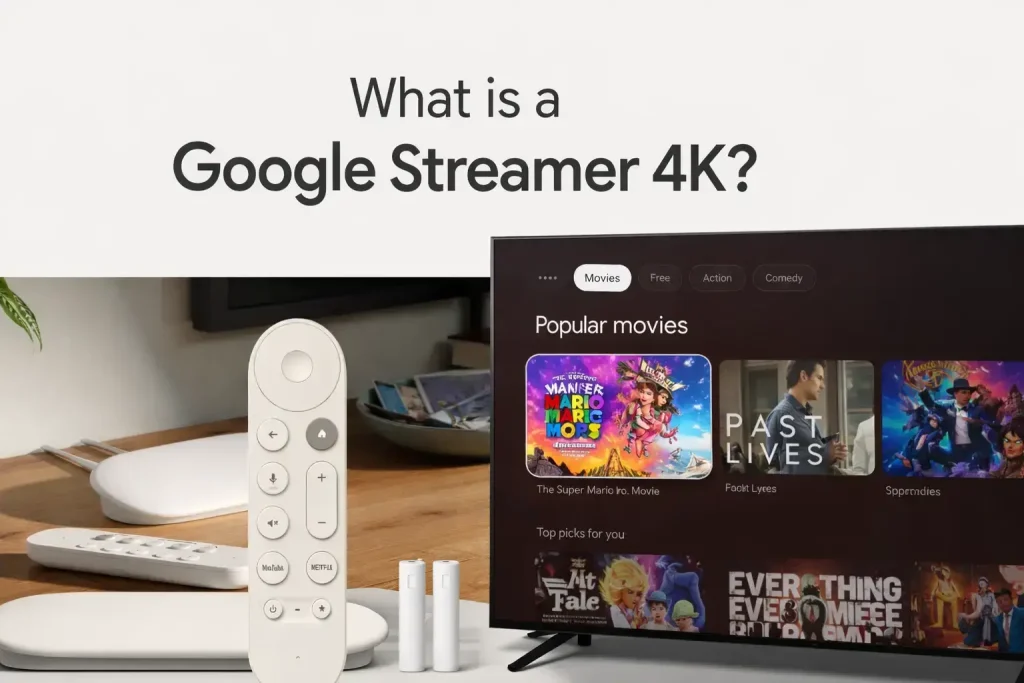
Quick Summary: The Google TV Streamer 4K is a tabletop box that replaces the Chromecast. It costs $99, comes with 32GB of storage so you never run out of space, and uses Gemini AI to help you find movies faster.
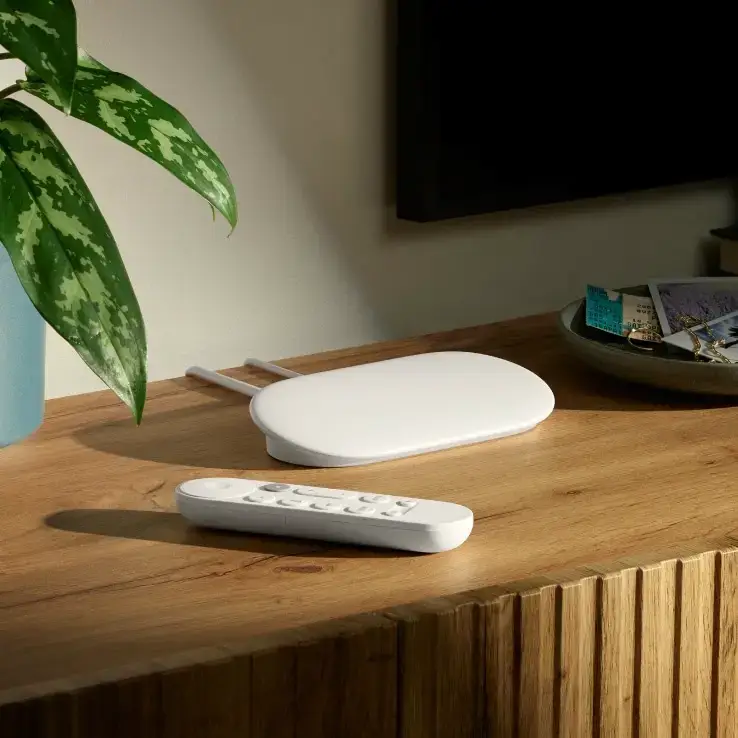
The Google TV Streamer 4K is Google’s new flagship streaming device for 2026. Unlike the old Chromecast, it is not a small dongle that hides behind your TV. It is a set-top box designed to sit on your media cabinet.
It fixes the biggest complaints of the older models by adding a Gigabit Ethernet port for stable internet and boosting the storage to 32GB. It acts as both a fast 4K streaming player and a central hub for your smart home devices using Matter and Thread technology.
1. What Is Google Streamer 4K?
To understand this device, you have to know what it is not. It is not a Chromecast. The old sticks were small and hung from your HDMI port, but they often got hot and slow.
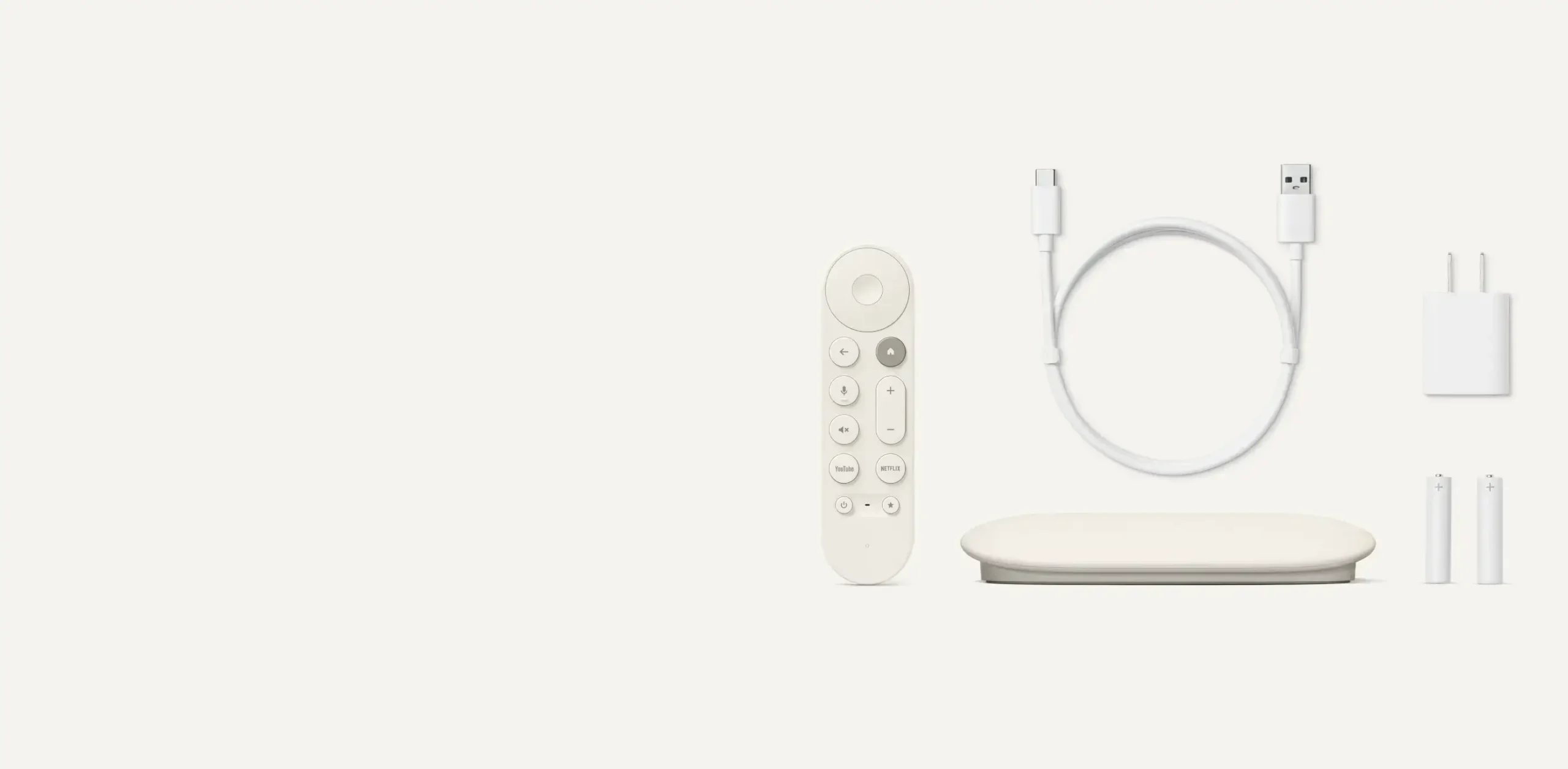
The new Streamer is a “wedge” shaped box (available in Porcelain or Hazel colors) that sits on your table. This larger size lets it run faster without overheating. It runs on a new processor that is 22% faster than the old model and has 4GB of RAM to keep menus smooth.
The Key Specs
- 💾
Storage: 32 GB (Huge Upgrade) - 🧠
Memory: 4 GB RAM - 🔌
Ports: USB-C, HDMI 2.1, Ethernet - 🏷️
Price: $99.99
2. How Does Google Streamer 4K Work?
It runs on Android TV 14. The interface brings all your apps together. Instead of opening Netflix to see what’s on, and then opening Hulu, the home screen shows you movies and shows from all your apps in one place.
Find My Remote
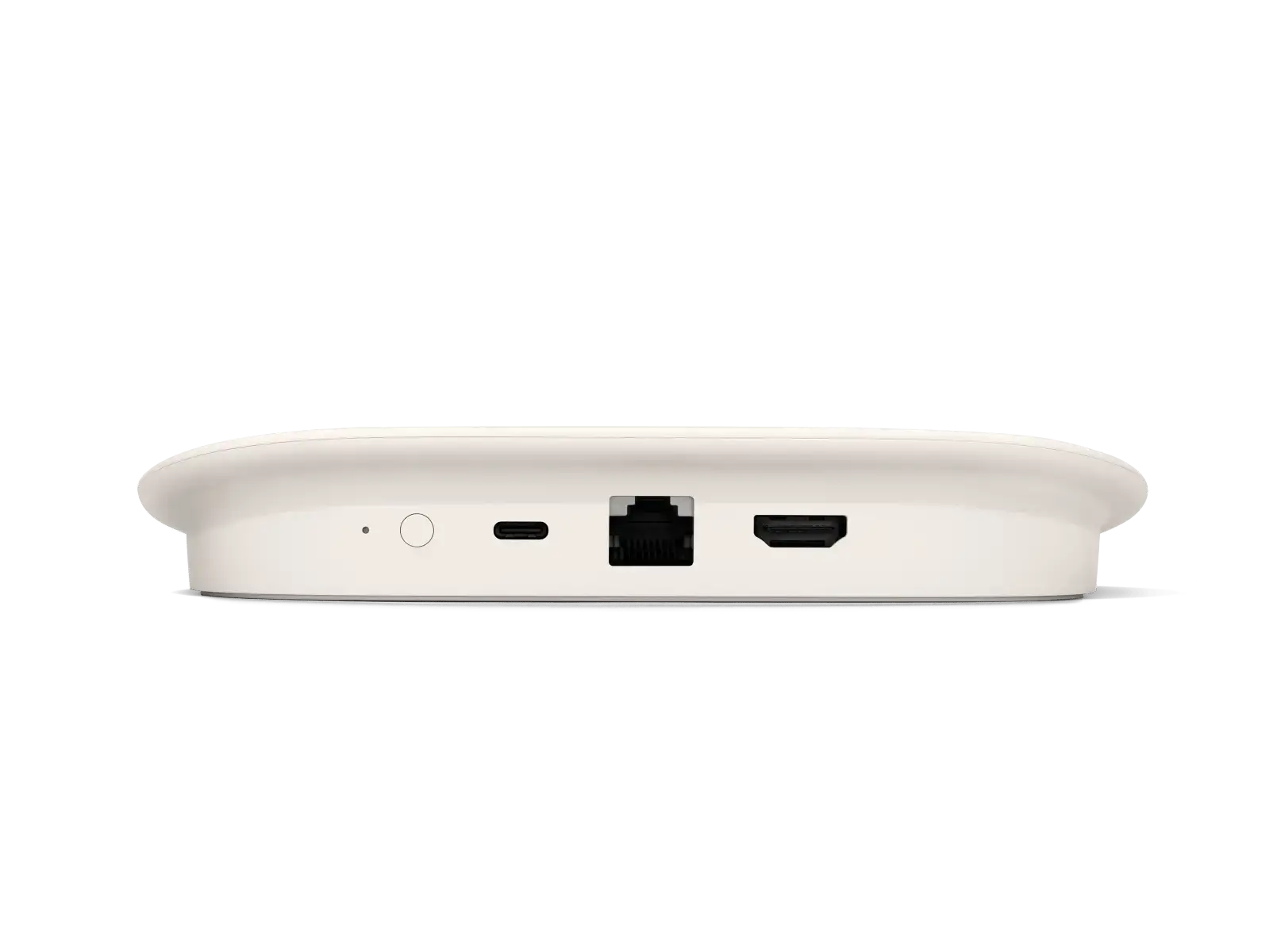
There is a small button on the back of the box. Press it, and your remote will start beeping so you can find it in the couch cushions.
Smart Home Panel
A new “Home Panel” lets you control your lights or check your doorbell camera right on your TV screen without pausing your movie.
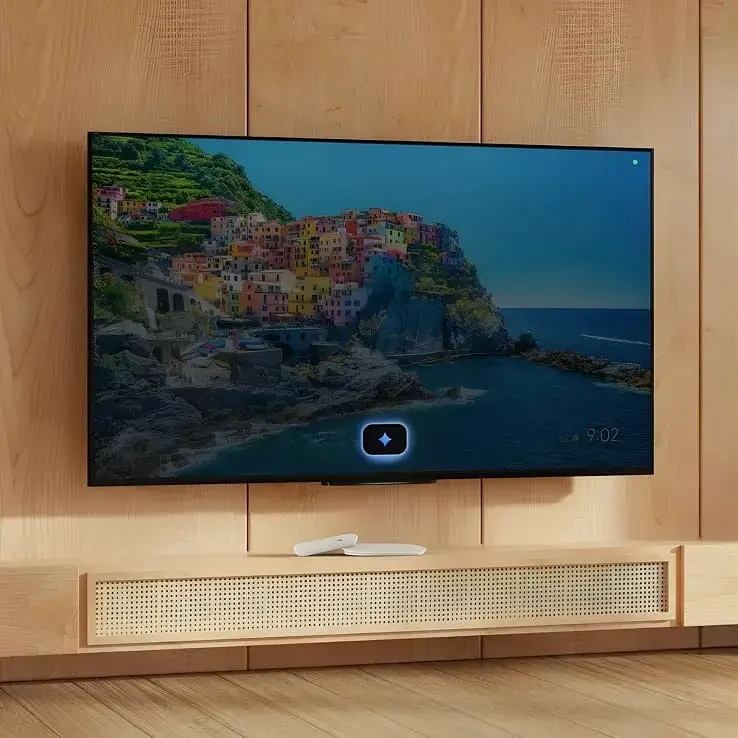
✨ How does it look like?
Some photos of how the Google Streamer 4K looks like including how the remote looks like.




3. Gemini on Google TV
The new box comes with Gemini built-in, replacing the old Google Assistant. This isn’t just the chatbot from your phone; it is a system-level AI designed specifically for your TV.
AI Powered Searching
You don’t need to know the movie title anymore. You can ask for a specific feeling, like “Find me a sci-fi movie that isn’t too scary for kids,” and Gemini understands the exactly what you want.
Instant Answers
If you are watching a documentary and want to know more, you can ask “How big is Saturn?” and it will bring up a visual overlay with the answer without stopping your video.
4. Is There a Monthly Fee?
No. The $99 cost is just for the hardware. You do not have to pay Google a monthly fee to use the device.
Important: While the device is free to use, apps like Netflix or Disney+ still require their own subscriptions. However, you can use the device for free forever if you stick to free apps like Tubi or YouTube.
5. Types of Content Available
Streaming Apps
It supports almost every app, including Netflix, Hulu, Prime Video, Apple TV+, and Peacock.
Free Channels
The “Google TV Freeplay” tab gives you over 800 free channels, including local news and movies, without needing to sign up for anything.
Gaming
Because it is powerful, you can play console games using Xbox Cloud Gaming, GeForce Now, or Boosteroid if you have a controller.
6. How to Set Up a Google Streamer 4K
- Plug it in: Connect the device to your TV using an HDMI 2.1 cable (sold separately) and plug the power cable into the wall.
- Get the App: Download the Google Home app on your phone.
- Scan the Code: Your TV will show a QR code. Scan it with your phone app to automatically sign in to your Google account and connect to Wi-Fi.
Pro Tip: If you plug an Ethernet cable into the back, the setup is even faster because it skips the Wi-Fi steps.
7. What Devices Support It?
It works with almost any TV that has an HDMI port. To get the best picture, you need a 4K TV that supports HDR or Dolby Vision.
It also works great with audio gear. It supports Dolby Atmos soundbars. If you have Pixel Buds Pro, you can use them for “Spatial Audio,” which makes it sound like you are in a movie theater even when wearing headphones.
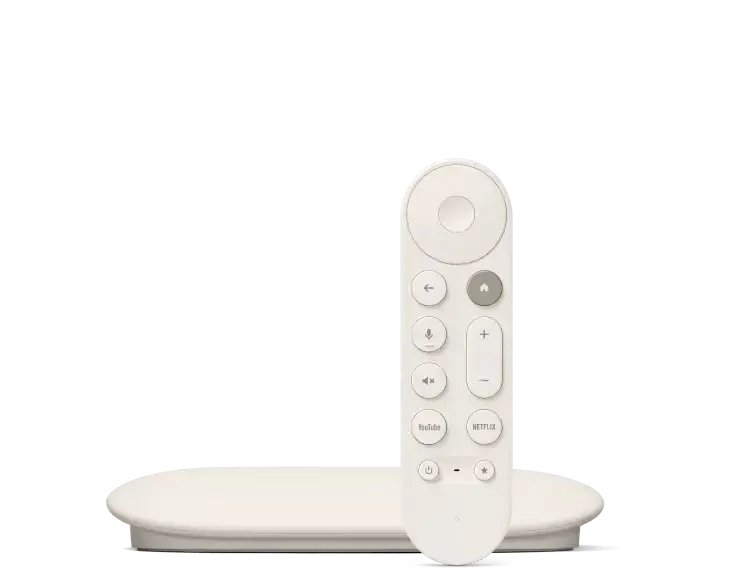
🛒 Where to Buy
More Google TV Resources
Complete your setup with our essential guides.


Discover more from Chrome Geek
Subscribe to get the latest posts sent to your email.