Accelerating Education: 6 Power-Packed Google Features Transforming Learning in 2024
Key Points • Google’s Gemini for Google Workspace is a customized AI experience for teens with additional safeguards and content policies. • Gemini is...

The best ChromeOs Blog on the web.
Key Points • Google’s Gemini for Google Workspace is a customized AI experience for teens with additional safeguards and content policies. • Gemini is...
Google today detailed how it spent the past two years improving the performance — especially on Speedometer — of Chrome for Android. more… Read...
Key Points Chrome has achieved best-in-class Speedometer scores on mobile devices, resulting in faster and smoother web experiences for Android users. Since the release...
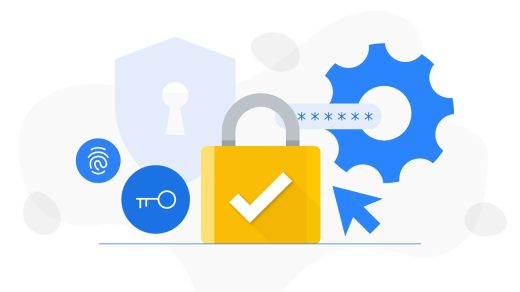
Key Points: • Using the same password everywhere is a common cybersecurity mistake, and instead, you should use Google Password Manager to generate and...
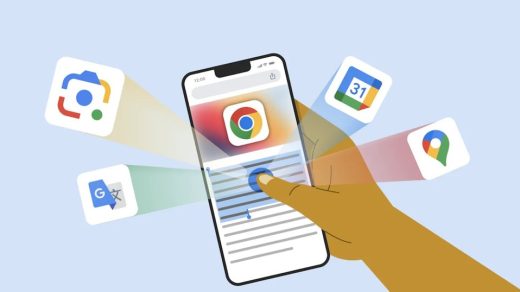
Key Points • Access information across devices with sign-in to Google Account in Chrome • Use Chrome’s Google Lens to search with images •...
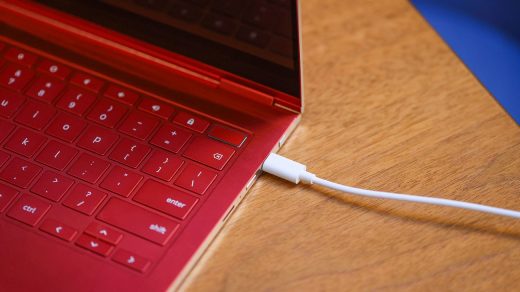
Key Points: • ChromeOS has introduced its first system sounds, starting with audio cues for charging and battery levels. • These sounds aim to...
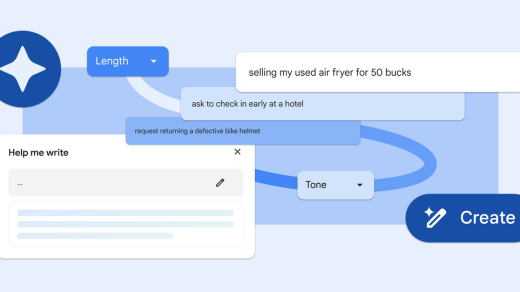
Key Points: • Chrome M122 is now available, bringing new AI features to Chrome, including "Help me write" for Mac and Windows PCs in...

MWC Barcelona 2023: AI and Multi-Device Experiences for Efficient Productivity As Tech Journalist, I’ll be covering the latest breakthroughs in ChromeOS technology and Google’s...
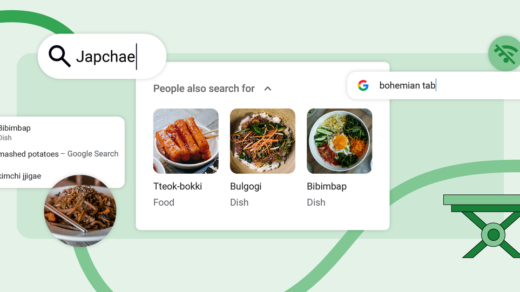
Key Points: Google is releasing three new features in Chrome to improve the browsing experience One of the new features is the ability to...
Key Points: • Real-time URL protection is coming to Google Safe Browsing for Chrome on desktop and iOS, providing more effective protection against malicious...