Readers like you help support this site. When you make a purchase using links on our site, we may earn an affiliate commission. All opinions remain our own.
The best action games to play on a Chromebook or Googlebook include Black Myth: Wukong for challenging boss fights, Counter-Strike 2 for team shooting, and Dead Cells for 2D combat. You can play supported PC games through cloud gaming services such as Boosteroid, or install compatible Android games from Google Play.
Whether you use a Chromebook, Chromebook Plus, or Googlebook, this guide covers games to play through cloud gaming and Google Play. With cloud gaming, the game runs on the service’s computers and streams to your browser, so you do not need a gaming laptop.
Have a favorite we missed? Tell us about it, including which device and service you use to play.
How to Play These Games:
Cloud gaming: The service runs the game and sends the video to your browser. You need a stable internet connection, a supported game, and the required account or subscription. Picture quality and responsiveness depend on your connection, device, and plan.
Android games: Install compatible games from Google Play to run them on your laptop. Some work offline. Availability, performance, and keyboard, touch, or controller support vary by game and device.
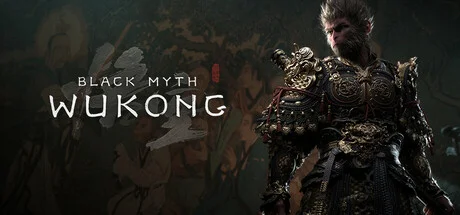
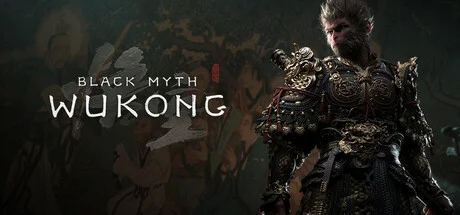
Black Myth: Wukong follows a monkey warrior on a journey through Chinese mythology. You fight with a staff, use spells to interrupt enemies, and take on bosses that force you to learn when to dodge and when to attack.
Key Features
Staff attacks with different fighting styles to learn
Spells that freeze enemies in place and let you transform into other creatures
Boss fights across forests, temples, and mountain paths
Why We Chose It
Choose this if you enjoy working out how to beat a difficult boss. Learning its attacks and finding an opening are a big part of the appeal.
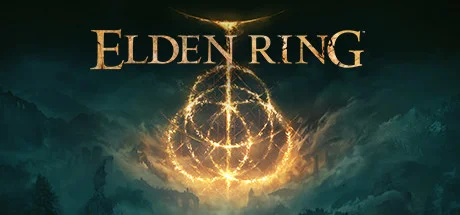
Elden Ring: Nightreign is a separate game built around survival and boss fights. You choose a character, gather weapons, and prepare for battles at the end of each day. Each expedition lasts three in-game days, with a shrinking map pushing you forward.
Key Features
Characters with different skills and team roles
Weapons and upgrades to collect before night falls
Boss battles that reward preparation and teamwork
Why We Chose It
A good fit for friends who want a difficult game to learn together. You have to decide where to go, what to collect, and when to help a teammate.
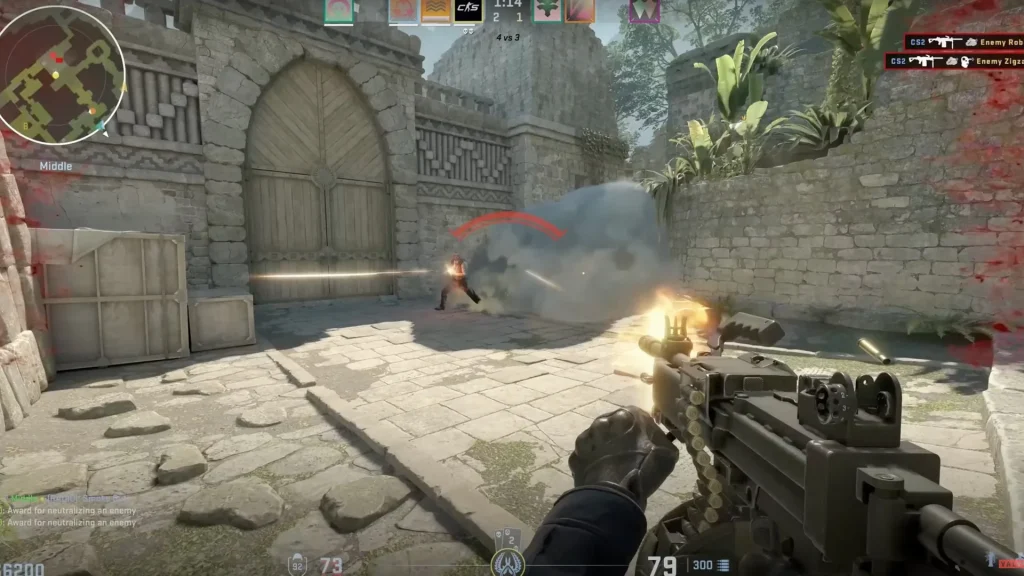
Counter-Strike 2 puts two teams of five against each other. In its main mode, one team tries to plant a bomb while the other defends the sites or defuses it. Aim matters, but so do listening for footsteps and telling teammates what you see.
Key Features
Round-based matches with a shared team objective
Money earned during matches to spend on weapons and equipment
Smoke grenades that help you cross open areas or block an enemy’s view
Why We Chose It
Worth considering if you like learning maps and improving your aim over time. Cloud gaming can add a delay between your input and the action, which matters more here than in many single-player games.
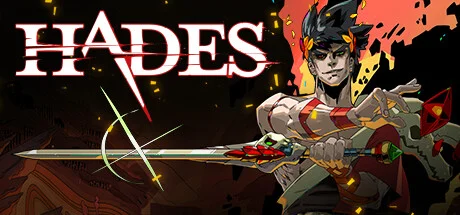
In Hades, you play as Zagreus and try to fight your way out of the Underworld. Each attempt brings a different mix of rooms, enemies, and powers from the Greek gods. When you die, you return home, continue the story, and prepare to try again.
Key Features
Weapons including a sword, bow, shield, and fists
Powers from the gods that change how your attacks work
New conversations and permanent upgrades between escape attempts
Why We Chose It
Hades gives you a reason to keep playing even after a failed attempt. You can make progress with upgrades and characters while learning how to survive the next fight.
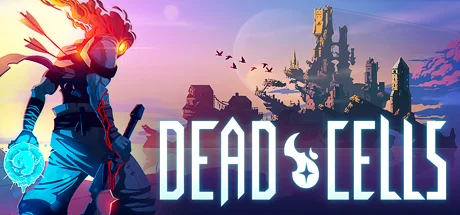
Dead Cells sends you through a castle and its surrounding areas, fighting enemies and collecting equipment along the way. You can attack with swords, bows, traps, and spells. Dying sends you back to the start, but some upgrades carry over to future attempts.
Key Features
Different routes through levels that change between attempts
Weapons and skills you can combine to suit how you play
Dodging and shield blocks that depend on timing
Why We Chose It
A good choice if you prefer fighting and finding new equipment to following a long story. Switching weapons can change how you approach the same enemies.
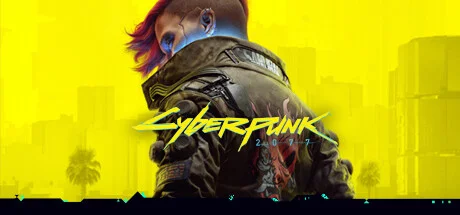
Cyberpunk 2077 puts you in the role of V, a mercenary taking jobs in Night City. You can use guns, blades, hacking, or stealth to get through missions. Between jobs, you drive around the city and follow stories involving its gangs, businesses, and residents.
Key Features
Missions with room for direct attacks, sneaking, or hacking
Body upgrades that add abilities and change how you fight
A main story alongside optional jobs and character storylines
Why We Chose It
This suits players who want a story alongside the action. It also gives you room to experiment, whether you prefer sneaking past guards or walking in with a shotgun.
Play as Peter Parker as he balances life in New York with being Spider-Man. You swing between buildings, stop crimes, and face familiar villains. Fights combine punches, dodges, and web gadgets, with plenty of chances to use nearby objects against enemies.
Key Features
Web swinging and wall running around Manhattan
Web gadgets that trap enemies or pull them off balance
Story missions, side activities, and suits to collect
Why We Chose It
Pick this if moving around the city sounds as fun as the fights. Swinging between missions is a big part of what makes Spider-Man worth playing.
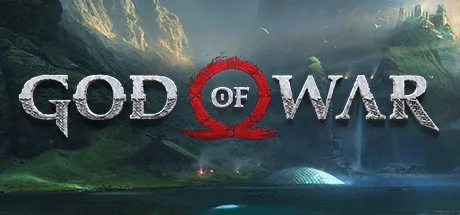
God of War follows Kratos and his son Atreus on a journey through a world based on Norse mythology. Kratos fights with an axe he can throw and call back, while Atreus helps with his bow. The journey mixes combat with puzzles and a story about their relationship.
Key Features
A throwable axe, shield blocks, and close-range attacks
Help from Atreus during fights and puzzles
Optional areas with equipment, challenges, and side stories
Why We Chose It
A strong choice if you want action with a story that gets time to develop. Puzzles and conversations give you breaks between fights.
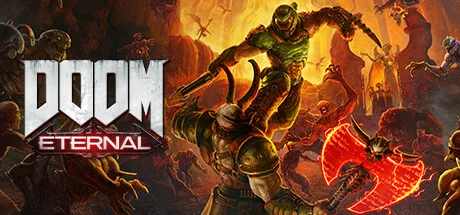
Doom Eternal is a shooter built around staying on the move. You fight demons while jumping between platforms, dodging attacks, and switching weapons. Different attacks give you health, armor, or ammunition, so surviving means doing more than firing at the nearest enemy.
Key Features
Weapons suited to different enemies and weak points
Dashes, double jumps, and a shotgun hook for moving around fights
Ways to recover health, armor, and ammunition during combat
Why We Chose It
Choose Doom Eternal if you want busy fights that demand your attention. You are constantly deciding where to move, which weapon to use, and what supplies you need next.
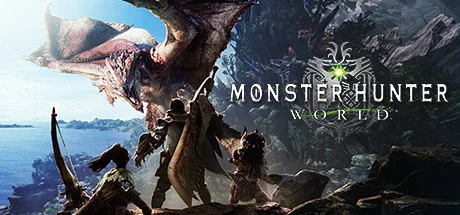
Monster Hunter: World is about tracking large creatures and learning how to fight them. You collect materials from hunts to make weapons and armor, then use that equipment against tougher monsters. You can hunt alone or join other players.
Key Features
14 weapon types, from large swords to bows
Equipment made from materials collected during hunts
Hunts for up to four players
Why We Chose It
This is for players who enjoy getting better at a game over time. Learning a monster’s habits and choosing the right equipment are as much a part of the hunt as the fighting.
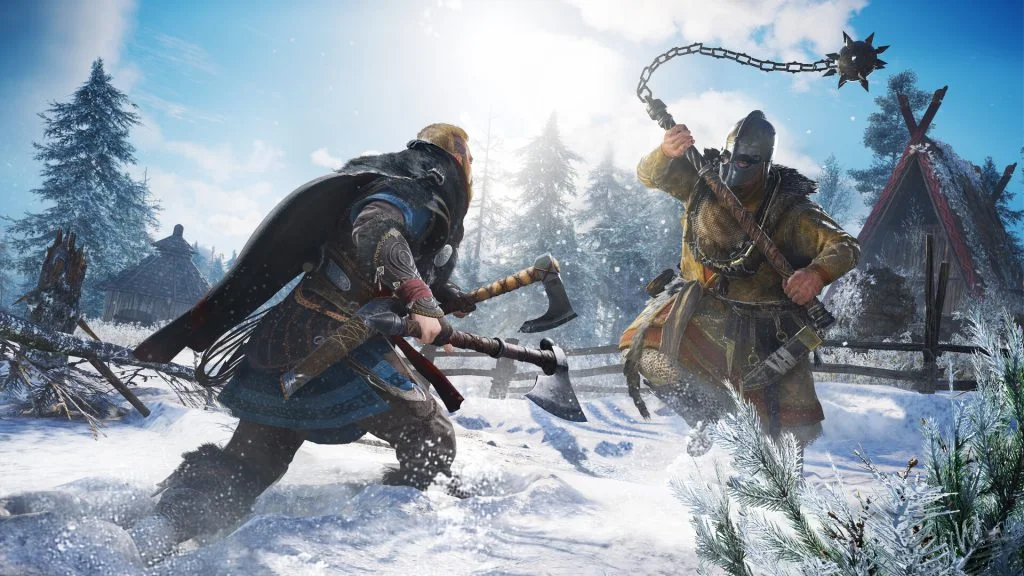
In Assassin’s Creed Valhalla, you play as Eivor, a Viking building a new home in England. You lead raids, make alliances, and take on story missions across the countryside. Combat lets you use axes, shields, bows, and other weapons, with stealth as another option.
Key Features
Raids that provide supplies for your settlement
Different weapon combinations for close-range fighting
A large map with story missions and optional activities
Why We Chose It
Valhalla suits players who want a long adventure with plenty to do between fights. Building your settlement gives the raids a purpose beyond collecting more equipment.
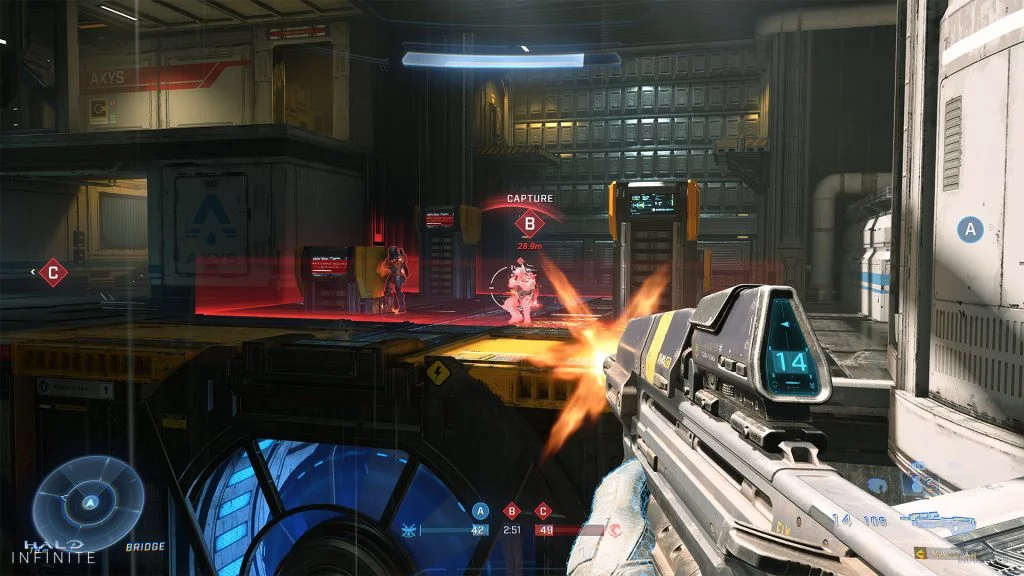
Halo Infinite offers a story campaign starring Master Chief and a separate multiplayer mode. In the campaign, you move around Zeta Halo, attack enemy bases, and use a grappling hook to reach ledges or close the distance in fights. Multiplayer focuses on team matches with guns, vehicles, and shared objectives.
Key Features
A campaign with a grappling hook for movement and combat
Free-to-play multiplayer, with campaign access sold separately
Team modes with weapons, vehicles, and objectives to learn
Why We Chose It
Halo is worth a look if you like team shooters with more than one way to help. Driving a vehicle or playing the objective can matter just as much as your aim.
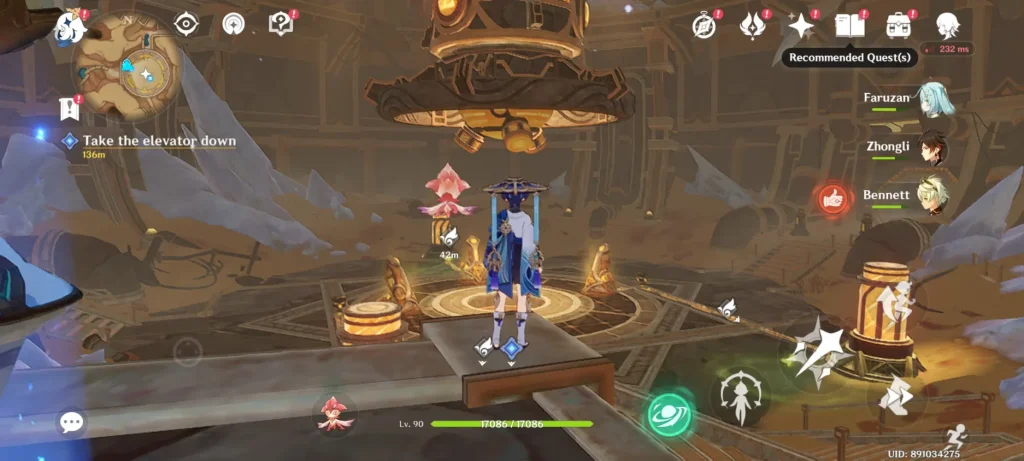
Genshin Impact is a free-to-play adventure where you travel through Teyvat with a team of characters. You switch between them during fights and combine powers such as fire, water, and electricity. Outside combat, there are quests, puzzles, and materials to collect.
Key Features
A team of four characters you can switch between during combat
Elemental powers that react with each other
Story quests, puzzles, and bosses across different regions
Why We Chose It
A good option if you enjoy building a team and finding powers that work together. Some characters and weapons come through a chance-based system with optional spending, so keep that in mind before you start.
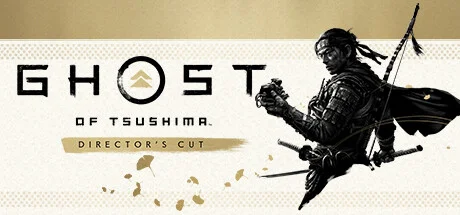
Ghost of Tsushima follows Jin Sakai as he fights to protect his home from an invasion. You can face enemies with your sword or use stealth, a bow, and distractions. Between battles, you ride across the island and help people affected by the war.
Key Features
Four sword fighting styles for different enemy types
A choice of direct combat or stealth in many encounters
Wind that guides you toward your selected destination
Why We Chose It
Choose this if you want sword fights with room to plan your approach. You can challenge enemies openly or thin out a camp before anyone spots you.
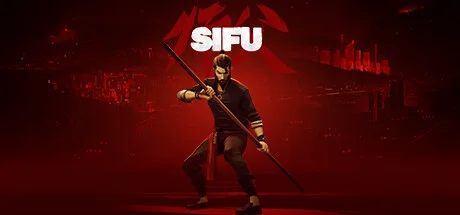
Sifu follows a martial artist hunting the people who killed their family. You fight through clubs, streets, and other crowded spaces using punches, kicks, throws, and nearby objects. Each time you come back after a defeat, your character gets older, changing how much punishment you can take and the damage you deal.
Key Features
Dodges, blocks, and counters that rely on timing
Objects and weapons you can use during fights
An aging system that makes repeated defeats matter
Why We Chose It
Sifu is for players who enjoy practicing until a difficult section becomes manageable. Learning to avoid an attack and respond at the right moment is central to the game.
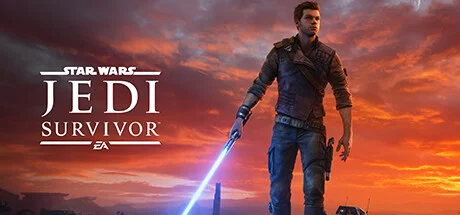
Star Wars Jedi: Survivor continues Cal Kestis’s story as he fights the Empire. You use a lightsaber and Force powers in battles, then climb, jump, and solve puzzles to reach new areas. Different lightsaber styles let you change how you handle enemies.
Key Features
Five lightsaber fighting styles
Force powers for moving enemies and objects
Areas you can return to after learning new abilities
Why We Chose It
A good fit for Star Wars fans who want more than a string of fights. The story, puzzles, and hidden routes give you other reasons to keep going.
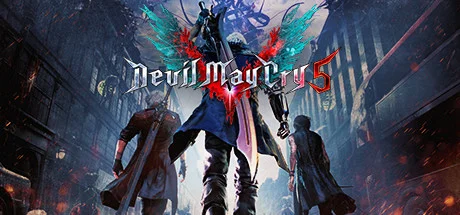
Devil May Cry 5 follows Dante, Nero, and V as they fight a demon invasion. Each character handles combat differently, from swords and guns to creatures that fight on your behalf. The game scores how well you vary your attacks and keep them going without getting hit.
Key Features
Three main playable characters with different attacks
Nero’s mechanical arms and Dante’s weapon changes
Combat scores that reward varied attacks and avoiding damage
Why We Chose It
Pick this if you enjoy learning new attacks and putting them together. Replaying a fight to improve your score is a large part of the appeal.
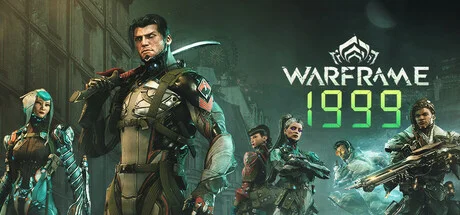
Warframe is a free-to-play action game where you use powered suits with different abilities. Missions mix shooting, close-range fighting, and quick movement through enemy areas. You collect materials to make more equipment and can team up with other players.
Key Features
Warframes with different abilities and roles
Sliding, wall movement, and long jumps during missions
Weapons and equipment to build and improve
Why We Chose It
Warframe suits players who like collecting equipment and working toward upgrades. There is a lot to learn, and getting some items takes repeated missions or waiting for crafting to finish.
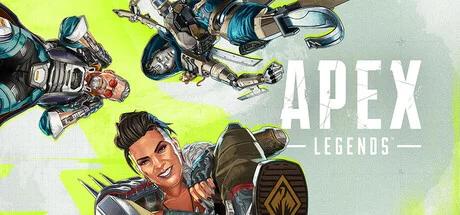
Apex Legends is a shooter where teams compete to be the last squad alive. You choose a character with specific abilities, collect equipment, and move as the safe area gets smaller. Staying close enough to help your teammates can make the difference between escaping a fight and losing the match.
Key Features
Characters with abilities for attack, defense, or team support
Sliding, climbing, and ziplines for moving around the map
A marker system for pointing out enemies and items without speaking
Why We Chose It
Worth trying if you want a shooter built around working with a team. Character abilities give you ways to help beyond landing shots, though the pace can take time to get used to.
Last-Player-StandingSolo or Team PlayBuilding Optional
Fortnite’s Battle Royale mode drops you onto an island to collect weapons and try to outlast the other players. You can play alone or with friends. The standard mode lets you build cover, while Zero Build removes that part so you can focus on shooting and movement.
Key Features
A choice between building modes and Zero Build
Solo and team matches
Weapons, locations, and events that change with updates
Why We Chose It
Zero Build is a useful starting point if you want to learn Fortnite without learning construction at the same time. You can focus on finding cover, using weapons, and staying with your team.
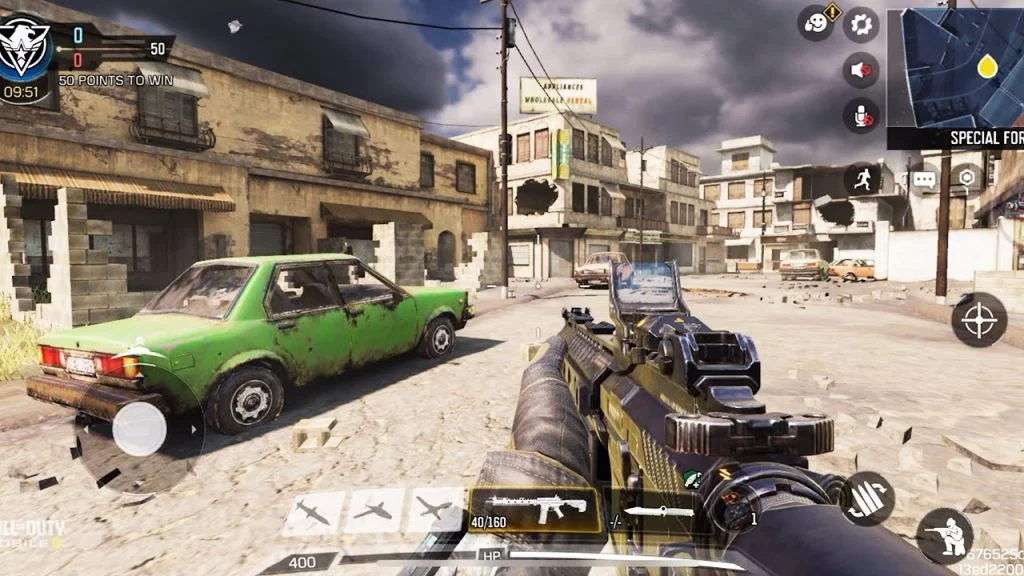
Call of Duty: Mobile brings familiar Call of Duty maps and modes to Android. You choose your weapons and equipment, then take part in team matches or battle royale. Check its Google Play listing on your laptop first, since Android availability does not guarantee Chromebook or Googlebook support.
Key Features
Team modes including Team Deathmatch and Hardpoint
Weapon attachments that change aiming, recoil, and handling
A separate battle royale mode
Why We Chose It
An option for players who prefer smaller maps and clear team objectives. Before downloading, check device compatibility and how the game handles the controls you want to use.
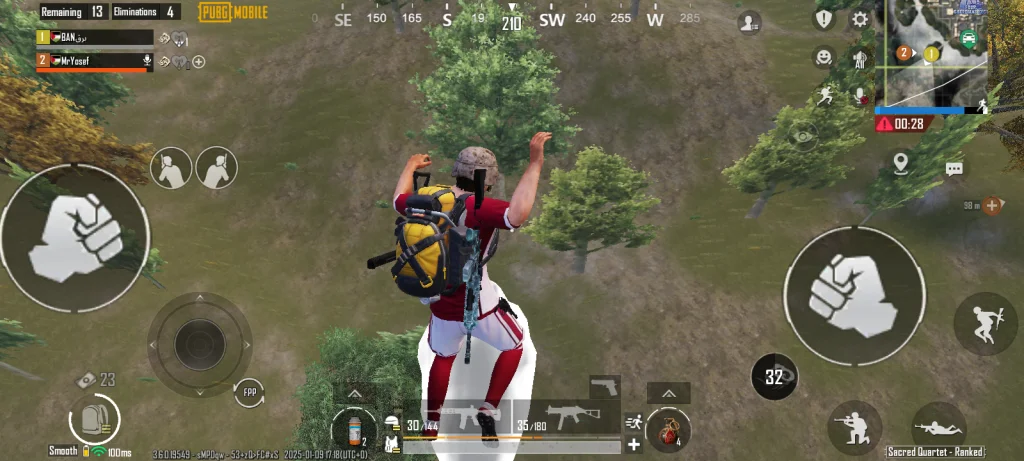
PUBG Mobile starts with a parachute drop and a search for weapons, armor, and supplies. You move between buildings and open ground while the safe area shrinks. Choosing when to fight and when to stay out of sight is a large part of surviving.
Key Features
Solo and team survival matches
Vehicles for covering ground and reaching the safe area
Weapons that differ in range, recoil, and attachments
Why We Chose It
PUBG Mobile suits players who like planning a route and choosing their fights. Check the Google Play listing on your device before relying on it as a laptop gaming option, including whether the available controls suit you.
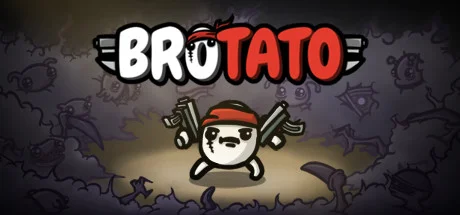
Brotato puts you in control of a potato carrying up to six weapons. You dodge waves of aliens, collect materials, and buy upgrades between rounds. Weapons fire automatically by default, leaving you to focus on movement and choosing what to buy next.
Key Features
Up to six weapons equipped at once
Characters with different strengths and limits
A shop between waves for weapons, items, and upgrades
Why We Chose It
A good choice when you want a game with little setup or story to follow. The main decisions are easy to understand: where to move, which weapons to buy, and how to survive the next wave.
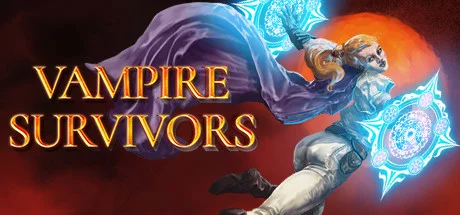
Vampire Survivors asks you to stay alive as crowds of monsters close in. Your character attacks automatically, so you move through gaps and collect gems to level up. Each level gives you a choice of weapons or upgrades that can help you last longer.
Key Features
Automatic attacks, with movement under your control
Weapon and item combinations that create stronger attacks
Characters, stages, and upgrades earned through play
Why We Chose It
This is an easy game to understand without learning lots of buttons. The challenge comes from choosing upgrades and keeping a path open as the screen fills with enemies.
How to Set Up Your Chromebook or Googlebook for Action Games
1. Use a stable internet connection:
For cloud gaming, try an Ethernet cable or 5 GHz Wi-Fi near your router. Run the service’s connection test if it has one. If the picture breaks up or controls feel delayed, lower the streaming quality and test again.
2. Adjust your mouse controls:
For shooters, start with a mouse and keyboard if the game supports them. Adjust aiming sensitivity in the game. If your device offers mouse acceleration, try turning it off so pointer movement is less affected by how quickly you move the mouse.
3. Connect a controller if you prefer one:
Check the game or cloud service’s supported controller list first. For Bluetooth, put your controller into pairing mode, open your laptop’s Bluetooth settings, and select it. You can also use a USB connection with a compatible controller. Test the buttons before starting a match.
4. Close unused apps and pause downloads:
Close apps and tabs you do not need. Pause large downloads and uploads, especially when using cloud gaming, so they do not compete for your internet connection.
Can I play my existing Steam games on Boosteroid? +
Yes, if Boosteroid supports the game and the store version you own. A game being in your Steam library is not enough on its own. Check Boosteroid’s game list, then sign in with the relevant store account. A Boosteroid subscription is separate from buying the game.
Which action game should I try first? +
Try Black Myth: Wukong if you want difficult single-player boss fights, Counter-Strike 2 if you prefer competitive team matches, or Dead Cells if you like 2D action. For simple controls, consider Vampire Survivors. Choose a game that supports your device and the way you want to play.
How do you play PC action games on a Chromebook or Googlebook? +
Use a cloud gaming service that supports both your device and the game, such as Boosteroid, Xbox Cloud Gaming, or GeForce NOW. Check the game list and account requirements, sign in through a supported browser, and launch the game. You may need to buy the game separately or have a qualifying subscription.
Can I play action games offline? +
Yes, if you install a compatible game that supports offline play. Downloading an Android game does not automatically mean it works without internet. Check its requirements and open it while connected first so it can finish any setup or downloads. Cloud gaming always needs an internet connection.
Do I need a controller to play? +
It depends on the game and service. A mouse and keyboard suit shooters such as Counter-Strike 2, while you may prefer a controller for Spider-Man or Dead Cells. Some Android games rely on touch controls. Check support for your chosen controls before installing a game or paying for a service.

 by
Joseph Vance
Post Updated: September 5, 2026
by
Joseph Vance
Post Updated: September 5, 2026