What is a Chromebook? The 2026 Beginner’s Guide
 by
Juniya Sankara
Post Updated: January 7, 2026
by
Juniya Sankara
Post Updated: January 7, 2026
The Summary
A Chromebook is a fast, secure laptop that runs Google’s ChromeOS instead of Windows or macOS. Unlike the old days, modern Chromebooks can run powerful software like Photoshop (web), AAA PC Games (via Cloud), and Gemini AI. They are virus-free, update automatically, and battery life usually lasts all day.
So you want to know what a Chromebook is? Today, the answer is very different than it was ten years ago. It is no longer just a “cheap laptop for schools.” It is a serious computer that powers businesses, creatives, and gamers.
💡 Already know you want one? Check our Top Picks:
The Big Difference: ChromeOS
Most laptops run Windows (by Microsoft) or macOS (by Apple). Chromebooks run ChromeOS, a lightweight operating system built by Google.
Because the operating system is so light, it doesn’t get bogged down over time. A Chromebook you buy today will run just as fast three years from now, something Windows laptops rarely achieve.
New Standard: “Chromebook Plus”
When shopping, you will now see two types of devices. It is vital to know the difference:
- Standard Chromebook: Great for basic web browsing, Netflix, and kids. Affordable ($200-$350).
- Chromebook Plus: A new performance standard. These MUST have faster processors (Core i3 or better), 8GB+ RAM, and clearer webcams. They also get exclusive Gemini AI features like “Help me Write” and “Magic Editor” for photos.
Chromebook vs. Windows vs. Mac
Which one fits your life?
| Feature | Chromebook | Windows 11 | MacBook |
|---|---|---|---|
| Price | $200 – $800 | $400 – $2,000+ | $999+ |
| Viruses | None (Sandbox) | Requires Antivirus | Rare |
| Gaming | Cloud + Mobile Apps | Excellent (Native) | Okay |
| AI Features | Gemini Built-in | Copilot | Apple Intelligence |
What can it actually do?
The biggest myth is “Chromebooks can’t do real work.” That is false. Here is what you can do:
📱 Run Android Apps
Just like your phone, you can install millions of apps from the Google Play Store. TikTok, Instagram, CapCut, and Roblox run natively.
🎮 Play AAA Games
Using GeForce Now, Xbox Cloud Gaming or Boosteroid, you can play Call of Duty or Cyberpunk on a Chromebook via the cloud. No downloads required.
🤖 Use AI Tools
Chromebooks are now the best interface for Google’s Gemini AI. You can summarize documents, generate images, and rewrite emails with one click.
Recommended Specs
Don’t buy a potato. If you are buying a Chromebook today, these are the minimum specs you should look for to ensure it lasts you 5+ years:
- RAM: 8GB (Do not buy 4GB anymore).
- Storage: 128GB SSD (Avoid 64GB eMMC if possible).
- Screen: Full HD (1920×1080) Touchscreen.
- Processor: Intel Core i3 (N-series) or MediaTek Kompanio 800+.
(We compare deals daily)
Common Questions
What can I actually do on it?
You can do almost everything you do on a normal laptop. You can get productive with Microsoft Office, edit photos in Adobe Lightroom, watch Netflix, or play your favorite mobile games.
Are they safe from viruses?
Yes. Every Chromebook comes with built in security. You do not need to buy antivirus software because it updates itself automatically in the background to keep you safe.
Can I use Microsoft Word and Excel?
Yes. Chromebooks work with Microsoft Office. You can use Word, Excel, and PowerPoint directly on the web. You can also use Google Docs and Sheets which are free and built right in.
Can I play games on it?
Yes. You can play mobile games like Clash of Clans from the Google Play Store. For big games like Cyberpunk 2077 or Assassin’s Creed, you can stream them using services like GeForce NOW.
Can it handle real work?
All Chromebooks are fast enough for everyday tasks. If you need to do heavy multitasking, look for the “Chromebook Plus” label which means the device has extra power.
Does it work without the internet?
Yes. Even if your connection drops, you can still read emails, work on documents, check your calendar, and view saved web pages. When you get back online, everything syncs up.
Do they have enough storage?
Yes. Most models come with 32GB or 128GB of storage space. Since most of your files are stored safely in the cloud, you rarely run out of room on the laptop itself.
💡 Don’t want to buy a new computer?
You can turn your old, slow Windows laptop into a Chromebook for free. Read our ChromeOS Flex Guide here.
See it in action
Words are fine, but seeing is believing. Watch this guide to see the new interface.
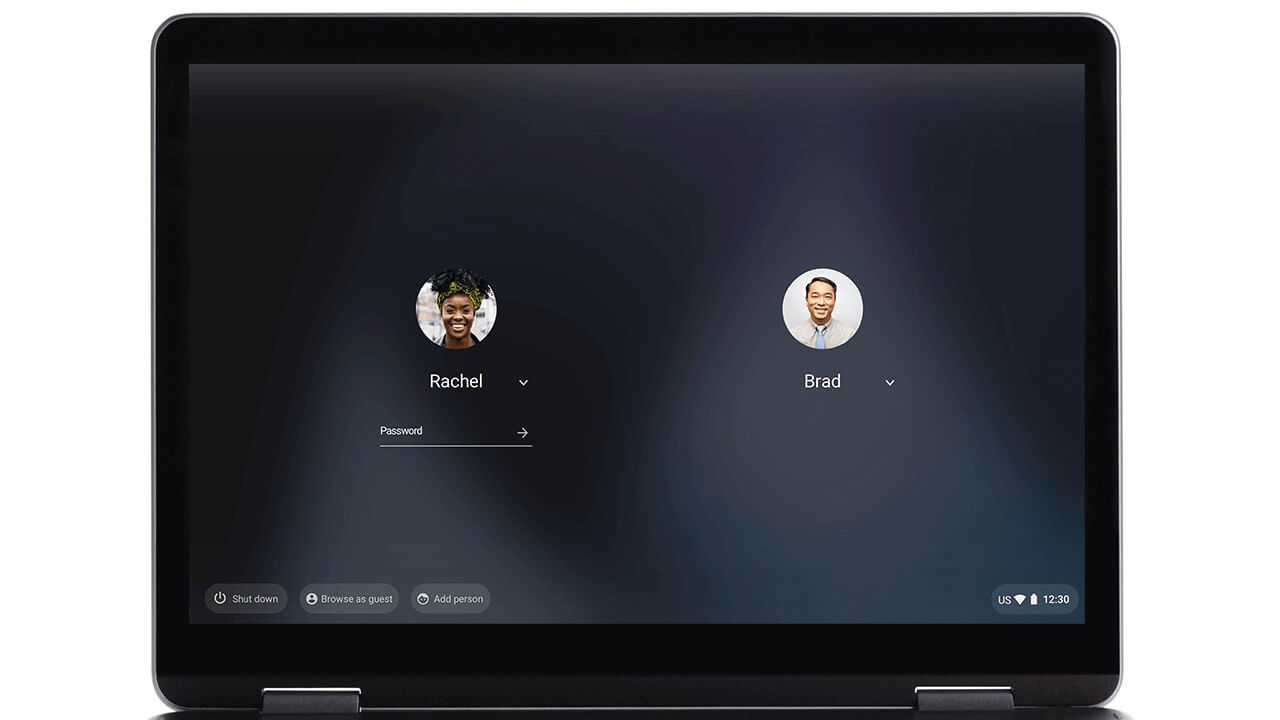
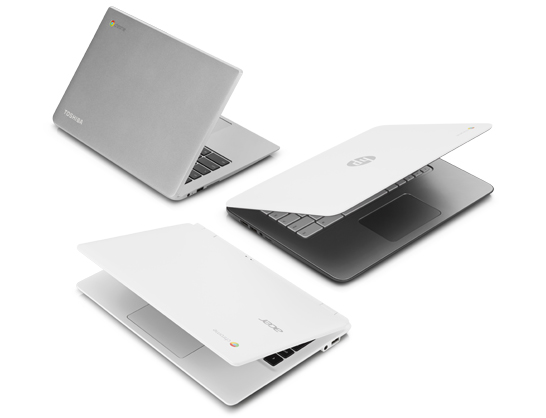
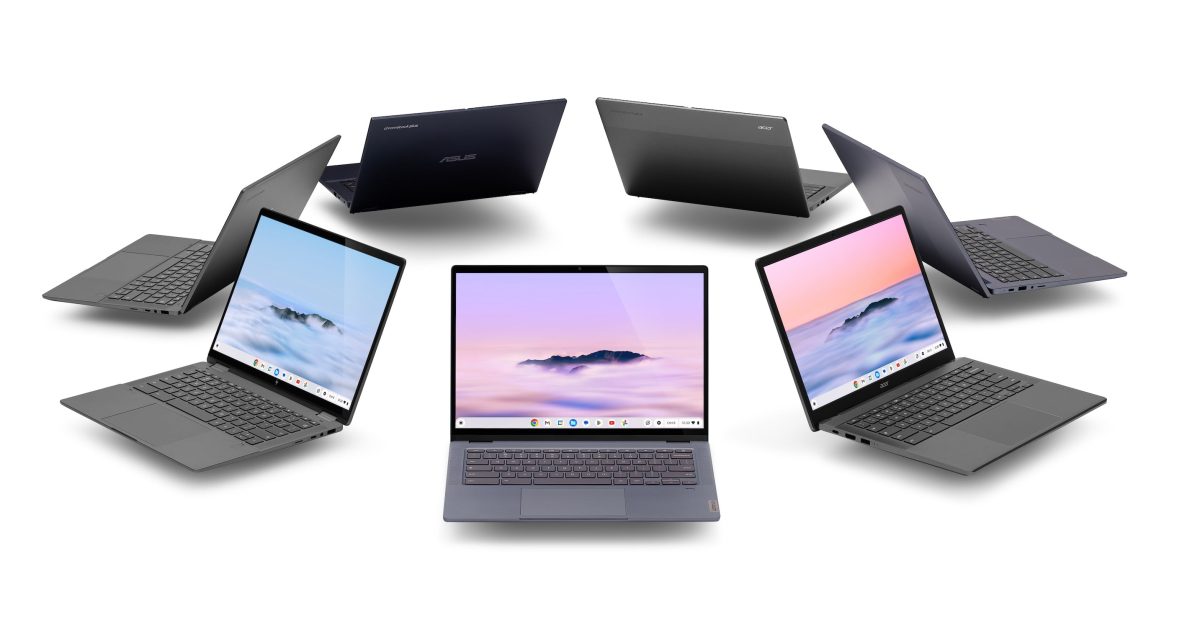
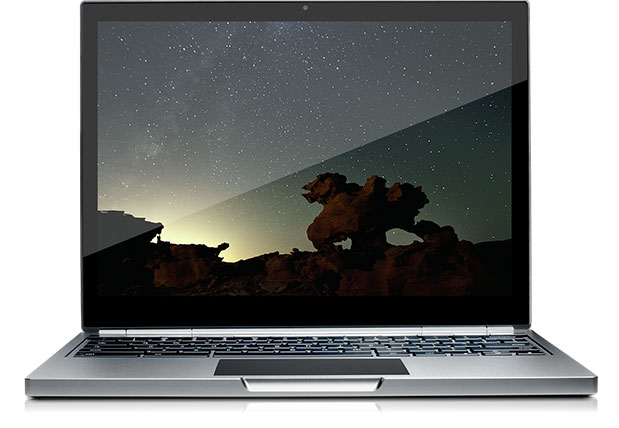
Photo: What does a Chromebook look like?
From tablets to 17-inch laptops, they come in all shapes.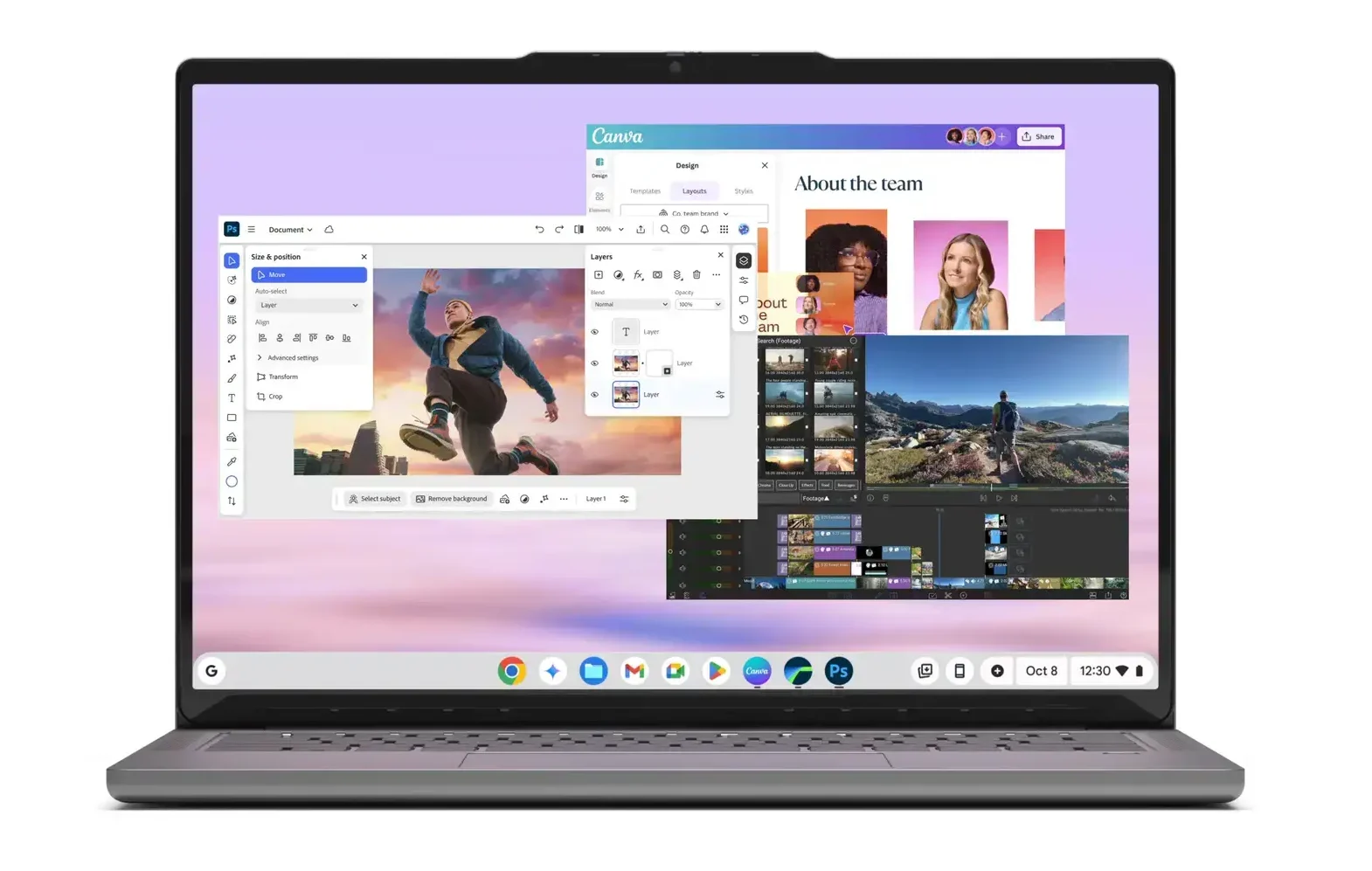
Find out more about Google products: What is Google Streamer 4K? and What is Google TV?
Discover more from Chrome Geek
Subscribe to get the latest posts sent to your email.