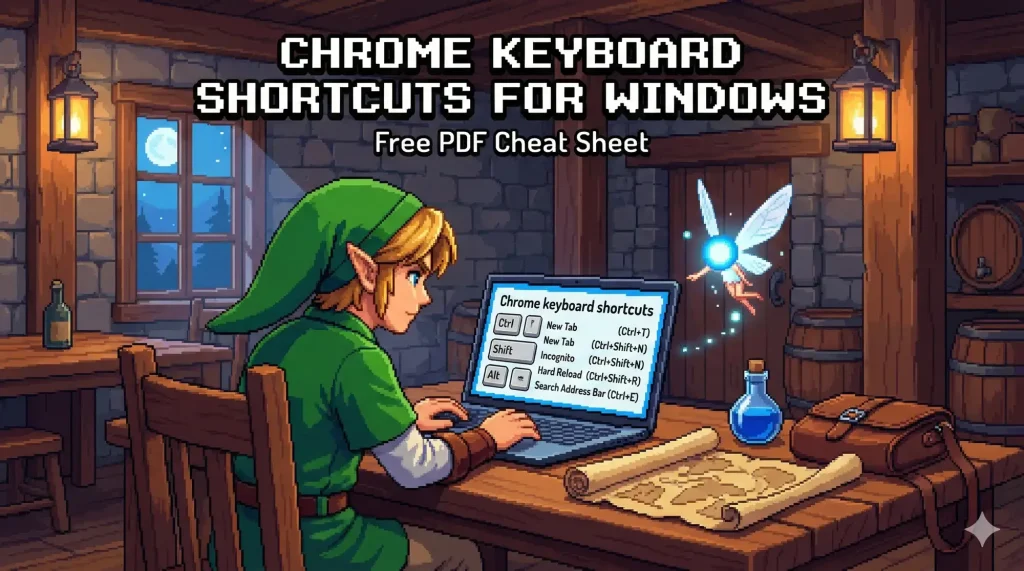
Windows Chrome Keyboard Shortcuts [Free PDF Cheat Sheet]
 by
Gloria Brown
Post Updated: January 15, 2026
by
Gloria Brown
Post Updated: January 15, 2026
Looking to browse smarter on Chrome for Windows? Whether you’re clearing your cache, managing dozens of tabs, or zooming in on text, these shortcuts will save you clicks.
In 2026, mastering keys like Ctrl + Shift + T (reopen closed tab) and Ctrl + Shift + V (paste plain text) is essential for anyone working in a browser. This guide covers every essential combo.
Have a shortcut request? Contact us here or leave a comment below.
Download the Chrome Windows Shortcuts Cheat Sheet
Get the PDF Cheat Sheet
Optimized for Windows layouts (Ctrl, Alt & Shift keys).
Tab & Window Management
Stop clicking the tiny ‘x’. Manage your workspace faster with these essential keys.
| Shortcut | Action |
|---|---|
| Ctrl + T | Open New Tab. |
| Ctrl + N | Open New Window. |
| Ctrl + Shift + N | Open Incognito Window (Private Browsing). |
| Ctrl + Shift + T | Reopen Closed Tab (Up to 10 recents). |
| Ctrl + W | Close Current Tab. |
| Ctrl + Shift + W | Close Current Window. |
| Ctrl + Tab / Ctrl + PgDown | Next Tab. |
| Ctrl + Shift + Tab / Ctrl + PgUp | Previous Tab. |
| Ctrl + 1–8 | Jump to Tab #1–8. |
| Ctrl + 9 | Switch to Last Tab. |
| Ctrl + Click Link | Open in background tab. |
| Ctrl + Shift + Click Link | Open in new tab and switch to it. |
| Shift + Click Link | Open link in new window. |
Address Bar & Search
Jump to the omnibox instantly to search Google or type a URL.
| Shortcut | Action |
|---|---|
| Ctrl + L / Alt + D | Highlight URL / Address Bar. |
| Ctrl + K / Ctrl + E | Search Google from the address bar. |
| Ctrl + Enter | Add www. and .com to input. |
| Alt + Enter | Open URL/Search in a new tab. |
| Ctrl + Backspace | Delete previous word (Fast edit). |
Webpage Actions
| Shortcut | Action |
|---|---|
| Ctrl + R / F5 | Reload Page. |
| Ctrl + Shift + R | Hard Reload (Ignores cache). |
| Ctrl + F | Find on Page. |
| Ctrl + G / F3 | Find Next match. |
| Ctrl + D | Bookmark this page. |
| Ctrl + Shift + D | Bookmark All Open Tabs. |
| Ctrl + + / – | Zoom In / Out. |
| Ctrl + 0 | Reset Zoom to 100%. |
| Space / Shift + Space | Scroll Down / Up. |
| Home / End | Jump to Top / Bottom. |
Features & History
| Shortcut | Action |
|---|---|
| Ctrl + Shift + B | Toggle Bookmarks Bar. |
| Ctrl + H | Open History. |
| Ctrl + J | Open Downloads. |
| Ctrl + Shift + Delete | Clear Browsing Data (Cache/Cookies). |
| Shift + Esc | Open Chrome Task Manager. |
| Ctrl + Shift + M | Switch User Profile. |
🔗 Related Guides from ChromeGeek
- Ultimate Google Chrome Cheat Sheet
- Official Google Chrome Shortcut Help
- Mac Shortcut Guide
- Linux Shortcut Guide
- Chromebook Shortcuts
- How to Print from a Chromebook
Discover more from Chrome Geek
Subscribe to get the latest posts sent to your email.