Chromebooks in schools are breaking quickly, report calls on Google to extend lifespans
A new report titled “Chromebook Churn” from the US Public Interest Research Group Education Fund has found that the millions of Chromebooks that flooded...

The best ChromeOs Blog on the web.
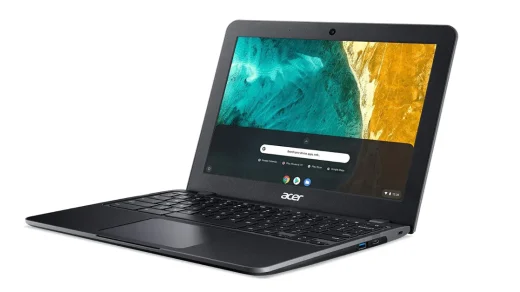
A new report titled “Chromebook Churn” from the US Public Interest Research Group Education Fund has found that the millions of Chromebooks that flooded...
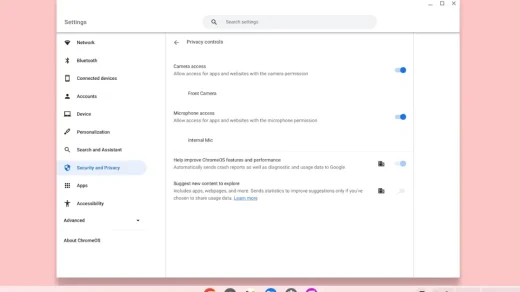
Following Android, ChromeOS is adding systemwide privacy toggles to enable/disable access to a Chromebook’s camera and microphone. more… Read the rest of the article...
![Google photos movie editor chromebook 5.jpg - New Google Photos movie editor for Chromebooks rolled out [U]](https://www.chromegeek.com/wp-content/uploads/2026/02/Google-Photos-movie-editor-Chromebook-5-520x292.jpg)
Teased last year, Google Photos is rolling out a new movie editor/creator for Chromebooks to give ChromeOS a iMovie-esque equivalent. more… Read the rest...
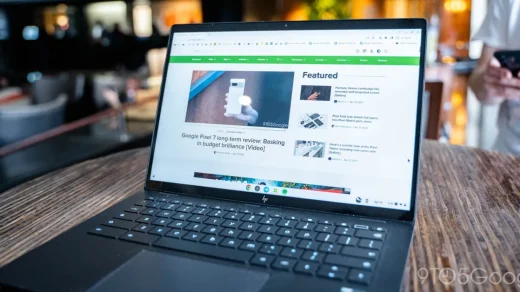
Google’s ChromeOS is improving the ability to type special characters, with support for symbols and more now available in the emoji picker. more… Read...
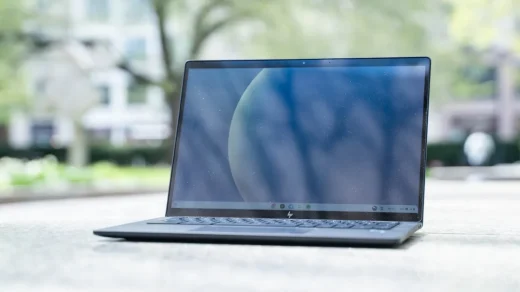
Google Tasks is a useful way to keep track of your to-do list, and soon it might be even easier to access on Chromebooks....
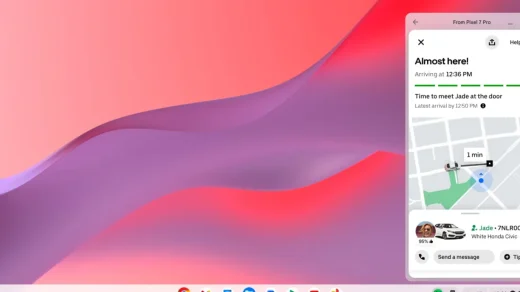
With the necessary “Cross-Device Services” component having rolled out last month, Google officially announced today that Chromebooks can stream apps from your Android phone....
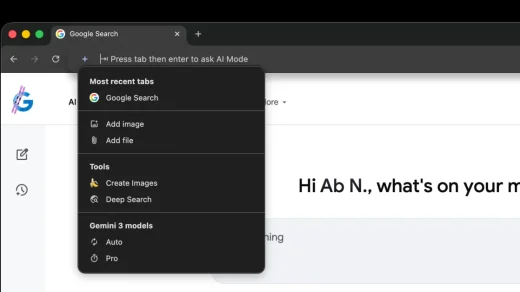
Following last month’s big Gemini in Chrome update, AI Mode in Google’s desktop browser is getting its own upgrade in the address bar. more…...
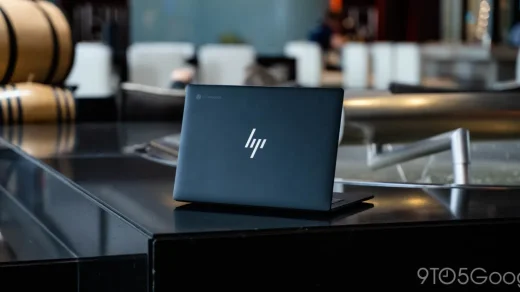
High-end Chromebooks used to be a tough product to recommend, but years of advancement in ChromeOS and the changing world of work have left...
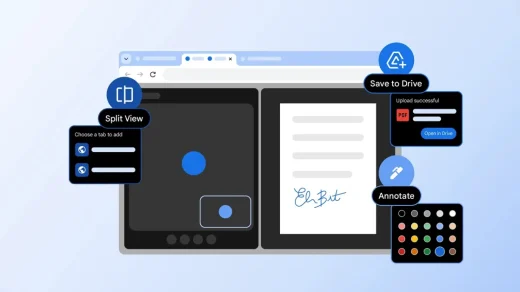
Google is officially announcing a trio of new desktop Chrome productivity features today: Split View, PDF annotation, and Save to Google Drive. more… Read...
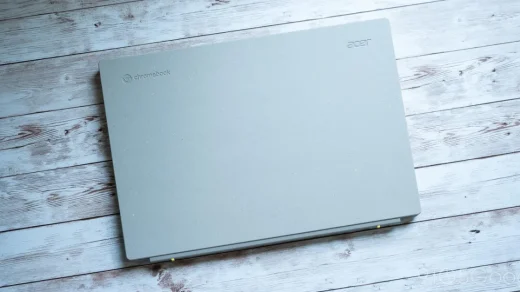
As recycling becomes a bigger and bigger part of our modern world, Acer is trying to incorporate more post-consumer recycled plastics. That’s the point...