How to customize the Google Chrome toolbar with shortcuts on Mac, Windows
Chrome 132 started rolling out this week as Google’s first major browser update of 2025, and one new feature the company is finally making...

The best ChromeOs Blog on the web.
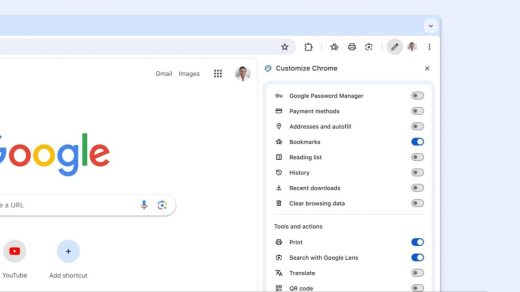
Chrome 132 started rolling out this week as Google’s first major browser update of 2025, and one new feature the company is finally making...
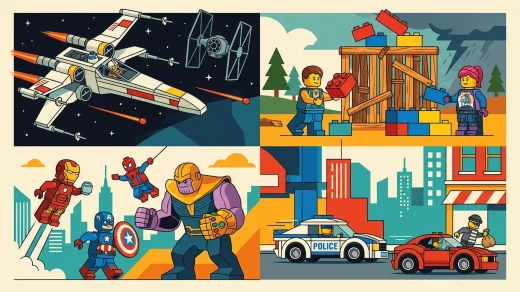
Discover the best LEGO games you can play on Chromebook today. Explore top picks for cloud streaming and Google Play, with setup tips for smooth gameplay.

Execute precise martial arts combos, trigger cinematic super moves, and challenge rivals worldwide in the top fighting games playable on Chromebook and Googlebook through cloud streaming.

Key Points Google Search and Google Maps reveal the most popular and highest‑rated national parks for travelers. The Gemini app can build detailed, shareable...
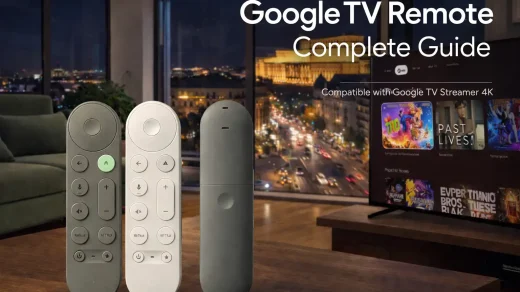
Google has finally fixed the remote. The new Google TV Streamer Voice Remote has volume buttons on the front, a ‘Find My Remote’ speaker, and a customizable star button. Here is your complete guide to mastering it, from the new button layout to the automatic update process.

Google’s official Picture-in-Picture Extension adds a reliable floating video player to Chrome. Click the toolbar button or press Alt+P (Option+P on Mac) while any video plays and it instantly pops out into a resizable, always-on-top window. Perfect for following tutorials, watching streams, or keeping an eye on meetings while you work. Free, lightweight, and works on Windows, macOS, Linux, and ChromeOS.

The official Google Arts & Culture extension turns every new Chrome tab into a mini museum visit. Each day you get a different high-resolution artwork with a subtle info link to the full story, artist bio, and virtual tours. No extra apps or clicks needed. Installs in seconds and works on any OS.
Following desktop in July, Chrome for iOS and Android’s New Tab Page now has a shortcut for AI Mode, as well as Incognito. more…...
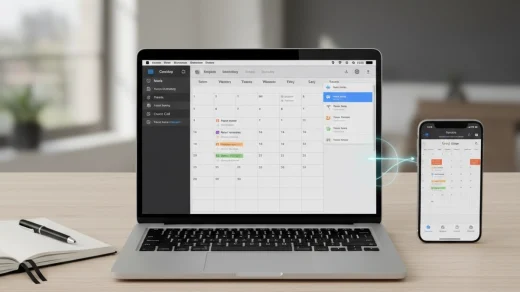
Getting your Google Calendar to sync properly with your iPhone and Mac can be frustrating, but the fix is easier than you think. This guide walks you through the exact steps to connect everything, including a crucial default calendar setting many people miss, so your events sync seamlessly across all devices.
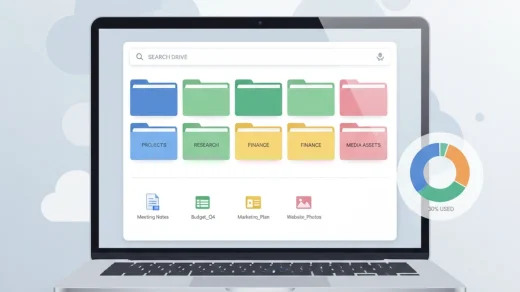
Google continues to build powerful organizational features right into Drive that are easy to miss. If your Drive has become a cluttered digital space, these six built-in tips will help you quickly find files, free up space, and visually organize your work.