Citrix Workspace on Chromebook: Install Guide & Features
Use Citrix Workspace on Chromebook! Install the extension or use the web, explore features like Teams, and work remotely on ChromeOS.

The best ChromeOs Blog on the web.

Use Citrix Workspace on Chromebook! Install the extension or use the web, explore features like Teams, and work remotely on ChromeOS.
Get Microsoft Teams on Chromebook with this guide. Install the app or access online, collaborate, troubleshoot.

Stop clicking menus. Use these time-saving Chromebook shortcuts to dock windows, reopen tabs, switch accounts, and manage your clipboard faster. Download the free cheat sheet.
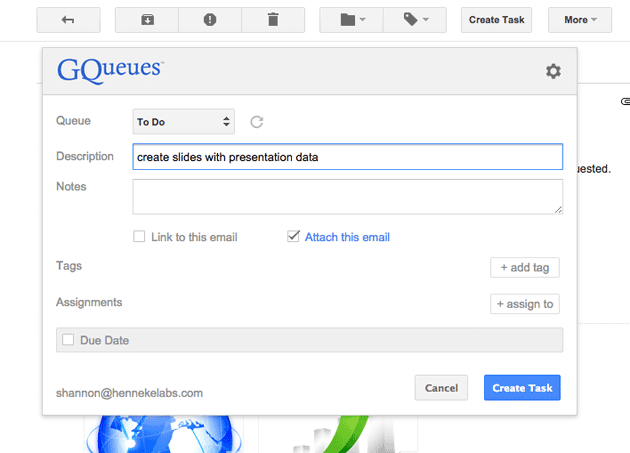
Get GQueues for Chrome and experience a fresh task manager/to do list fully integrated with Gmail, Google Calendar, Google Drive & more.
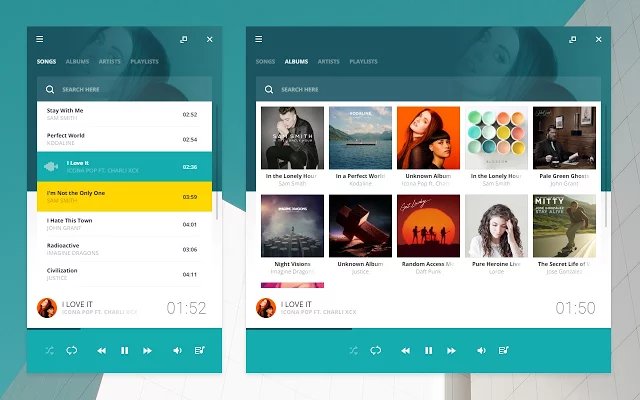
Download & Install Salmon Player app for your Chromebook or Chrome OS device for free. We have a feature list and screenshots.
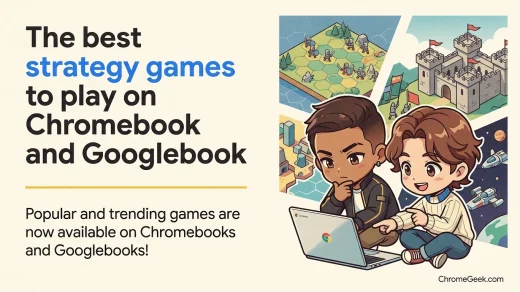
Discover the best strategy games on Chromebook, including top picks for both tactical gameplay and strategic thinking by following our guide which also includes screenshots and a features list.
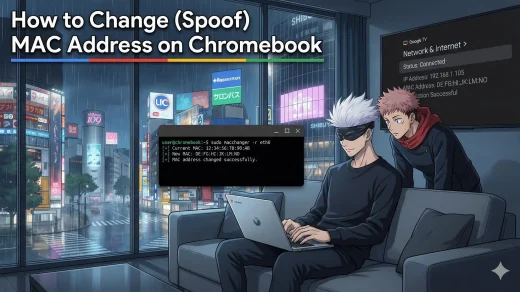
Need to bypass a Wi-Fi filter? Follow our guide to randomizing or spoofing your MAC address on any Chromebook using simple Crosh commands.
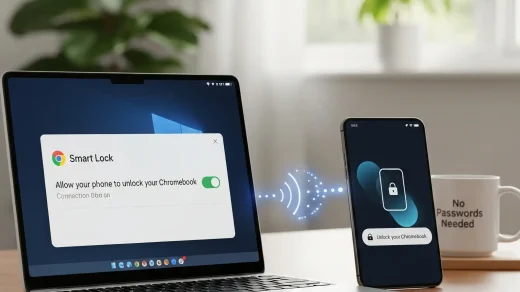
Tired of typing your password on your Chromebook? Here’s how to set up Smart Lock and use your Android device to unlock ChromeOS instantly.
A step by step tutorial on how to take a full screenshot on your Chromebook including how to record your screens.
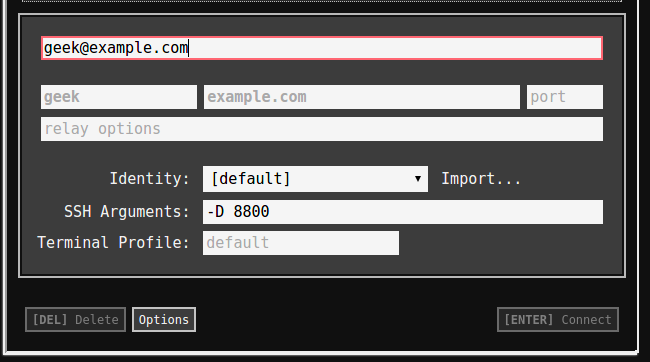
Easily learn how to turn on SSH tunneling on your Chromebook & Chromebox in our tutorial.