What Is Crosh Shell on Chromebook? Free Guide to Diagnostics
Learn how the Crosh Shell allows you to troubleshoot Wi-Fi, check battery cycles, and test hardware on any Chromebook.

The best ChromeOs Blog on the web.
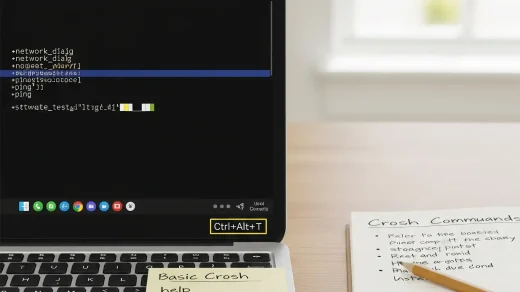
Learn how the Crosh Shell allows you to troubleshoot Wi-Fi, check battery cycles, and test hardware on any Chromebook.
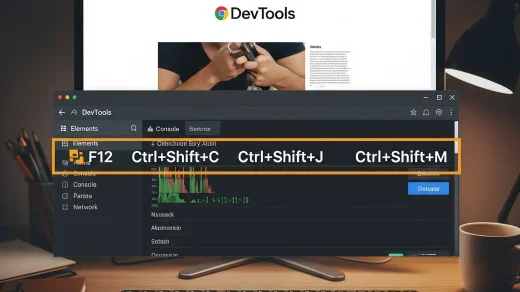
Master Chrome Developer Tools with this shortcut-packed guide. Covers inspect element, console, sources panel, and downloadable quick-reference.
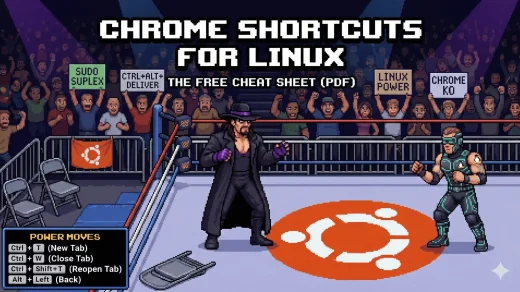
Stop clicking menus. Download our free Linux Chrome Shortcuts Cheat Sheet to master tabs, bookmarks, and instant searching on Ubuntu and Mint.
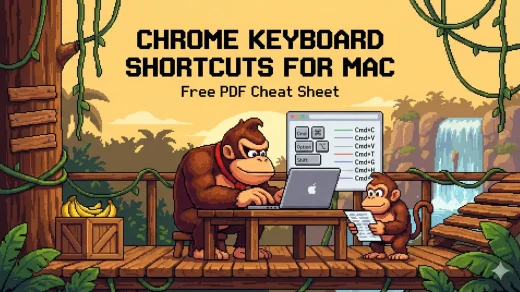
Stop clicking menus. Download our free Chrome keyboard shortcuts cheat sheet for Mac to manage tabs, bookmarks, and instant search faster on macOS.
Stop clicking menus. Download our free Windows Chrome keyboard shortcuts cheat sheet to manage tabs, bookmarks, and instant search faster on PC.
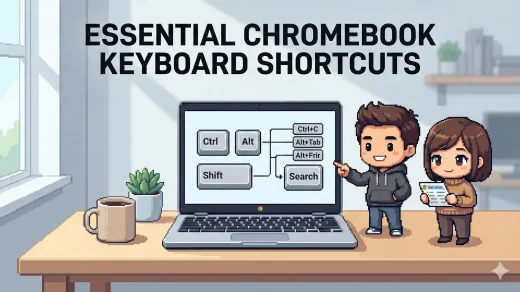
If you want to move faster on a Chromebook, keyboard shortcuts are the easiest win. This page covers the essential ChromeOS shortcuts for navigation, tabs, screenshots, and everyday productivity, plus a free cheat sheet you can download in PDF, EPUB, MOBI, and AZW3.
The Outdoor Photos by Hipcamp Chrome extension turns every new tab into a stunning outdoor scene from forests, deserts, and coastlines. No clutter, no shortcuts overlay, just a clean, professional nature photograph that changes every time you open a tab. Installs instantly from the Chrome Web Store and works on Windows, macOS, Linux, and ChromeOS. Perfect for campers, remote workers, or anyone who wants a daily dose of the outdoors while browsing.
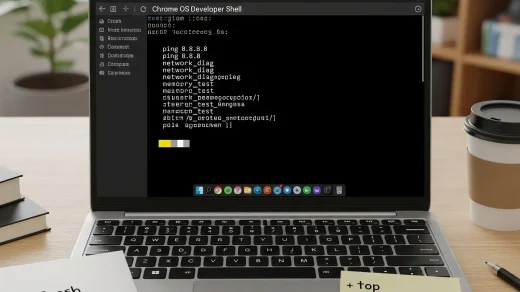
Stop guessing why your Wi-Fi is slow. Use these safe Crosh Commands to test your battery, storage, and network like a pro.