Best Free Tower Defense Games to Play in Chrome
 by
Joseph Vance
September 24, 2026
by
Joseph Vance
September 24, 2026

The best free tower defense games to play in Chrome include Cursed Treasure 2 for classic tactical gem protection, Desktop Tower Defense for foundational maze-building strategy, and Kingdom Rush for intense fantasy lane battles. They launch straight from your browser tab without desktop installations, giving you quick access to deep strategy sessions.
Our guide gives you the rest of the top tower defense games we think you need to play, including rare ones that a lot of you probably have never heard of.
Have a favorite free browser game we missed? Tell us about it, including which device and platform you use to play.
Good to know: Game availability and third-party hosting can change. Save your progress when the game supports it, and open external play pages only when you are ready to leave ChromeGeek.
Best Tower Defense Games at a Glance
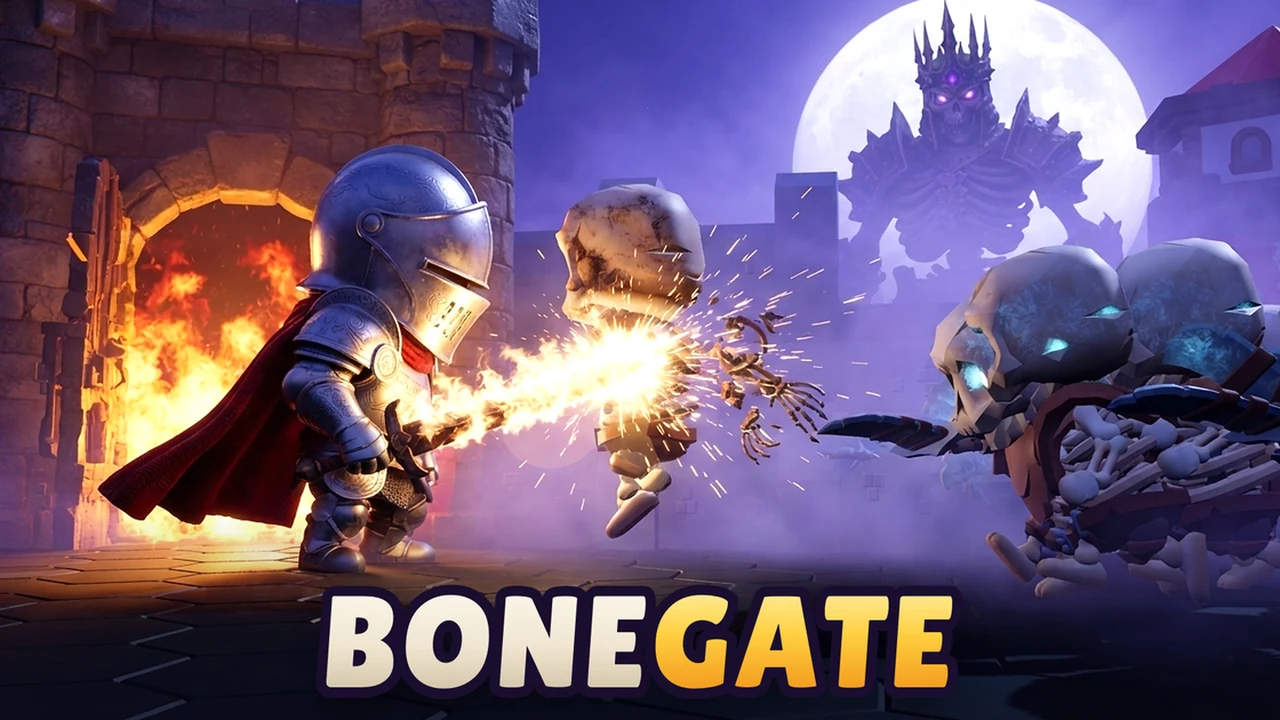
BONEGATE
Instead of just watching towers fire from the sidelines, your hero runs directly into the fight. You swing weapons, cast skills, and gather dropped gold from fallen skeletons to upgrade your boots, armor, and gate defenses before boss rounds arrive. Solo players can defend alongside friendly computer bots, or you can send an invite link to team up with up to three friends in this pre-release action defense game.
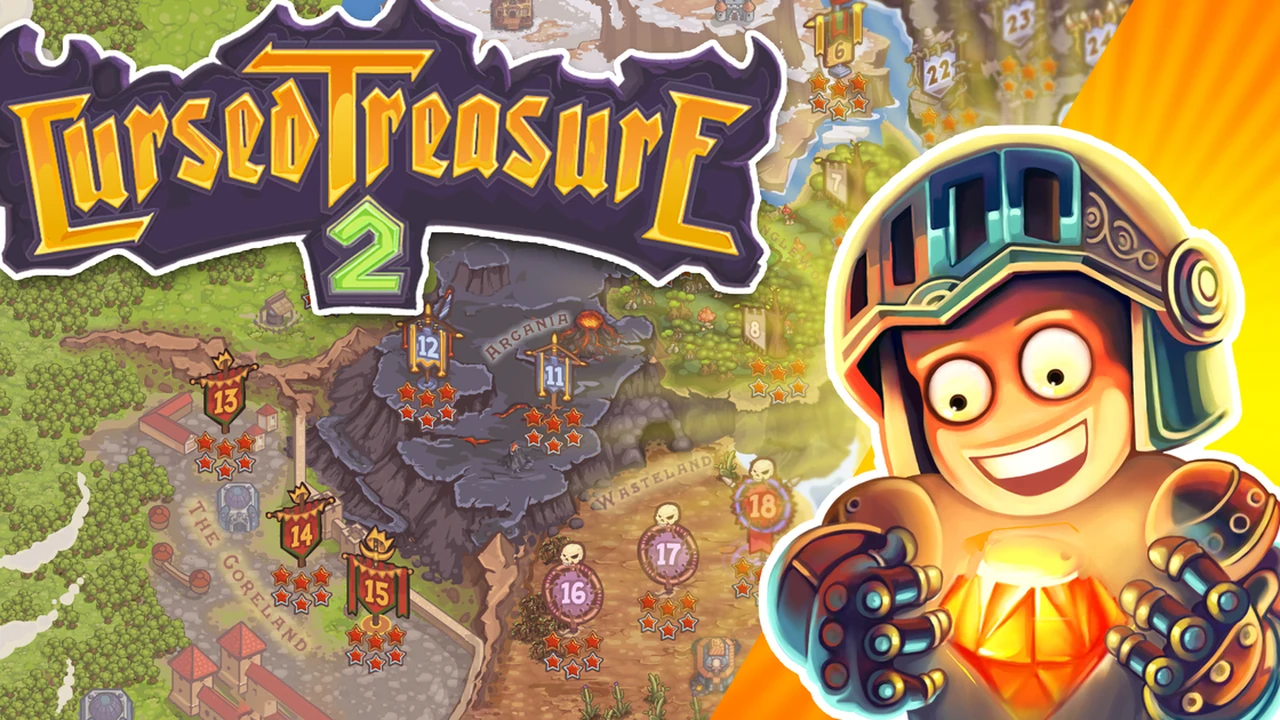
Cursed Treasure 2
You play as the dungeon lord protecting glowing gems from waves of greedy heroes and thieves. Towers are split into three types—Den, Crypt, and Temple—and each can only be built on matching ground like grass, snow, or rock. With over 21 levels, powerful mana spells, and steady upgrades across this polished HTML5 remaster, it rewards smart placement before enemies reach your gem cave.
Kingdom Rush
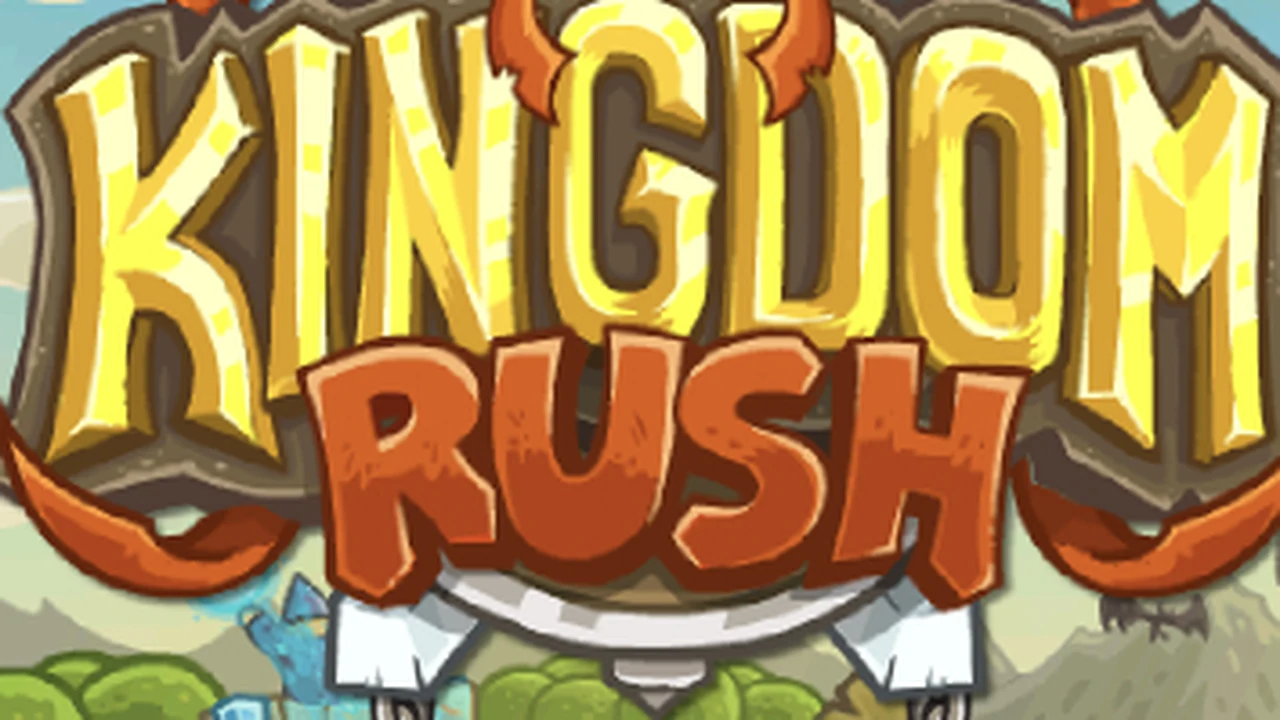
A classic kingdom defense game where you protect roads against goblins, bandits, and monsters using archers, mages, artillery, and soldier barracks. Its best feature is sending foot soldiers right onto the path to block enemies with their shields while your ranged towers shoot them down. Running through modern browser emulation via Ruffle, it gives you full access to classic hero abilities, backup militias, and meteor strikes.
Bloons Tower Defense 4
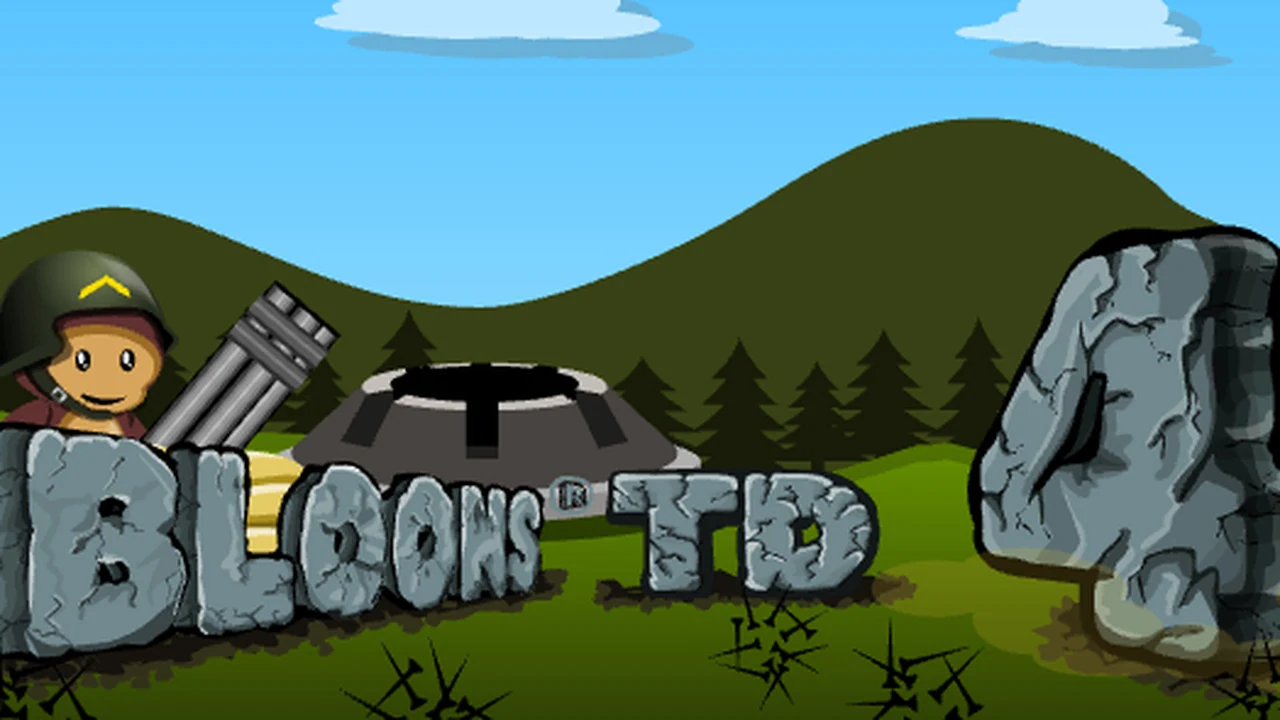
Your goal is simple: pop every wave of colorful balloons before they reach the end of the track. You place monkey towers—including dart throwers, tack shooters, mortars, and super monkeys—that pop different balloon types. Delivered smoothly via Ruffle emulation, it features nine tracks, three difficulty levels, and bonus modes like Sandbox and endless Apopalypse to try out different monkey setups.
Desktop Tower Defense
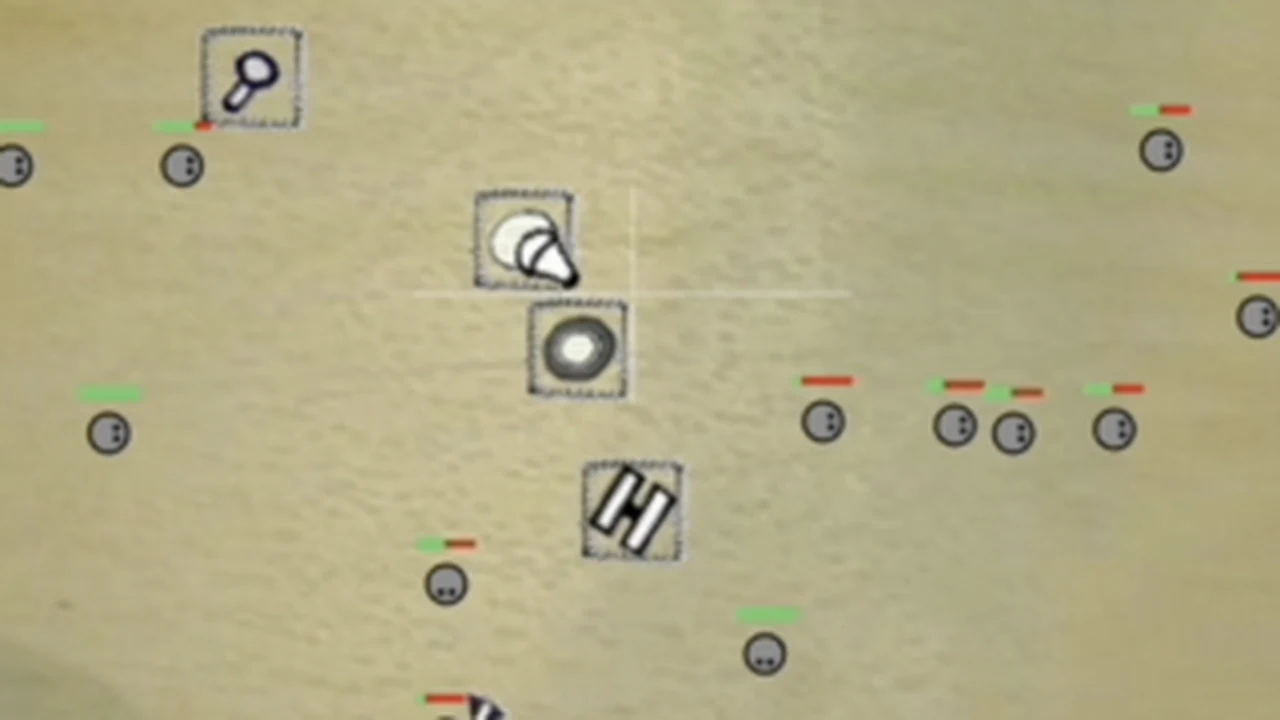
Instead of enemies walking down a fixed road, they walk across an open notepad. Every pellet and dart tower you place acts like a wall, allowing you to build your own winding maze so enemies take longer to cross the screen. Running through browser emulation on CrazyGames, it keeps the original open-grid maze strategy fast, simple, and satisfying.
Mage Castle Idle Defense
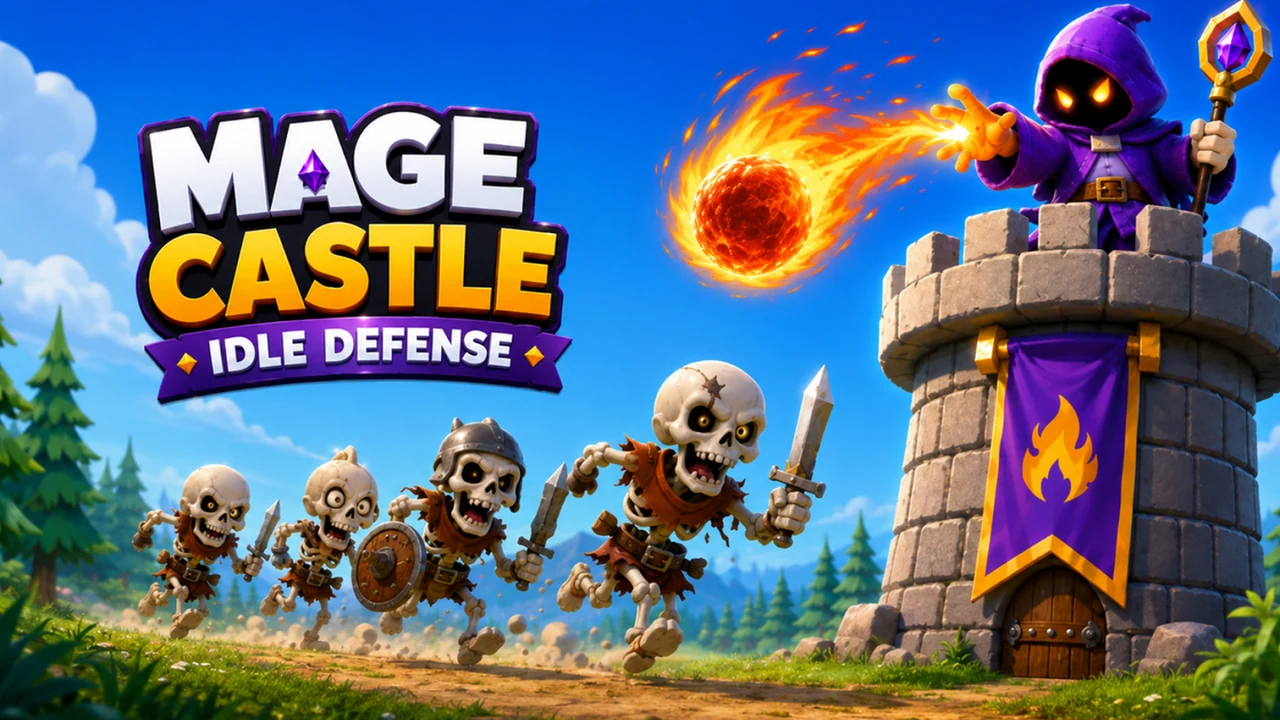
A wizard stands at the top of a stone tower, blasting incoming monsters with fire, ice, and lightning spells. You spend gold earned from every defeated wave to boost your attack speed, unlock magical runes, and learn stronger spells. Because it has idle progress, your tower keeps gathering gold even when you step away from the browser for a while.

AOD – Art Of Defense
Set in a ruined wasteland, you protect your base using military outposts, tanks, and armed trucks rather than fantasy towers. You also command hero leaders who have special abilities you can trigger during tough battles. A long story campaign and card-style equipment upgrades give you lots of ways to power up your units between stages.
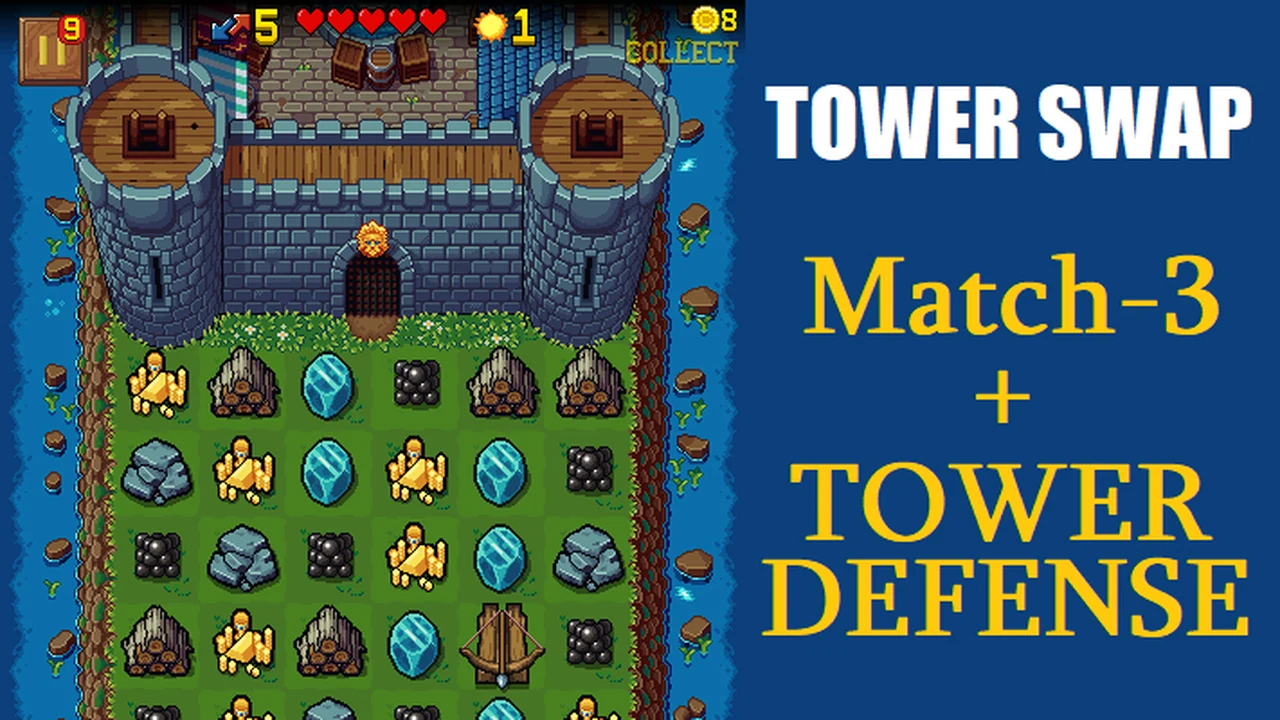
Tower Swap
A clever mix of matching puzzles and castle defense. You get a set number of tile swaps to slide wood, stone, and iron together on a grid. Lining up three matching items builds walls, arrow towers, or cannons to fight off incoming dragon attacks. Merging items creates stronger weapons, but leaves open gaps on your board, making every move a careful choice.
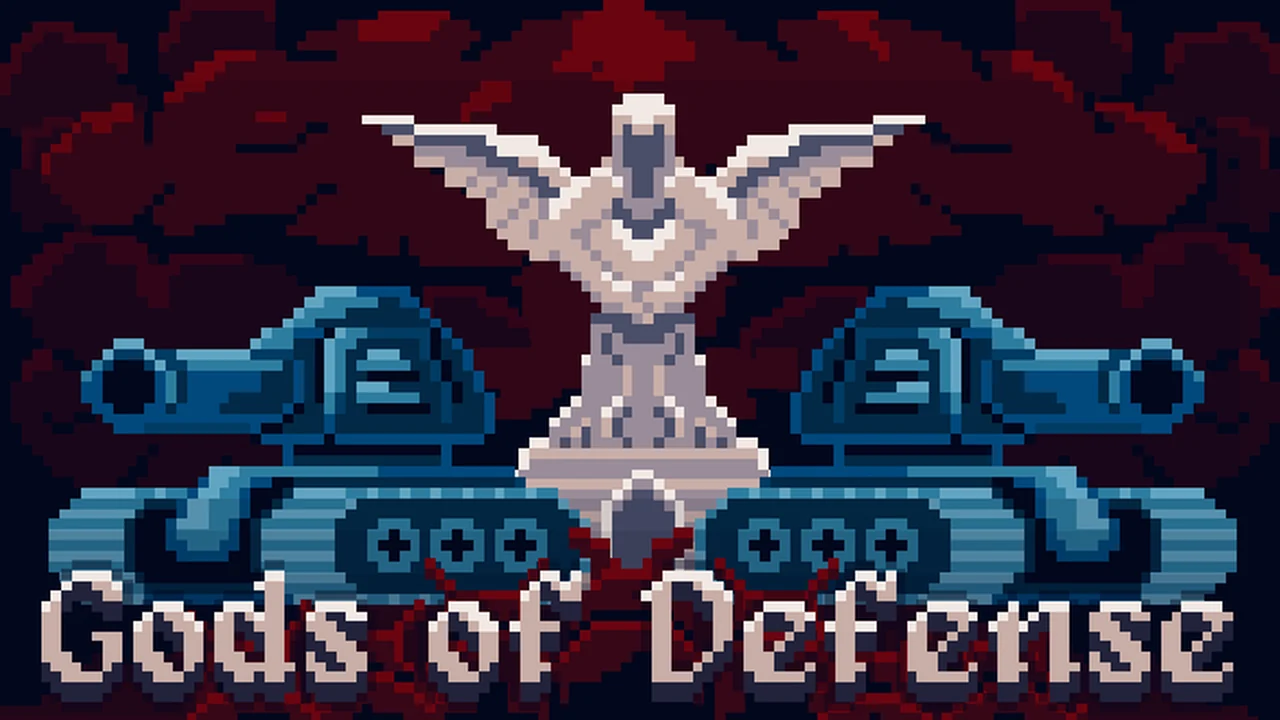
Gods of Defense
You protect a temple standing in the center of a dark forest. As your towers defeat waves of shadowy monsters, the fog clears and pushes the enemy gates farther away. Between rounds, you pick divine blessings that give you new tower types, damage buffs, or speed boosts, making each attempt play out a little differently.
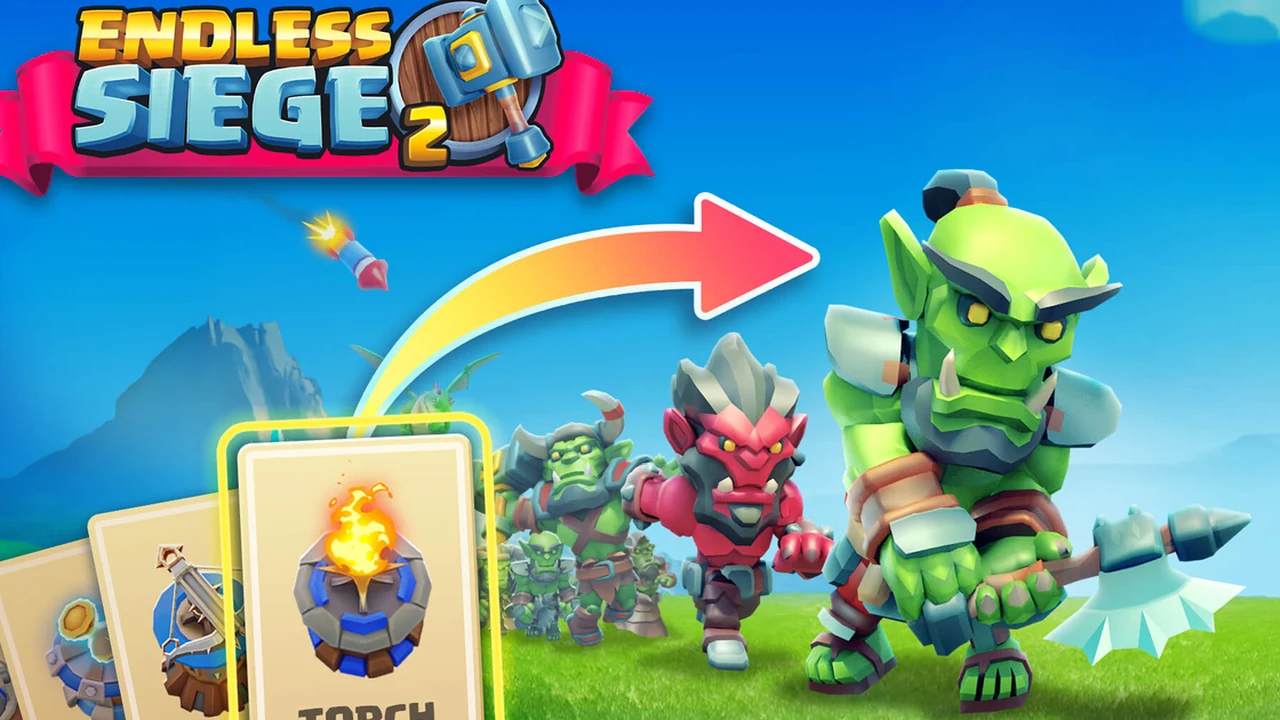
Endless Siege 2
Instead of choosing any tower from a fixed menu, your options come from a shuffled deck of cards. You draw cards, spend gold to build ballistas or laser towers at key corners, and try to survive as long as possible. The map layout changes every day, so you cannot rely on the same build order twice.
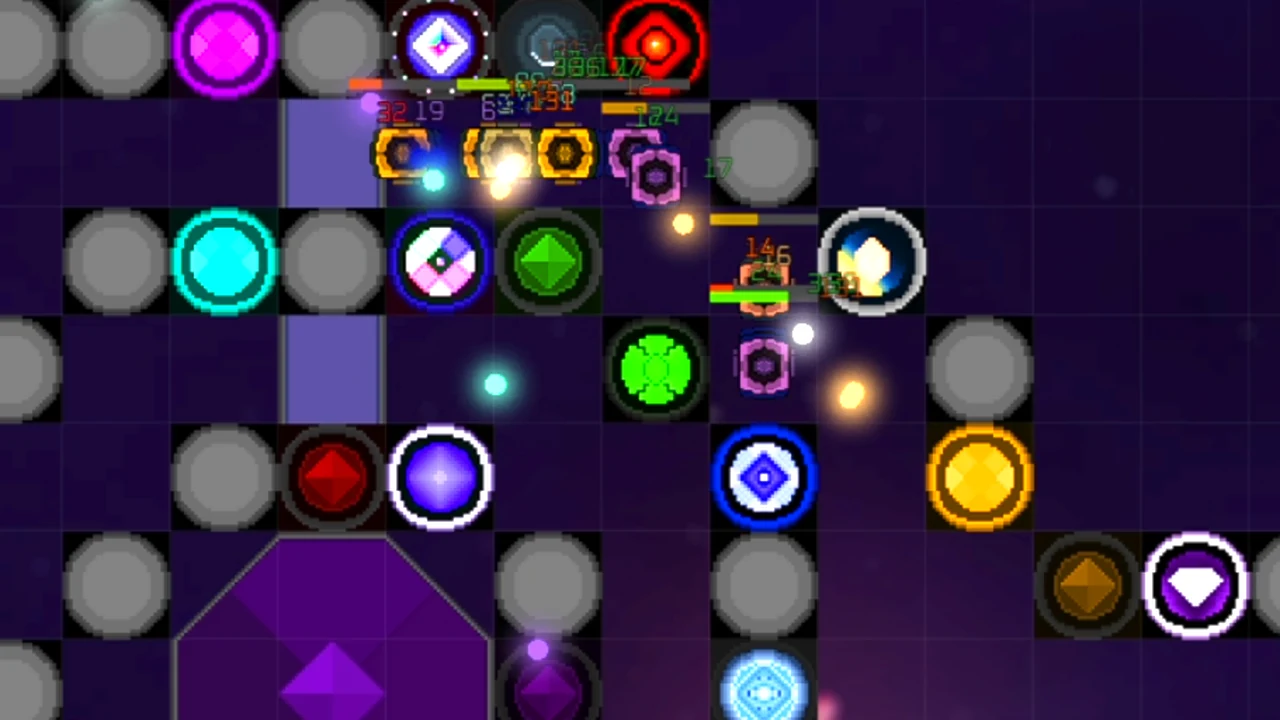
Gemaze TD
Inspired by the classic Gem TD custom map, you place five random gems on an open field each round. You pick one gem to keep as an active firing tower, while the other four turn into solid rocks that block enemies. By steering monsters through a winding rock path and combining matching gems into stronger towers, you try to survive all 50 waves.
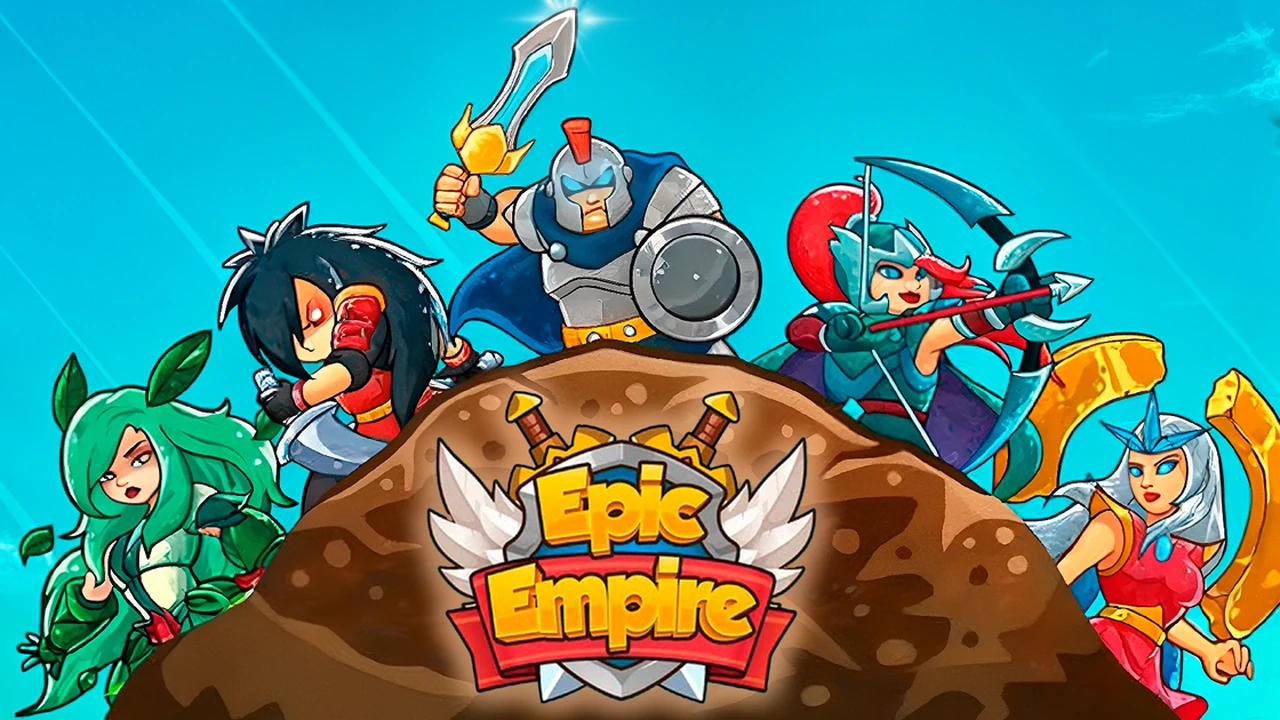
Epic Empire: Tower Defense
Build archer nests, magic spires, and stone golems while steering a hero warrior around the battlefield. Your hero can intercept tough enemies directly, level up special moves, and equip runes for extra strength. It combines stationary tower planning with active hero control to keep defense lines from collapsing during boss waves.
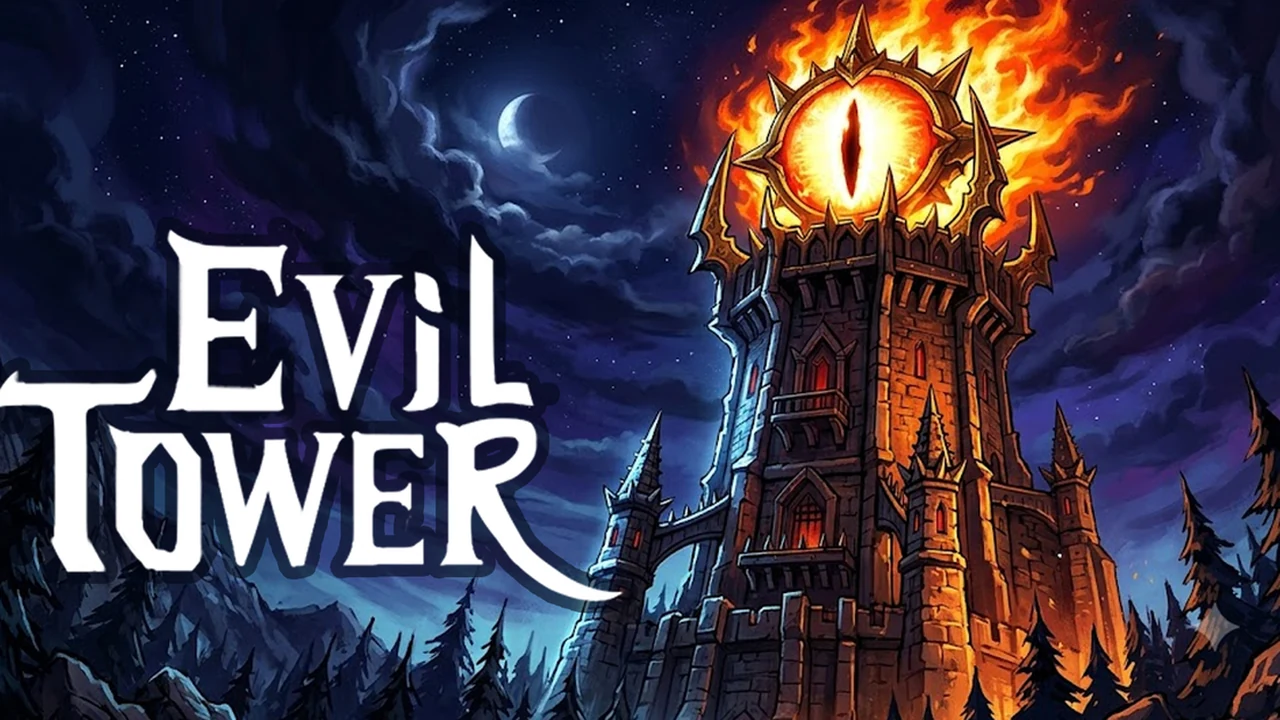
Evil Tower
You run a tall dark fortress holding off waves of knights and crusaders. You mount crossbows, cannons, and magic wands onto the tower walls while gathering coins to boost damage and range. Choosing perks between rounds lets you try different combat setups, and permanent upgrades carry over after defeat so each attempt lasts longer.
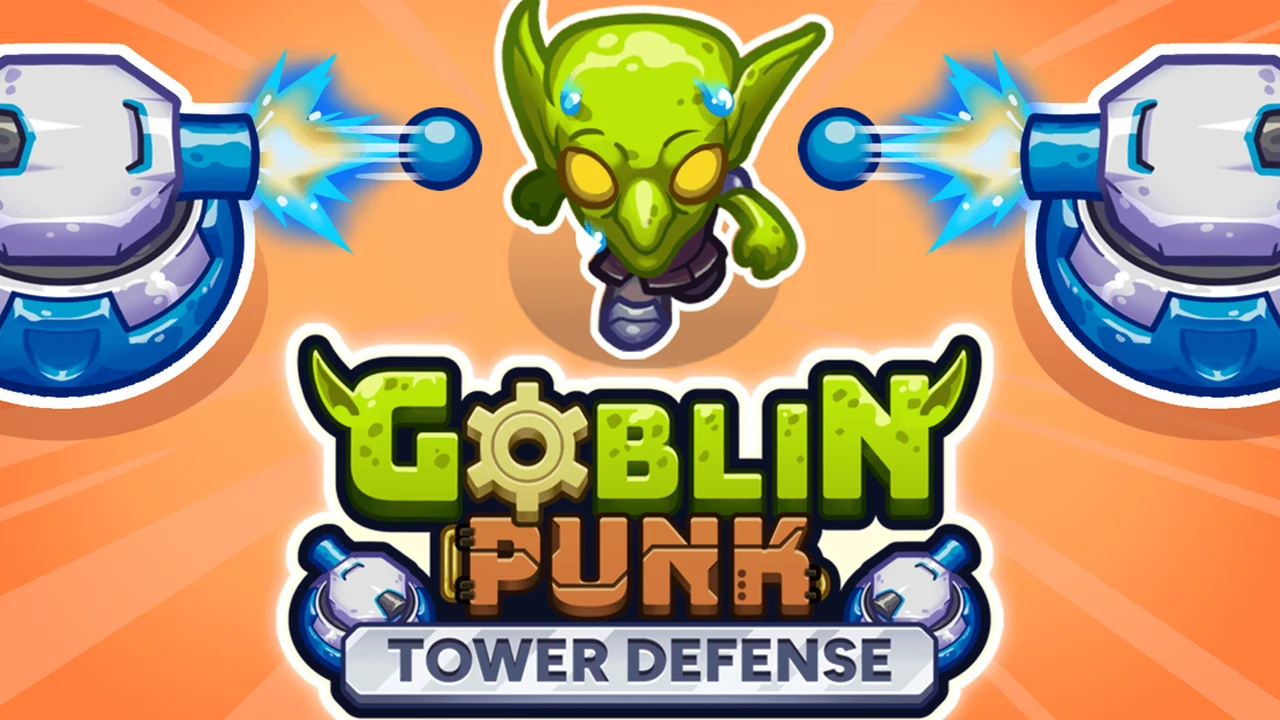
Goblin Punk Tower Defense
A portrait-style browser game where you defend against hordes of armored goblins using energy blasters and plasma turrets. Because your turrets physically block the goblins, dropping them in smart spots forces the enemies to walk around them, stretching out their path and giving your weapons extra time to thin out the crowd.
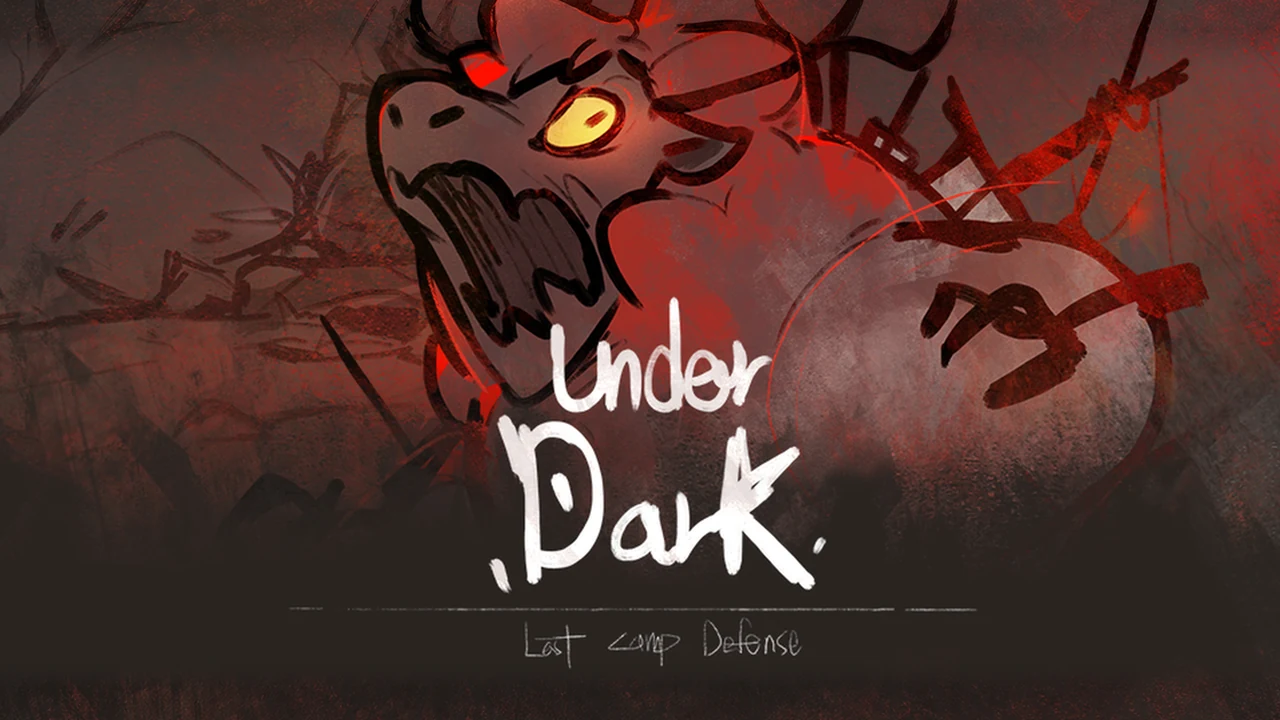
UnderDark: Defense
You defend a small camp against dark monsters crawling out of dungeon caves. It uses simple one-click or tap controls that work well on touchscreens or with a mouse. You build defensive towers, pick power buffs between waves, and trigger emergency powers without needing complicated keyboard buttons.
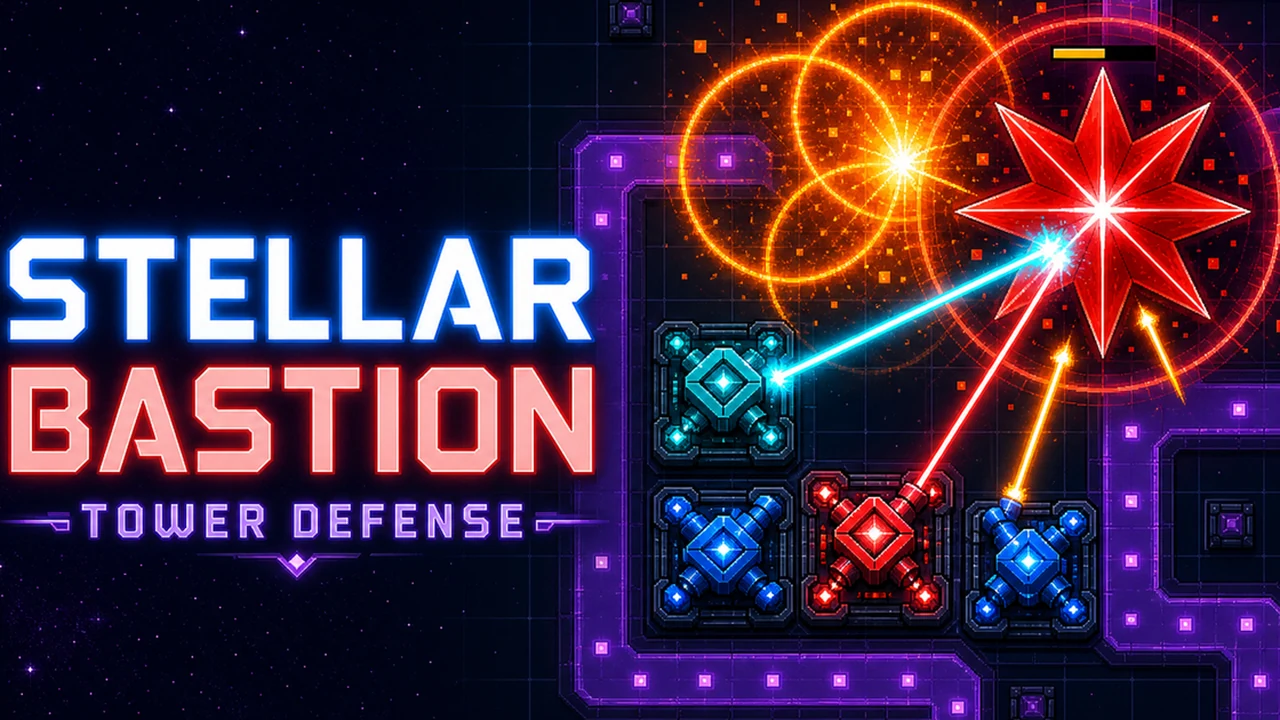
Stellar Bastion
A space defense game built around combining towers. You place lasers, cannons, electric coils, and missile launchers on a grid to protect a space station. Placing certain weapons side by side merges them into powerful combo weapons, unlocking plasma cannons, black hole generators, and cluster rockets.

Multiverse Wars
A fast-paced lane defense game featuring a roster of heroes and soldiers. You assemble a team of fighters and summon them to hold off oncoming enemy troops across different maps. Matches are short and quick, with optional rewarded bonuses you can watch to earn extra coins without forced ad interruptions.
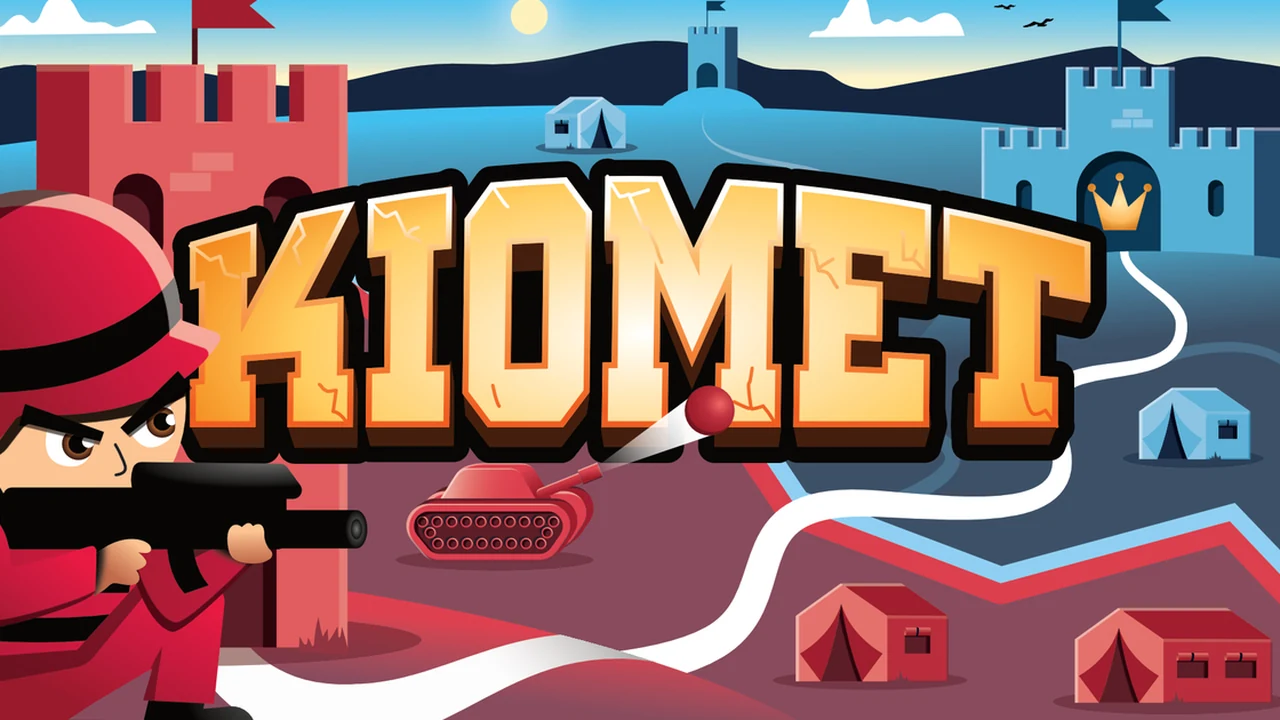
Kiomet
Kiomet is a real-time multiplayer RTS and territorial strategy game where towers are the key to victory. Instead of fighting computer waves down a fixed path, you play against other online players across a shared map. You start at your king tower, send troops to capture nearby towers, build supply lines, and upgrade defenses. You can form alliances in chat or fight border skirmishes to protect your corner of the map.
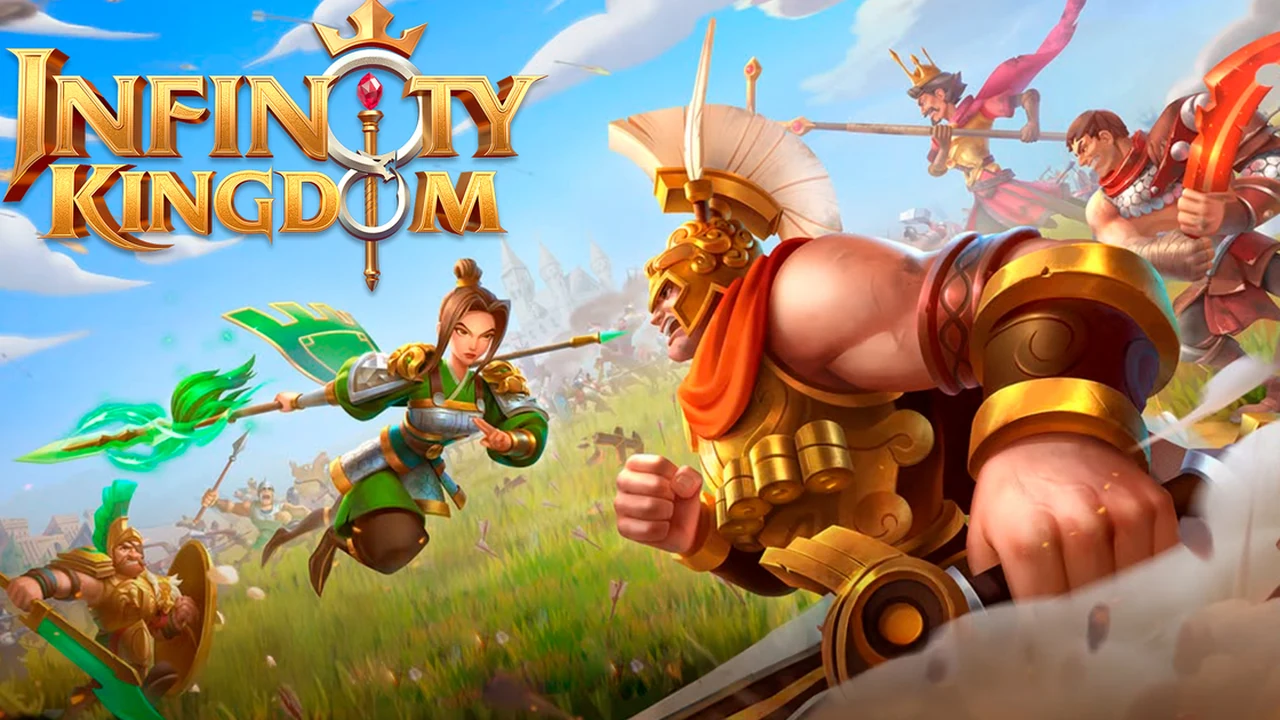
Infinity Kingdom
Infinity Kingdom sits on the grand strategy and empire-building side of defensive gaming. Rather than dropping roadside turrets, you rebuild a kingdom, upgrade city walls, and train armies led by famous heroes and dragons. Defending your castle gates from attacks, joining an alliance to protect friendly cities, and holding border territory give it a much broader strategy feel.
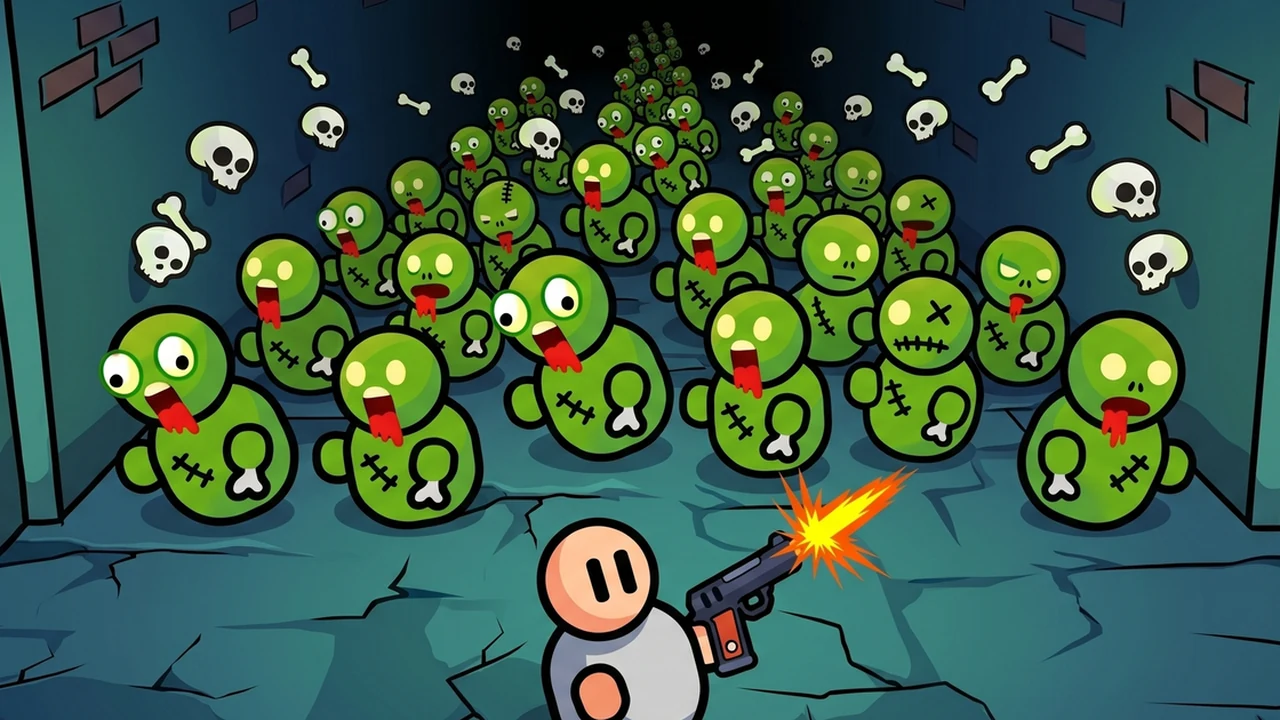
Base Defence
A survival game where you protect your headquarters from rushing zombie hordes. Instead of fixed towers, you place soldiers and heroes around your perimeter to shoot oncoming zombies. You spend the money earned from each wave to upgrade weapons, increase health, and hire new fighters to handle bigger swarms.
Frequently Asked Questions
Can I play tower defense games directly in Chrome without installing software?
Yes. All 20 games in this guide run directly inside Google Chrome and modern Chromium browsers via standard web technologies such as HTML5 and WebGL, or modern emulation for classic web titles. You do not need to download desktop installers, set up game launchers, or configure external clients.
Are these browser tower defense games free to play?
Yes. Every title on this list is free to start playing directly in your web browser. Some third-party hosting portals display occasional video ads between stages, and select games offer optional cosmetic items or progression boosts, but the core tower defense gameplay is available without charge.
How do Flash classics like Kingdom Rush, Bloons TD 4, and Desktop Tower Defense run in modern Chrome?
While modern web browsers no longer support Adobe Flash plugins, hosting platforms like CrazyGames use modern browser-based emulation layers such as Ruffle. This allows these classic Flash games to execute safely and natively within current Chrome tabs without requiring any browser extensions or Flash installations.
Which browser tower defense games offer multiplayer or co-op?
Two notable entries provide live multiplayer experiences. BONEGATE offers cooperative base defense where you can share an invite link with up to three friends or play alongside bots. Kiomet delivers a persistent real-time multiplayer strategy experience where players expand across the map, upgrade towers, forge alliances, and defend territorial borders against rival online commanders.
Can I play these tower defense games on a touchscreen or mobile device?
Many of the modern HTML5 titles on this roster support mobile and tablet browsers with intuitive touch controls. Games like UnderDark: Defense, Stellar Bastion, Cursed Treasure 2, and Tower Swap feature full touch inputs that let you place towers, activate abilities, and manage menus effortlessly without a keyboard or mouse.
Discover more from Chrome Geek
Subscribe to get the latest posts sent to your email.