Henry Cavill’s Mustache Protocol Is Now Playable in Your Browser
 by
Sophie Sullivan
Post Updated: November 12, 2026
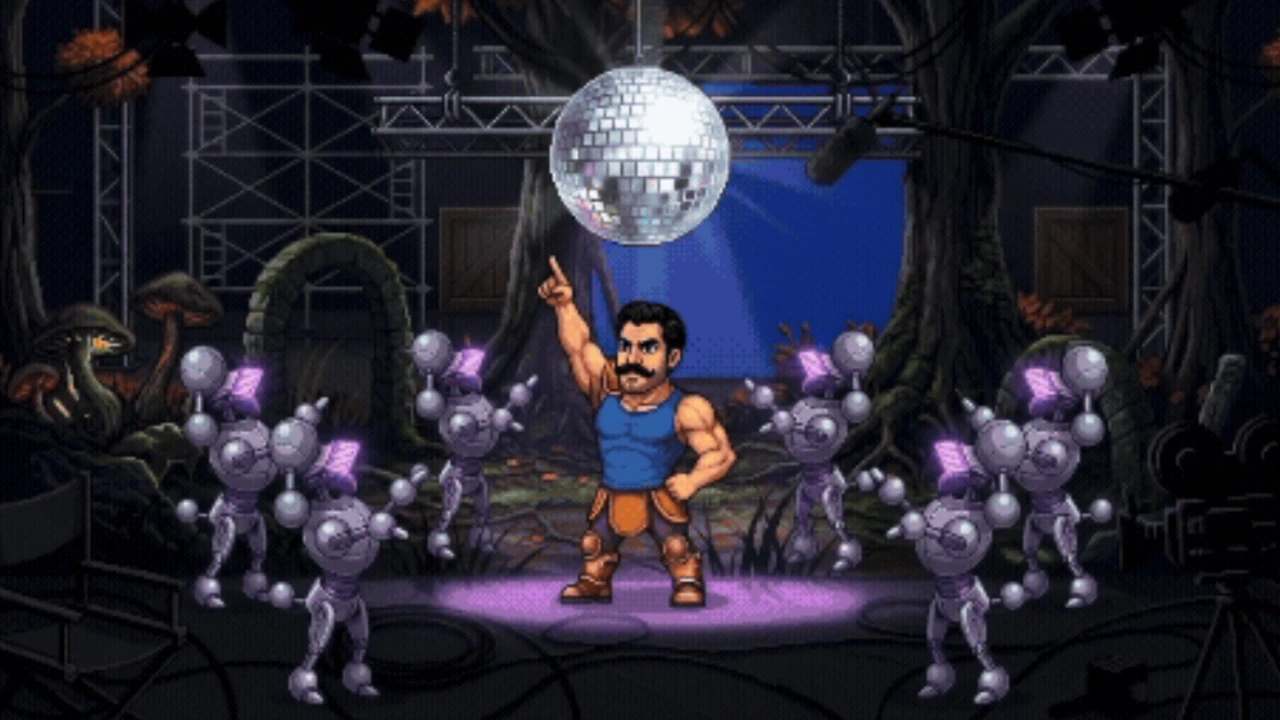
You can now play Mustache Protocol, the 16-bit game Henry Cavill built on his Googlebook. Google released the third and final episode of its behind-the-scenes series on November 11 and switched the game on the same day. When we first covered the project last week, all you could do was watch. Now you can play it in a web browser, and every game counts toward a Movember donation.
1. How to play Mustache Protocol
Where: open Google’s Mustache Protocol page and start the game. It runs in the browser, so there is nothing to install. The same page also has all three episodes of the series.
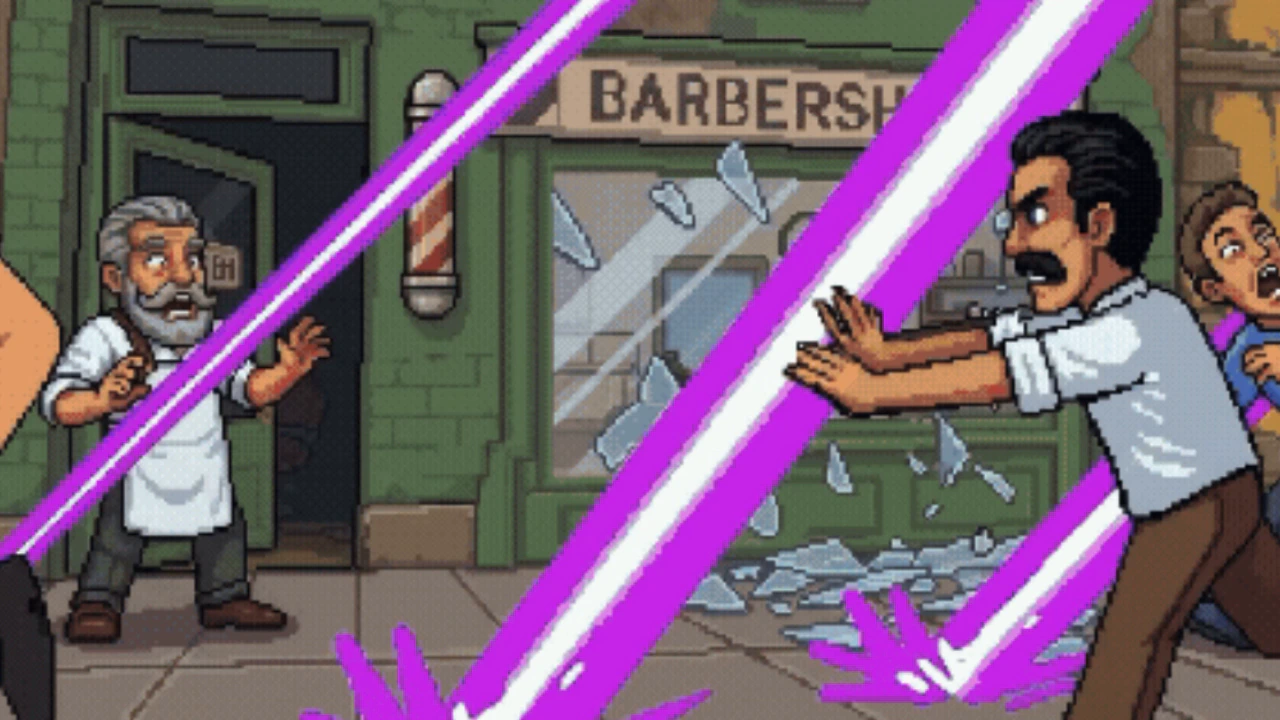
What you do: you play as Henry’s mustached hero and fight through three levels. Google says each level is packed with silly power-ups and Easter eggs, and it challenges players to find all of them.
2. Power-ups and Easter eggs to look for
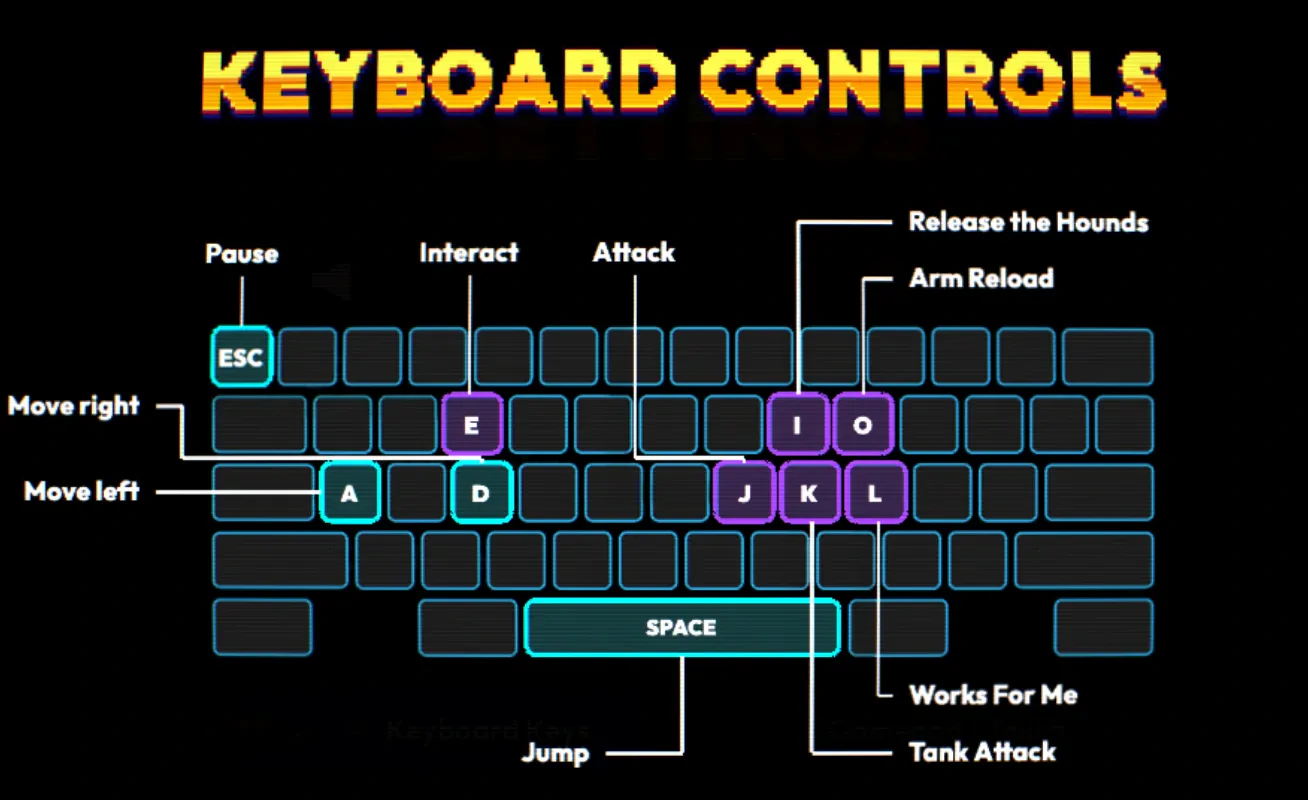
Tank attack: grab this power-up and Henry celebrates with a dance.
Arm reload: boosts your attack power before a big fight.
Dog cameos: keep an eye out for Henry’s dogs, Kal and Baggins, who show up in the game.
3. How the Movember donation works
The deal: from November 11 to November 30, Google will donate $11 to Movember for every game played, up to a total of $500,000.
Where the money goes: the money supports awareness and funding for men’s mental health, suicide prevention, prostate cancer and testicular cancer. So a few quick runs on your lunch break actually help.
4. What the final episode shows
The theme song: Henry started a ’70s-style track on his Android phone, then used Continue On to move the music over to his Googlebook without stopping it.
Beats and vocals: he plugged in a drum pad to make beats in BandLab and recorded his own baritone vocals. Rambler, Googlebook’s speech-to-text tool, turned his spoken instructions into clean prompts to drop the track and sound effects into the game.
Putting it together: he used Antigravity, the agent platform built into Googlebook, to stitch together the final visuals, level layouts and interactive parts. You can try it yourself with our Antigravity for Googlebook guide.
Earlier episodes: episode 1 covered designing the hero with Magic Pointer and Quick Access, and episode 2 used Rambler to create the superpowers and health boosts. The details are in Google’s announcement.
Episode 3, the finale of the series, from the Android YouTube channel. Watch on YouTube
Our take
This is a marketing stunt, and Google is not hiding that. But it is a good one: a real, playable game that shows off Googlebook’s AI tools, and every play turns into money for a good cause. It runs in a browser, so any laptop or phone should handle it, and it is the easiest $11 you will ever help raise. Give it a go before November 30.
Want to build your own? see the games and apps Google built with Gemini 4 Argon.
Discover more from Chrome Geek
Subscribe to get the latest posts sent to your email.