Modern Web Guidance 1.0 Teaches AI Coding Agents the Modern Web
 by
Sophie Sullivan
Post Updated: November 11, 2026
AI coding agents are fast, but they often write web code from the past. Ask one for a pop-up menu or a smooth page animation and it may reach for a pile of JavaScript when the browser now does the job in a few lines of HTML or CSS. Chrome’s answer is Modern Web Guidance, and version 1.0 arrived on November 10, as announced on the Chrome for Developers blog. This release also turns it into a shared project, with Firefox and Edge joining Chrome.
1. The problem: AI agents learned from old code
Old habits: AI models learn from huge amounts of existing code, and much of the web’s code was written years ago. As the project’s GitHub page puts it, agents often default to older patterns and generate bloated JavaScript for tasks that now have native browser solutions.
It still works, but: Chrome’s Philip Walton says frontier models can usually produce something that works, yet a web expert can almost always find ways to make it faster, more accessible or more secure.
The numbers: in a follow-up post on November 11, Chrome says coding agents without the guidance pass only about 50% of the checks in its test suite, compared to around 90% when Modern Web Guidance is used. Common misses include keyboard focus, reduced-motion support, form validation and strict security settings.
2. What Modern Web Guidance actually is
A set of agent skills: it is a package of skills and a small command-line tool. When your agent needs to build something, like a dialog, a tooltip or a login flow, it searches the guides and pulls the right one into its context. The search runs fully offline.
Built on Baseline: each guide has browser support data built in, so the agent can match its advice to the browsers your project needs to support.
Useful for humans too: Chrome says many developers read the guides themselves to learn new web features. You can also try the tool without installing anything, using the search command from the GitHub page.
3. What is new in version 1.0
Out of preview: Chrome showed an early preview at Google I/O in May. Version 1.0 is the stable release, with 203 use-case guides covering 250 web platform features.
Modernization scanner: a new workflow scans your existing HTML, CSS, JavaScript and package.json for outdated patterns, then guides the agent through safe upgrades. For now it only covers about 20% of the guides, the ones where old code can be spotted reliably.
Expert review: every guide is now signed off by a tech lead for its area, and guides for user-facing features got a dedicated accessibility review.
Public test results: a new eval dashboard shows how much each agent and guide improves with the guidance switched on.
4. Edge, Firefox and MDN are on board
A cross-browser project: with 1.0, the project is now stewarded by the Google Chrome, Microsoft Edge, Mozilla Firefox and MDN teams, alongside the wider web community. Chrome says Firefox and Edge are joining to support the project, improve cross-browser compatibility and contribute.
Why that matters: advice backed by several browser makers is more likely to work everywhere, not just in Chrome. We could not find separate announcement posts from Microsoft or Mozilla yet, so this comes from Chrome’s post and the project’s GitHub page.
5. Watch: what is Modern Web Guidance?
Chrome for Developers posted a short overview on November 10. It explains why agents reach for heavy JavaScript libraries instead of built-in browser features, and how the guidance adapts its advice to your Baseline browser target.
“What is Modern Web Guidance?” from the Chrome for Developers YouTube channel (6:52). Watch on YouTube
6. How to install it in your AI coding agent
Before you start: the npx commands need Node.js 22 or newer (per the package’s npm listing). Run them from your project folder. The plugin commands run inside each agent instead. Every command below is copied from Chrome’s official install page unless the card says otherwise.
Other agents: Chrome’s blog says you can also install it from the plugin marketplaces of Codex, Cursor, WebStorm, Kimi Code and Grok Build. Chrome does not list a command for those, so search for Modern Web Guidance in the agent’s plugin marketplace.
Try it on old code: once it is installed, you can ask your agent to run the modernization workflow on a folder, using the prompt from Chrome’s post:
/modern-web-guidance Modernize the code in this directory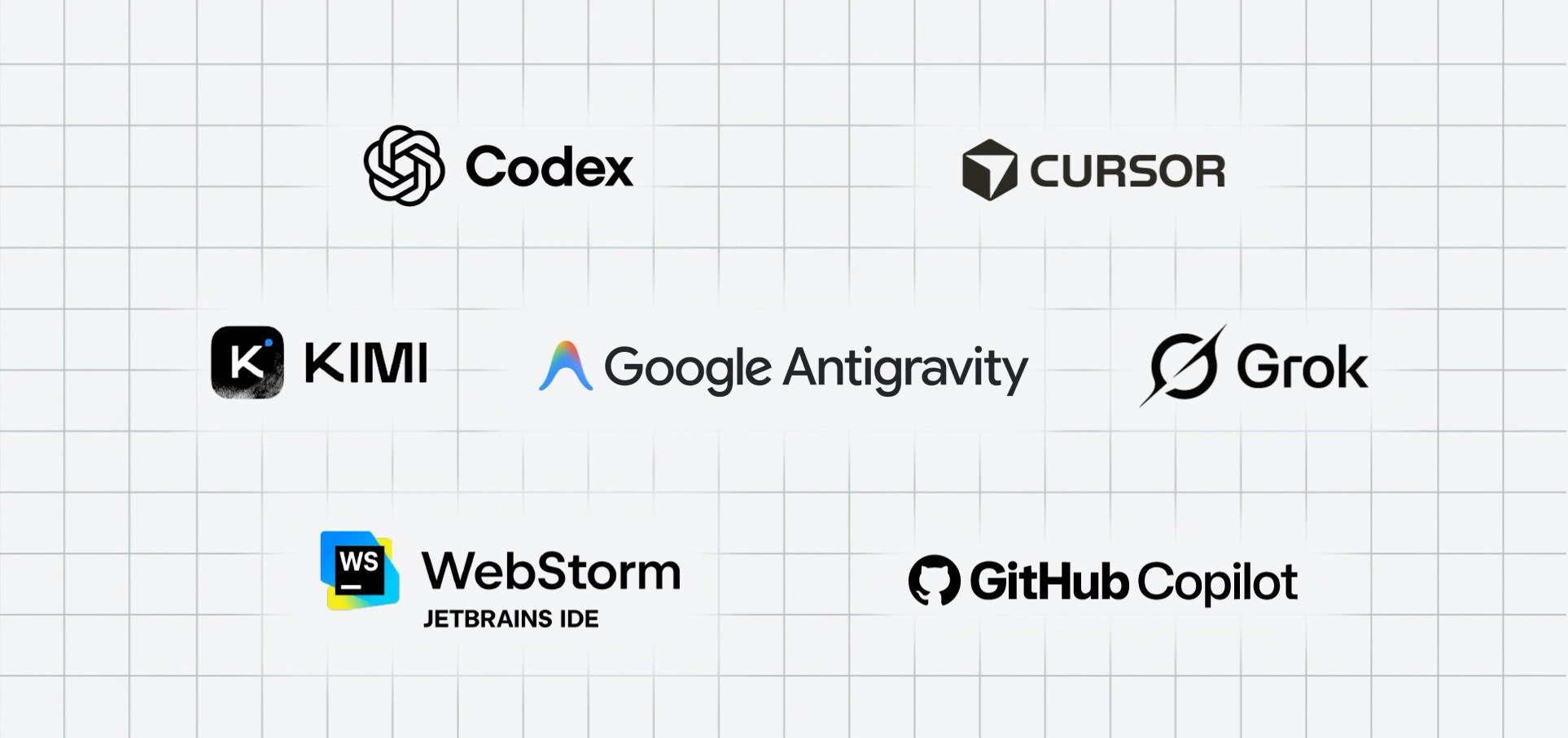
What it means on a Chromebook or Googlebook
Use the Linux terminal: the npx installer is a Node.js tool, so on a Chromebook you would run it in the Linux development environment after installing Node.js 22 or newer.
Antigravity users: if you already use Antigravity, the plugin route is the simplest. Google recently gave Antigravity a plugin marketplace, and Modern Web Guidance is a good first plugin to add.
Our take
This is a genuinely useful release for anyone building websites with AI. It is free, it works with the agent you already use, and it tackles a real problem: AI agents writing code that works but ignores what browsers can now do. Having Edge, Firefox and MDN involved makes it feel less like a Chrome project and more like a shared effort for the whole web. If you build sites with an AI agent, install it. Even if you only use Antigravity’s new Knowledge Work mode for everyday tasks, it is worth knowing Google is putting this much effort into making agent-written code better.
Read more: what is new in Chrome 157.
Discover more from Chrome Geek
Subscribe to get the latest posts sent to your email.