Google Antigravity Adds a Knowledge Work Mode for Non-Coders
 by
Sophie Sullivan
Post Updated: November 10, 2026
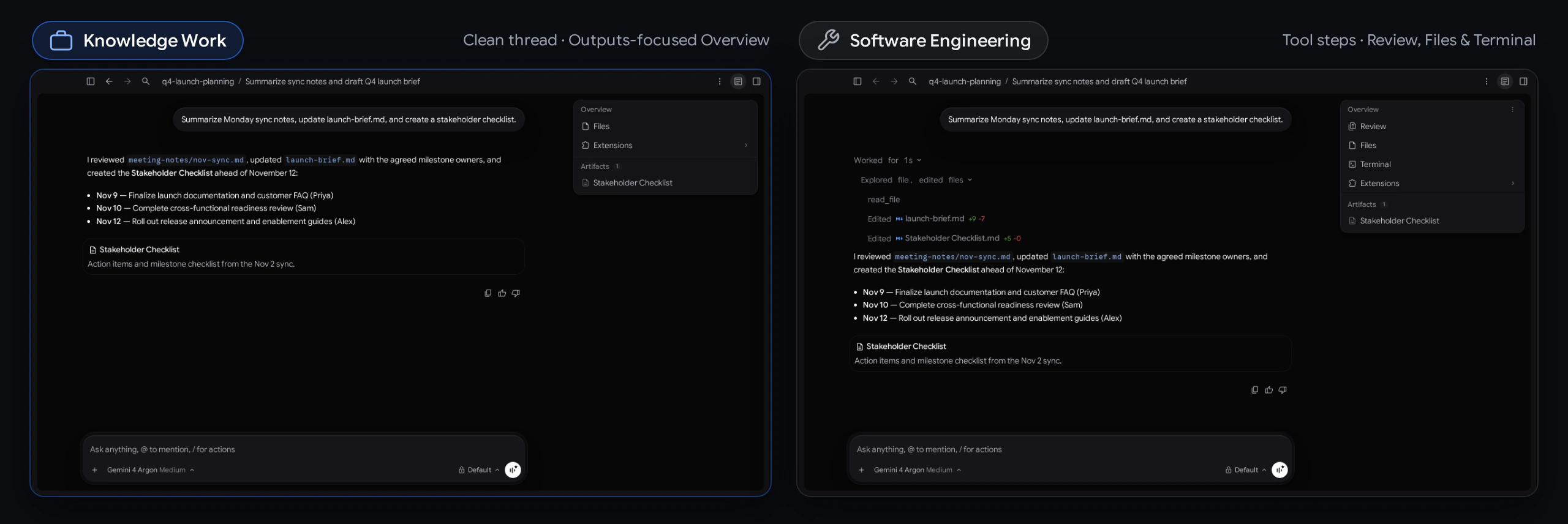
Google Antigravity is no longer just for coders. Version 2.30.0 of the Antigravity App, dated November 9, adds a new Knowledge Work layout that strips out Git, terminal panes and code diffs so the same AI agent is easier to use for research, writing and everyday tasks. Google explains the change in its Antigravity blog post.
1. Why Google built a non-coding layout
People were already using it this way: Google says a growing share of Antigravity sessions are about deep research, data analysis, drafting documents and slides, prototyping designs and automating routine work, not writing code.
Inside Google too: the company says tens of thousands of Googlers outside software engineering, in teams like sales, finance, legal, design, marketing and operations, now use Antigravity every week.
The problem it solves: the default interface was built around code repositories, terminals and line-by-line diffs. That is great for developers, but confusing if you just want the agent to summarize meeting notes or build a checklist. Google says it did not want to give non-developers a watered-down tool, so the new layout changes the look, not the agent.
2. What changes in the Knowledge Work layout
Nothing is taken away: the agent still has the same models, tools and extensions in both layouts. Knowledge Work simply hides the developer clutter, and you can switch back at any time.
3. How to switch layouts
- Update the Antigravity App to version 2.30.0 or newer. Google says new versions roll out gradually, so it may take a few days to reach you.
- Open Settings with Ctrl+, on Windows and Linux or Cmd+, on a Mac.
- Go to General, then Interface Layout.
- Pick Knowledge Work, or Software Engineering, which stays the default for existing users.
- The change applies straight away to open and new conversations.
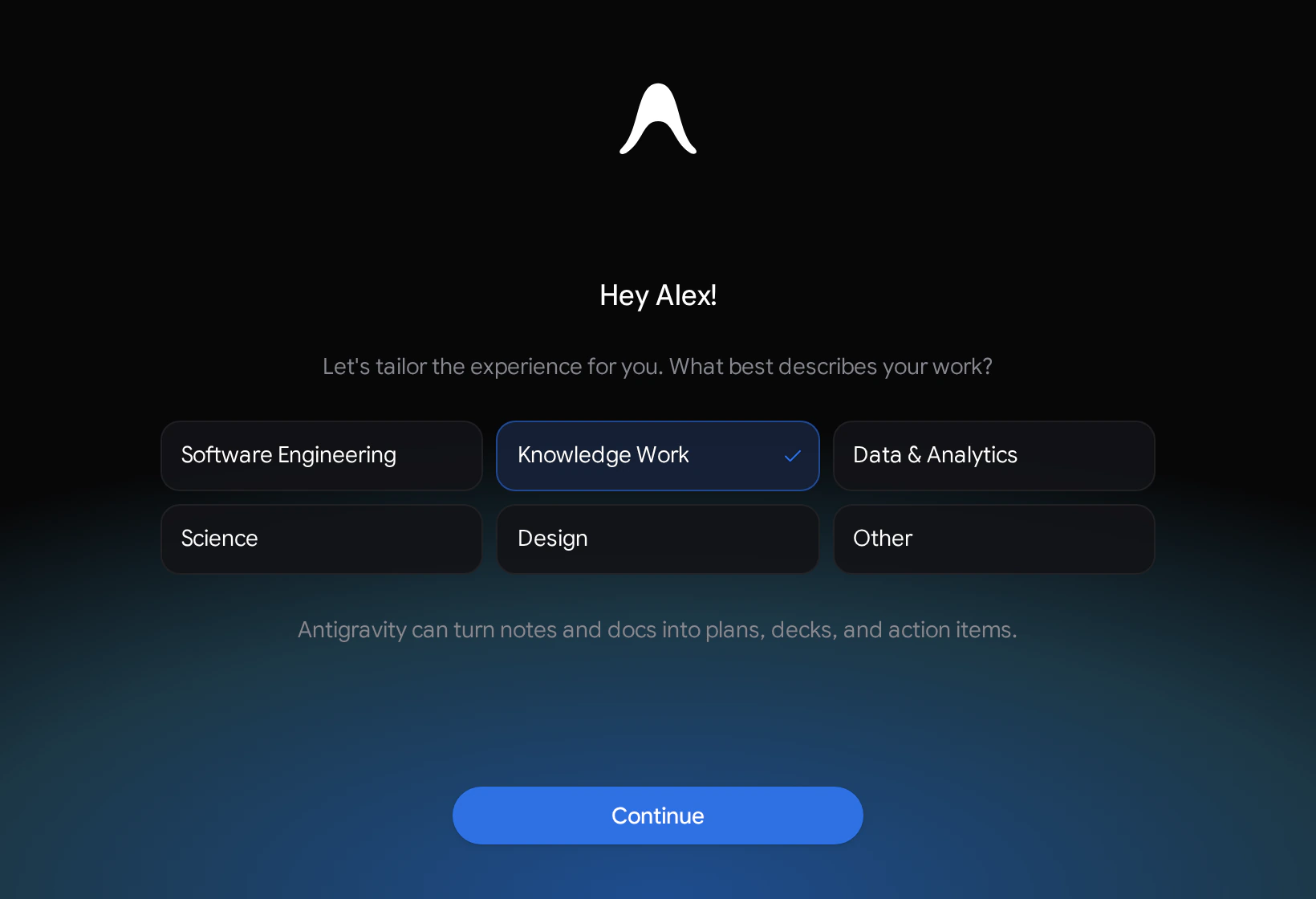
Signing in for the first time? Antigravity now asks what best describes your work, with options such as Software Engineering, Knowledge Work, Data and Analytics, Science and Design. Your pick sets the starting layout, suggested prompts and recommended plugins.
4. Who gets it, plus other 2.30 changes
Also in this release: according to the Antigravity changelog, 2.30.0 brings 27 improvements and 25 fixes. Highlights include importing your MCP servers, skills and instruction files from other coding agents such as Claude Code, Codex and Cursor into a plugin, chat-bubble style messages, bulleted and numbered lists in the message box, tables that fit the conversation width, and built-in browser support for connecting to USB and serial devices.
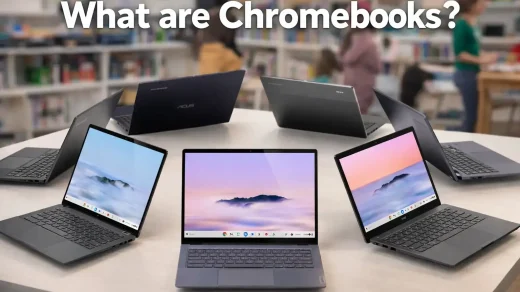
On Googlebook: Google’s download page lists the Antigravity App for Googlebook through Google Play and says it comes pre-installed on Googlebooks, alongside versions for macOS, Windows and Linux.
Our take
This is a sensible move. Antigravity’s agent was always capable of more than code, but the interface made it look like a developer-only tool. A cleaner layout with plain-language permission prompts makes it far more approachable for students, writers and office workers, and it is a natural fit on Googlebooks where Antigravity is already built in. If you have avoided Antigravity because it looked too technical, this is a good time to try it.
Discover more from Chrome Geek
Subscribe to get the latest posts sent to your email.