Google Maps Now Works Inside AI Studio, Free to Prototype With Gemini
 by
Sophie Sullivan
Post Updated: November 10, 2026
Building an app with a real Google map just got a lot easier. Google announced on November 9 that Google Maps Platform now works directly inside Google AI Studio. You describe the app you want, Gemini writes it, and AI Studio quietly sets up Maps for you, with no credit card and no trip to the Google Cloud console, as the Google Developers Blog explains.
1. How it works
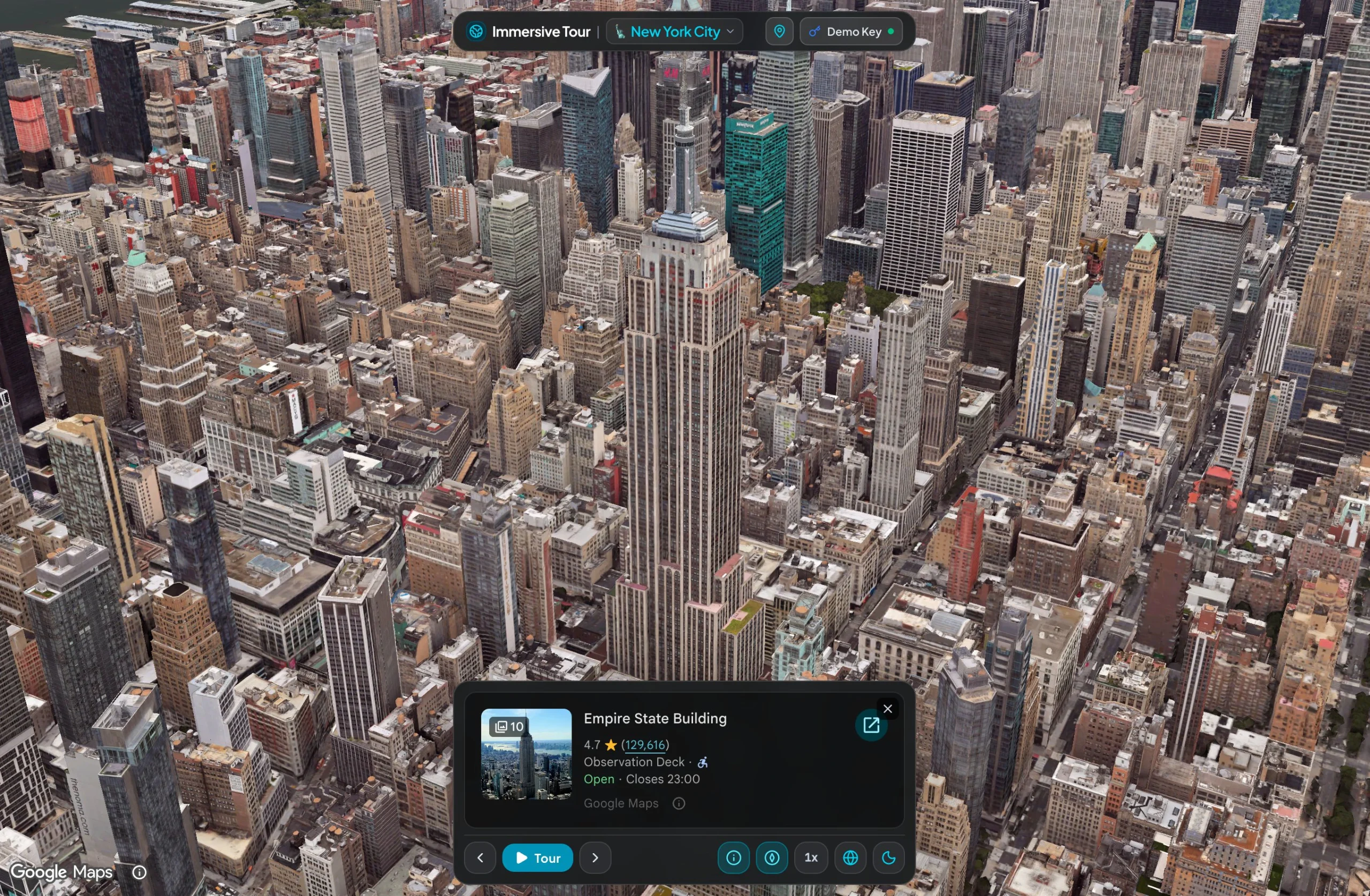
- Describe your idea. Open AI Studio and ask Gemini for something location based, for example an interactive 3D tour of New York’s landmarks.
- Let AI Studio set up Maps. It spots that your prompt needs maps, places or routes and turns on Google Maps Platform for you. If you already use Google Cloud, it can link your existing project instead.
- Watch the preview. AI Studio adds the key to your app and loads a live, interactive map in the preview area.
Good news for Chromebook users: AI Studio runs in the browser, so you can try all of this in Chrome on a Chromebook or Googlebook without installing any developer tools.
2. What you can build
Maps: custom styled maps, photorealistic 3D cityscapes and data overlays.
Places: conversational local search, place profiles, photo galleries and recommendations.
Routes: multi-stop road trips, commute calculators and day planners that account for transit.
Environment: clean-air route finders, pollen alerts and local air quality monitors.
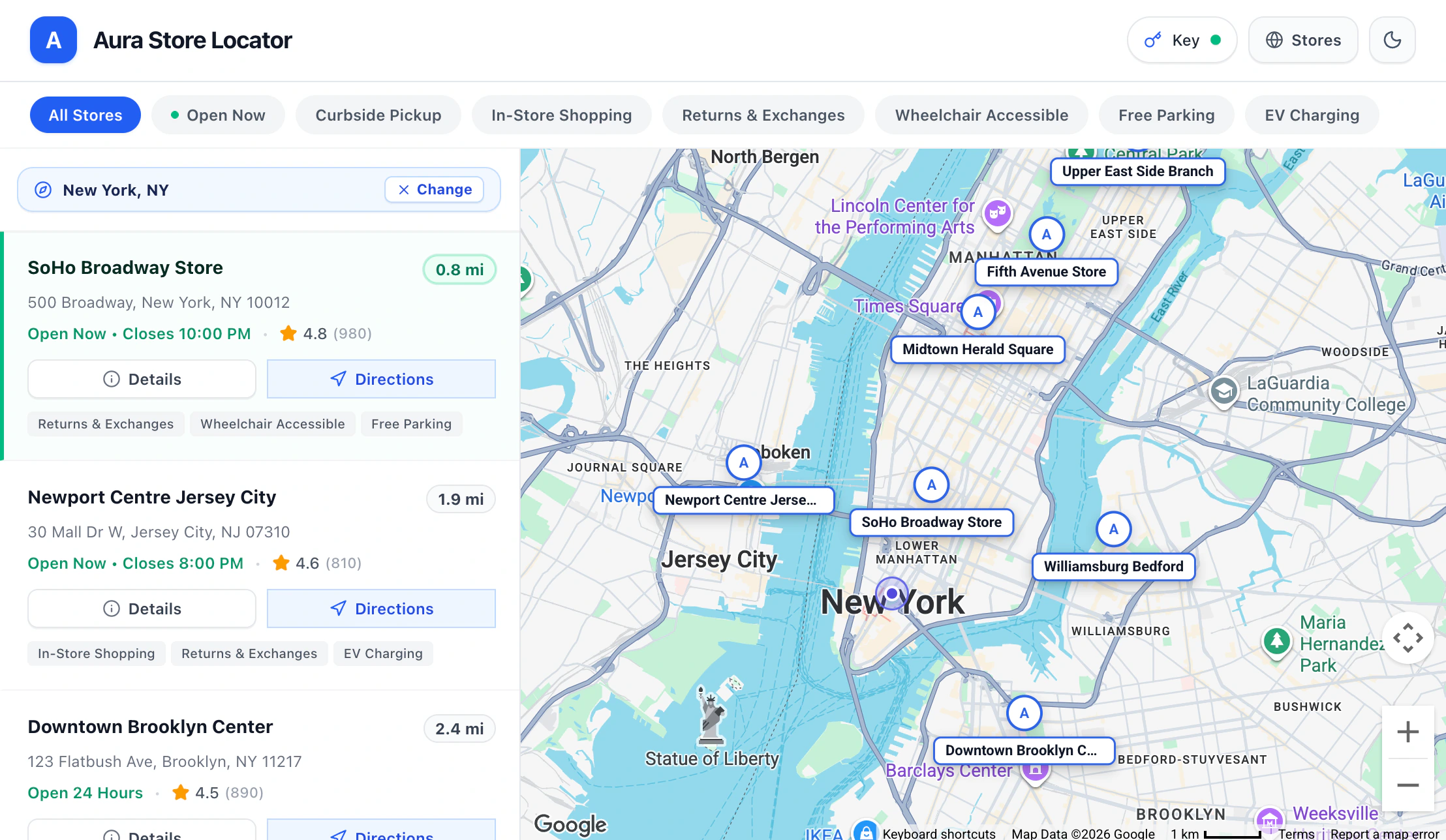
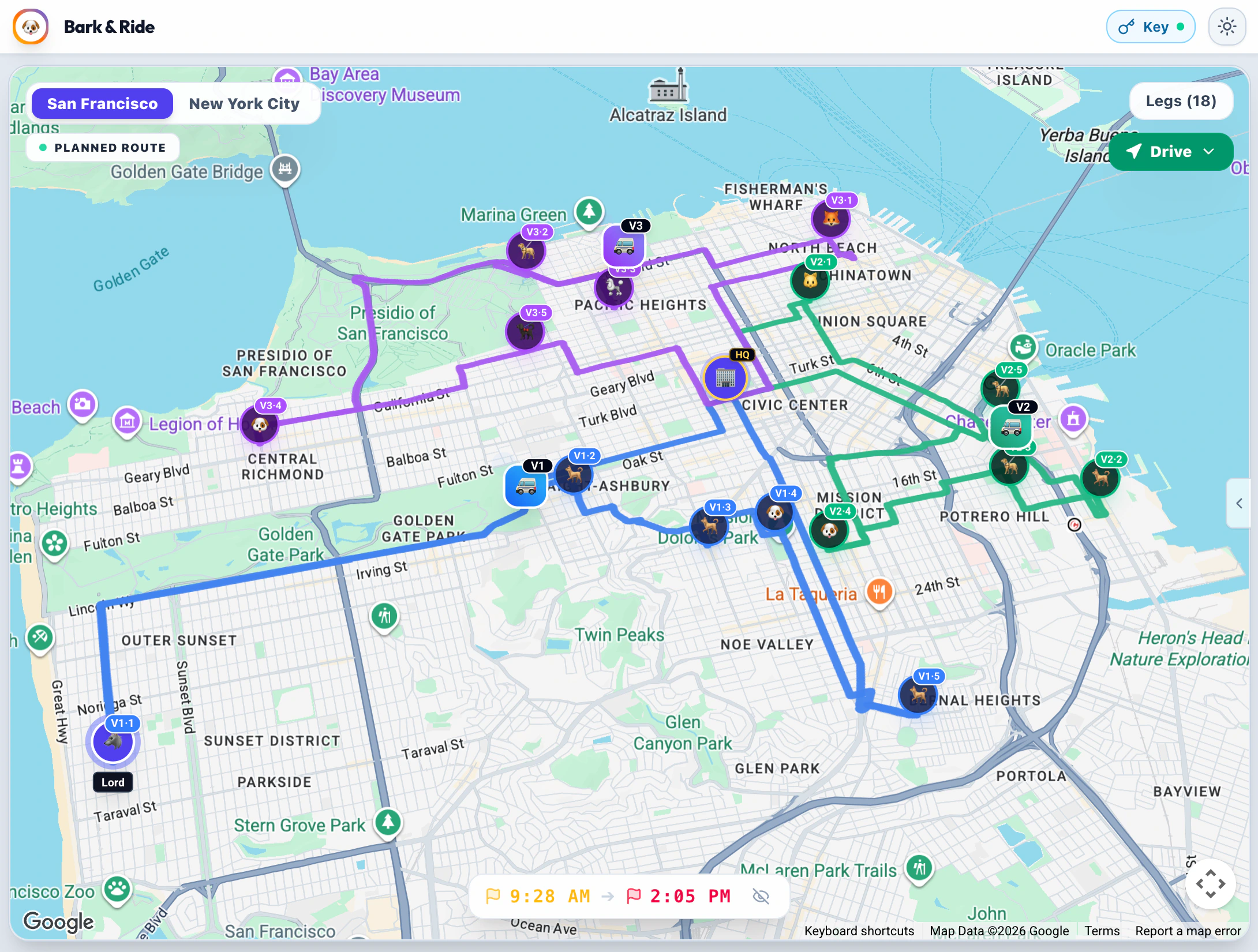
Ready-made examples: Google’s AI Studio gallery has working examples you can remix, including the City Immersive Tour, a Store Locator with distance filters and opening hours, and a Pet Grooming Route Optimizer that plans multi-stop routes around appointment times and driver shifts.
3. Free demo key vs a billed project
Not everyone gets the same free access. Google’s AI Studio setup guide splits users into three groups:
When you outgrow it: link a Cloud Billing account and your demo key keeps working with higher limits. Existing Cloud users connect a billed project from inside AI Studio instead.
4. The catches
Personal accounts only: Google’s demo key rules say you need a personal Google Account. Work accounts on Google Workspace cannot get the free key, so they need a billed project.
Location limits: the demo key is not offered in territories where Google Maps Platform is restricted.
For testing, not launch: the free key is meant for prototypes and demos. Production use needs billing turned on.
Our take
Setting up Maps billing and API keys has long been the boring wall between a fun idea and a working demo. Folding it into AI Studio means a student or hobbyist on a Chromebook can go from a one-line prompt to a real 3D map app in minutes. The 100 calls a day limit is tight for anything public, but it is plenty for learning, class projects and showing an idea to someone.
Discover more from Chrome Geek
Subscribe to get the latest posts sent to your email.