Googlebook Screen Flicker Isn’t Fully Fixed by the November Update
 by
Sophie Sullivan
Post Updated: November 9, 2026
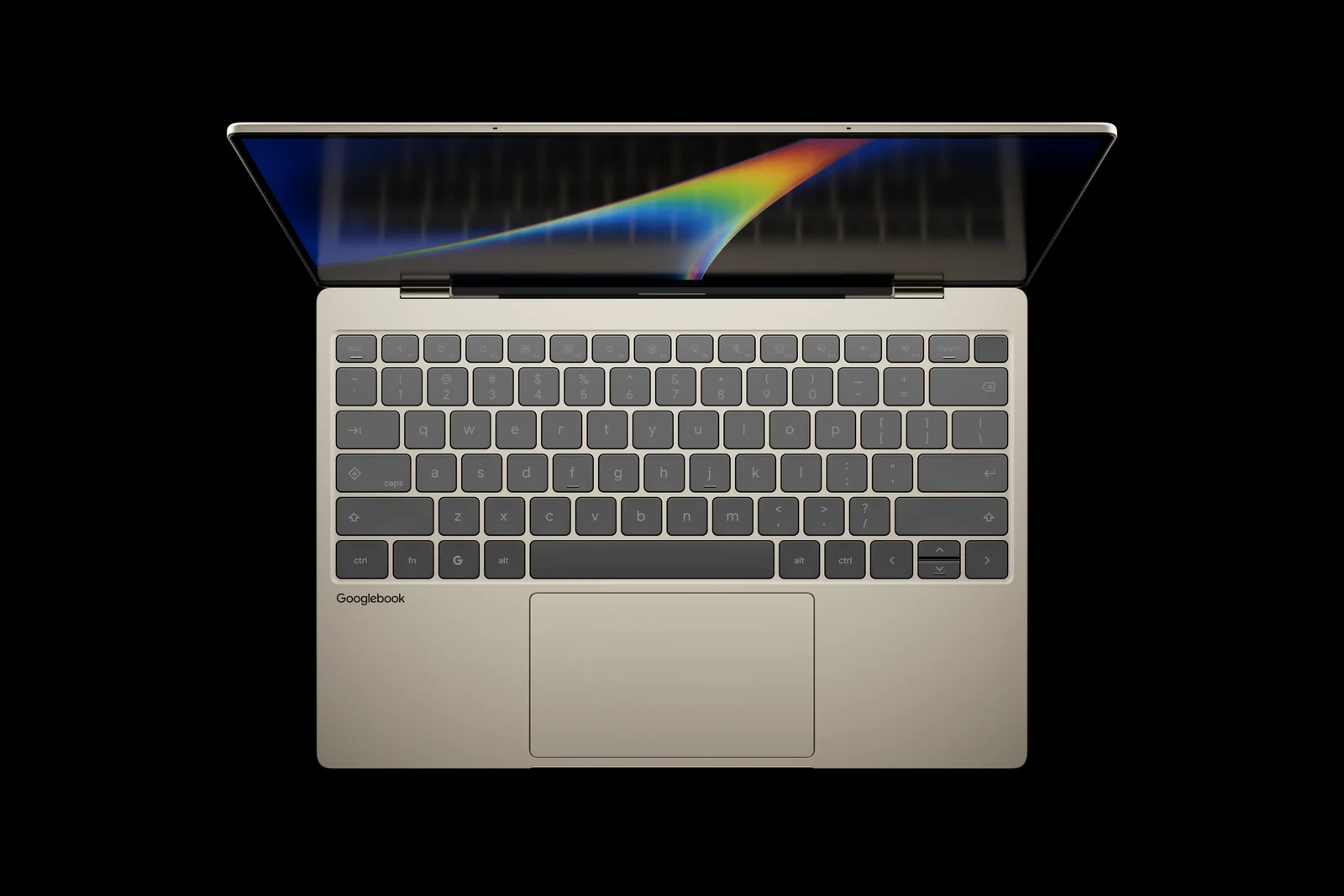
The Googlebook November update fixed a lot, but not every screen problem. Owners of the Dell XPS Googlebook and HP Googlebook 14 say a screen flicker bug is still showing up on the new build, and ASUS and Acer owners are now reporting their own display trouble. GbookHub has been tracking the reports and testing on its own Googlebooks.
1. Flicker on Dell and HP Googlebooks
How it started: the flicker first showed up after the October build (276.R5), mostly on the Dell XPS Googlebook. HP Googlebook 14 owners then reported the same kind of glitch. Both laptops use Snapdragon chips.
After the November update: GbookHub reports that owners still see the screen flash now and then, plus visual glitches along the bottom of the display, along window borders and in split-screen mode. On its own Dell XPS Googlebook, the flicker happens less often than before but has not gone away.
Some good news: a few owners say the November build fixed the problem for them, so it is worth installing if you haven’t yet.
2. Dim screen problems on ASUS and Acer
A different symptom: on the ASUS Googlebook 14, owners say picture quality drops noticeably at low brightness, especially on dark backgrounds. One Reddit thread from an ASUS owner on the latest software asks if Google even knows about it. Others report poor quality below full brightness and occasional flicker.
Acer too: GbookHub says some Acer Googlebook 14 owners report the same problem. It could not reproduce the dim-screen issue on its Lenovo Googlebook 15.
Why it looks like software: the problems show up on both Intel and Snapdragon models and on more than one screen type, which GbookHub reads as a software issue rather than faulty hardware. That is good news, since a software problem can be fixed with an update.
3. Which Googlebooks are affected
Reading the table: Partly means some owners say the November build helped while others still see the problem. The last row is a separate HDR video bug that Google did fix in the November update, according to its release notes.
4. What you can do now
- Install the November update. Go to Settings, then System, Software update and System update, and look for build 17.CL3B.260622.286.R2.
- Restart after installing. Some owners say the flicker stopped after the update.
- If the problem is still there, send feedback to Google from your Googlebook and describe when it happens, for example in split-screen or at low brightness.
- If the dim-screen problem bothers you, raising the brightness may help for now, since owners mostly see it at lower levels.
Google’s side: Google hasn’t shared a cause or a timeline for a fix. GbookHub says a Google employee has replied on Reddit that the team knows about the issue, but there is no official statement yet.
Our take
Googlebooks are still young, and Google has been shipping fixes fast, including an earlier flicker bug in Chrome windows that the October build fixed. These display reports are annoying, but they look like software problems that a future update can solve. Install the November build, send feedback if you still see flicker, and we will update this post when Google ships a fix.
Sources: GbookHub (first to report), Reddit owner reports and Google’s November release notes.
Read more: everything the November update fixed, our roundup of all five Googlebook reviews and the Libra Googlebook leak.
Discover more from Chrome Geek
Subscribe to get the latest posts sent to your email.