Googlebook November Update: Around 30 Fixes for Displays, Audio and Linux
 by
Sophie Sullivan
Post Updated: November 6, 2026
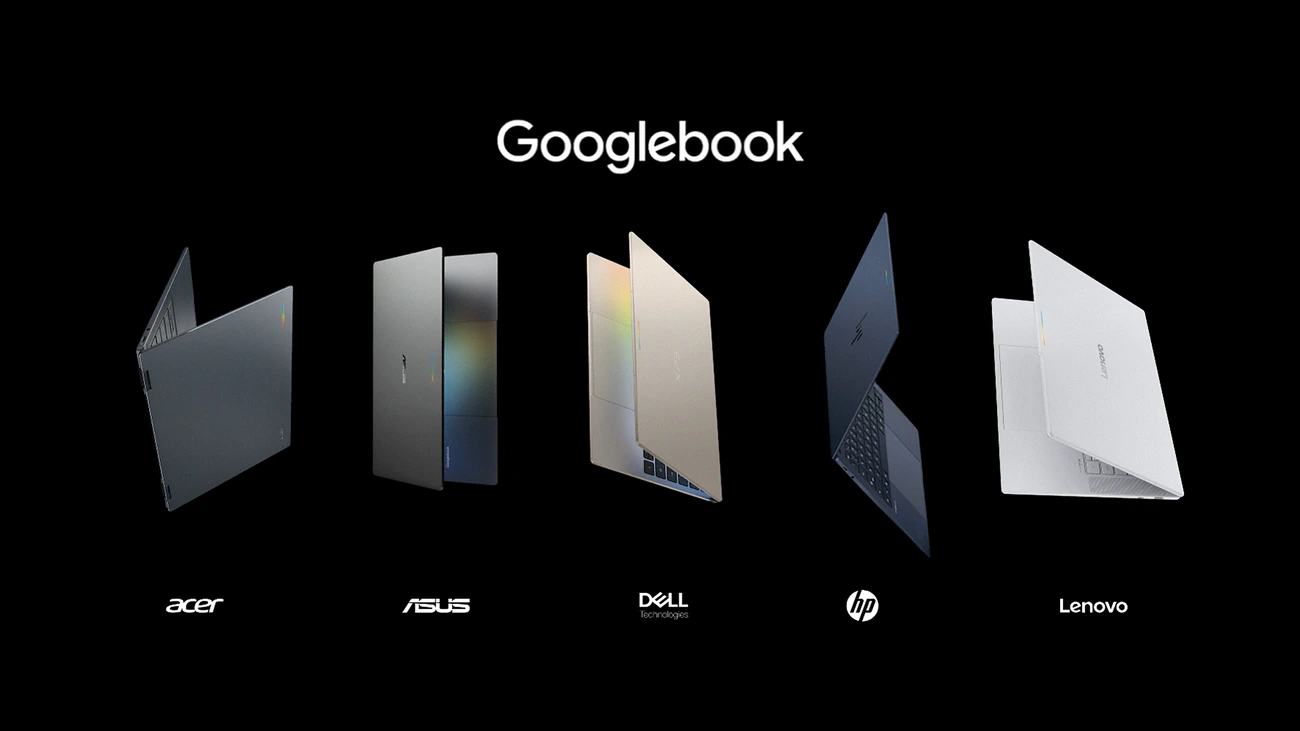
Google is rolling out the first big Googlebook patch since launch. The “Googlebook November update” brings security patches, bug fixes, stability work and firmware updates across seven areas, 9to5Google reports. Some fixes reach every Googlebook, while the HP Googlebook 14 and Dell XPS Googlebook 13 get the longest list.
1. Fixes for every Googlebook
Lock screen: keystrokes now register properly when you type your password or PIN right after waking the laptop or opening the lid.
Small annoyances gone: the Files app no longer shows an extra pop-up when you copy files, the Wallpaper and Style app should stop hanging, and Tips and support now opens the official Googlebook Help Center.
Peripherals: Bluetooth Low Energy mice reconnect on their own after a restart, and USB microphones and audio interfaces (such as Focusrite Scarlett and Elgato Wave) no longer hit a buffering bug that could stop recording.
Zoom and monitors: Zoom is more stable with background blur, virtual backgrounds, filters and 3D avatars. Unplugging two external monitors no longer leaves the wallpaper covering your laptop screen and taskbar.
2. What each model gets
Our read: the HP and Dell list is long because they run a different kernel (Linux 6.12, now with the latest Android 16 security patches). If you use an external monitor or Bluetooth headphones on one of those two, this is the update you were waiting for.
3. Linux Terminal and update fixes
Linux Terminal (beta): connections between the terminal and Antigravity are more reliable, shell sessions keep going after sleep, forwarded ports (including SSH on port 2222) stay connected, and system updates now refresh the Linux VM settings without wiping your Linux storage or custom openssh-server setup. Google also made sure keystrokes inside the terminal are never written to system logs. If you build apps with Antigravity on Googlebook, this matters.
Update safety: Google fixed a boot-slot bug that could put a device in a reboot loop if an update was interrupted.
How to get it
The update is rolling out now, so it may take a few days to reach you. Keep your Googlebook plugged in and connected, and restart when it asks. This follows Chrome 156 on Googlebooks last month and the first round of Googlebook fixes.
Our take
A month in, this is exactly what Googlebook needed: no flashy features, just the bugs early owners kept running into. Monitor, audio and restart fixes make the HP and Dell models much easier to recommend.
Read more: All 5 Googlebooks reviewed and Googlebook detachables are coming.
Discover more from Chrome Geek
Subscribe to get the latest posts sent to your email.